You clicked the Powered by HelpDesk.com badge in a support message. Text is the platform behind it. Here's what that means, whether you came for an answer or for the tool.
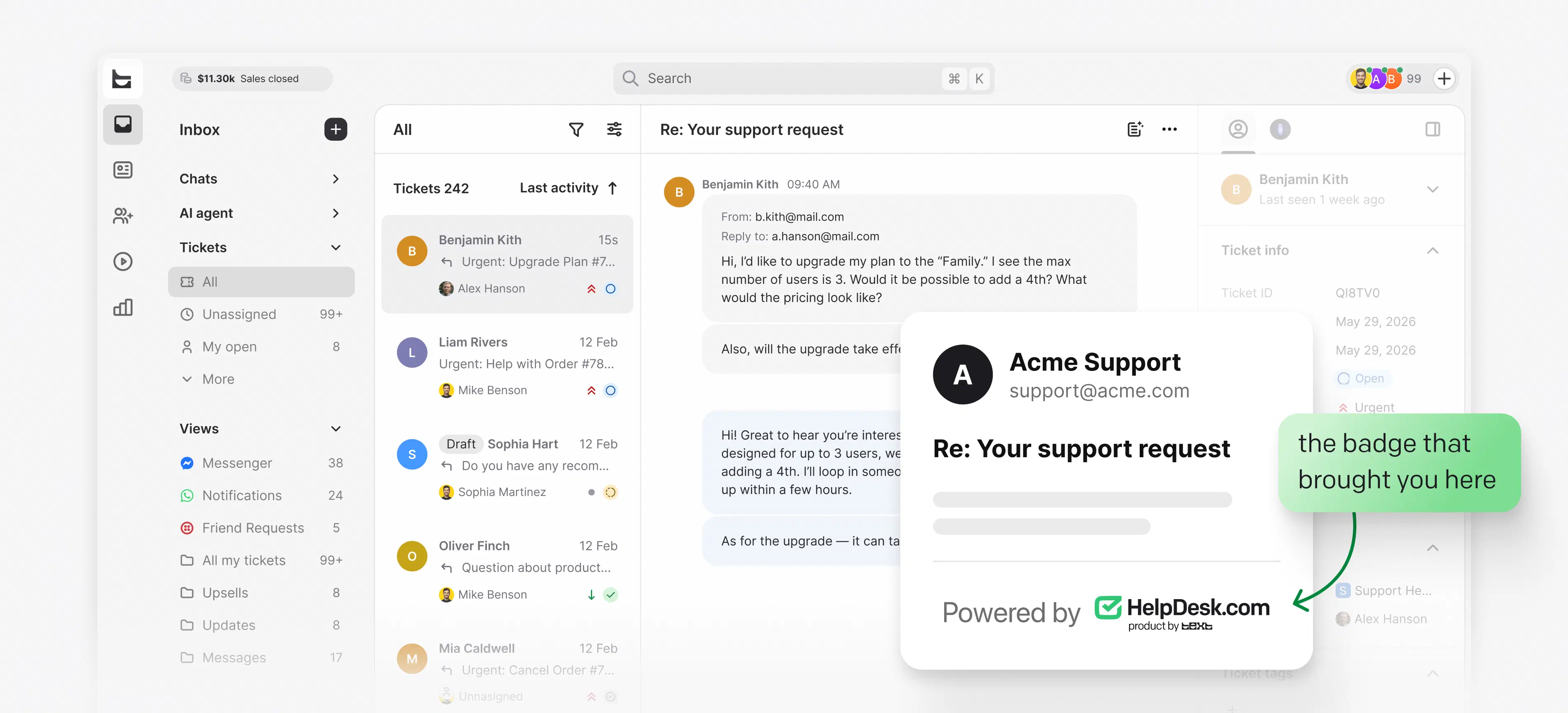
A quick heads-up: Text is the software their support team uses to answer you. We're not their support team, and we can't see your ticket, order, or account. Here's the fastest way to reach them:
Your reply goes straight back into their support queue, with your conversation history attached.
Look for chat, a contact form, or a phone number on the company's own site.
Only the company you contacted can look up your ticket, order, or refund. We have no access to it.
Curious what their team sees on the other side? Keep scrolling.
Why you saw the badge
Text is an AI customer support platform. It turns emails, chats, and social messages into tickets a team can own and resolve together.
Start your free trialFree 14-day trial No credit card required
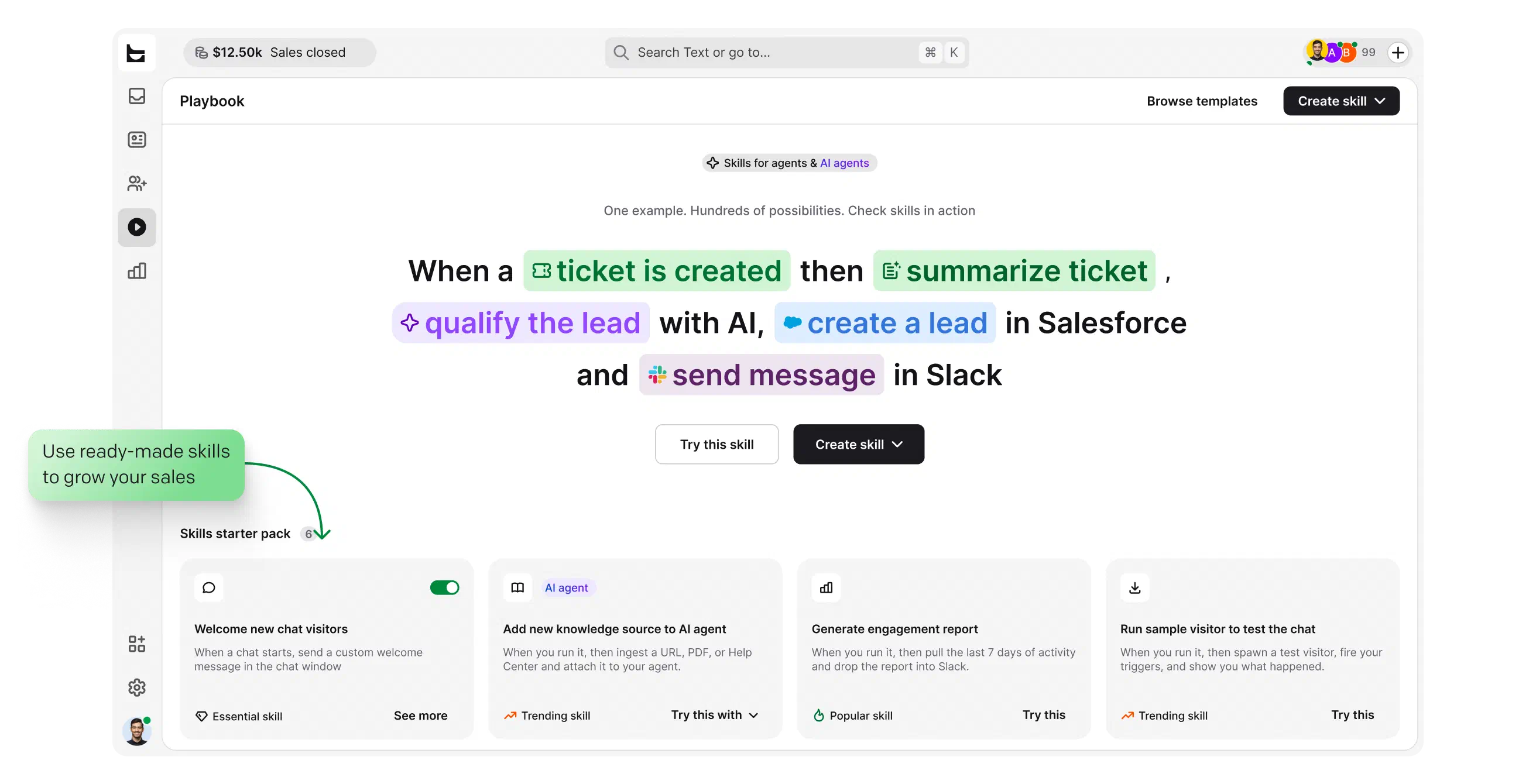
Text products are trusted by 35,000+ leading brands





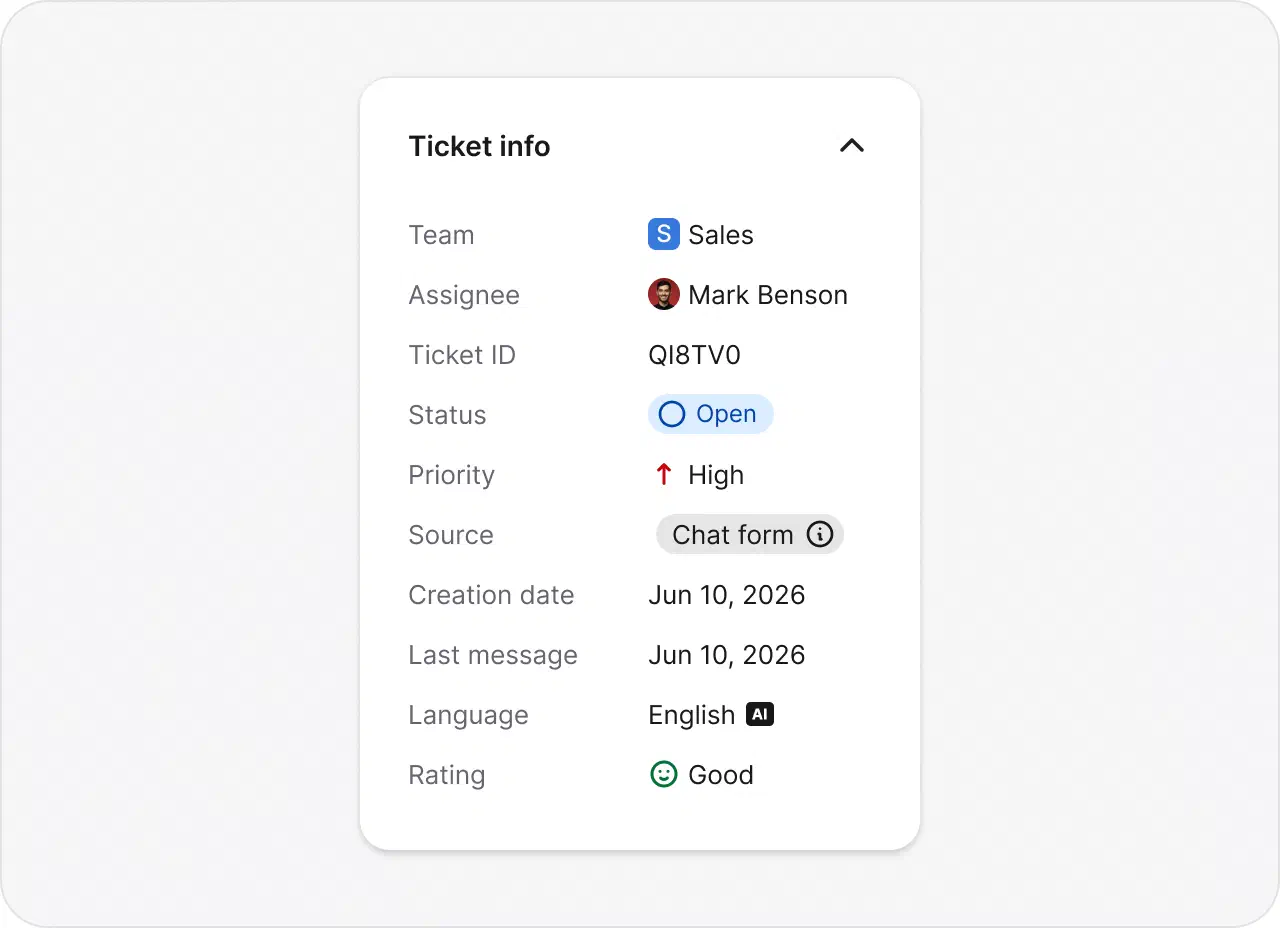
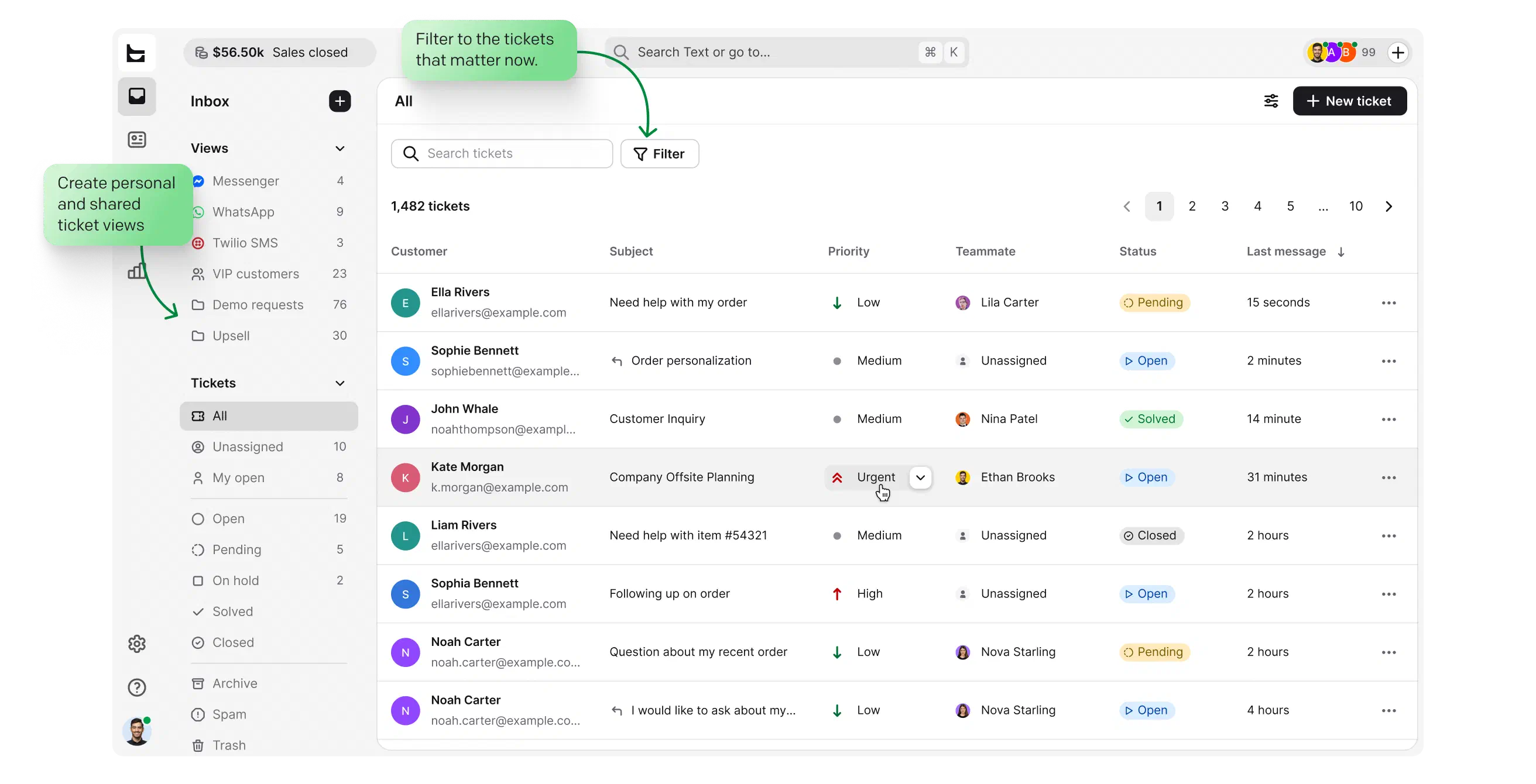
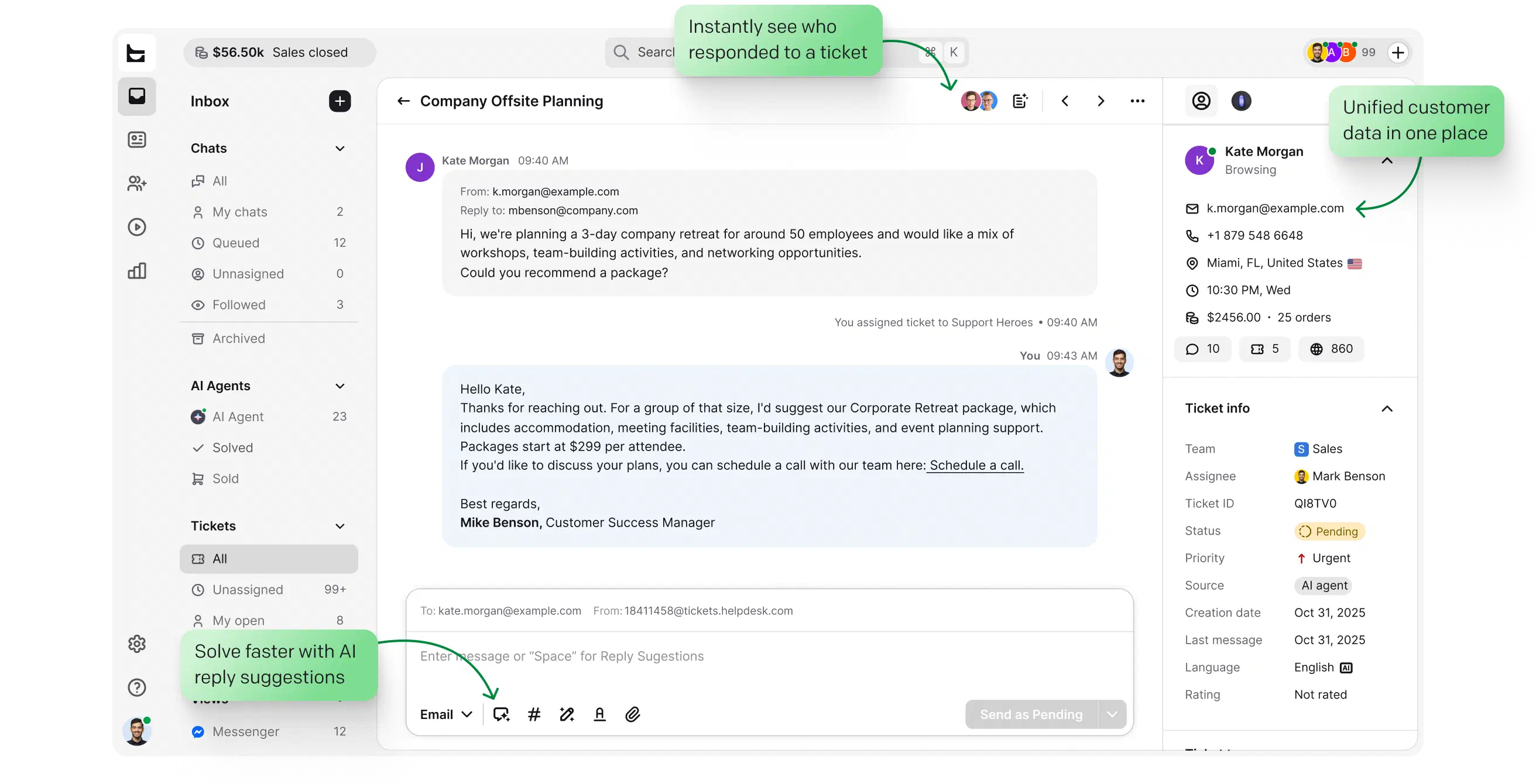
Email, chat, and social messages land in one queue as tickets with an owner, a status, and the full history attached. Nothing sits unanswered in a shared mailbox.
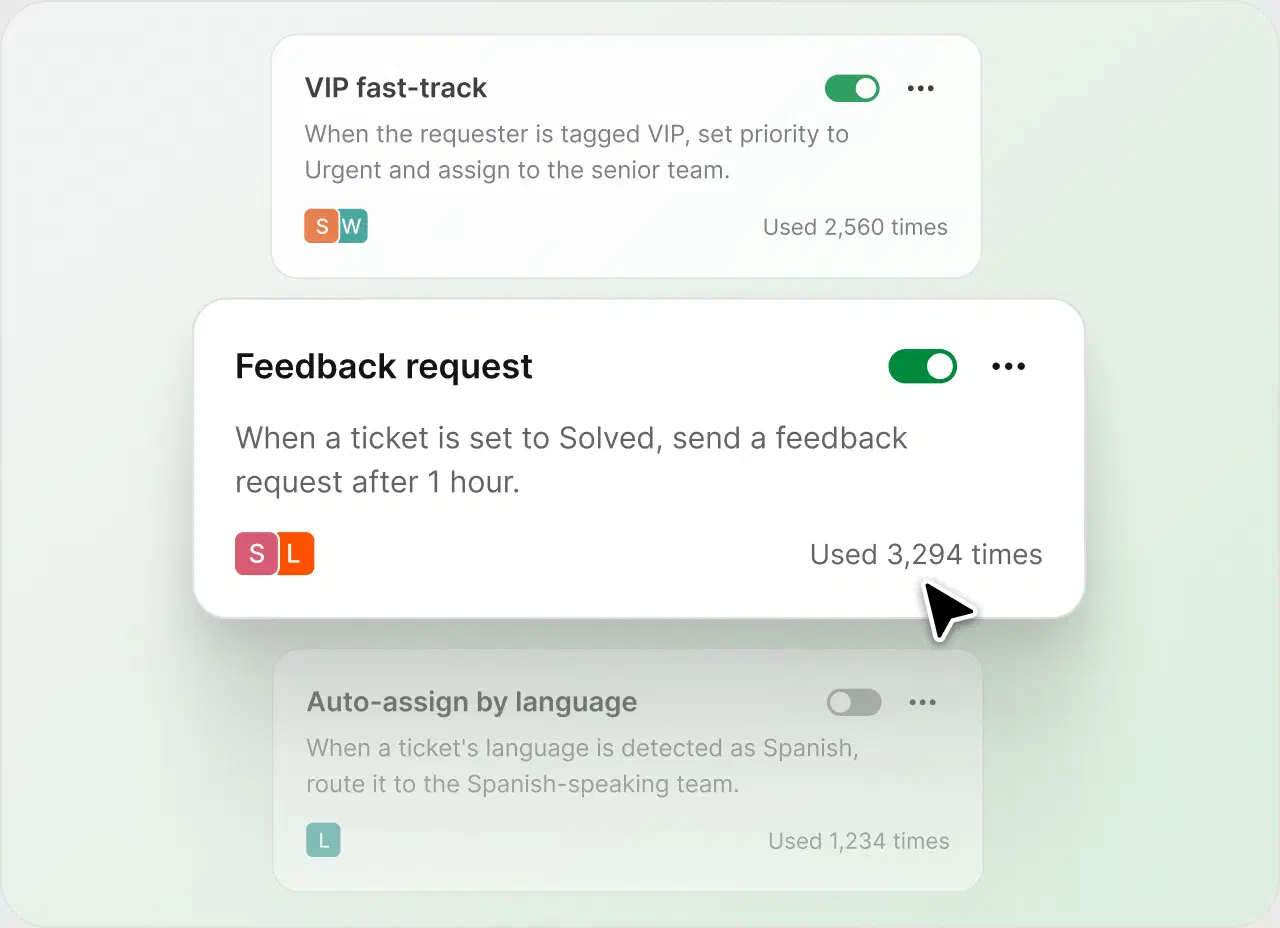
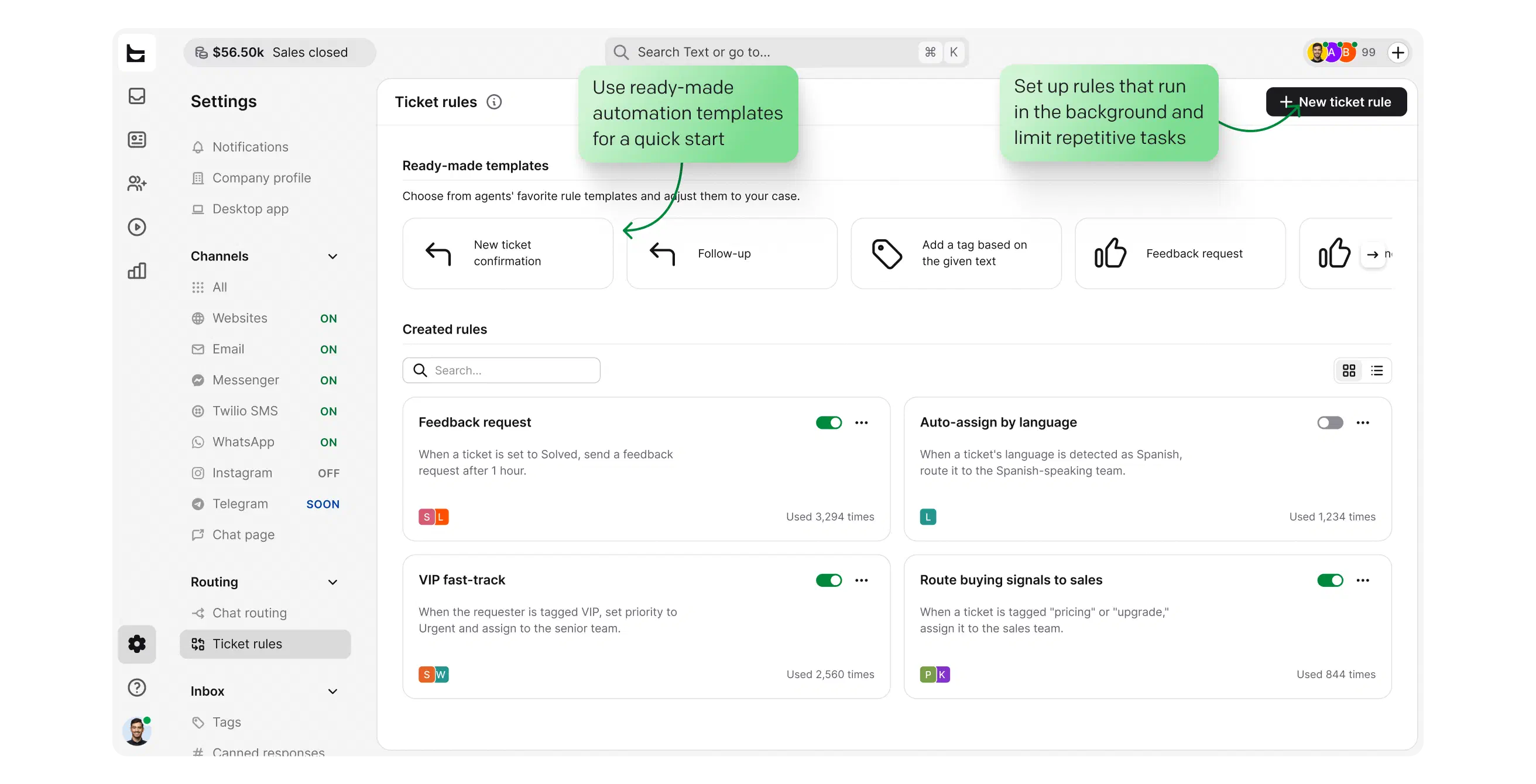
Rules tag, route, and follow up on tickets automatically, and AI drafts replies from the conversation context. The team's time goes to answers that need a person.
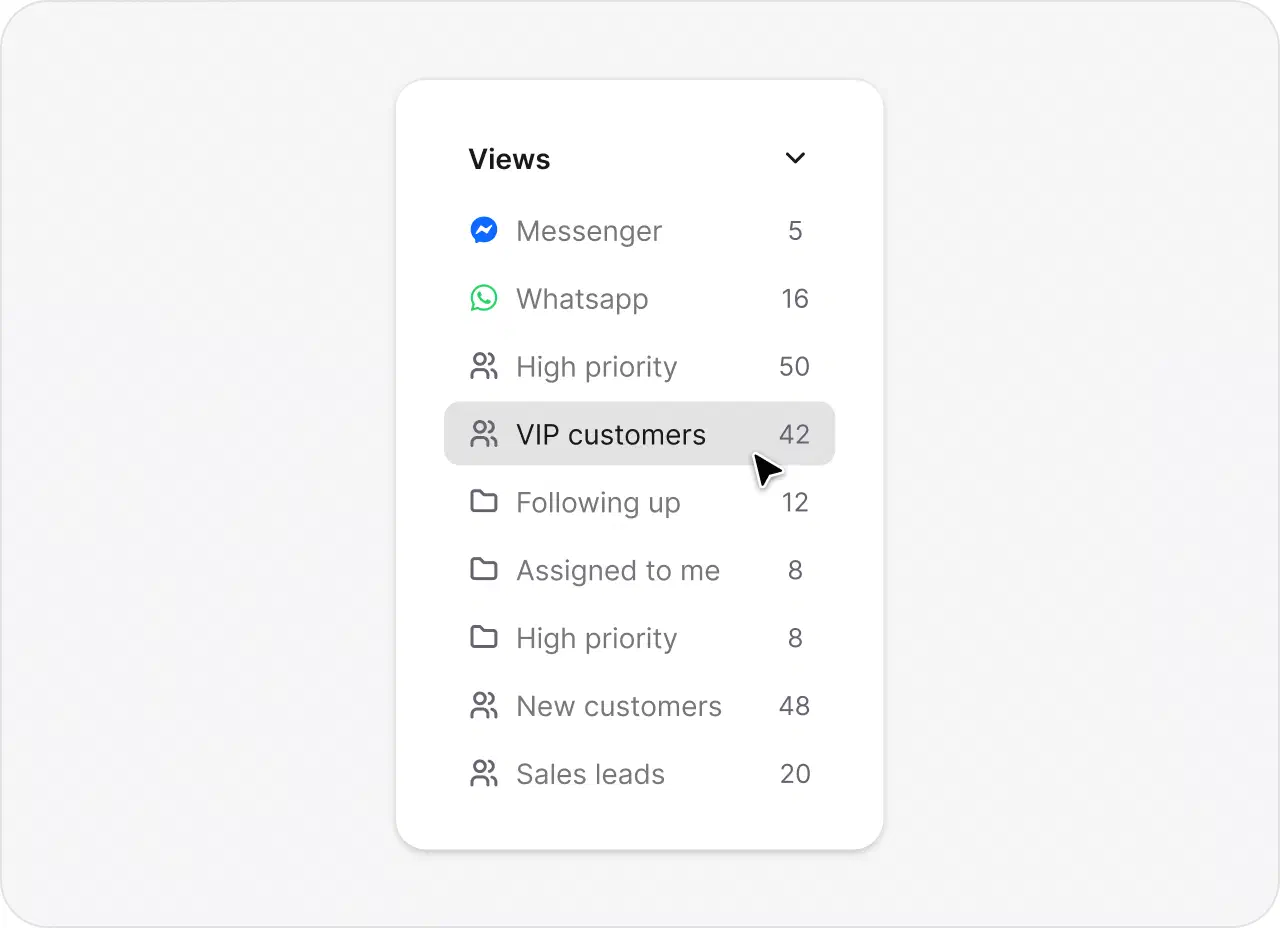
Custom views, assignments, and saved replies keep everyone answering consistently, whether that's two people or twenty.
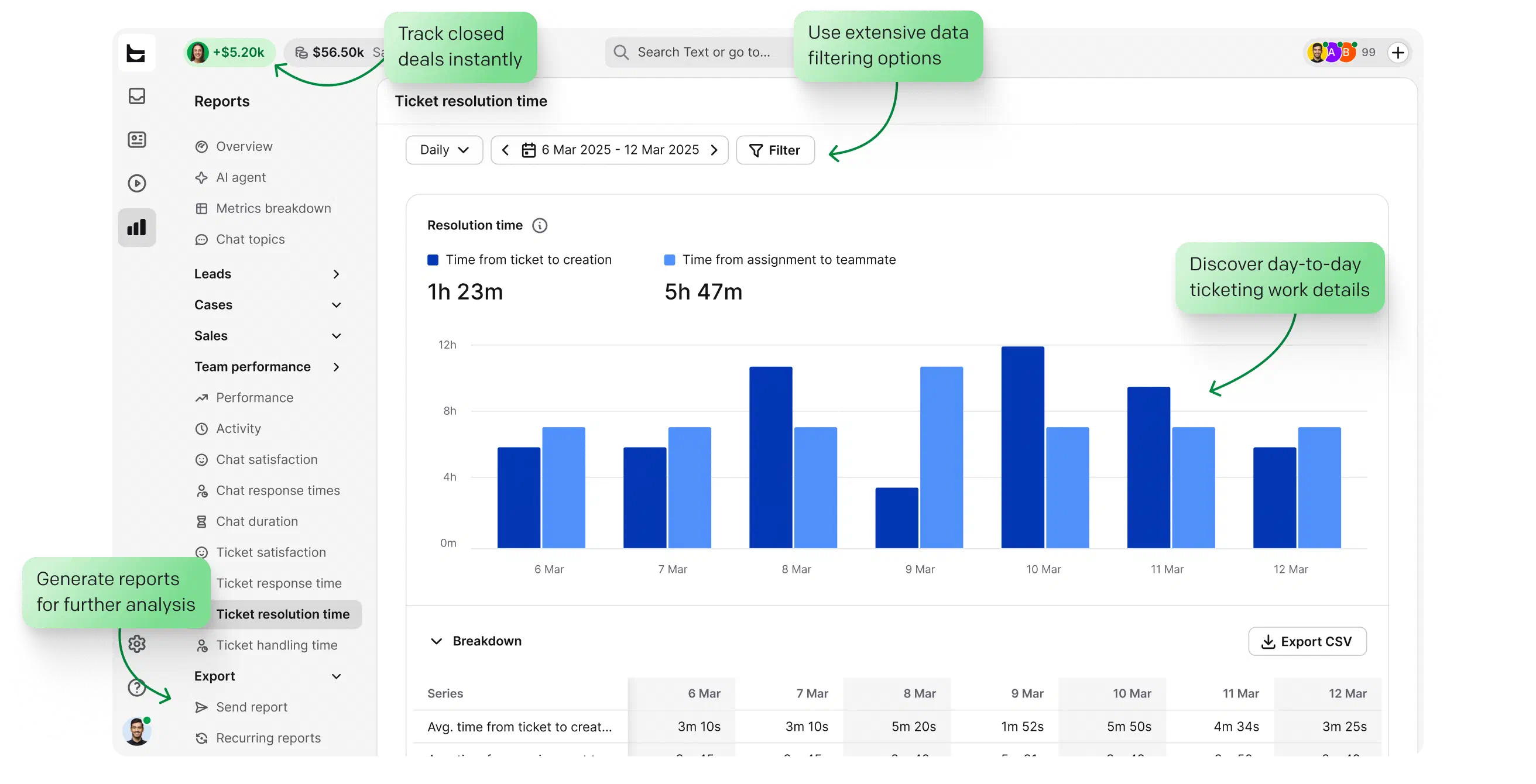
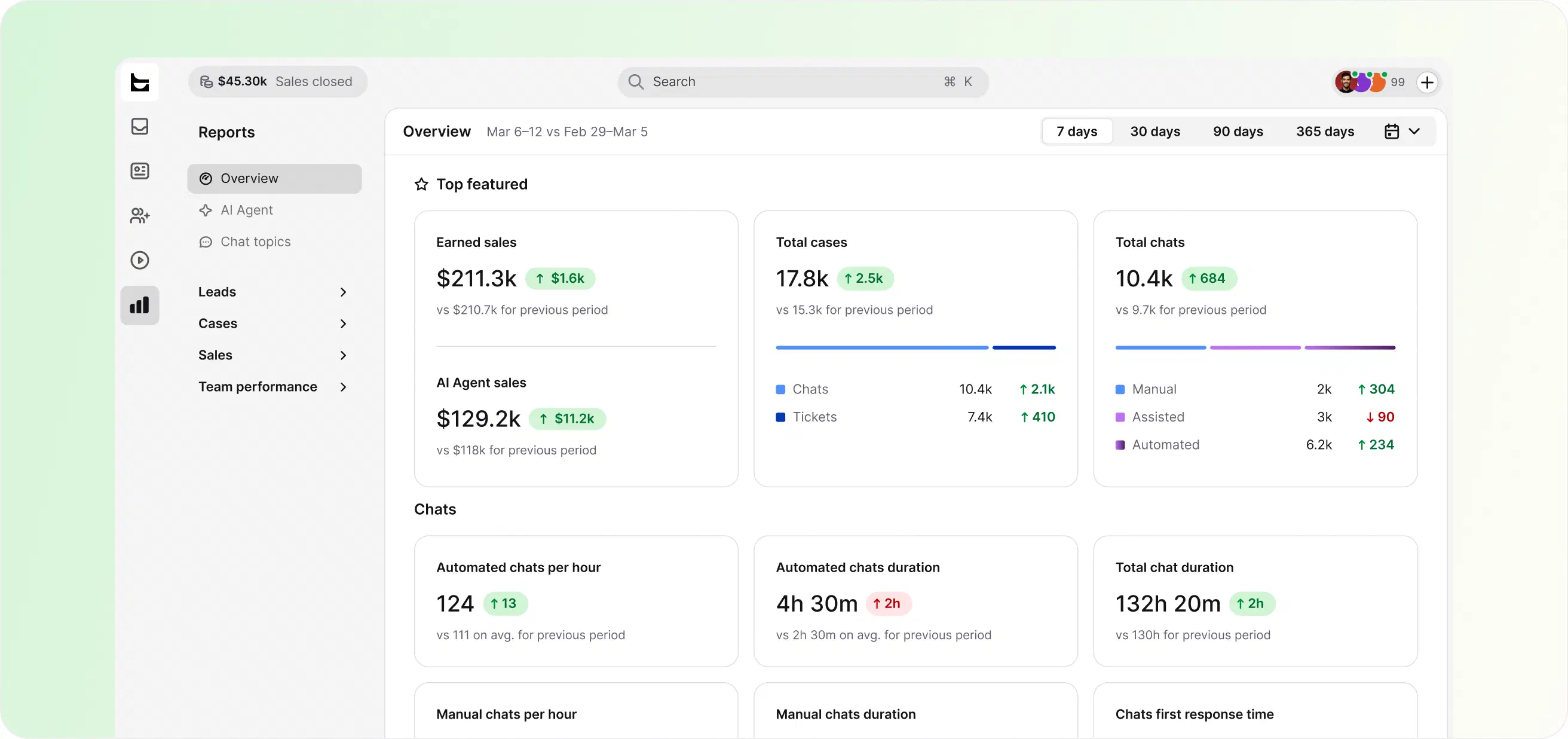
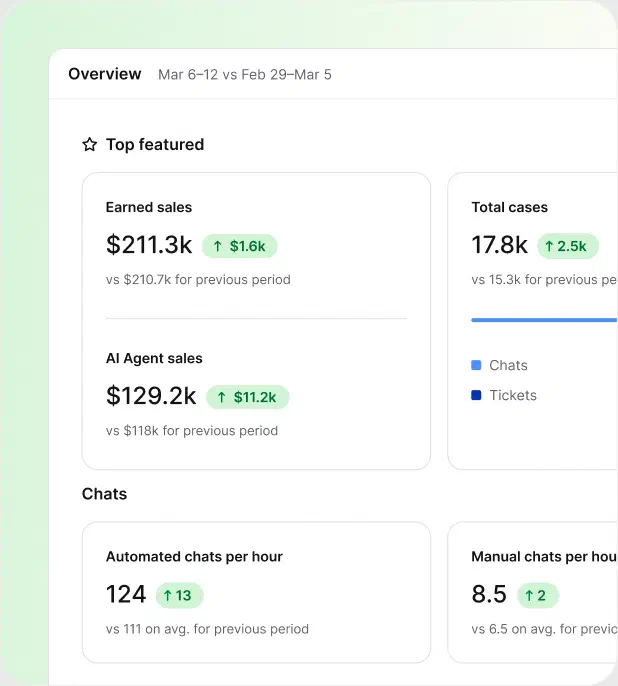
Clear reports on response times, resolution rates, and customer satisfaction, so you know what's working before your customers tell you.
 Start your free trial
Customer questions arrive by email today, with chat and social channels growing. You need them in one queue, not five tabs.
Setup takes minutes, not months. Rules and AI handle the routine from day one, without a dedicated admin.
When ownership lives in someone's head, answers get lost. Tickets with owners and statuses keep the whole team accountable.
Just looking for an answer from the company that emailed you? Head back to the steps above.

You've seen Text handle support tickets. Live chat and an AI agent are where it grows next.
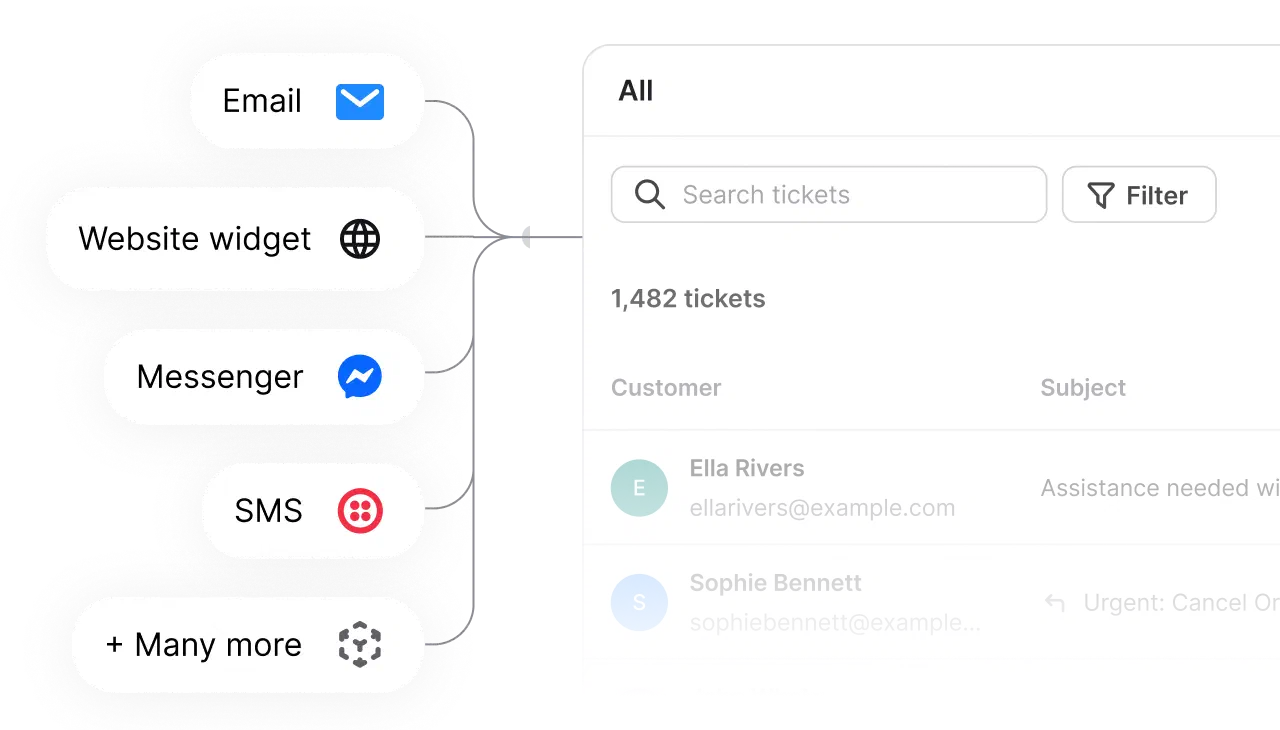
Talk to visitors in real time, and pull WhatsApp, Messenger, and SMS into the same queue as your tickets.
Start your free trial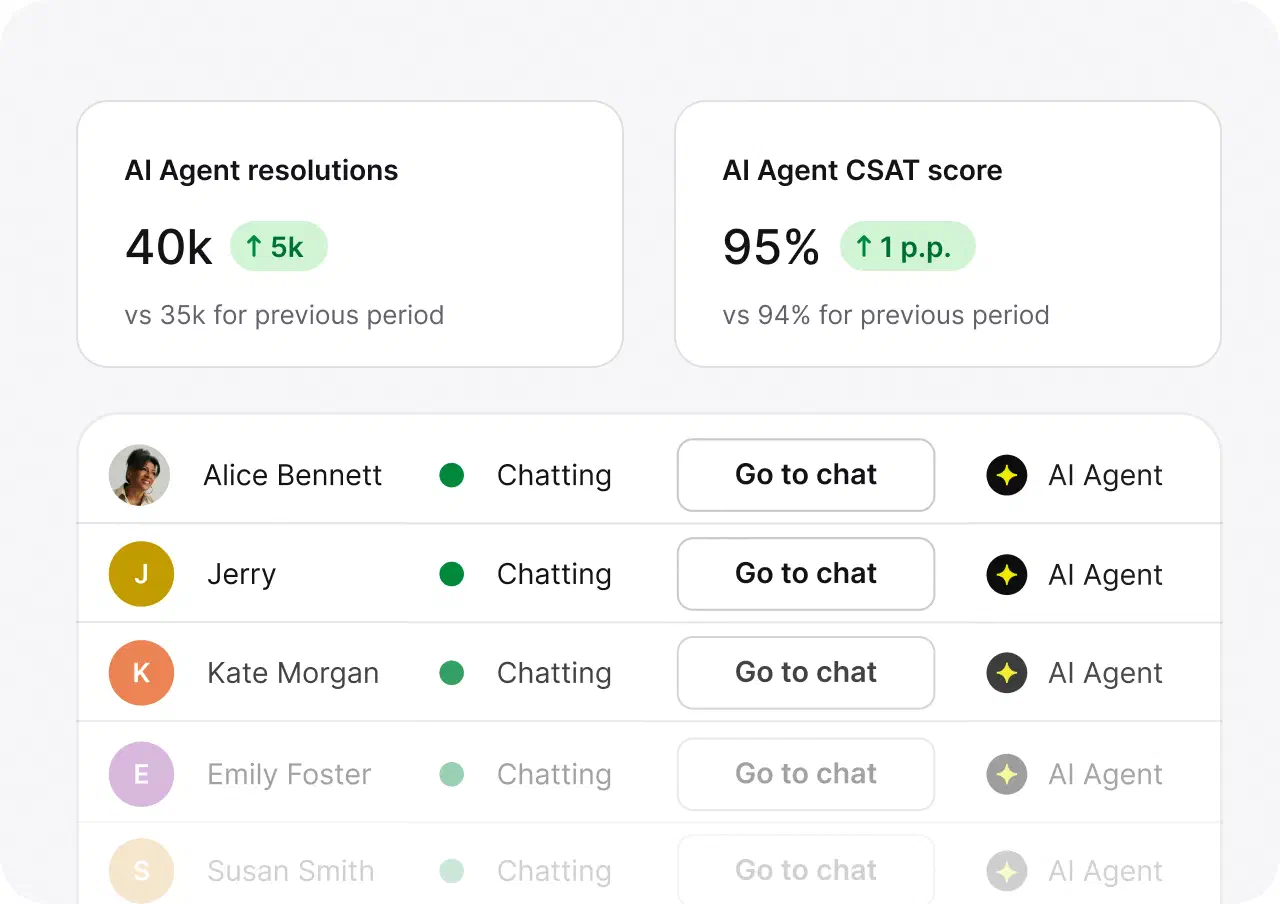
The AI help desk answers the routine questions on its own, day and night, straight from your knowledge base. It hands the rest to your team with the full context attached.
Start your free trialIf you'd rather recommend Text than buy it, the affiliate program pays a recurring commission for every account you refer.
A company you contacted runs its support on Text. The Powered by HelpDesk.com badge gets added automatically to messages their team sends, so it just tells you which software they used to reply.
Reply in the same email thread and it lands back in that company's support queue with your full history attached. You can also use the contact options on their website, like chat, a contact form, or a phone number.
No. Text is the software their support team uses to answer you, so we can't see your ticket, order, or account. To reach the company, reply to the email you got and it goes straight back to their team.
Yes. Every Text account starts with a free 14-day trial, no credit card required. You get the same ticketing, automation, and AI features the company that emailed you uses.
