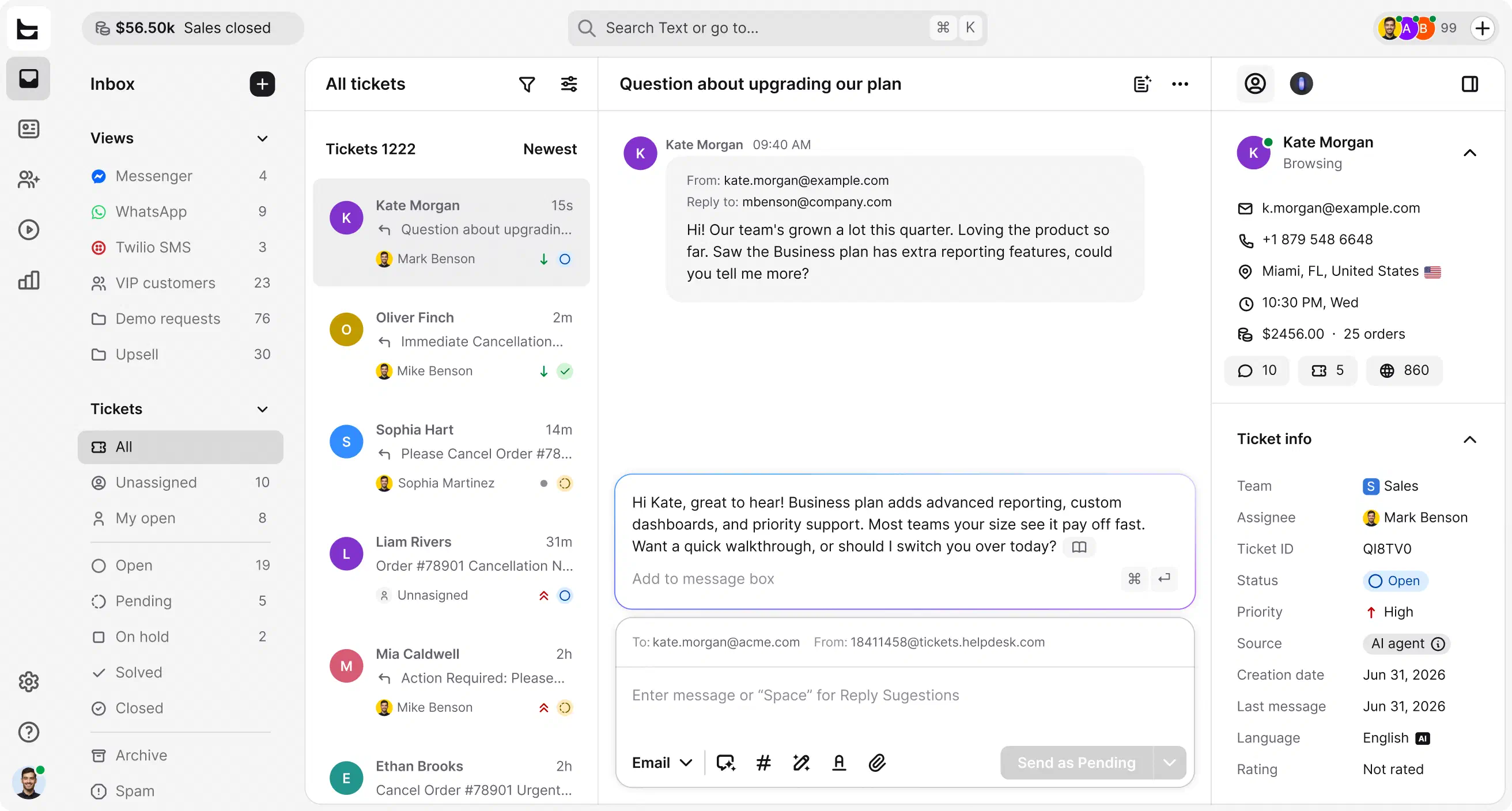
HelpDesk puts an AI agent on the front line of your help desk. It answers routine questions on its own, while your team handles cases that need a human.
No credit card required Free 14-day trial
Text products are trusted by 35,000+ leading brands














Your AI agent learns from your knowledge base: your help center, product docs, and the files you upload. It answers common questions the second they arrive, giving customers self-service answers around the clock, in their own language and a tone you set.
Your team handles the cases that matter. No queue, no wait. It resolves routine questions instantly, straight from your knowledge base, in the customer's own language.
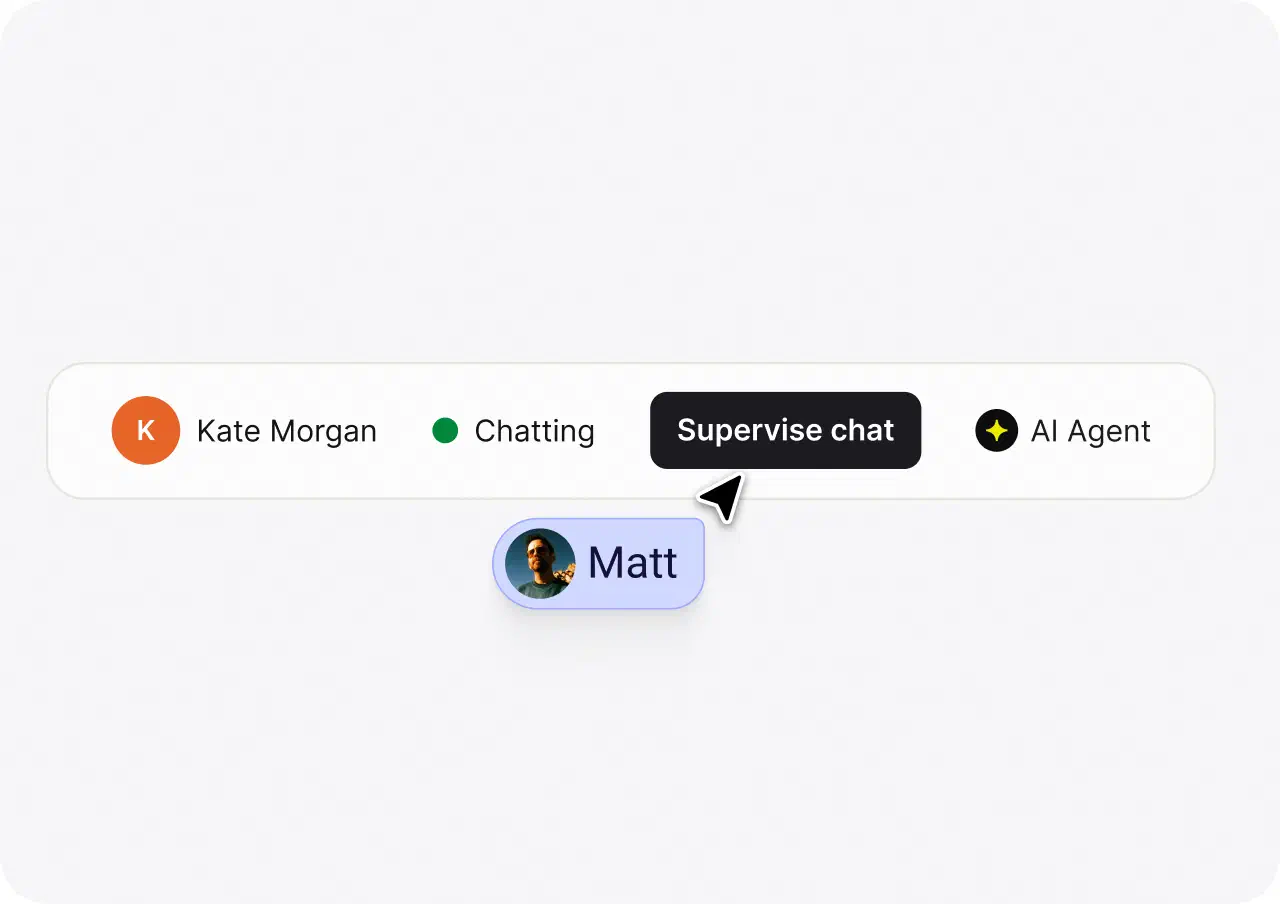
When a request needs human judgment, the AI agent routes it to the right team. Instantly, with full context.
Up to 73%
of customer cases resolved before a ticket is created
+266%
lift in visit-to-order rate for ecommerce stores running Text's AI agent
24/7
answers in the customer's language, with a clean handoff to your team
Beyond the AI agent, AI handles the busywork on every ticket so your team moves faster.
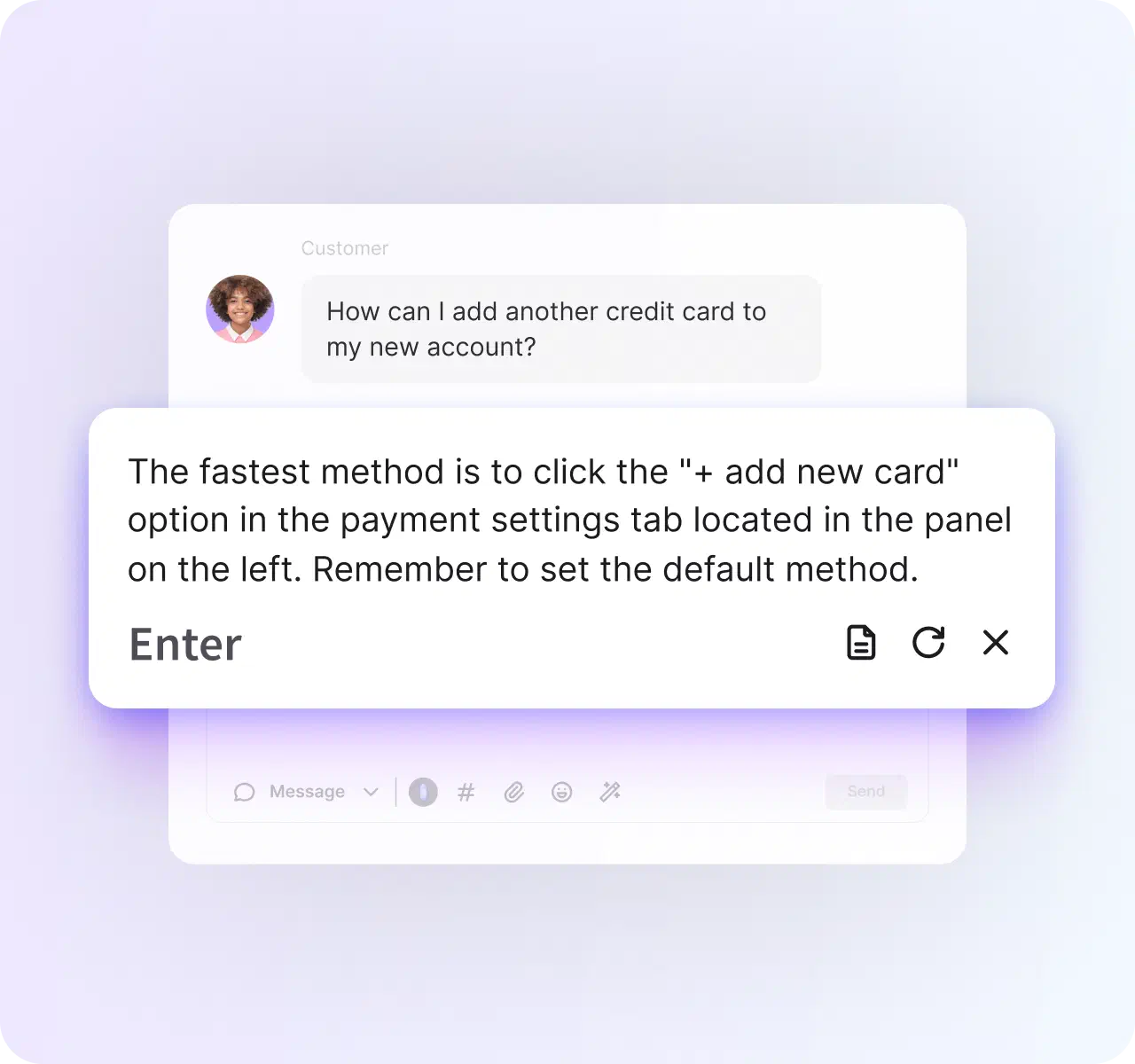
Get AI-drafted answers pulled straight from your knowledge base, ready in one click. Every reply stays consistent, no matter who's online.
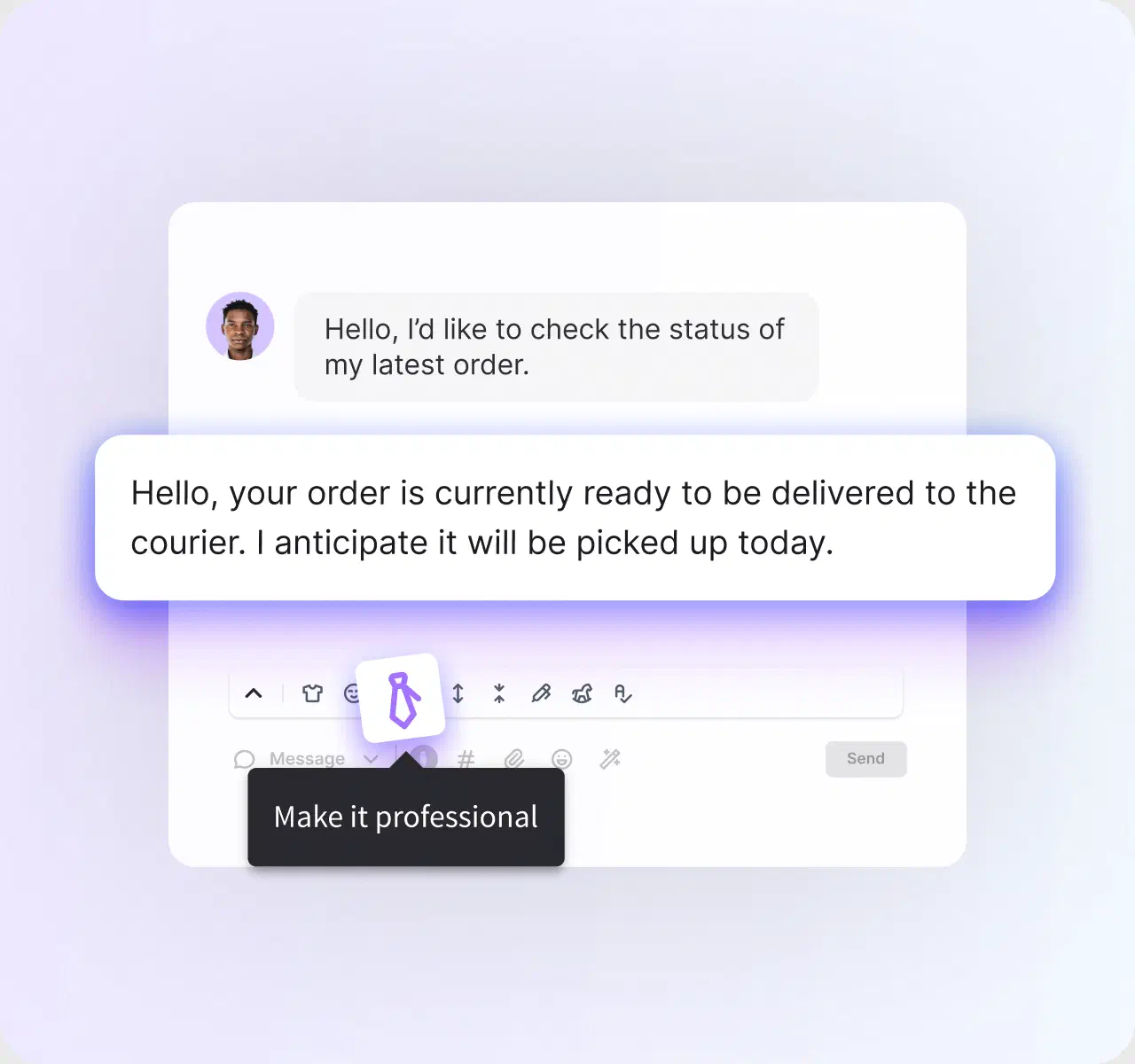
Fix tone, grammar, and clarity with one click before you send. Expand a short reply or rephrase a clumsy one without a second draft.
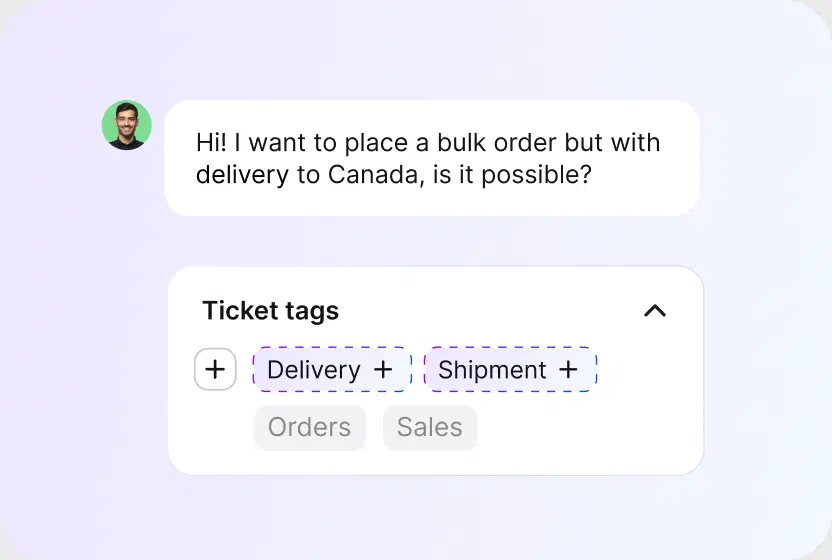
AI reads each ticket and suggests the right tags, so cases sort and track themselves. Less manual triage, cleaner reporting.
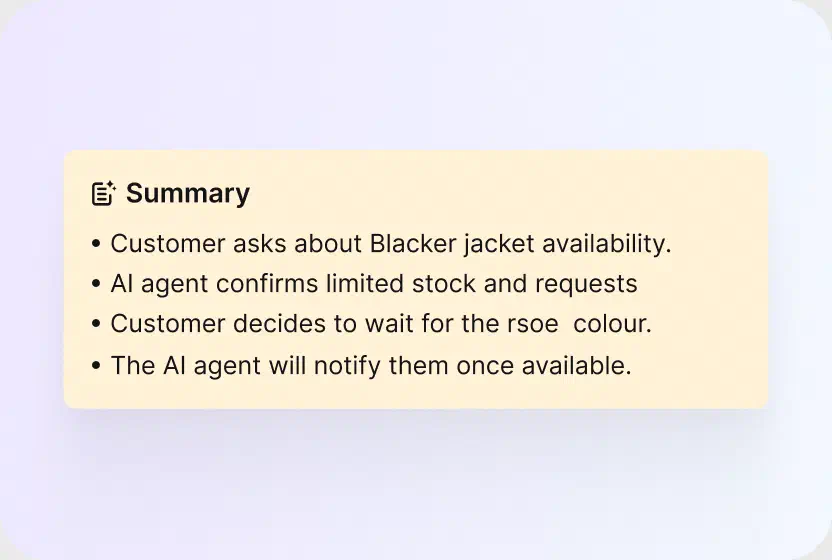
See the subject, the core issue, and the suggested next step at a glance. Walk into any handoff already knowing what happened.
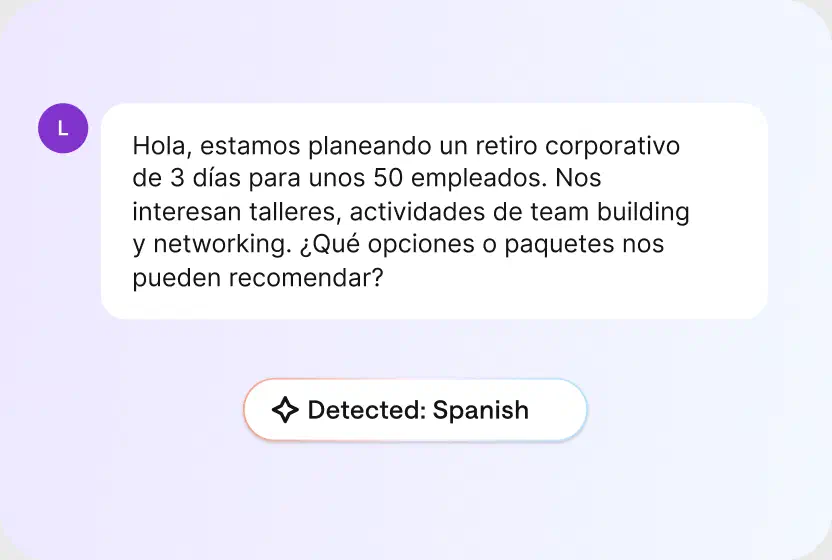
AI detects the customer's language and routes the conversation to a teammate who can help, with no manual triaging.

As volume grows, the queue stays under control. Tickets get organized, prioritized, and routed so the right work reaches the right person.
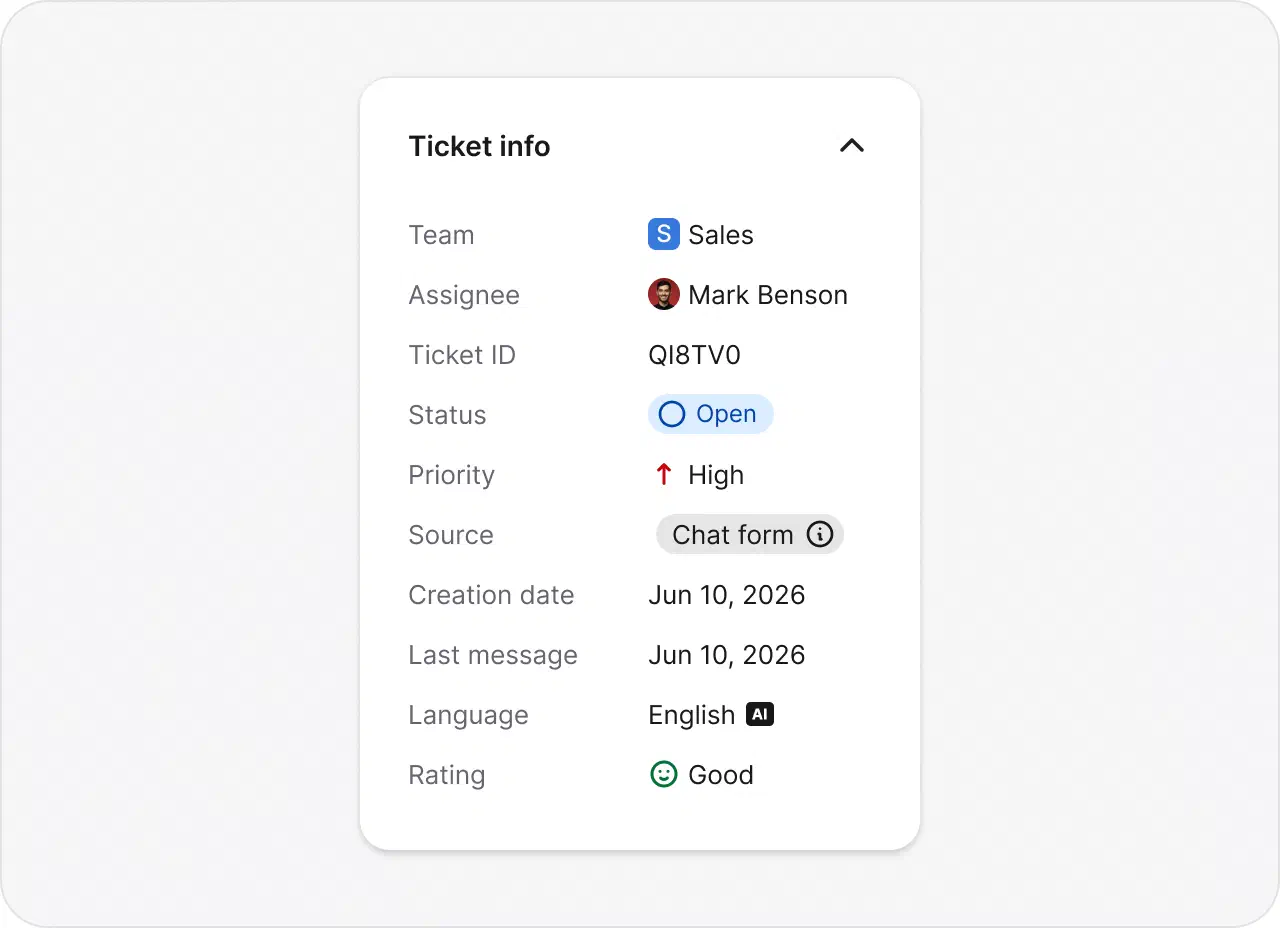
See history, ownership, priority, and escalations for every ticket in one view.
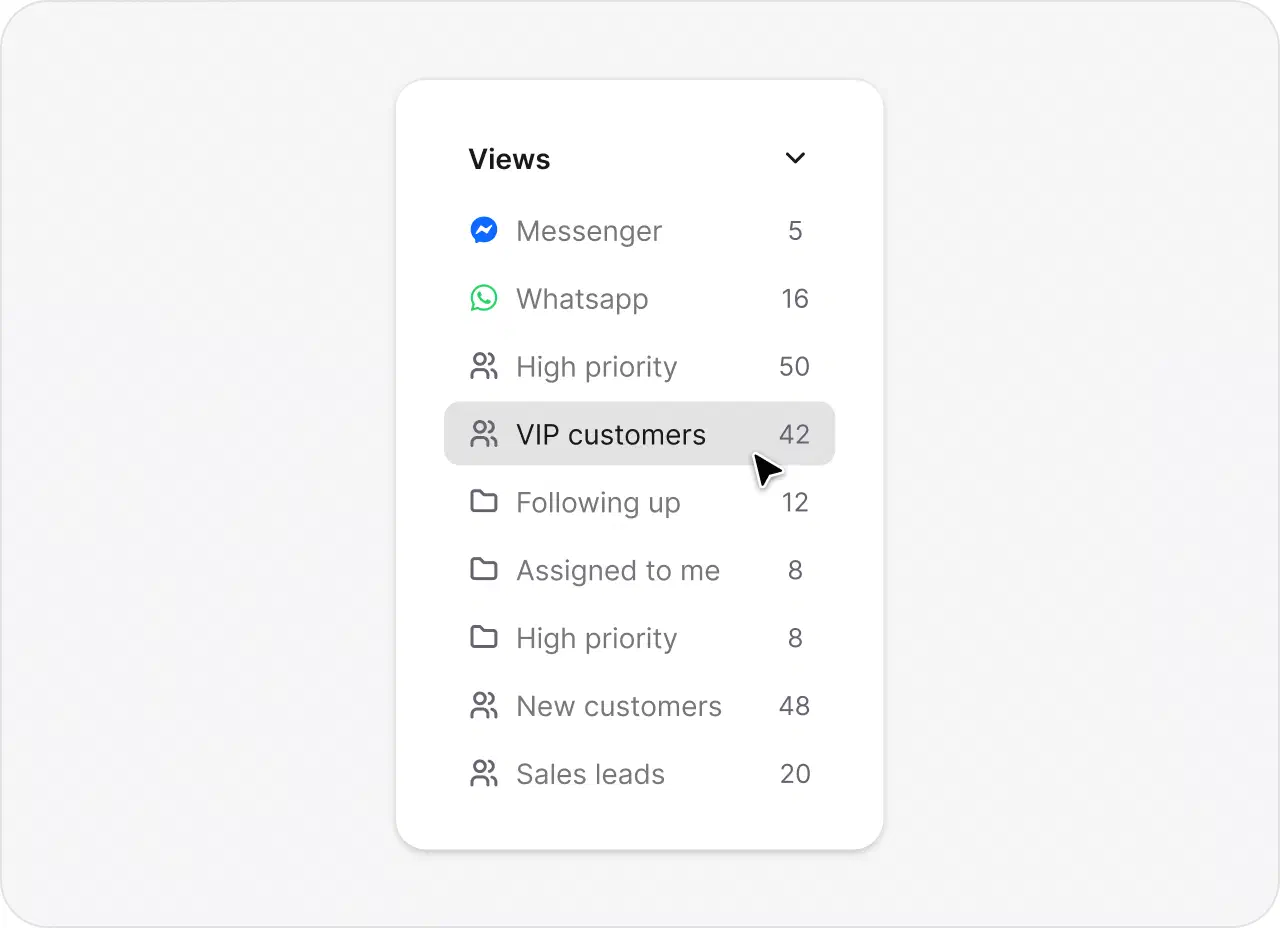
Build custom views around your team's priorities and day-to-day workflows.
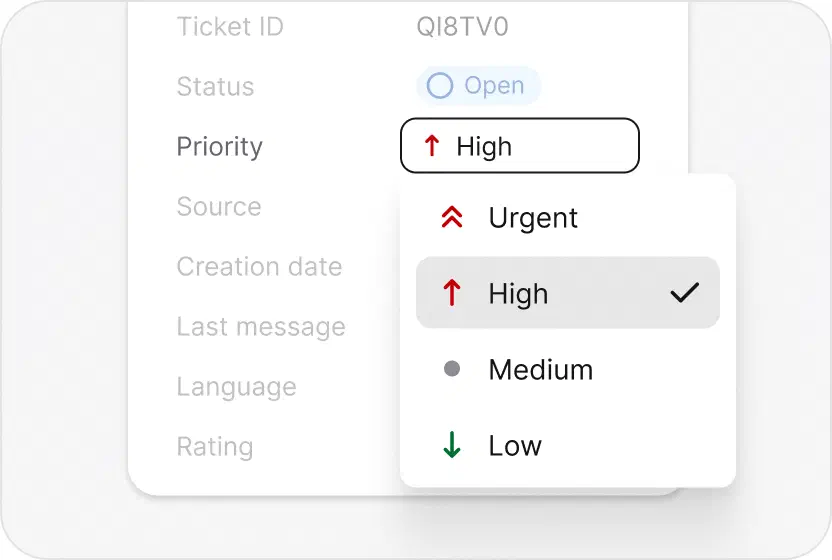
Surface high-impact tickets and SLA risks first, so nothing urgent slips through.
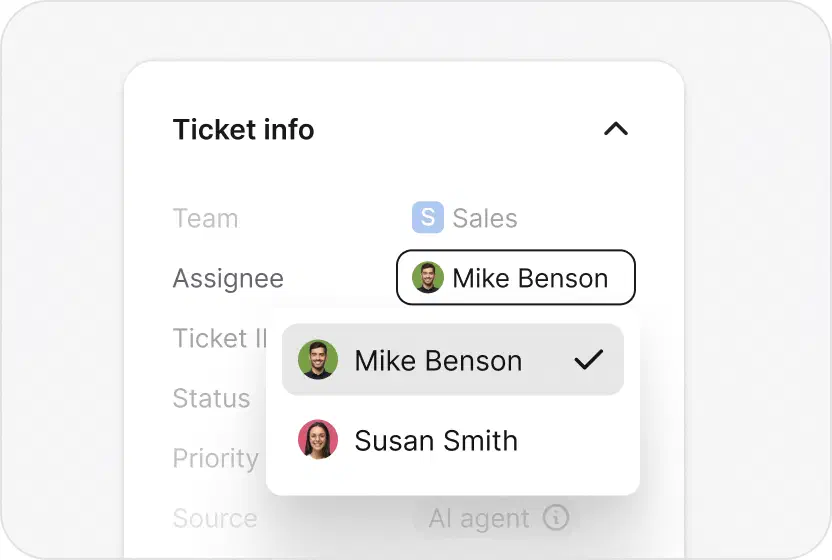
Route tickets by workload, language, and skills, automatically.
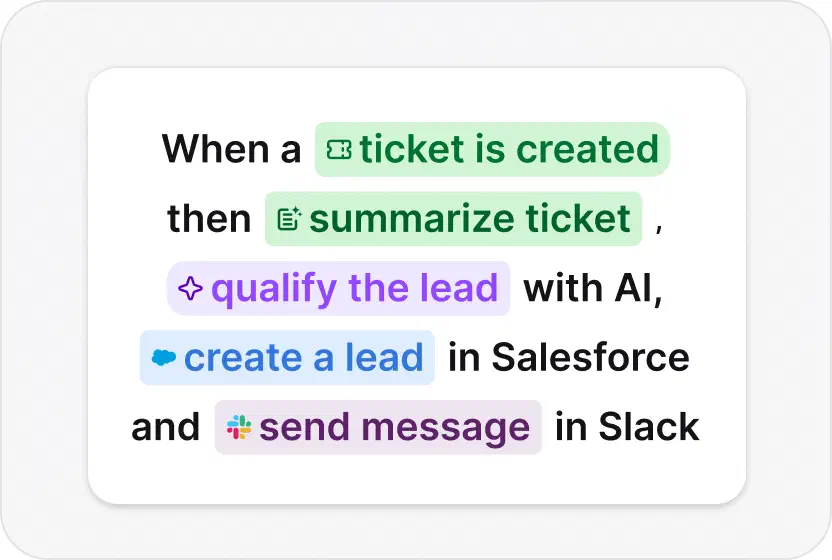
Set workflows that flag VIPs, protect SLAs, and trigger follow-ups on their own.

I can explore chats and discover what people are actually inquiring about. I can then shape the marketing content and campaigns based on that qualitative data.
Duncan Andrews, CRM & Digital Manager, Experiences by Wembley Stadium
Use a browser-based automation tool to handle routine tasks for you: assigning, tagging, replying, and closing. Your team leaves the manual work behind.
Start free trial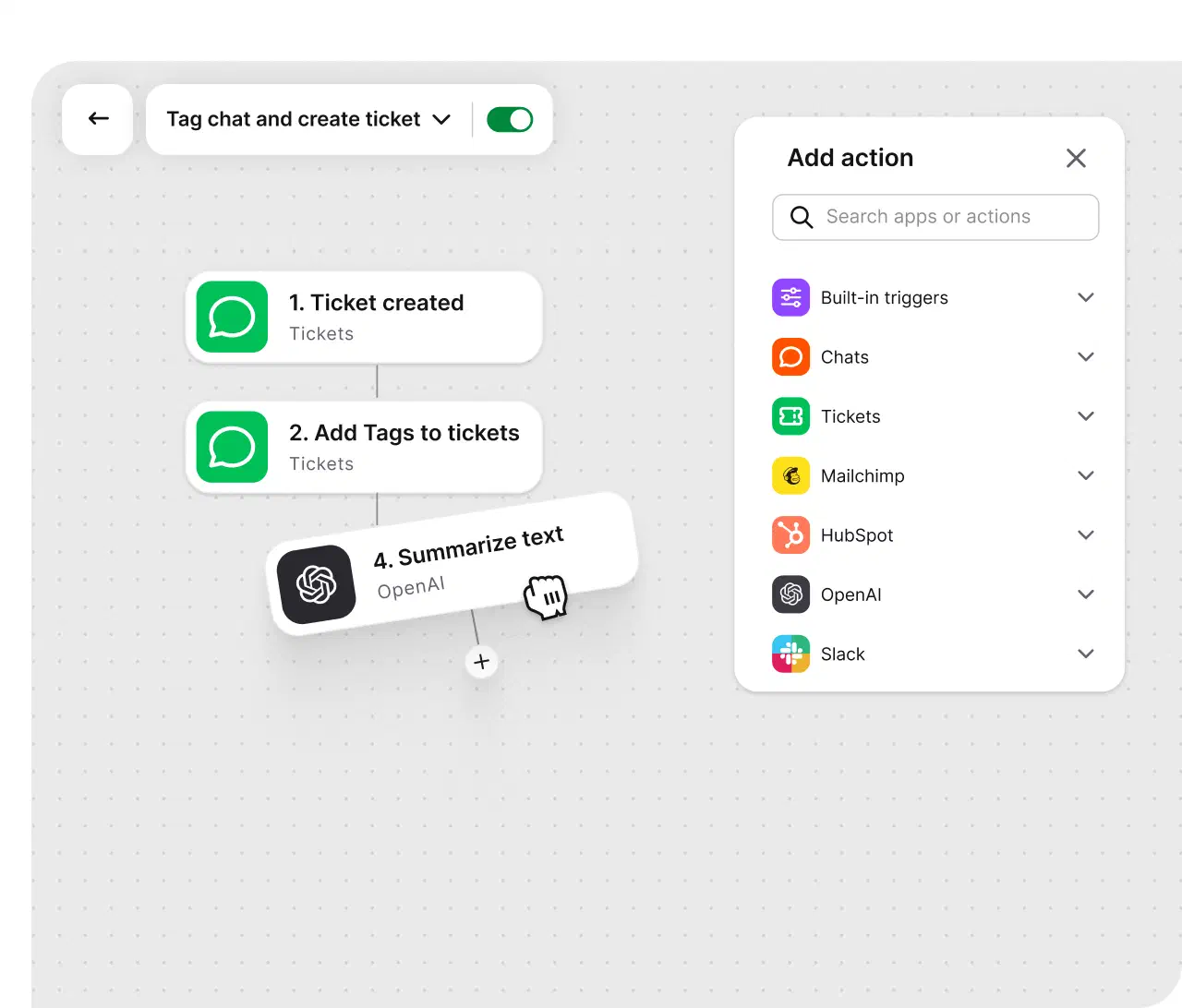
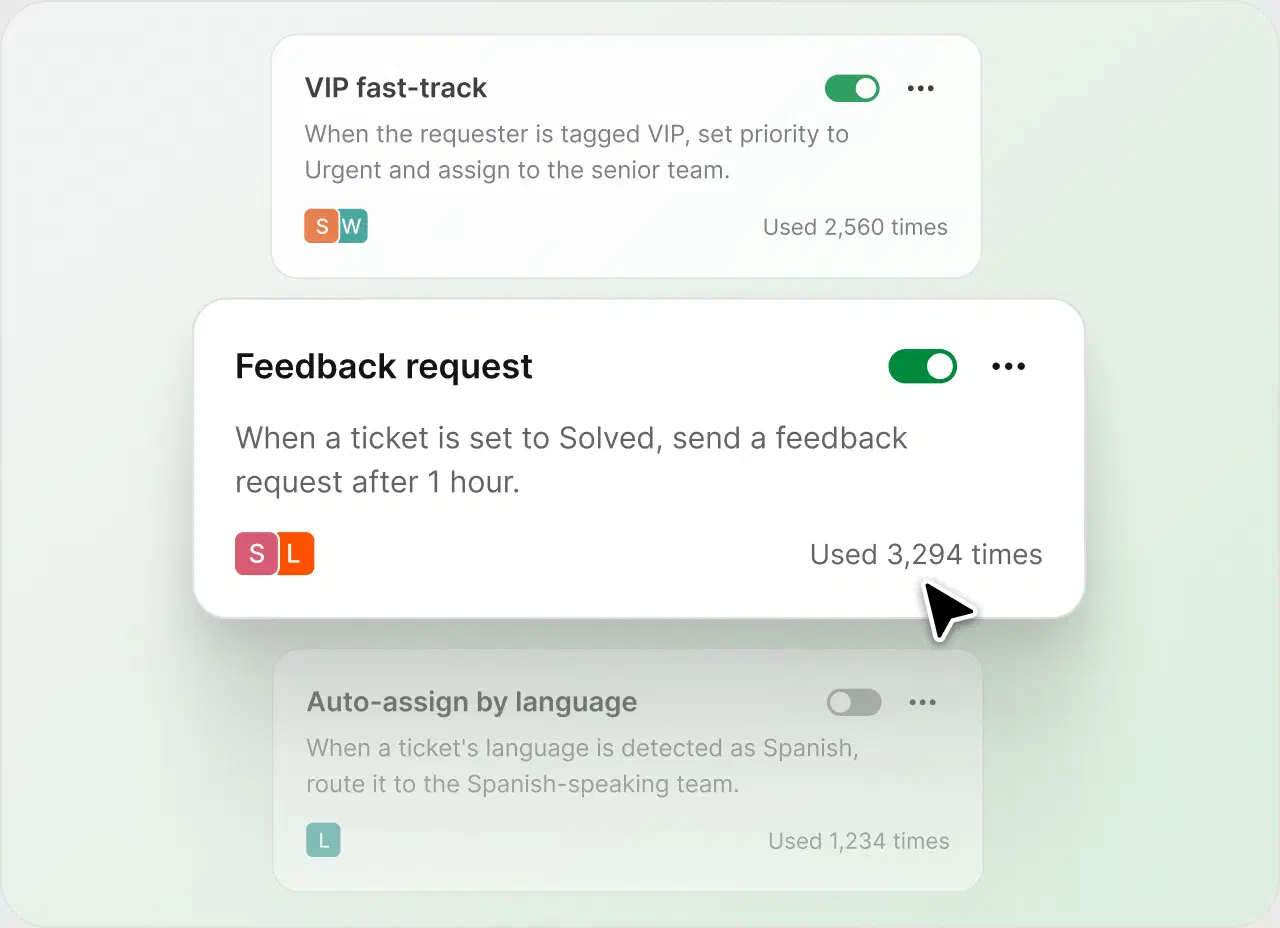
Build automated workflows that cut out repetitive, labor-intensive steps in case resolution.
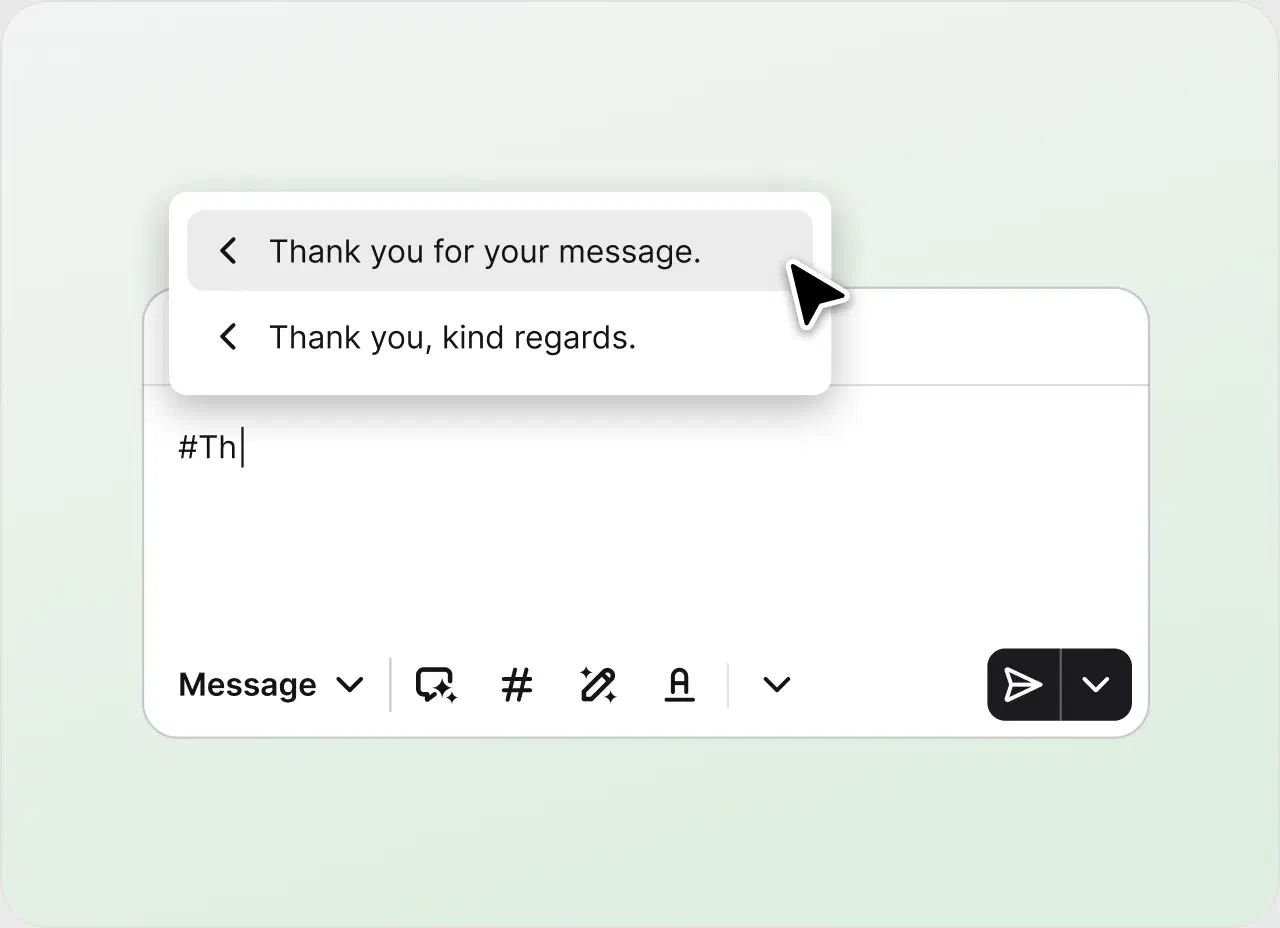
Save your most common replies and reuse them in a click, so your team can focus on the complex issues.
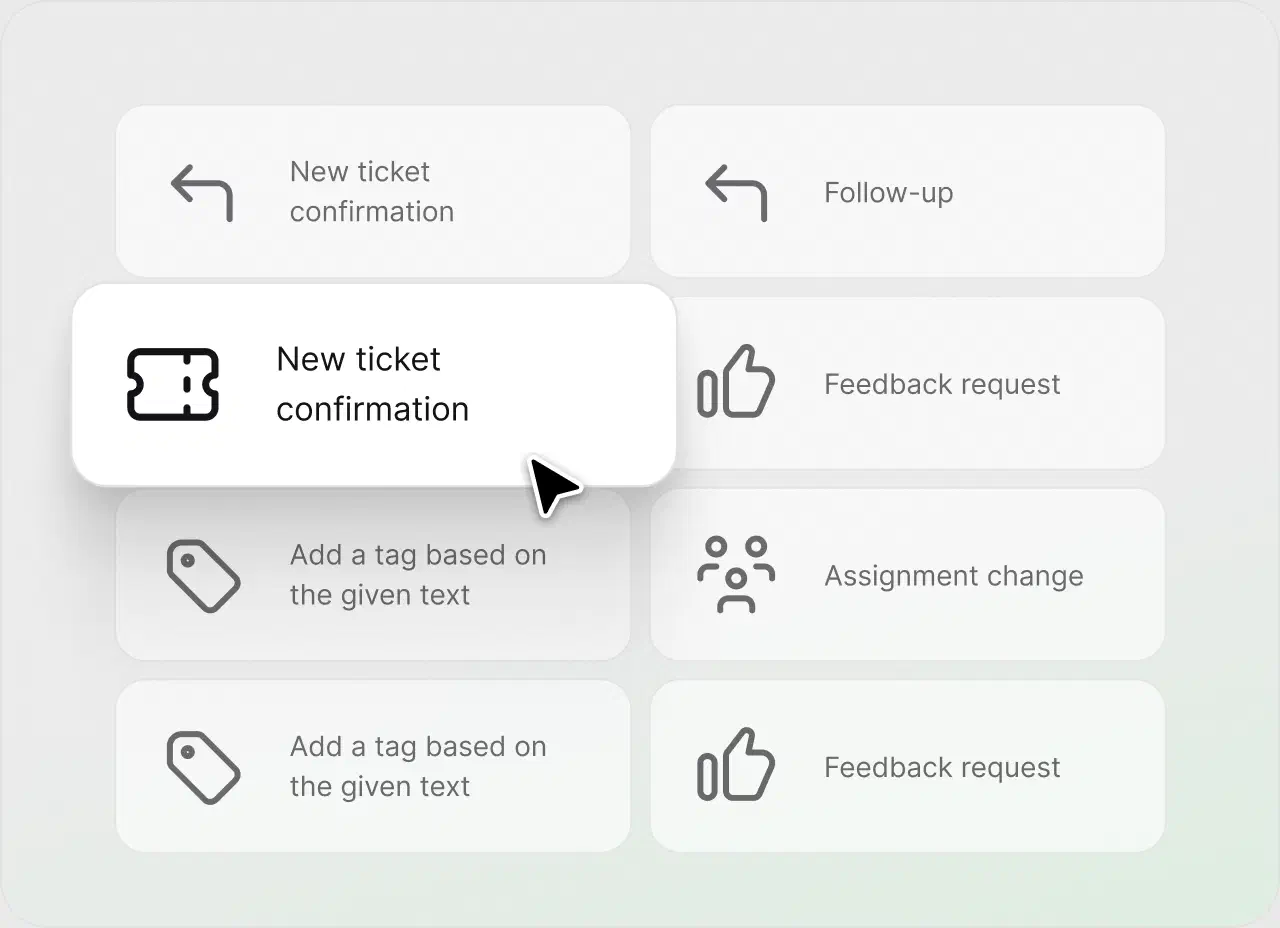
Start fast with ready-made rule templates instead of building every workflow from scratch.
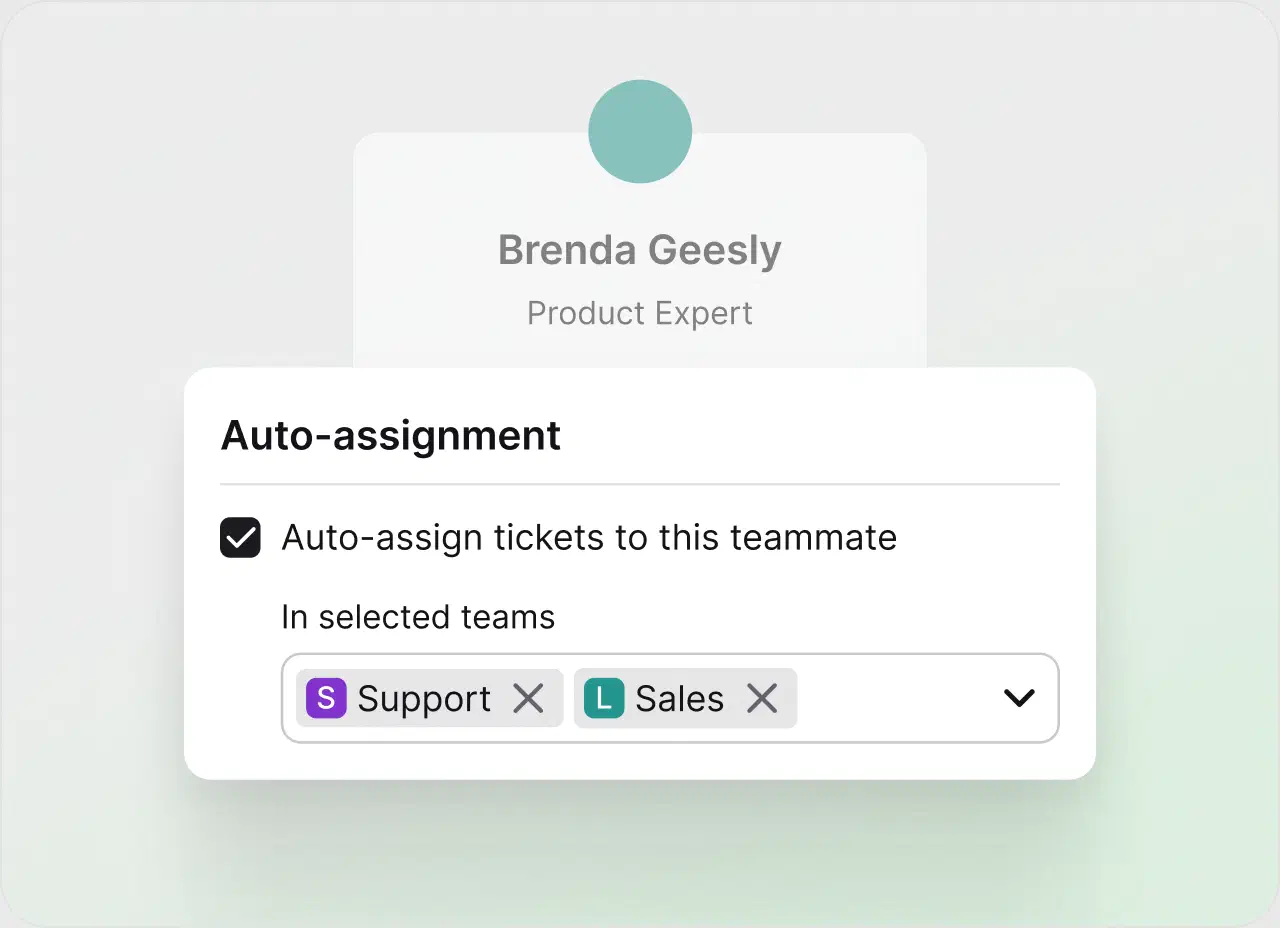
Distribute tickets round-robin so the workload stays even.
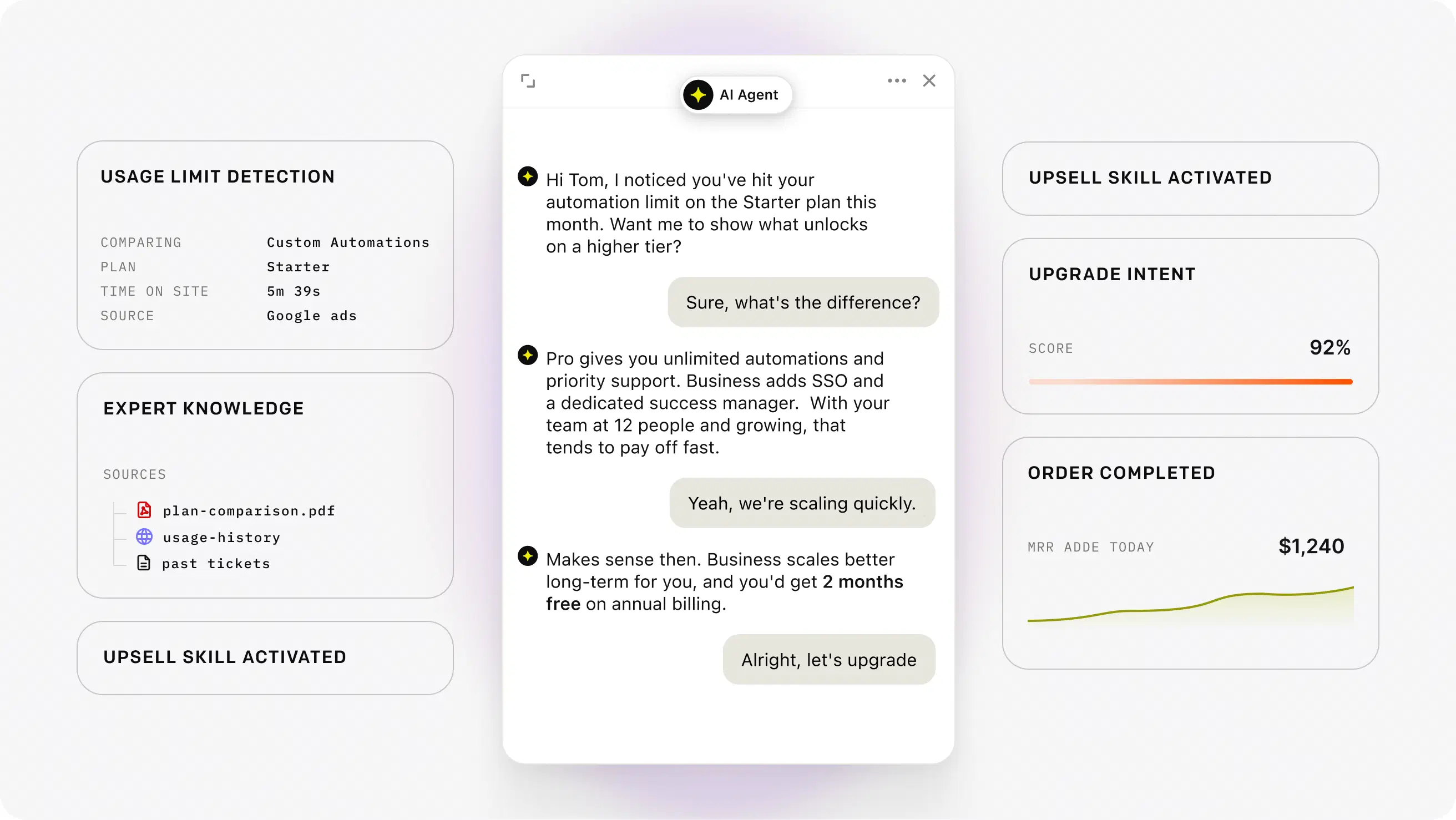
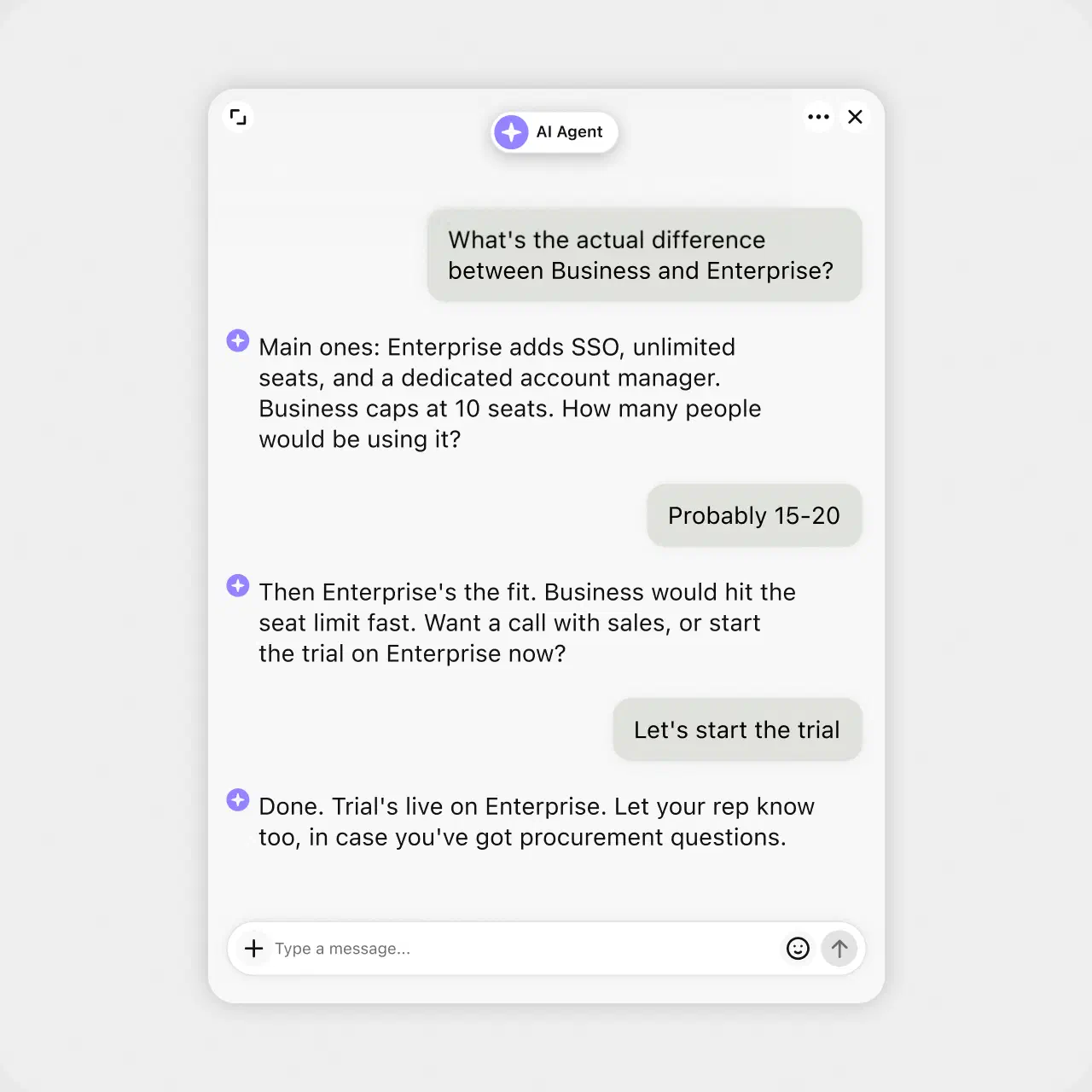
Resolving tickets is the baseline. Your AI agent also spots buying intent in a conversation and acts on it, so your help desk becomes a revenue channel instead of a cost line. AI spots the signal. Your team closes.
Watch behavior and intent in real time, before a question even becomes a ticket.
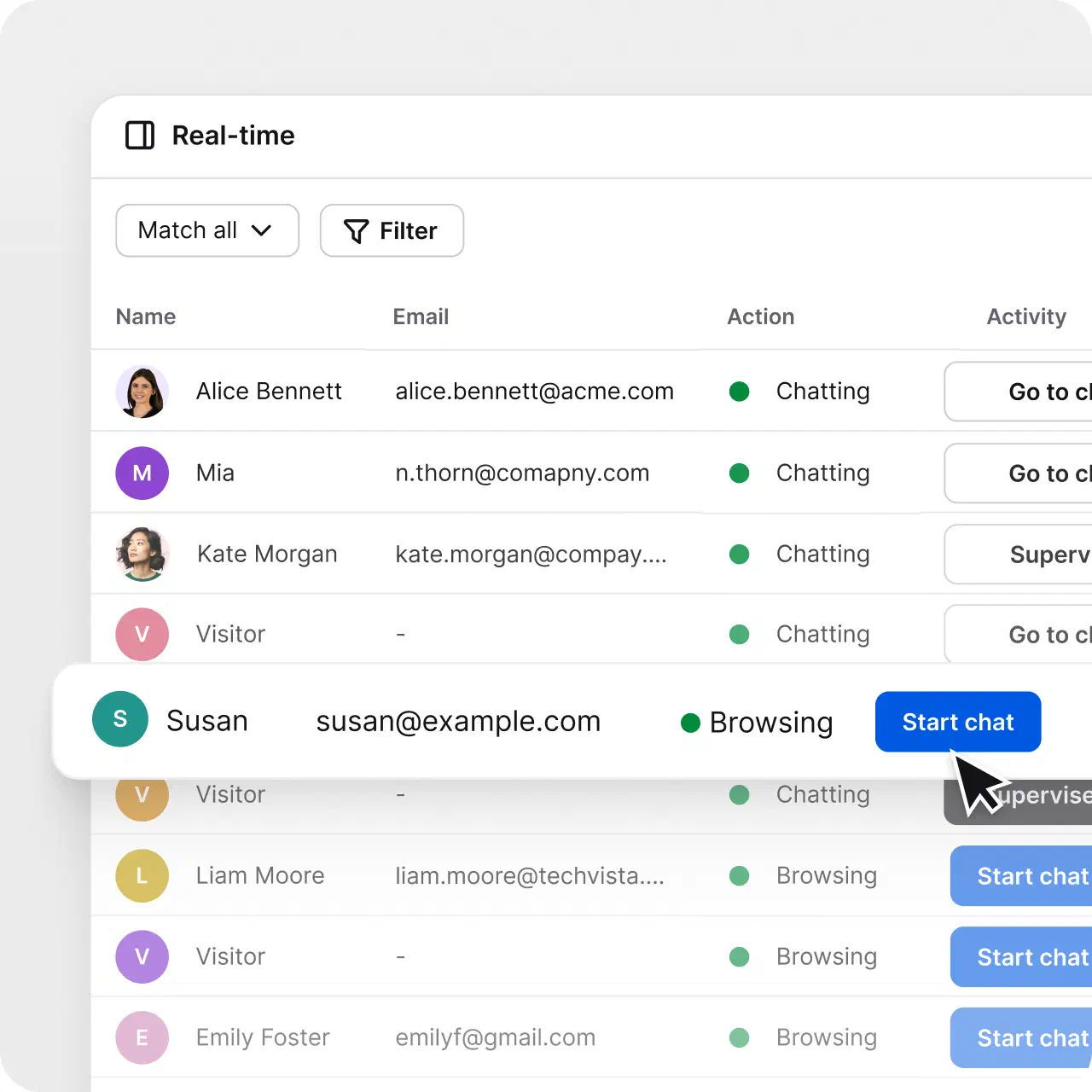
Start the conversation about the product a customer is looking at, at the right moment.
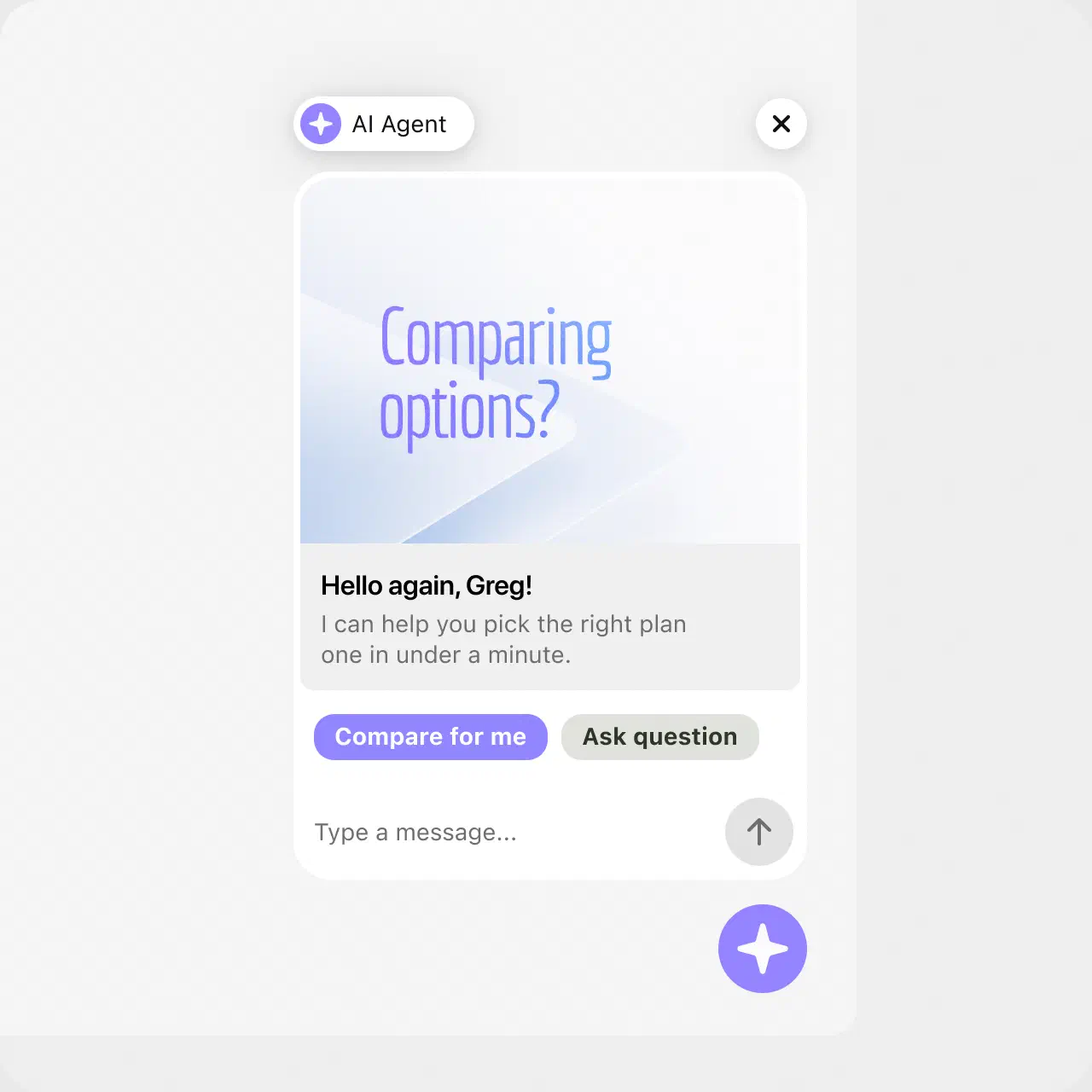
Recommend, and help close, then hand off to a human with full context when it counts.
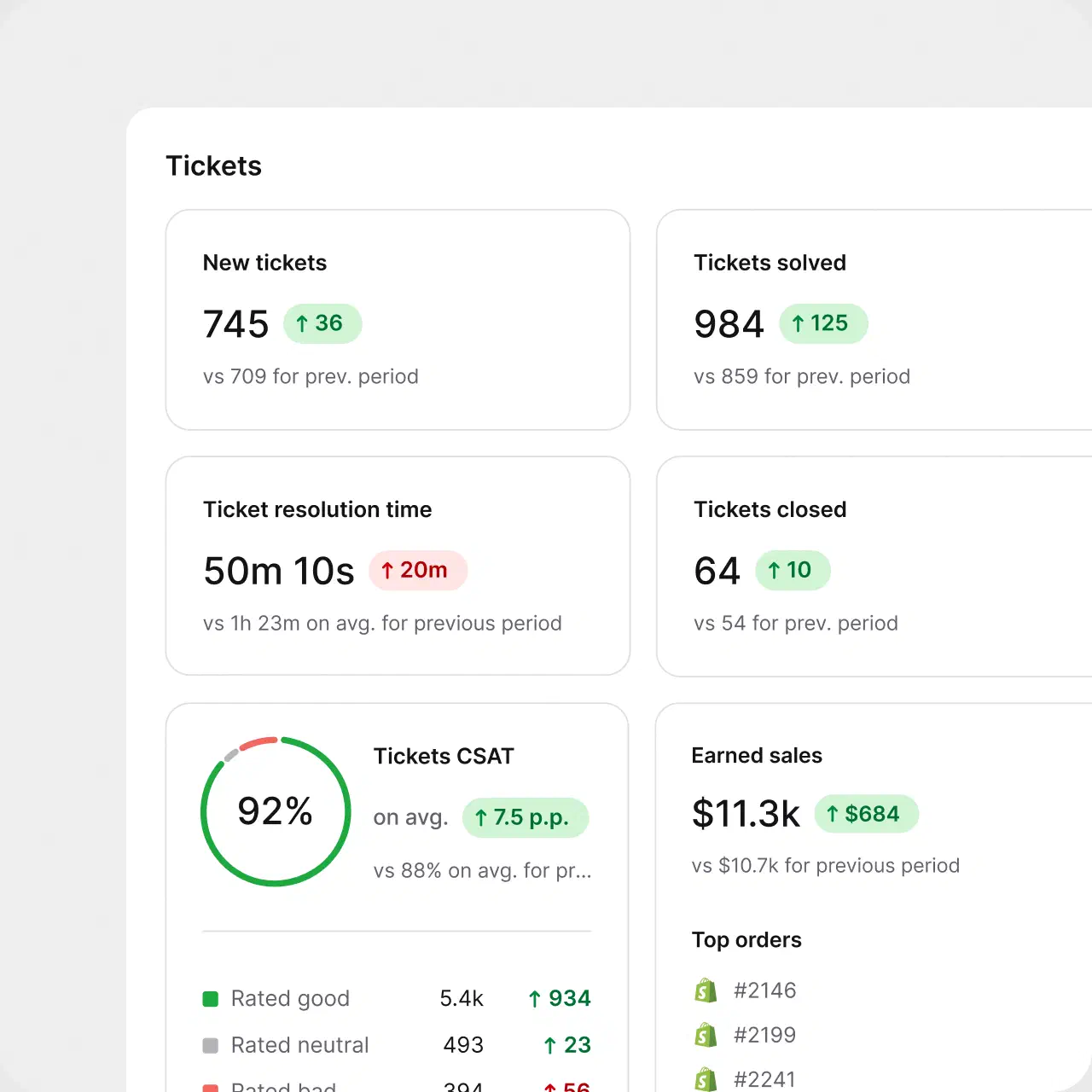
Track the dollars, leads, and repeat customers your conversations generate.
39%
less time spent per ticket at Brastel
4,000
tickets per week using automation at P4P Partners
100+
tickets handled in 4 hours via prioritization and tagging at Valley Driving School
Website chat, email, and the messaging apps your customers already use land in one inbox. Your team answers everything from a single queue. That's omnichannel support without the chaos.
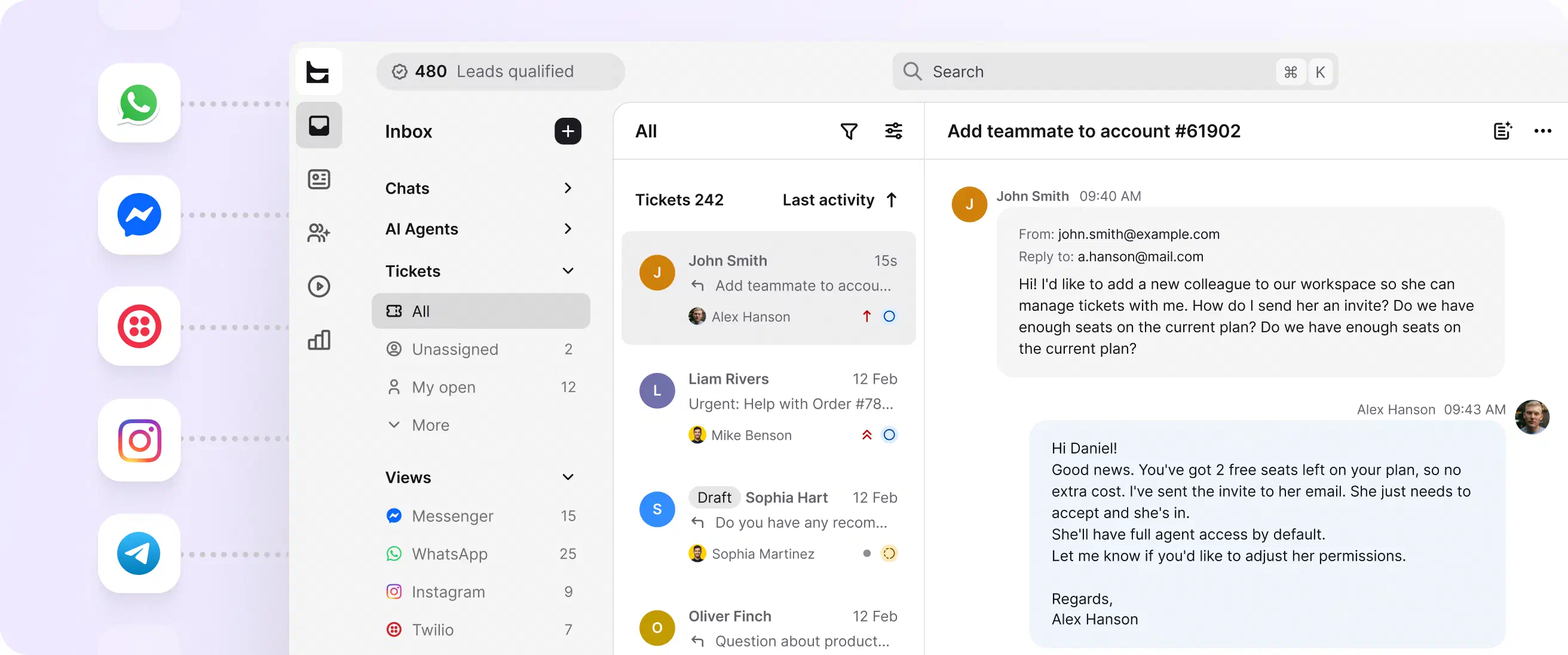
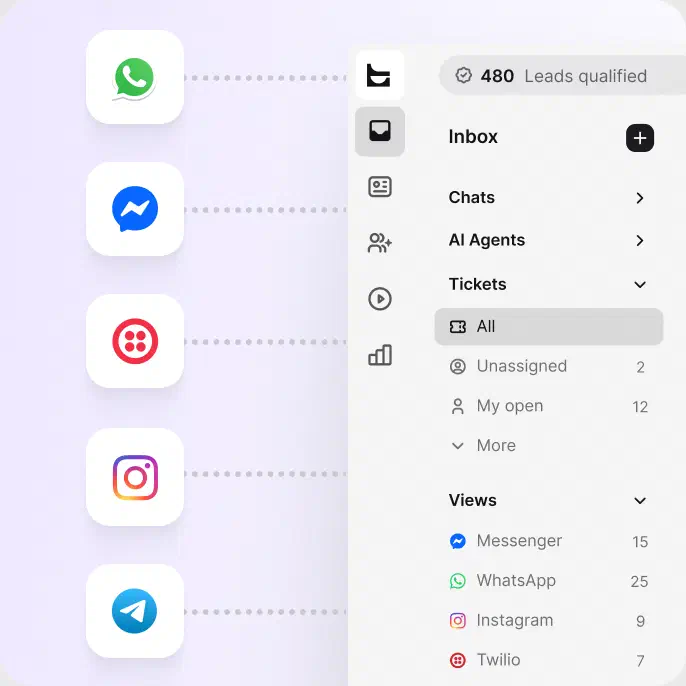
Talk to visitors in real time on your site. Turn any chat into a ticket in one click, with the full transcript attached.
Connect your support addresses so every email becomes a tracked ticket in the same queue.
Bring WhatsApp, Facebook Messenger, and SMS into the same inbox. Answer everything in one place.
Drop an AI-powered chat widget on your site in a few clicks. No code required.
Track resolution rate, response time, and team performance in clear reports you can export and share. Connected to ecommerce? See the revenue your support conversations influence, and watch your AI agent's contribution grow month over month.
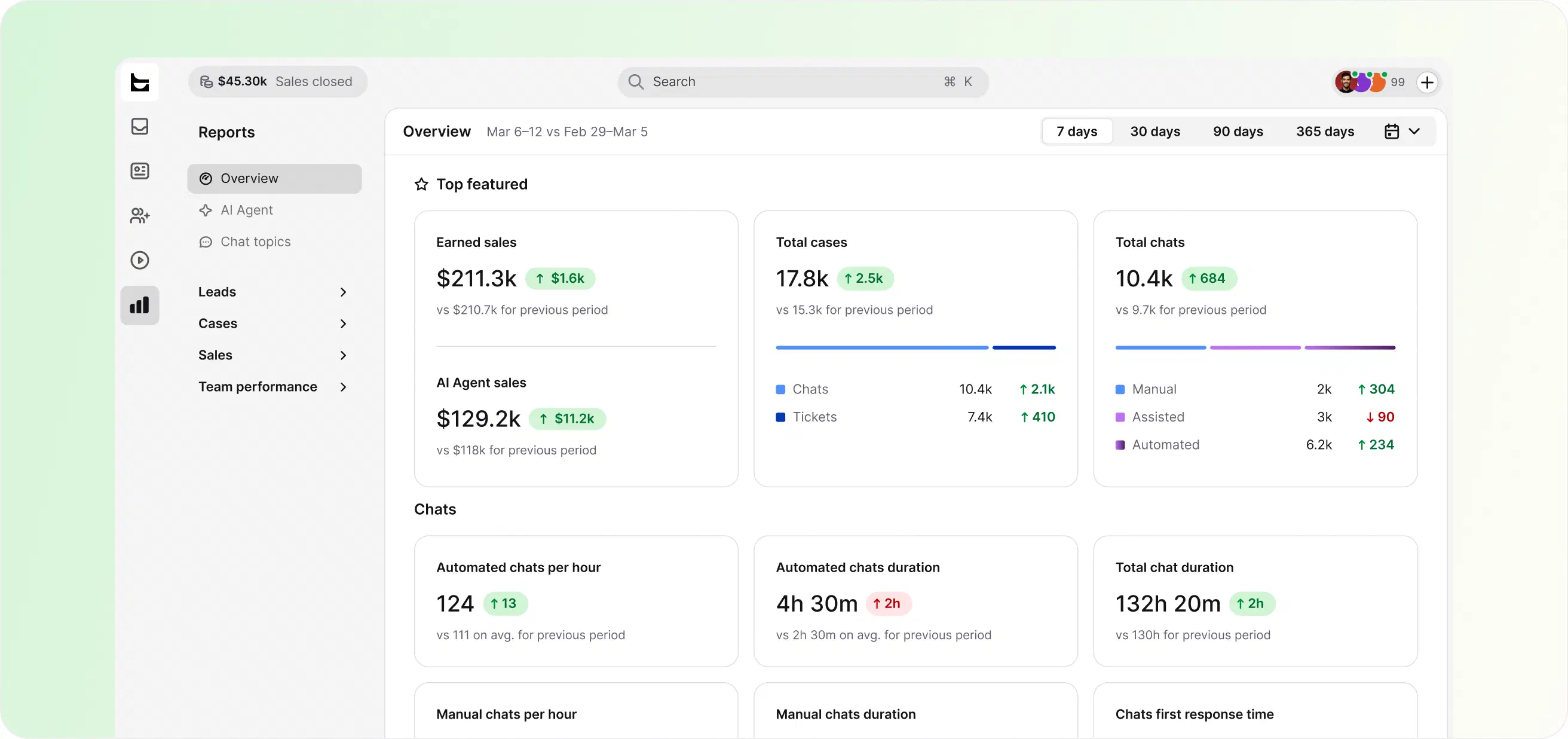
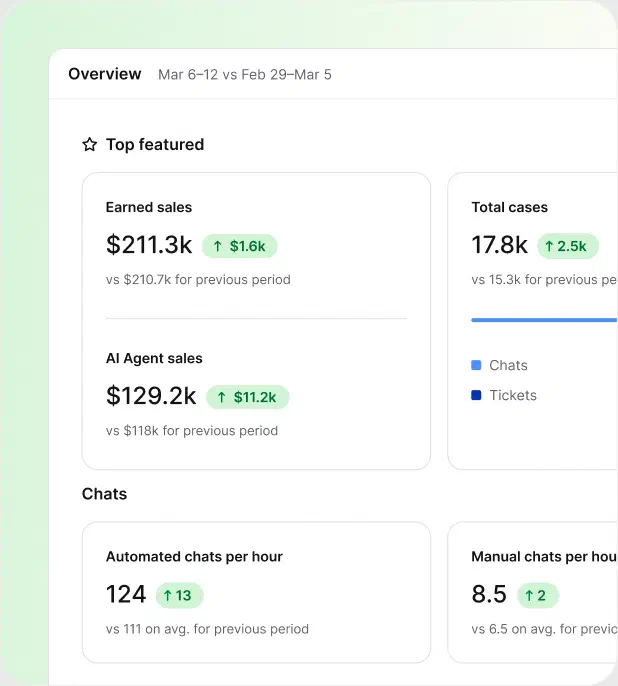

Track resolution rate and response time across your whole team.

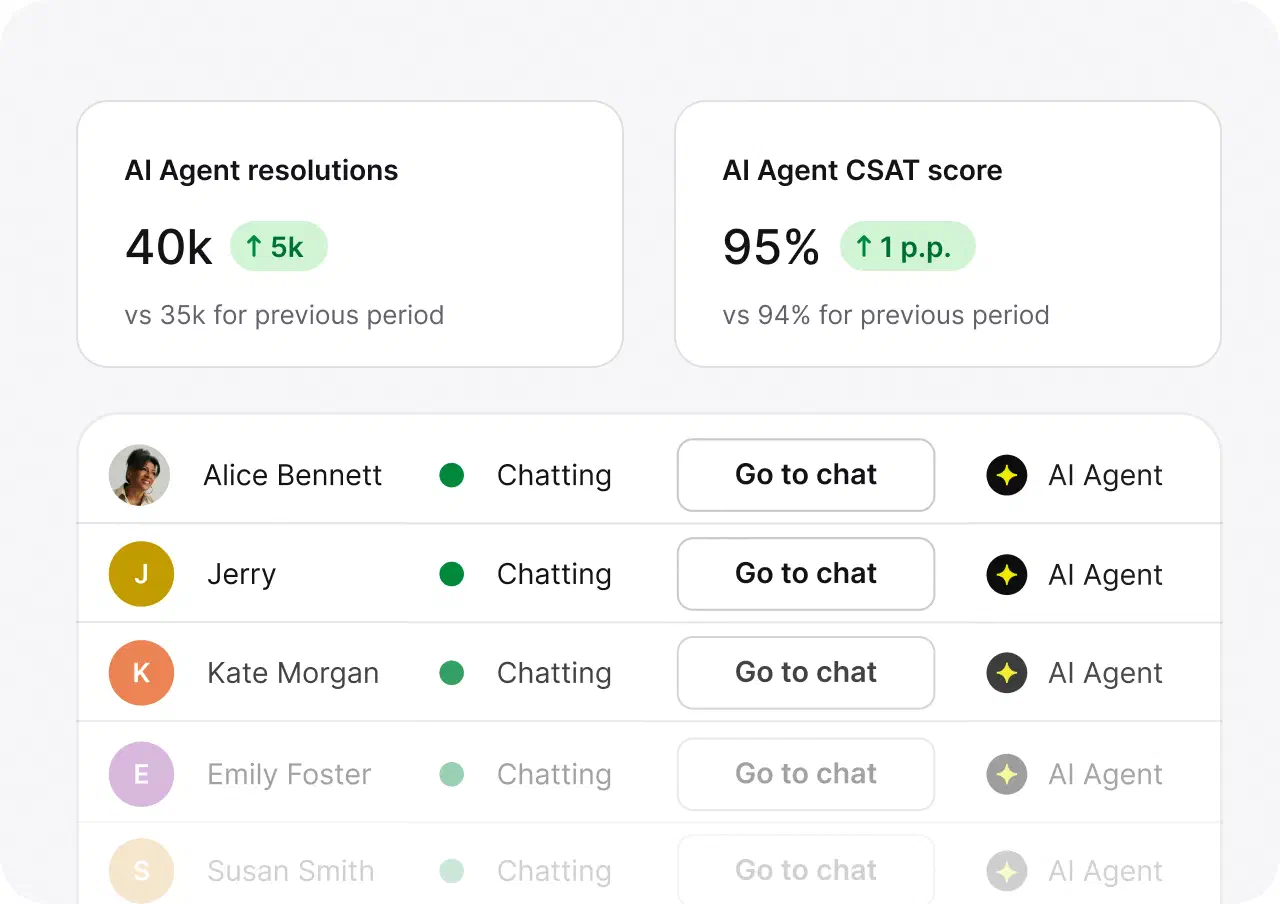
See chats handled, resolution rate, and CSAT for your AI agent.

Once your store's connected, track revenue from support conversations.

Text platform has become a key part of our proposition. It's fully flexible and has allowed us to drive 30% more leads while dramatically reducing our cost to serve.
Joe Bush, Co-founder of The Chat Shop
$1.5M
revenue from support chat in six months

+25%
revenue from support chat in six months

+30%
average order value

Put a dollar figure on your support
Sign up freeAI handles the volume, but you decide how. Point it at the knowledge sources you trust, set the escalation paths, and cap what it can do on its own.
When you want a human in the loop, review and approve AI replies before they reach a customer.
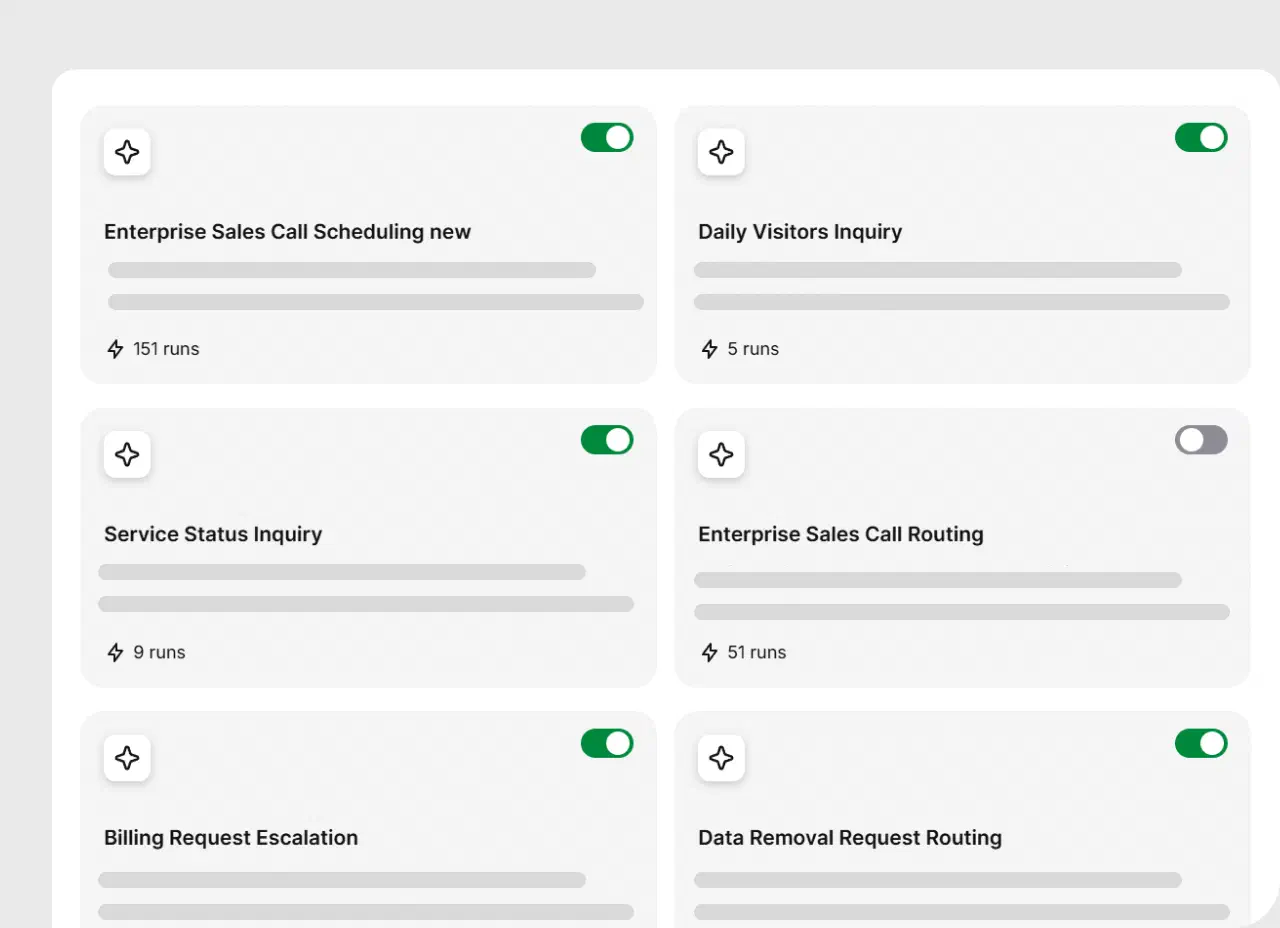
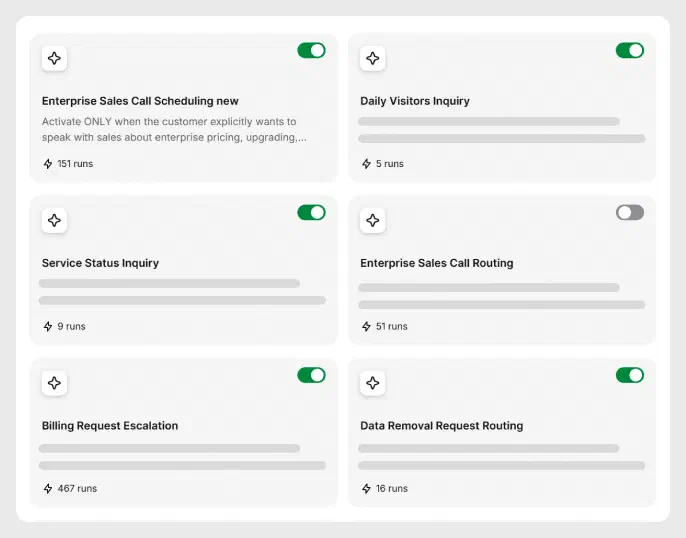
Point the AI at your help center, docs, and files, and nothing else.
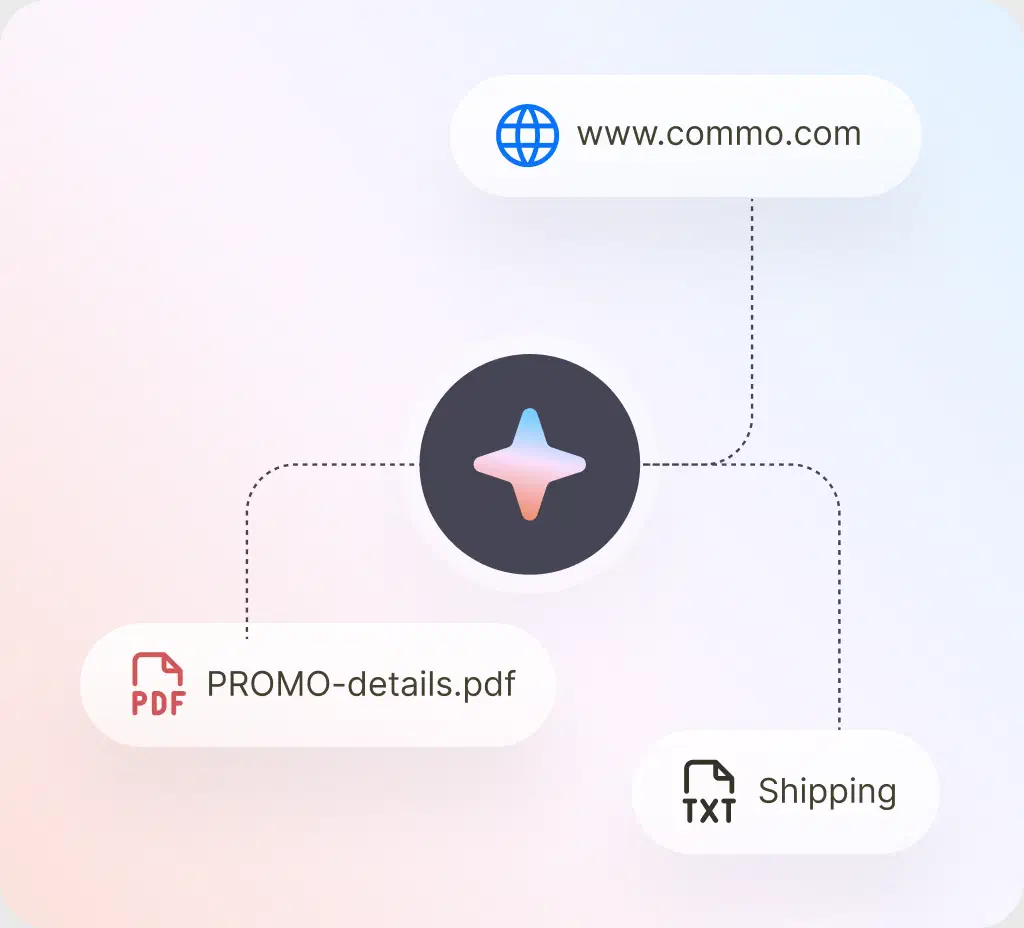
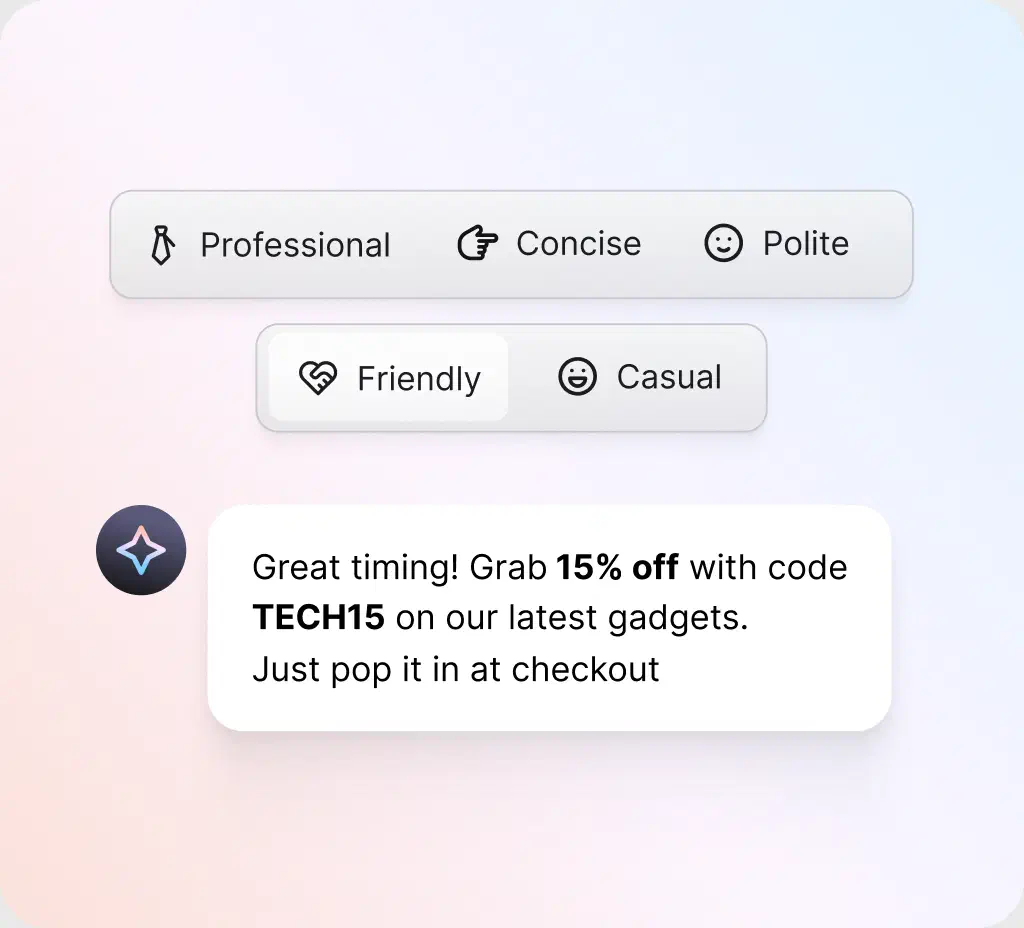
Pick a tone, professional, casual or friendly, and every reply sticks to it, automatically.
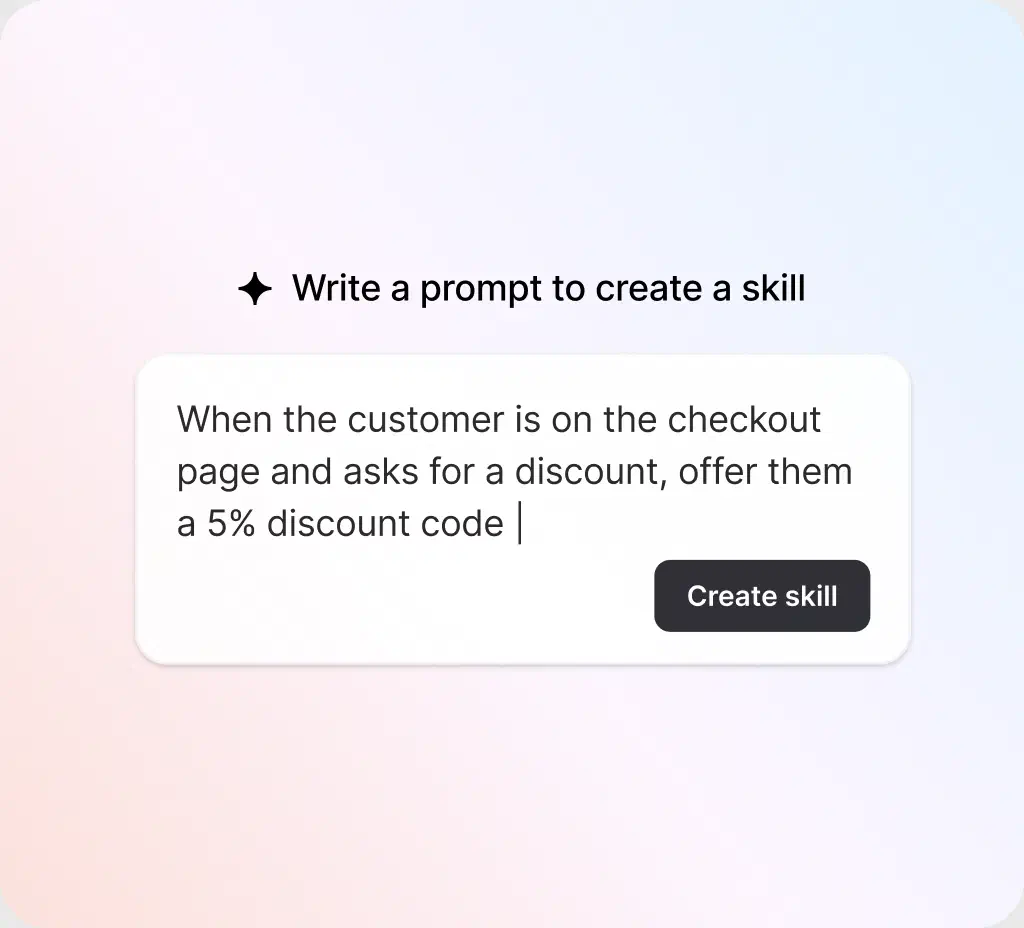
Write a rule for a specific situation, like a checkout discount or a shipping question, and it knows exactly what to do every time.
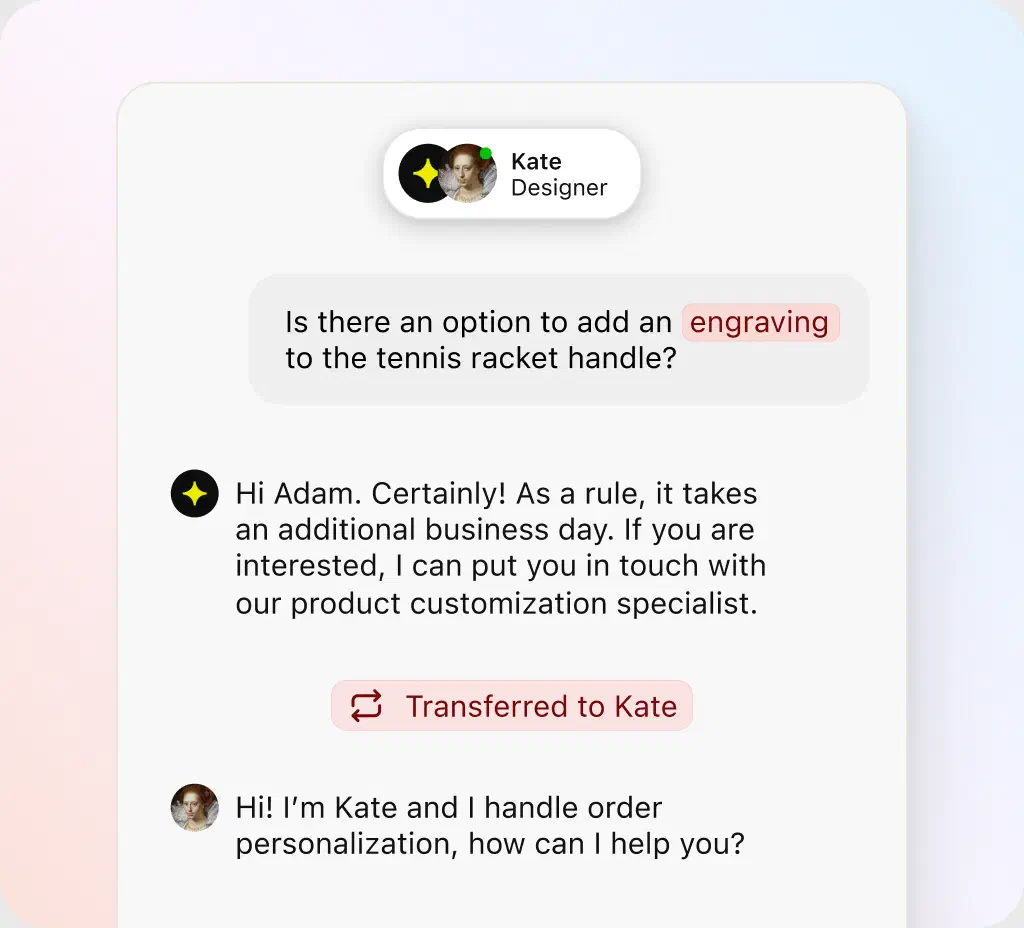
When a case needs a human touch, the AI agent hands it off instantly, with full context included.
An AI help desk is AI customer support software that answers customer questions, sorts and routes tickets, and assists your agents as they work. Instead of every request landing in a human queue, an AI agent resolves the routine ones on its own and passes the complex issues to your team.
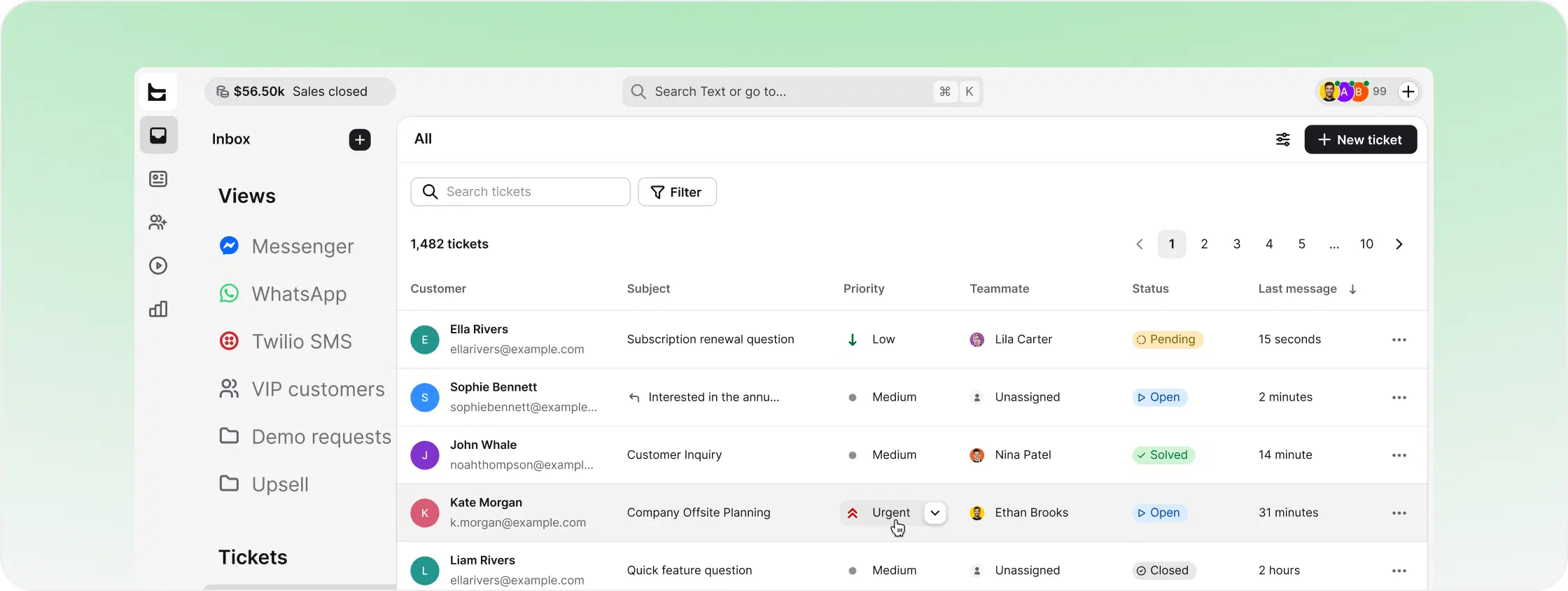
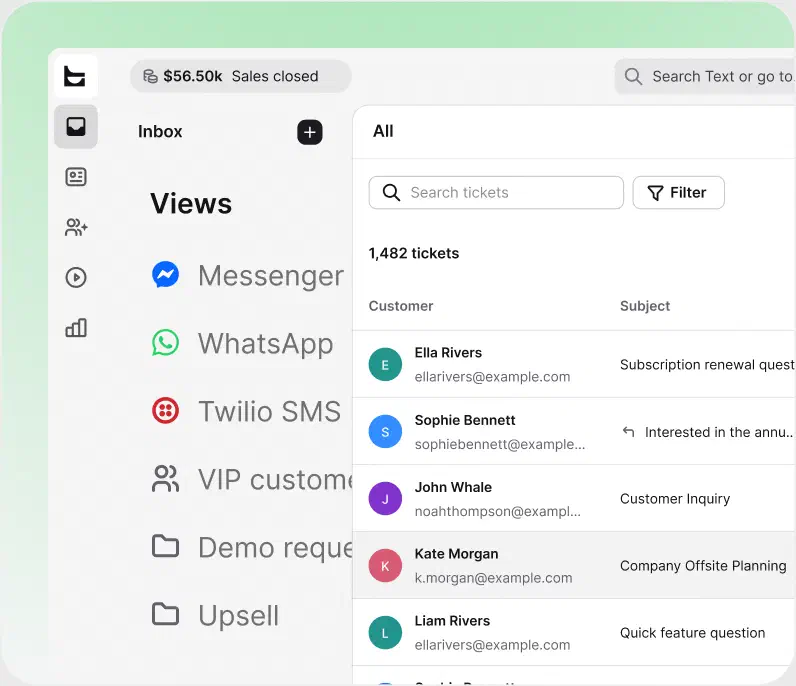
People also call this an AI service desk. It's the same idea applied to teams handling a steady stream of service requests, from account questions to order and how-to issues. Underneath both is AI ticketing: every conversation becomes a tracked ticket that the system reads, tags, and prioritizes automatically.
A traditional help desk waits for a person to pick up each ticket. An AI help desk works the moment a request arrives, so your support team spends its time on the cases that actually need human judgment.
The two terms overlap, and plenty of people use them interchangeably. The real difference is who they serve. An AI help desk usually handles customer-facing support: questions from the people who buy from you. An AI service desk often sits inside a company, fielding employee service requests and wider service management.
HelpDesk is the customer-facing kind: an AI help desk for the people you sell to, with the same AI ticketing system underneath.
This kind of software uses artificial intelligence to read each incoming message with natural language processing, then check it against your knowledge base. From there it does one of three things: answers it, routes it, or sends it to a person. It runs on machine learning, so the more conversations it handles, the sharper it gets.
Most AI service desk software follows the same four steps on every service request:
Natural language processing reads what the customer actually means, not just keywords.
For routine questions, the AI agent replies instantly, a self-service answer with no waiting.
Intelligent routing sends the ticket to the right team, in the right language, with no manual triage.
Anything that needs human judgment goes to a person, with full context attached.
Artificial intelligence handles the repetitive tasks and the volume. Human agents handle the judgment calls. Nobody's buried in repetitive questions while the hard tickets wait, and service quality holds up as you grow.
Shopping for AI help desk software? A lot of "AI" features are really just a chatbot sitting on top of a ticket queue. Here are the key features that distinguish a complete AI-powered platform.
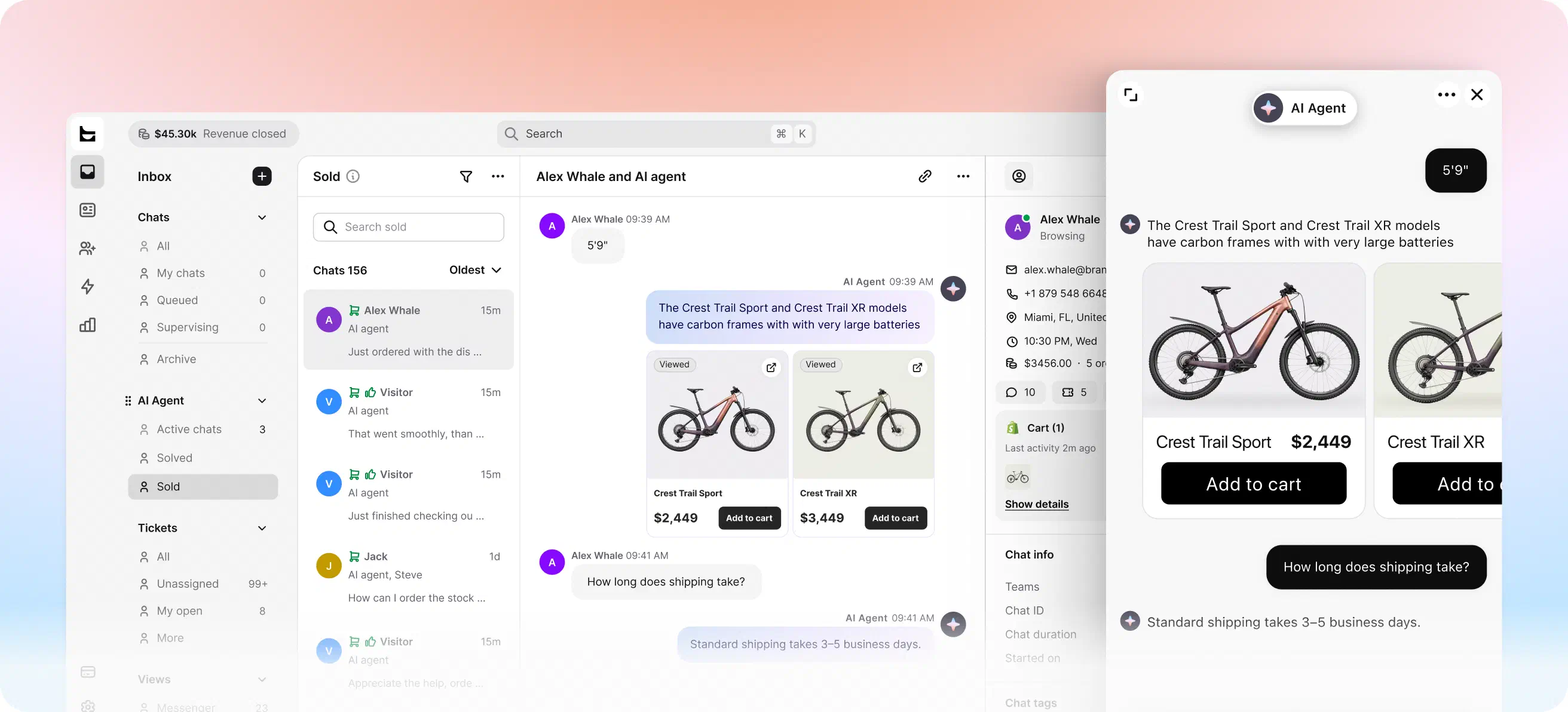

Answers are only as good as the source. Look for an AI agent you can point at your help center, docs, and files.

Deflecting a ticket isn't the same as solving it. Ask how many service requests the AI agent resolves end to end, not just how many it pushes to a self-service page.

When AI hits its limit, the customer should reach a person with full context, with no starting over.

Intelligent routing and AI tagging keep the service desk organized without manual triage.

Resolution rate, response time, and, for ecommerce, revenue influenced. Reporting should show impact, not just activity.
Your team only sees the tickets that actually need them, and your AI-powered help desk stops being a cost center.
An AI help desk is support software that uses artificial intelligence to answer customer questions, sort and route tickets, and assist agents as they work. Routine requests get resolved automatically, and the complex ones go to your team with full context.
An AI service desk applies the same idea to teams handling a steady stream of service requests, often inside a company. HelpDesk is the customer-facing kind: an AI help desk for the people you sell to, while IT help desk software supports teams managing technical requests.
AI ticketing turns every conversation into a tracked ticket that the system reads, tags, and prioritizes automatically. Your team skips the manual triage and starts every case with the context already in place. An email ticketing system brings the same structure to support emails.
Sign up free, connect your support email or drop the chat widget on your site, and point the AI agent at your help center or docs. It starts answering routine questions right away.
Look for five things: a knowledge base the AI learns from, self-service that resolves cases end to end, handoff with full context, automatic routing and tagging, and outcomes you can measure. HelpDesk covers all five in one ticketing system.
Yes. HelpDesk comes with a free 14-day trial and no credit card required, so you can put the AI agent to work on your real tickets before you decide. See HelpDesk pricing for plan details.
Yes. Help desk software for small businesses brings customer messages, ticket workflows, and AI assistance into one place, so a growing team can organize support without adding unnecessary complexity.
No. Artificial intelligence handles the repetitive tasks and the volume, while human agents handle the judgment calls. The best results come from the two working together, with a clean handoff whenever a case needs a person.