
AI Tags
AI Tags analyzes ticket content and applies relevant tags—no manual work, no missed context.
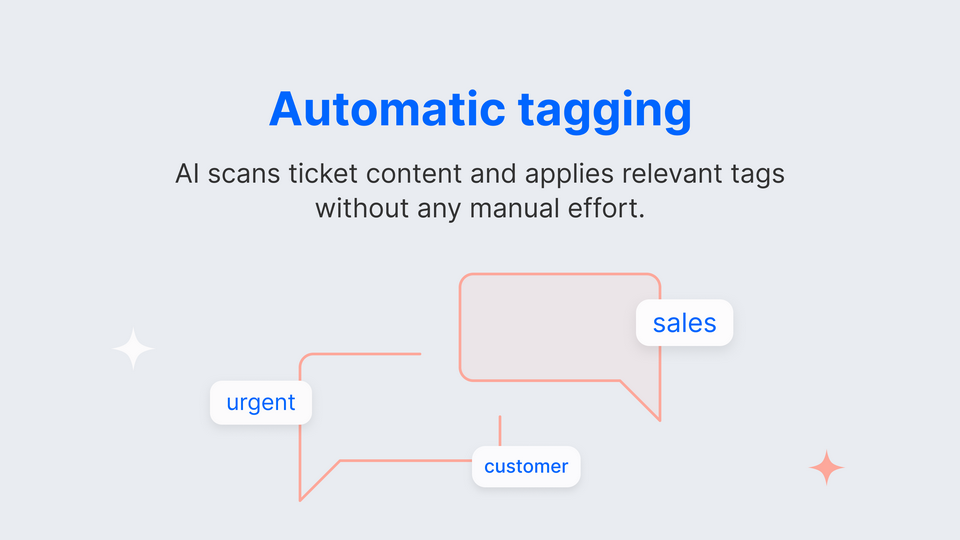

AI Tags is an AI-powered automation tool that helps you keep support tickets organized without lifting a finger. It analyzes every new message in a ticket—whether it’s the first email or a later reply—and instantly applies the most relevant tags . No more manual tagging or relying on agents to choose the right labels. With AI Tags, your tickets are categorized consistently, accurately, and in real time.
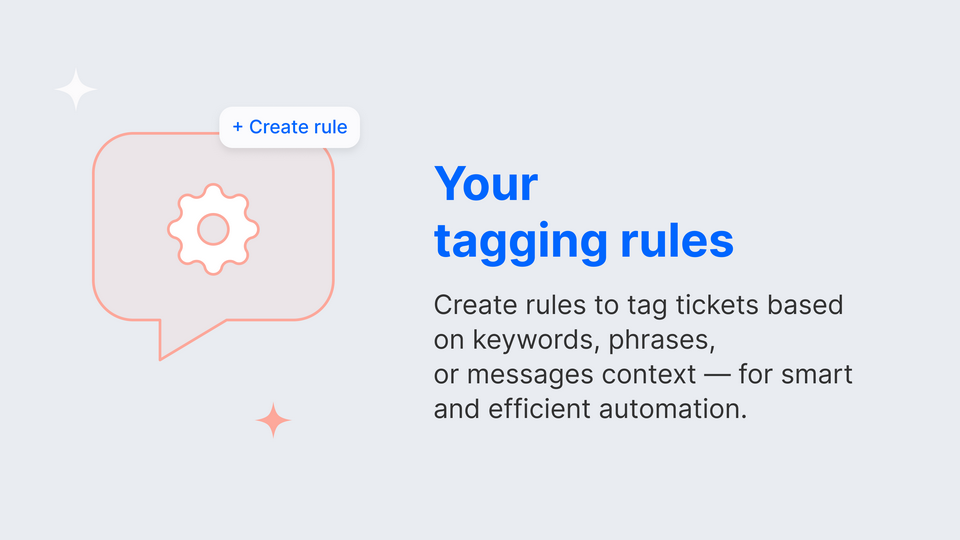
One of our most powerful features is the Rules engine — a flexible system that lets you define exactly how tagging should work. Create custom rules based on keywords , ticket context , or metadata , and let AI Tags automatically apply the right tags with precision. The intuitive UI makes it easy to set up and manage rules without writing a single line of code.
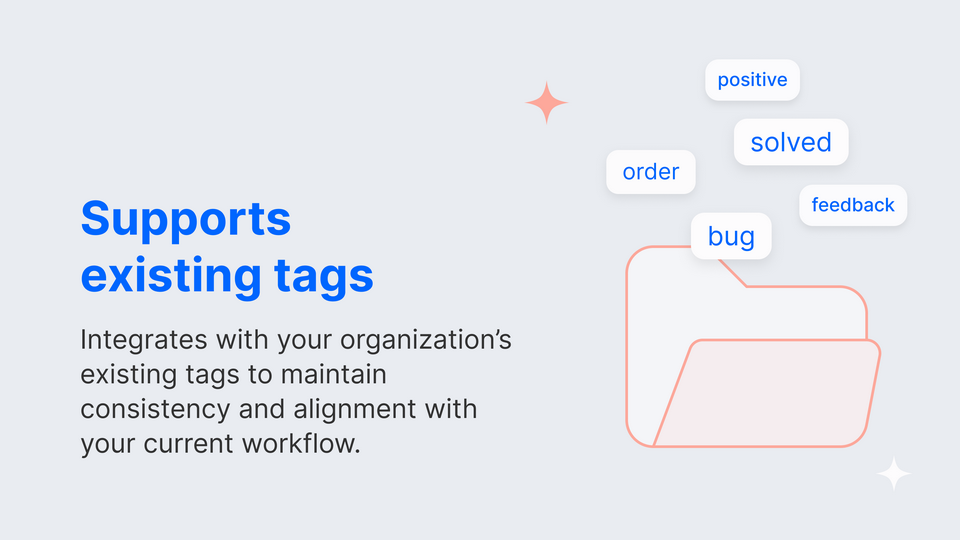
The app integrates seamlessly with your existing tag structure . Whether you manage a small help desk or a high-volume support operation, AI Tags helps reduce manual work and improve data quality for faster issue tracking and smarter reporting.
By default, AI Tags uses Google Gemini 2.0 Flash – a fast and efficient AI model optimized for understanding message content. Prefer something else? We can connect your own custom model upon request.
Tagging happens message by message , not just at ticket close — so you can detect issues earlier and take action while conversations are still ongoing.
Each subscription includes up to 10,000 ticket messages per month . Need more? Contact us and we’ll tailor a plan that fits your workflow.
And most importantly: we never store your tickets . AI Tags processes content in real time without saving any ticket data, keeping your customer communication private and compliant with modern security standards.
Questions or feedback? Reach us at textmarketplace+aitags@gmail.com .
Key Features
AI analyzes every new message in a ticket and applies the most relevant tags without any manual work.
Understands the full conversation history within a ticket—not just a single reply - ensuring smarter and more accurate tagging.
Works seamlessly with your organization’s current tags, so you keep consistency in your reporting and workflows.
Create rules to apply tags based on keywords, phrases, or ticket context - ideal for tailored automation.
AI Tags never stores your ticket data. Tagging happens in real time, ensuring compliance and security.
Benefits
Tags are applied automatically as tickets are updated—no delays, no manual steps.
Your team spends less time on repetitive admin tasks and more time solving customer problems.
Accurate and consistent tags mean cleaner data, better reports, and smarter business decisions.
App Terms
Legal Terms
By installing this app, you agree to the Marketplace Terms and App Privacy Policy.
Tutorial & Support
How to use this app
Follow the app tutorial with setup instructions on how to use and properly configure this app with your HelpDesk account. To get help and support contact TM Apps. You can also suggest improvements or request new features in the upcoming versions of AI Tags.