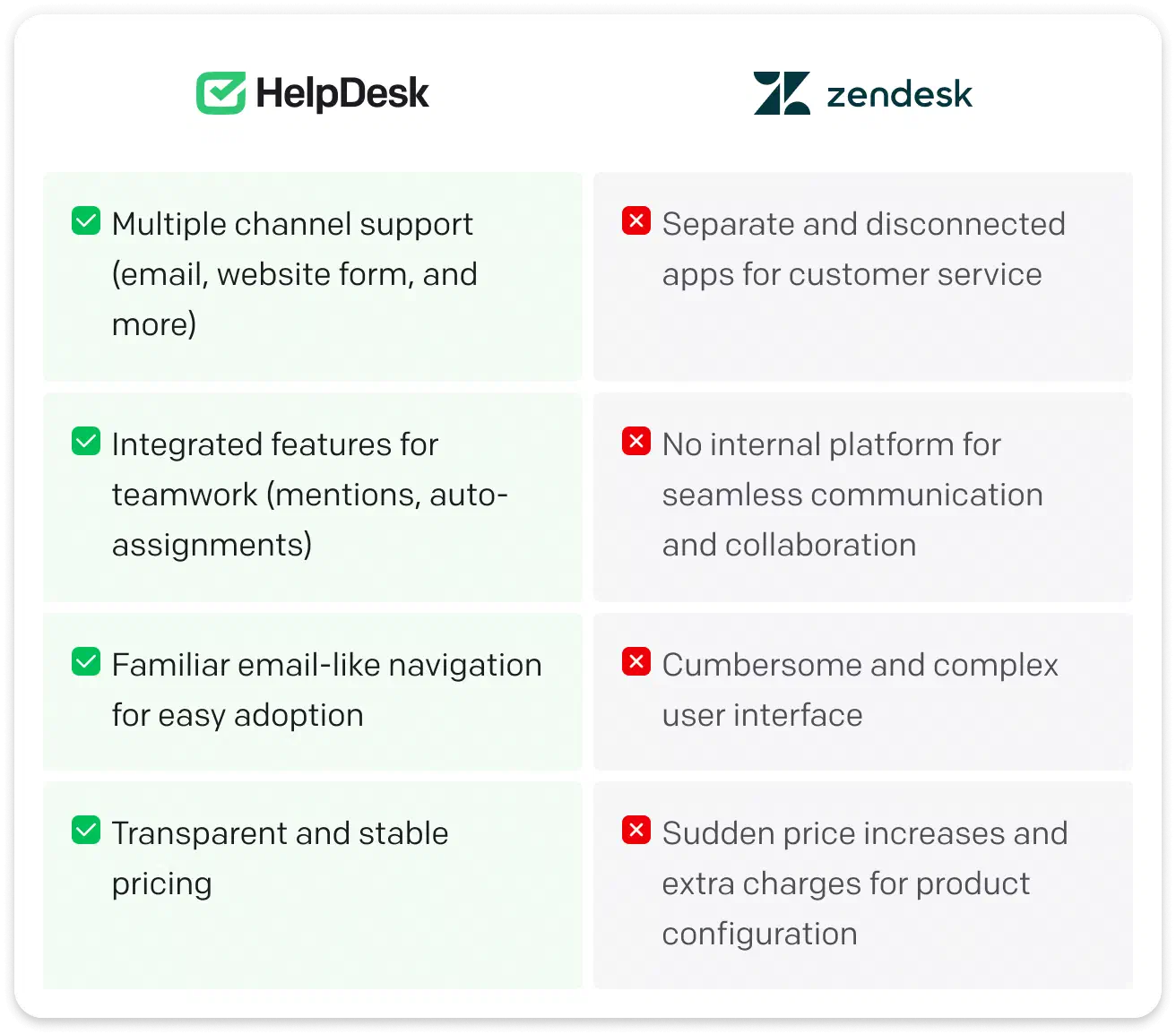
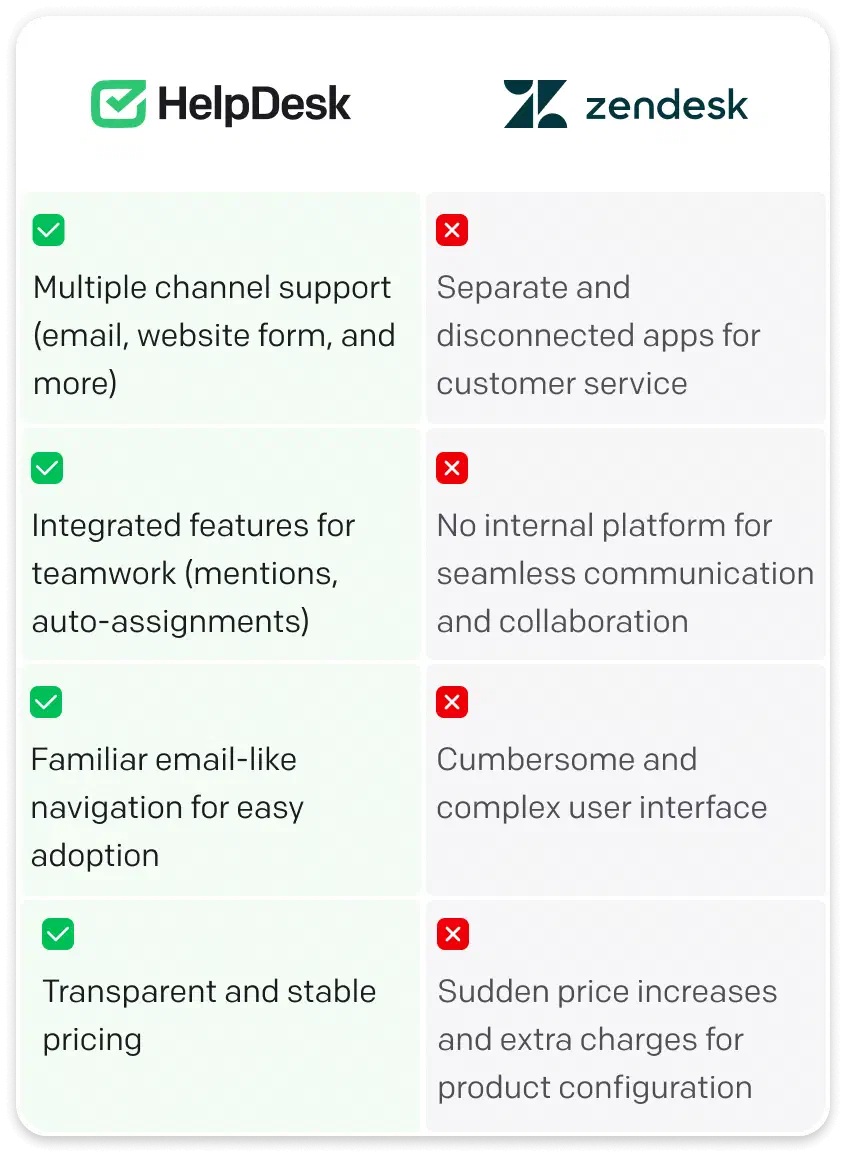
Check out HelpDesk.com’s advantages and learn why it's a great Zendesk Support alternative.
Free 14-day trial No credit card required








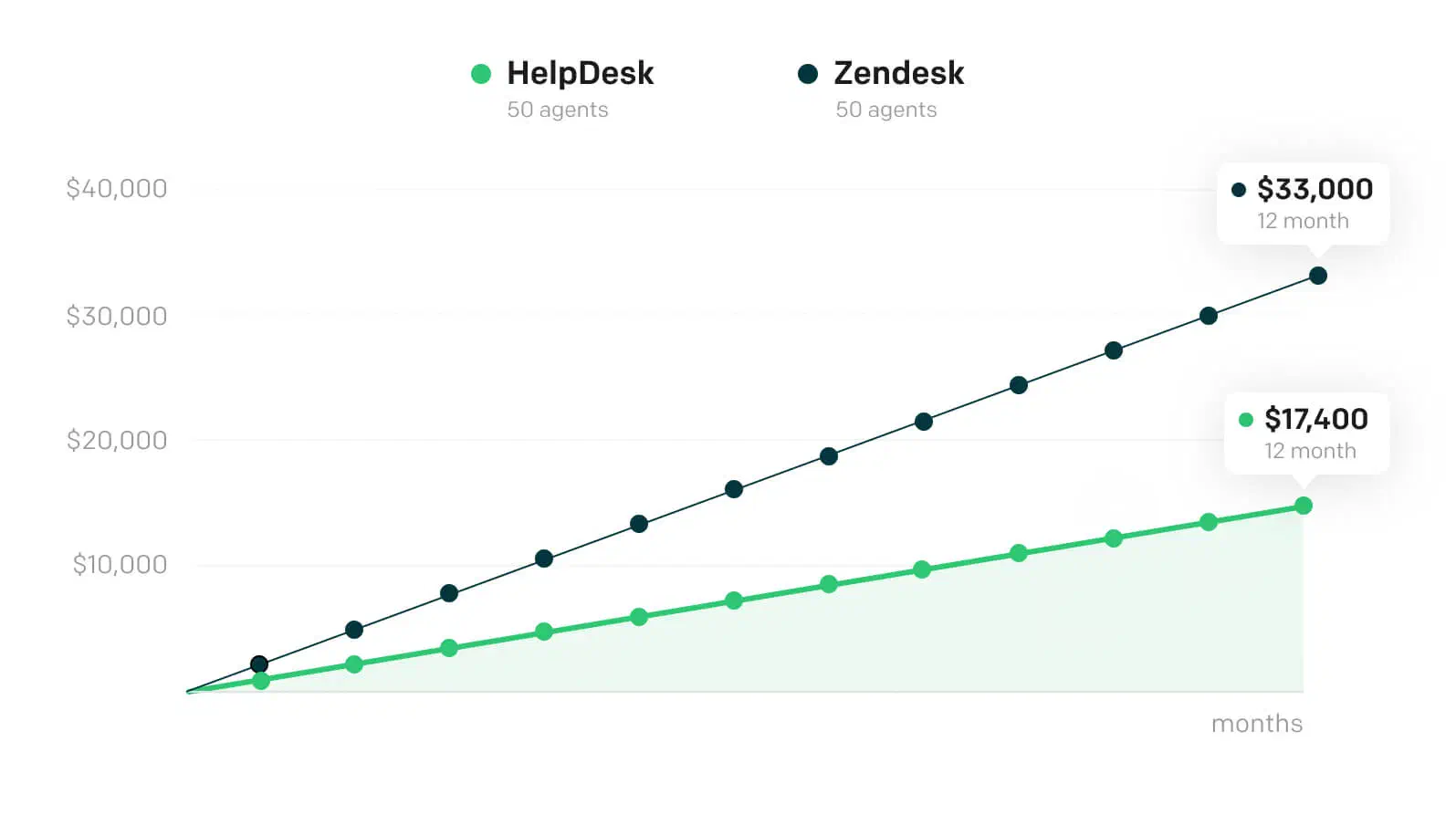

Your annual savings
$15,600
For this calculation, we used the HelpDesk.com Team and Zendesk Professional plans because they're similar in terms of available features. We used price/month (billed monthly) here.
Free 14-day trial No credit card required
Trusted by companies around the world


An affordable change awaits you! Use the help-desk-migration.com service to carry out the Zendesk data migration to HelpDesk.com effortlessly.

Open HelpDesk.com settings to find a link to the migration process.


Grant access to your HelpDesk.com account and select the data you want to migrate.



Match the ticket fields, double-check the migration accuracy, and smoothly move on.
Free trial


Explore HelpDesk.com with a 14-day trial trial of our Business plan. Afterward, you can choose from the Team plan at $29 per month per user, the Business plan at $50 per month per user, both billed annually, or a tailored Enterprise solution.


The highest ready-made plan

$29
per user/month
$55
per agent/month
24/7 support in every plan

Access to specialist advice and recommendations is available 24/7/365 in all pricing plans. HelpDesk.com team applied real-time monitoring of all requests because the swift response will allow you to keep on doing amazing things! With Zendesk, you can count on the 24/7 support only in higher plans, starting with $99.

Tracking progress

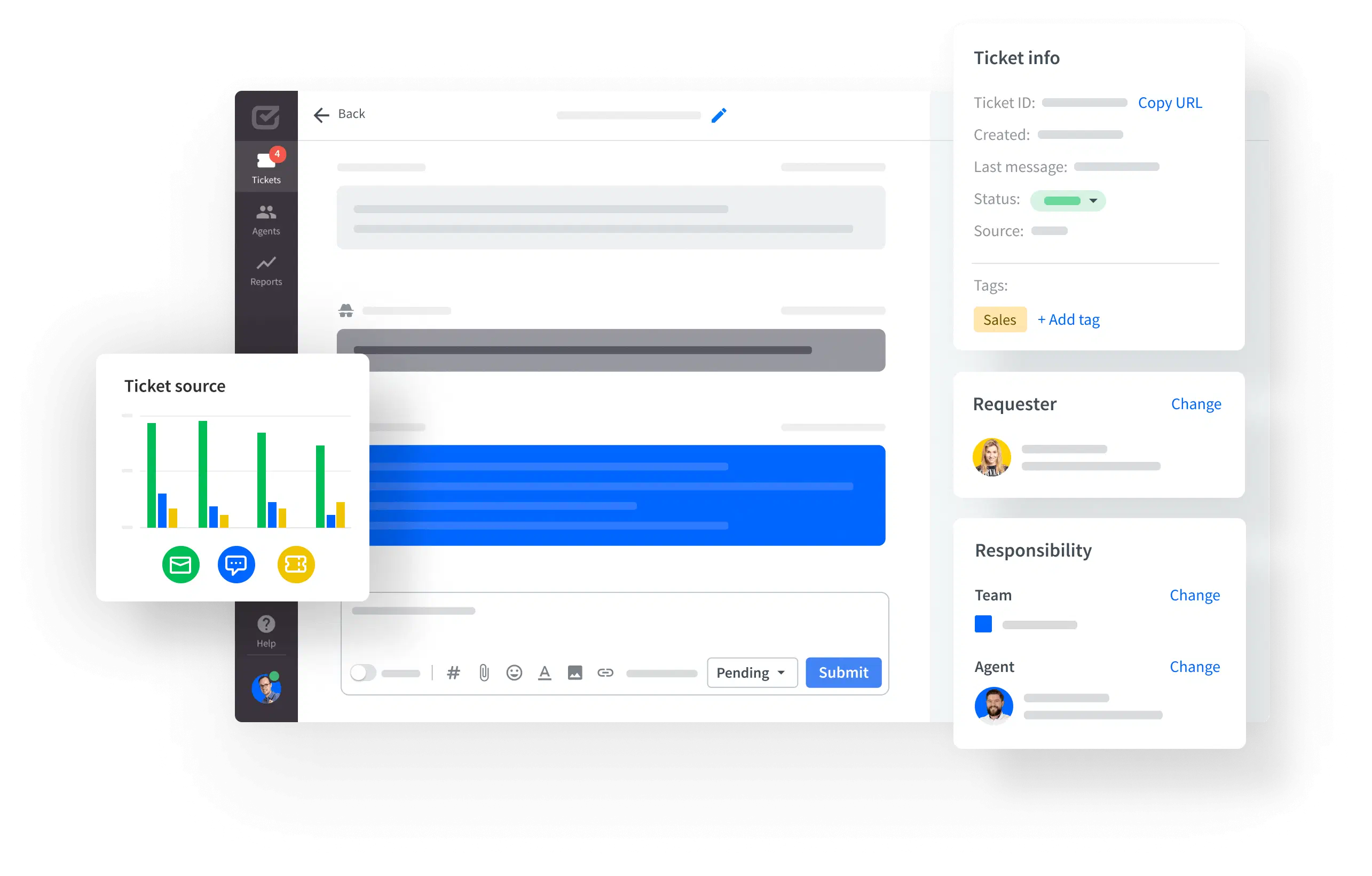
Manage incoming emails and online form requests effectively. Use tags, roles, and dedicated support teams. Monitor agent activity and ensure they have the necessary resources. Keep track of customer interactions and the challenges they face.
Process automation

Manual work can be time-consuming and troublesome, so the good of automation is passed on to you. Automation in the HelpDesk.com ticketing system will boost your team's work and reaction time. During the free 14 days, you can check out the proactive support features such as canned responses, automated assignments, or new ticket notifications.
CSAT surveys in every plan

An integral part of the customer's feedback is the CSAT survey available in the HelpDesk.com plan. In Zendesk, you can start measuring this indicator from $55. The CSAT survey helps you assess customer satisfaction and understand the quality of your services. Surveys can show you the areas you need to improve as well as those you can be proud of.
Personalization

Show your brand spirit and uniqueness through personalization. With HelpDesk.com, you can personalize email domains, agent signatures, templates, and ratings. Stand out with visual elements that showcase your brand identity.
Team collaboration tools

HelpDesk.com streamlines teamwork, empowering agents to create teams, exchange private notes, and manage multiple email addresses in one place. Share your knowledge and speed up onboarding processes for new agents. Conquer your customers' hearts with excellent service. You can only do it together.
Team roles

You can assign your team members to three different roles: Admin, Agent, and Viewer. They complement each other and provide a perfect sense of responsibility. You can enjoy using all the roles in your team processes — they're all available to you, regardless of the chosen plan.
One interesting role is the Viewer, also known as Light Agent in Zendesk. Viewers can view tickets but have limited editing capabilities, making it useful for sharing data with communication specialists or supervisors. Zendesk offers the Light Agent role starting at $55 in their plan. HelpDesk.com allows you to add up to 5 in Team, up to 20 in Business, and a custom limit in Enterprise.
full access
limited access
Reports and analysis

Actions are not enough. You should always analyze your activities and draw conclusions. With HelpDesk.com, you can measure the effects of your work based on structured data. Reports on the quality of tickets as well as on the specifics of agents' work are within your reach.
Integration with 3rd party products

Integrate HelpDesk.com with many tools that accelerate work, increase efficiency, and improve team performance like LiveChat, Zapier, Jira, or GitHub. With self-service support, the process of integrating HelpDesk.com with tools is swift and uncomplicated.
Check out all integrations
Security measures

Tickets may contain personal or even sensitive information, so with HelpDesk.com, all data is entirely safe. Your agents can authenticate in seconds via your Google account, and admins can track changes made in application settings and keep an eye on the integrity.
Automatic email archiving in every plan
Automatic archiving is performed for tickets with 60 days of inactivity with Pending, Resolved, and Closed statuses. This way, you can keep your dashboard in order without lifting a finger. With Zendesk, this feature is only available starting at $115.
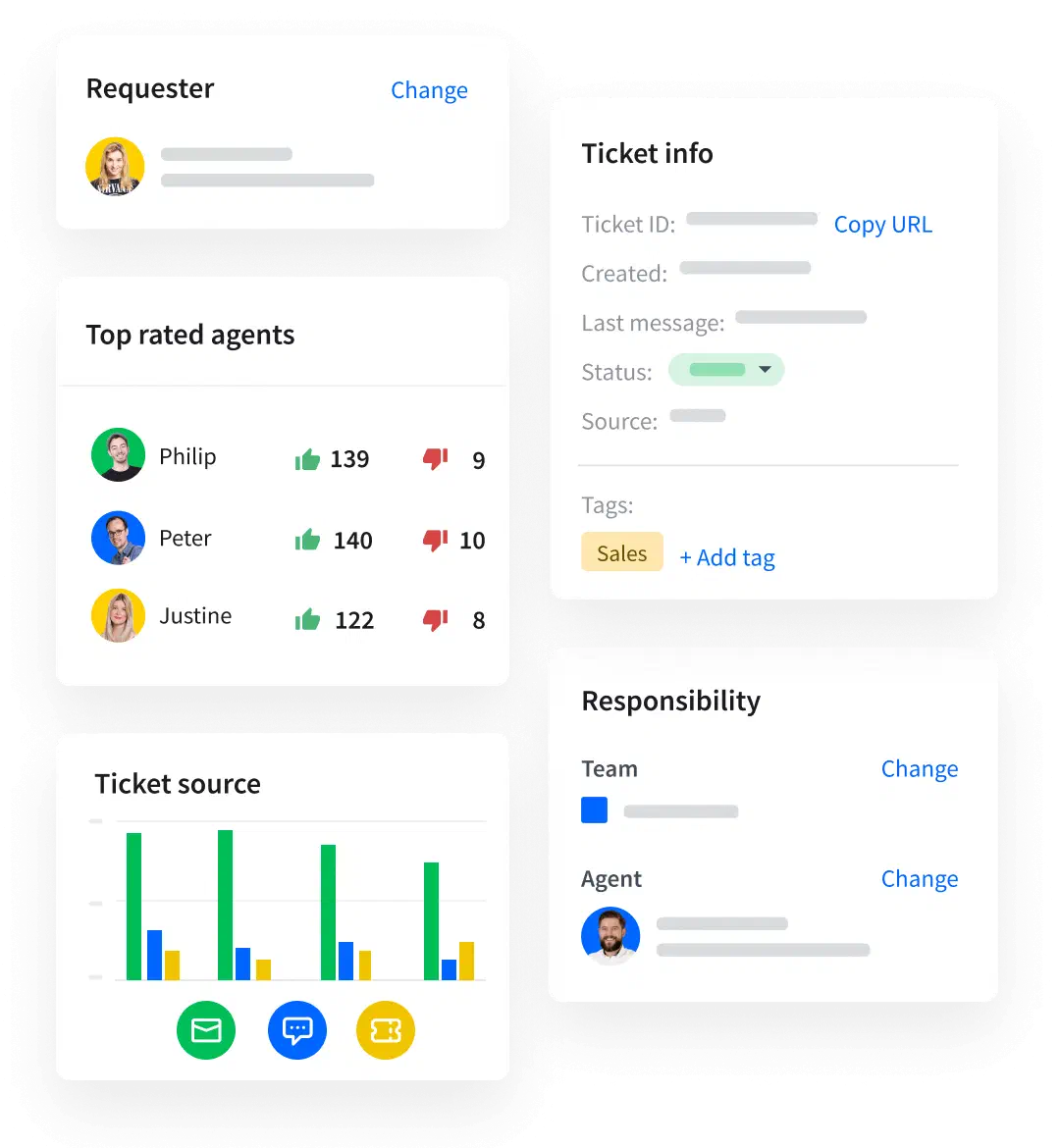

Central data management of your tickets

Reduction of manual work for tasks and processes

Brand identity and space for your own voice

Smooth teamwork in customer support

Data aggregation and easy analysis

Online conversation standards and clear rules
Opt for a dynamic tech stack for customer service and communication from our portfolio. Explore the unique features of each product and see how they collaborate to achieve a greater goal.

Support customers
with tickets

Connect with customers

Automate customer service with AI

Guide and educate customers
Take advantage of the trial period and see it in action