
Run every customer conversation from one place, with an AI agent that answers the routine questions for you. Set it up yourself in an afternoon, no IT team needed.
Free 14-day trial No credit card required
Text products are trusted by 35,000+ leading brands





Here's what actually changes when you move from a crowded inbox to HelpDesk.

The AI agent and automation take the routine questions. Up to 73% of cases get resolved before a ticket is even created, and you handle the few that need a human.

Email, chat, WhatsApp, and social land in one inbox, and every request becomes a tracked ticket. Nothing slips through, and everyone hears back.

Forward your support email, paste one snippet, point the AI at your docs. No IT team, no consultant, no onboarding project.
ticketing system
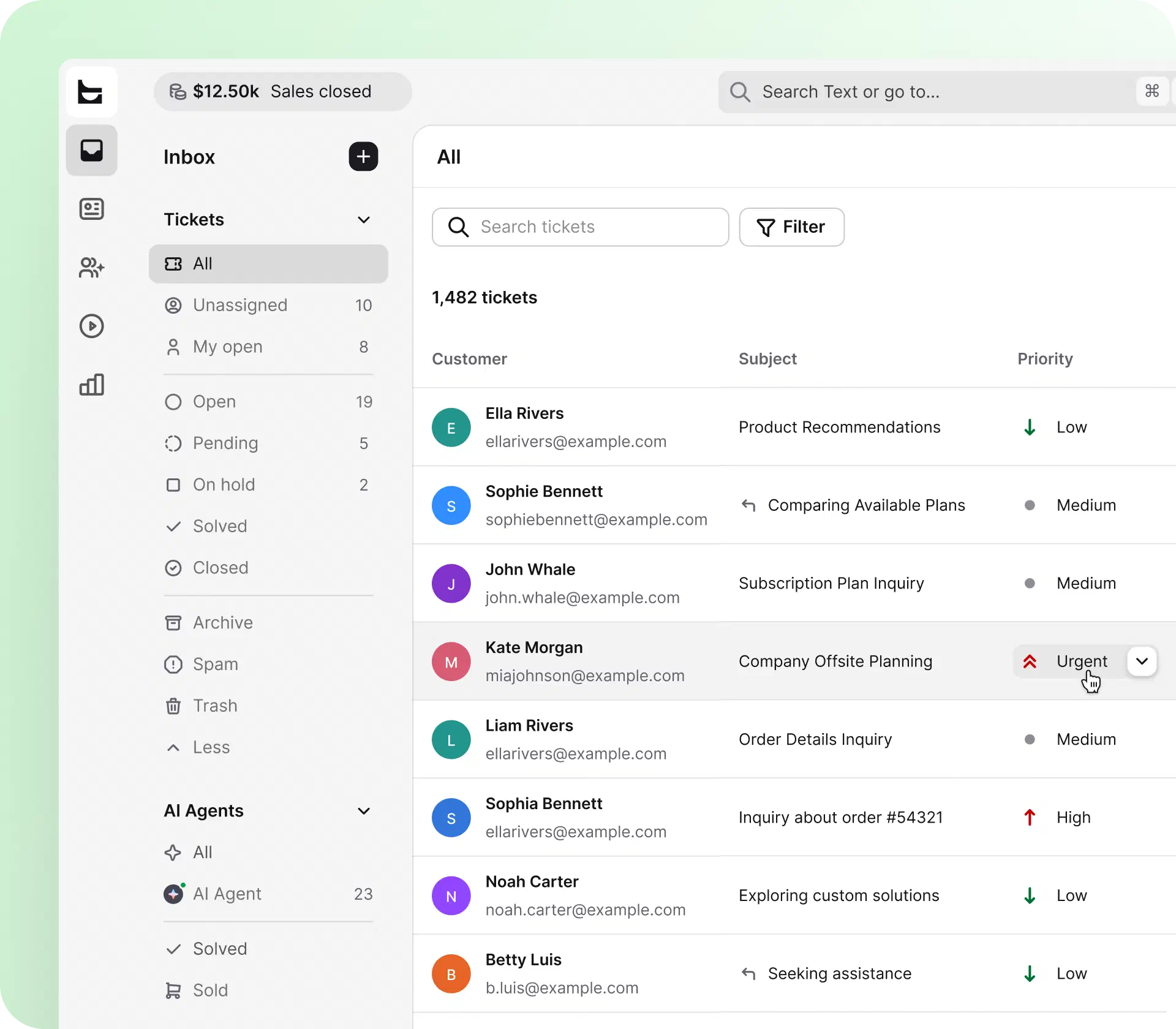
Emails, chats, and messages become tickets, so your team works a clear queue instead of digging through an inbox.
 Statuses and priorities show what's urgent at a glance
Every request gets an owner, automatically
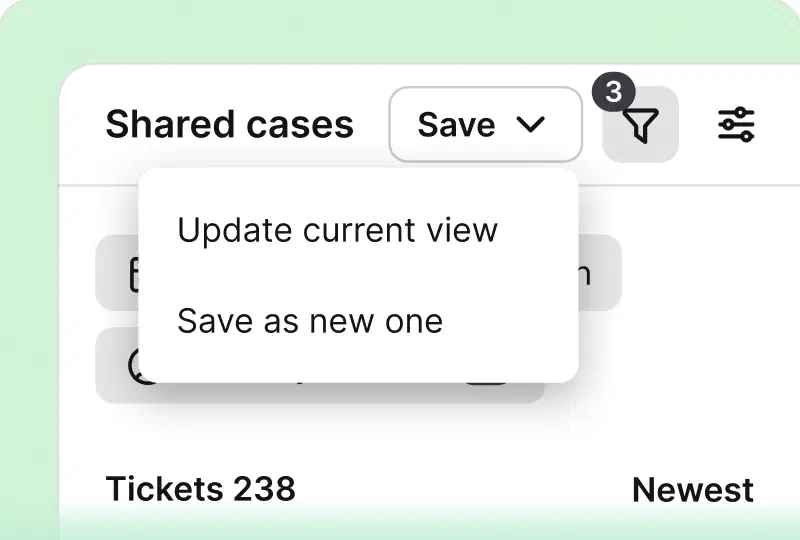
Tags and search bring back any case in seconds
Statuses and priorities show what's urgent at a glance
Every request gets an owner, automatically
Tags and search bring back any case in secondsOr browse the full list of features
ai help desk
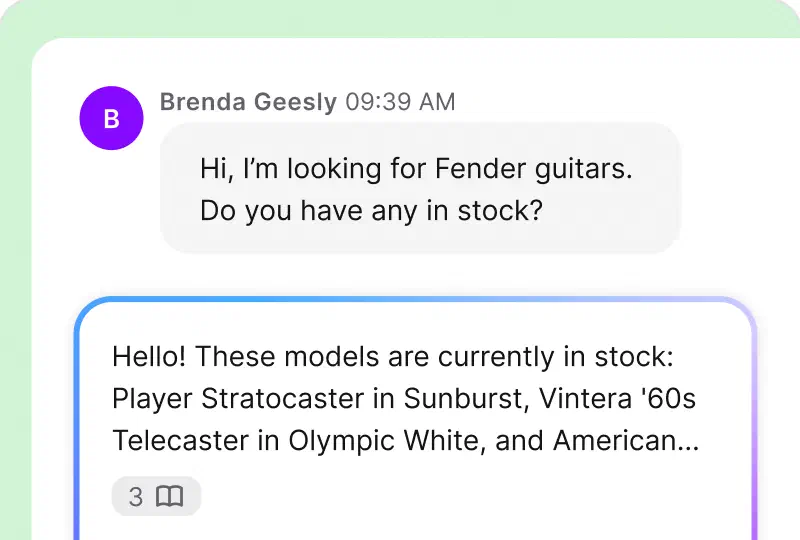
Think of it as the support hire you don't have to make. The AI agent learns from your help center, docs, and files, then answers common questions the moment they arrive.
Replies drafted from your help center, ready in one click
Ticket summaries catch you up in seconds
Answers 24/7, in the customer's languageOr see what the AI help desk can do
Up to 73%
of customer cases resolved before a ticket is created
24/7
answers in the customer's language, with a clean handoff to your team
+266%
lift in visit-to-order rate for ecommerce stores running Text's AI agent
I'm not a programmer and sometimes when you look at the technical part of any tool, it seems a little daunting. So it was nice to be able to look at the workflow examples that are ready to go. It's really simple.Melissa Hannam,
100+
tickets handled within four hours through prioritization and tagging at Valley Driving School.
39%
less time spent per ticket at Brastel.
Customer service software for a small business has one job: end the app-switching. Website chat, email, WhatsApp, Messenger, and SMS land in the same queue, so you answer everything from one screen.
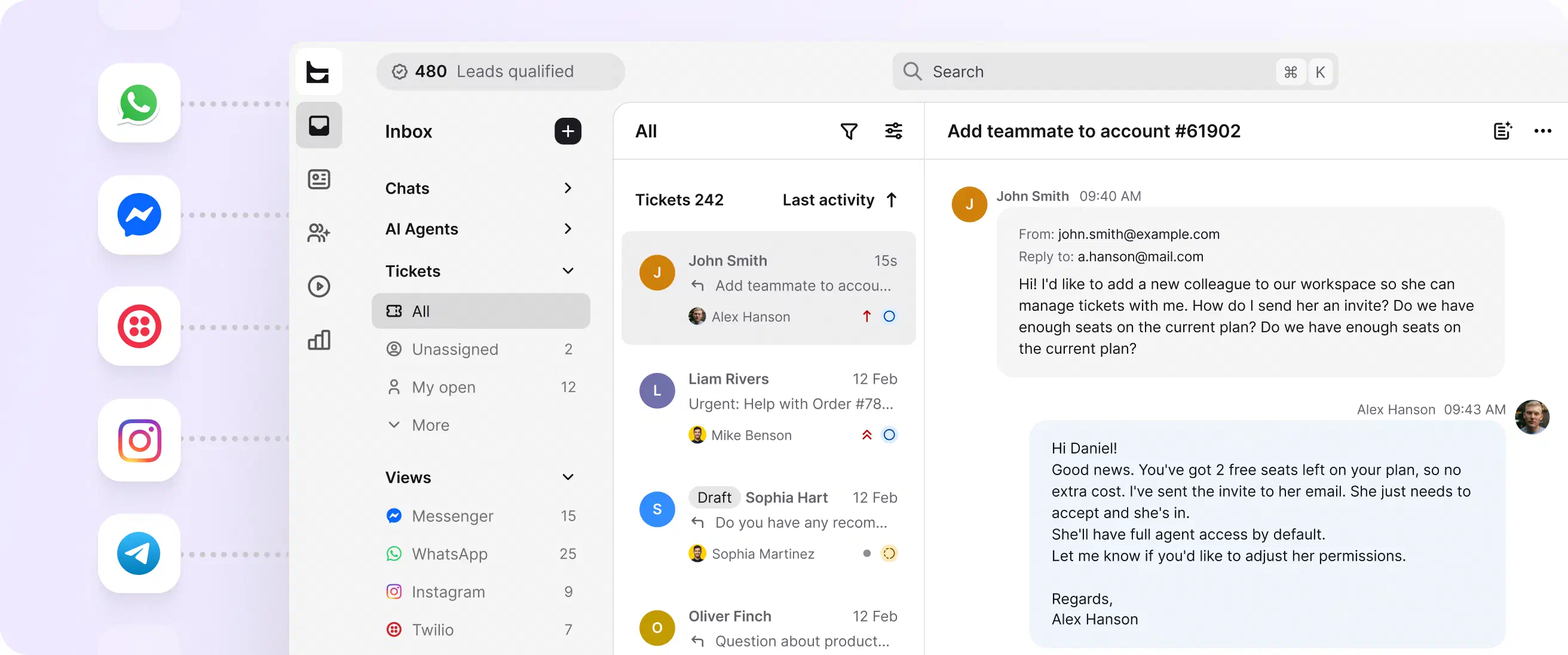
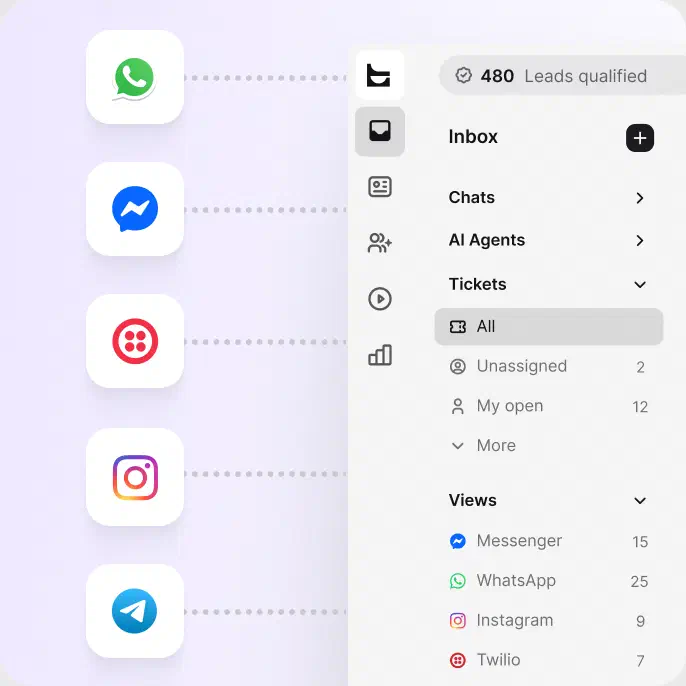
Our email ticketing system captures every message: forward your support address and every email becomes a tracked ticket. Replies go out from your own domain.
Talk to visitors in real time on your site. Turn any chat into a ticket in one click, with the transcript attached.
Meet customers on WhatsApp, Facebook Messenger, and SMS without adding another tool to check.
Drop the AI-powered chat widget on your site in a few clicks. No code and no developer needed.
help desk automation
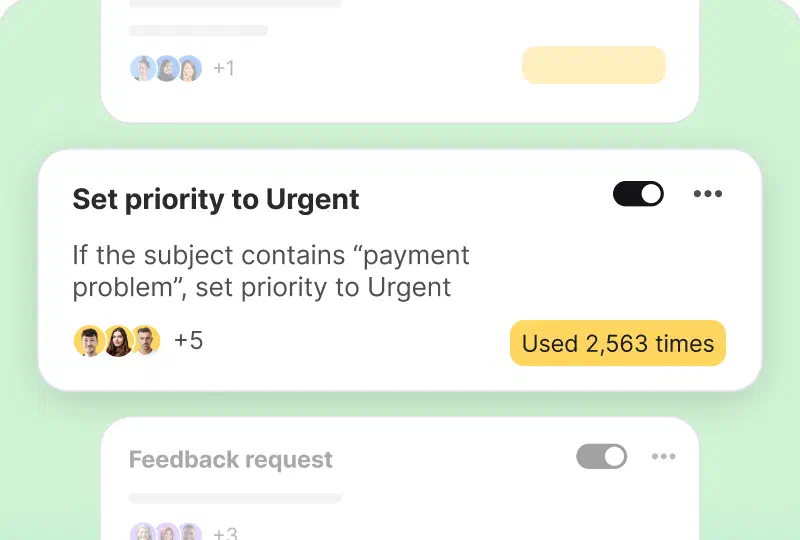
Assigning, tagging, replying, closing: automation handles the routine, so a small team moves like a bigger one.
Rules tag, route, and follow up on their own
Canned responses end the retyping
Ready-made templates work from day oneOr read more about help desk automation
team collaboration
In a small business, support is shared between sales, ops, and the founder. HelpDesk shows who's on what, and how the week went. No spreadsheet required.
Collision detection, so two people never answer the same customer
Private notes keep the discussion inside the ticket
A weekly report shows volume, response times, and satisfaction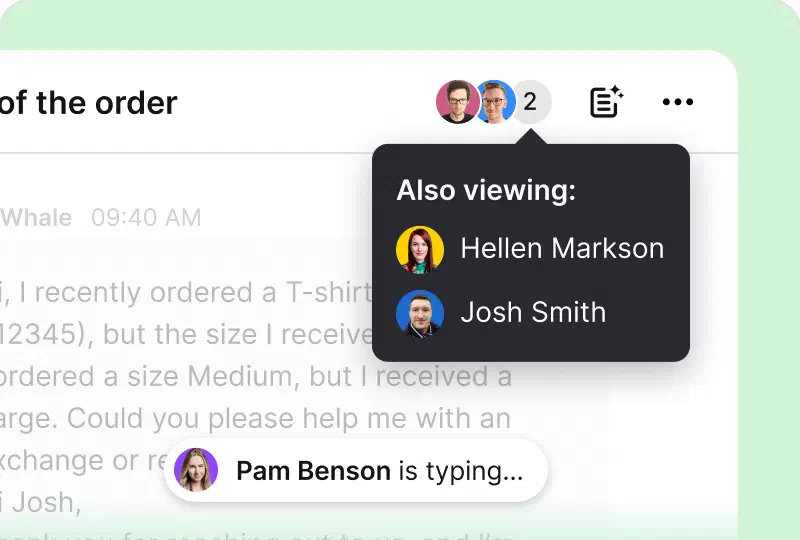
Enterprise help desks assume you have admins, onboarding budgets, and months to launch. HelpDesk assumes you have customers waiting.

Handling support between product work? Let the AI agent take the first shift and keep every request in one place.
I have a startup
Sales, support, and general questions land in one inbox, so whoever is on duty sees everything and answers fast.
I have a small business
Give your agents views, automation, and reports that keep the workload fair and the response times short.
I have a support teamNo matter how many agents you have, your questions get our highest priority. Start a chat for immediate help.
Chat with us
Help desk software for small business turns every customer question, from email, chat, or social media, into a ticket your team can track, prioritize, and resolve in one place. Unlike a shared inbox, it gives a small team structure that scales: statuses, assignments, automation, and reporting, without enterprise setup or enterprise complexity.
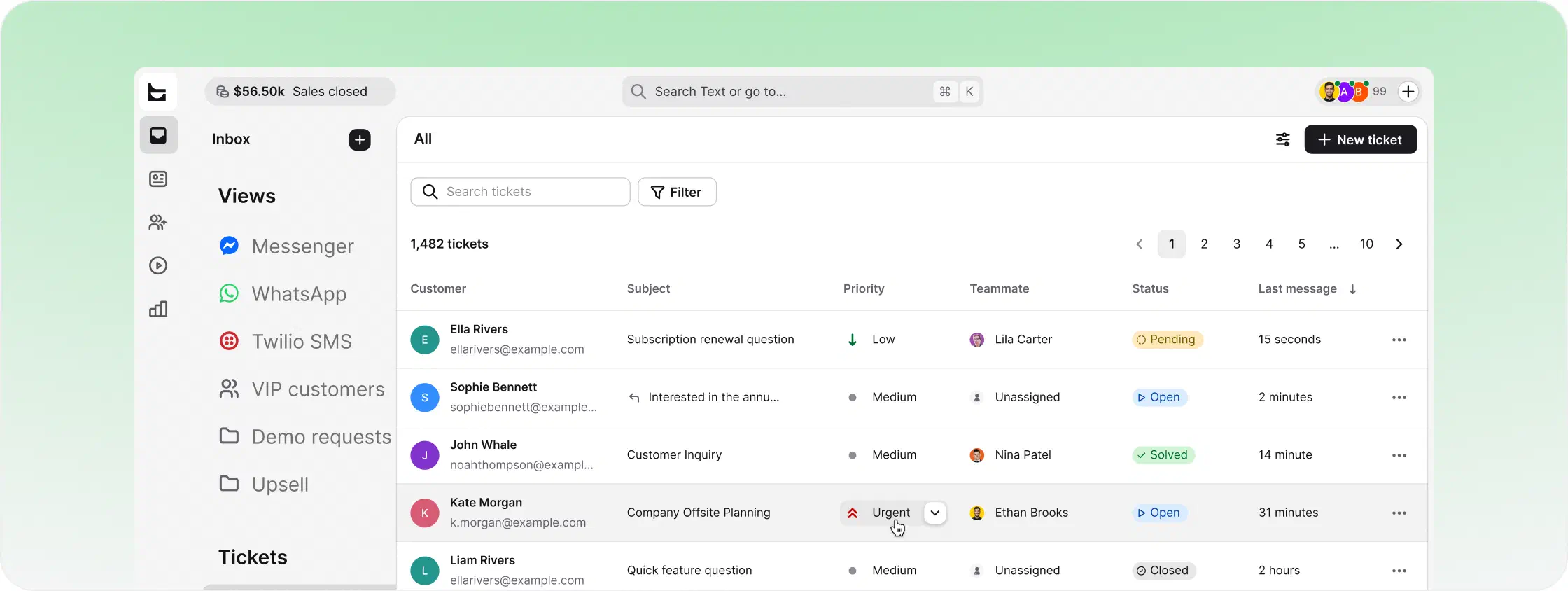
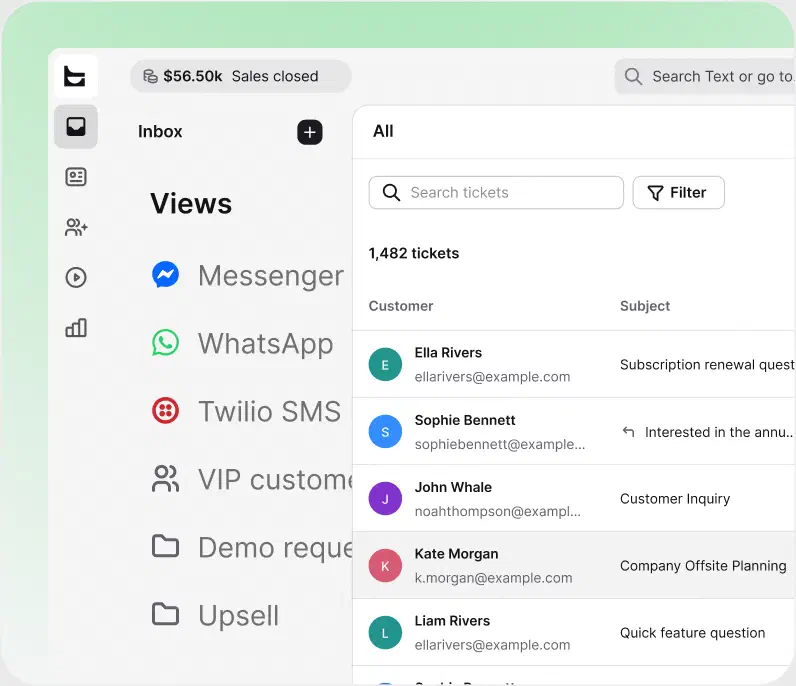
A shared inbox works until the day two people answer the same customer, or nobody does. A small business ticketing system fixes that by giving every request a status, an owner, and a history. You can see what's waiting, what's handled, and who has it, even when support is one of five jobs a person does.
The switch usually pays off around a few hundred requests a month. Whether they come from customers or your own staff, the flow stays the same: a request lands as a ticket, gets an owner, and gets done.
Ignore the feature checklists with 200 rows. Five things decide whether small business help desk software earns its keep.
Email, chat, and messaging apps should land in one queue. If you still check three tabs, the tool isn't doing its job.
Forward an email, paste a snippet, point the AI at your docs. If launch requires a consultant, keep looking.
Many tools sell AI as a paid extra. With HelpDesk, an AI agent comes with every plan.
Collision detection, private notes, and fair assignment keep a shared queue from turning into chaos.

Views, automation, reporting, and integrations should be waiting when you need them, not force a migration later.
Comparing options side by side? See how HelpDesk stacks up in our ranking of top help desk software, browse the full list of features, or dig into the AI help desk capabilities.
Help desk software for small business turns every customer question, from email, chat, or social media, into a ticket your team can track, prioritize, and resolve in one place. Unlike a shared inbox, it gives a small team structure that scales: statuses, assignments, automation, and reporting.
Yes. Start with one inbox and a couple of teammates, then add teams, automation rules, and shared views as volume grows. Reports and roles are already built in, so scaling support means inviting people, not migrating to a new tool.
A shared inbox shows messages. A ticketing system shows work. Each ticket carries a status, an owner, a priority, and a history, so your team knows what's handled and what's next. That structure is what keeps support consistent once volume grows past a few hundred requests a month.
No. You forward your support email, add the chat widget to your site with a snippet, and point the AI agent at your help center or docs. Most small teams do the whole setup themselves in an afternoon.
A ticketing system is the engine inside a help desk. It converts each request into a ticket with a status, an owner, and a full history, so nothing gets lost and anyone on the team can pick up a case and see what happened. For most small businesses, it replaces a crowded shared inbox.
Five things: every channel in one inbox, setup you can do yourself, AI that's included rather than a paid add-on, tools that let the whole team work the same queue, and room to grow. If a tool needs a consultant to launch, it isn't built for a small team.
Yes, a large part of it. The AI agent included with HelpDesk resolves up to 73% of customer cases before a ticket is created and hands the rest to your team with full context. It answers 24/7, so questions get resolved even when everyone is off the clock.
Yes. HelpDesk comes with a free 14-day trial and no credit card required, so you can test it on your real tickets and invite your team before you decide.
 HelpDesk.com

HelpDesk.com does exactly what it says on the tin, no fuss! It's simple and clean interface makes dealing with tickets a breeze.Yan Schwitz S. on Capterra
HelpDesk.com
HelpDesk.com is easy to use and straight forward. It includes automations for sending messages.Chase on SoftwareAdvice
Free 14-day trial No credit card required
You'll be in
good company


