
 AI ticketing & automation
24/7/365 support
SOC 2 & GDPR
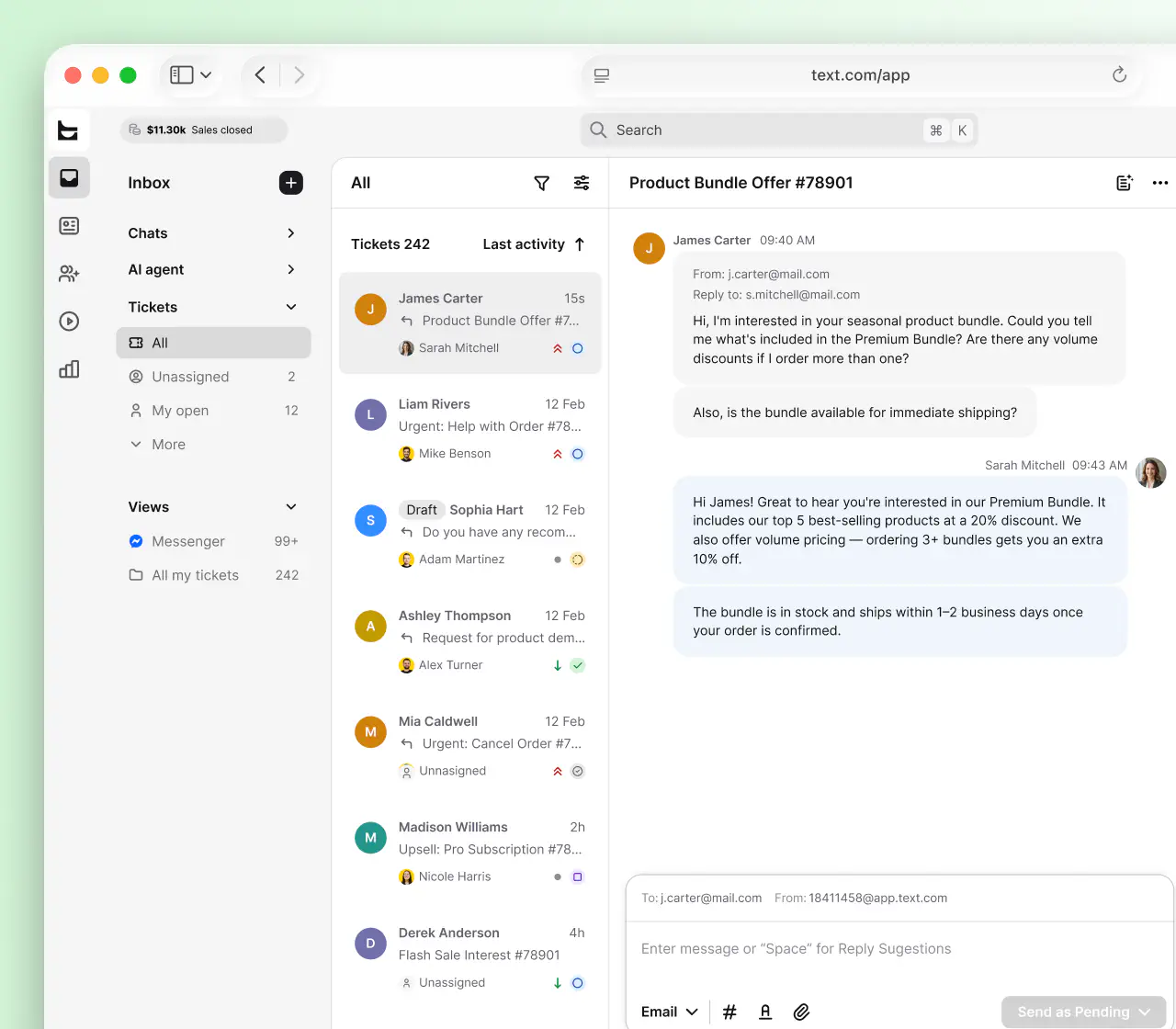
HelpDesk runs entirely in your browser. Nothing to install, nothing to maintain, no servers to look after. Log in from any device, pick up every conversation where it left off, and let AI clear the routine tickets while your team handles the ones that matter.
Free 14-day trial 5-minute setup No credit card required
Text products are trusted by 35,000+ leading brands














Skip servers, installs, and patch cycles. HelpDesk handles all maintenance, and you get the latest version every time you log in.
A cloud help desk lives in the browser. Desktop at the office, tablet at home, phone on the road: the queue is always the same.
Pay for the agents you have today and adjust anytime. No hardware budget, no upgrade projects, no on-premises overhead.
No credit card required
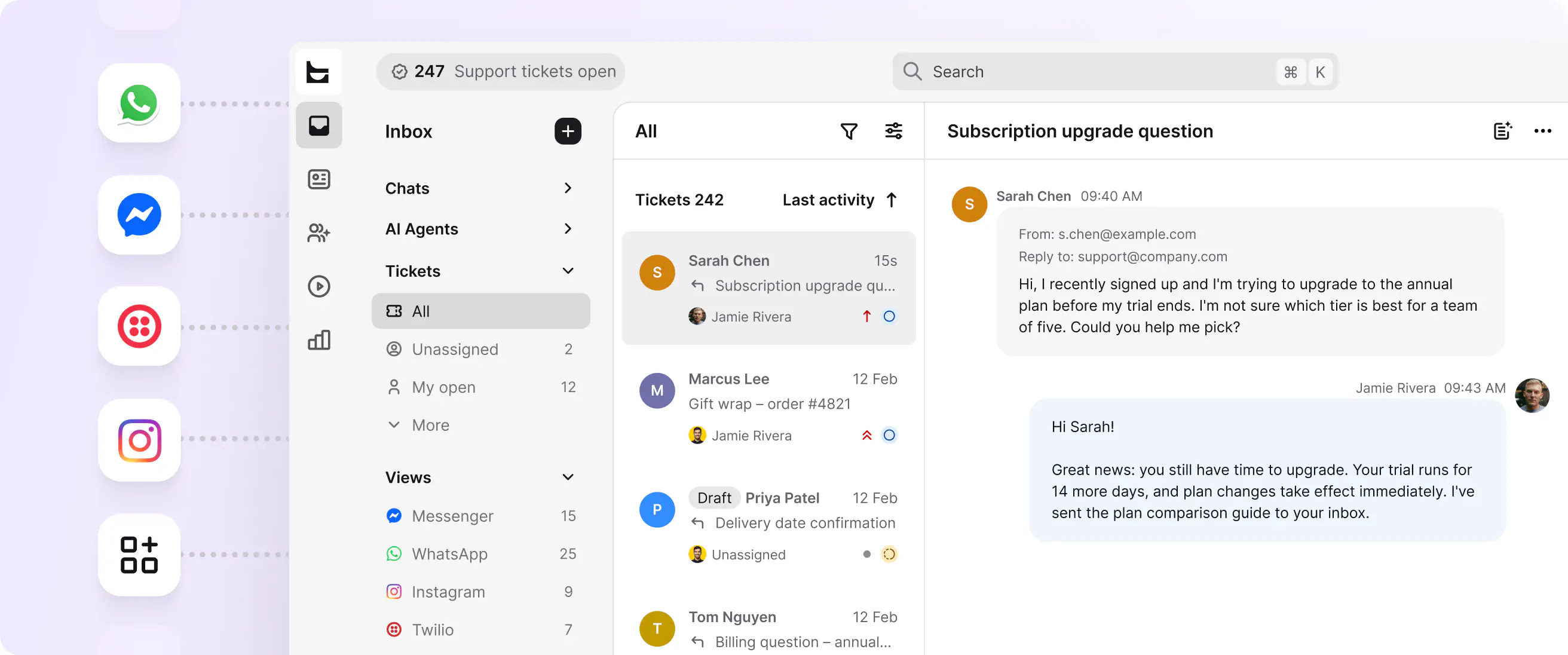
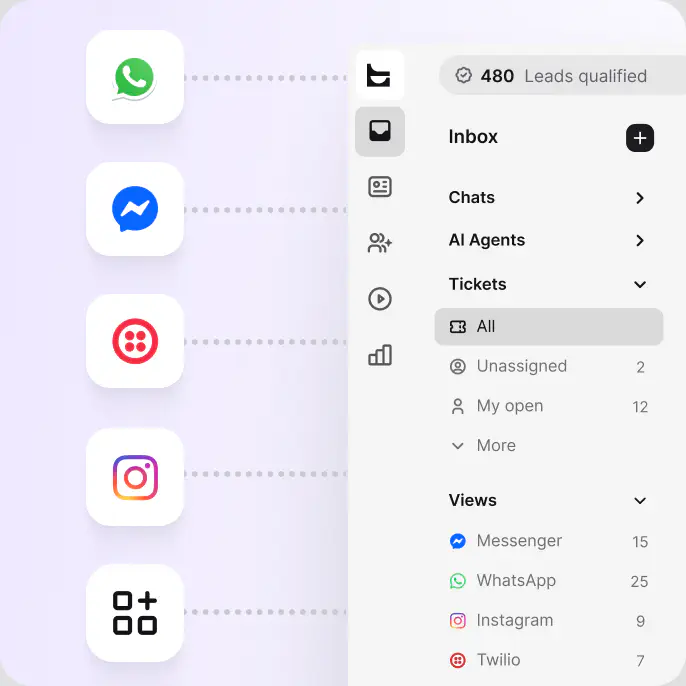
Every message becomes a trackable ticket in a shared inbox.
Real-time conversations on your website, handled in the same workspace.
Social conversations flow into the same queue as everything else.
WhatsApp messages arrive as tickets your team can route and resolve.
Text messages reach the team wherever they work.
No credit card required
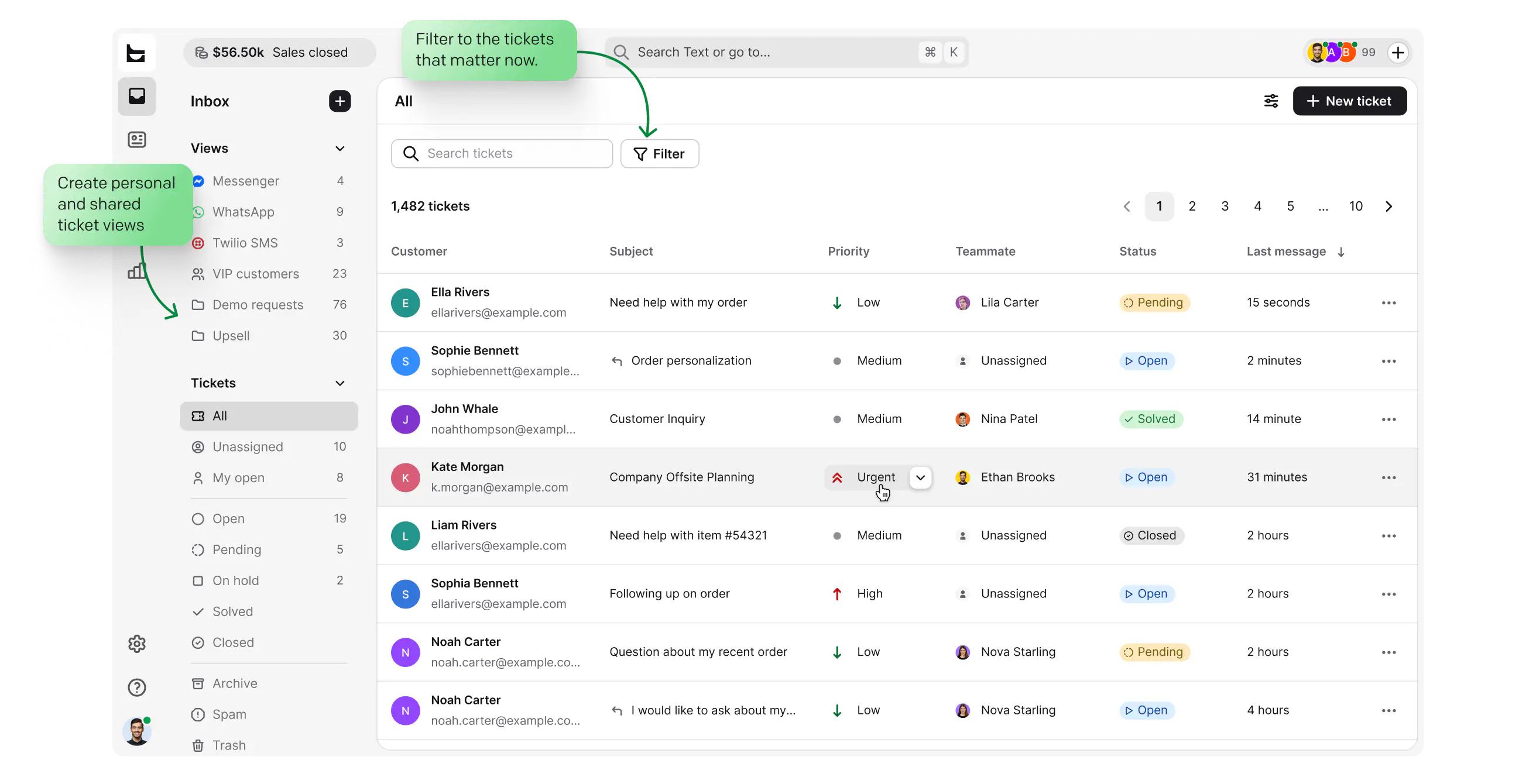
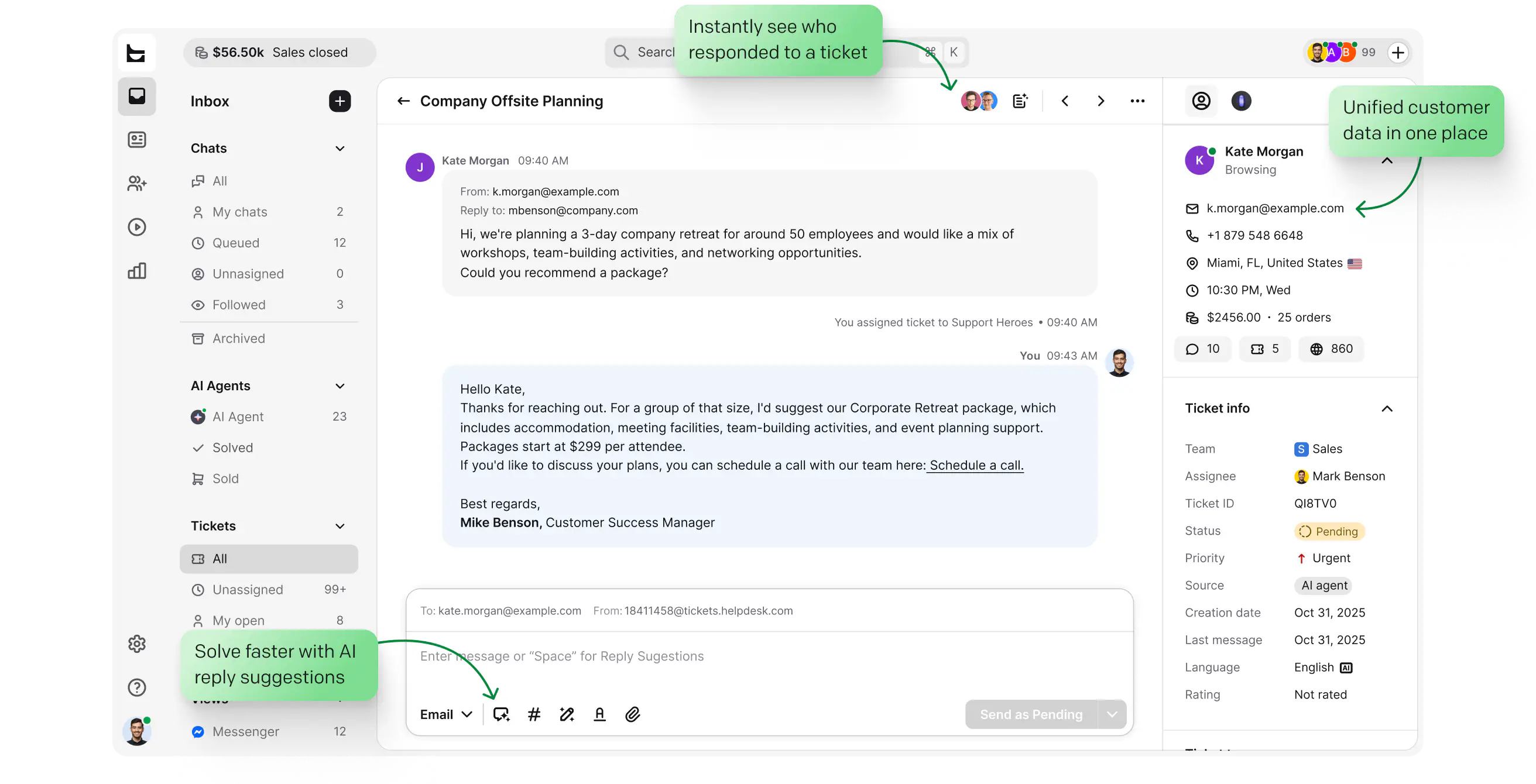
Every channel lands in one queue with clear statuses: open, pending, solved.
Build custom views around the queues your team actually watches.
Surface high-impact tickets and SLA risks first, so nothing urgent slips through.
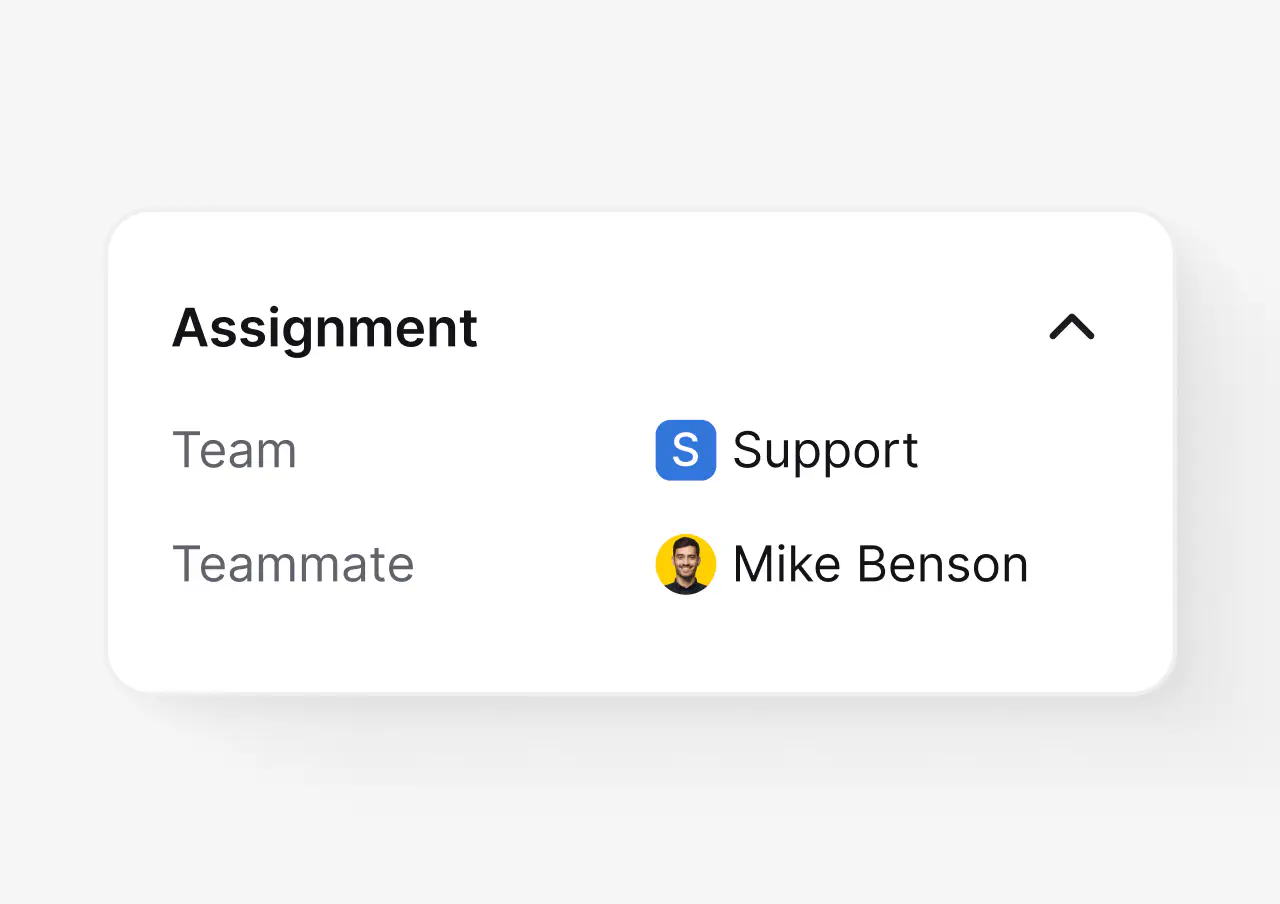
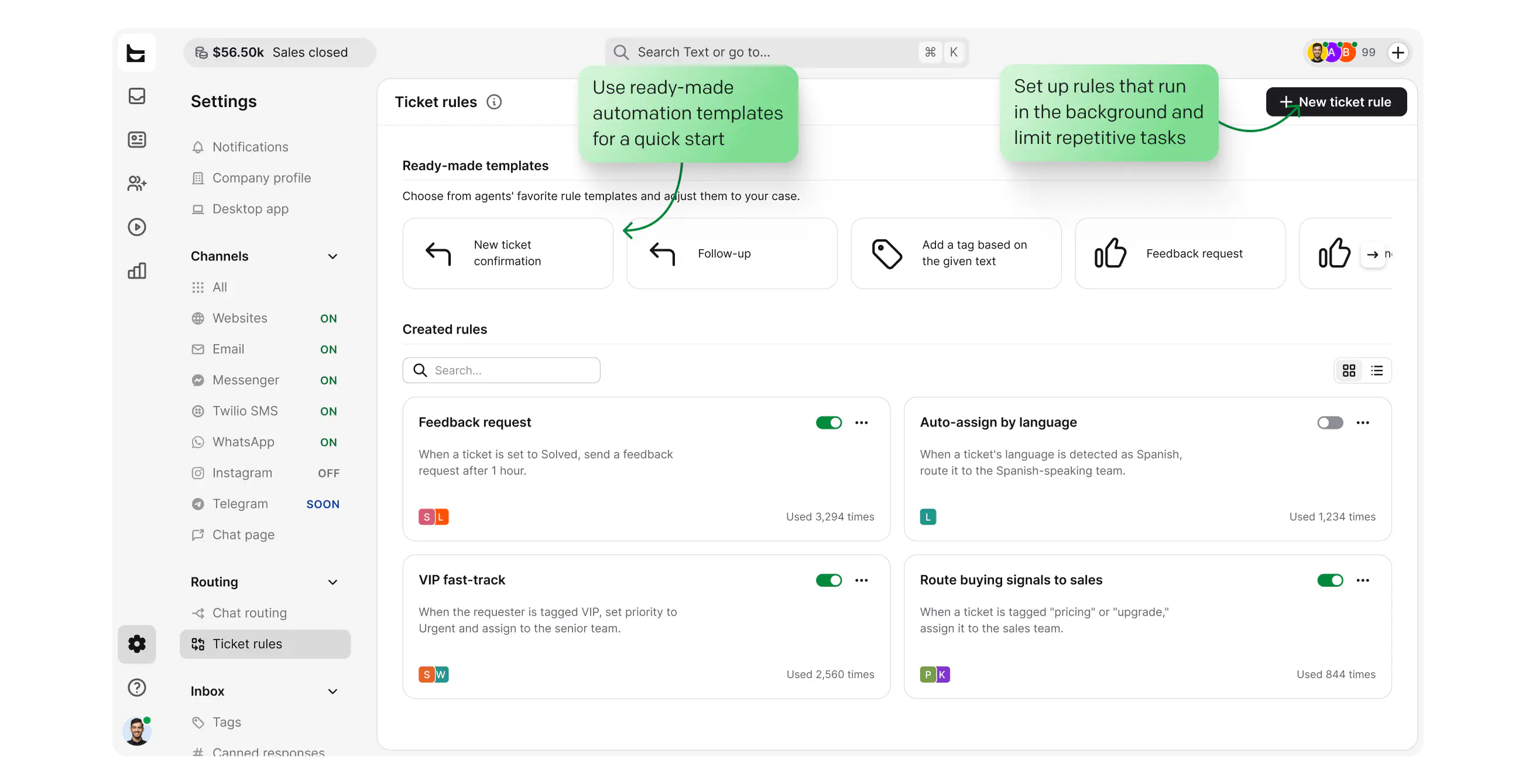
Route work by team, workload, and skills, so ownership is never unclear.
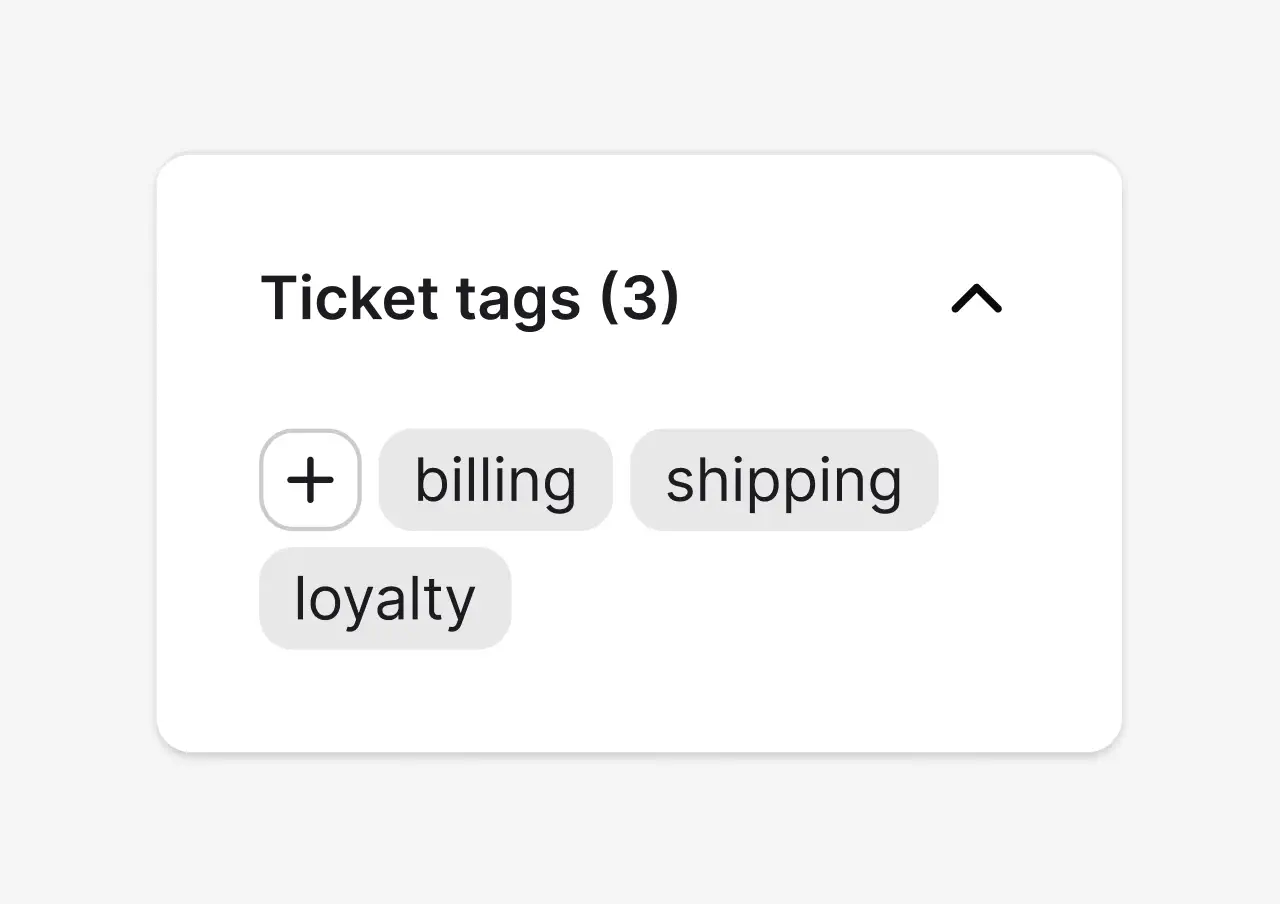
Keep the queue readable and reporting clean without manual triage.
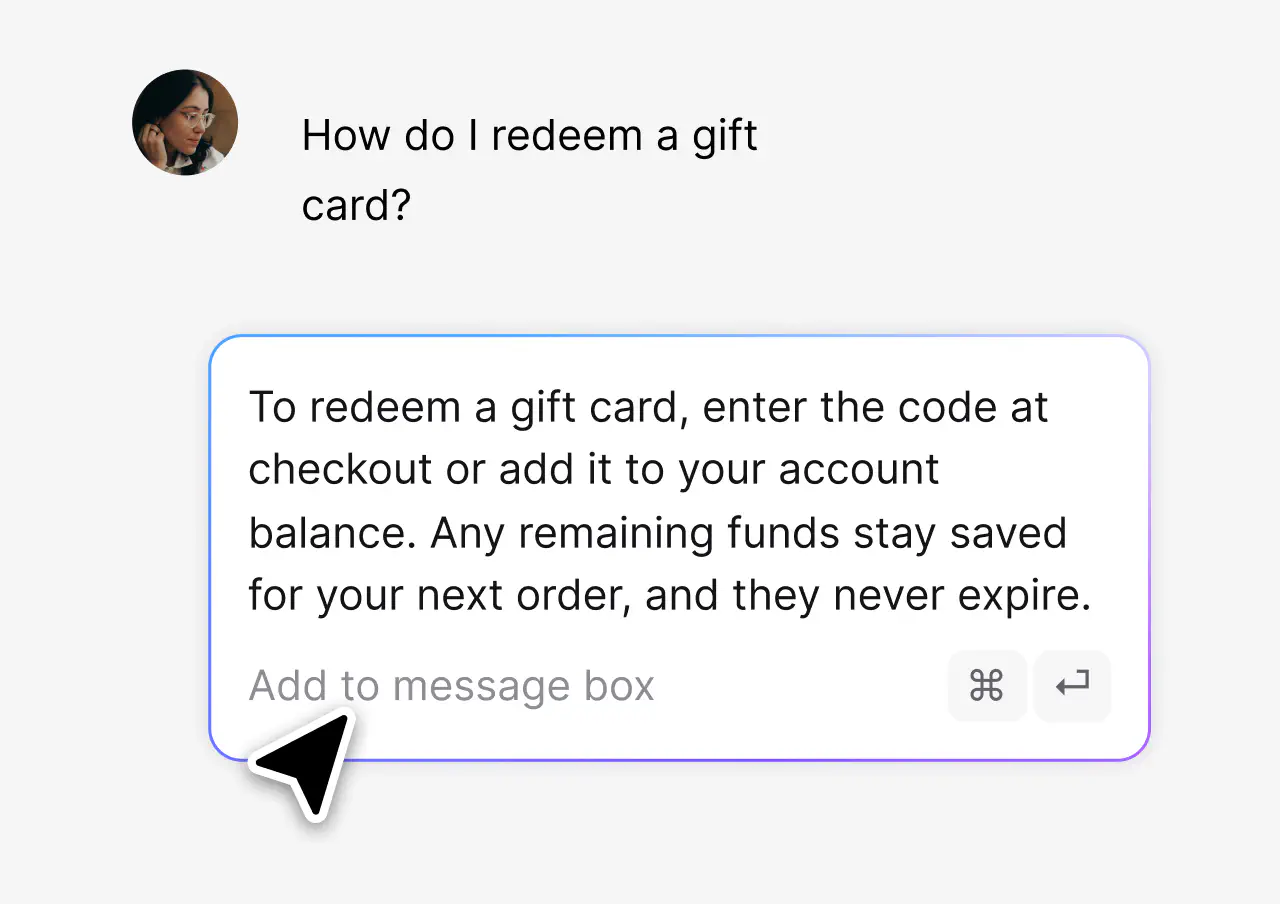
Answer the questions that repeat in one click, consistently.
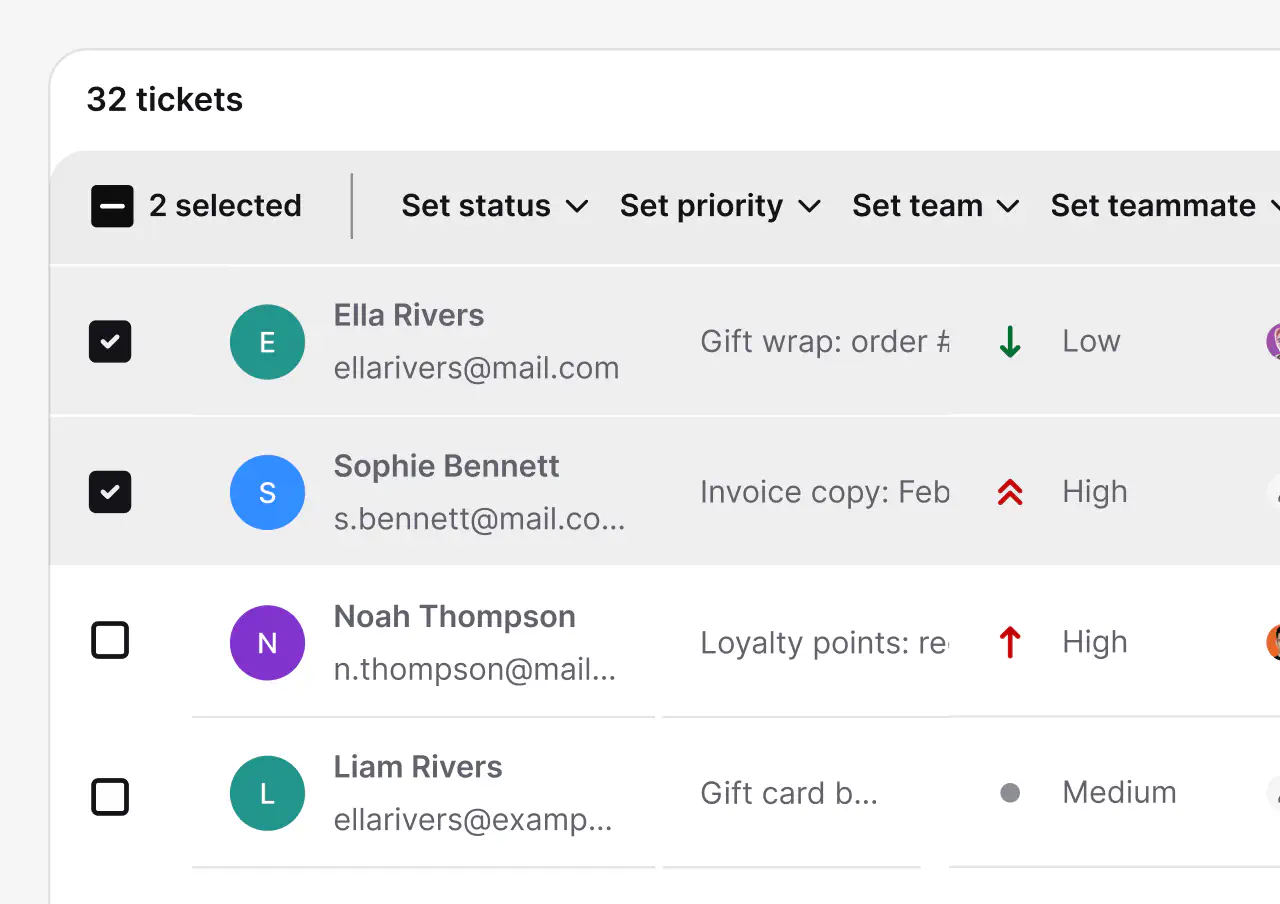
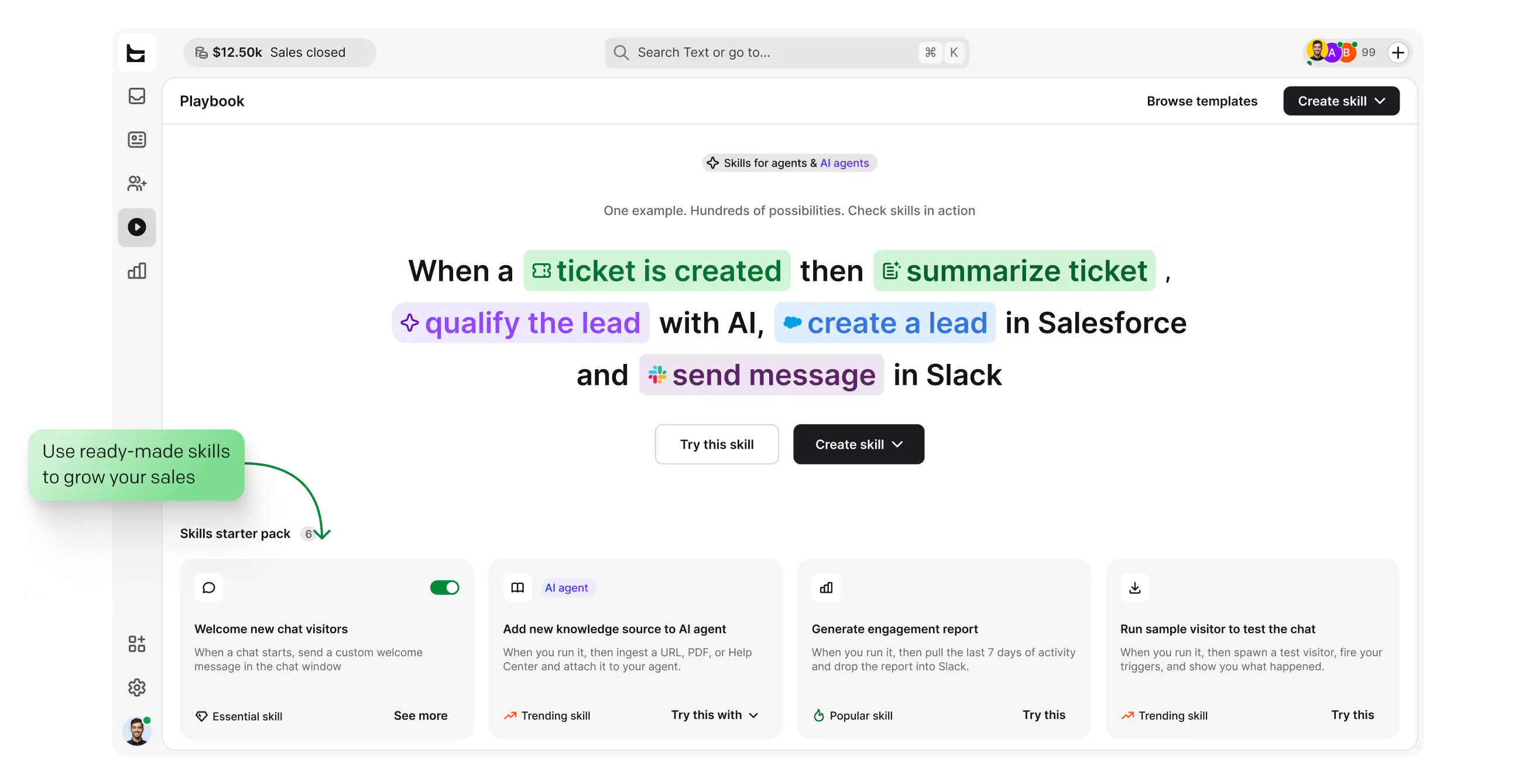
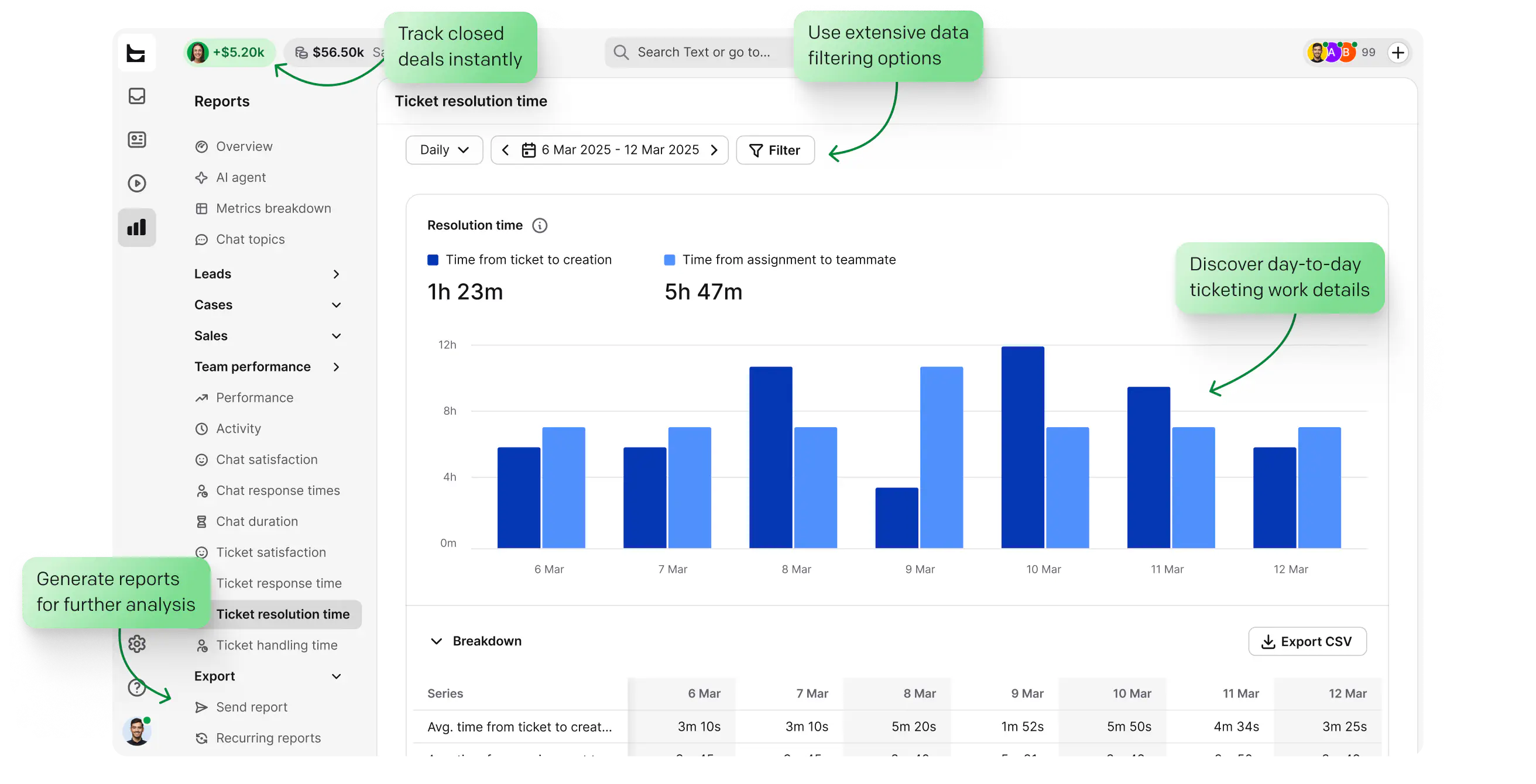
Handle daily actions at scale and see team performance in clear reports.
Desktop, tablet, or mobile: log in and your views, tickets, and history are there. Solve tickets even when you're not at the office.
Updates ship automatically. Every login is the newest HelpDesk, with no downtime windows and no upgrade projects.
Tickets are stored in the cloud and backed up instantly, so a lost laptop never means lost conversations.
Seasonal spike or viral moment, the cloud infrastructure scales with your ticket volume automatically.
The AI Agent resolves 73% of routine cases on average in chat before they ever become a ticket. You stay in control: point it at the knowledge sources you trust and set the escalation paths.
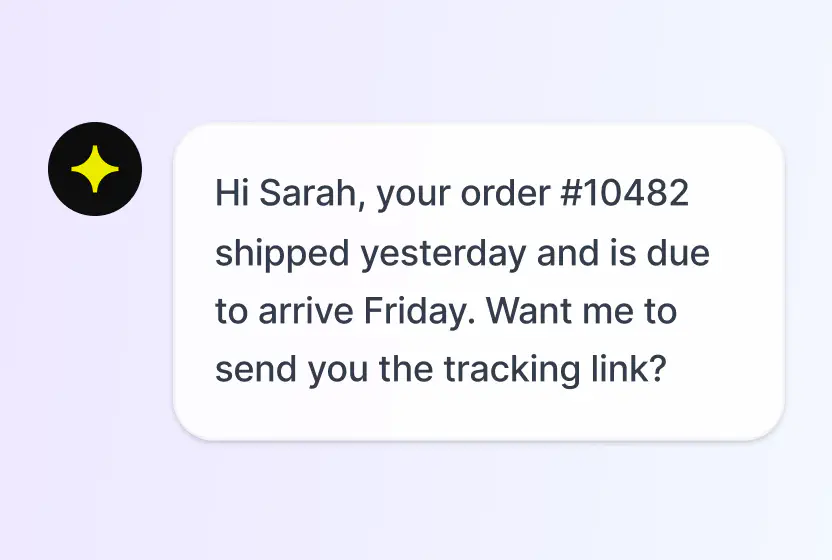
Answers routine questions in chat, hands the rest to your team with context.
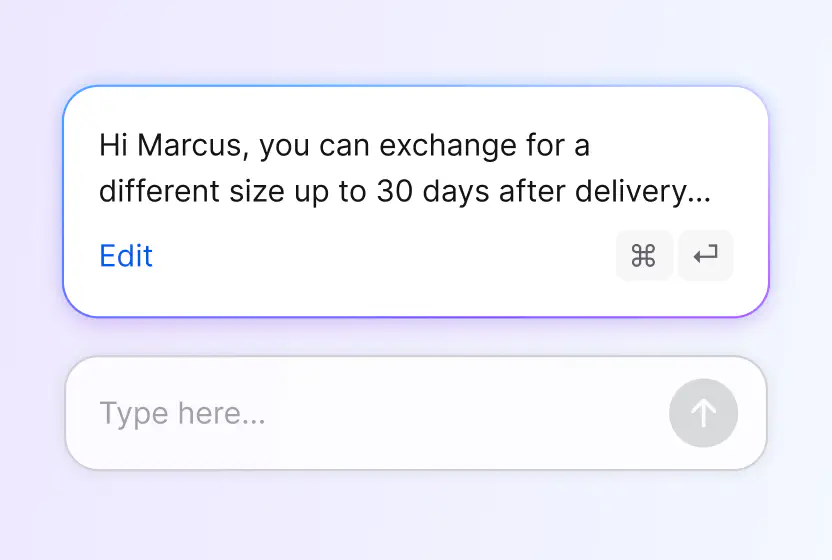
Drafts responses your agents can tune and send.
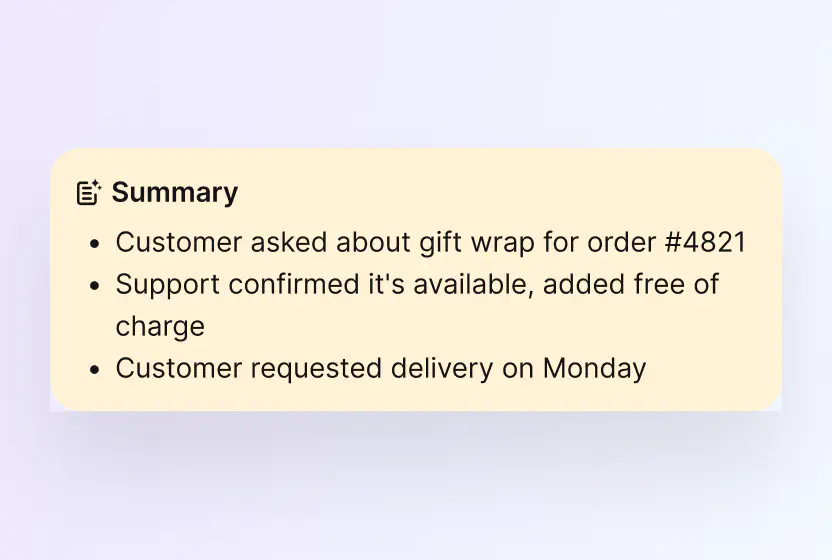
Catch up on any case in seconds.
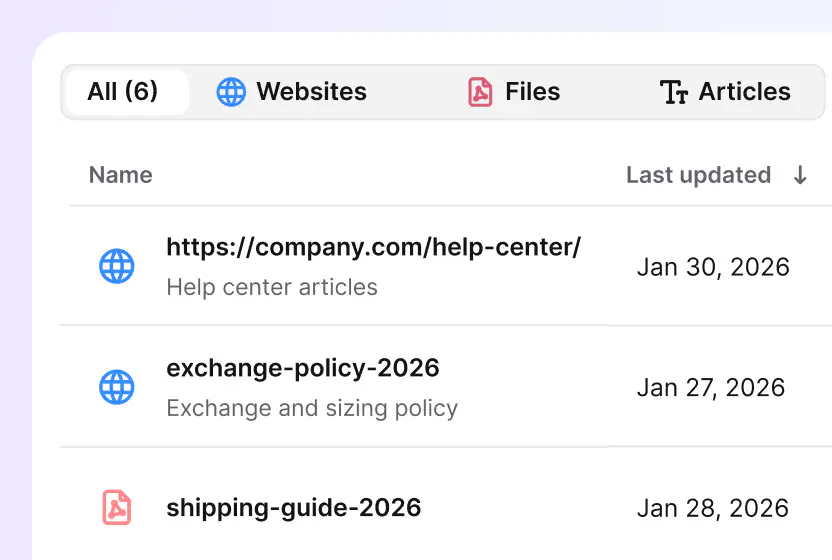
Point the AI at your help center, docs, and files, and nothing else.
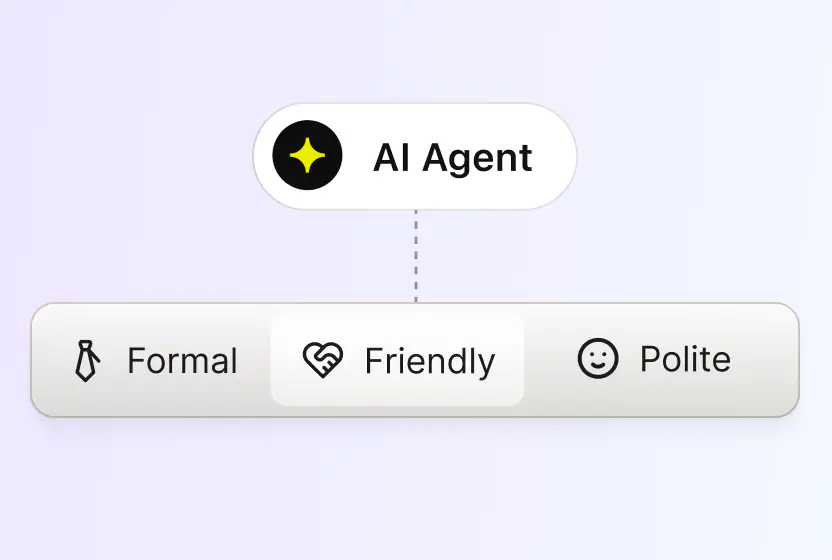
Pick a tone, professional, casual or friendly, and every reply sticks to it.
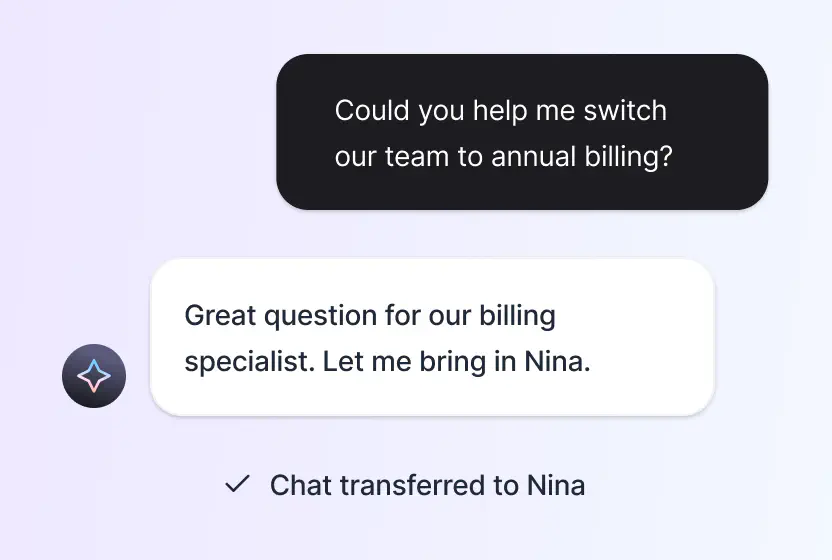
When a case needs human judgment, it reaches the right person with the history attached.
Free 14-day trial No credit card required Advanced ticketing made easy
You'll be in
good company




The minute you create the workflow, you can mark it as ready to go live, and it immediately starts working for you.Melissa HannamDirector of Marketing at Valley Driving School
100+
tickets handled within four hours through prioritization and tagging.
7,000
actions performed by automation instead of agents.
A cloud-based ticketing system turns every incoming request into a ticket you can track, assign, and resolve, hosted online instead of on your own servers. A cloud help desk includes that ticketing core and adds the layer around it: multichannel intake, automation, AI, and reporting. If you're comparing cloud ticketing systems, you're shopping in the same category.
HelpDesk is both. The cloud ticketing system handles capture, routing, and SLAs, while the help desk layer adds live chat, AI Agent resolution, and performance reports. One browser-based workspace instead of separate tools.
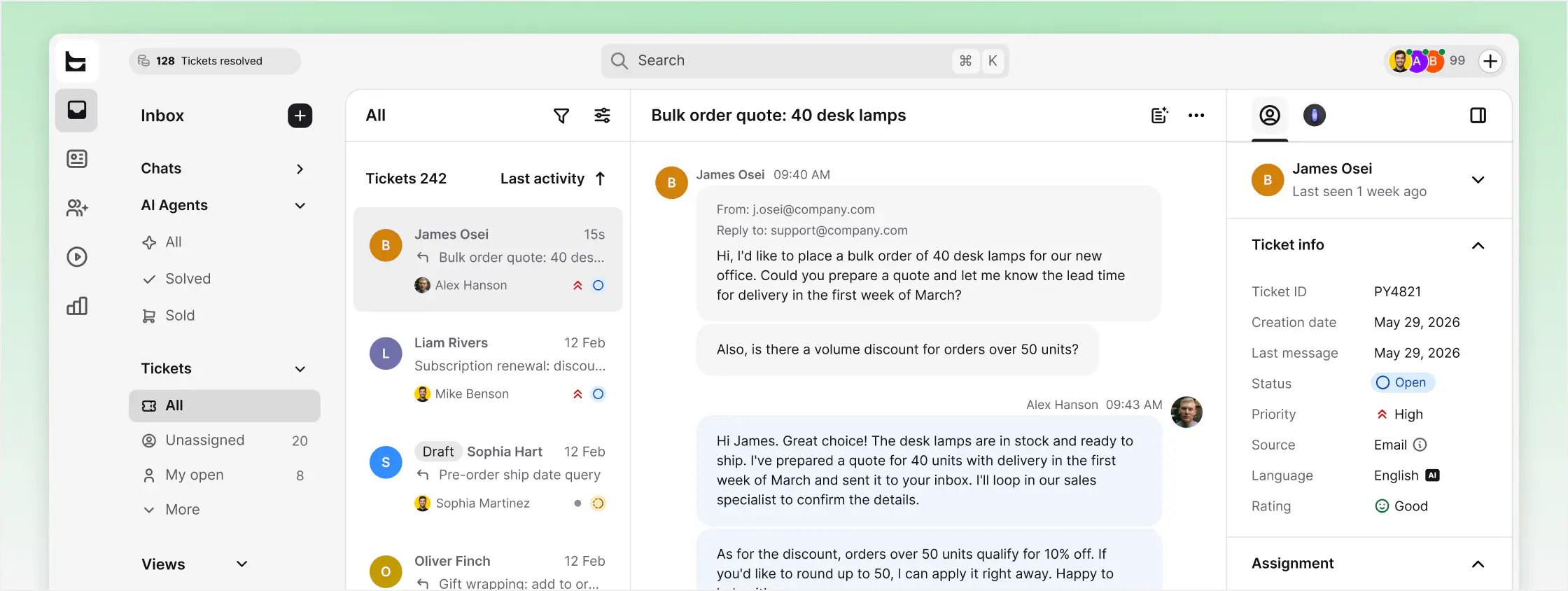
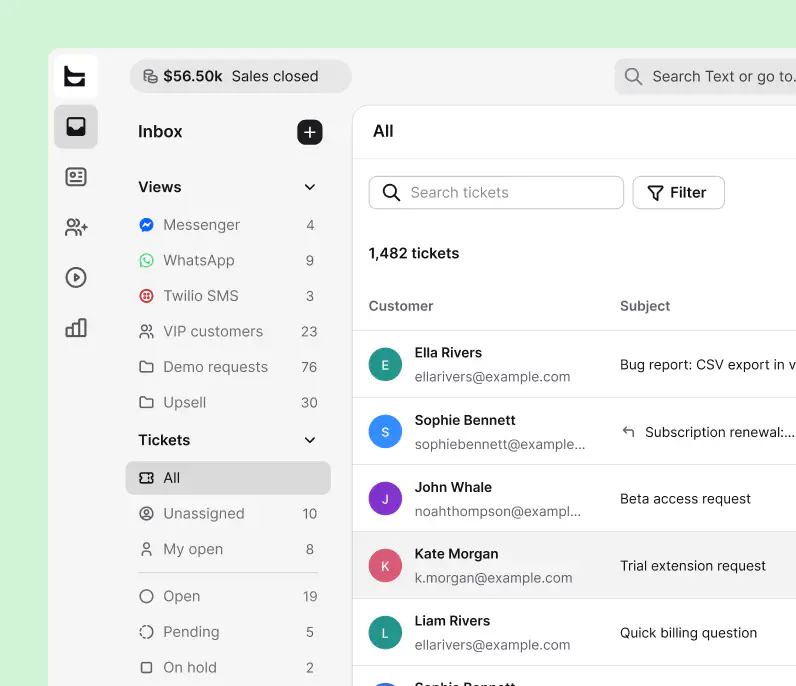
Free 14-day trial No credit card required
Your data is encrypted in transit and at rest, stored in certified AWS data centers, and backed up instantly in the cloud.
 SOC 2
SOC 2
 GDPR
GDPR
 CCPA
CCPA
 PCI DSS
 DPF
DPF
 WCAG 2
 BBB
BBB
Resolving tickets is the baseline. Your help desk can also spot buying intent in a conversation and act on it.
Watch behavior and intent in real time, before a question even becomes a ticket.
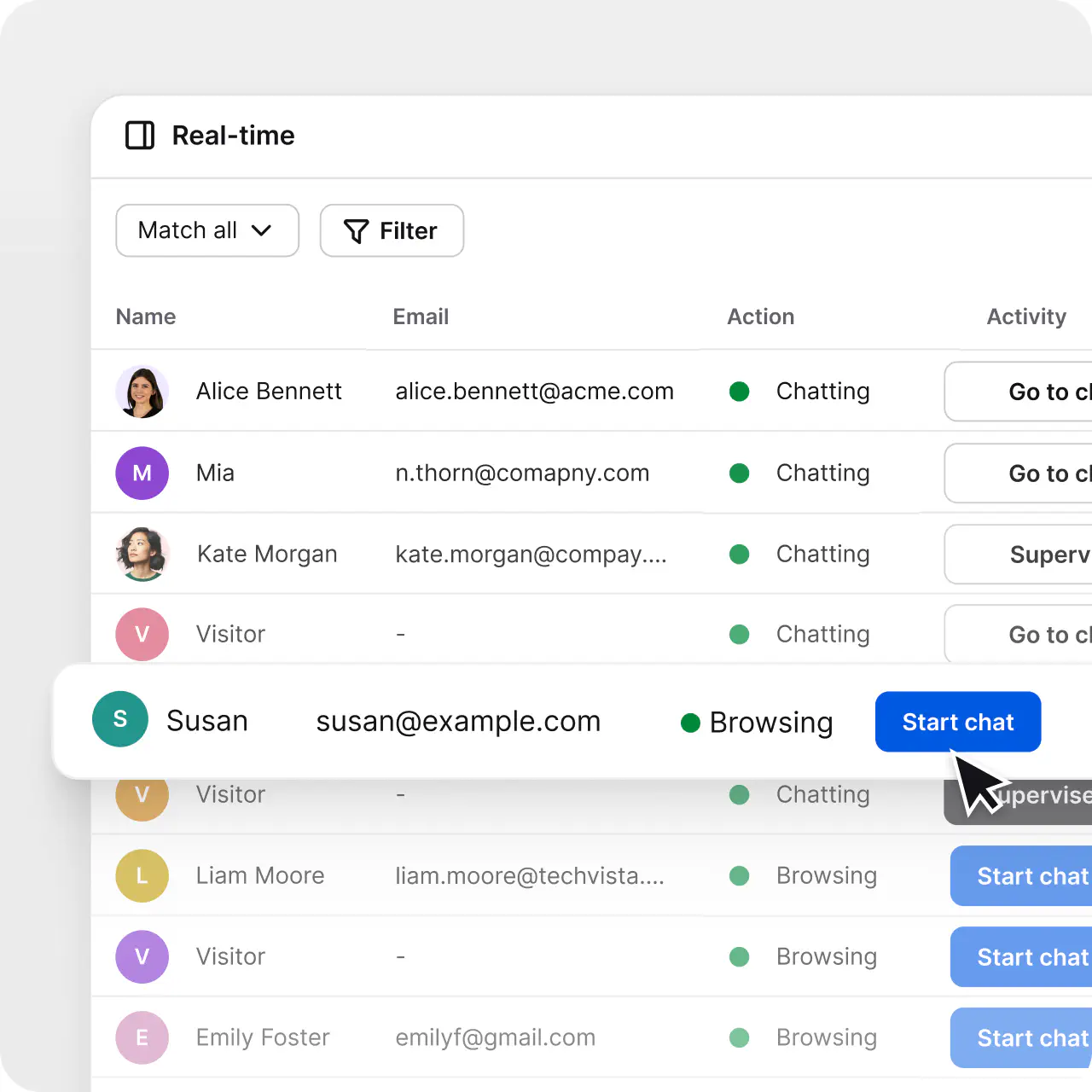
Start the conversation about the product a customer is looking at, at the right moment.
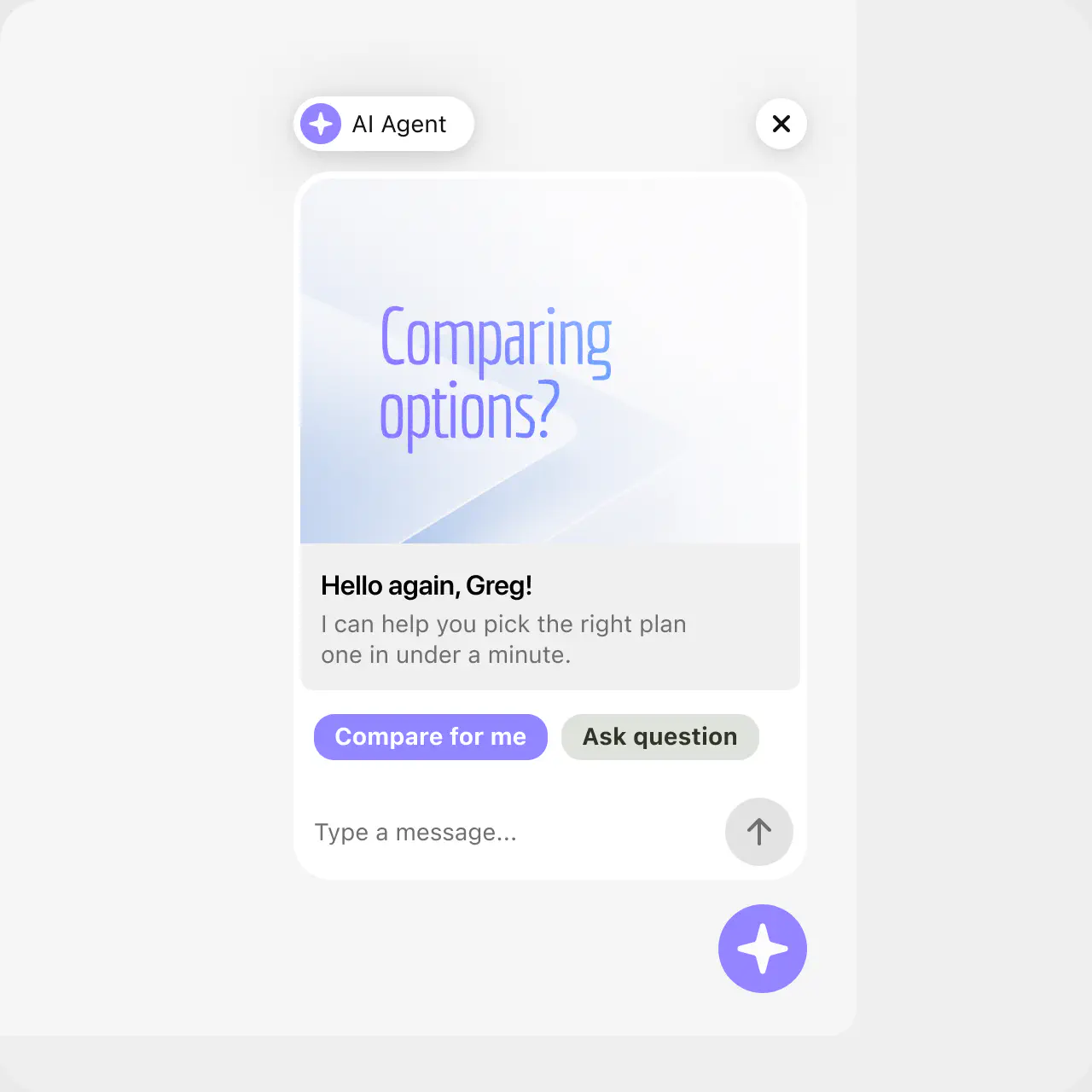
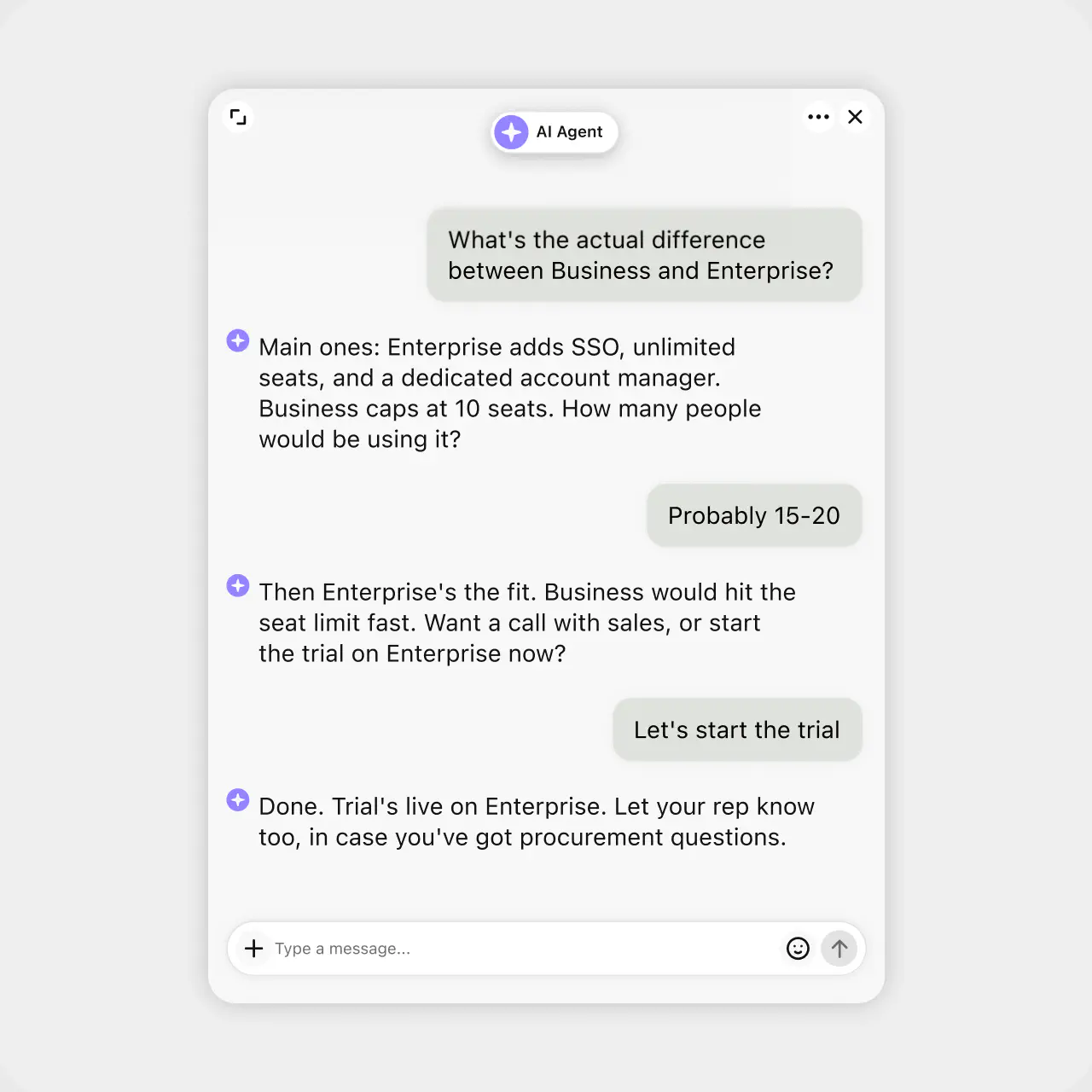
Recommend and help close, then hand off to a human with full context when it counts.
Track the dollars, leads, and repeat customers your conversations generate.
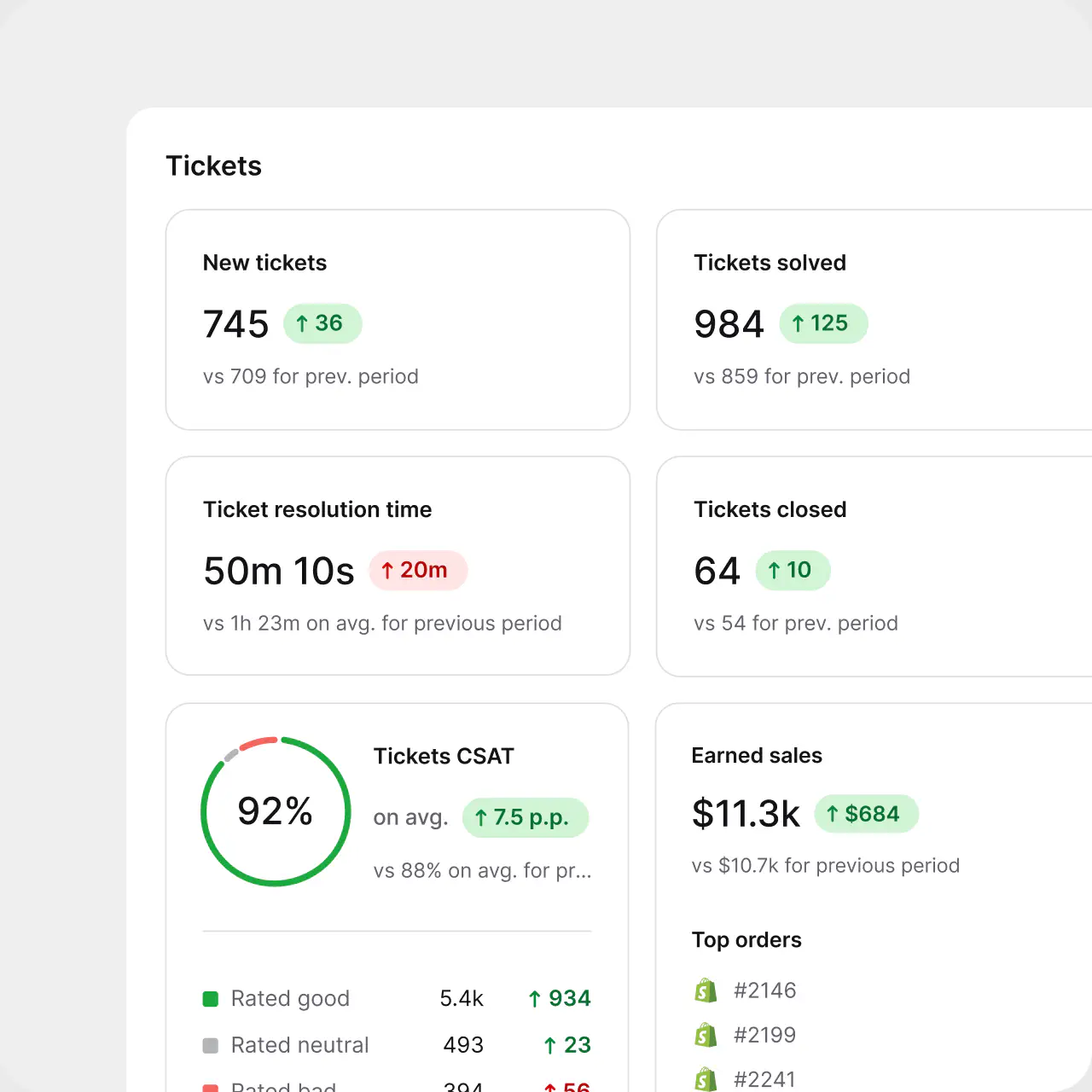
$1.5M
revenue from support chat in six months at Wembley
+25%
revenue from support chat at Sephora
No credit card required
Each agent can spend more time resolving tickets and make our customers happier with an individual approach and better response time.Dalton Hasegawa, Manager at Brastel Co., Ltd.
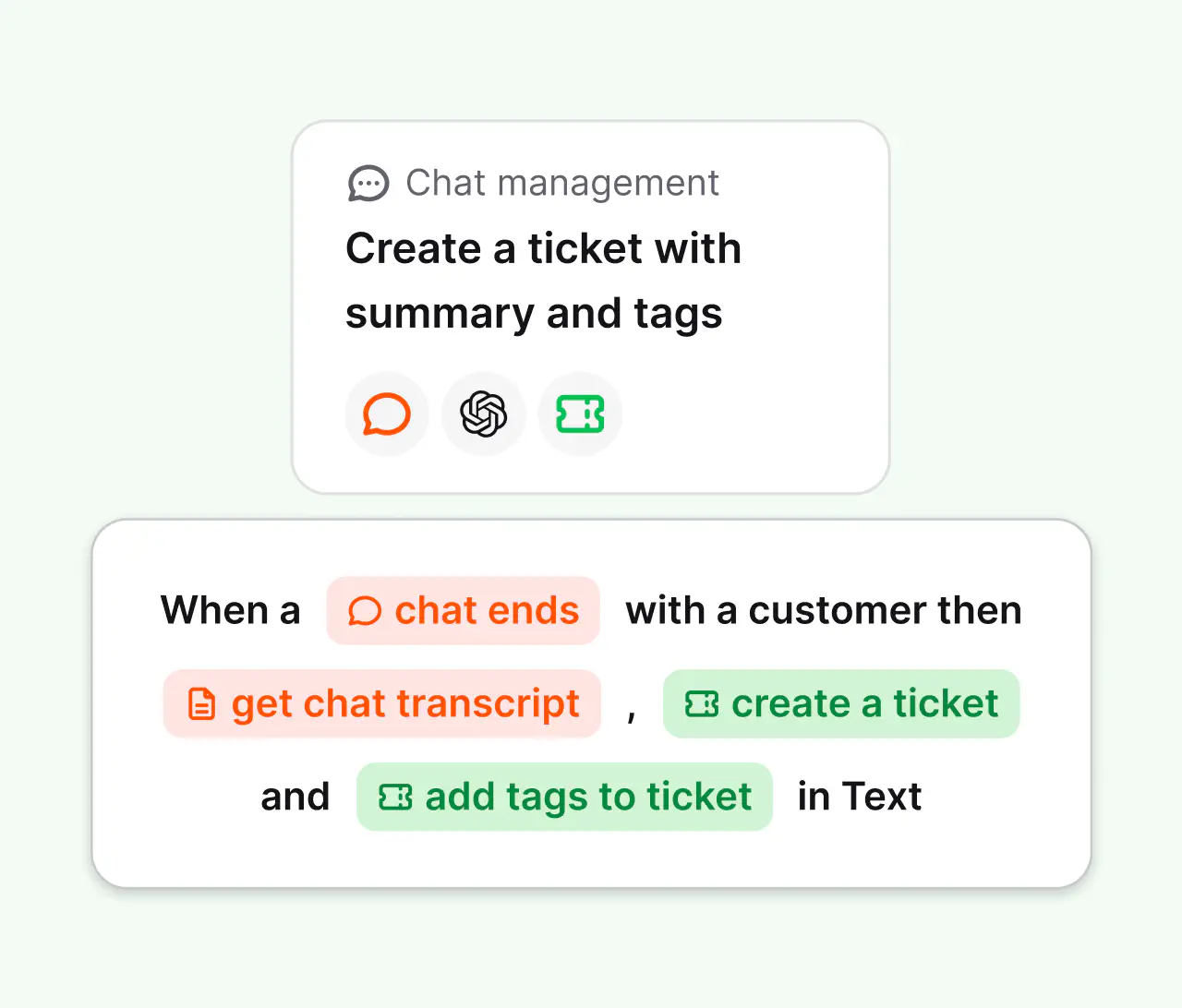
Connect the tools you already use through predefined actions, webhooks, and the API. Build multi-step automations without engineering time.
Create your account. No credit card required.
Bring in email, chat, Messenger, WhatsApp, and SMS.
Let the AI Agent take routine questions while your team handles the rest.
No credit card required
A cloud help desk is customer support software hosted online and accessed through a web browser. It centralizes customer inquiries as support tickets, streamlines case resolution, offers automation, and supports multiple channels. Because it runs on the provider's infrastructure, there is no on-premises hardware to buy or maintain.
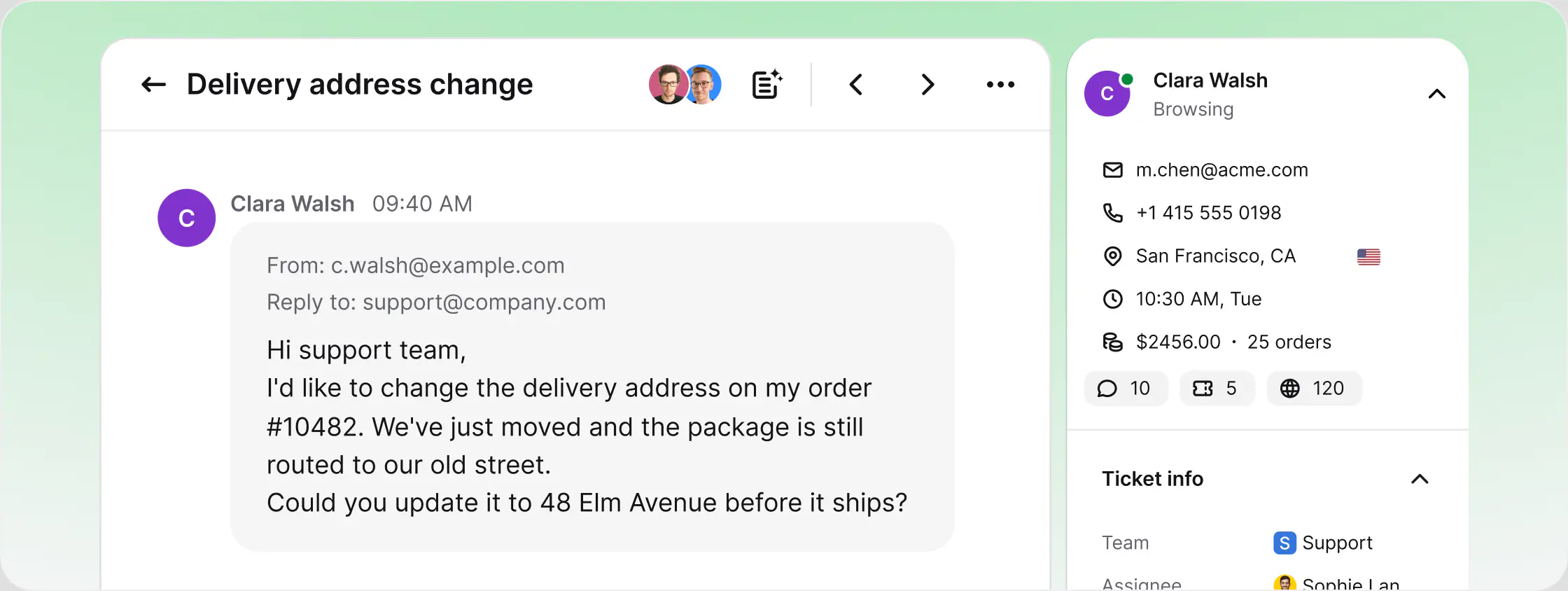
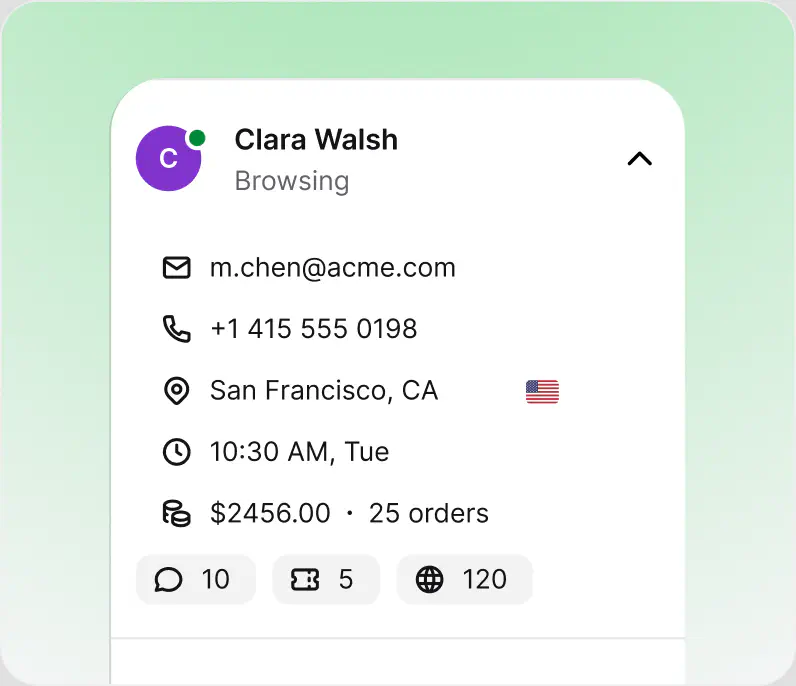
The mechanism is simple: the provider hosts the application, the database, and the backups in the cloud, and your team reaches all of it through a login page. Updates ship on the provider's side, capacity expands as your ticket volume grows, and your data stays available from any device. HelpDesk is a cloud help desk built on this model, with the ticketing core, AI, and reporting delivered in one browser workspace.
An on-premises help desk runs on servers you purchase, host, and patch yourself. You control the hardware, but you also carry the costs: infrastructure, upgrade projects, downtime windows, and an IT team to keep it running. Access is usually tied to the office network or a VPN.
A cloud help desk moves all of that to the provider. Setup takes minutes instead of months, updates arrive automatically, and agents work from wherever they are. For most support teams the decision comes down to cost and speed, and that is why the category has moved to the cloud. HelpDesk is cloud-native: there is no self-hosted version to maintain, and no version to fall behind on.
There is no rollout project. A cloud help desk takes you from signup to a working support queue in four steps:
Create an account and log in. There is nothing to install and no server to provision.
Forward your support email and add live chat, Messenger, WhatsApp, and SMS. Every message becomes a ticket in one queue.
Assignment rules, statuses, and the AI Agent handle the routine flow, so people work only the cases that need them.
Reports track resolution times and team performance, while the cloud infrastructure adjusts to your volume on its own.
When comparing cloud-based help desk solutions, judge them on the things you can no longer control yourself once the software leaves your servers:
Look for SOC 2, GDPR, and encryption in transit and at rest. Ask where the data physically lives: HelpDesk stores it in certified AWS data centers.
Your help desk holds the customer record. Instant cloud backups and a public system status page are the baseline.
Email alone is not enough. One queue for email, chat, Messenger, WhatsApp, and SMS keeps context in a single place.
Routing rules, canned responses, and an AI layer that resolves routine cases before they become tickets.
Subscriptions you can adjust as the team changes, and a real free trial so you can test the tool before paying.
A cloud help desk is support software hosted online: your team manages tickets from any browser, with no servers or installation. HelpDesk is a cloud help desk.
The best cloud help desk software combines multichannel ticketing, automation, AI assistance, and security certifications with pricing that scales. HelpDesk covers all four: email, chat, Messenger, WhatsApp, and SMS in one queue, an AI Agent for routine cases, and SOC 2 and GDPR compliance.
Yes. HelpDesk offers a free 14-day trial. No credit card required, and setup takes about 5 minutes because there is nothing to install.
Yes, through Workflows: predefined actions, webhooks, and the API. Connect tools like Shopify, HubSpot, Salesforce, and Slack, and build multi-step automations without engineering time.
On-premises runs on servers you maintain; cloud runs on the provider's infrastructure with automatic updates and access from anywhere. Most teams choose cloud for lower cost and faster setup.
HelpDesk does. The AI Agent resolves 73% of routine cases on average in chat before they ever become a ticket, and agents get reply suggestions and ticket summaries inside the same browser workspace.
HelpDesk brings email, native live chat, Messenger, WhatsApp, and SMS into a single queue, so every conversation becomes a trackable ticket regardless of where it started.
Sign up, connect your channels, and start resolving cases. Because HelpDesk is cloud-based, there is no installation: create an account, forward your support email, and your team can work from any device the same day.
Free 14-day trial No credit card required