
 SOC 2 & GDPR
AI replies & automation
Email to tickets
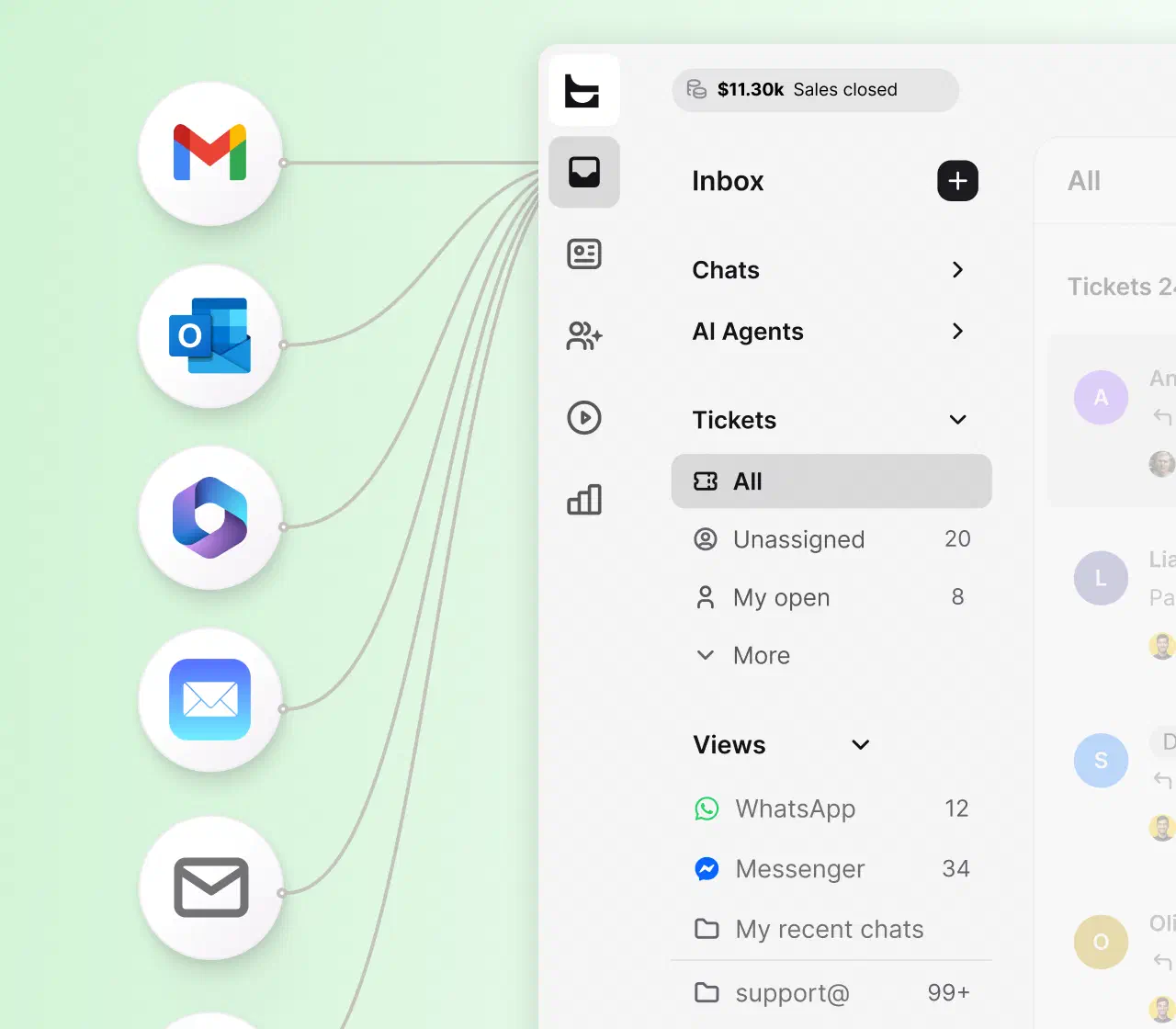
Forward your support address to HelpDesk.com and every email becomes a ticket with an owner, a status, and the full history. Rules route the queue, AI drafts the replies, and nothing gets lost in the inbox.
Free 14-day trial No credit card required
Text products are trusted by 35,000+ leading brands





The moment email becomes tickets, your team gets ownership, speed, and proof. Your customers keep writing to the address they already know.
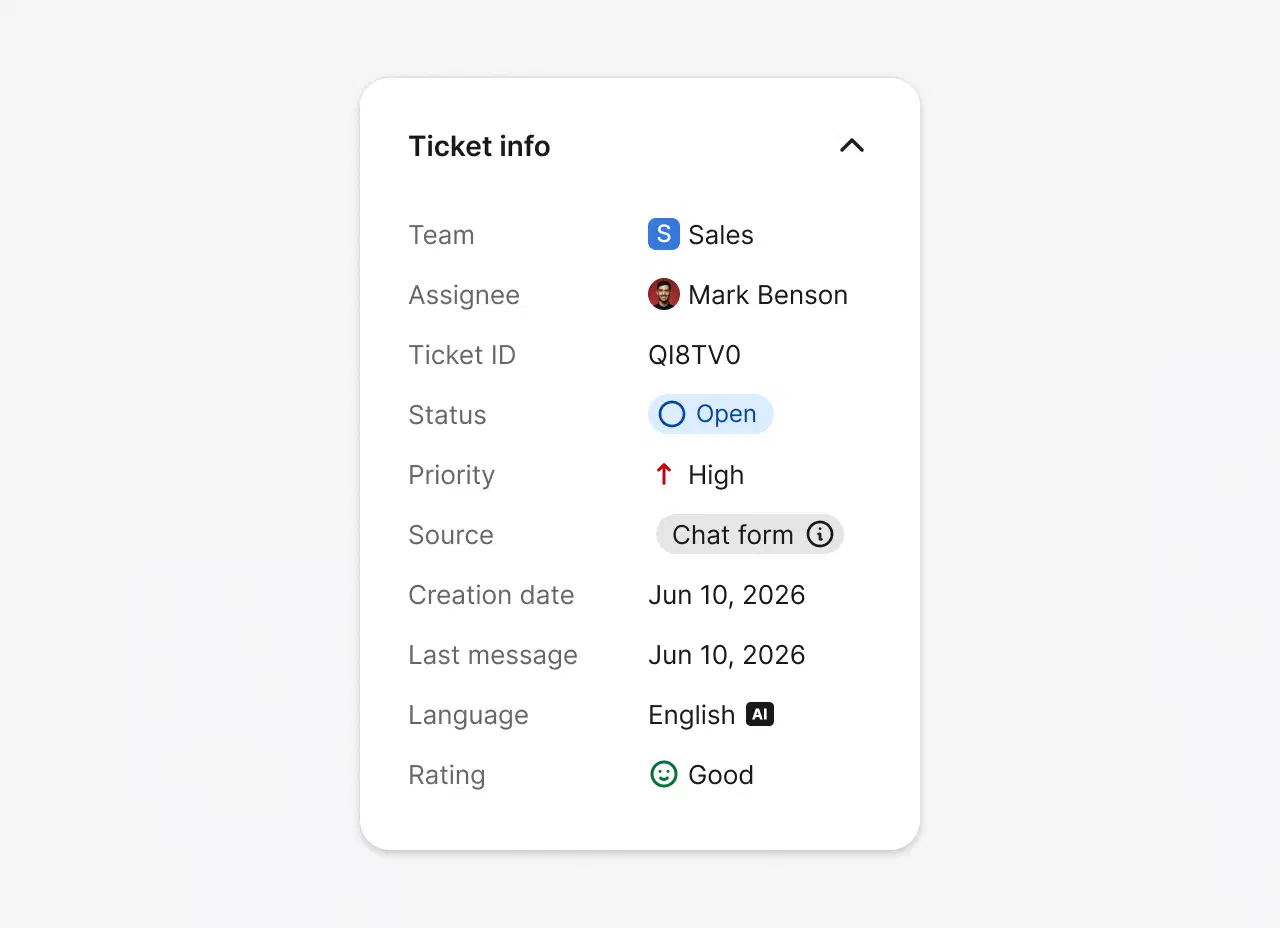
Every email lands as a ticket with an owner, a status, and a priority, so no request sits unread in a personal inbox.
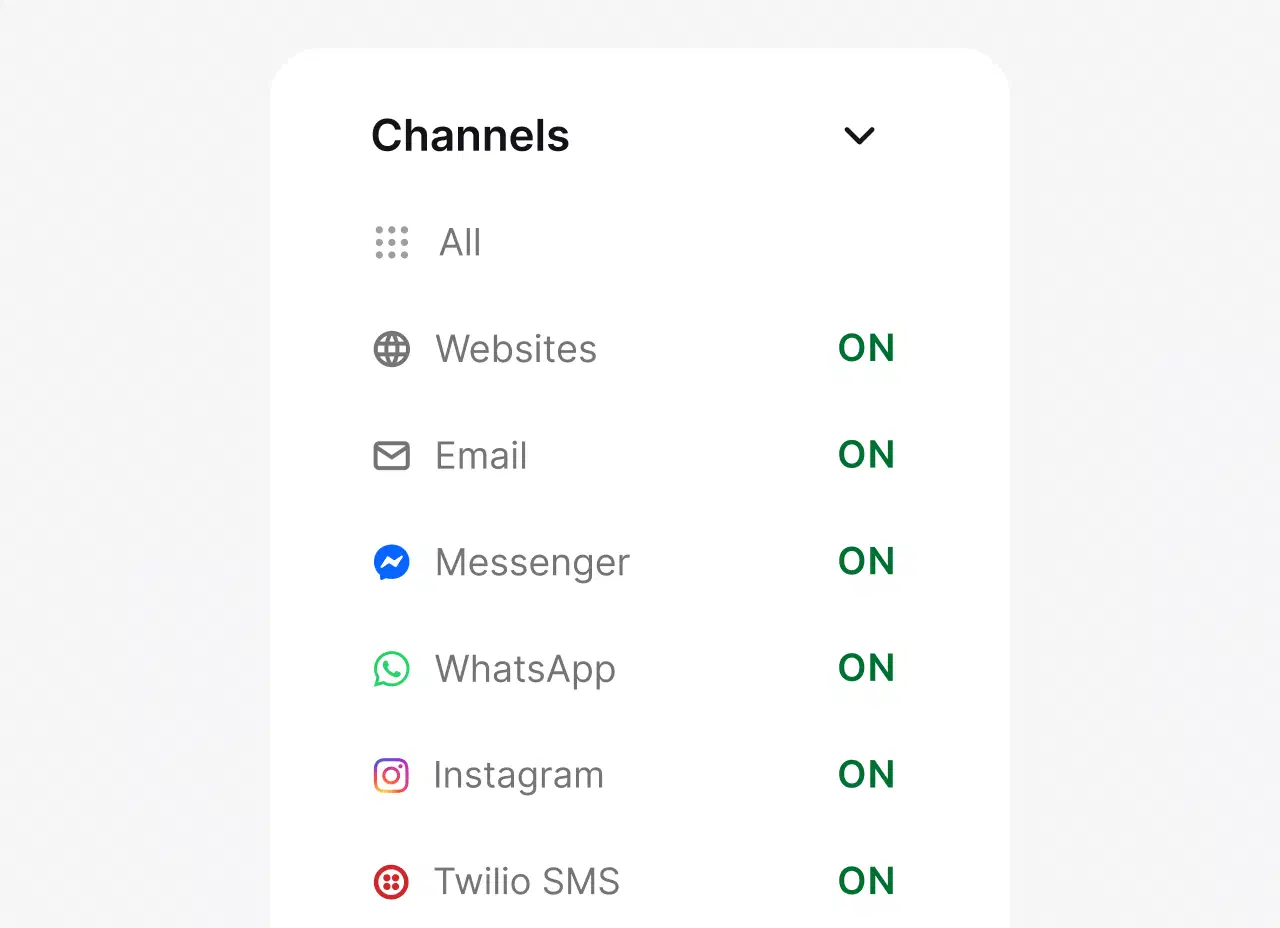
Email is the anchor, but the same queue takes live chat, Messenger, WhatsApp, and SMS too, so every conversation is tracked in one workspace.
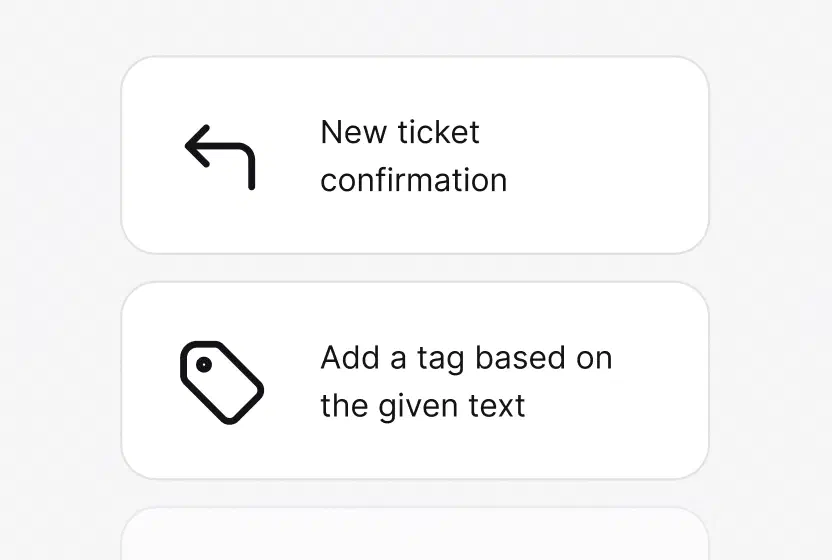
Ticket rules, auto-tagging, and workflows handle the repetitive steps, so your team spends its time on the replies that need a person.
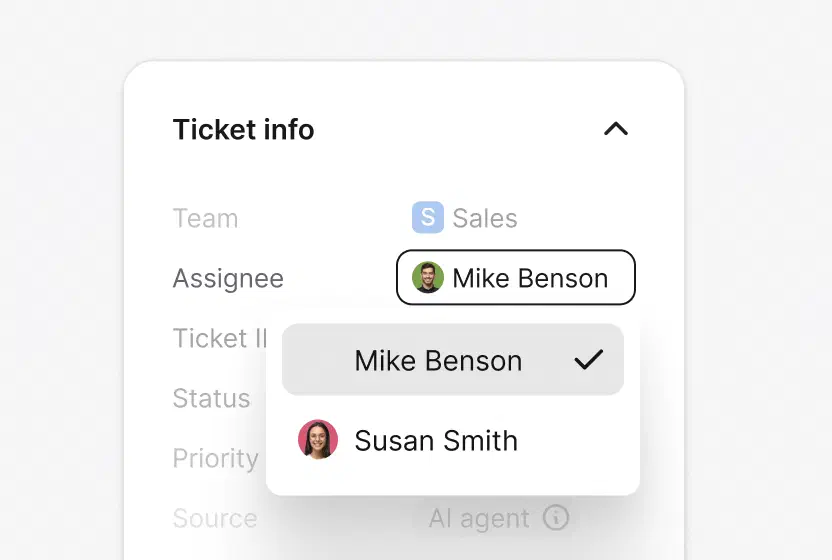
Auto-assignment routes each email by team, workload, and skills, so the right person owns it and no two agents reply at once.
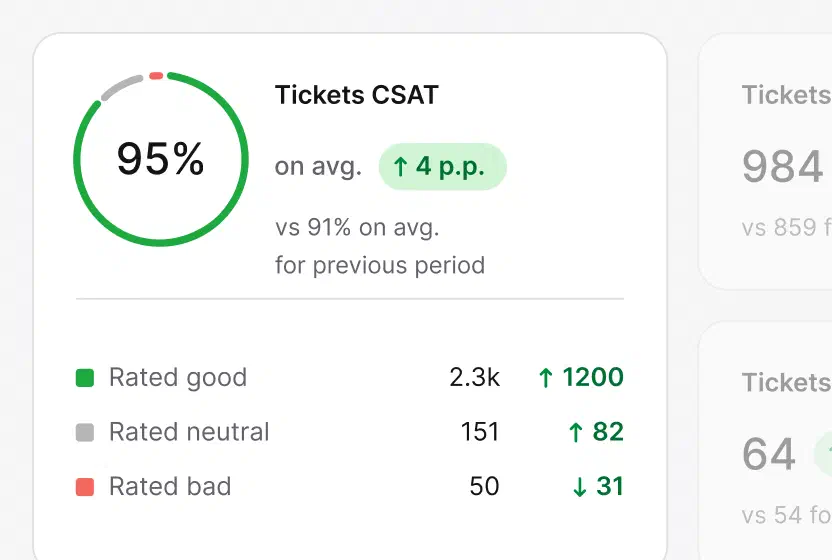
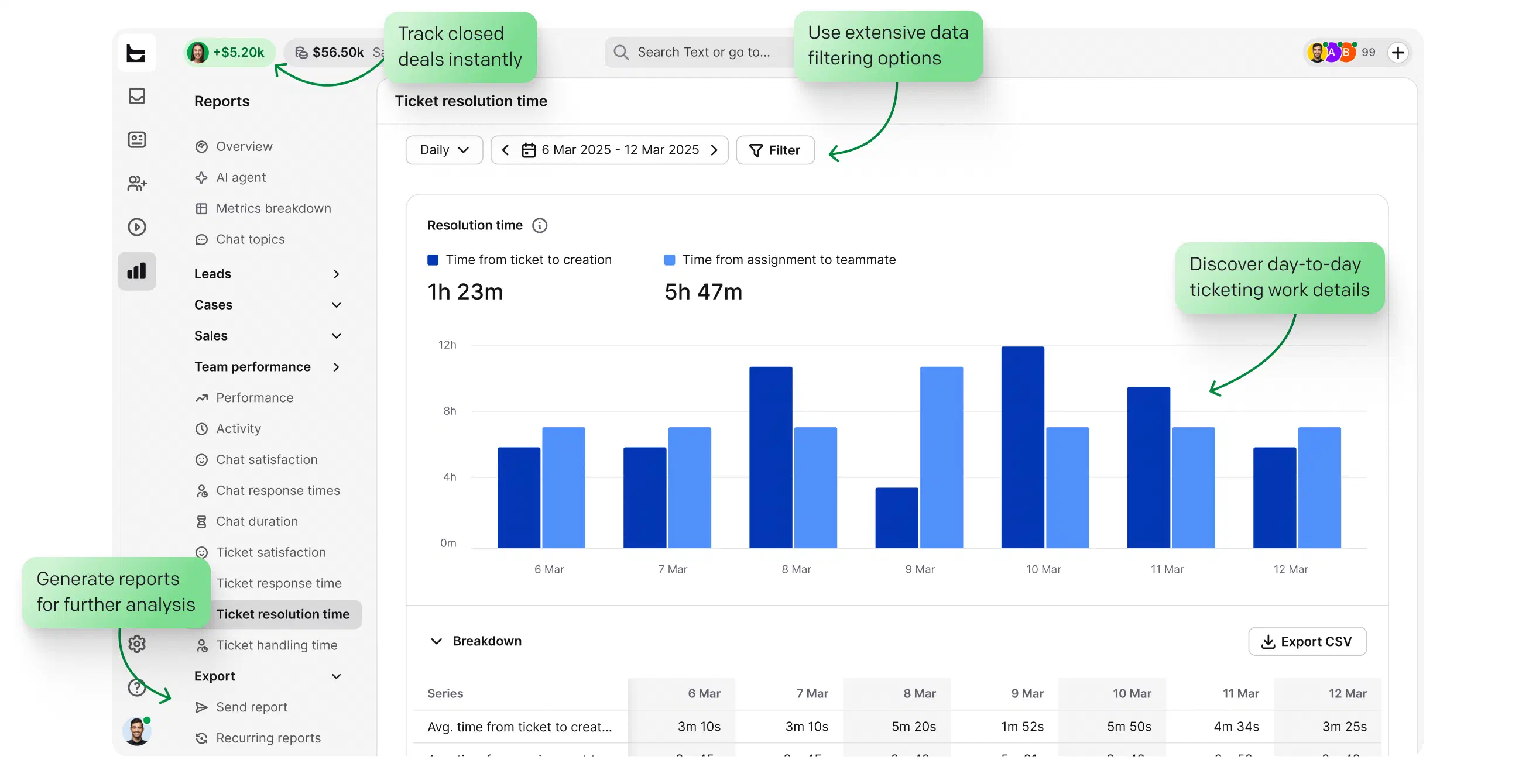
Reports on response times, resolution times, and CSAT show where your team is winning and what to fix next.
No credit card required
A shared inbox shows everyone the same mailbox. An email ticketing system decides who owns each conversation and proves it got resolved.
Shared inbox
Shared inbox
Email ticketing system
HelpDesk.com
Ownership

Whoever opens it first, or nobody.
Whoever opens it first, or nobody.
Whoever opens it first, or nobody.

The assignee is always visible, so every conversation has a clear owner.
The assignee is always visible, so every conversation has a clear owner.
The assignee is always visible, so every conversation has a clear owner.
Statuses
Read or unread.
Read or unread.
Read or unread.
Open, pending, solved, plus priorities and SLA visibility.
Open, pending, solved, plus priorities and SLA visibility.
Open, pending, solved, plus priorities and SLA visibility.
Duplicate replies
The customer gets two answers.
The customer gets two answers.
The customer gets two answers.
Collision detection warns before two agents reply at once.
Collision detection warns before two agents reply at once.
Collision detection warns before two agents reply at once.
Repetitive replies
Copy and paste, every time.
Copy and paste, every time.
Copy and paste, every time.
Canned responses, AI reply suggestions, and ticket rules.
Canned responses, AI reply suggestions, and ticket rules.
Canned responses, AI reply suggestions, and ticket rules.
Reporting
None.
None.
None.
Response times, resolution times, CSAT, and team performance.
Response times, resolution times, CSAT, and team performance.
Response times, resolution times, CSAT, and team performance.
At scale
Breaks down past five agents.
Breaks down past five agents.
Breaks down past five agents.
Built to scale with teams and shared views.
Built to scale with teams and shared views.
Built to scale with teams and shared views.
Weighing the broader category? See how email management software wraps this ticketing core with branding, automation, and reporting. Handling IT requests too? The same queue powers the IT ticketing system.
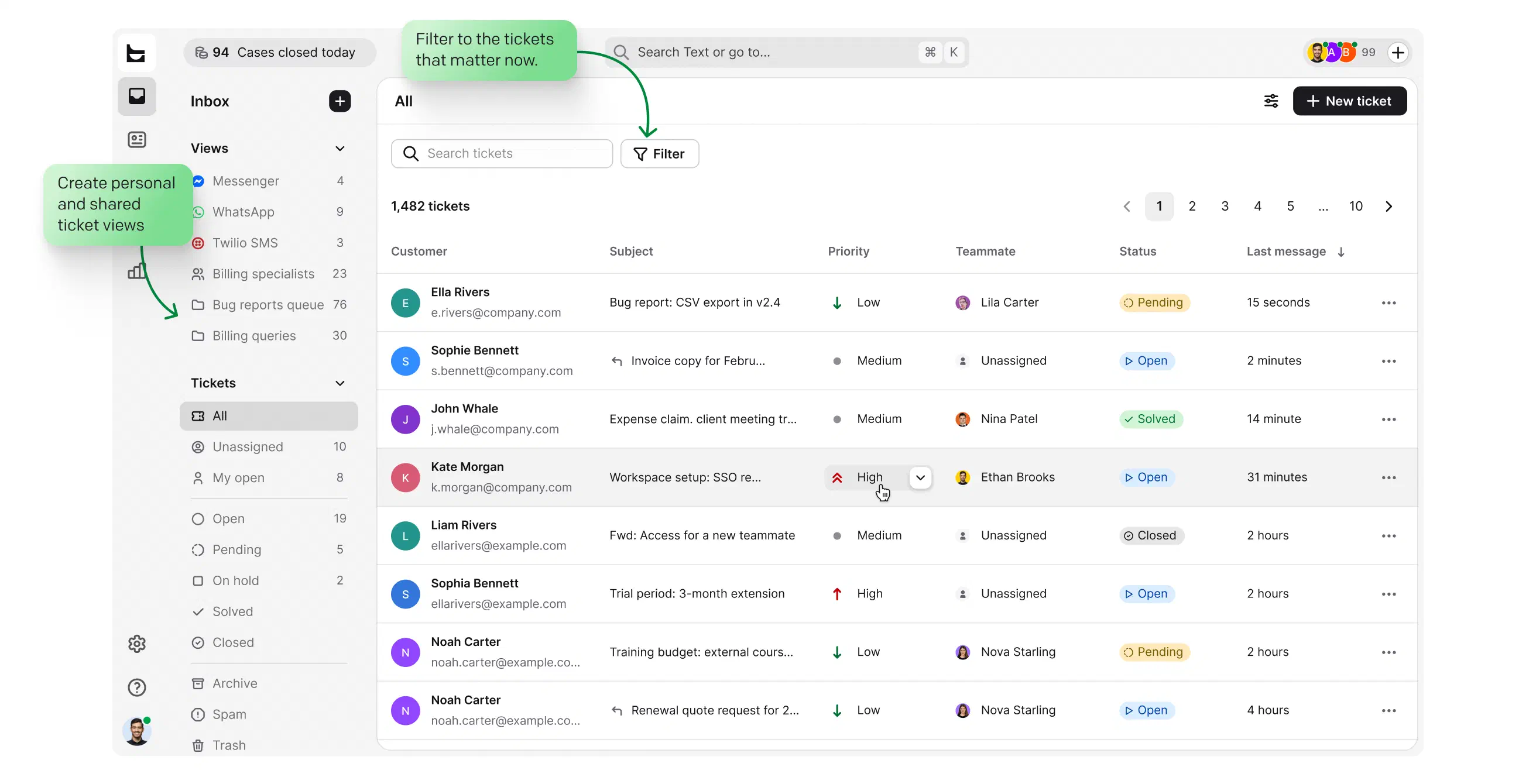
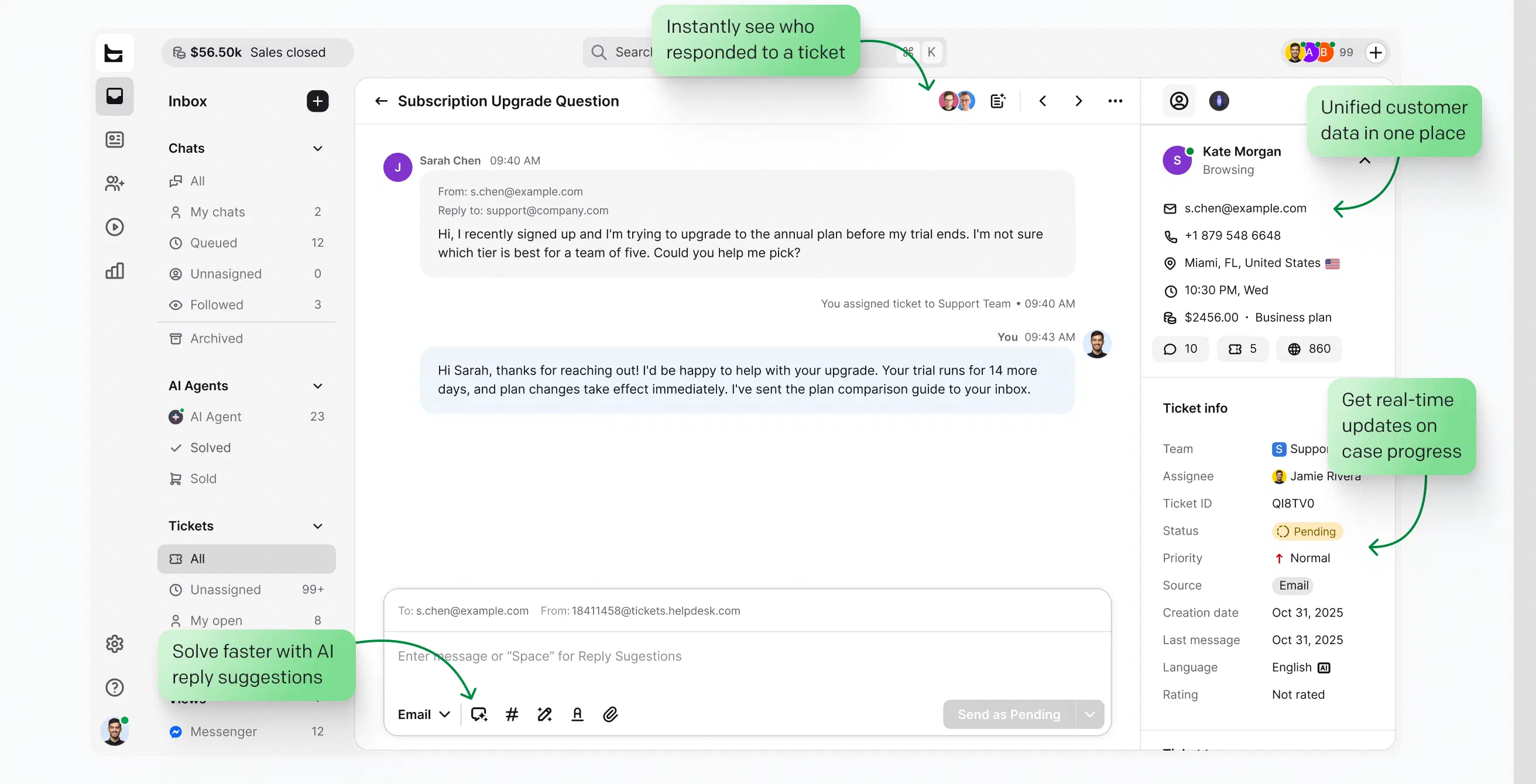
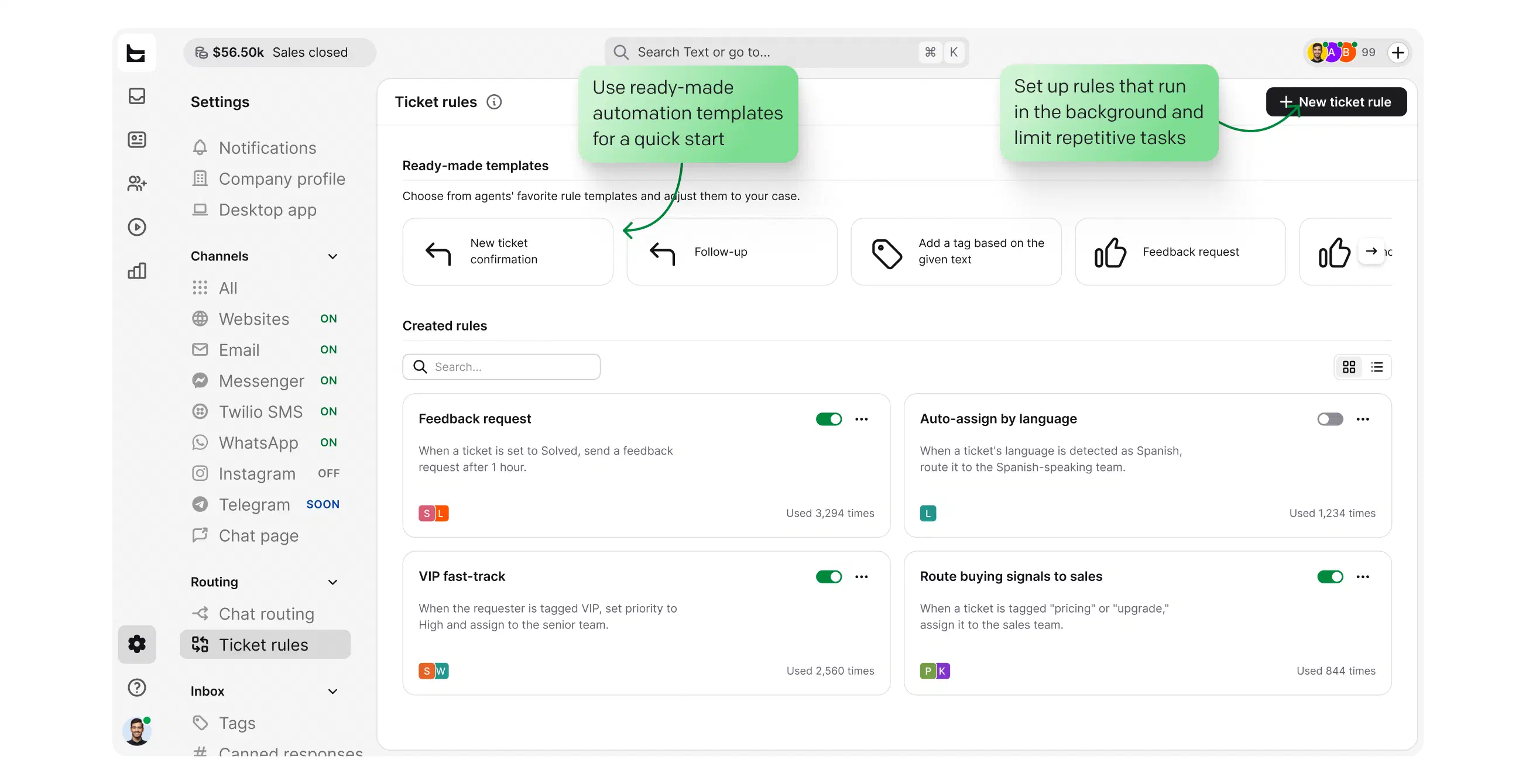
Build personal and shared views around the queues your team actually watches.
Open, pending, solved, with priorities and SLA risks surfaced first, so nothing urgent slips.
Collision detection, private notes, and followers keep two agents from answering the same email.
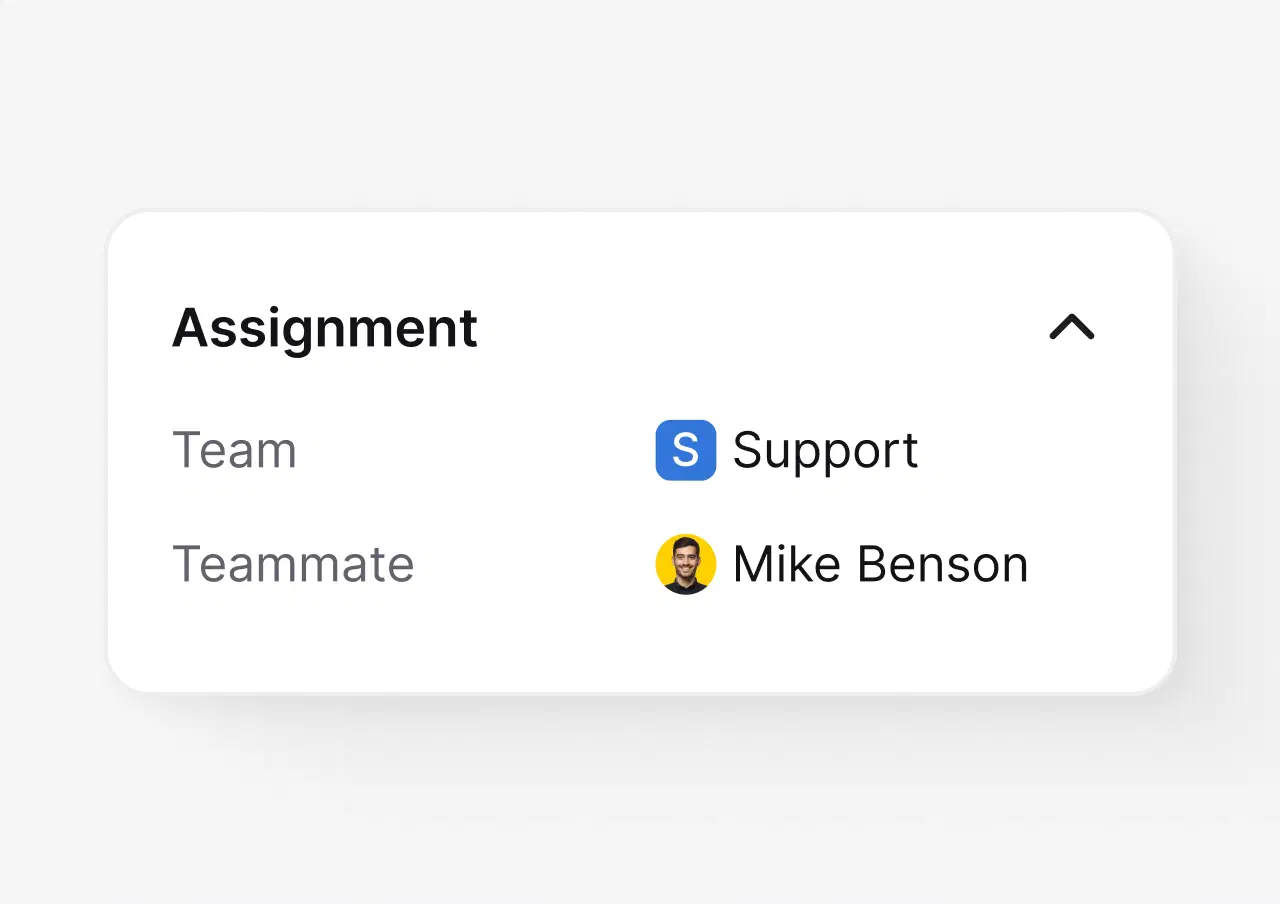
Auto-assignments distribute the queue by team, workload, and skills, so ownership is never unclear.
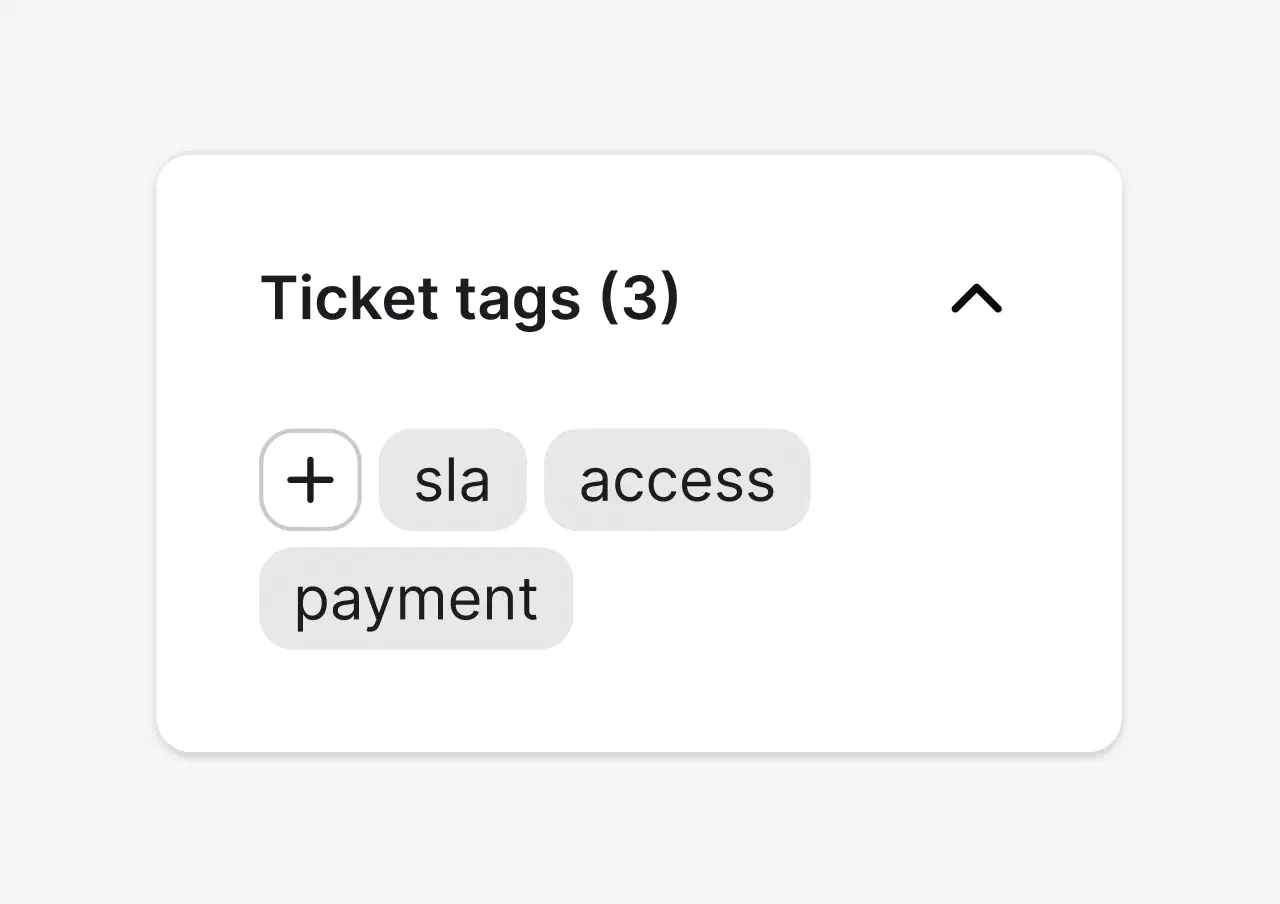
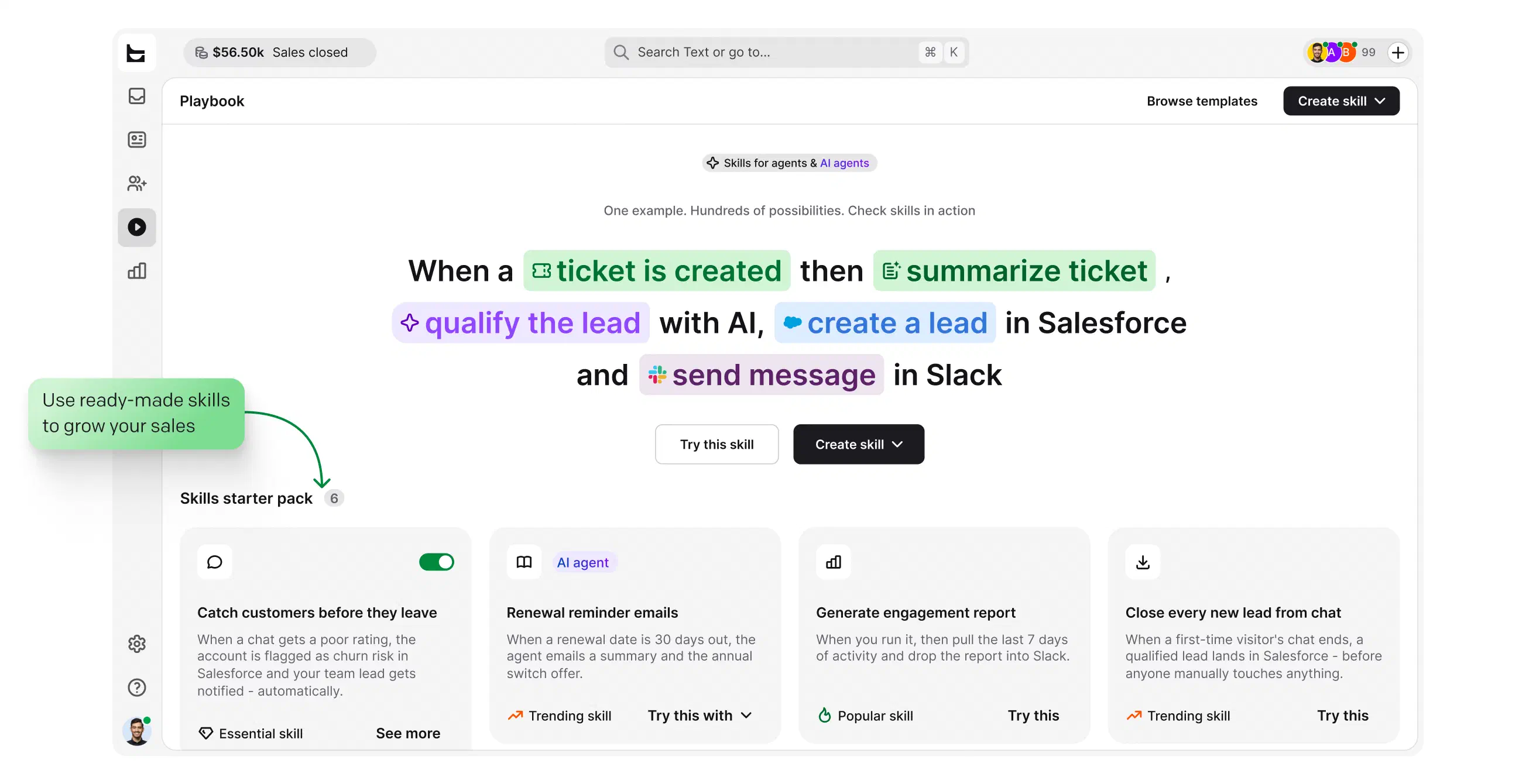
Keep the queue readable and reporting clean without manual triage.
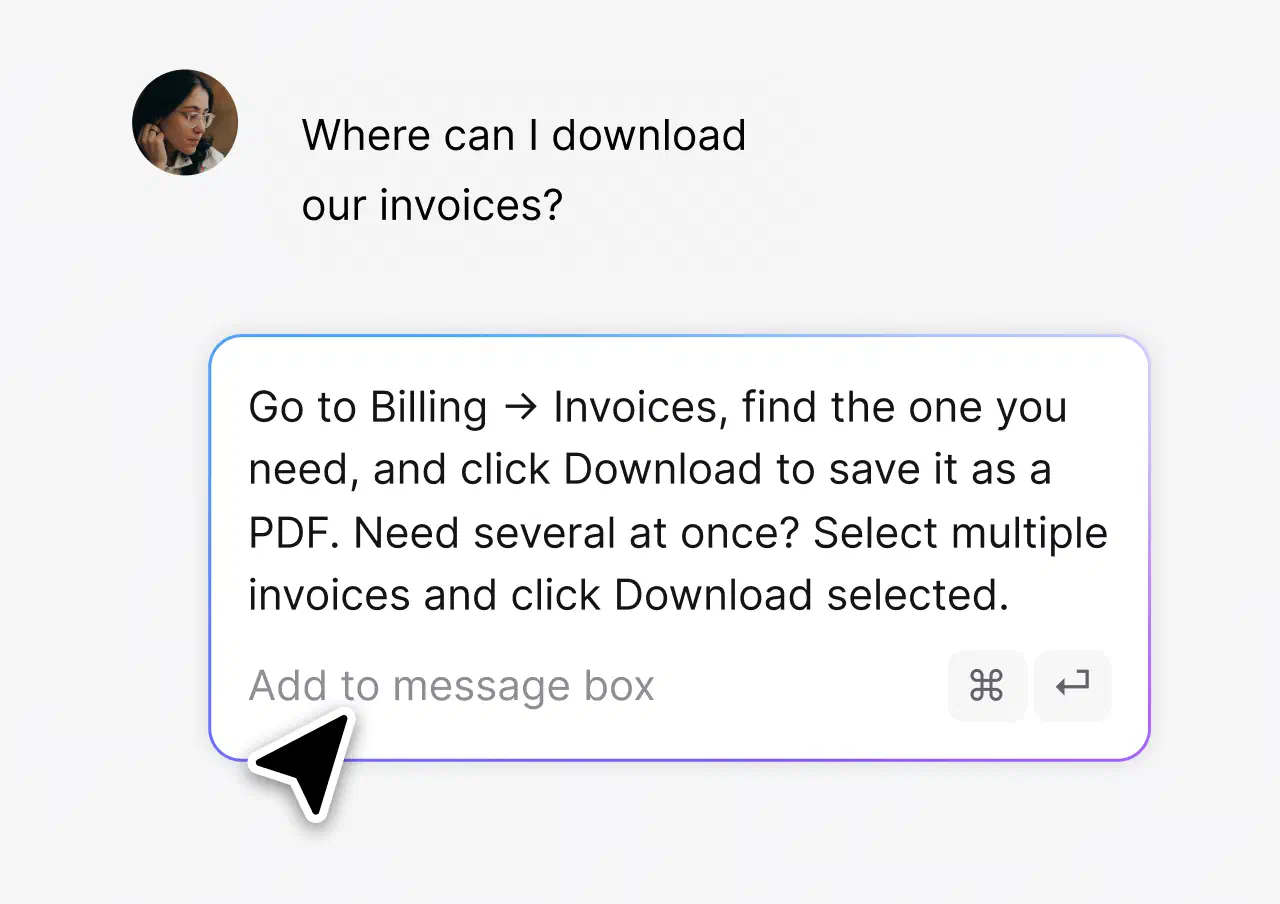
Answer repeat questions in one click, with saved signatures and branded reply templates.
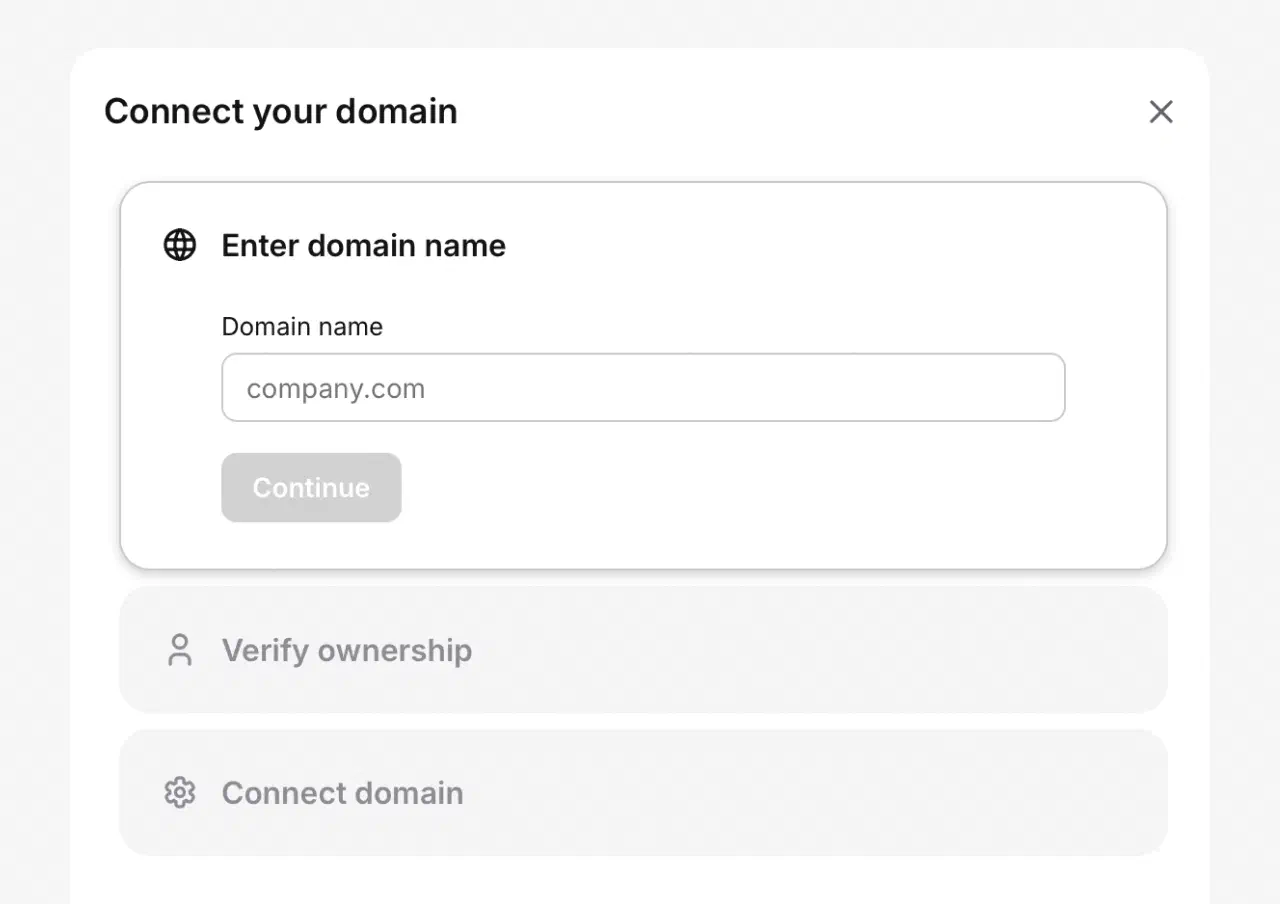
Connect and verify your domain in a few steps, then every reply reaches customers from your own support address, the one they already recognize.
The AI Agent resolves 73% of routine cases before they ever become a ticket, all part of HelpDesk.com's AI-powered help desk. You stay in control: point it at the knowledge sources you trust and set the escalation paths.
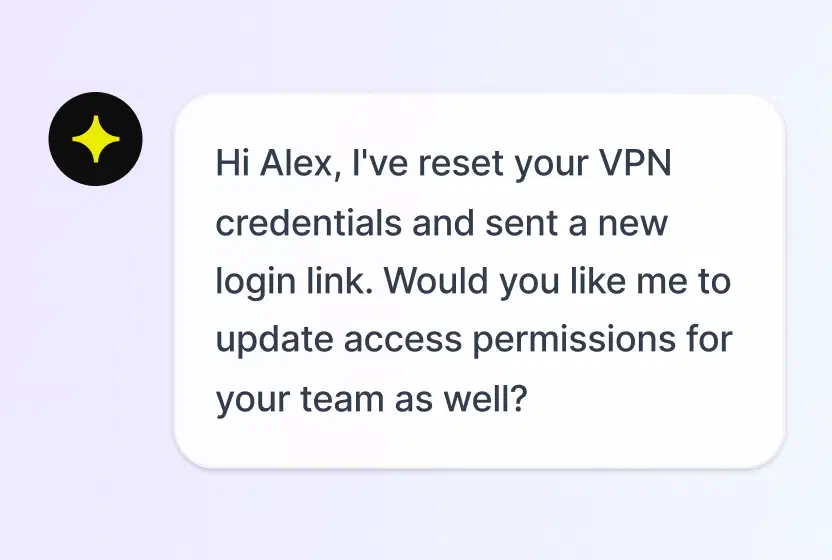
Answers routine questions on its own and hands the rest to your team with full context.
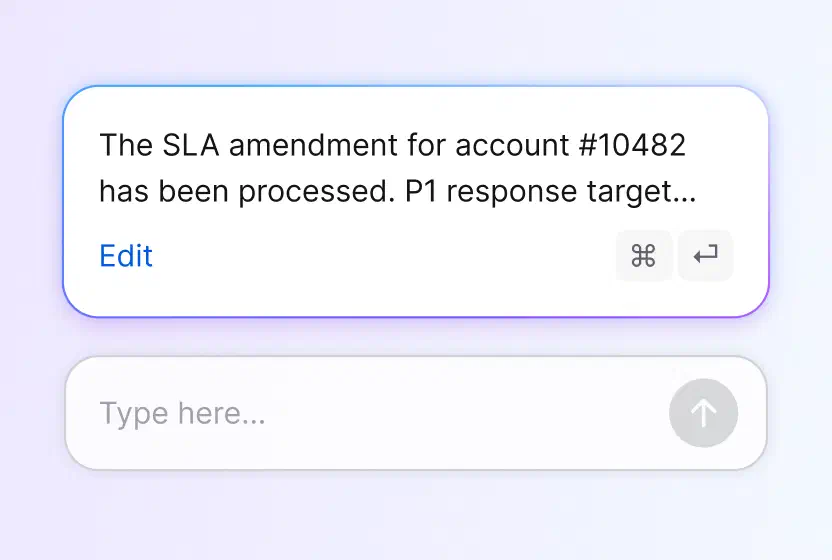
Drafts email responses your agents can tune and send in one click.
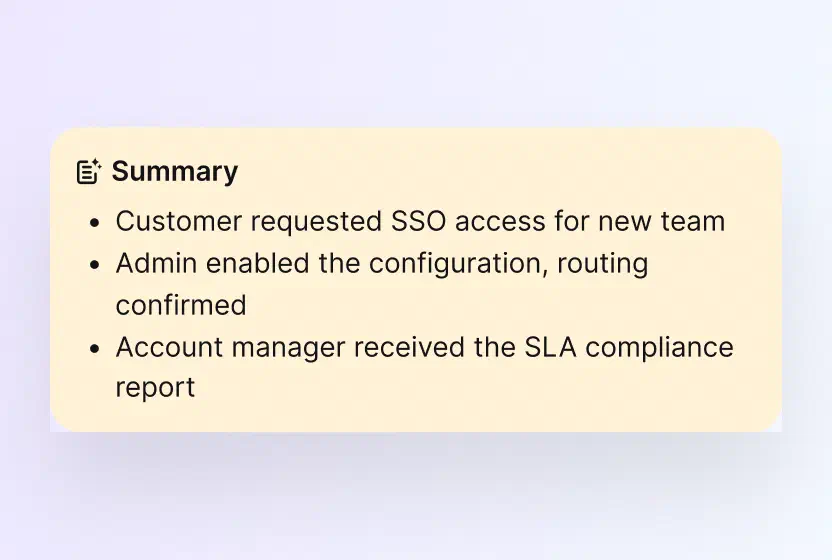
Catch up on any long email thread in seconds, with the next step spelled out.
No credit card required
Each agent can spend more time resolving tickets and make our customers happier with an individual approach and better response time.
Dalton Hasegawa, Manager, Brastel Co., Ltd.
Free 14-day trial No credit card required
Customer emails are encrypted in transit and at rest, stored in certified AWS data centers, and available only to the agents you authorize.
 SOC 2
SOC 2
 GDPR
GDPR
 CCPA
CCPA
 PCI DSS
 DPF
DPF
 WCAG 2
 BBB
BBB
No migration project. Your customers keep writing to the same address, and your team stops working out of a mailbox.
Create your account. No credit card required.
Point Gmail, Outlook, Yahoo, or any provider at HelpDesk.com. It takes minutes, and every new email lands as a ticket.
Set a custom domain and reply address with your templates and signatures, so answers look like they came from you.
When a ticket is created, updated, or solved, a workflow can carry it into the tools around your help desk. No engineering time required.

Create and update accounts, contacts, leads, and cases from a workflow step when an email ticket needs CRM context.

See a customer's last order, payment, and shipment status next to the email thread, and act without leaving the ticket.

Send a message to a public or private channel when a ticket needs attention, like an urgent case or a bad rating.


Start workflows from CRM and marketing events, and keep contact data moving between tools.

Add an AI step that processes ticket text inside a workflow, right where the conversation lives.

Send an HTTP request to any external API as a workflow action. If a tool has an API, a workflow can reach it.
Want the full automation tour? See help desk automation.
An email ticketing system is software that converts incoming customer emails into trackable tickets. Each ticket keeps the full conversation thread and gets an owner, a status, and a priority, so a support team can assign, track, and resolve every request from one shared queue instead of a crowded mailbox. You may also see it called email help desk software or an email ticket system.
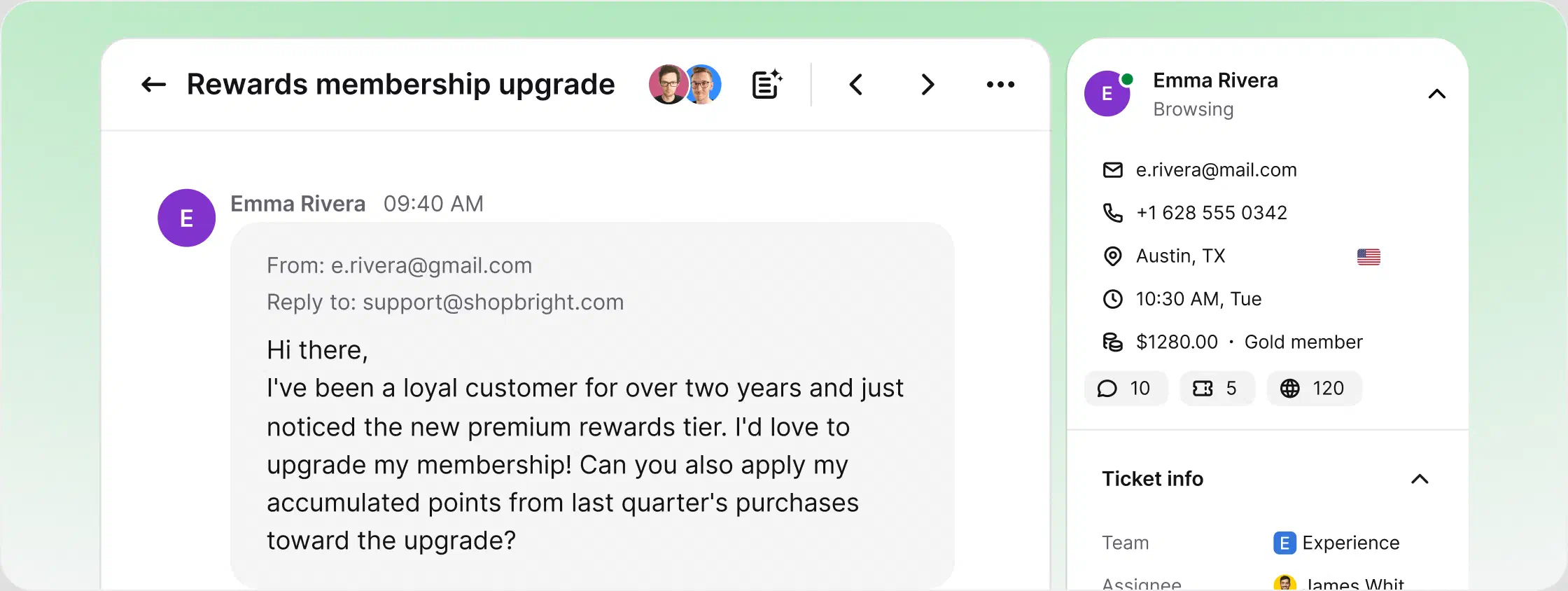
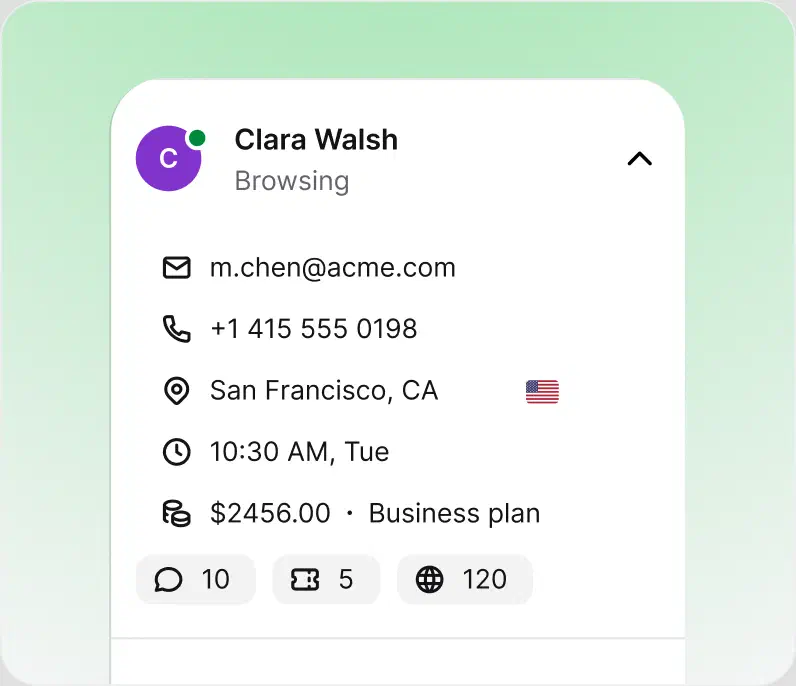
The mechanism behind an email-based ticketing system is simple: you point your existing support address at the tool, and from that moment every email arrives as a ticket. Rules assign it, SLA visibility keeps urgent cases on top, and replies go out from your own domain. HelpDesk.com runs this model with AI drafting and automation in the same workspace.
In practice, every message runs through the same four steps:
Forward support@yourcompany.com from Gmail, Outlook, or any provider. Nothing to install, nothing changes for your customers.
Each message arrives with the sender, subject, and full thread attached, plus an owner and a status. Nothing sits unread in a personal inbox.
Ticket rules assign cases by team, workload, and skills, and SLA risks surface at the top of the queue.
Canned responses and AI drafts speed up replies, and reports track response times, resolution times, and team performance.
An email ticketing system is software that converts incoming customer emails into trackable tickets. Each ticket keeps the full thread and gets an owner, a status, and a priority, so the team can assign, track, and resolve every request from one shared queue instead of a crowded mailbox. HelpDesk.com is an email ticketing system with AI and automation built in.
A shared inbox only solves visibility: everyone sees the mailbox, but nobody owns the conversation. An email ticketing system adds ownership, statuses, collision detection, automation, and reporting on top of that shared view. HelpDesk.com gives you both, since the whole team works one queue and every message is a tracked ticket.
Shortlists for customer support teams usually include HelpDesk.com, Zendesk, Freshdesk, Zoho Desk, and Front. They differ most in pricing, AI capabilities, and setup effort. HelpDesk.com stands out for email-first teams: forwarding setup in minutes, AI included, and a free 14-day trial. See how it compares with Zendesk.
No. Gmail offers labels and delegated inboxes, which help with sorting but not with ticketing: there are no statuses, assignments, SLAs, or reports. Teams that run support on Gmail or Google Workspace typically set up forwarding to an email ticketing system like HelpDesk.com and keep their address unchanged.
You forward your support address to the system, and every incoming email arrives as a ticket with the sender, subject, and full thread attached. Ticket rules assign it to the right person, SLA visibility keeps urgent cases on top, and the reply goes back out as a normal email from your own address.
The best email ticketing system combines painless email setup, a real ticketing core with statuses and SLAs, automation, AI assistance, and security certifications. HelpDesk.com covers all five: forwarding takes minutes, ticket rules route the queue, AI drafts replies and summaries, and the platform is SOC 2 and GDPR compliant.
You can approximate one with shared mailboxes, categories, and flags, but you get no ownership, no SLA tracking, no collision detection, and no reporting. The practical route is to keep Outlook and forward the mailbox to an email ticketing system. Connecting Outlook to HelpDesk.com takes a few minutes.
Some tools have limited free tiers, but a full email ticketing system with automation, AI, and reporting is usually paid per agent. HelpDesk.com offers a free 14-day trial with full access and no credit card required, and plans are priced per agent per month on the pricing page. You can cancel anytime.
Free 14-day trial No credit card required