
HelpDesk.com is a ticket management system that turns every customer request into a trackable ticket your team can assign, prioritize, and solve in one place.
Free 14-day trial No credit card required
Text products are trusted by 35,000+ leading brands





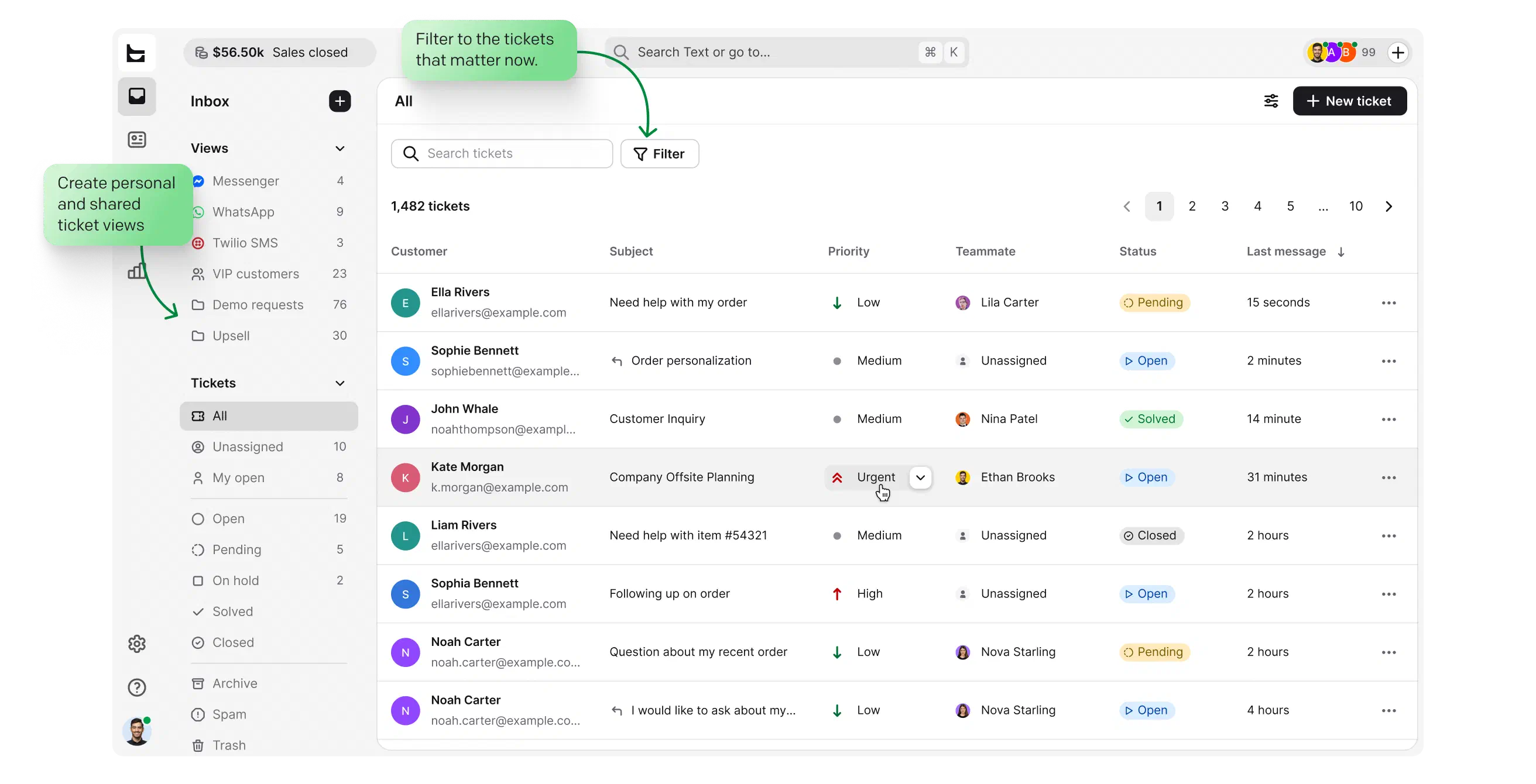
Track new, ongoing, and solved cases on one dashboard, and plan your ticket management with ease.
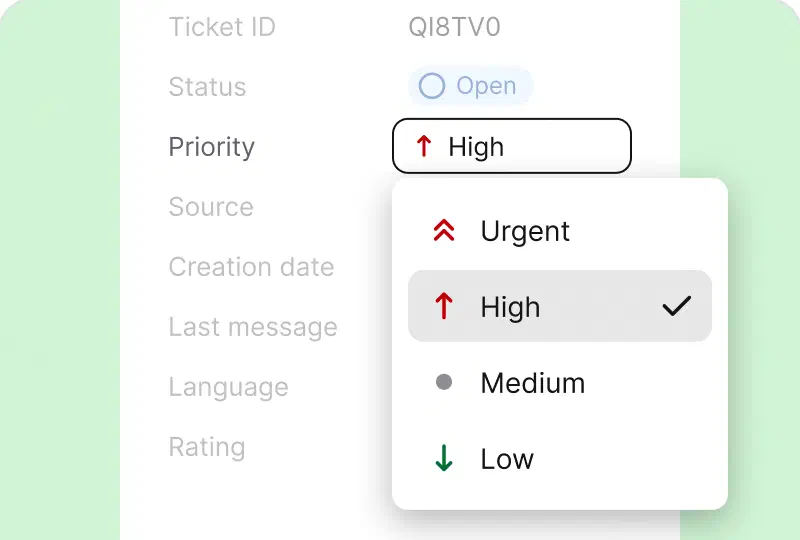
Give every ticket a clear status and a priority. You always know what to work on next, and customers with urgent cases never wait in line.
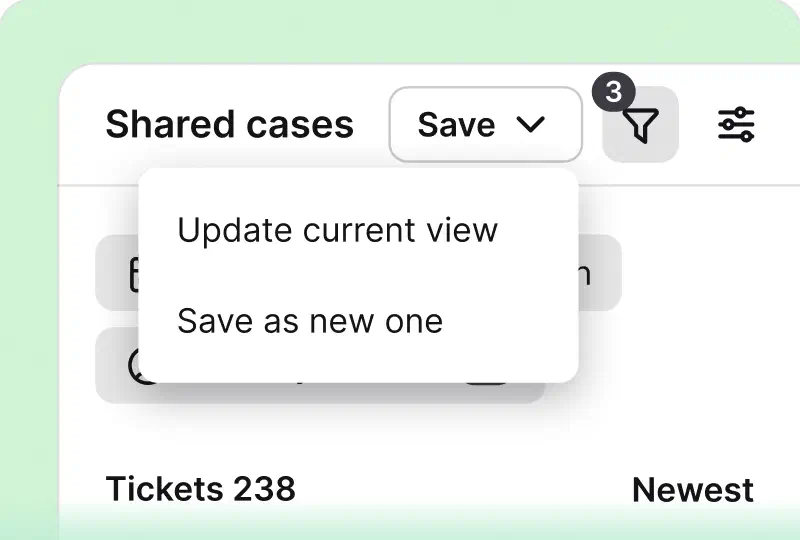
Filter tickets by anything that matters and save the setup as a view. Keep views personal or share them with your whole team.
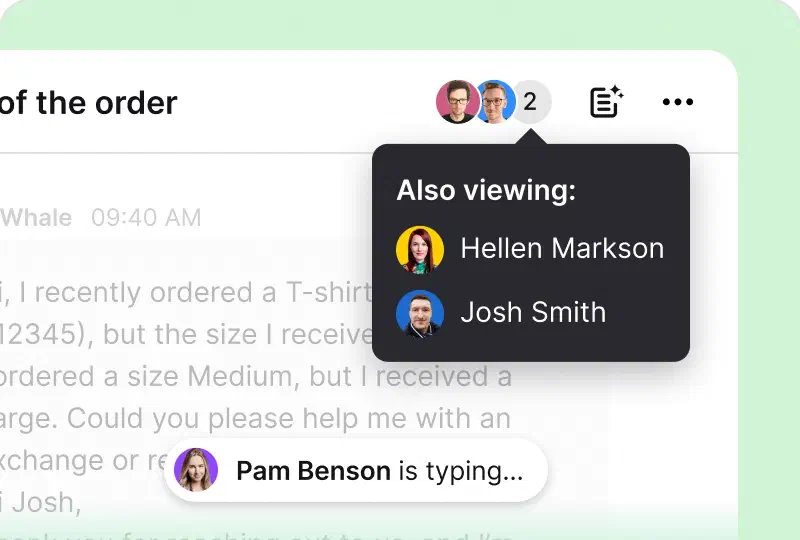
See when a teammate is already replying to a ticket, so no customer gets two different answers to one question.
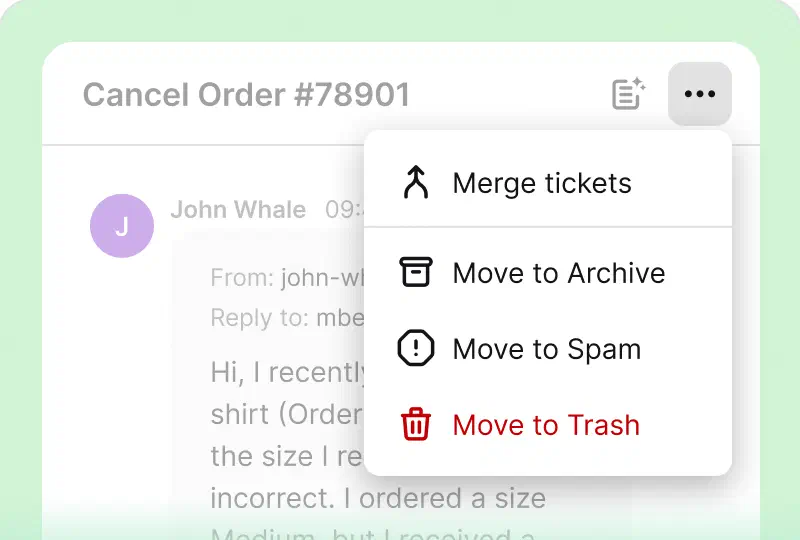
Move noise out of your dashboard in one click, and let tickets inactive for 60 days archive on their own. History stays complete.
HelpDesk.com handles the busywork on every ticket, so your team can focus on answers.
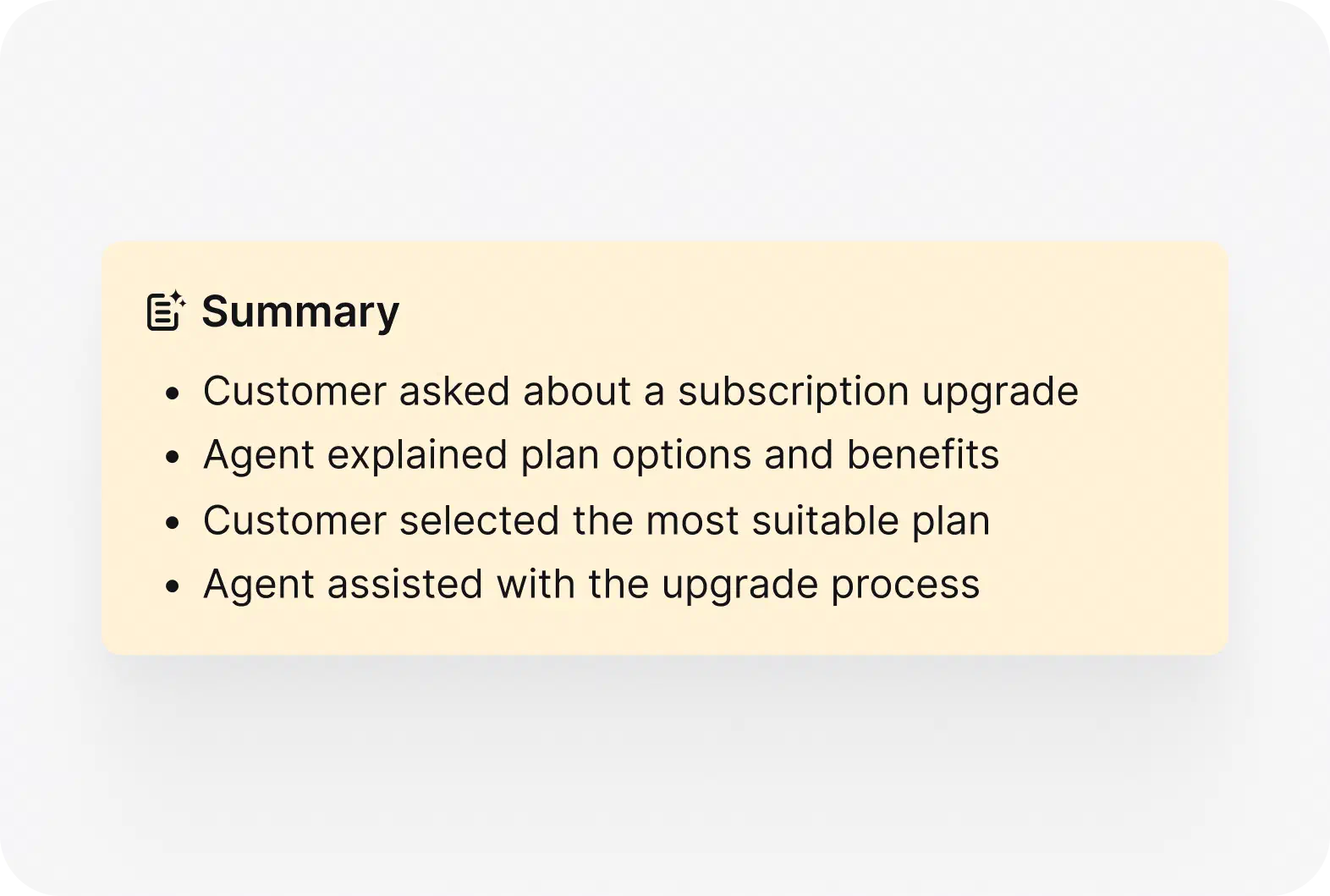
See the core issue and the suggested next step at a glance. Walk into any handoff already knowing what happened.
Read more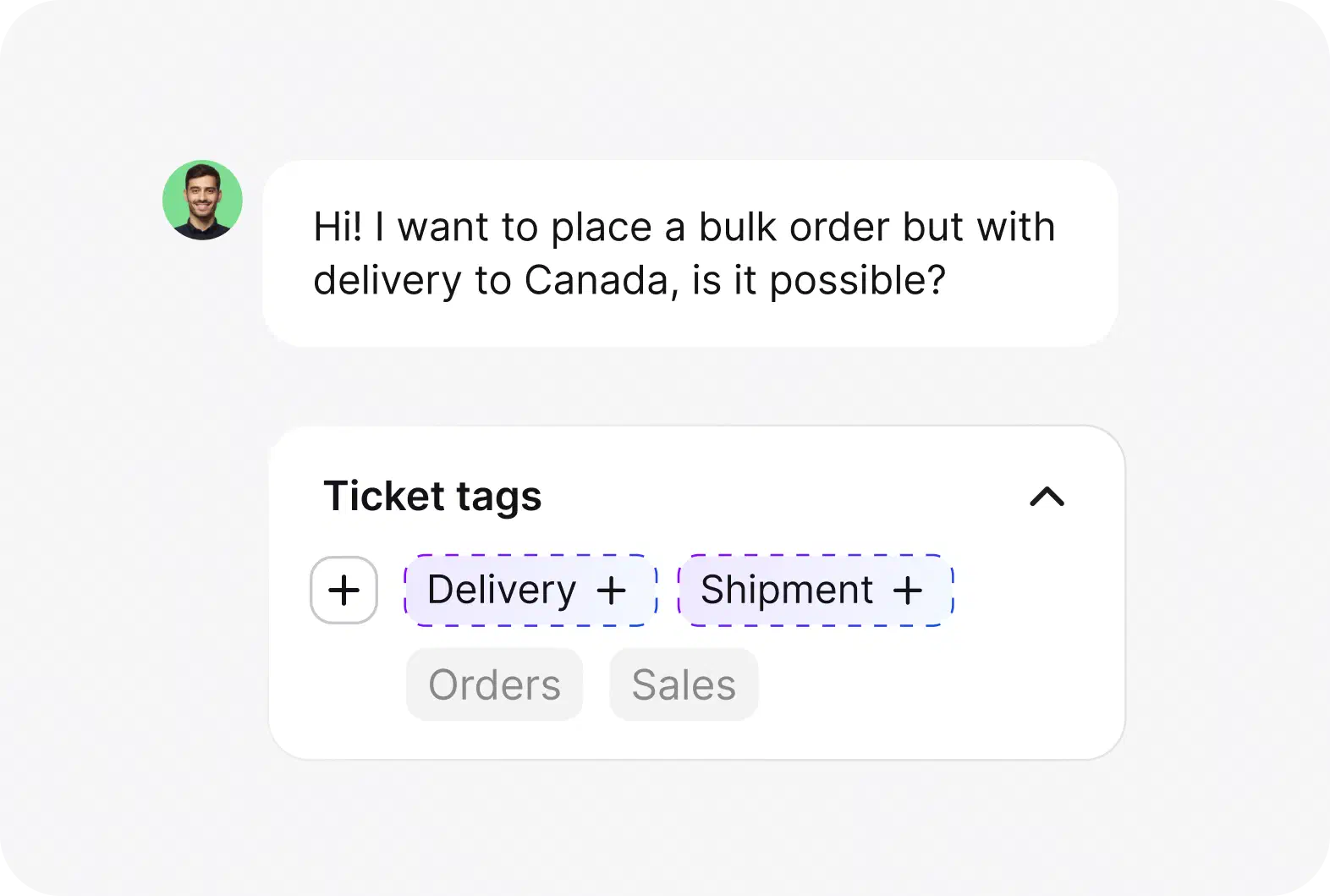
An AI help desk reads each ticket and suggests the right tags, so cases sort and track themselves. You spend less time on triage, and your reporting stays clean.
Read more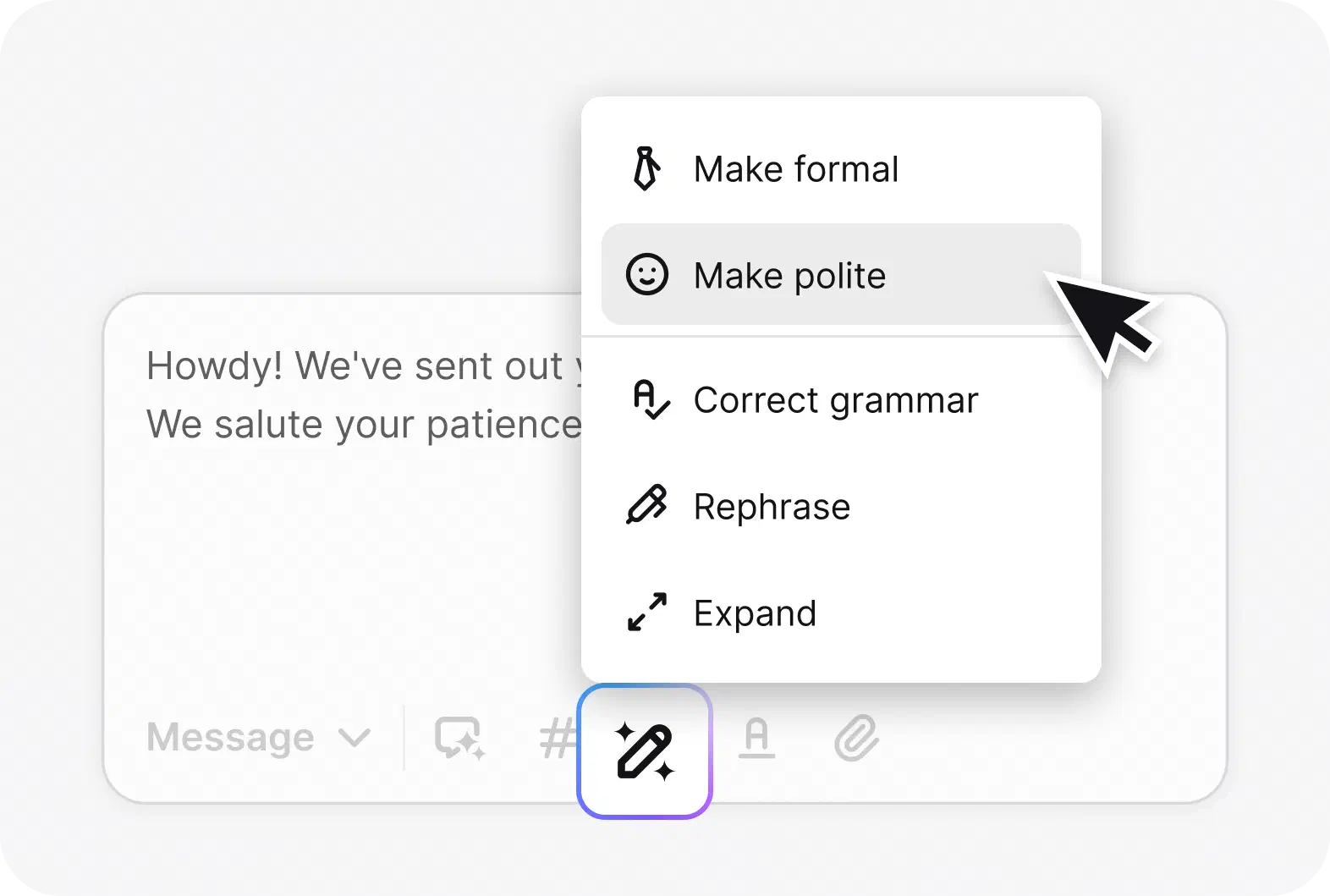
Fix tone, grammar, and clarity with one click before you send. Expand a short reply or rephrase a clumsy one without a second draft.
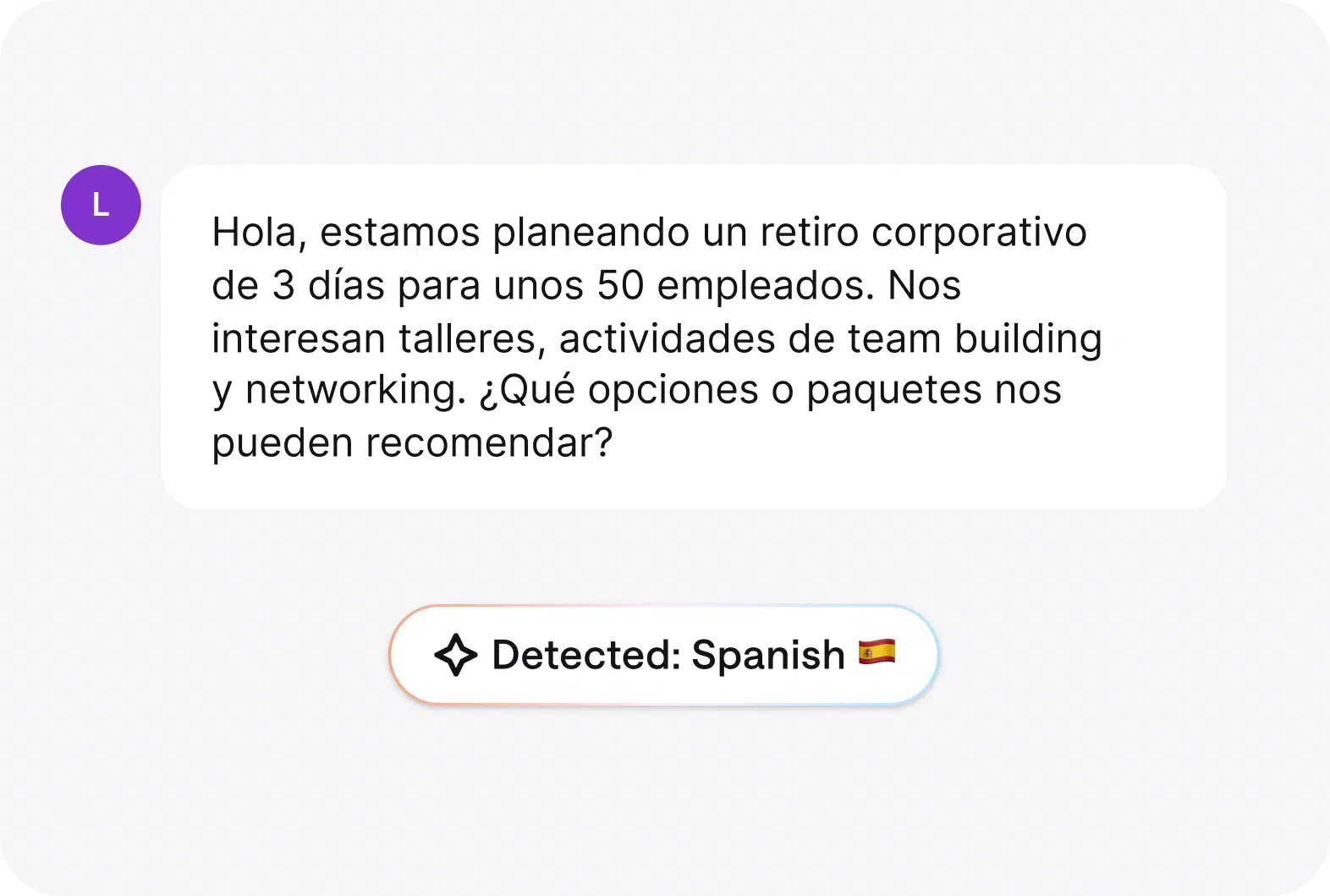
HelpDesk.com spots the customer's language automatically, so you can route the ticket and reply in the right one.
The email ticketing system works out of the box:
Your customers keep writing emails. Your team stops digging through them.
Set up your email ticketing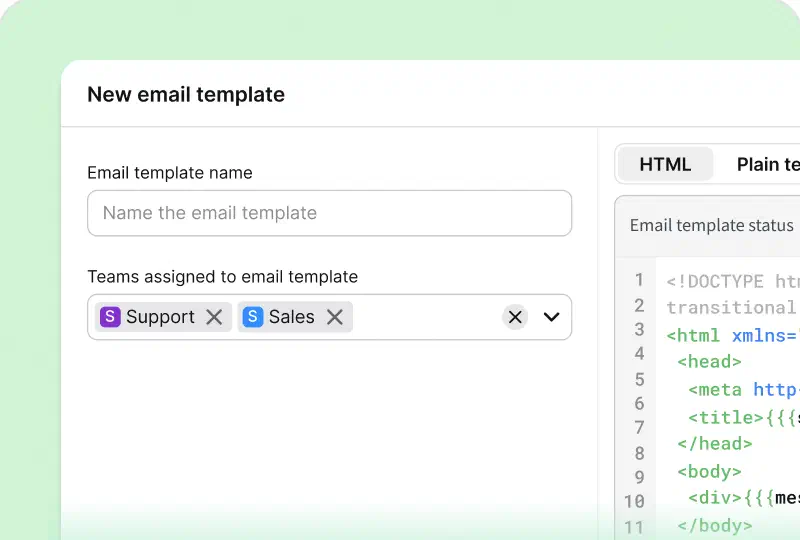
Build simple rules or full workflows that keep tickets moving while your team focuses on customers.
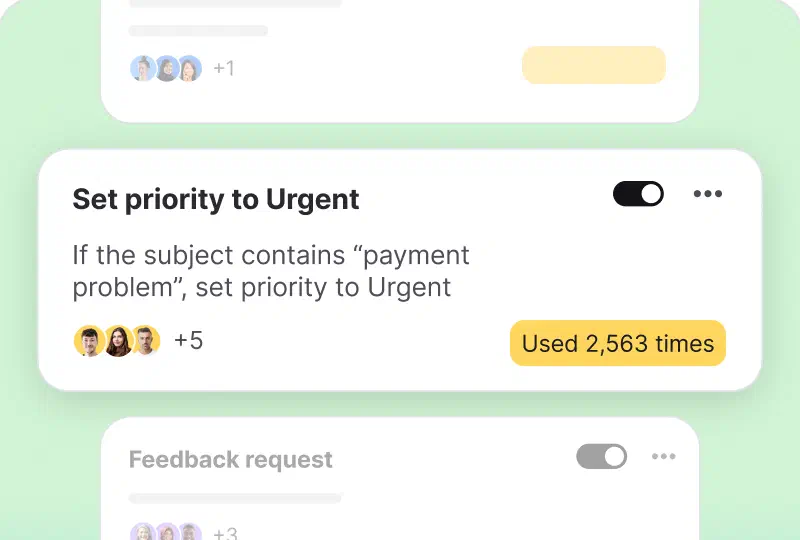
Set rules that assign, tag, and prioritize tickets for you, like fast-tracking VIP customers or routing cases by language.
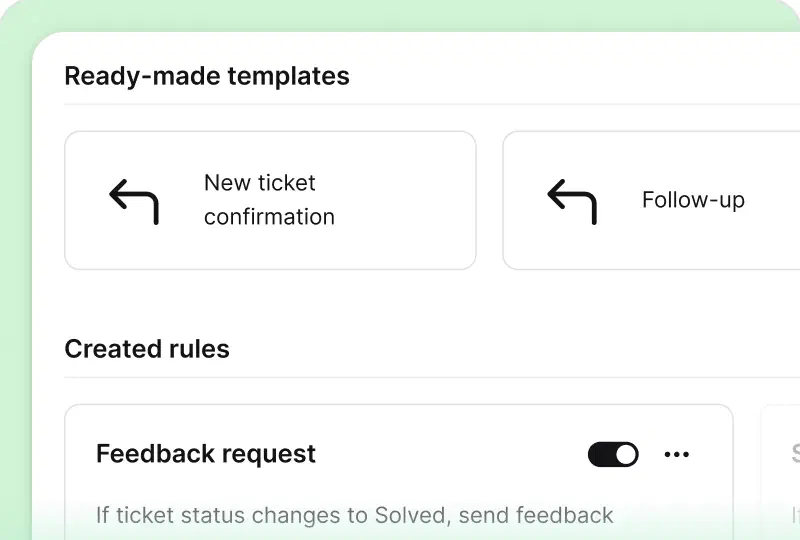
Start with ready-made templates for confirmations, follow-ups, and feedback requests, then adjust them to your process.
Brastel team handles nearly 2,000 tickets a month using automation.
39%Brastel team saves 12 minutes handling each ticket. It's a 39% decrease in the ticket resolution process.


HelpDesk.com embraces everything we needed when it comes to asynchronous customer communication.
HelpDesk.com embraces everything we needed when it comes to asynchronous customer communication.
 Irina BokarevaMarketing Project Manager at Brastel Co., Ltd.
Keep all the requester's info in one place, and stay on top of every ticket from first message to resolution.
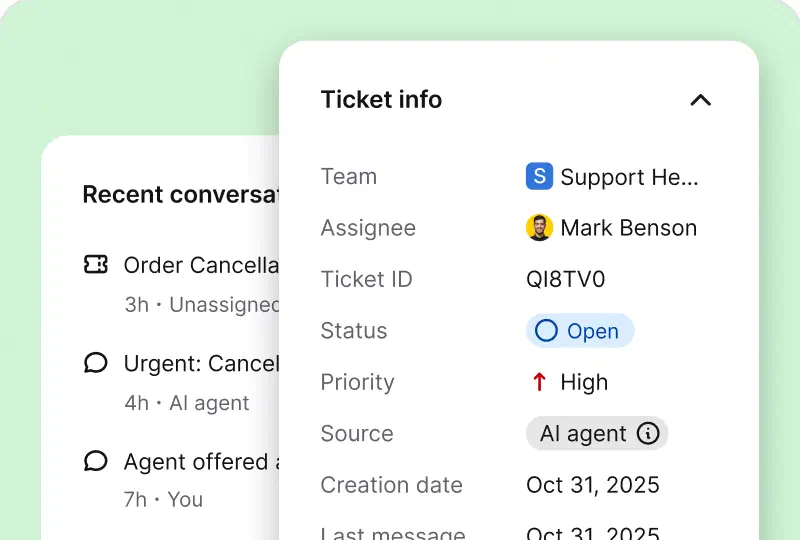
View status, priority, last message date, or tags to quickly spot the ticket's urgency and resolution stage.
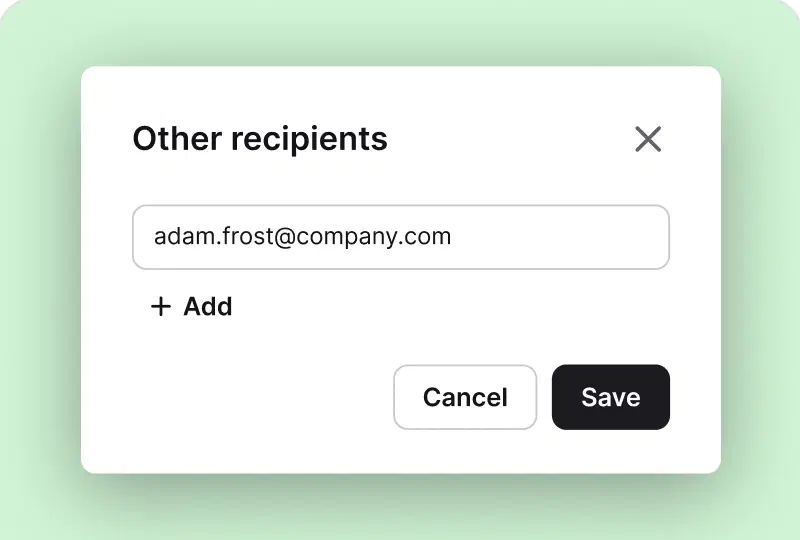
Add more recipients to a ticket in seconds, so everyone involved in the case sees the conversation.
 Managers' favorite
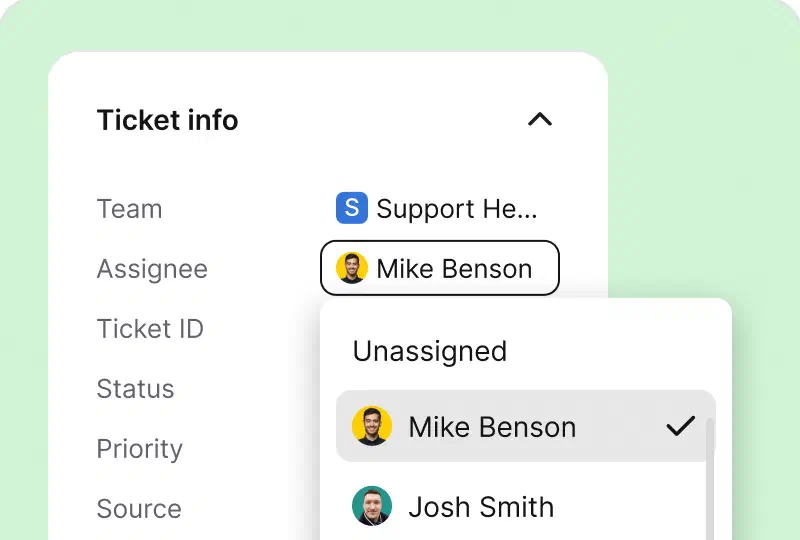
Check the team and the agent in charge of every ticket. Become a follower to get notified about each update on the case.
Free 14-day trial No credit card required
You'll be in good company


Ticket management is not a one-person show. Bring teammates into the case without forwarding or cc'ing anyone.
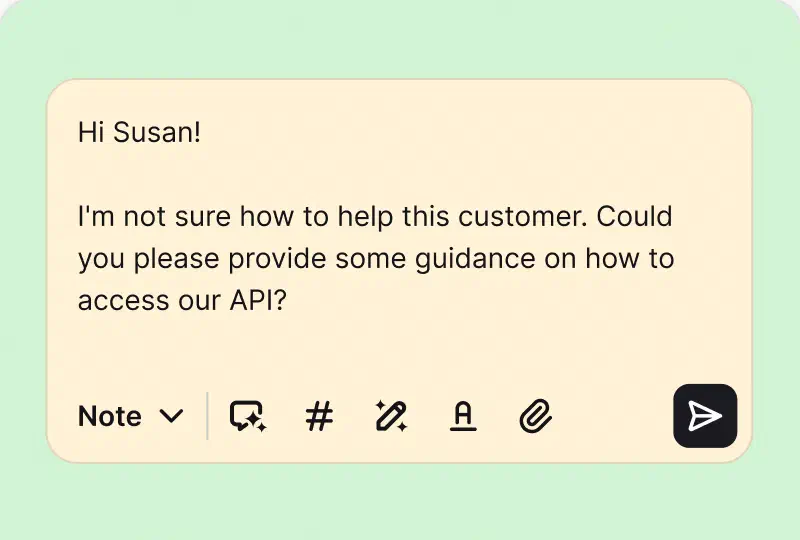
Document your findings or brief a teammate right on the ticket. Notes stay internal, so customers never see your kitchen talk.
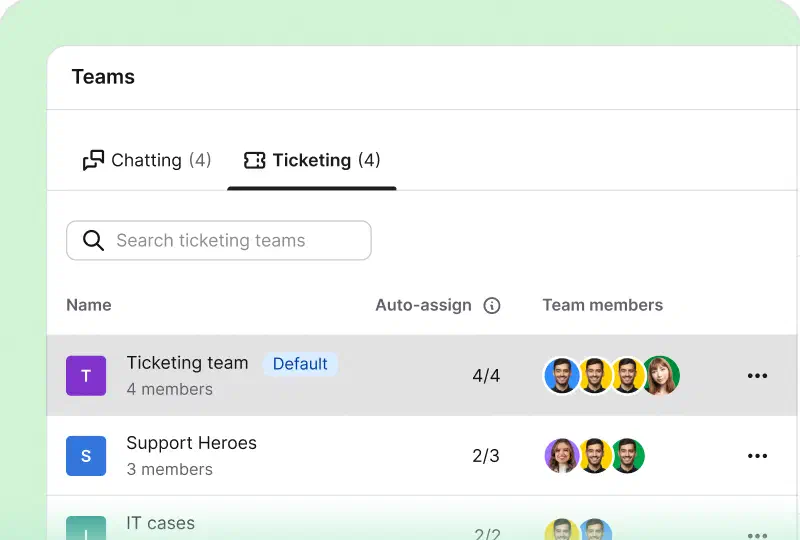
Organize agents into teams, share ticket views, and keep everyone in sync with team collaboration features built into HelpDesk.com.
Ticket management software collects customer requests from channels like email and turns each one into a ticket your team can track from first message to resolution. Every ticket carries a status, a priority, and an owner, so support teams always know who handles what, and no case slips through.
Brastel cut its ticket handling time by 39% after moving its customer communication to HelpDesk.com. Your data stays protected along the way, as HelpDesk.com meets SOC 2, GDPR, CCPA, PCI DSS (SAQ A), and Data Privacy Framework standards.
Try HelpDesk.com ticket management with your team
Free 14-day trial No credit card required
You'll be in
good company
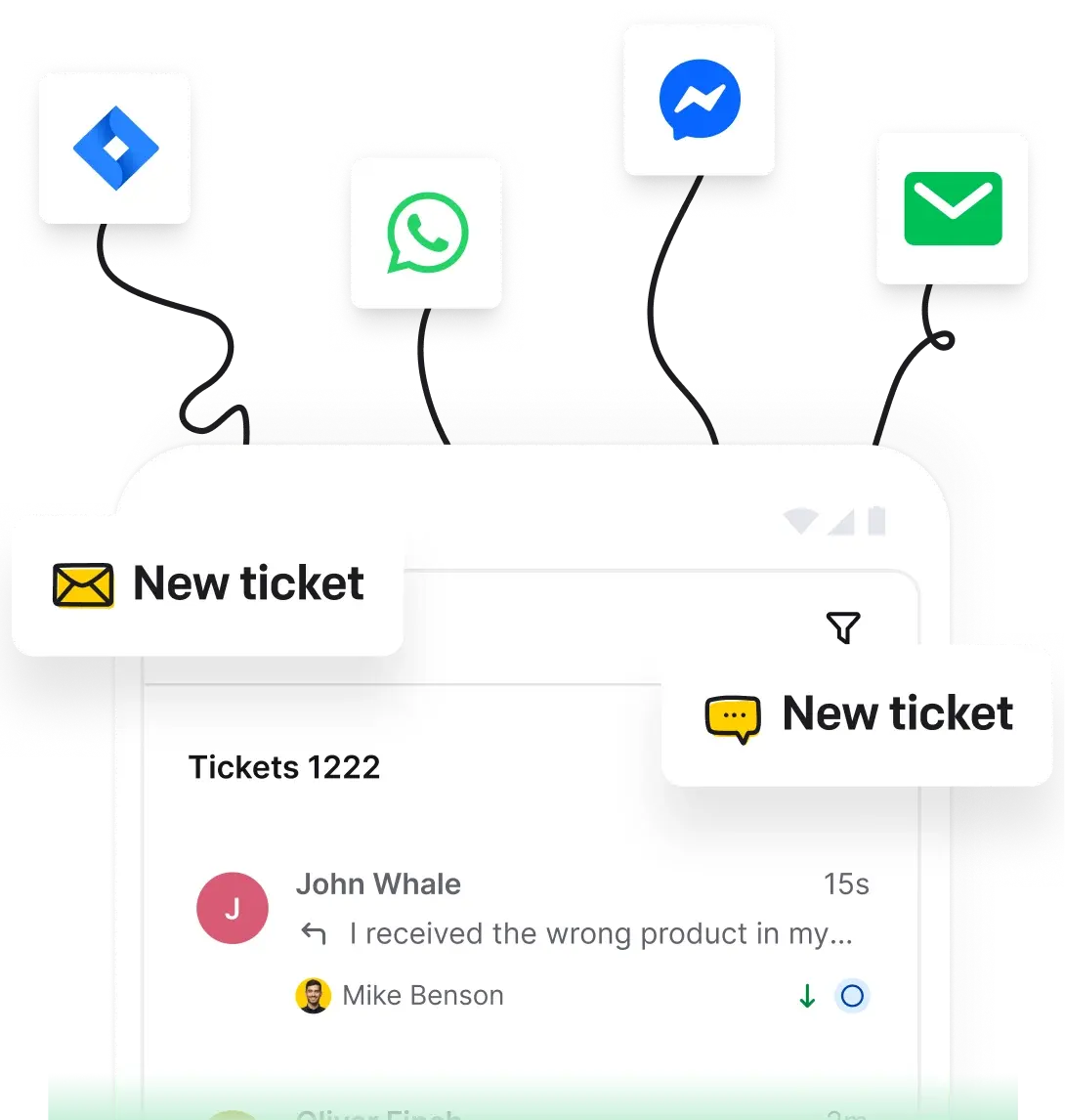
A ticket management system is software that turns every customer request into a trackable ticket with a status, a priority, and an owner. Your team works on tickets in one help desk instead of a crowded mailbox, so nothing gets lost.
Look for ticket statuses and priorities, custom views, automation rules, AI assistance, reporting, and team collaboration. HelpDesk.com covers all of these in one ticketing system.
Yes. AI writes a ticket summary for every case, suggests tags, detects the customer's language, and polishes your replies with text enhancements. You stay in charge of every message that goes out.
HelpDesk.com connects with Shopify, Salesforce, and HubSpot, plus more apps in the marketplace. You can also use the API and webhooks to build your own connections.
HelpDesk.com is built and operated by Text, the platform behind LiveChat and ChatBot.com. When you start a free trial, your HelpDesk.com account runs on the Text platform.
It collects messages from channels like email, turns each one into a ticket, and routes it to the right agent. In HelpDesk.com, automation rules handle assignment and follow-ups, and AI adds summaries, tags, and language detection along the way.
HelpDesk.com is billed per agent per month, and you can test everything first with a free trial - no credit card required. Check the current pricing for plan details.
Yes. Connect your support email address, and every incoming message becomes a ticket automatically. You can reply from your own domain and run the whole inbox in your browser as a web help desk.
Yes. HelpDesk.com meets SOC 2, GDPR, CCPA, PCI DSS (SAQ A), and Data Privacy Framework standards, and your tickets are stored in certified data centers.