
Work on customer tickets side by side. Share ownership, stay out of each other's way, and answer faster as a team.
Free 14-day trial No credit card required
Feel free to contact us around the clock when you need support or guidance.
Keep your data protected with SOC 2, GDPR, CCPA, PCI DSS (SAQ A), and Data Privacy Framework compliance.
Hand off tickets with AI summaries, and route cases faster with tag and language detection.
Text products are trusted by 35,000+ leading brands





Map out the actual structure of your organization in the HelpDesk.com ticketing system to better distribute cases and answer as one team.
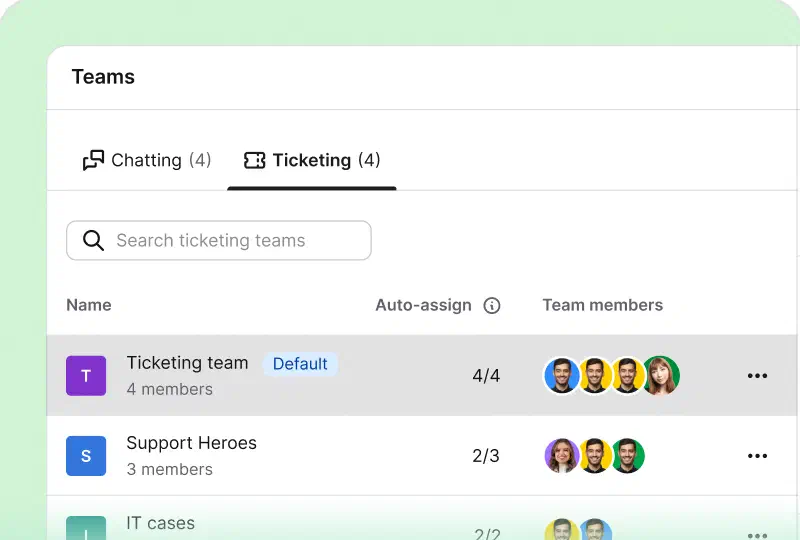
Create teams that mirror your departments, skills, or languages, and give each person the right role, so responsibilities stay clear.
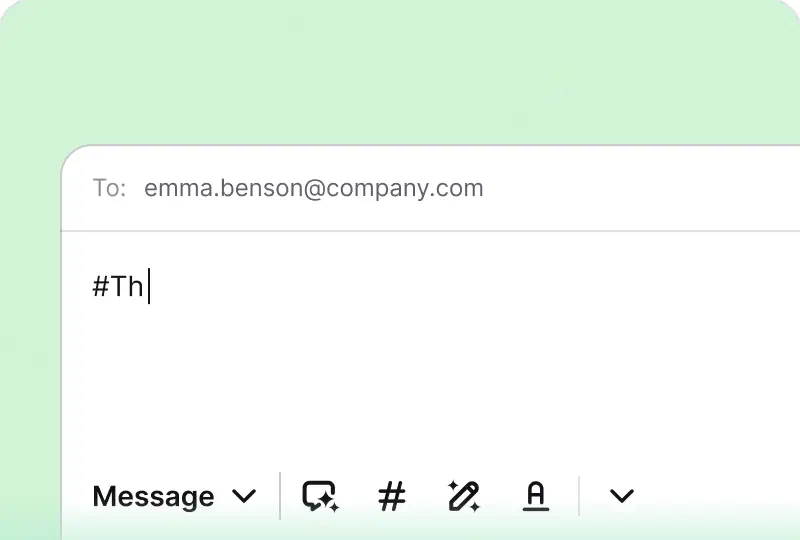
Type # in the composer to drop one of your team's saved answers into a reply. Everyone replies fast, and every reply sounds like your brand.
 Work booster
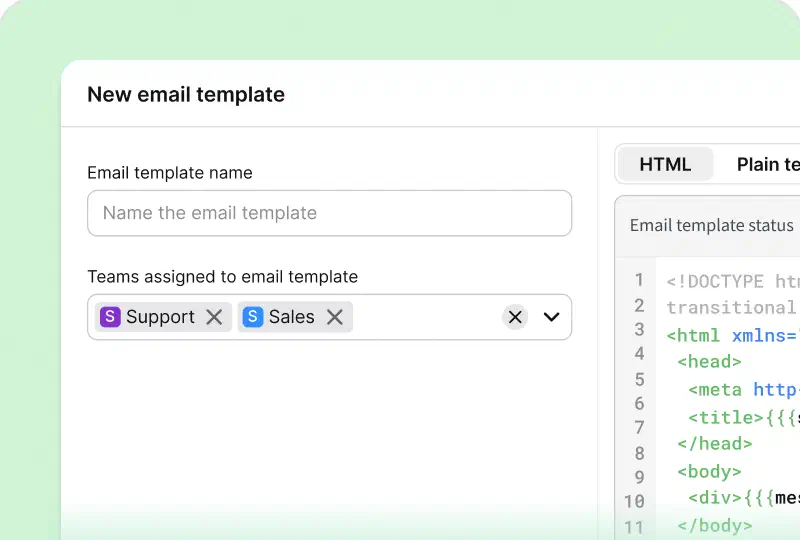
Set up multiple email templates, one for each team, so every outgoing message matches your brand and the team it comes from.
tickets are handled within four hours through prioritization and tagging.
7,000actions performed by automation rules instead of agents.


It was nice to be able to look at the workflow examples that are ready to go. It's really simple.
It was nice to be able to look at the workflow examples that are ready to go. It's really simple.
 Melissa Hannamthe Director of Marketing at Valley Driving School
No case is a struggle when you handle tickets as a team. Share ownership and keep everyone informed without extra emails.
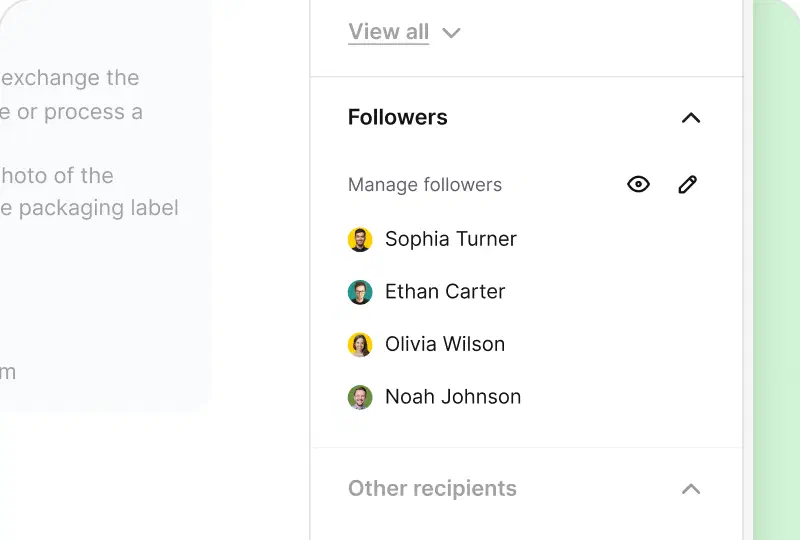
Follow a ticket to supervise how it's going. You get instant notifications of any updates, without taking the case over.
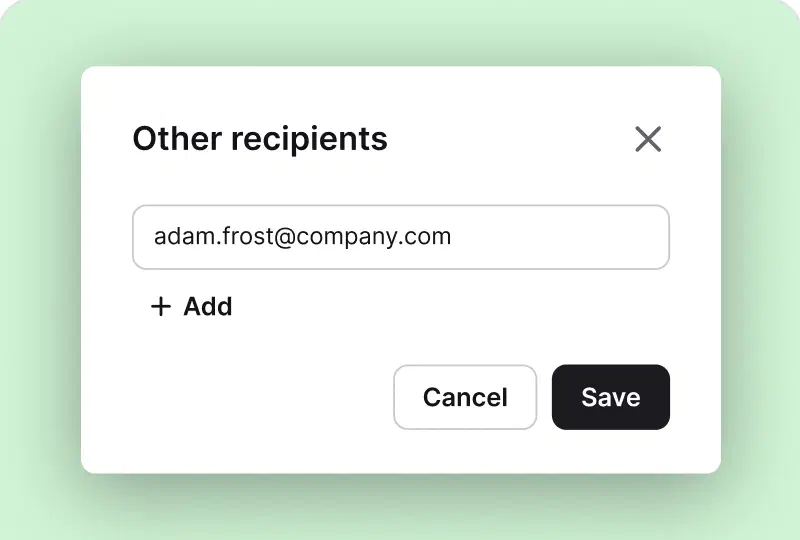
Bring in other people who should stay updated on the case, so your recipient always knows exactly who's involved.
 Managers' favorite
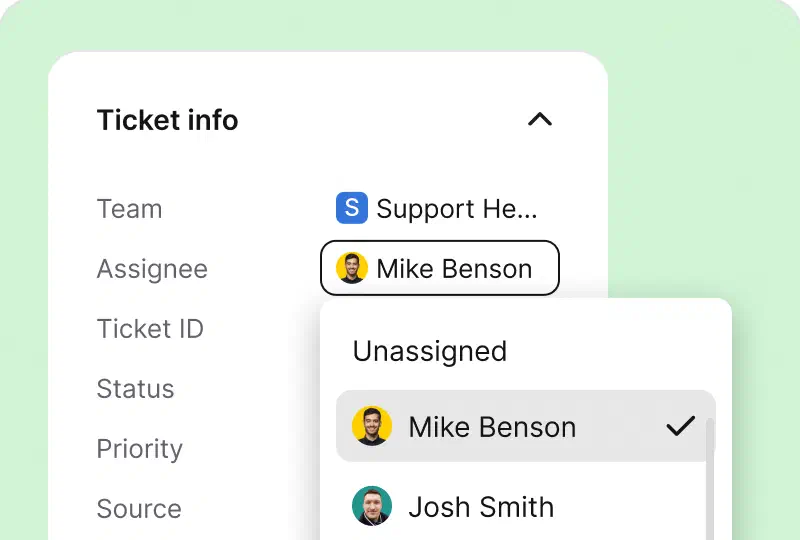
Go with a manual, supervisor, or automated process to share duties and clarify ticket ownership. Always assign a capable agent who can sort out the customer case ASAP.
Before you pass a ticket on, an AI help desk writes a short summary of the issue, what's been done, and the next step. Your teammate picks it up in seconds, with no scrolling through the whole thread.
Add a private note with your findings, and the handoff is complete.
See how ticket summaries work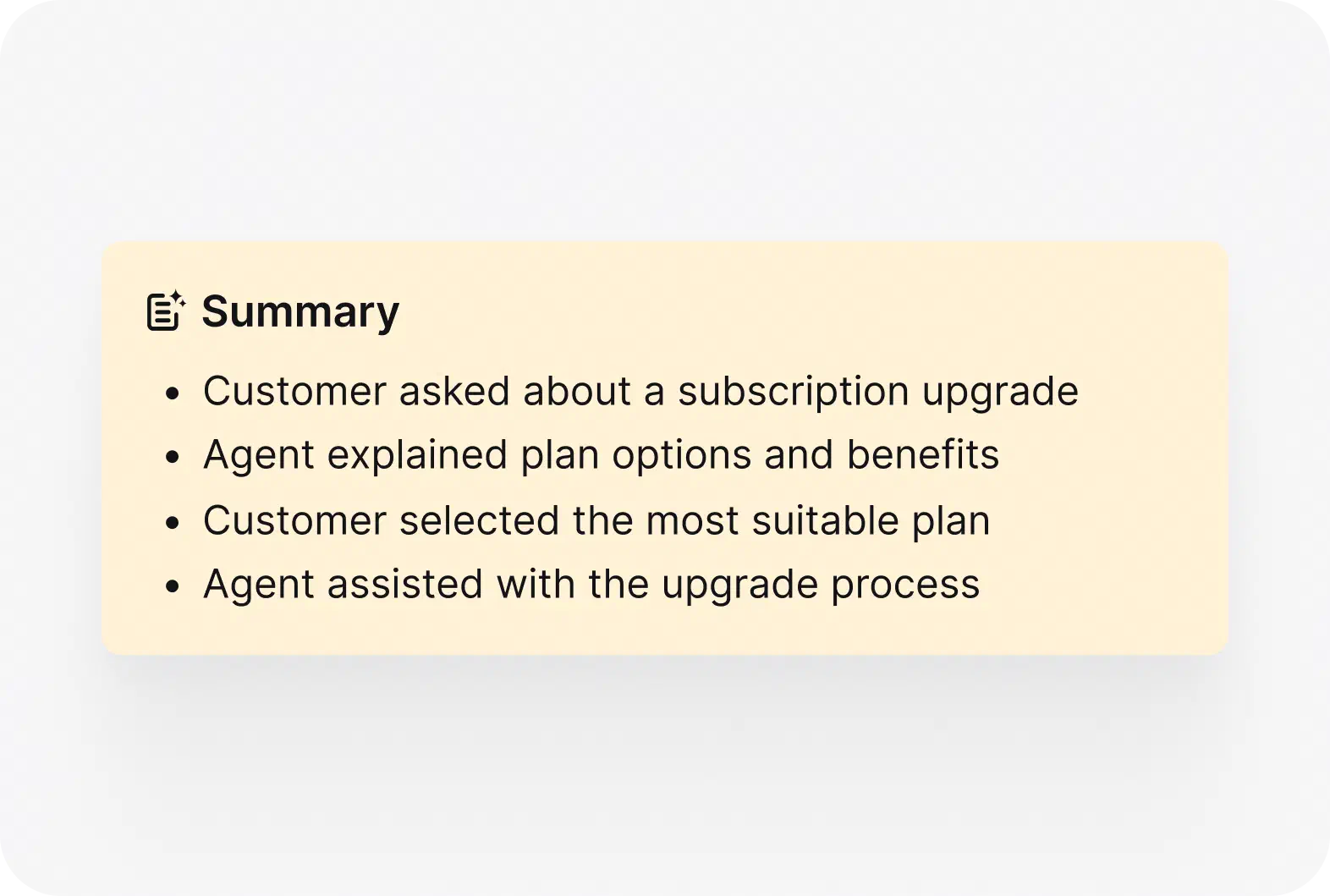
Keep the momentum going and dodge duplicate tasks by staying in tune with your teammates.
Loved by teams
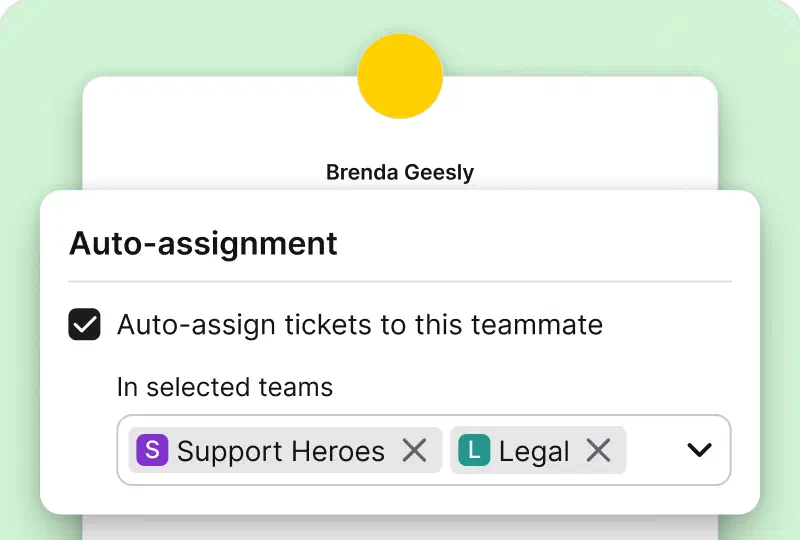
Distribute new tickets automatically with the round-robin option. Workloads stay balanced, and nobody drowns while a teammate sits idle.
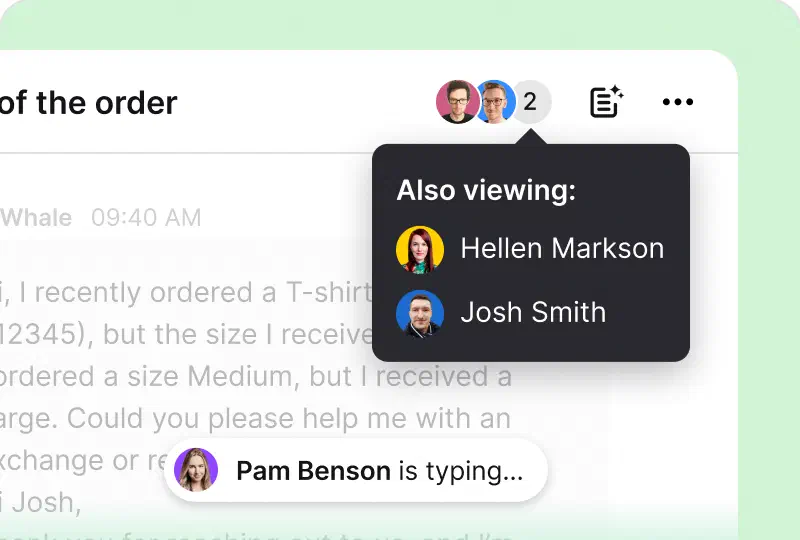
See in real time when a teammate is viewing or replying to a ticket. You avoid duplicate replies, and customers get one clear answer.
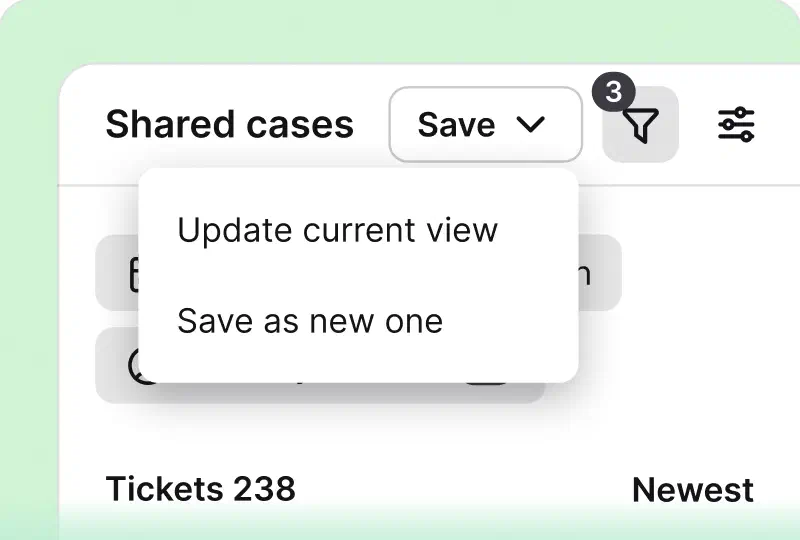
Share your ticket filtering settings as a view your teammates can use, so the whole team looks at the same priorities.
 Loved by teams
Get a recap of your team's new and solved tickets in your inbox every week. Spot trends early and share wins without building a report.
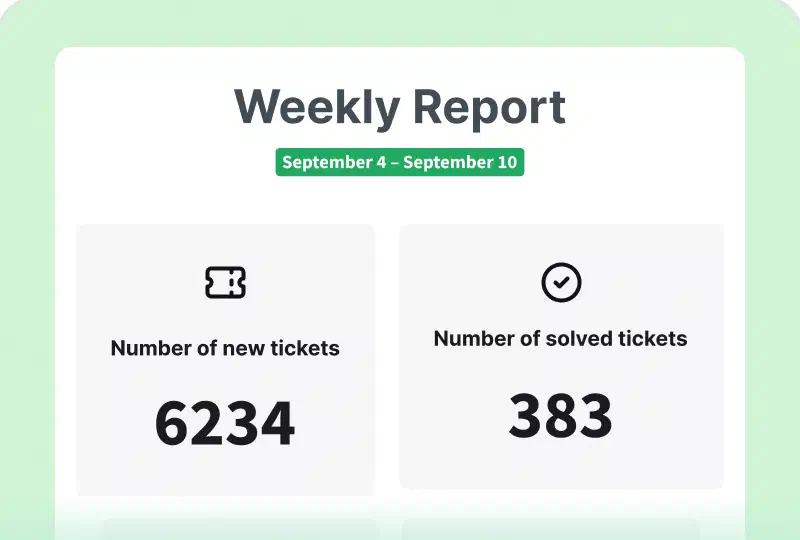
HelpDesk.com runs on Text, the platform behind LiveChat and ChatBot.com. Your team collaborates across chats and tickets in one inbox, with one analytics view of the results.
Resolves routine questions on its own, so your team picks up only the cases that need a human.
See AI Agent on TextTalk to customers on your website in real time, and catch the moments when a conversation can become a sale.
See AI Live Chat on TextTurns every request into a ticket your team can assign, track, and solve together, with AI handling the busywork.
See AI Help Desk on TextEmail, chat, and Messenger conversations side by side, so nobody switches tools to help a customer.
See Inbox on TextFree 14-day trial No credit card required
You'll be in good company


Team collaboration in customer service means agents solve customer requests together in one system instead of separate mailboxes. Everyone sees ticket ownership, progress, and history, so handoffs are smooth and no case depends on a single person.
Valley Driving School handles 100+ tickets within four hours using prioritization and tagging in HelpDesk.com. Your data stays protected along the way, as HelpDesk.com meets SOC 2, GDPR, CCPA, PCI DSS (SAQ A), and Data Privacy Framework standards.
Watch your teamwork thrive in HelpDesk.com
Free 14-day trial No credit card required
You'll be in
good company
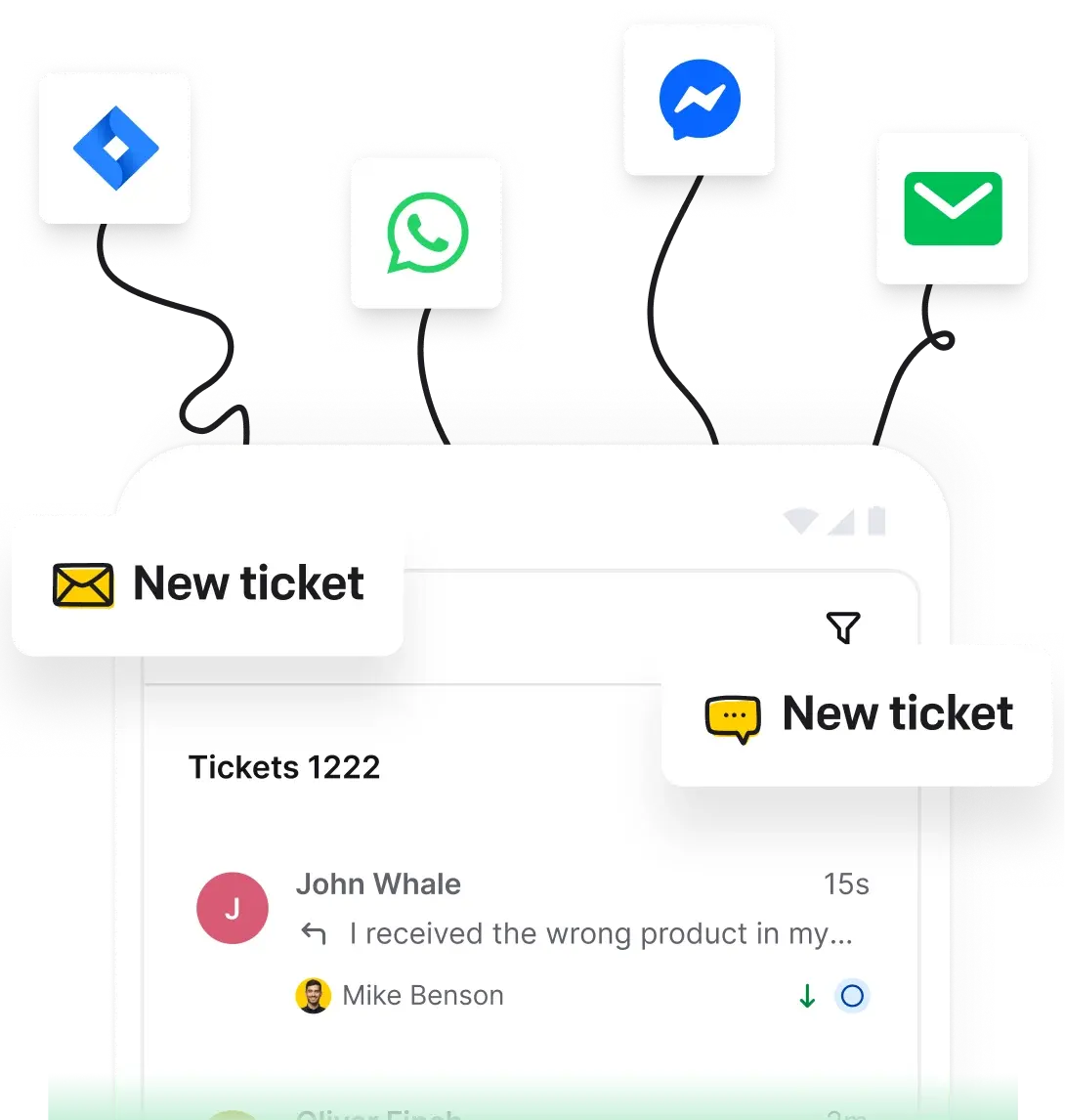
Teams work from one shared inbox where every ticket has an owner. Agents leave private notes on the conversation, follow tickets to stay updated, and hand off cases with an AI ticket summary instead of forwarding or cc'ing.
Yes. Collision detection shows when a teammate is already replying, so customers never get duplicate answers. Followers and people in the loop keep everyone informed without extra emails.
HelpDesk.com is built and operated by Text, the platform behind LiveChat and ChatBot.com. When you start a free trial, your HelpDesk.com account runs on the Text platform.
A shared inbox is one place where your whole team sees and answers customer messages. In HelpDesk.com's ticket management software, every message becomes a ticket with a status and an owner, so teamwork stays organized.
You can invite teammates as admins or agents and organize them into teams by skill, language, or department. Roles control what each person can see and change, and automation rules distribute the work fairly.