
 SOC 2 & GDPR
AI ticketing & automation
HelpDesk.com captures requests from email, chat, and messaging as trackable tickets, routes them with automation, and gives your team AI to resolve them faster.
Free 14-day trial No credit card required
Text products are trusted by 35,000+ leading brands





Most tools were built to close tickets faster and shrink queues. That matters, but it is not the whole job. HelpDesk.com gives every request an owner, automates the busywork, and shows what your support actually delivers.
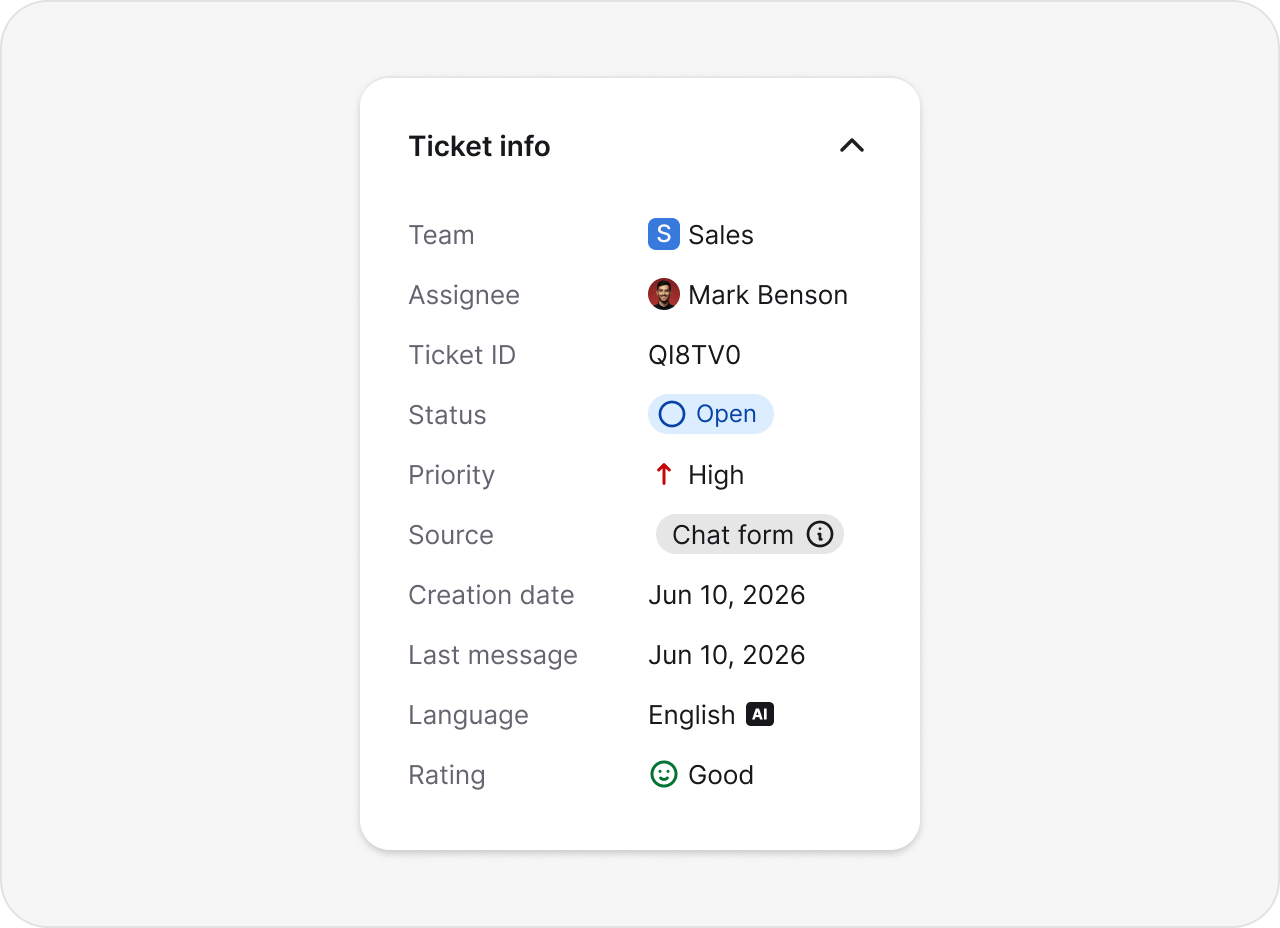
Every request lands as a ticket with a team, an assignee, a status, and a priority, so accountability is never in question.
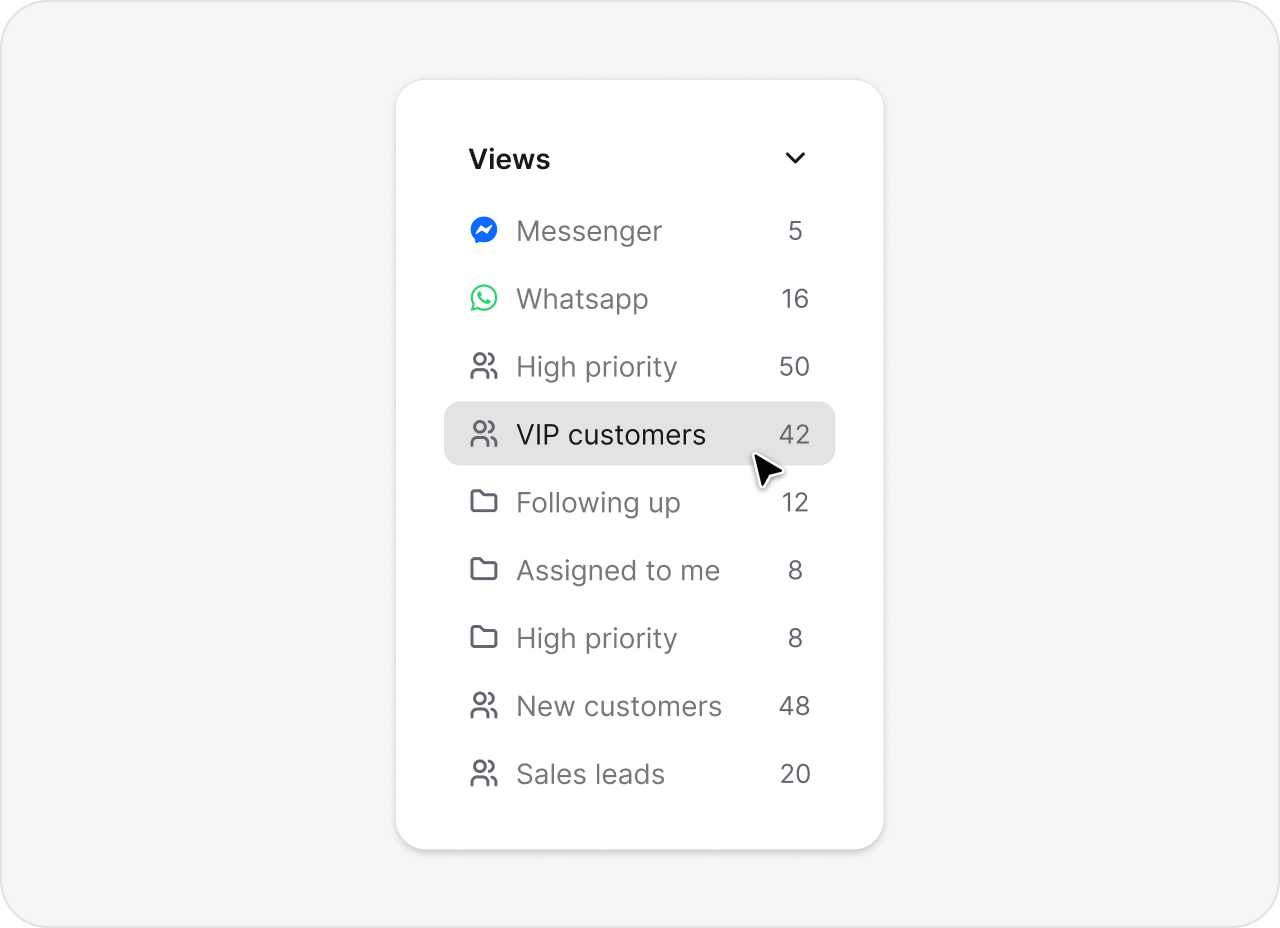
Custom views and filters show exactly what is new, what is waiting, and what needs attention right now.
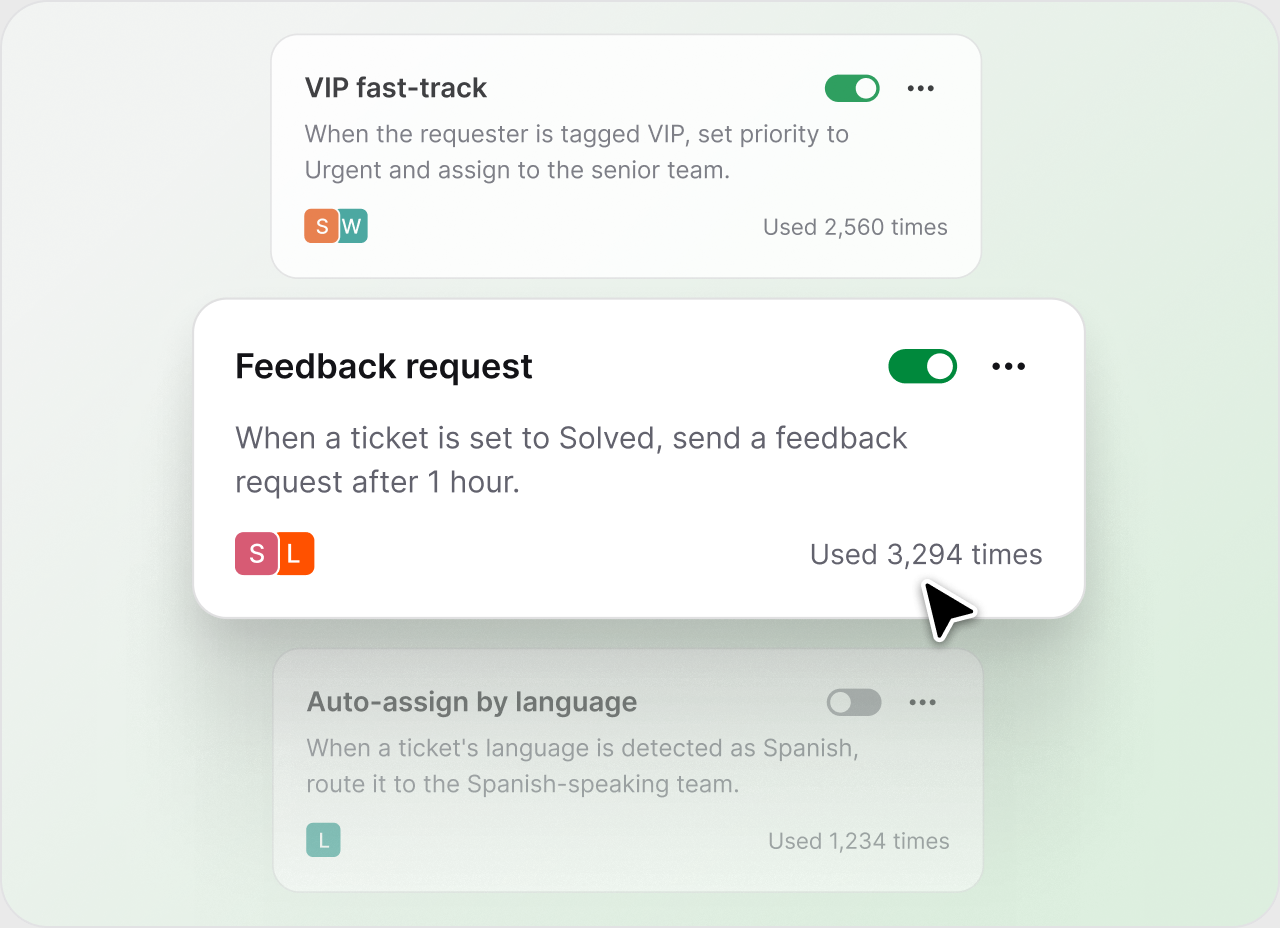
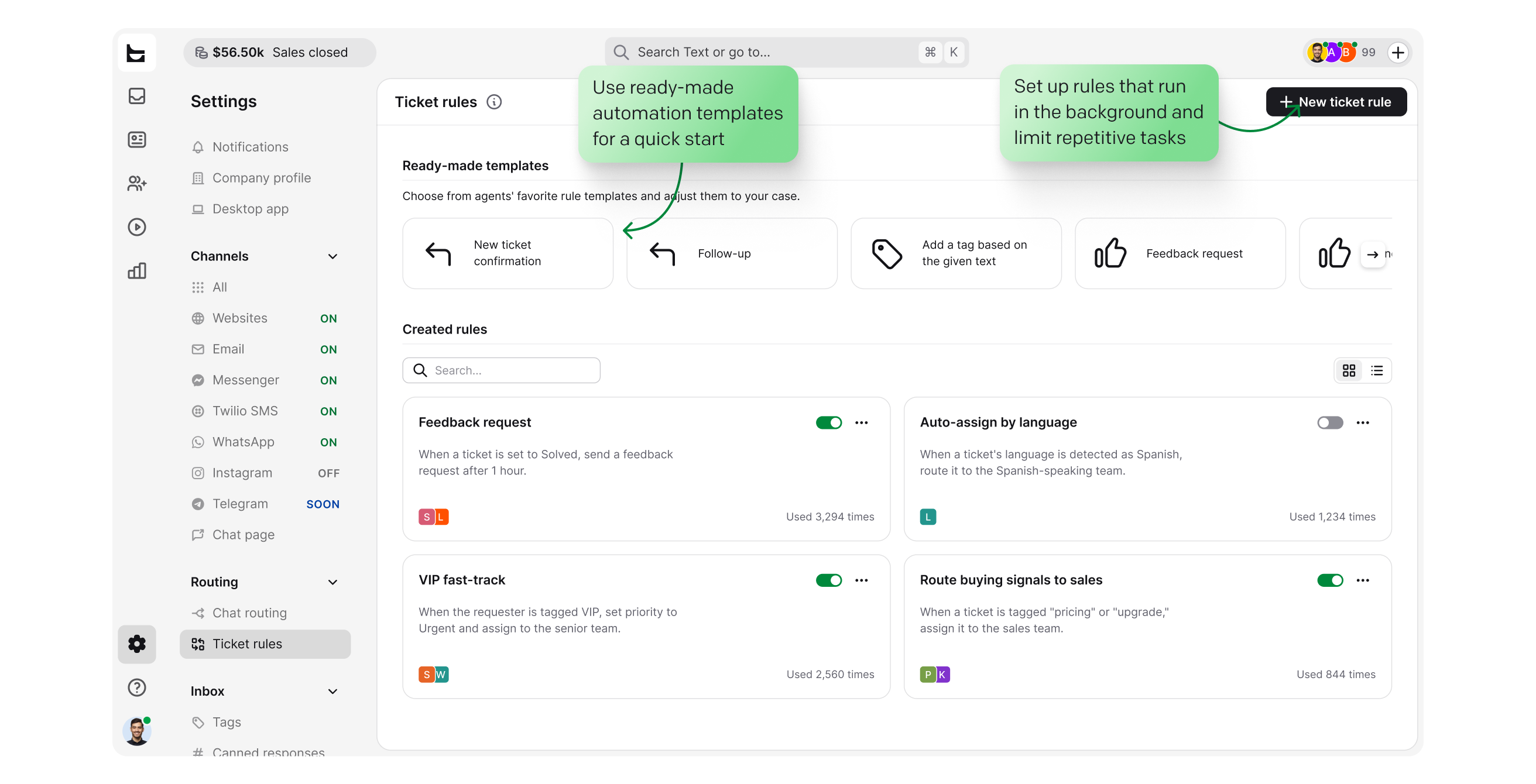
Ticket rules and workflows handle routing, tagging, and follow-ups. No dev tools or technical teams required.
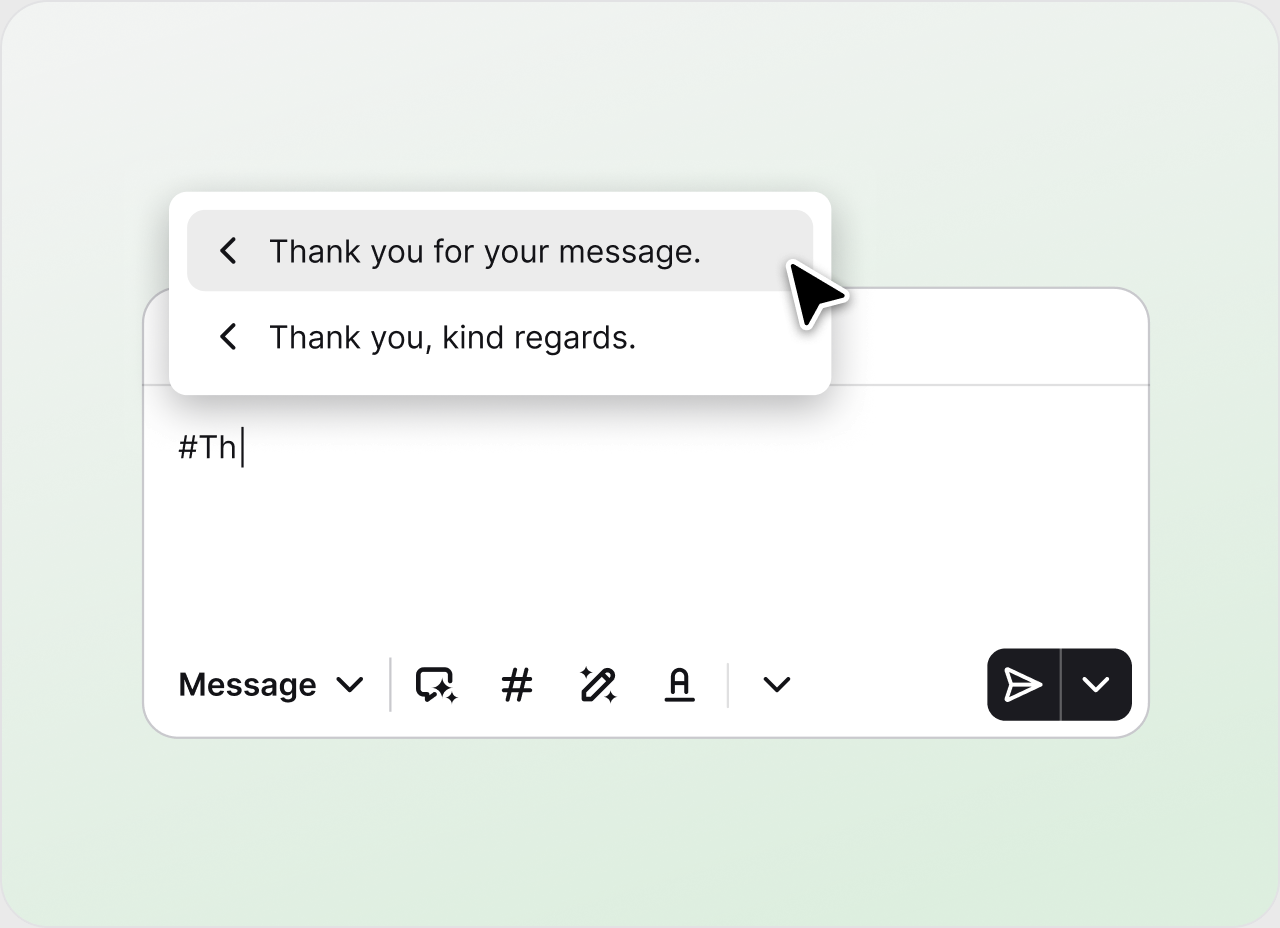
Canned responses and AI drafts clear common IT requests in one click.
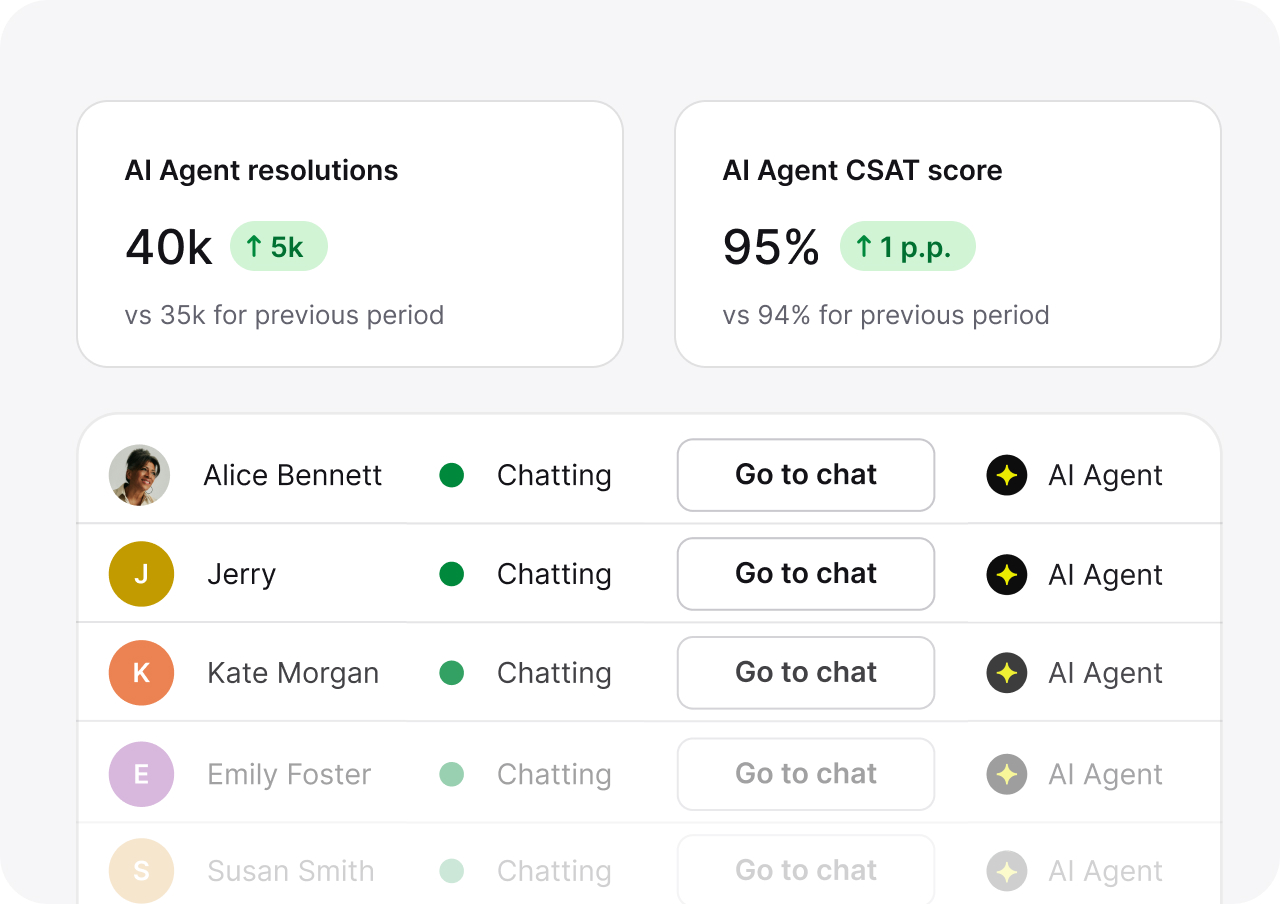
The AI Agent handles routine cases on its own and hands the rest to your team with full context.
No credit card required
From first message to final report, HelpDesk.com is the ticket tracking software layer for your entire support operation.
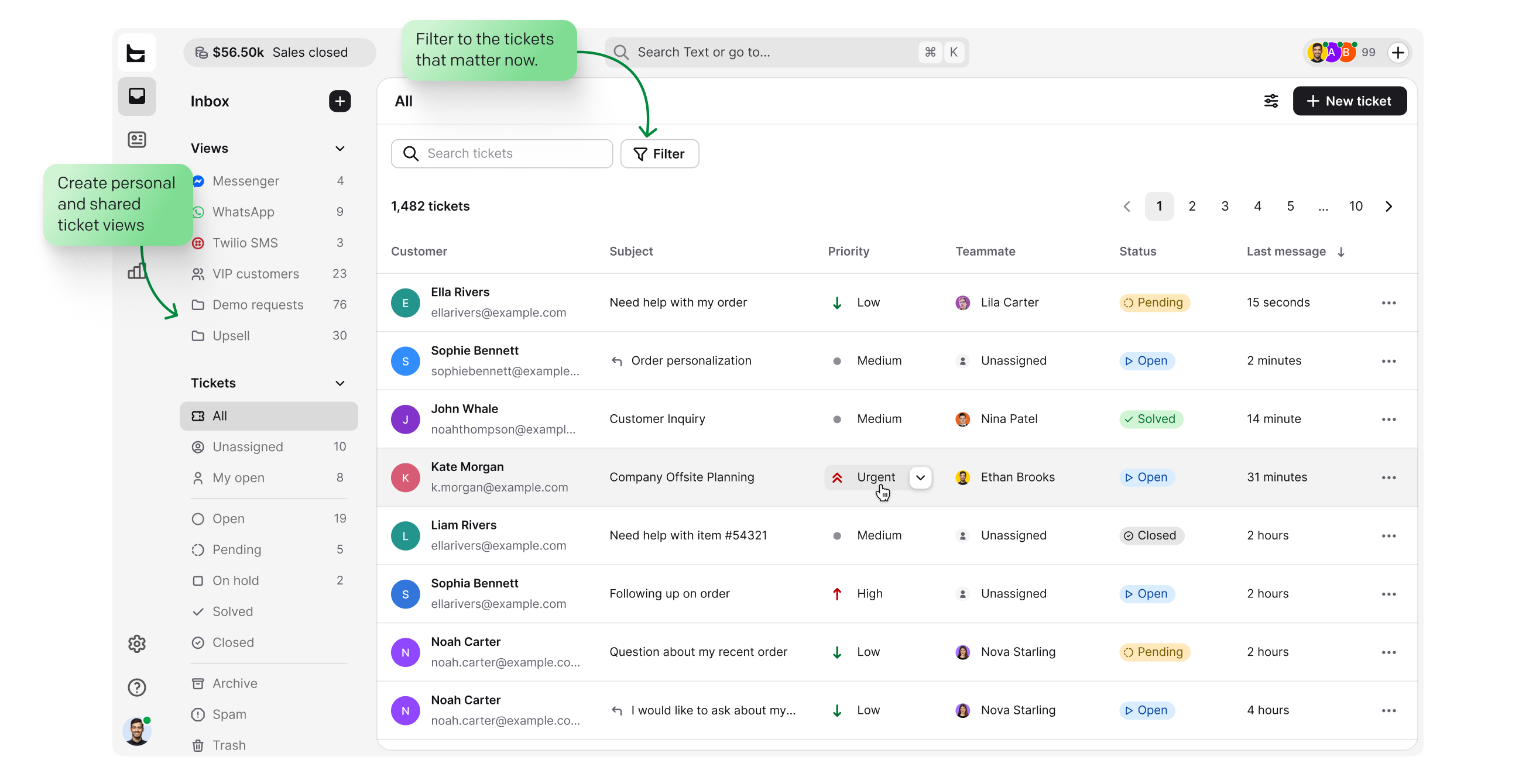
Build personal and shared views around the queues your team actually watches.
Open, pending, solved, with priorities that keep urgent work on top, so nothing slips.
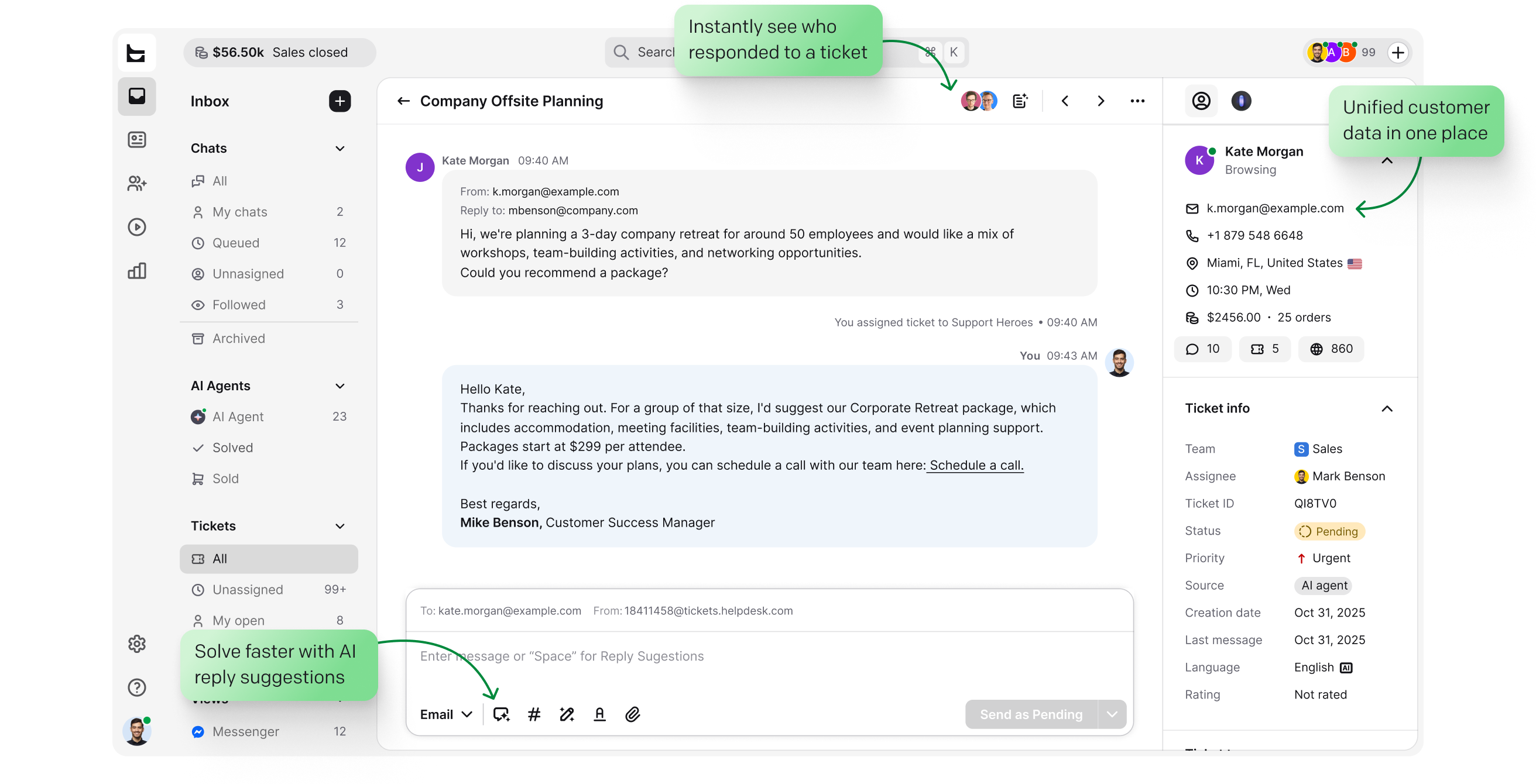
Collision detection, private notes, and followers keep two agents from answering the same request.
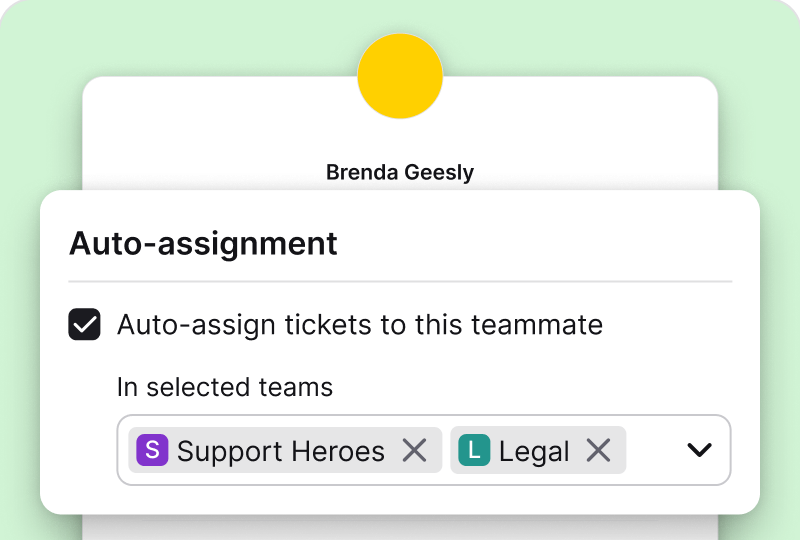
Ticket rules assign each new ticket by team, workload, and skills. Ownership is instant, and accountability comes built in.
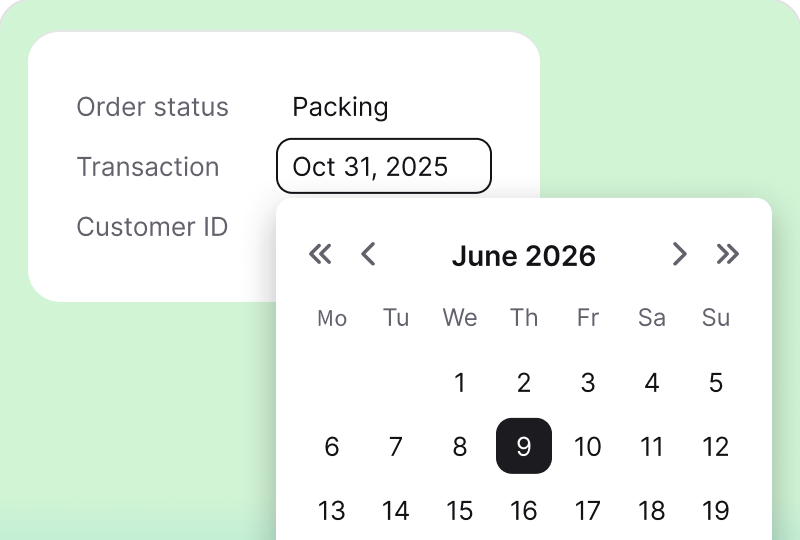
Every ticket carries the context that keeps the queue readable and reporting clean, with automatic tagging and language detection on top.
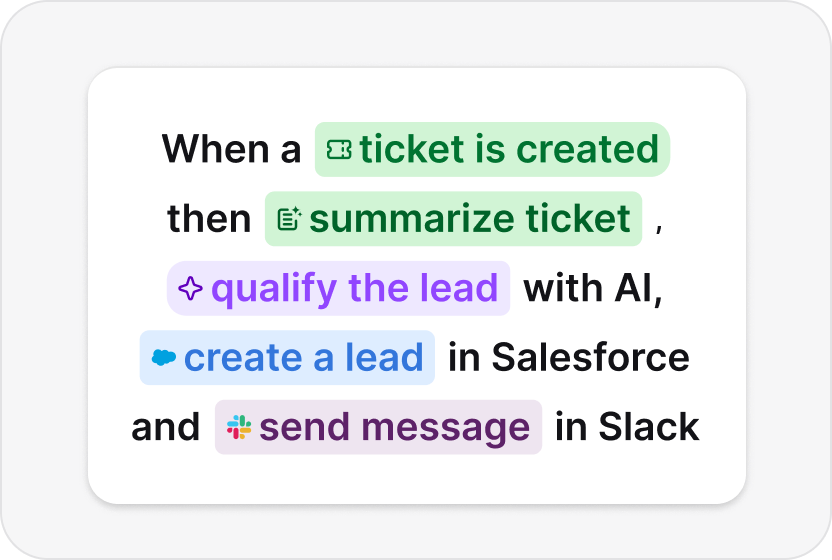
Set response and resolution targets, and workflows track every ticket against them. As a case nears its target, a workflow can notify the assignee, reassign it, or escalate it.
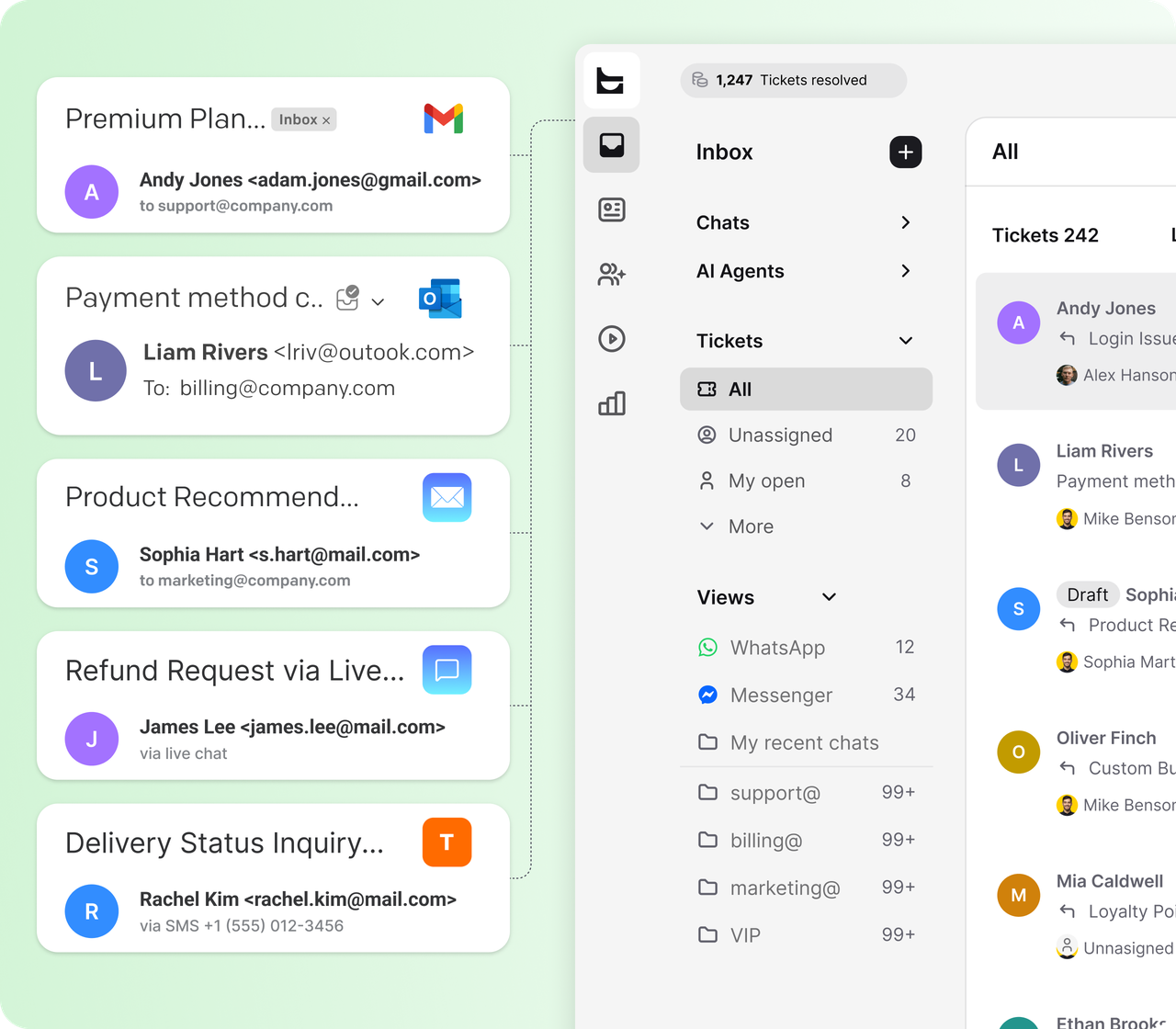
Email, native live chat, Messenger, WhatsApp, and SMS land in the same inbox as tickets. No missed messages, and no lost context when a customer switches channels.
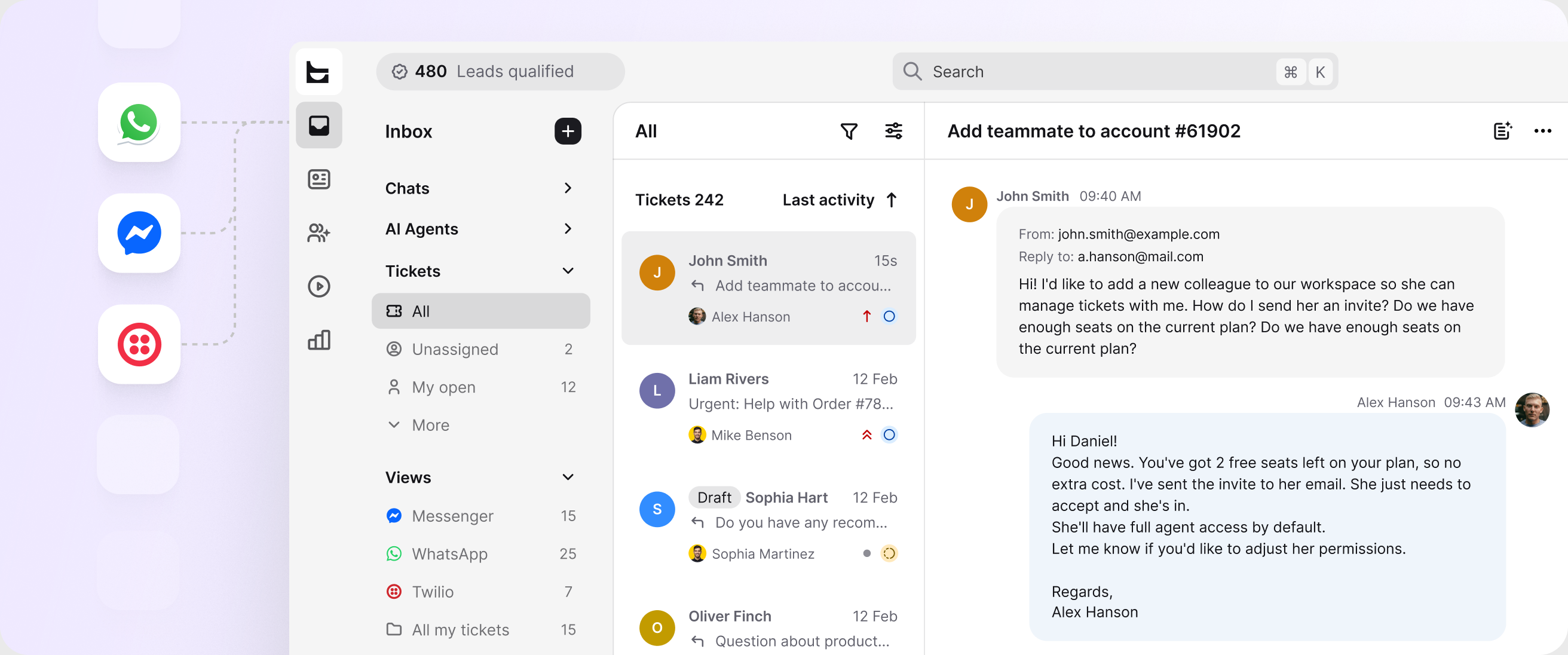
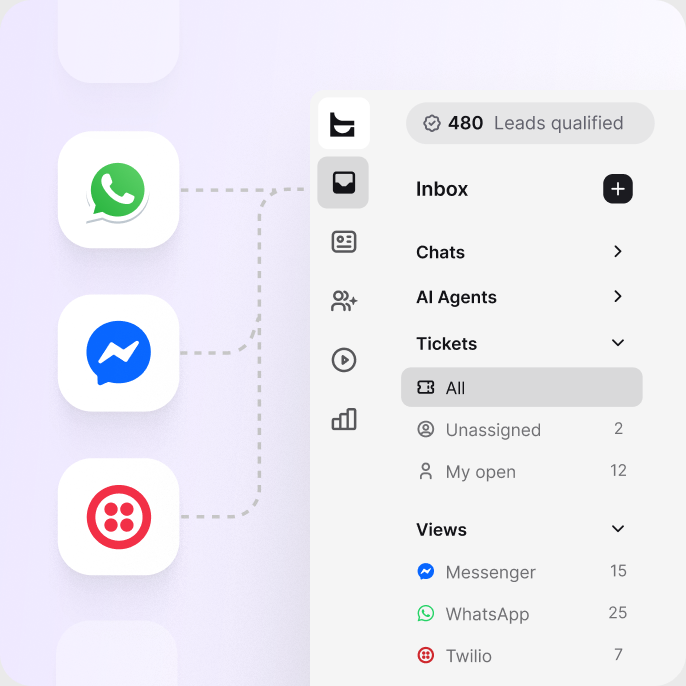
Forward your support address and every email arrives as a trackable ticket.
Native chat on your website, with the AI Agent on the front line.
Reply to Facebook messages from the same queue as everything else.
Meet customers on the channel they already use every day.
Text messages become tickets with the full history attached.
Every conversation is a ticket with customer context and history visible in one place.
The AI Agent resolves on average 73% of cases in chat before they ever become a ticket, as part of HelpDesk.com's AI help desk. It answers from the knowledge sources you point it at: help articles, product documentation, and uploaded files. You set the escalation paths and stay in control.
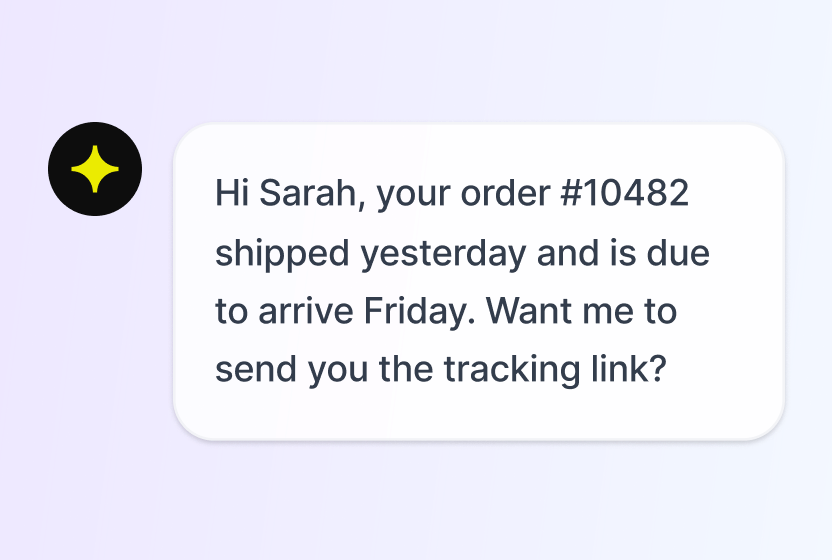
Resolves routine requests on its own and hands off complex cases with full context.
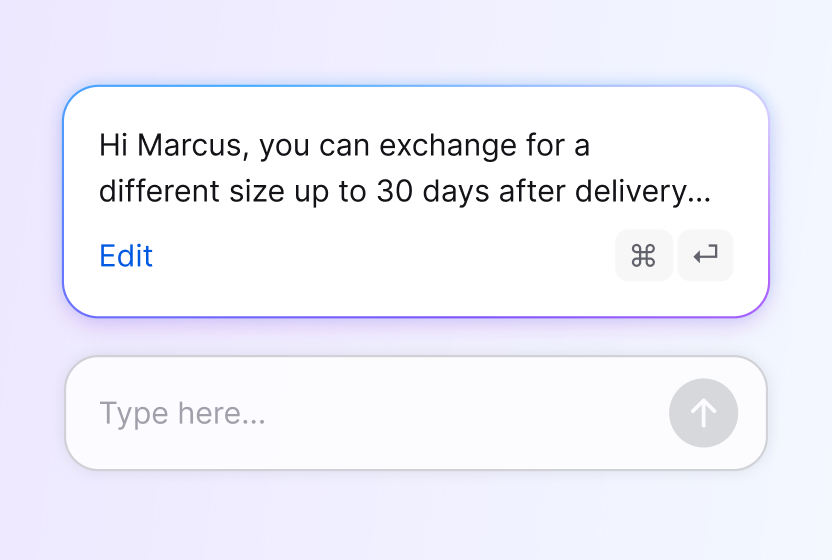
Drafts responses your agents can tune and send in one click.
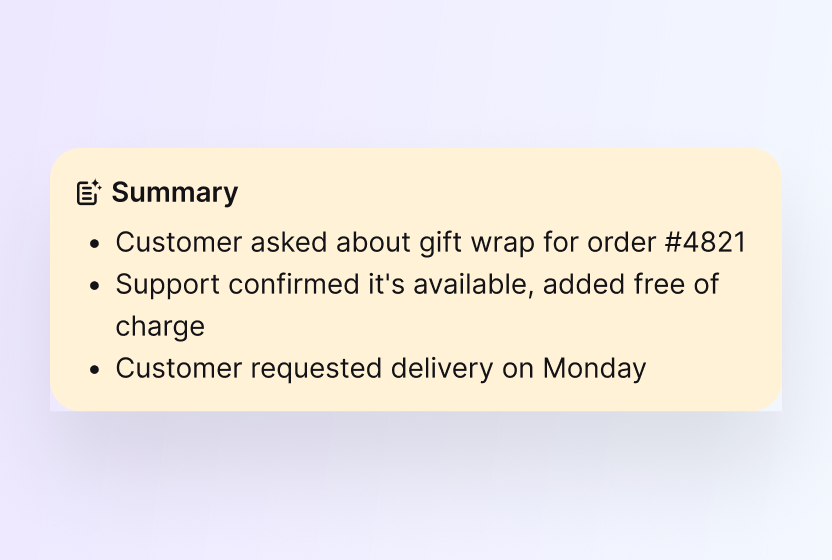
Catches anyone up on a long thread in seconds, with the next step spelled out.
No credit card required
Free 14-day trial No credit card required
You'll be in good company


Each agent can spend more time resolving tickets and make our customers happier with an individual approach and better response time.Dalton HasegawaManager, Brastel Co., Ltd.
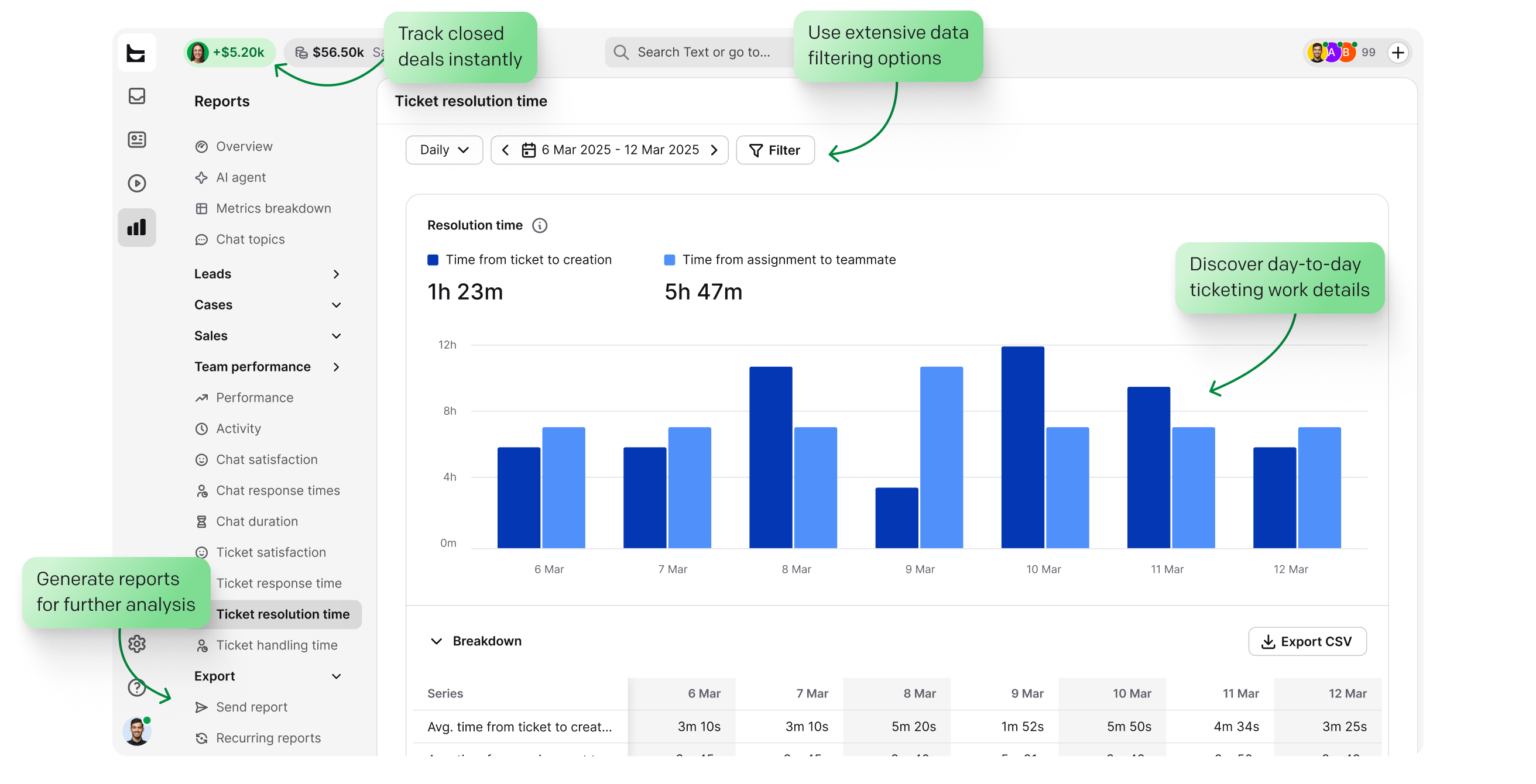
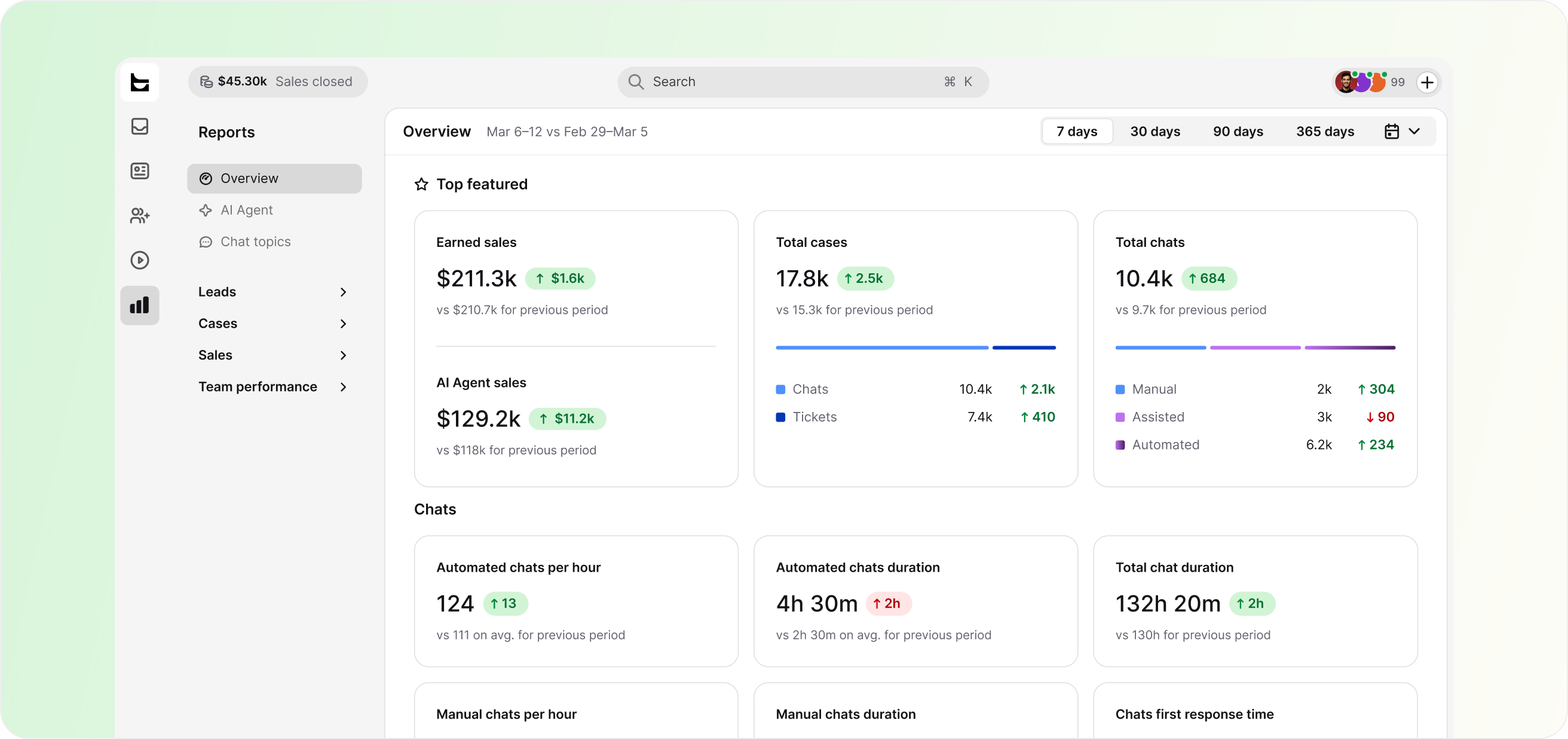
Most ticketing software can tell you how fast you closed a ticket. HelpDesk.com also shows what those conversations are worth: reports connect support activity to sales, so you see the revenue your team influences, not just the queue it clears.
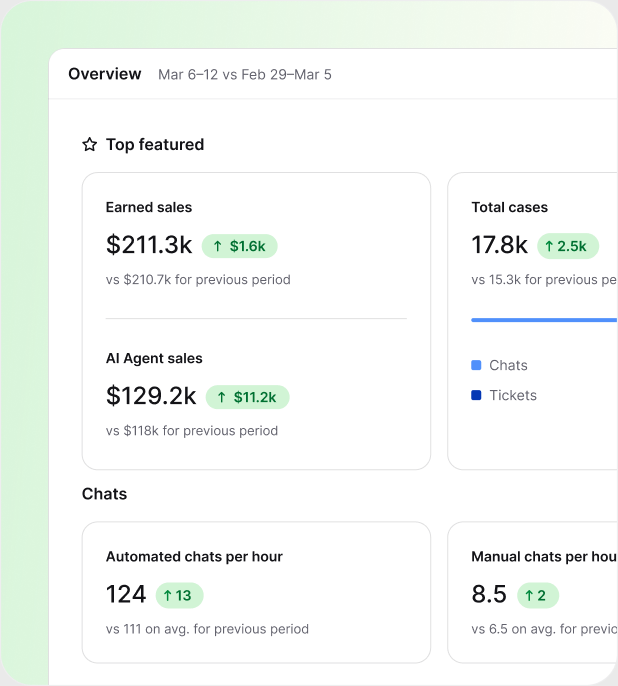
Tickets are encrypted in transit and at rest, stored in certified AWS data centers, and available only to the agents you authorize.
 SOC 2
SOC 2
 GDPR
GDPR
 CCPA
CCPA
 PCI DSS
 DPF
DPF
 WCAG 2
 BBB
BBB
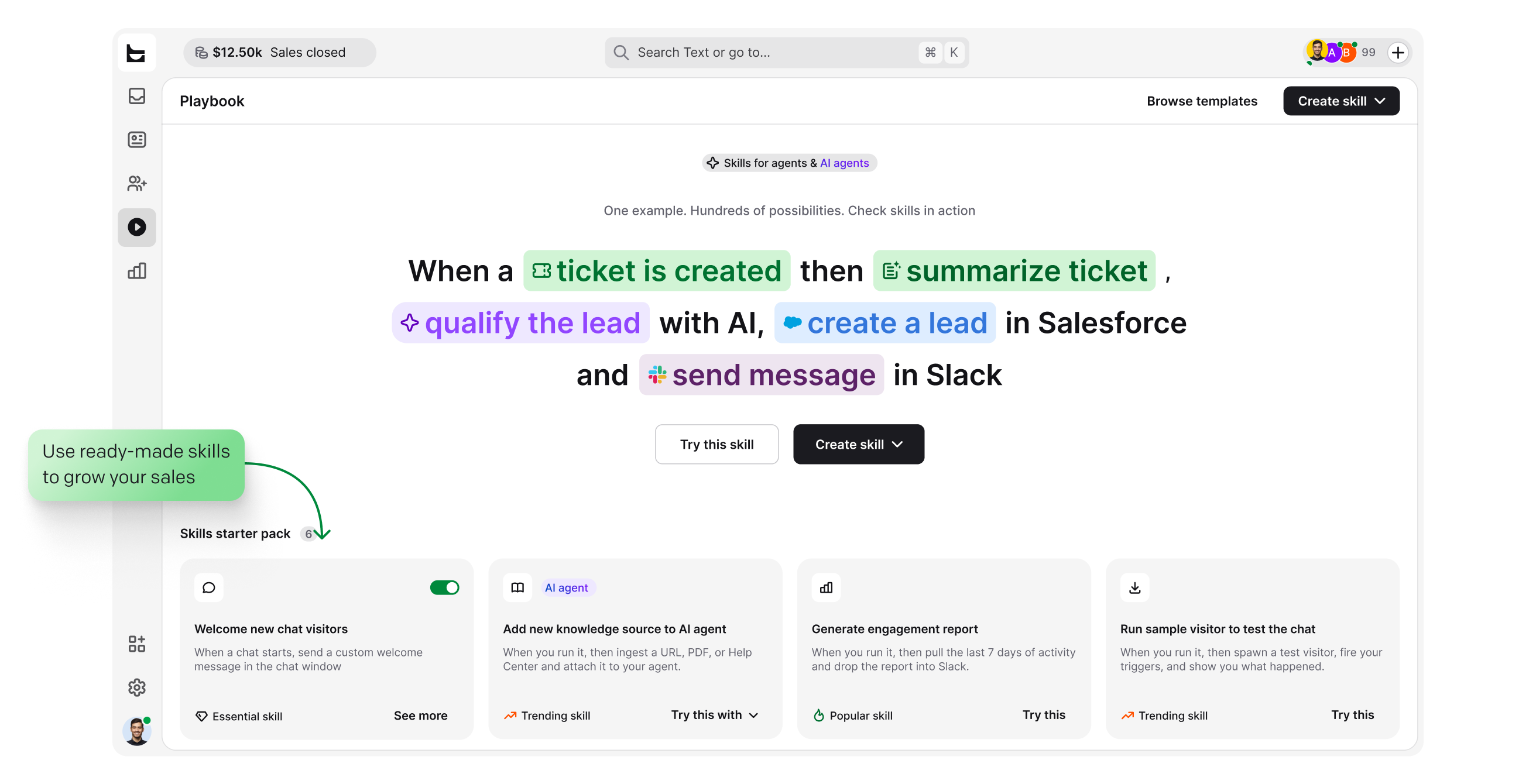
When a ticket is created, updated, or solved, a workflow can carry it into the tools around your help desk. No engineering time required.

Create and update accounts, contacts, leads, and cases from a workflow step when a ticket needs CRM context.

See a customer's last order, payment, and shipment status next to the conversation, and act without leaving the ticket.

Send a message to a public or private channel when a ticket needs attention, like an urgent case or a bad rating.


Start workflows from CRM and marketing events, and keep contact data moving between tools.

Add an AI step that processes ticket text inside a workflow, right where the conversation lives.

Send an HTTP request to any external API as a workflow action. If a tool has an API, a workflow can reach it.
Want the full automation tour? See help desk automation.
No forced enterprise rollouts and no migration projects. Prove value on one queue, then expand.
Create your account. No credit card required.
Point your support email at HelpDesk.com and add chat or messaging when you are ready. Every request becomes a trackable ticket.
Pick one high-volume request type, let AI and ticket rules handle it, and watch the resolution numbers before you expand.
No credit card required
An IT ticketing system is software that captures support requests, converts each one into a trackable ticket, and manages that ticket through to resolution. Every ticket gets an owner, a status, and a priority, so the team can route, track, and resolve requests from one shared queue. You may also see it called an IT ticket system, ticket management software, or ticket tracking software.
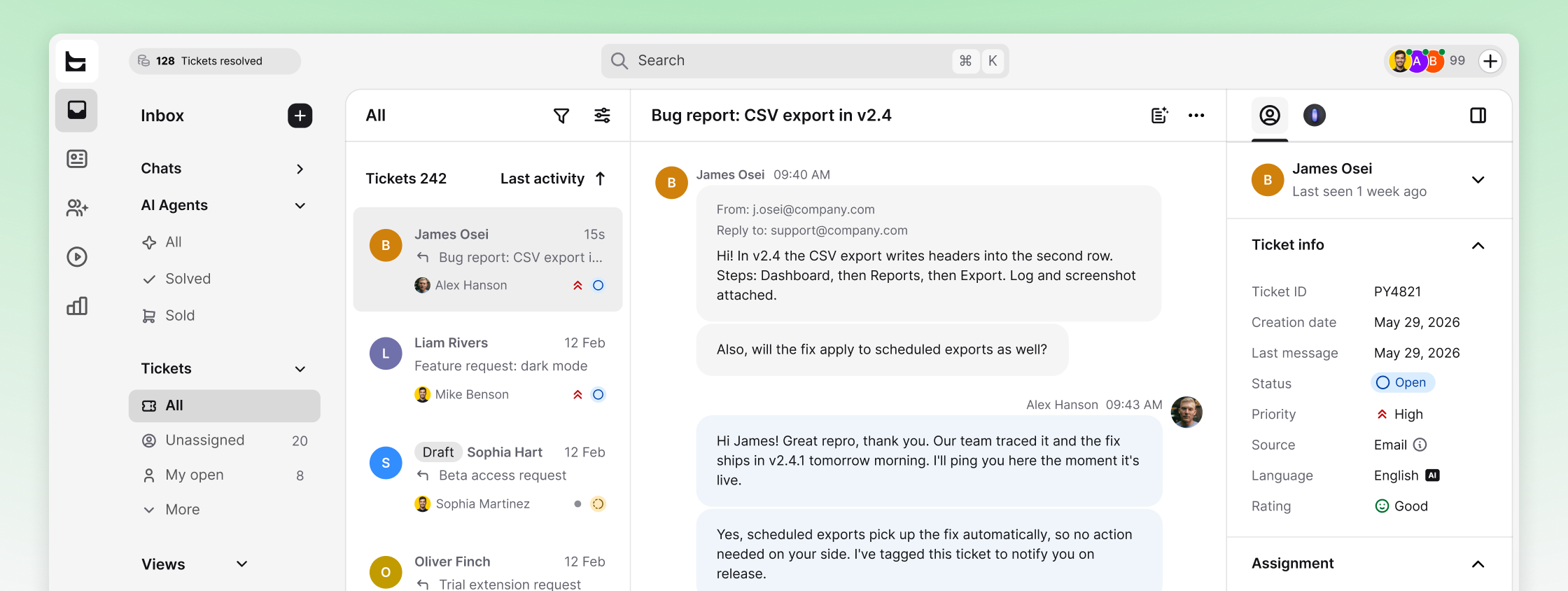
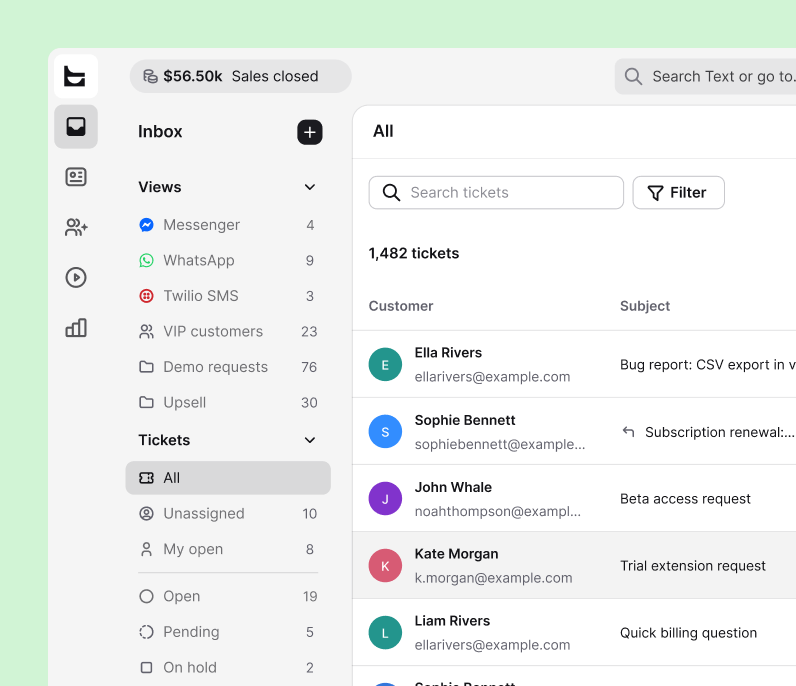
The mechanism is simple: requests arrive by email, chat, or messaging and land in one inbox as tickets. Rules assign each ticket to the right person, priorities keep urgent work on top, and every action is recorded, so there is always an answer to who owns this and what happened. HelpDesk.com runs this model with AI resolution and automation in the same workspace.
In practice, every request runs through the same four steps:
Every request from every channel becomes a ticket with the full history attached. Nothing depends on someone remembering to log it.
Ticket rules assign cases by team, workload, and skills, and tags keep the queue organized without manual triage.
The AI Agent clears routine cases, canned responses and AI drafts speed up the rest, and collision detection prevents duplicate replies.
Reports track response times, resolution times, CSAT, and team performance, so you can prove what support delivers.
The three overlap, but the scope differs. A ticketing system is the core engine that tracks requests. A help desk adds the workspace around it: knowledge, AI assistance, and reporting, like HelpDesk.com's IT help desk. A service desk extends further into IT service management, with change and asset processes, closer to what service desk software covers. HelpDesk.com works as an IT help desk ticketing system that combines the first two layers in one workspace. If your goal is resolving requests fast and proving the results, that is the right starting point.
Legacy platforms were built around incident lifecycles and admin consoles. They close tickets, but they take months to deploy and treat support as a cost center. Here is where a modern ticketing system diverges.
Legacy IT ticketing tools
HelpDesk.com
Time to value
Weeks to months of implementation, often with professional services.
Live in a day. Connect your channels, point AI at your knowledge, and start resolving.
AI capabilities
Paid add-ons layered on top of already expensive plans.
AI Agent, reply suggestions, and summaries built in.
Channels
Email and a web portal. Extra channels cost extra.
Email, live chat, Messenger, WhatsApp, and SMS in one queue.
Automation
Powerful but admin-heavy, built for dedicated IT operations teams.
No-code ticket rules and workflows anyone on the team can build.
Revenue insight
None. Support is reported as a cost center.
Sales and revenue reporting connected to support conversations.
Price per agent
Roughly $55 to $150+ per month before AI extras.
Transparent per-agent pricing with AI included and a free 14-day trial.
Comparing Zendesk, Freshdesk, Jira Service Management, ServiceNow, or Zoho Desk? See the detailed Zendesk comparison or browse all alternatives.
An IT ticketing system is software that captures support requests from every channel, converts them into trackable tickets, and manages each one through to resolution. Every ticket gets an owner, a status, and a priority, so IT and support teams can route, track, and resolve requests from one shared queue. HelpDesk.com is an IT ticketing system with AI and automation built in.
An IT ticketing system is the core engine that records and tracks requests as tickets. IT help desk software is the broader workspace built around that engine: knowledge sources, AI assistance, automation, and reporting. HelpDesk.com combines both, and you can read more about the full IT help desk side of the platform.
Yes. Point your internal support address at HelpDesk.com and employee requests become tickets with owners and statuses. Teams, custom views, and automation rules keep internal IT, HR, and operations queues separate, while the same workspace still handles customer-facing support.
Open-source ticketing systems offer full control but require technical resources to deploy, secure, and maintain, and they usually lack built-in AI. HelpDesk.com offers a free 14-day trial with full access and no credit card required, and plans are priced per agent per month on the pricing page. You can cancel anytime.
Requests arrive by email, live chat, Messenger, WhatsApp, or SMS and land in one inbox as tickets. Automation rules assign each ticket to the right team or agent, tags and priorities keep the queue ordered, and reports track response and resolution times. In HelpDesk.com, the AI Agent also resolves on average 73% of cases in chat before they ever become a ticket.
The best IT ticketing system combines fast setup, a real ticketing core with statuses and priorities, no-code automation, AI that resolves routine cases, and security certifications. HelpDesk.com covers all five and deploys in a day, while enterprise platforms like ServiceNow or Jira Service Management typically take weeks or months to implement. See how it compares with Zendesk.
Ticket tracking software records every support request as a ticket and follows it through statuses, from new to solved. It shows who owns each case, how long it has waited, and what happened at every step. In HelpDesk.com, custom views, tags, and reports make up that tracking layer, so nothing sits unseen in the queue.
Free 14-day trial No credit card required