
 AI ticketing & automation
24/7/365 support
SOC 2 & GDPR
Give employees one place to ask about onboarding, payroll, and leave. HelpDesk routes every request to the right person and keeps it confidential.
Free 14-day trial No credit card required
Text products are trusted by 35,000+ leading brands





Email, chat, and hallway questions never land in one queue. Requests slip through, and nobody sees the full picture.
Payroll and personal matters can't sit in a shared mailbox everyone can read. HR needs a queue with boundaries.
Leave balances, policy lookups, and benefits questions eat hours your team could spend on people.
No credit card required
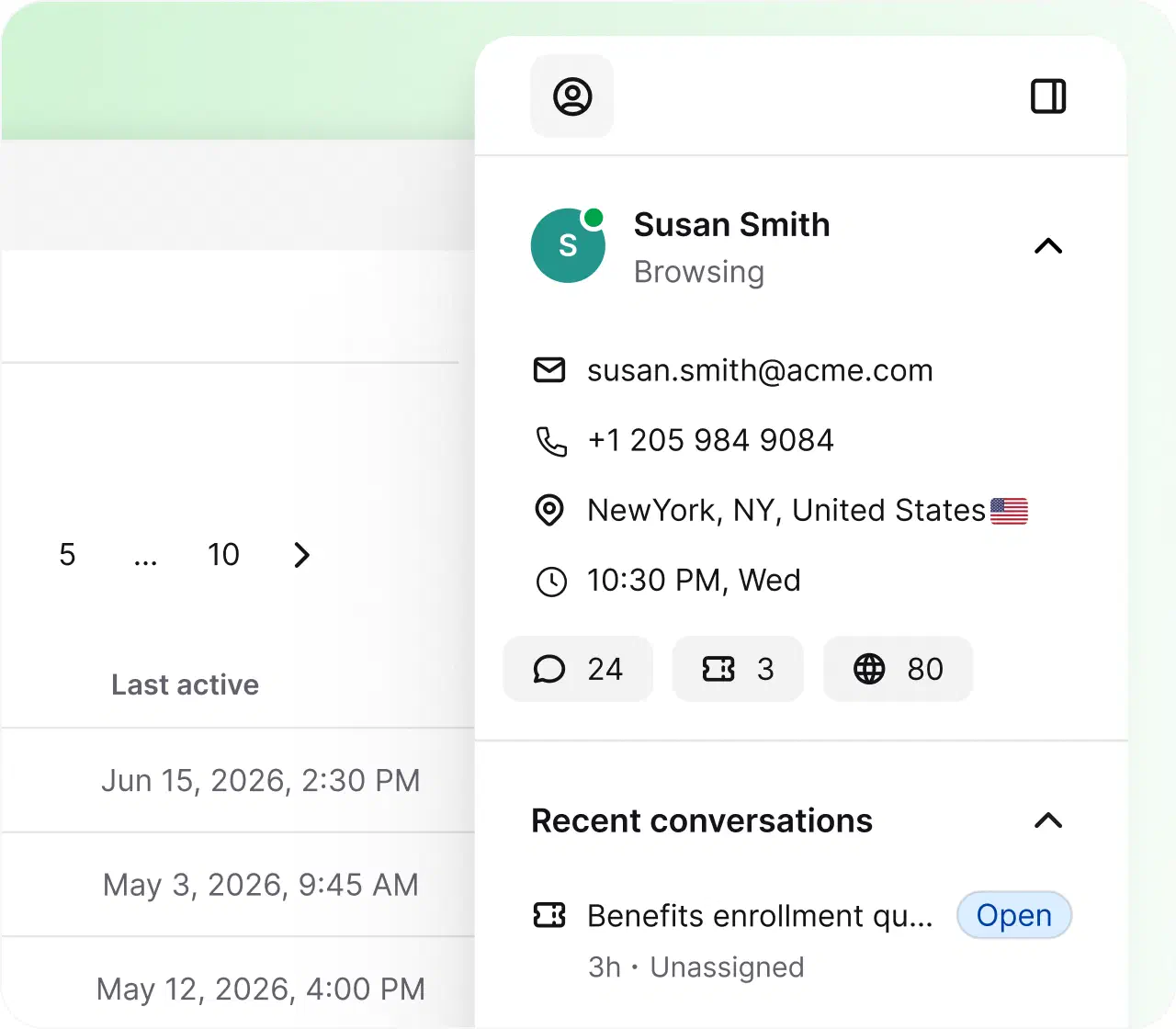
Track new-hire requests from offer to first day. Every task lands as a ticket with an owner and a status.
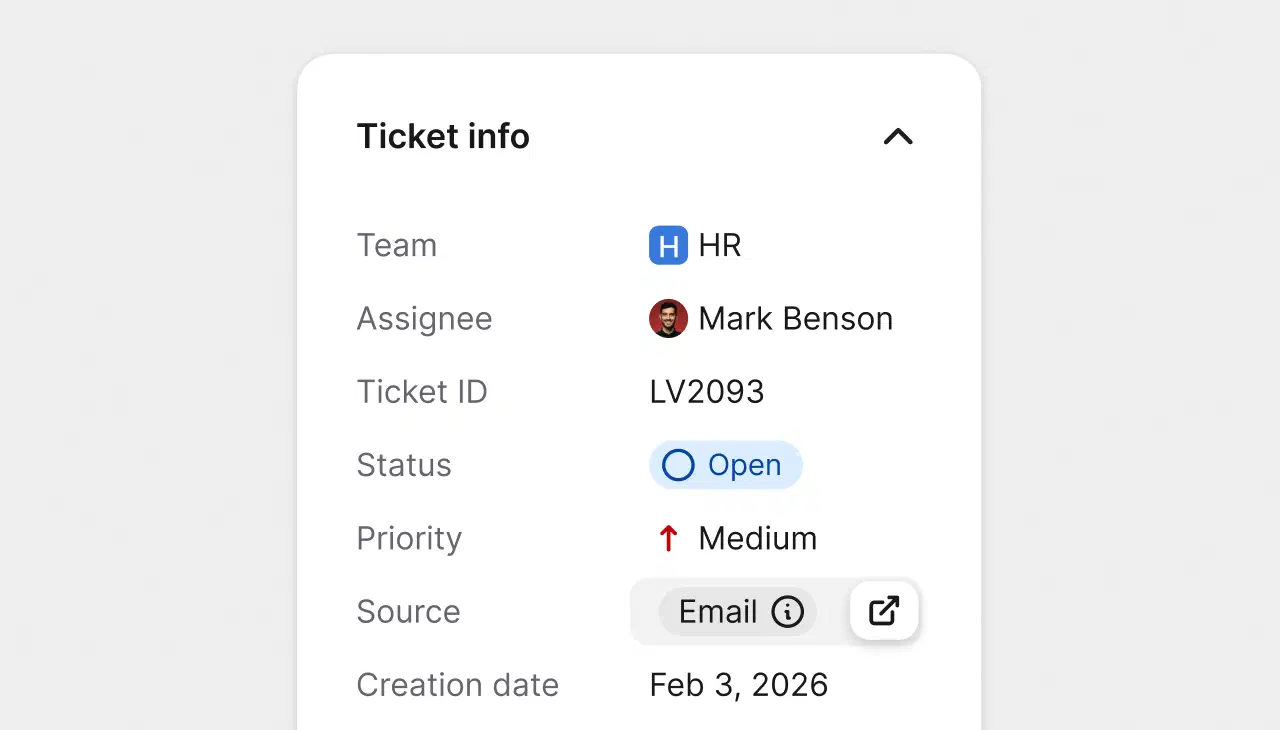
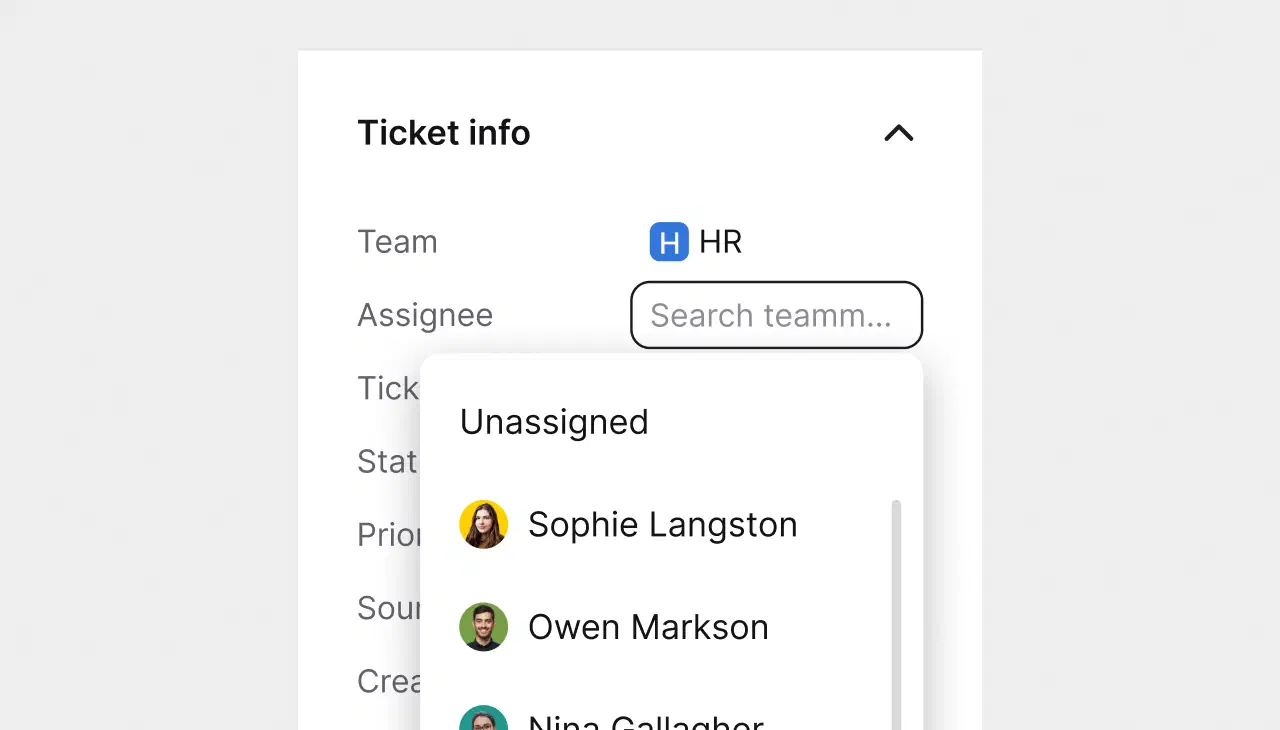
Requests arrive as tickets with clear status. No spreadsheet chasing, no lost emails.
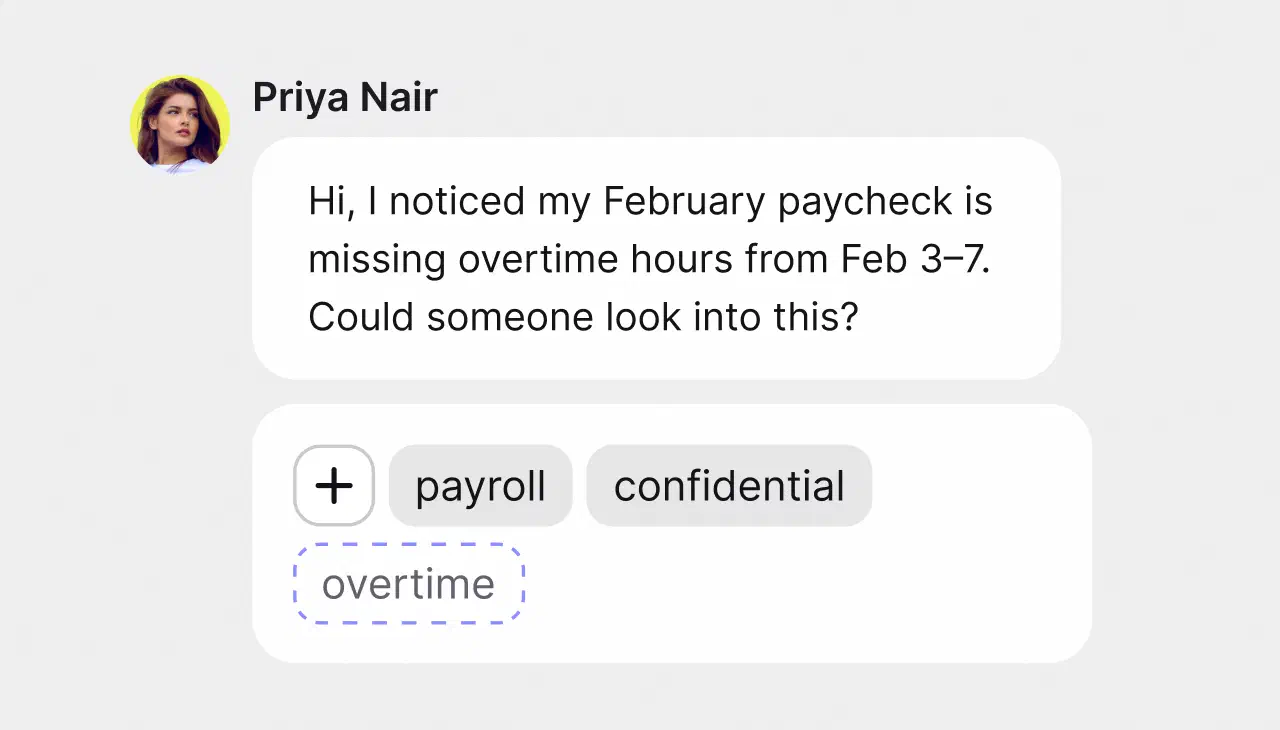
Sensitive questions are routed only to the people who should see them, with the Confidential tag on.
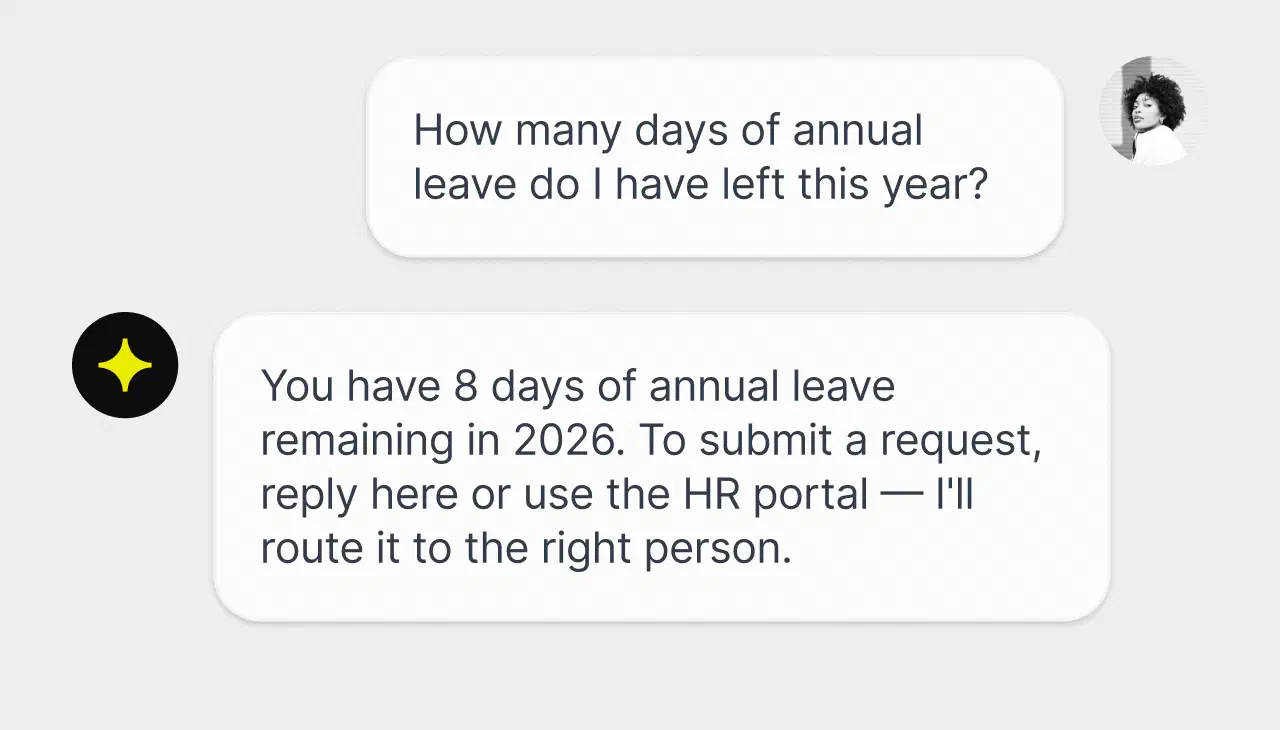
The AI Agent answers from your handbook before a ticket is ever created. Employees get instant answers, HR gets fewer interruptions.
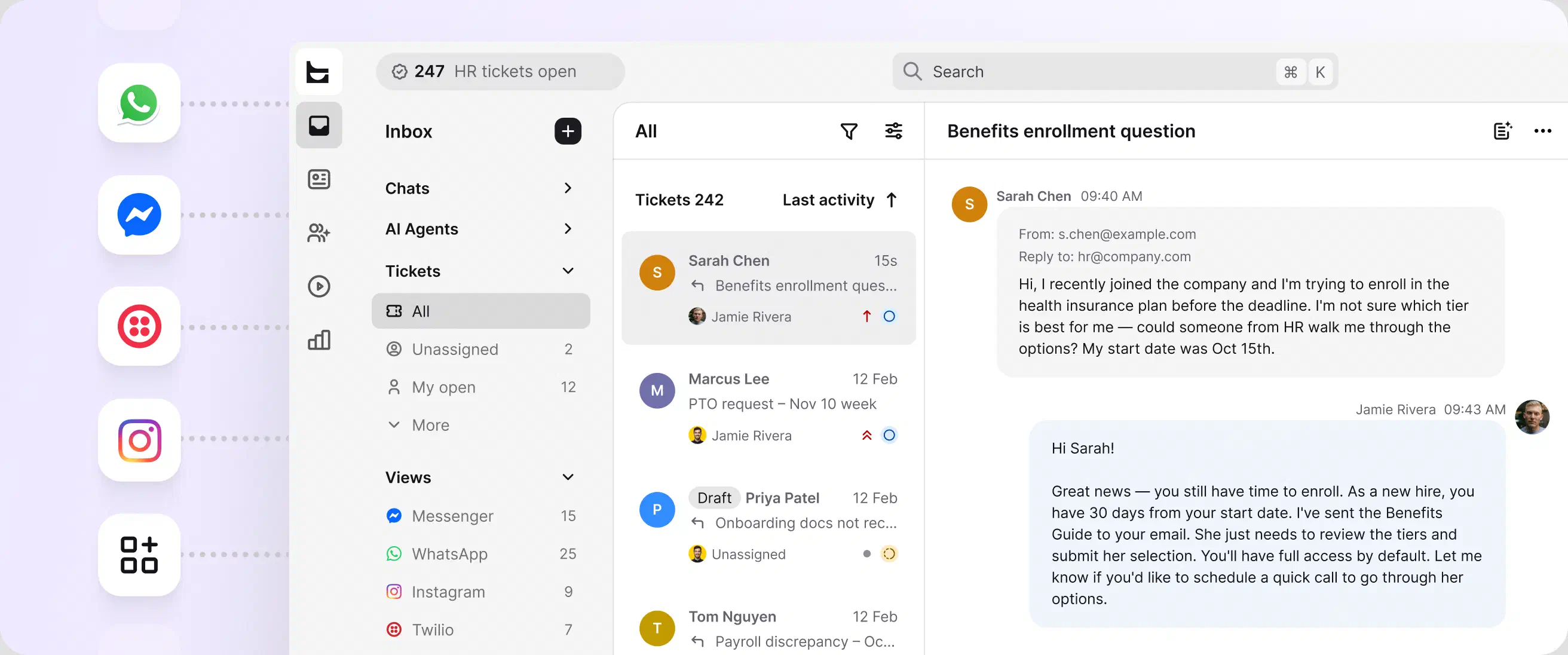
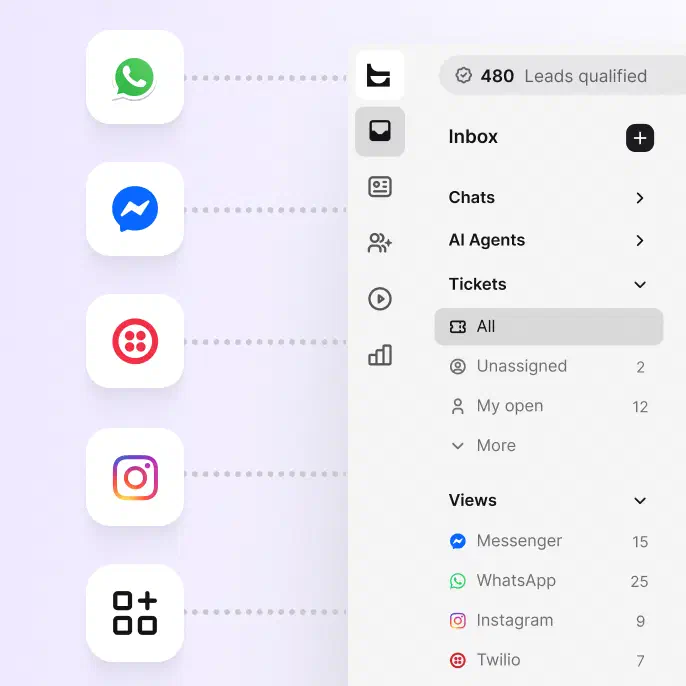
Every message becomes a trackable ticket in a shared inbox.
Real-time conversations on your intranet or website, handled in the same workspace.
Social conversations flow into the same queue as everything else, so nothing lives in a separate app.
Text messages reach the team wherever they work and become tickets like any other request.
No credit card required
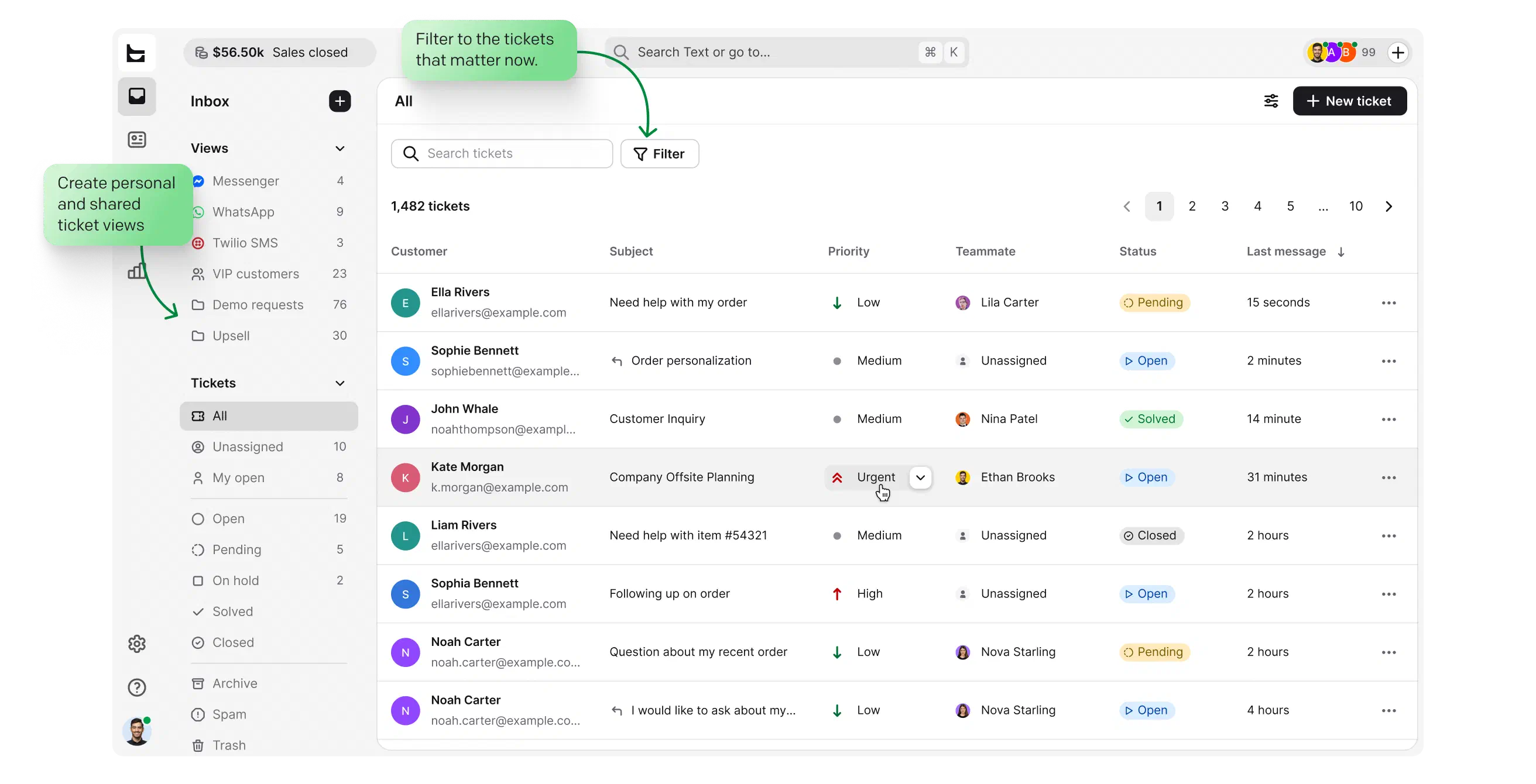
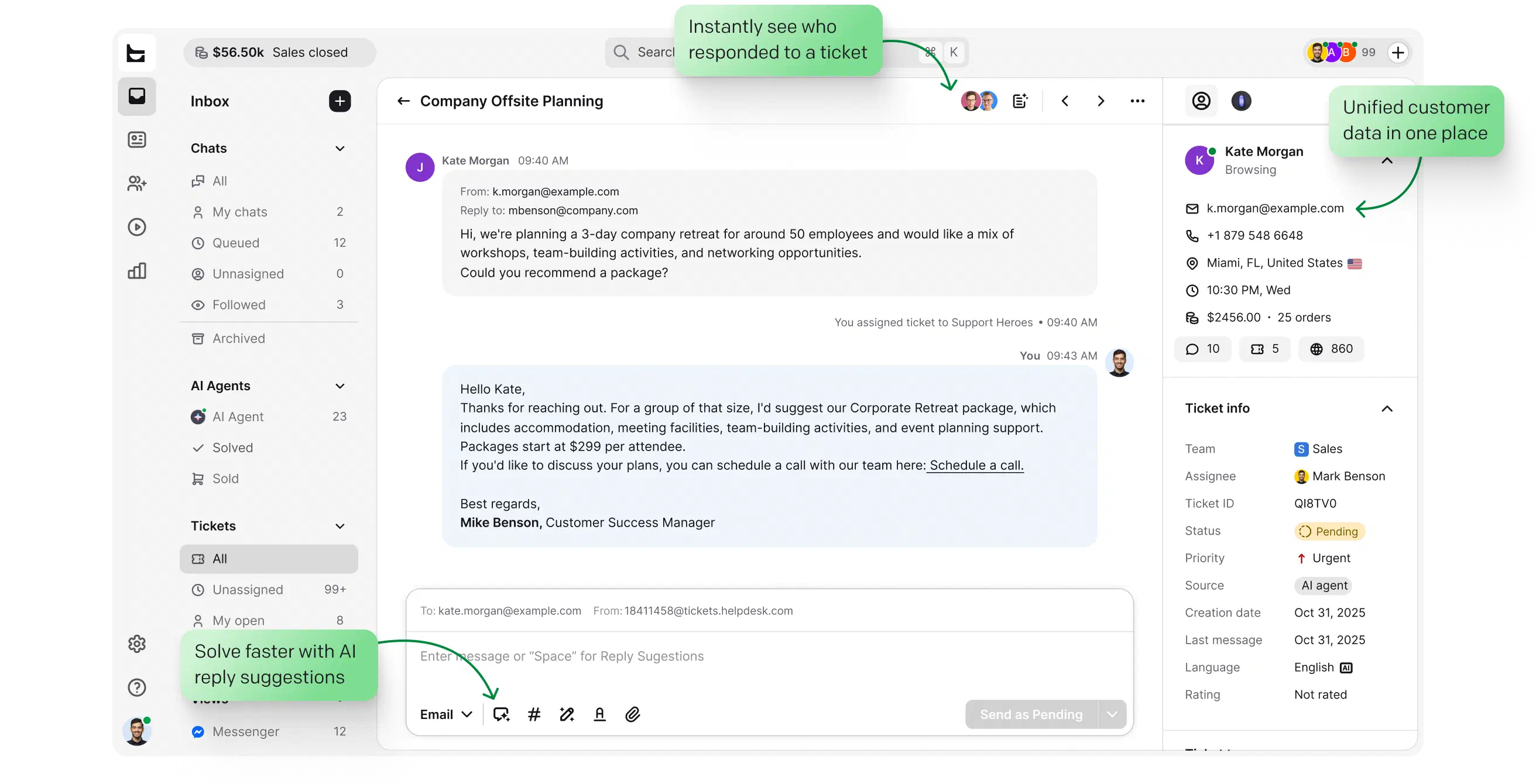
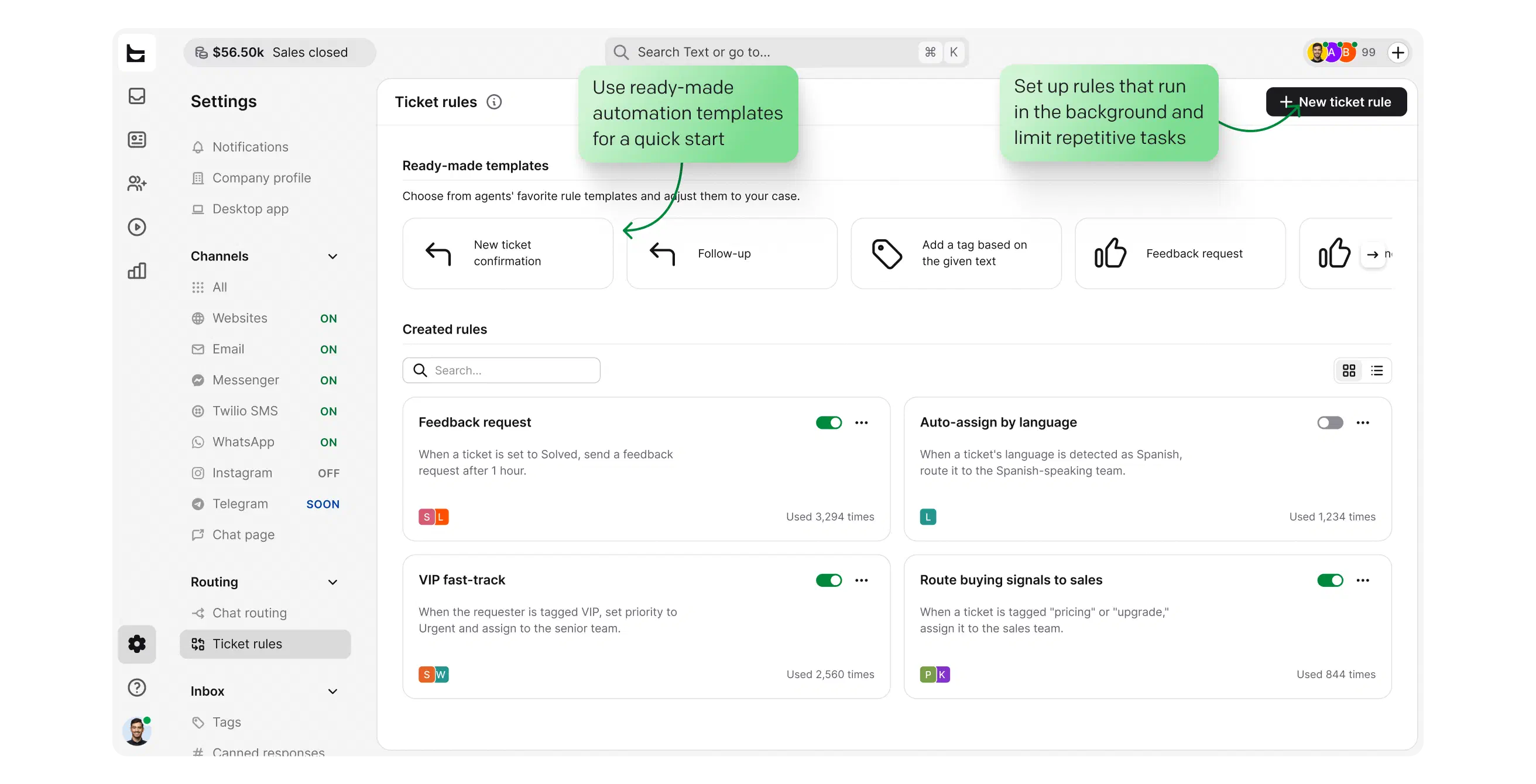
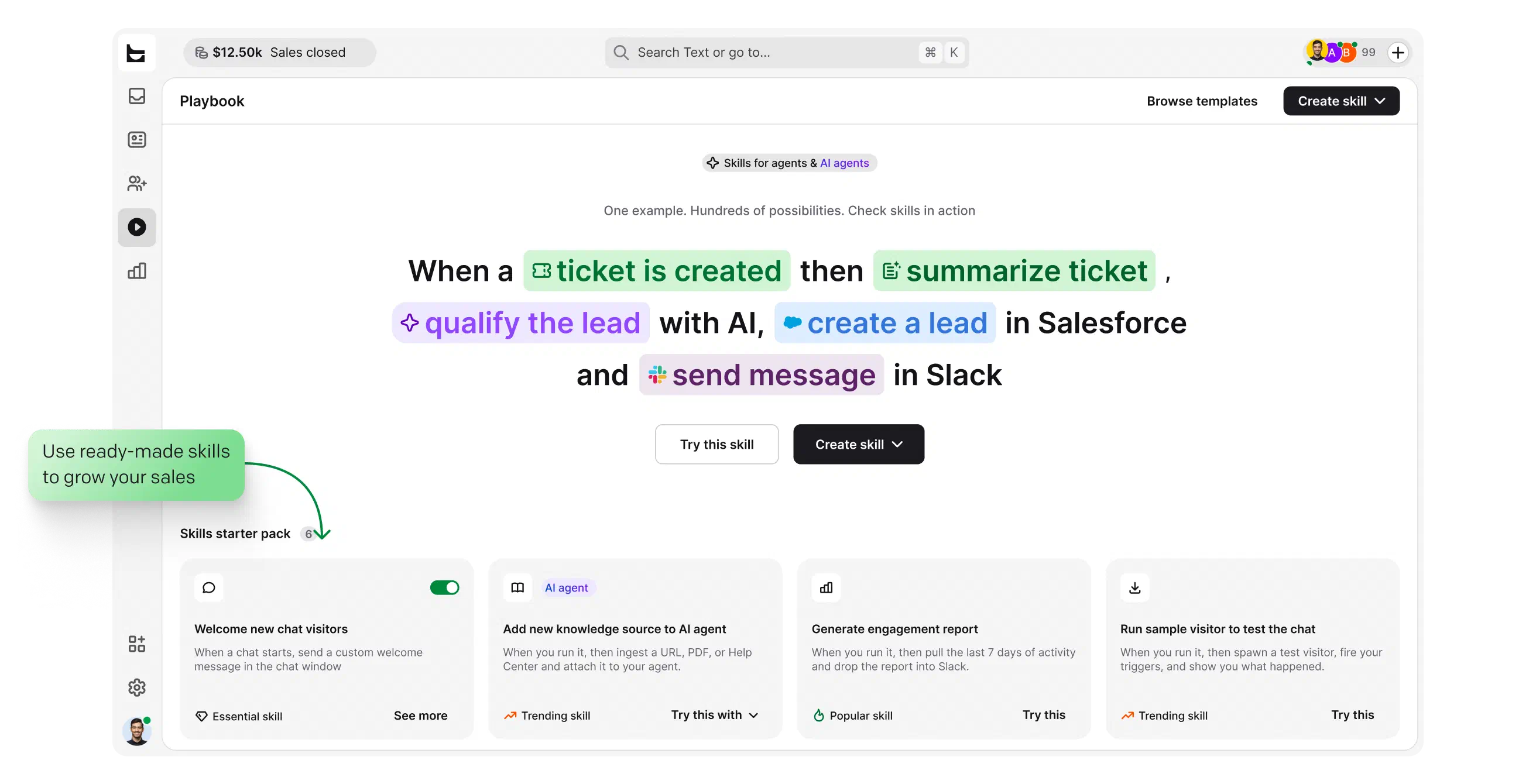
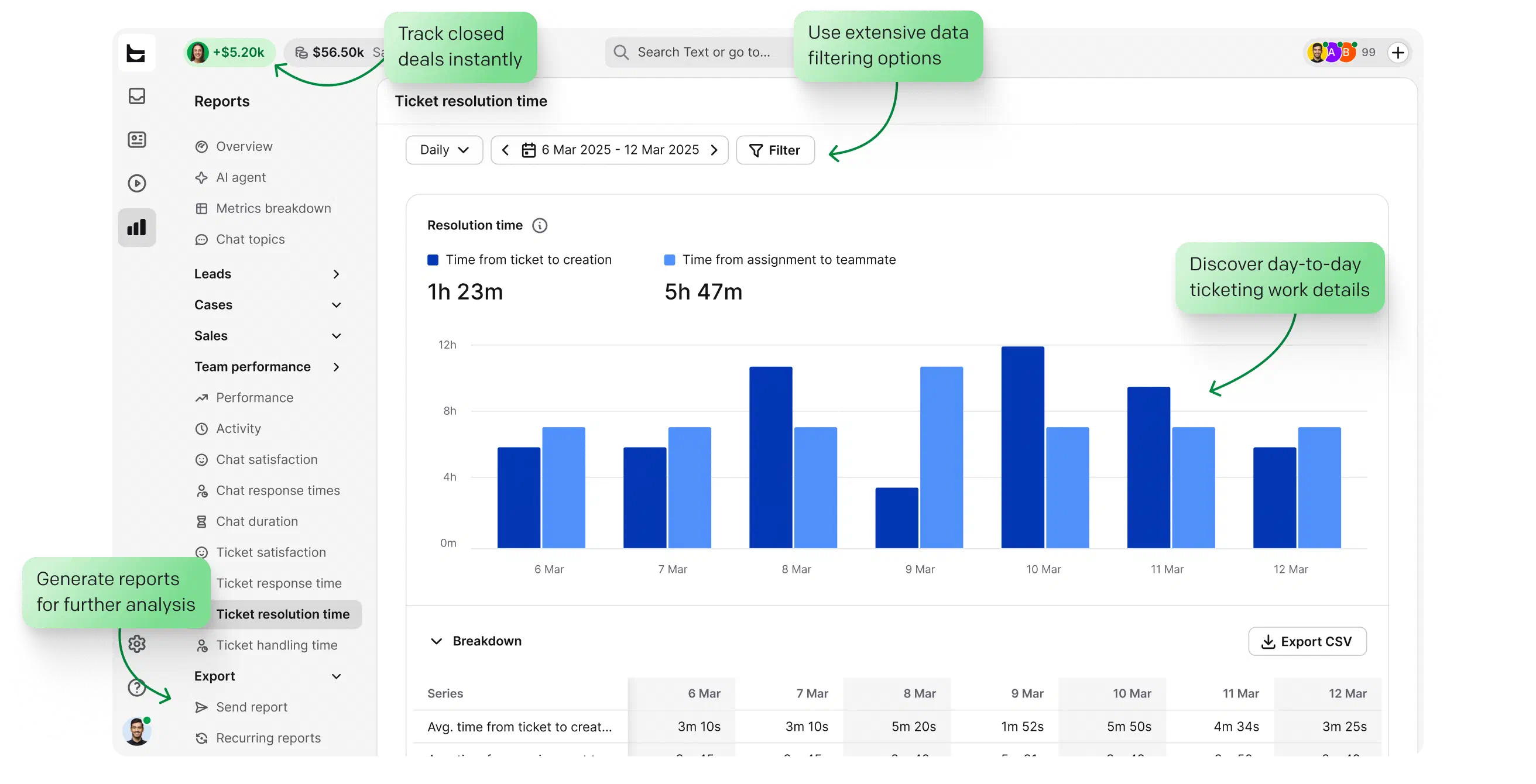
Every channel lands in one queue with clear statuses: open, pending, solved.
Build custom views around the queues your team actually watches: onboarding, leave, payroll.
Surface urgent employee cases first, so nothing sensitive waits too long.
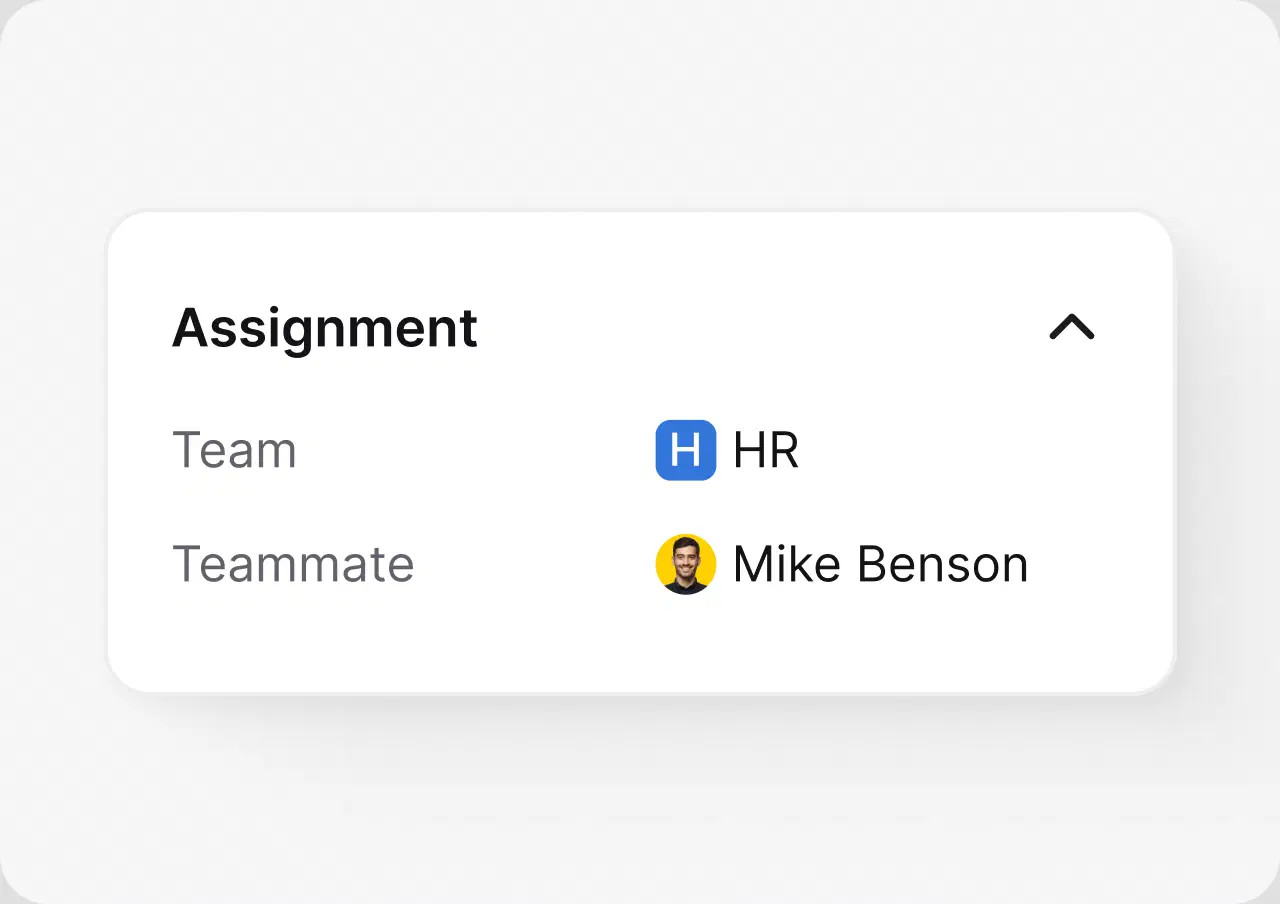
Route work by team, workload, and skills, so ownership is never unclear.
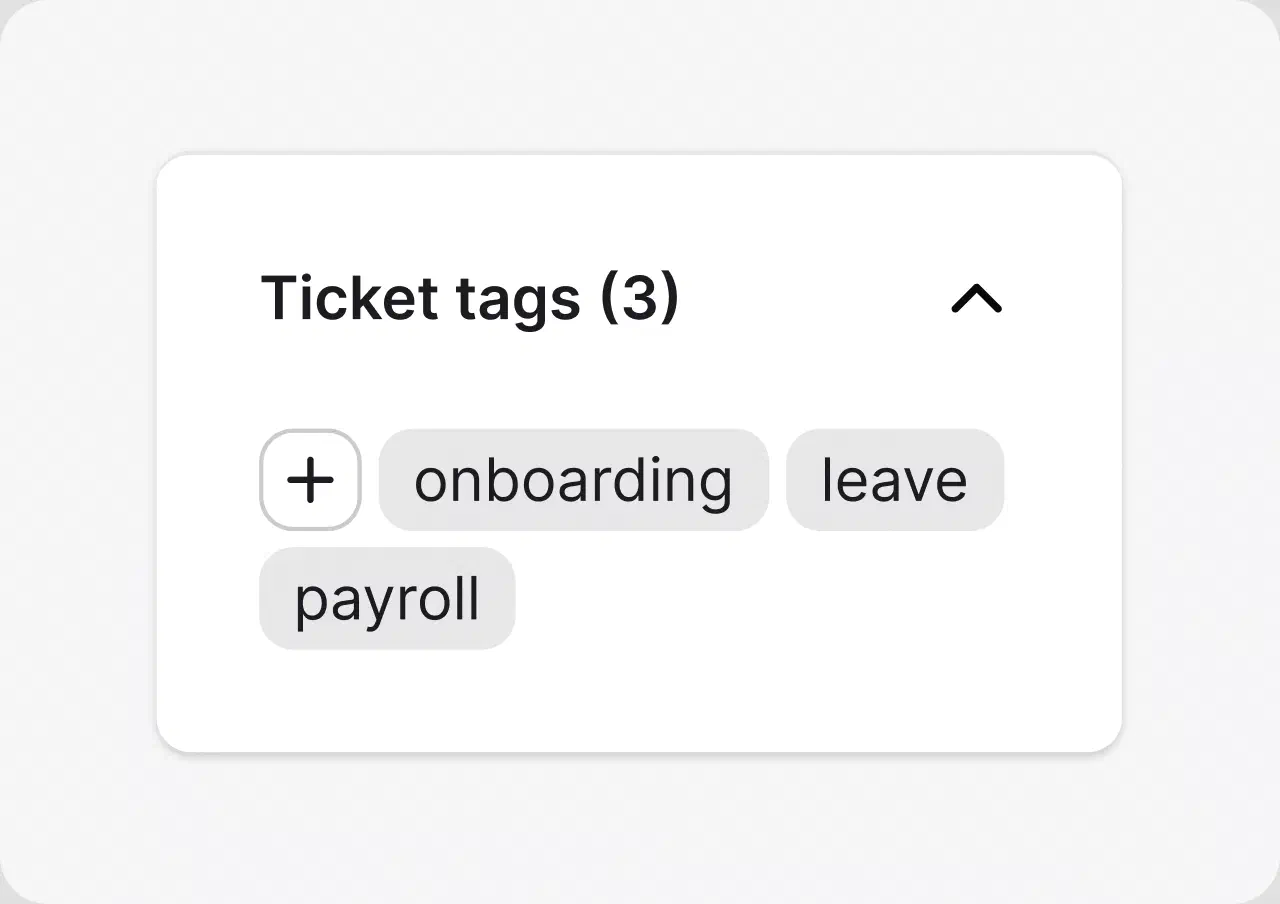
Keep the queue readable and reporting clean without manual triage.
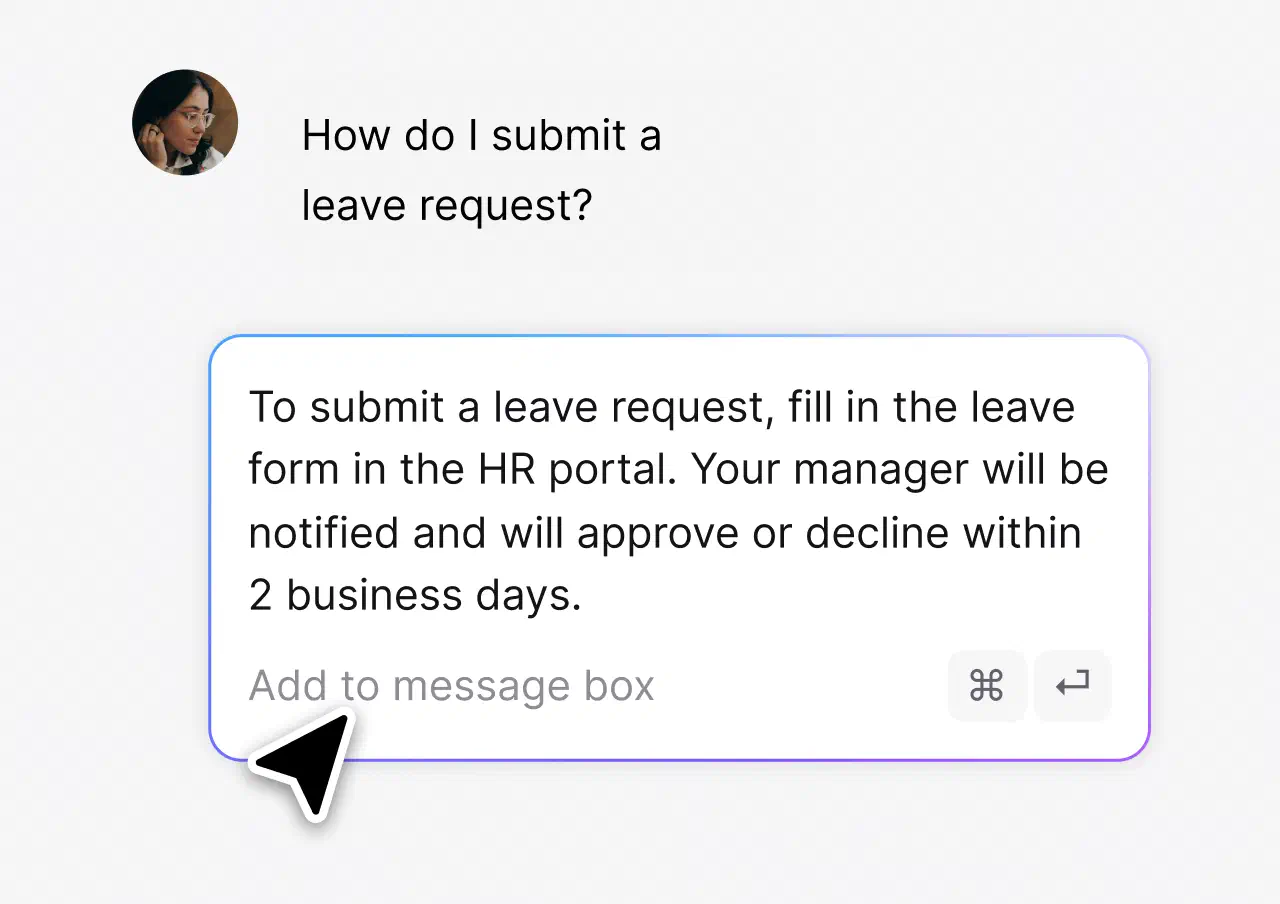
Answer the questions that repeat in one click, consistently.
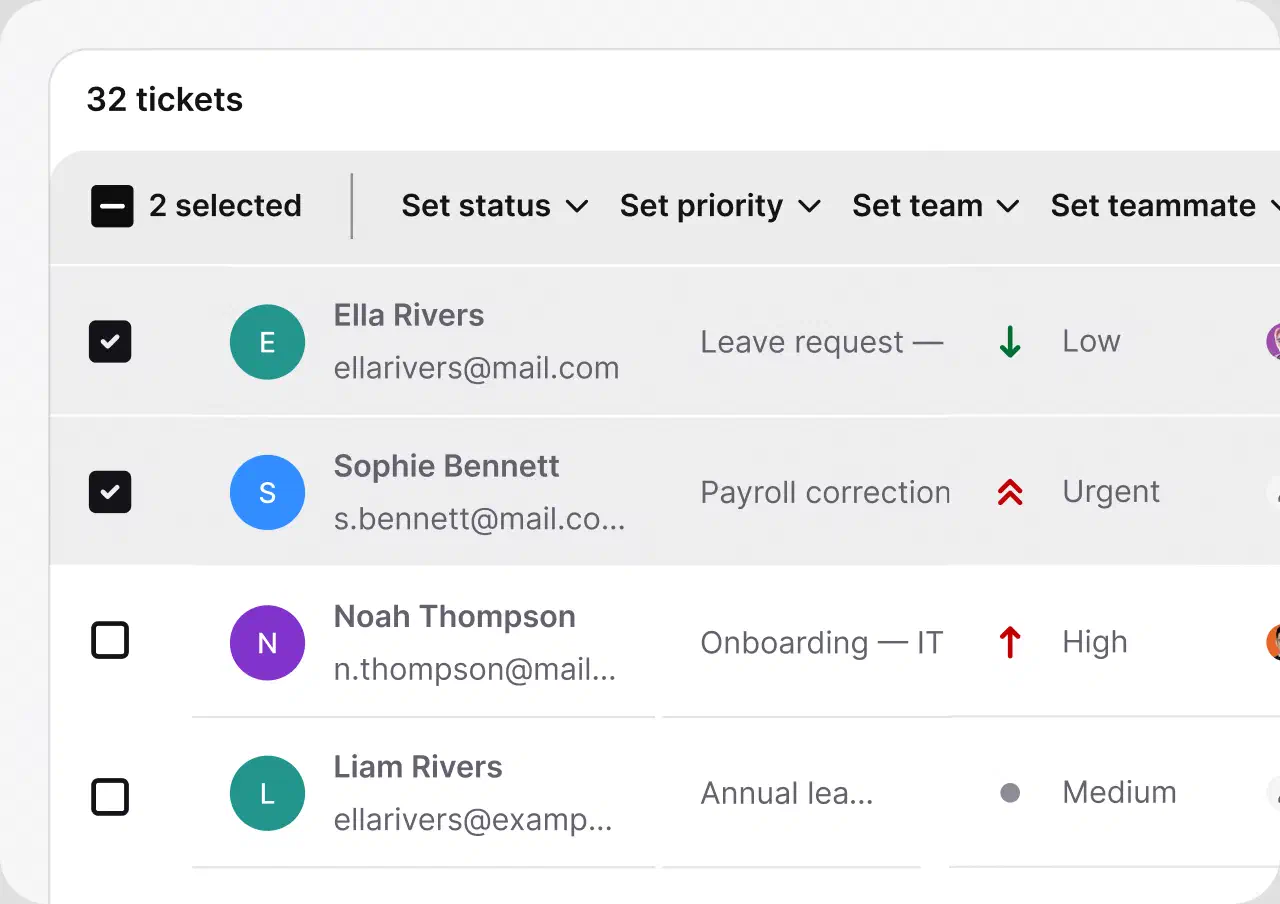
Handle daily actions at scale and see team performance in clear reports.
The AI Agent resolves up to 73% of routine cases in chat before they ever become a ticket. You stay in control: point it at the knowledge sources you trust and set the escalation paths.
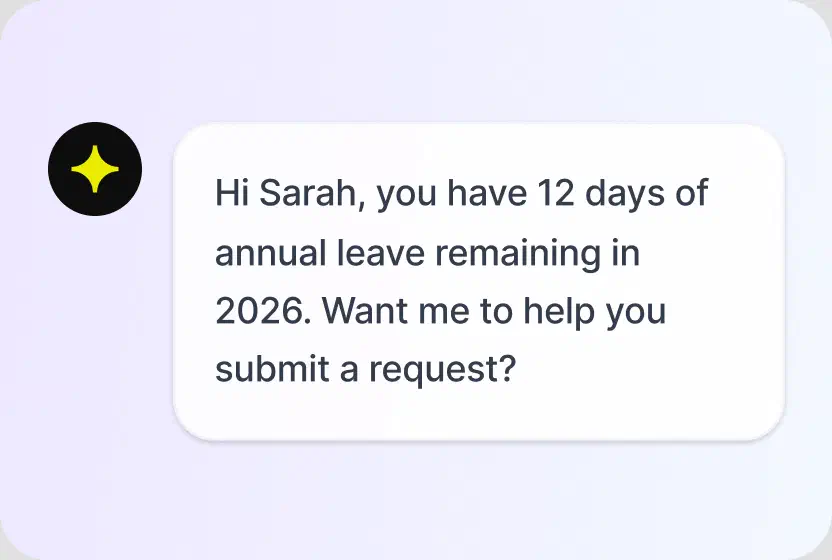
Answers routine questions in chat, hands the rest to your team with context.
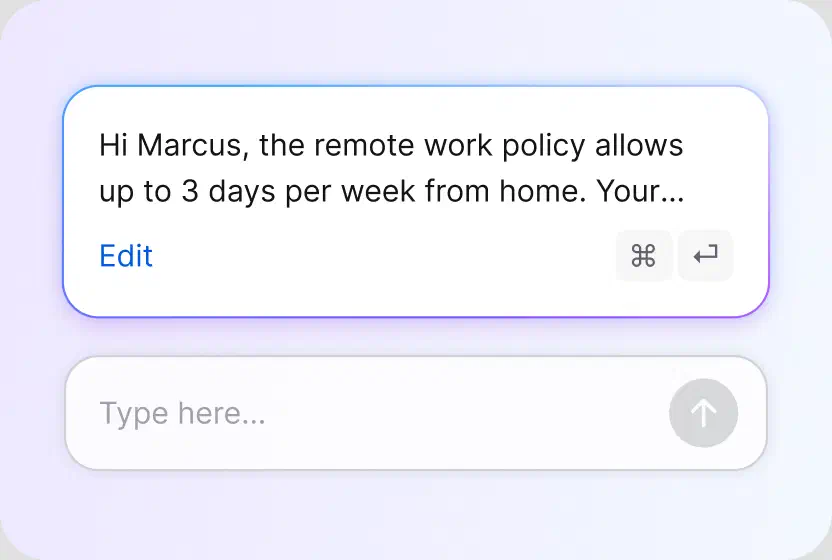
Drafts responses your agents can tune and send.
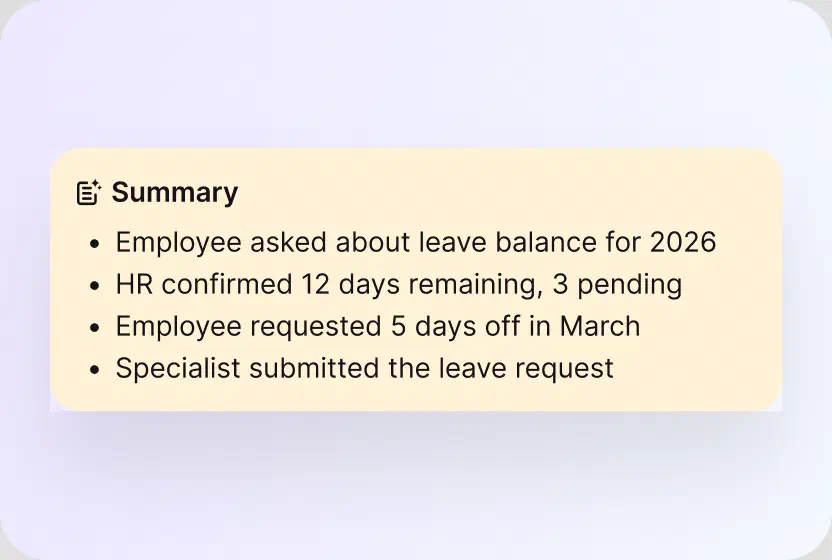
Catch up on any case in seconds.
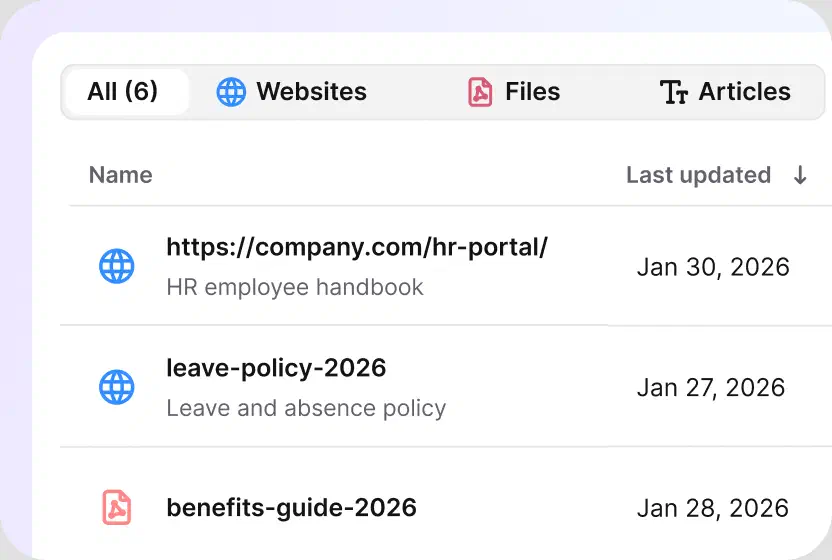
Point the AI at your handbook, policies, and files, and nothing else.
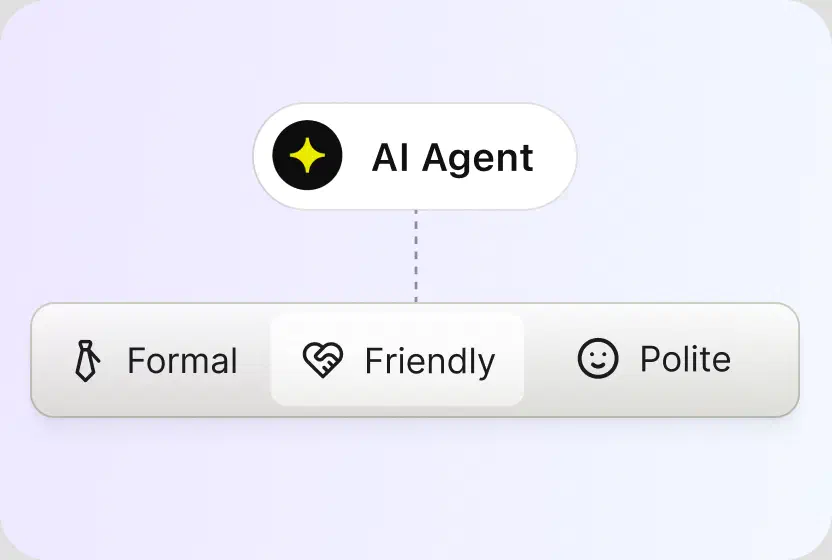
Pick a tone and every reply sticks to it.
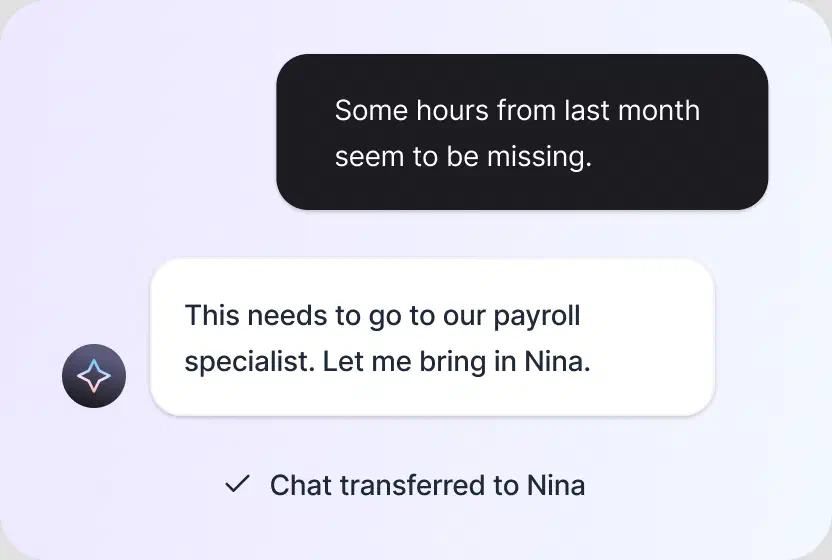
When a case needs human judgment, it reaches the right specialist with the history attached.
Free 14-day trial No credit card required
You'll be in
good company


The minute you create the workflow, you can mark it as ready to go live, and it immediately starts working for you.Melissa HannamDirector of Marketing at Valley Driving School
100+
tickets handled within four hours through prioritization and tagging.
7,000
actions performed by automation instead of agents.
An HR ticketing system turns every employee request into a tracked ticket: it gets a number, an owner, a priority, and a status. An HR help desk is the broader workspace around that system: the channels employees write on, the automation that routes their requests, and the reporting that shows what HR handles. In practice, teams searching for an HR help desk ticketing system, a human resources ticketing system, or an employee help desk need the same thing.
HelpDesk is both. Every request becomes a ticket the moment it arrives, routing and tagging keep the queue organized, SLA rules configured in Workflows protect response times, and reports show volume by topic. One workspace, no separate ticket system to maintain.
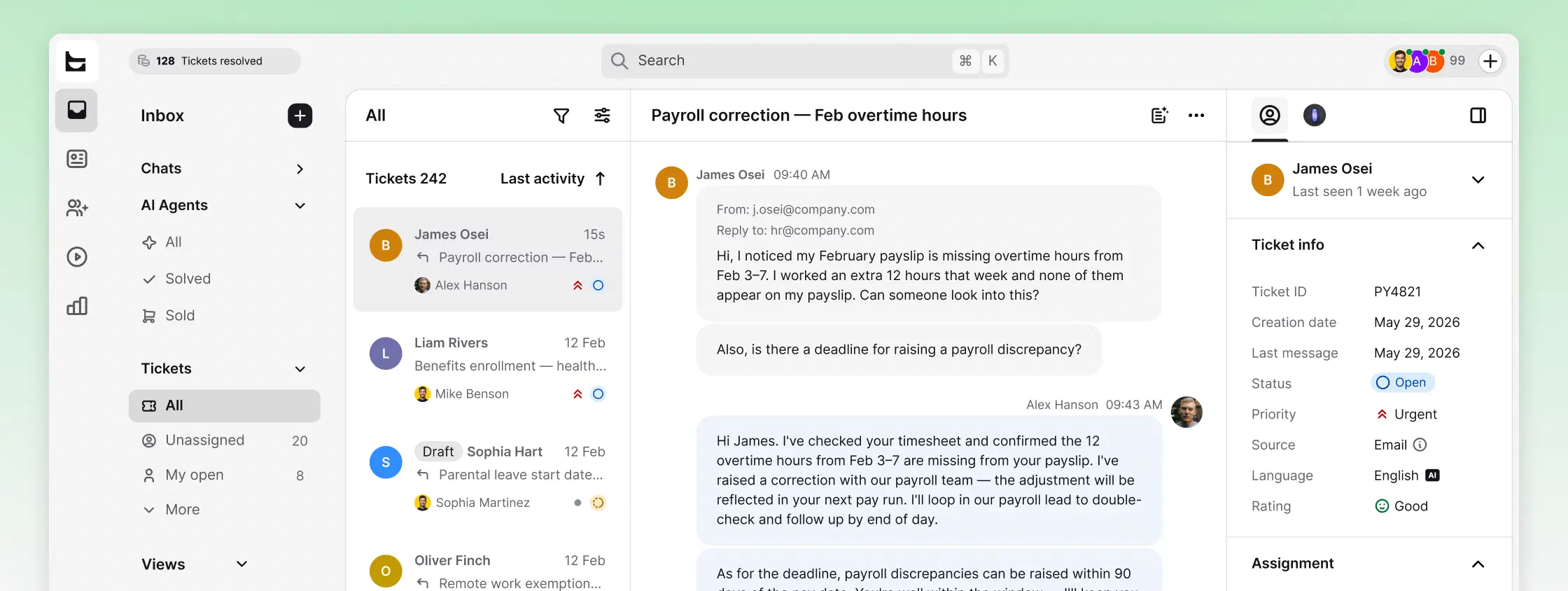
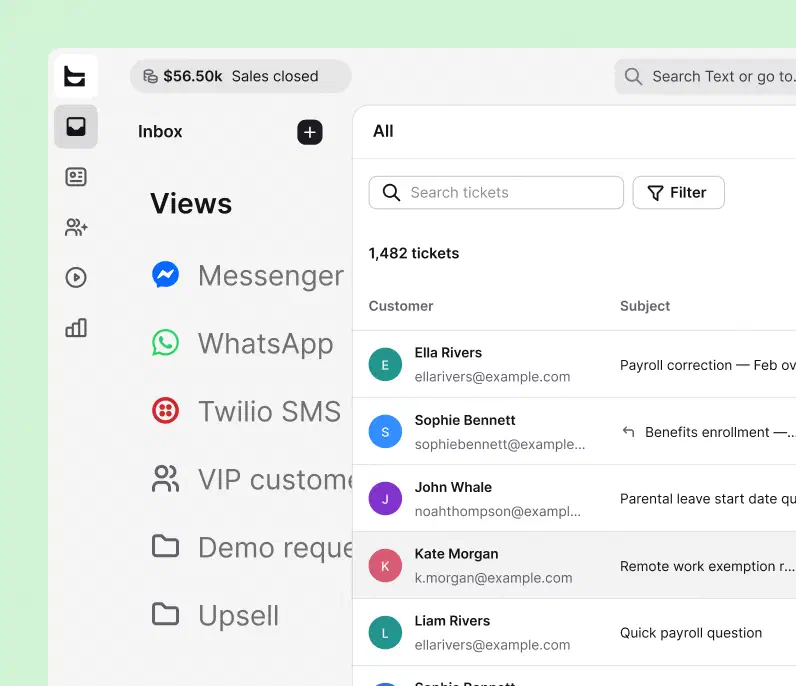
Employee cases stay with the HR team, with SOC 2 and GDPR compliance built in.
 SOC 2
SOC 2
 GDPR
GDPR
 CCPA
CCPA
 PCI DSS
 DPF
DPF
 WCAG 2
 BBB
BBB
Free 14-day trial No credit card required
Each agent can spend more time resolving tickets and make our customers happier with an individual approach and better response time.Dalton Hasegawa, Manager at Brastel Co., Ltd.
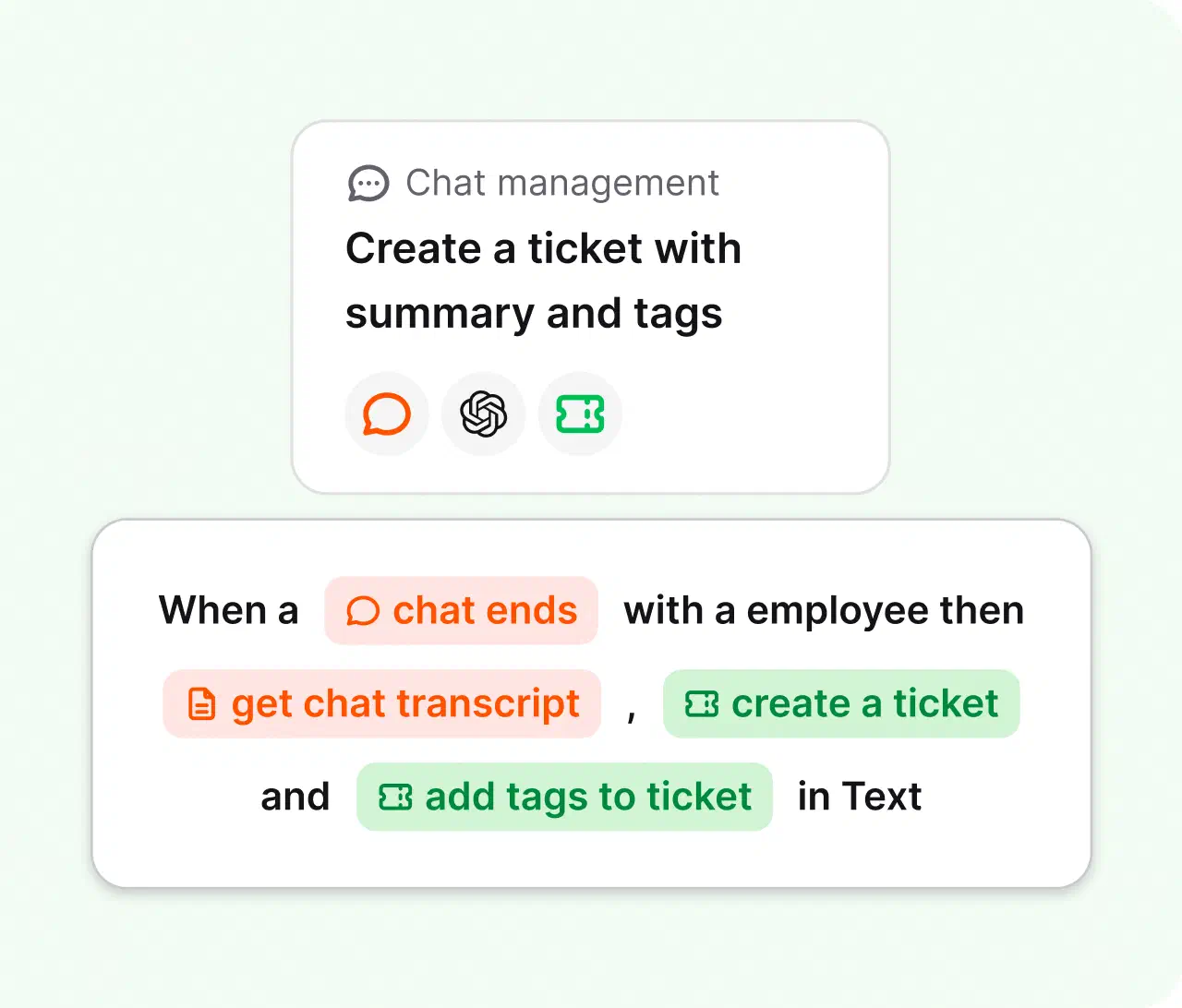
Connect the tools you already use through predefined actions, webhooks, and the API. Build multi-step automations without engineering time.
Create your account. No credit card required.
Bring in email, chat, Messenger, SMS, or any other channel your team uses.
Let the AI Agent take routine questions while your team handles the rest.
No credit card required
HR help desk software is a system that collects employee questions and requests in one place, turns them into trackable tickets, and routes each one to the right HR specialist. It replaces shared mailboxes and scattered chats with a single queue the whole HR team can see.
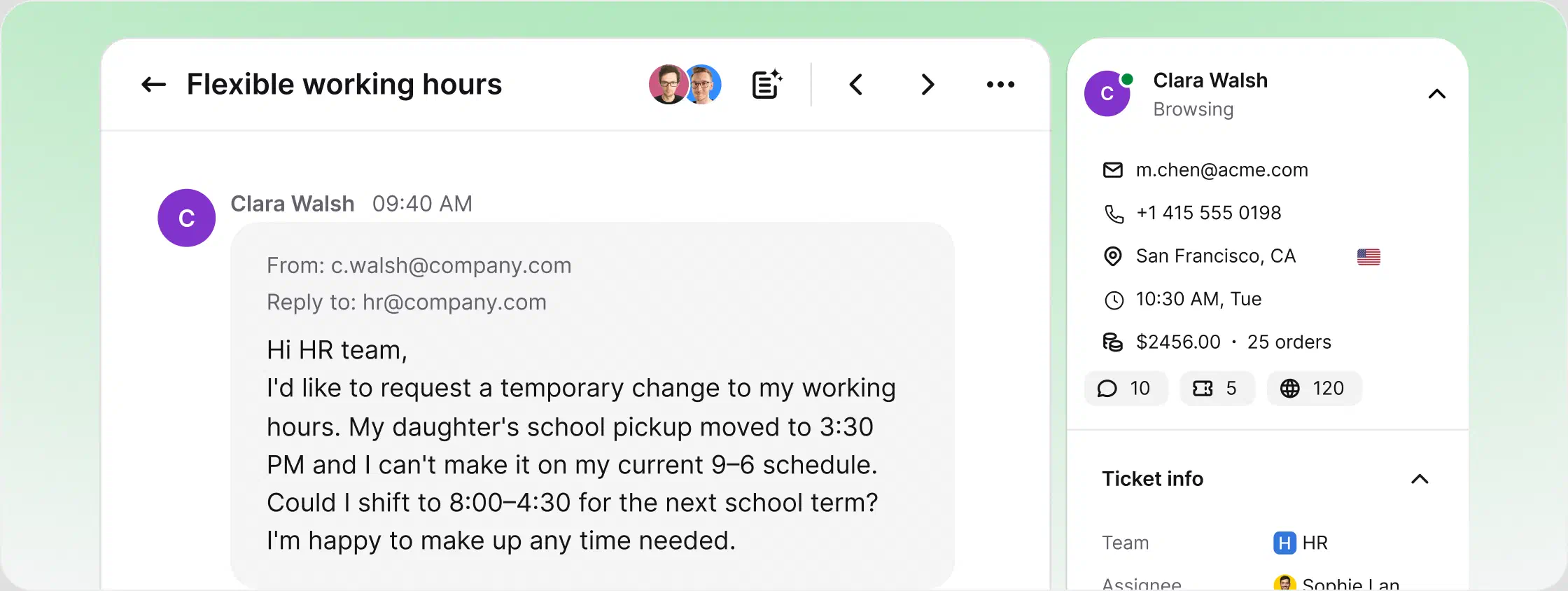
It differs from a generic help desk in what it protects and what it knows. Requests often involve personal data, so access stays limited to HR. Answers come from internal sources like the employee handbook and policy documents rather than a public knowledge base. Some teams call the same setup HR service desk software; the name changes, the job doesn't.
A leave request arrives in chat. The AI Agent checks the handbook and answers the policy part on the spot: how many days are left and how to submit the form. The edge case, a payroll correction tied to that leave, becomes a ticket and lands with the payroll specialist, with the full conversation attached. At the end of the month, reports show which topics generate the most requests, so HR knows which policy page to fix next.
HR help desk software is help desk software built for internal employee support: it collects questions and requests in one place, turns them into trackable tickets, and routes each one to the right HR specialist. Instead of a shared mailbox everyone can read, every case has an owner, a status, and a full history. HelpDesk adds AI on top, so routine questions about leave, payroll, or policies get answered before they become tickets. Employees get faster answers, and HR keeps sensitive cases inside the team.
The HR help desk process starts when an employee submits a request by email, chat, Messenger, or SMS. HelpDesk turns it into a ticket, applies tags and routing rules, assigns an owner, and tracks its priority and status. The AI Agent can resolve routine questions, while sensitive or complex cases go to the right HR specialist with the full context. After resolution, reports show request volume and response times, helping the team improve policies and workflows.
Yes. The AI help desk answers routine questions in chat, like leave balances, policy lookups, and how-to questions, drawing only from the knowledge sources you choose, such as the employee handbook and policy documents. It resolves up to 73% of routine questions before they ever become a ticket. When a case needs human judgment, it hands off to the right HR specialist with the full context attached. You stay in control of the sources and the escalation paths.
Yes. You can run internal employee support and external customer support from the same shared workspace. Internal HR requests sit alongside customer questions, each routed to the right people with clear ownership and separate views. Your team sees the full picture without juggling two tools, and reporting still shows each queue separately. The same setup scales from a small HR team to complex operations across multiple departments.
An HR ticketing system is the core mechanism: every employee request becomes a numbered ticket with an owner, a priority, and a status. An HR help desk is the broader workspace around it: the ticket management, the channels employees write on, the routing and automation, and the reporting that shows what HR handles. In practice, teams searching for either one need the same thing. HelpDesk is both in one workspace, so there is no separate ticket system to buy or maintain.
An HR ticket is a single tracked employee request, like a leave question, a payroll correction, or an onboarding task, with an owner, a priority, a status, and the full conversation attached. Tickets can arrive from email, chat, Messenger, or SMS and stay one thread even when the conversation moves between channels. Tags like onboarding, leave, or payroll keep the queue readable, and custom fields capture the details your processes need. When the case is resolved, the history stays searchable for the next time the question comes up.
Sensitive cases stay with the people who should see them. Requests are routed only to the right team or specialist, private notes stay internal, and tags like Confidential mark cases that need discretion. Views by HR area, like onboarding, leave, and payroll, keep queues separated, so payroll questions never sit in a mailbox everyone can read. HelpDesk is SOC 2 audited and GDPR compliant, so employee data stays secure and audited.
Yes. The trial is free for 14 days and needs no credit card, and setup takes about five minutes: sign up, connect your support address, and start receiving tickets. During the trial you can connect channels, set up views for HR areas, and let the AI Agent answer from your handbook. From there, paid plans scale with the number of agents and the AI usage you need. If your case is more complex, contact us and we will help you set it up.