Help desk, defined
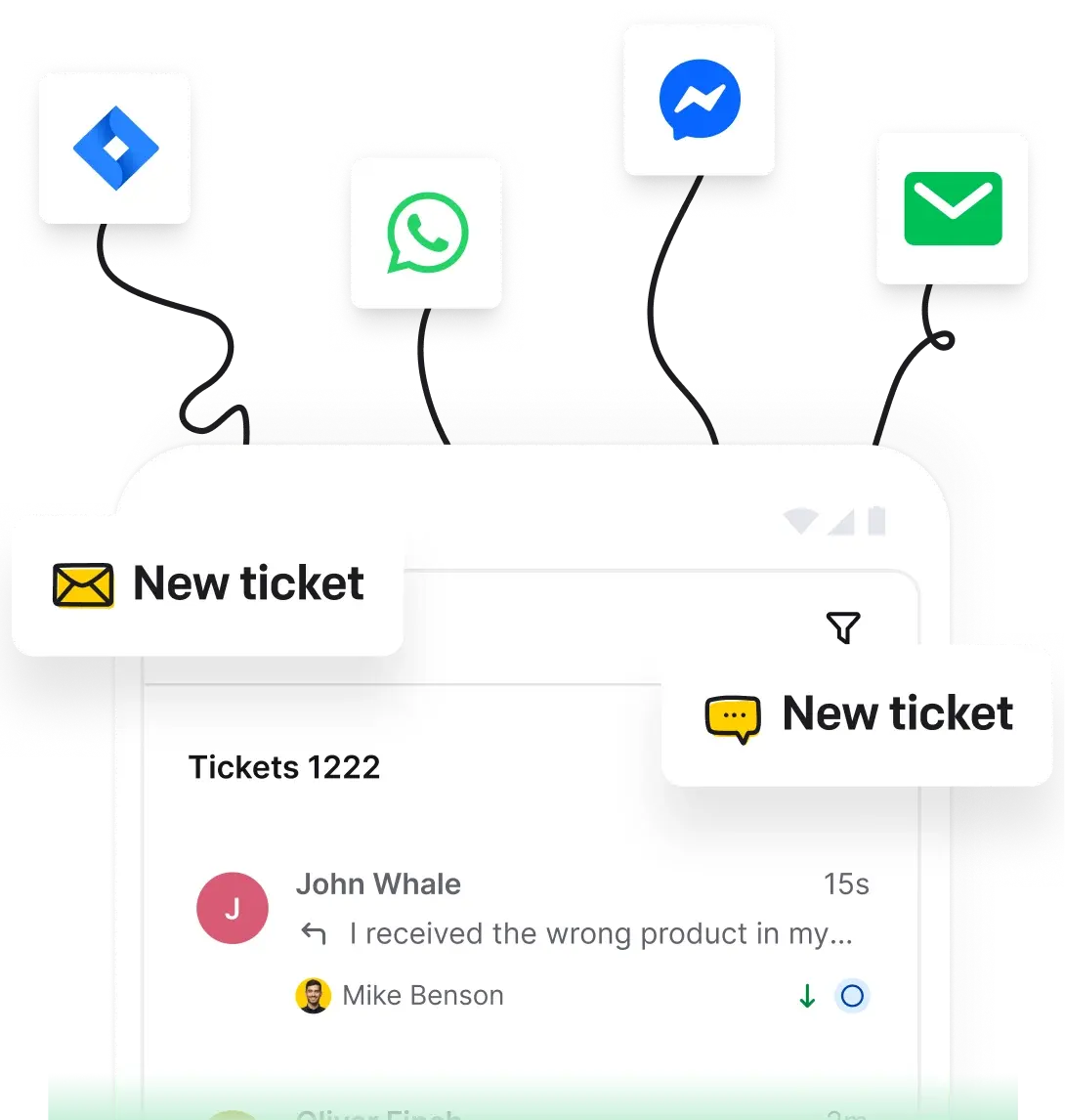
A help desk is the single place a support team receives, tracks, and answers requests from customers or employees. It runs on help desk software that turns every email, chat, or message into a ticket, so the team can prioritize, assign, and resolve each one without anything slipping through.
- A centralized platform that provides support, information, and solutions to customers, employees, or both.
- Acts as a single point of contact, improving the communication process between users and support teams.
- It can be physical or virtual, employing advanced technologies like AI, machine learning, and automation.
- A help desk tool brings your communication channels together, so customers can reach you by email, live chat, SMS, and messaging apps in one place.
Modern help desks employ advanced technologies like cloud computing and artificial intelligence to offer scalable and flexible support solutions and provide perfect user experiences across different platforms.
Definition and importance of help desk
Help desks had a lot of time to evolve, and they did indeed.
The rise of personal computers led to the establishment of dedicated help desk teams and the introduction of simple ticketing systems.
Help desk software emerged, enabling more sophisticated request management and expanding support channels to email and web‑based platforms.
It's the automation era and the ITIL framework's widespread adoption, standardizing help desk processes and promoting best practices.
Cloud-based solutions and omnichannel support made help desks affordable and accessible from anywhere, so teams could scale without new hardware.
The AI revolution reaches support. Platforms like HelpDesk.com build AI right into the ticket workflow: it drafts replies, summarizes tickets, and tags and routes them, so your team moves faster on every case.
🤔 Did you know that...
Everyone can now afford a help desk. Whether you run a one-person business or manage a multi-level company, there's a help desk for everyone.
Get started with the easy and affordable HelpDesk.com.
Free 14-day trial Cost-effective automation
Help desk features
Every exceptional help desk needs several features for your customer support team. In addition to resolving tickets, you can use it for ticket management, issue tracking, and even evaluating your team's performance. Explore the full set of HelpDesk.com features.
Ticketing system
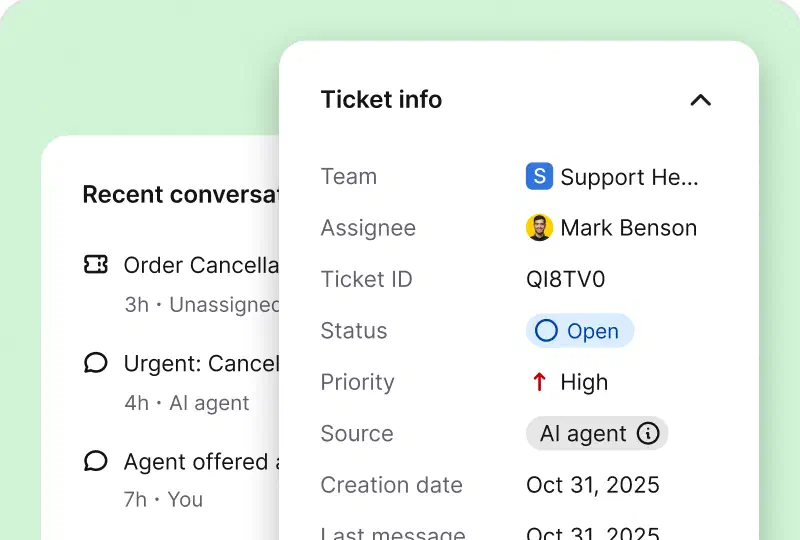
- It consolidates all customer service requests into a single platform. Also, it helps log, categorize, and track customer problems from initial reporting to resolution.
- Tickets can be prioritized based on urgency and escalated to higher-level support.
Multichannel assistance
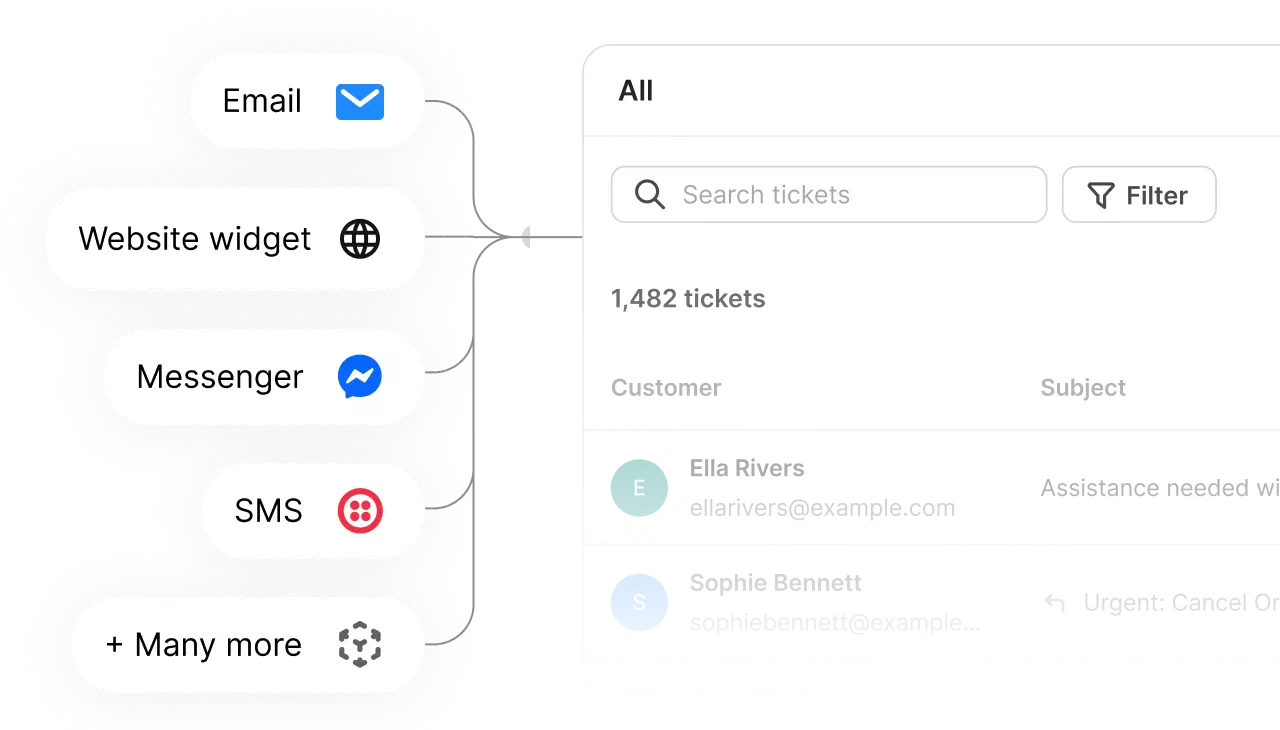
- Help desks bring channels like email, live chat, SMS, Messenger, and WhatsApp into one inbox, so customers reach you the way they prefer and your team answers from one place.
- It provides personalized support by understanding each customer's unique history and previous interactions with the company.
Knowledge management
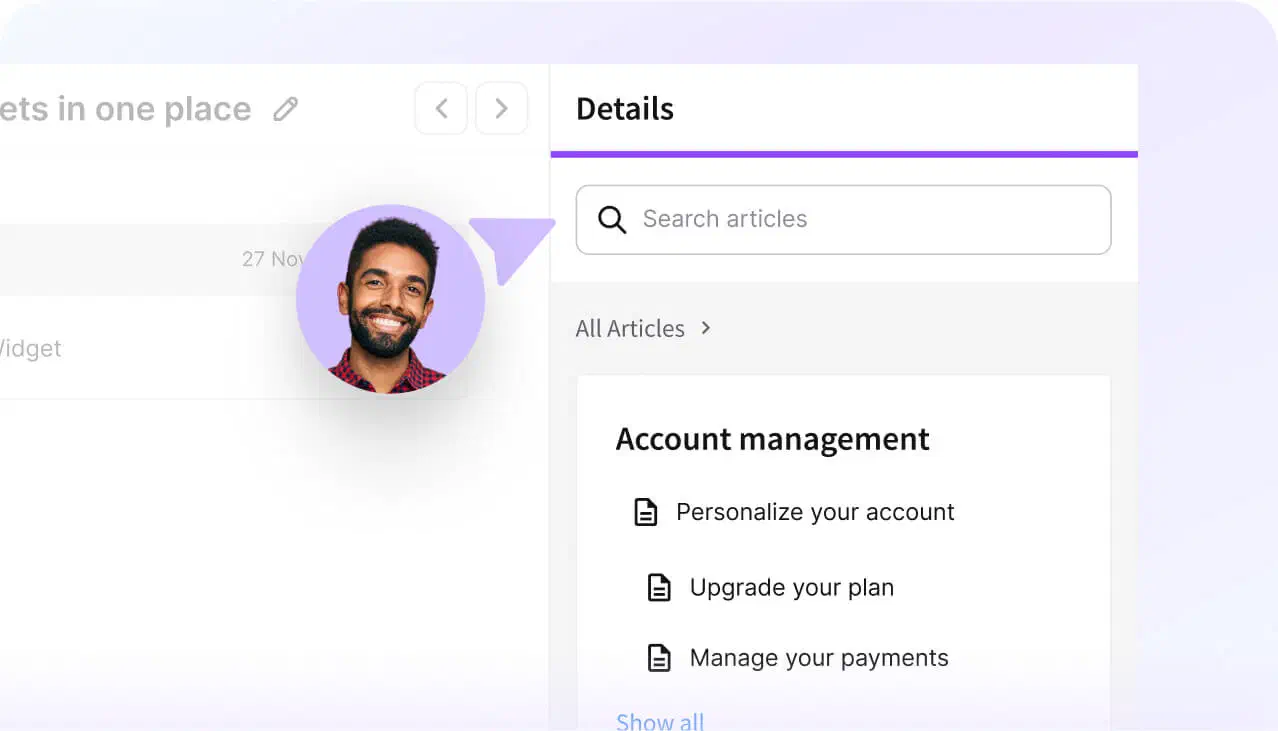
- A good help desk should integrate with a knowledge bas or FAQ section where users can find answers to common issues, reducing the volume of incoming tickets.
- It facilitates information sharing within the customer team, guaranteeing that all agents can access the latest solutions and procedures.
Reporting and analytics
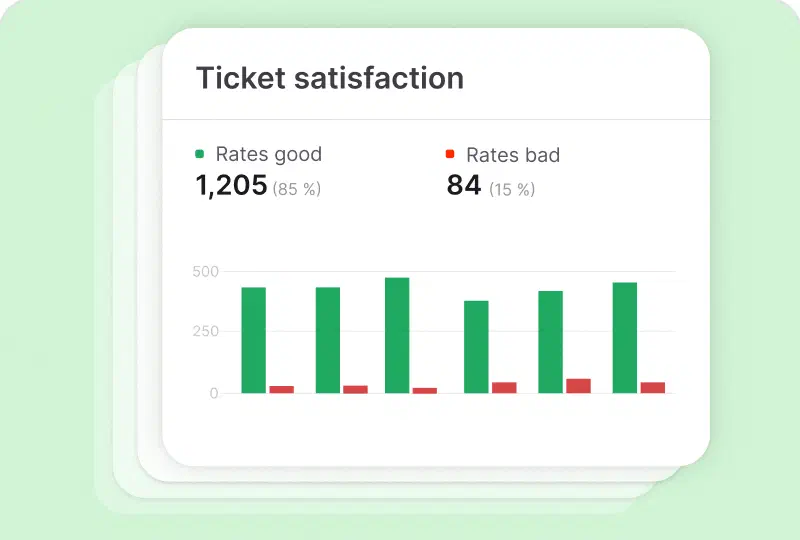
- Help desks generate detailed reports and analytics on various metrics such as response or resolution times.
- Insights assist businesses in recognizing trends, monitoring performance, and making informed decisions.
Integration with other solutions
- Connect the tools you already use, like your CRM (Salesforce, HubSpot) and your ecommerce store (Shopify), so customer data stays on the ticket.
- Build your own connection with the API, webhooks, and MCP server when you need something custom.
Custom fields
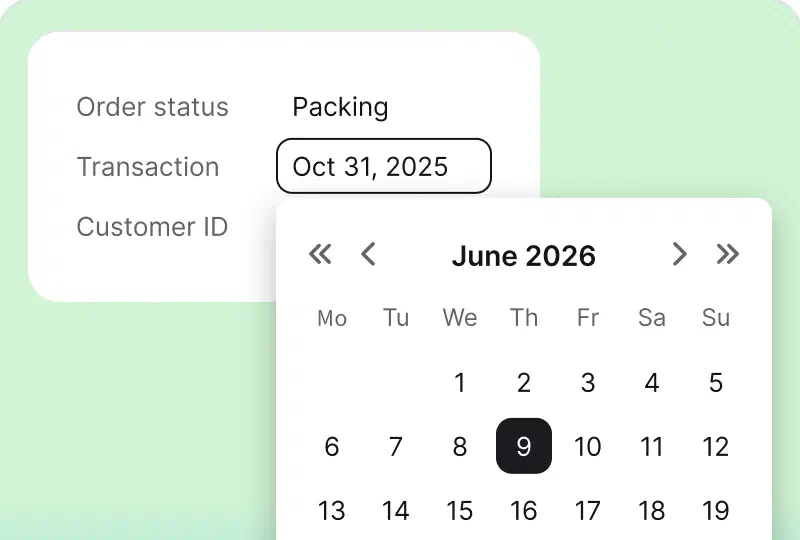
- Custom fields are a great help desk software feature. They allow organizations to capture specific information unavailable through default fields. It helps tailor processes, gather vital data, and optimize operations.
Automation and AI features
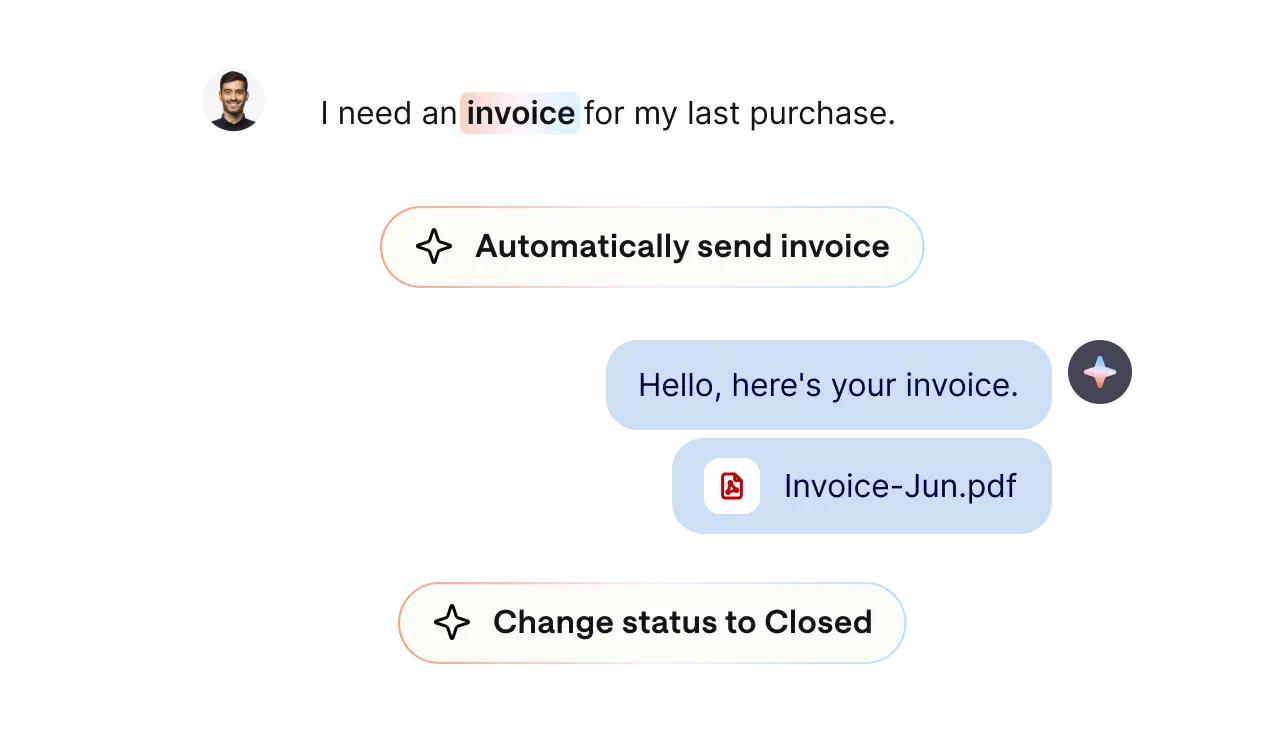
- Automation features like ticket filters, automated messages, canned responses, and ticket rules streamline ticket management.
- Automated workflows define a series of actions that get triggered based on specific conditions, so routine work happens on its own.
- AI features work alongside your agents: reply suggestions draft answers, ticket summaries speed up handoffs, and tag suggestions categorize each case.
- AI also detects the customer's language to route the ticket to the right person, and text enhancements fix tone and clarity before you send.
Like automations? Check AI-powered help desk features
Empower your support team with HelpDesk.com features



Deliver outstanding service with help desk solutions
Happy customer = successful business. Find compelling arguments on how help desk software can significantly enhance service quality.

Enhanced customer satisfaction
- Quick resolutions. Help desks significantly improve customer satisfaction by providing timely solutions to customer questions.
- Personalized support. A unified ticketing system enables agents to access complete customer histories, facilitating personalized and contextually relevant assistance.

Increased employee productivity
- Automation. Automating repetitive tasks, such as ticket routing and categorization, frees agents to focus on more complex matters.
- Streamlined processes. Centralized management of requests and integration with other systems streamline workflows and reduce the administrative burden on employees.

Operational efficiency
- Resource management. Detailed analytics and reporting capabilities enable organizations to optimize resource allocation, ensuring that support teams are adequately funded and utilized.
- Cost reduction. Improved team performance and compelling issue resolution reduce operational costs.

Scalability
- Adaptability. Cloud-based help desk solutions offer scalability, enabling businesses to easily adjust their assistance capabilities in response to growth.
- Future-proofing. The help desk can be updated and expanded with new features and integrations.
HelpDesk.com benefits are even more numerous – explore them now!
Types of help desks you may want to know
You know different help desk types, including team-based help desks for assisting customers and IT software or tools for support teams. However, there are even more help desk variations worth exploring!
Internal help desk
It assists employees by addressing technical issues, providing software support, troubleshooting hardware problems, and verifying that all internal systems function smoothly, ultimately maintaining high employee productivity.
External help desk
It assists customers with matters regarding a company's products or services, providing timely and effective solutions. This helps build loyalty and trust in the brand.
Outsourced help desk
It occurs when a company delegates operations to a third-party provider, enabling it to leverage external expertise and resources for high-quality customer service.
Hybrid help desk
It combines internal and external elements, allowing organizations to maintain control while benefiting from cost savings and expertise. Some functions are handled in-house, while others are outsourced.
Every industry needs help sometimes
Help desks can handle various unique issues, not just technical ones like account blocking. They can assist with tasks such as choosing the right product size and organizing student classes and teachers' schedules. You just need to find the perfect one for you.
Check the best help desk solution for your industryHelp desk vs service desk
People use these terms interchangeably, but they're not quite the same. The difference comes down to scope and who they serve.
| Help desk | Service desk | |
|---|---|---|
| Focus | Resolving specific issues and answering support requests | Help desk work plus broader IT service management |
| Approach | Mostly reactive: responds when someone needs help | Proactive, aiming for continuous service improvement |
| Who it serves | End-users, often your customers | End-users and internal IT teams |
| Built on | Ticketing system, knowledge base, and automation | Adds ITSM processes like change and asset management |
In short: a help desk solves problems as they come in, while a service desk manages the wider set of IT services around them. If your job is to keep customers happy and answer their support requests quickly, a help desk is what you're after.
Help desk roles and responsibilities
Happy customer = successful business. Find compelling arguments on how help desk software can significantly enhance service quality.

Admin
Admins are responsible for configuring and managing the help desk processes. Their primary responsibilities include setting up and maintaining the help desk software, providing easy-to-setup integration with business systems, and customizing workflows.

Support manager
The support manager oversees the customer team, assigns work to agents, monitors performance, conducts team meetings, and provides timely assistance to ensure a positive customer experience.

Support agent
Customer support agents are the first responders to customer inquiries. They can handle general or specialized queries, diagnose problems, provide solutions, and escalate them when necessary.
How to choose the right help desk platform
-
Assess your needs
Identify your specific requirements, such as the volume of support tickets, the complexity of customer queries, and the level of integration required with existing systems.
-
Look for core features
Make sure that the help desk software offers essential features like ticket management, automation, multichannel support (email, chat, messaging), and reporting tools.
-
Check scalability and flexibility
Choose a platform that can grow with your business. It should be flexible enough to adapt to changing workflows, handle increasing ticket volumes, and integrate with additional tools or platforms.
-
Explore the UX interface
The UX interface should be intuitive and user-friendly, making it easy for support agents to effectively navigate and utilize the system. Remember that a well-designed interface reduces training time and minimizes errors, improving productivity.
-
Check cost and ROI
Evaluate the pricing structure of the help desk platform for your budget. Consider the initial costs, hidden fees, and potential ROI through customer satisfaction and retention. Select a solution that provides the best value for your investment.
-
Read reviews
Take the time to read customer reviews and testimonials about different platforms. Reviews provide real-world insights into the tool's performance, reliability, and user satisfaction. Look for feedback on aspects such as ease of use, customer support, feature usage, etc.
Handle your support requests with help desk ticketing software
What is a ticketing system?
A ticketing system is the software at the core of a help desk. It captures every support request from email, chat, and messaging as a ticket with its own ID, then tracks it through to resolution so nothing is missed. HelpDesk.com is help desk ticketing software built to do exactly that. If most of your requests arrive by email, start with the email ticketing system.
HelpDesk.com offers a comprehensive customer team solution that transforms how businesses handle customer inquiries. With its intuitive ticket management system, HelpDesk.com guarantees that all requests are tracked and resolved efficiently, boosting customer satisfaction.
The platform's automation features streamline repetitive tasks, so your agents can focus on more complex, value-added interactions. Multichannel support lets customers reach out their preferred way: email, live chat, SMS, Messenger, or WhatsApp.
Additionally, HelpDesk.com integrates with popular tools like Salesforce, HubSpot, and Shopify, enhancing your existing workflows and ensuring a unified approach to the customer team.
Check all the HelpDesk.com integrations
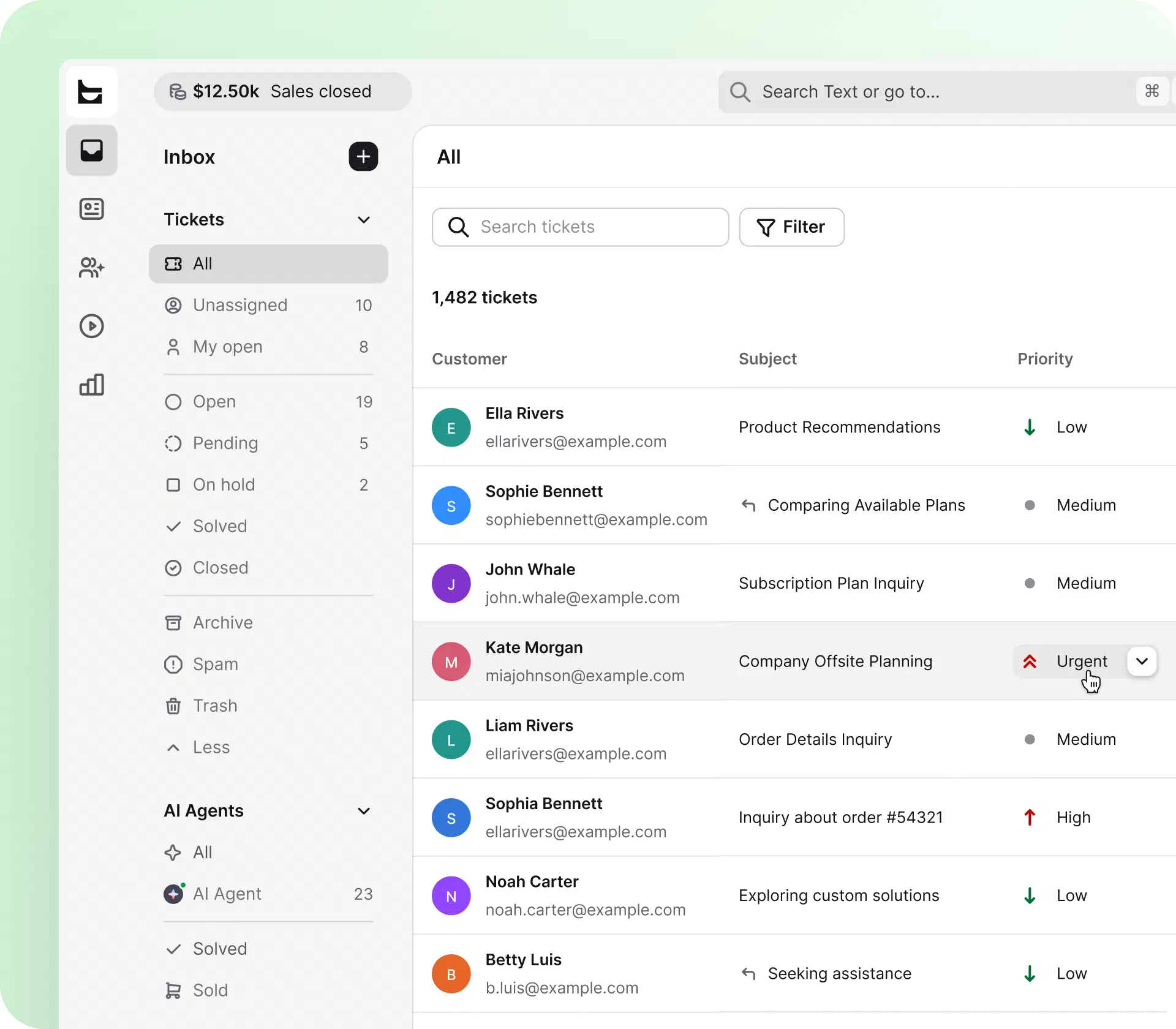
HelpDesk.com’s reporting and analytics provide valuable insights into your team's operations. It helps you identify trends, monitor performance, and make data-driven improvements. The highly customizable platform allows you to tailor workflows, automate responses, and create a knowledge base to empower customers to find solutions independently. Its user-friendly interface makes sure that your team can quickly adapt and maximize productivity.
You're investing in a solution that can grow with your business, providing scalable capabilities to match your evolving needs, by choosing HelpDesk.com. The platform's focus on integration and customer satisfaction makes it a strategic asset for any company committed to delivering outstanding customer service.

Visit HelpDesk.com to discover how it can revolutionize your support operations and elevate your customer experience.
Step-by-step guide to implementing help desk software
The process can be divided into three phases:
Research and planning
Evaluate different software options based on features, scalability, integration, and cost. Engage with stakeholders to align the chosen solution with organizational goals and user needs.
Installation and setup
Install the software on your organization's servers or subscribe to a cloud-based solution.
Advanced configuration
Set up automated workflows, integrate the software with other business tools, and establish a comprehensive knowledge base for self-service assistance.
Integrating with everyday tools
Help desk ticketing systems connect with the business tools you already use, like your CRM (Salesforce, HubSpot) and your ecommerce store (Shopify).
It allows for consolidated information, streamlined processes, and enhanced communication across departments, resulting in faster and more accurate issue resolution.
Popular apps and channels for help desk software
A well-integrated help desk platform supports various popular apps and communication channels.

Salesforce
It allows for better management of customer relationships and support tickets.
Explore HelpDesk.com and Salesforce integration
Shopify
It enables easy handling of customer orders, returns, and product information inquiries.
Explore HelpDesk.com and Shopify integration
HubSpot
Keep customer data in sync between HubSpot and your help desk, so support and sales work from the same record.
Explore HelpDesk.com and HubSpot integration
WordPress
Add live chat and an AI-powered widget to your WordPress site, so visitors can reach your team without leaving the page.
Explore HelpDesk.com and WordPress integrationIntegration at your fingertips
HelpDesk.com integrates with tools like Shopify, Salesforce, and HubSpot to enhance your customer team even more.
Free 14-day trial No credit card required
Help desk best practices
Implementing a self-service portal is crucial for providing excellent assistance. It allows customers to find answers independently, reducing support ticket volume. Automating tasks like ticket categorization and AI-powered ticketing systems can enhance productivity, save time, and guarantee more accurate resolutions.
Measuring help desk performance
Tracking essential performance metrics is an exceptional way to evaluate the performance of help desk operations.

Agent productivity
Monitor the number of tickets resolved, response times, and the average resolution time to assess how efficiently agents work.

Customer satisfaction
Use customer feedback surveys and net promoter scores (NPS) to measure customer satisfaction levels and identify areas for improvement.

Ticket volume
Analyze the volume of incoming tickets and identify trends to anticipate potential inquiries and allocate resources accordingly.

First contact resolution (FCR)
Measure the percentage of issues resolved on the first interaction to improve customer satisfaction and reduce follow-up contacts.

Service level agreement (SLA) compliance
Ensure that response and resolution times meet the agreed-upon standards to maintain high service quality.
Migrating to a new help desk system
When switching to a new help desk system, it's essential to carefully assess your organization's needs. Start by evaluating your current operations, identifying problems, and establishing your objectives for the new system. Research various help desk solutions, comparing their features, scalability, integration capabilities, and cost.
Choose a platform that meets your business needs and allows for future growth within your organization.
Migrating tickets into HelpDesk.com
Migrating from another system involves a well-planned process. HelpDesk.com provides detailed guidance to facilitate this migration, including tools to import data from your existing ticketing system.
Expert suggestion: Map out your current data structure, clean and prepare the data for transfer, and use HelpDesk.com's import features to accurately transfer all historical tickets, customer information, and relevant data.
Migrate for free from another ticketing system
We're here to support you during the entire migration process, offering information about any related costs and, if possible, covering them for you.
Start with HelpDesk.com in three simple steps
Start HelpDesk.com's free 14-day trial and create an account.
Forward messages from your current support inbox to HelpDesk.com.
Start receiving tickets from your team and customers.
No credit card required