


Connect Klaviyo to your help desk ticketing system and automate customer workflows across marketing and support.
Free 14-day trial No credit card required
Text products are trusted by 35,000+ leading brands














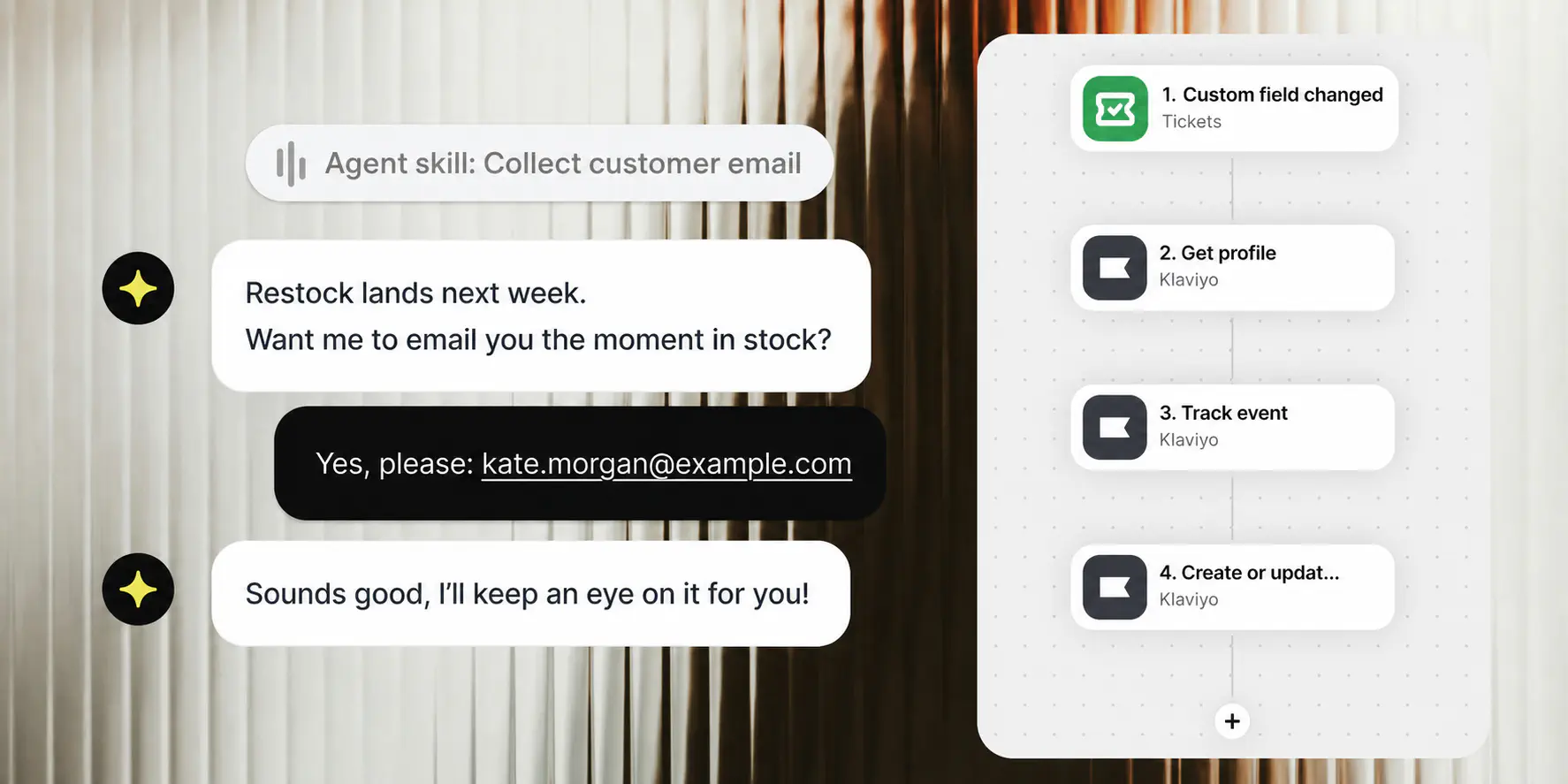
Turn ticket changes into useful customer signals. Workflows moves the right update from HelpDesk.com to Klaviyo without manual data entry.
A change to a custom field on a ticket starts the Workflow with the support context already attached.
Get the Klaviyo profile by email or profile ID, or create a new profile when the Workflow needs one.
Update the profile, track a custom event, or manage membership in the selected Klaviyo list.
HelpDesk.com keeps the conversation and customer details together. Use an email address or profile ID in the Workflow to fetch the right Klaviyo profile before the next step runs instead of creating a duplicate.
Choose the action, connect Klaviyo, map the data, and place it wherever it belongs in your Workflow.
Fetch a Klaviyo profile by email address or profile ID before the Workflow decides what to do next.
Create a profile for a new customer or update the existing profile with the fields your Workflow maps.
Record a custom event for a Klaviyo profile so support activity can inform later customer workflows.
Subscribe a profile to email marketing for the Klaviyo list selected in the action.
Remove a profile from the selected list. Other list memberships and the profile's email marketing subscription stay unchanged.
Support tells you what customers need. Turn those signals into accurate profiles, events, and list changes while the context is fresh.
When a ticket custom field changes, track an event for the customer's Klaviyo profile.
When a customer field is updated, create or update the profile in Klaviyo.
When an email is identified, get the profile before the next action runs.
When your process records the right consent, subscribe the profile to email marketing for the selected Klaviyo list.
When a ticket records the request, remove the profile from that Klaviyo list without changing other lists.
When a shopper views a product or adds it to cart, track a custom event in Klaviyo.
Build the connection visually. Choose what starts the Workflow, add a Klaviyo action, connect the account, map the fields, and publish.
New to Workflows? See how triggers and actions work.
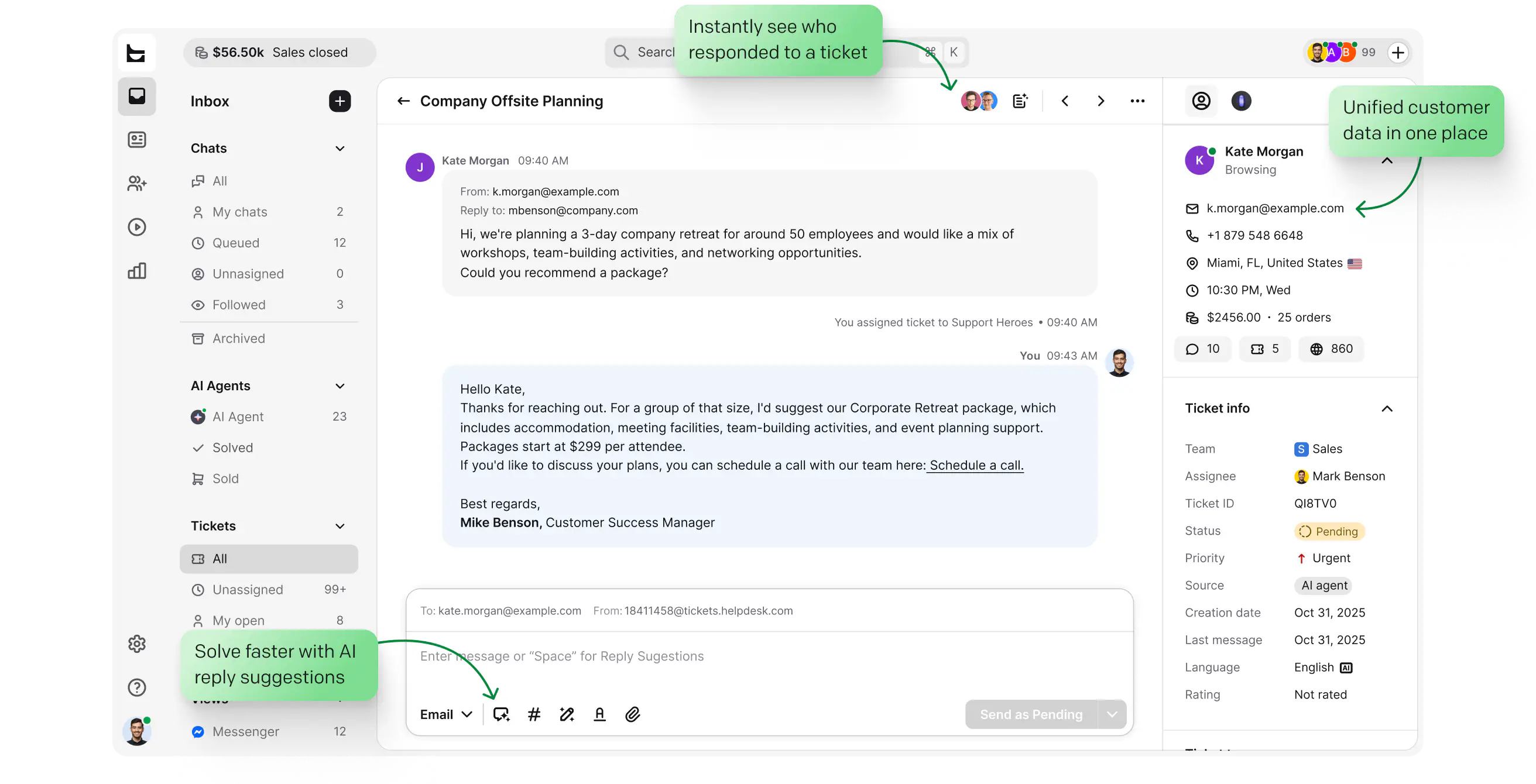
HelpDesk.com keeps email tickets organized while Workflows turns service activity into customer data your marketing tools can use.
Manage support in HelpDesk.com, then let a ticket field change start the Klaviyo update behind the scenes.
Turn a useful support milestone into a profile update or custom event for the next customer workflow.
Use the same Workflows layer with tickets, chats, customer fields, and supported ecommerce events.
Triggers and actions aren't limited to your help desk. Pull customer data in, push updates out, and keep every tool in sync without switching tabs.

Find, create, and update accounts, contacts, leads, and cases from a workflow step. Queue records for bulk import when you need volume.

The ecommerce integration puts a customer's last order, payment and shipment status, and live cart next to the conversation. Available on licenses with ecommerce integrations.

Send a message to a public or private channel when something needs attention, like an urgent ticket or a bad rating.

Start workflows from marketing events, and keep contact data moving between your tools and audiences.

Add an OpenAI step to process text inside a workflow, right where the conversation lives.
Send an HTTP request to any external API as a workflow action. If a tool has an API, a workflow can reach it.
This is a slice of what Workflows connect. See everything help desk automation can handle.
A Klaviyo help desk integration connects support events and customer records with Klaviyo profiles, events, and lists. The HelpDesk Klaviyo integration uses Text Workflows to run those actions when a supported ticket, customer, chat, or ecommerce trigger occurs.
Yes. HelpDesk.com connects with Klaviyo through Text Workflows. A ticket or customer event can start a workflow that gets a Klaviyo profile, creates or updates one, tracks an event, or changes membership in a selected Klaviyo list.
There are five native actions: get a profile, create or update a profile, track a custom event for a profile, subscribe a profile to email marketing for a selected Klaviyo list, and remove a profile from a selected list.
The Get profile action fetches a Klaviyo profile by email address or profile ID. A Workflow can then use the returned profile in its following steps.
Yes. Workflows can also react when an email is identified in a chat, a customer's custom fields change, or a shopper views a product or adds it to the cart. The Klaviyo action can then run as part of the same workflow.
Open Workflows in Text, choose a trigger, add a Klaviyo action, and connect your Klaviyo account when prompted. Map the customer or ticket data the action needs, then publish the workflow.
Yes. A change to a custom field on a ticket can trigger a Workflow. The next steps can get the customer's Klaviyo profile, create or update it, and track a custom event.
No. Workflows is a visual builder: choose a trigger, add Klaviyo actions, connect your account, and map the fields. You do not need to write integration code for the five native actions.
No. The action removes the profile from the selected Klaviyo list. The profile can remain subscribed to email marketing and can still receive campaigns from other lists.

Make support activity useful across the customer journey with ticket-first Workflows and native Klaviyo actions.
Free 14-day trial No credit card required