


Bring tickets, live chat, and selected cart, product, and completed-order details into one workspace. Agents and AI can resolve routine questions, then hand off the rest without customers repeating themselves.
Free 14-day trial No credit card required

Text products are trusted by 35,000+ leading brands














A mailbox can receive a question, but it cannot show who owns it, what the shopper is asking about, or whether anyone has replied. HelpDesk.com turns every request into clear, shareable work for your support team.

Give every request an owner, status, priority, and full conversation history. Teammates can see who is responding before two people answer the same shopper.

Save reliable replies for product, shipping, and return questions. Add internal notes when a teammate needs context without exposing the discussion to the customer.

Selected current-cart and product details can travel with the conversation, so agents start with more than an email address. Completed-order signals also make support’s contribution visible in reports.
A growing WooCommerce store receives product, payment, shipping, and policy questions across the buying journey. A dedicated helpdesk keeps every customer conversation visible and gives each request a clear owner.
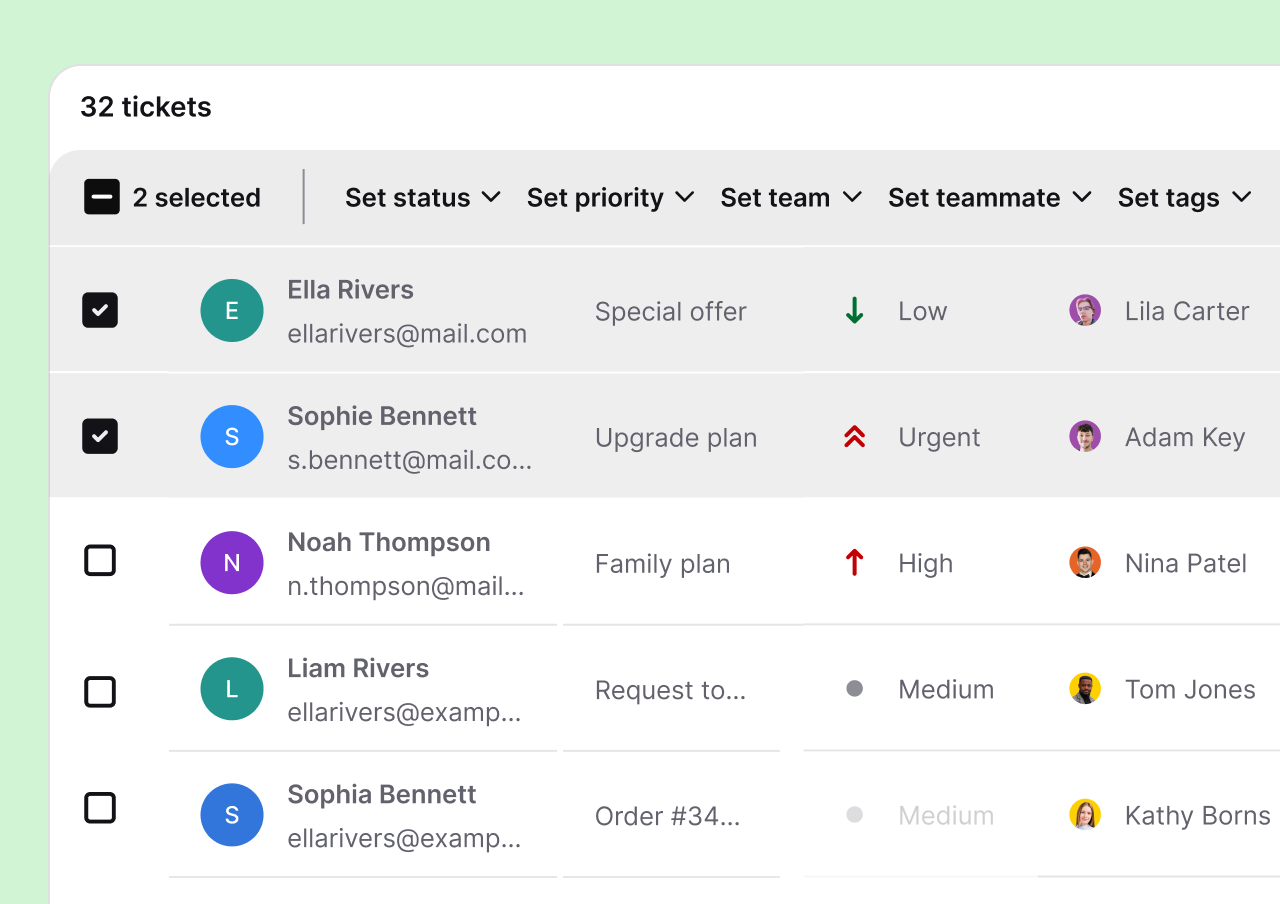
Email tickets, live chat, and connected messaging channels reach the same shared inbox. Open, pending, and solved statuses show what needs attention, while ticket rules assign, tag, and prioritize predictable requests automatically.
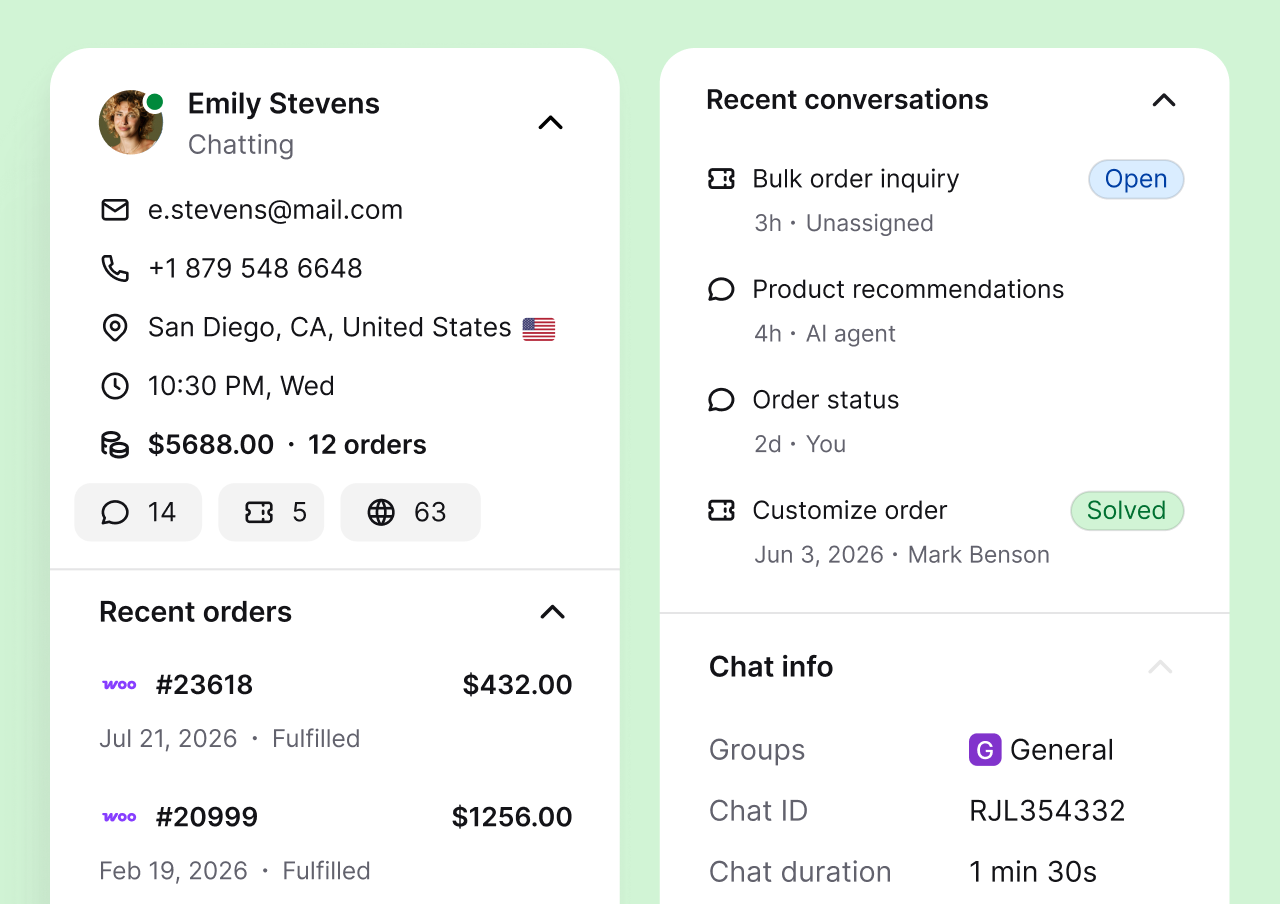
Current cart activity and relevant product details can accompany the customer conversation. Support agents get a better starting point before they reply, and the next teammate can continue without asking the shopper to repeat the situation.
WooCommerce support is included in the official AI Chatbot by Text WordPress plugin. There is no separate WooCommerce extension, custom development project, or API key for the current connection.
In WordPress Admin, open Plugins, choose Add Plugin, and search for AI Chatbot by Text. Install and activate the official plugin.
Open the Text tab in the WordPress sidebar and select Connect Text. Sign in or create an account to begin the free trial.
When WooCommerce is active, the plugin detects it automatically. Connect your support email and channels, then organize tickets with views, rules, and canned responses.
Requires WordPress 6.0 or higher and PHP 7.4 or higher. View the plugin in the WordPress Directory.
HelpDesk.com gives a WooCommerce support team the ticket management tools needed to organize daily work and provide support consistently during regular weeks and sales peaks.
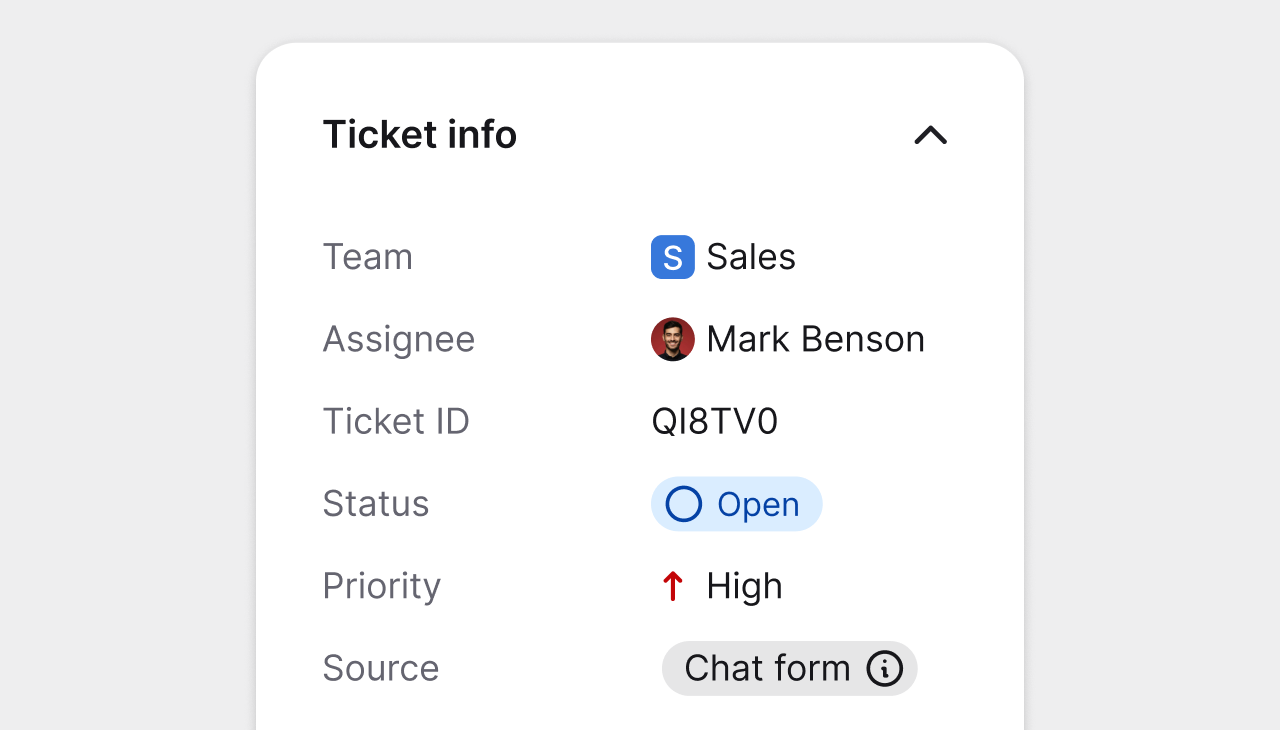
Priority, owner, ticket status, and conversation history stay visible in one panel, so another agent can continue without starting over.
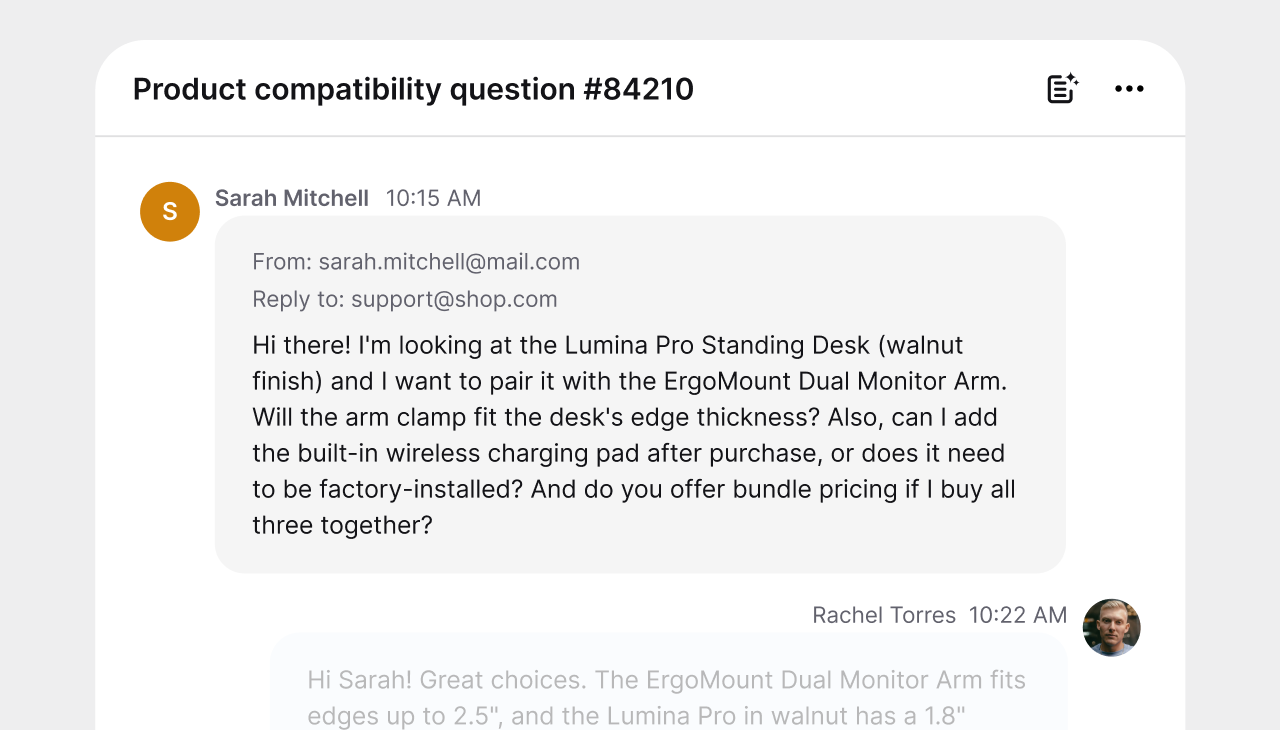
Create focused views for product questions, billing, fulfillment, VIP customers, or any workflow used by your WooCommerce store.
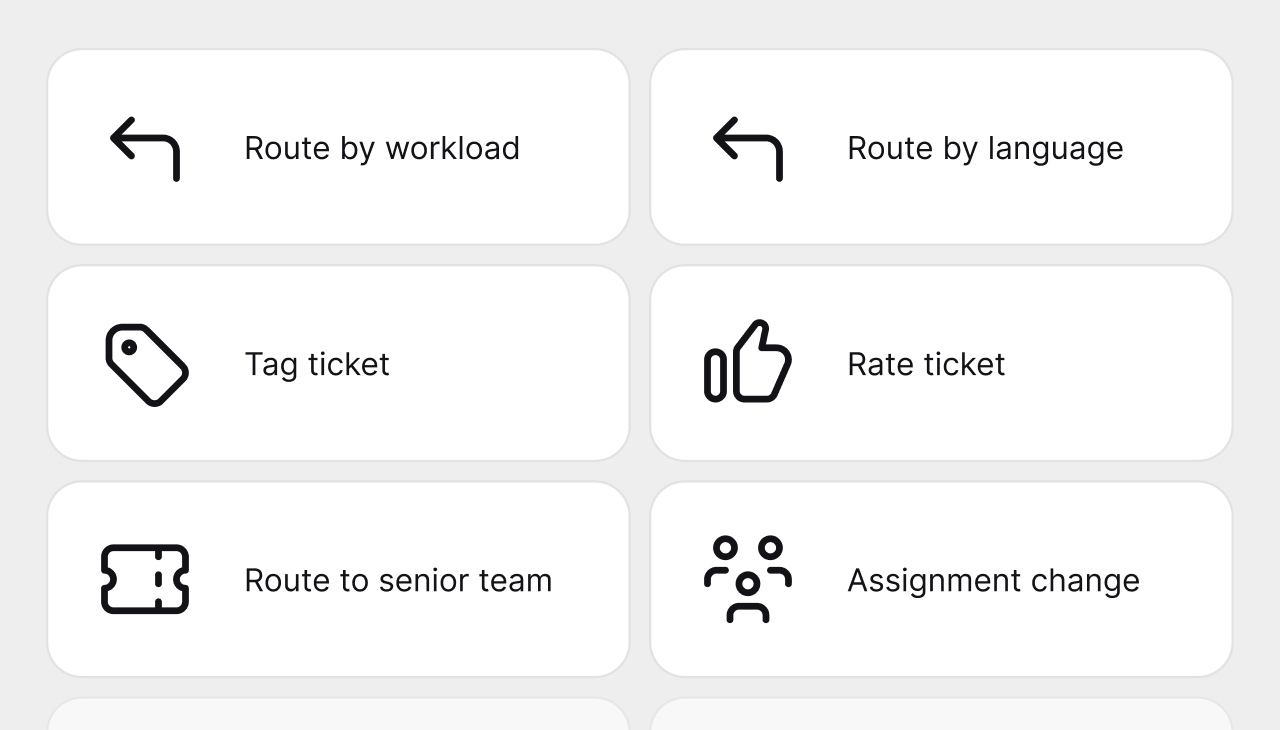
Route, tag, and prioritize predictable support requests automatically, while keeping manual assignment available for specialist cases.
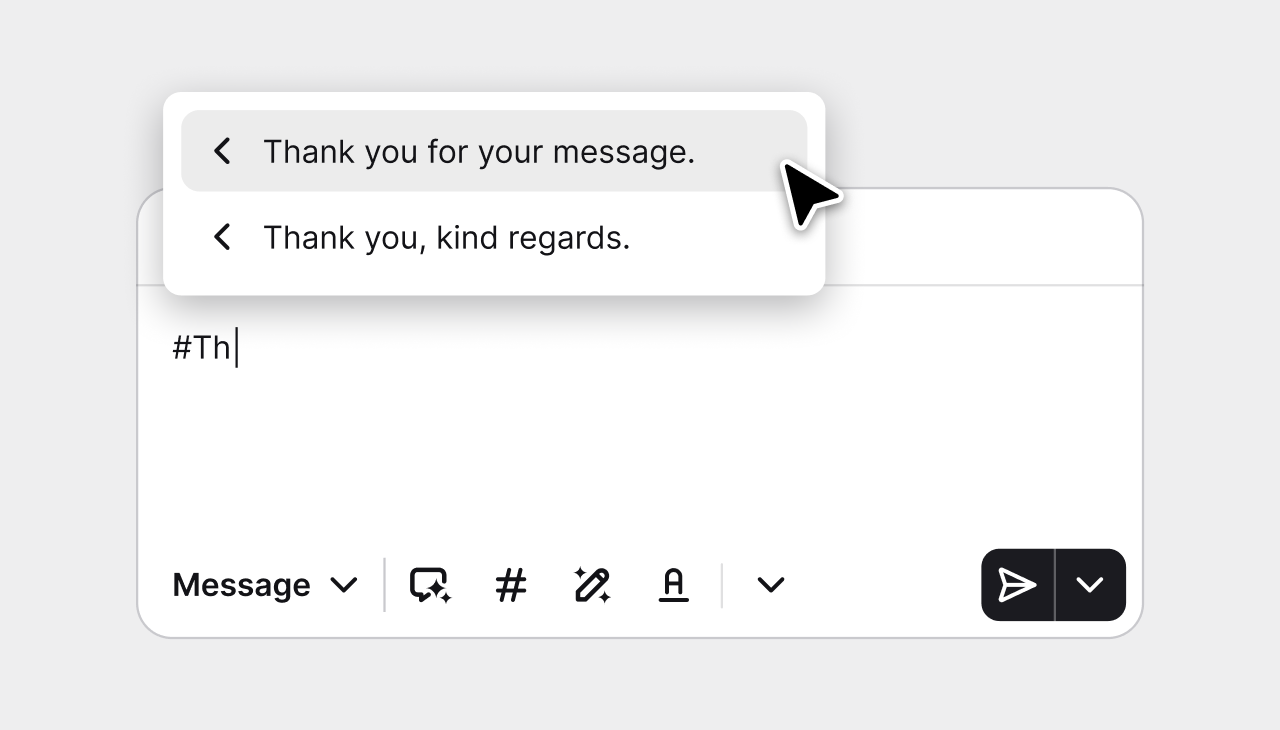
Save accurate answers for recurring product, shipping-policy, and store questions, then personalize them before sending.
The current integration sends selected customer, cart, product, and newly completed-order events into Text. Agents can understand the purchase in progress without treating every shopper like a stranger.

Available cart context can include currency, subtotal, total, discounts, items, quantities, and relevant add-or-remove events while the customer is shopping.
Products involved in cart or order events can include titles, IDs, variants, SKU numbers, prices, quantities, thumbnails, and product links.
A completed-order event can include the order number, totals, tax, shipping amount, ordered items, and the order status page URL for ecommerce reporting.
The AI Agent learns from your website, help center, knowledge base, documents, and other approved sources. It handles routine customer queries around the clock and keeps a human support agent within reach.
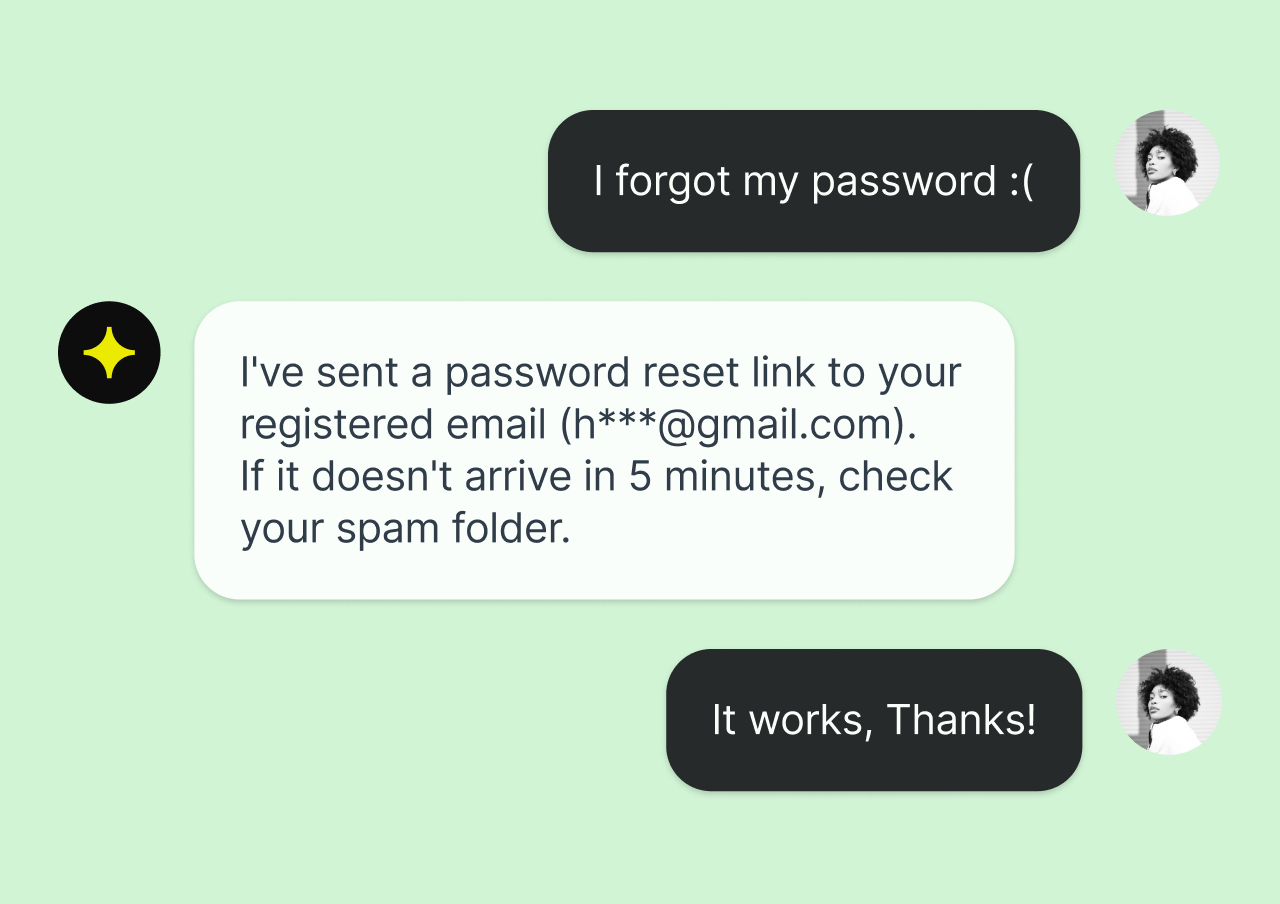
The AI Agent can answer routine product, payment-method, shipping-policy, product-care, and return-policy questions from information you control. Customers get instant answers and the support team keeps its attention on higher-value work.
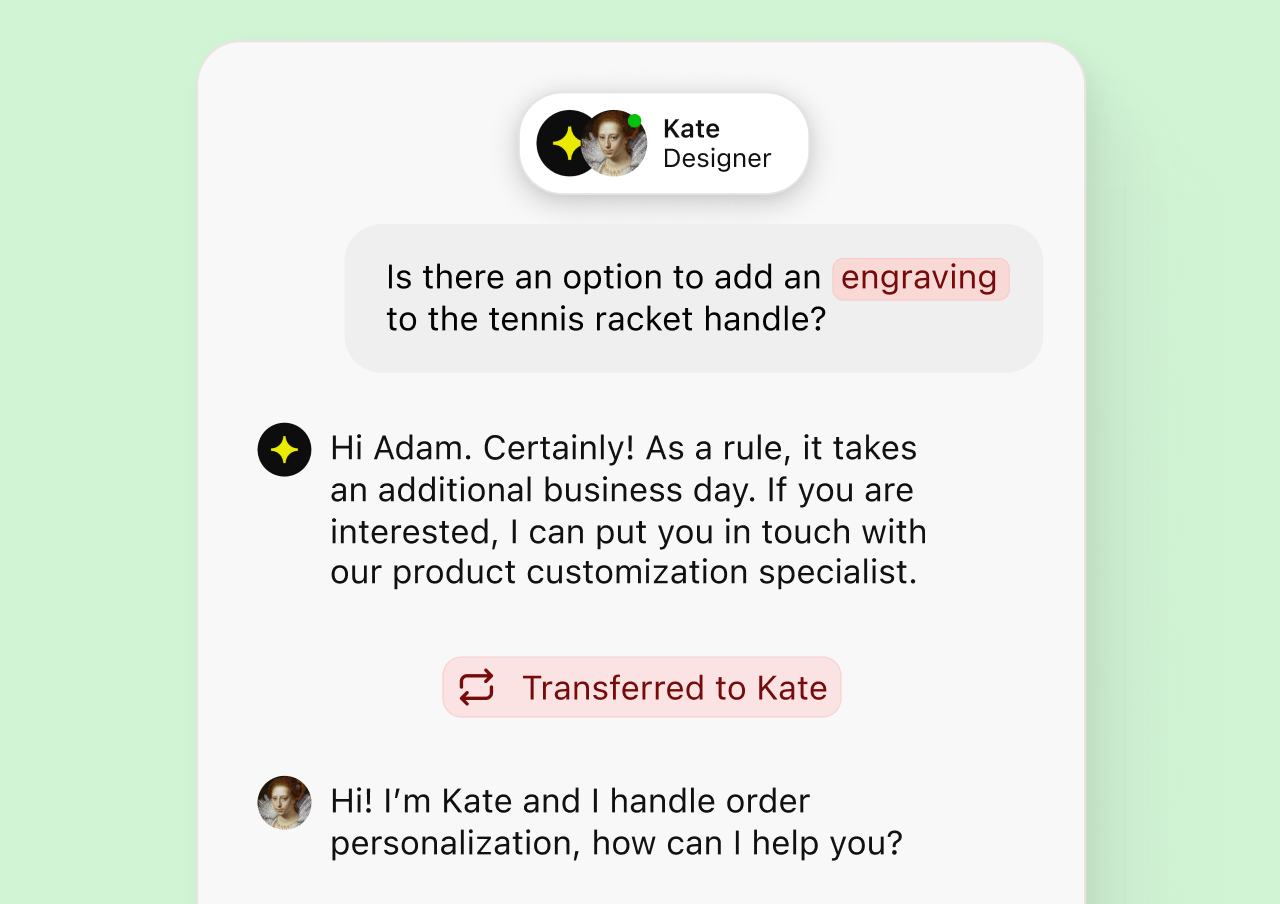
When a conversation needs human judgment, the AI Agent transfers it with the chat history and available customer context. The teammate can continue the customer experience without asking the shopper to repeat everything.
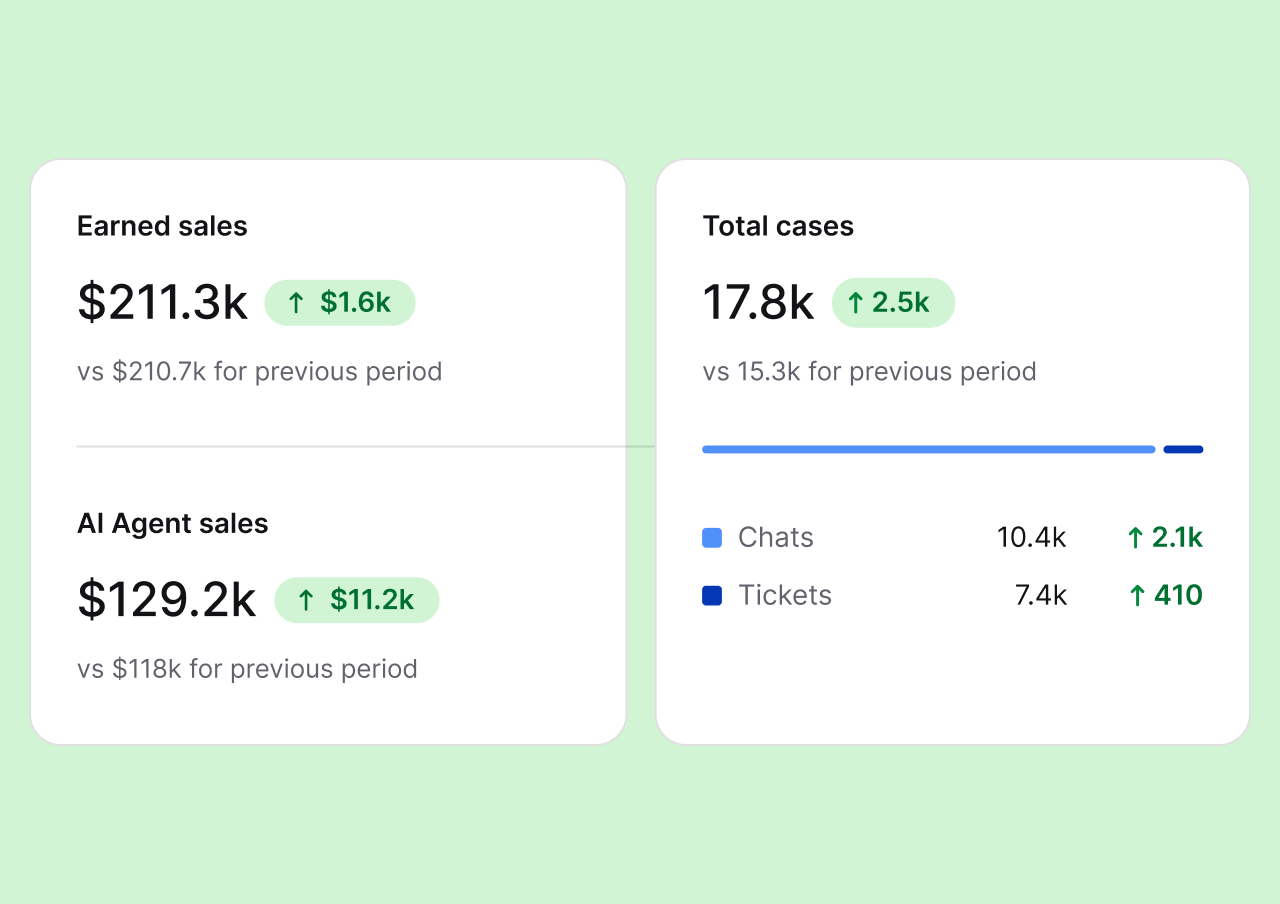
Track ticket metrics, chat metrics, resolution times, conversation ratings, and agent performance. Ecommerce reporting can also connect newly completed orders with customer conversations and compare the contribution of the team and AI Agent.
Connect the customer support channels your store uses and manage customer conversations from one dashboard instead of checking separate tools.

Connect a support address with email forwarding so incoming messages become trackable tickets that agents can assign, tag, and close.
Place the chat widget across the WooCommerce site and answer questions while customers compare products or review their cart.
Messenger, WhatsApp, and SMS conversations can reach the same support queue, keeping channel context close to the ticket history.

Give shoppers useful answers, give agents a clear support workflow, and turn customer conversations into opportunities for stronger relationships and sales.
Free 14-day trial No credit card required
WooCommerce helpdesk software connects an online store with a dedicated customer support tool. Customer messages become trackable support tickets, while selected store signals help agents understand the shopping context behind a question.
WooCommerce manages products, checkout, and orders. HelpDesk.com manages customer conversations, assignments, ticket status, automation, internal collaboration, and reporting. The WordPress plugin bridges the two systems without forcing the store to host its full ticket history and support workflow.
For a growing WooCommerce shop, that creates an all-in-one support workspace where email, live chat, and messaging conversations can be handled by support agents and AI. It is a connected helpdesk plugin experience rather than another mailbox inside WordPress.
Customers get a faster route to a useful answer, and support agents receive the ownership and context needed to provide support consistently. A returning customer can continue an existing conversation instead of explaining the same situation to every teammate.
Managers can use reporting to spot recurring questions, improve the knowledge base, and refine the customer support process. That feedback loop helps the WooCommerce store remove friction before it becomes a lost sale.
Look for a complete ticket system with a shared inbox, clear ticket management, useful automation, AI trained on approved sources, human handoff, collaboration tools, and reporting. The WooCommerce integration should provide precise store context without pretending to replace the commerce platform.
Choose a support tool that is actively maintained, fits the number of users on your team, and scales with the customer journey. Review the current HelpDesk.com pricing for plan details, AI usage, and the free 14-day trial.
A WooCommerce helpdesk is a customer support platform connected to a WooCommerce store. It turns customer messages into organized tickets and brings selected store context into the workspace where agents and AI manage conversations.
Not through the current native connection. Agents can receive current cart activity, relevant product details, logged-in customer details, and newly completed-order events. The integration does not import complete past-order history, lifetime spend, billing addresses, shipping addresses, or carrier tracking.
HelpDesk.com can bring email, website chat, Messenger, WhatsApp, and SMS conversations into one queue. Channel availability and plan limits can vary, so review the current pricing page before choosing a plan.
Not through the current native WooCommerce integration. It can answer from approved product and policy content and give agents current cart context, but it does not directly change quantities, apply coupon codes, complete checkout, retrieve historical orders, or provide carrier-level shipment tracking.
The WordPress plugin is free to install. HelpDesk.com is a paid customer service platform after a free 14-day trial, and no credit card is required to start. Visit the pricing page for current plan and AI usage details.
No. WooCommerce manages products, checkout, and orders, but it is not a complete customer support ticket system. The official AI Chatbot by Text WordPress plugin connects the store with HelpDesk.com tickets, live chat, AI, automation, and reporting.
No. Install and connect the official AI Chatbot by Text WordPress plugin. When WooCommerce is installed and active, the plugin detects it automatically and enables the supported ecommerce events without a separate extension, WooCommerce API key, or custom webhook.
Yes. You choose the website pages, help center articles, documents, and other approved knowledge sources the AI Agent can use. It can answer routine product and policy questions and hand the conversation to a support agent when human judgment is needed.
The official AI Chatbot by Text plugin works with WordPress 6.0 or higher and PHP 7.4 or higher. WooCommerce must be installed and active for ecommerce context, while the standard website widget can work without it.
Give customers faster answers and give your support team the ticket system and ecommerce context needed to keep every conversation moving.
Free 14-day trial No credit card required