Build no-code workflows that route, tag, and prioritize tickets the moment they arrive. Your team keeps the cases that need a human. The busywork runs itself.
No credit card required Free 14-day trial
Text products are trusted by 35,000+ leading brands





Every workflow starts with a trigger: an event like a new ticket, a bad chat rating, or a keyword in a conversation. Then actions run in order to assign, tag, update, notify, or create something new. Pick both from drop-down lists, publish, and it's live.
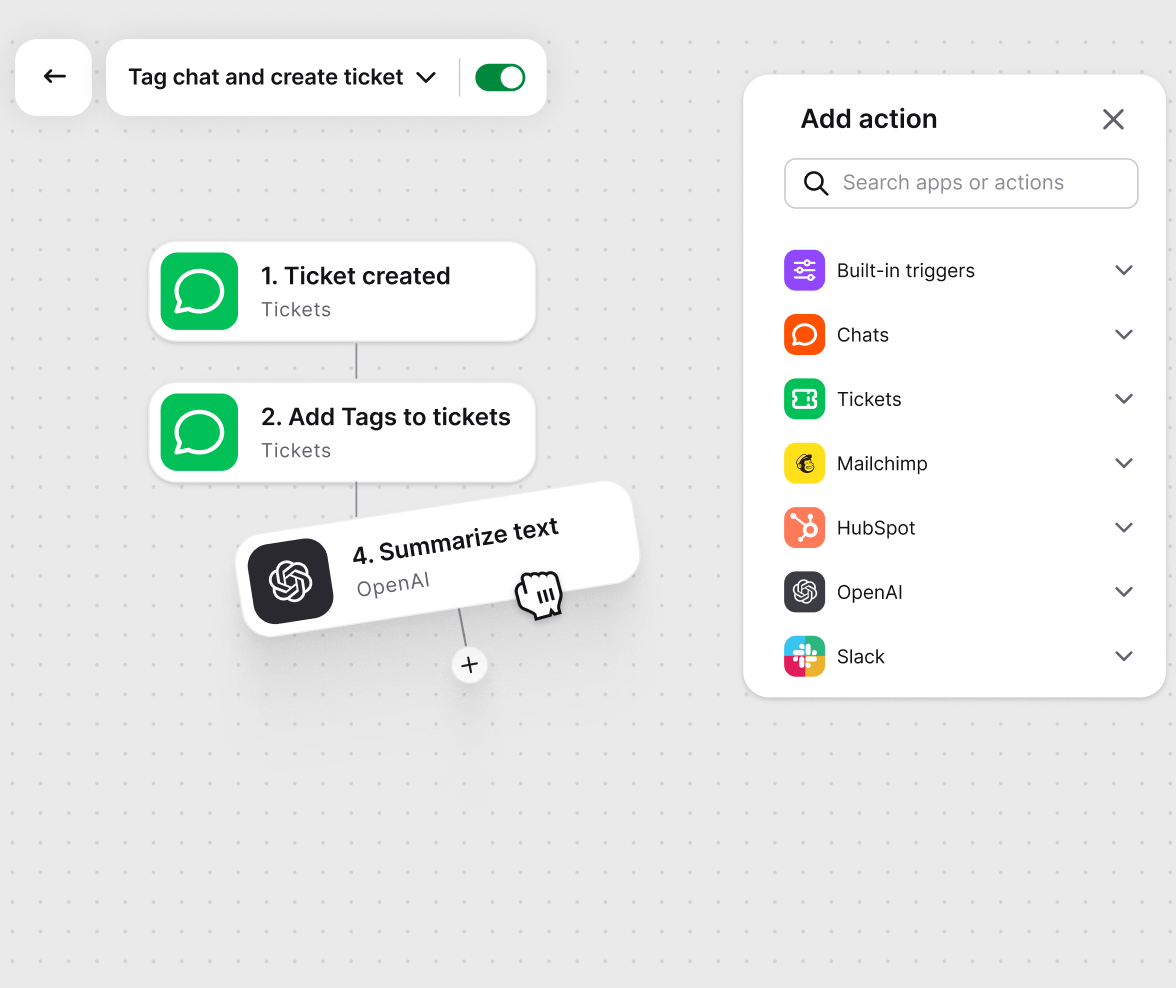
Choose the event that starts the workflow, then add actions on a visual canvas. Prefer a head start? Templates come with the trigger and actions preconfigured.
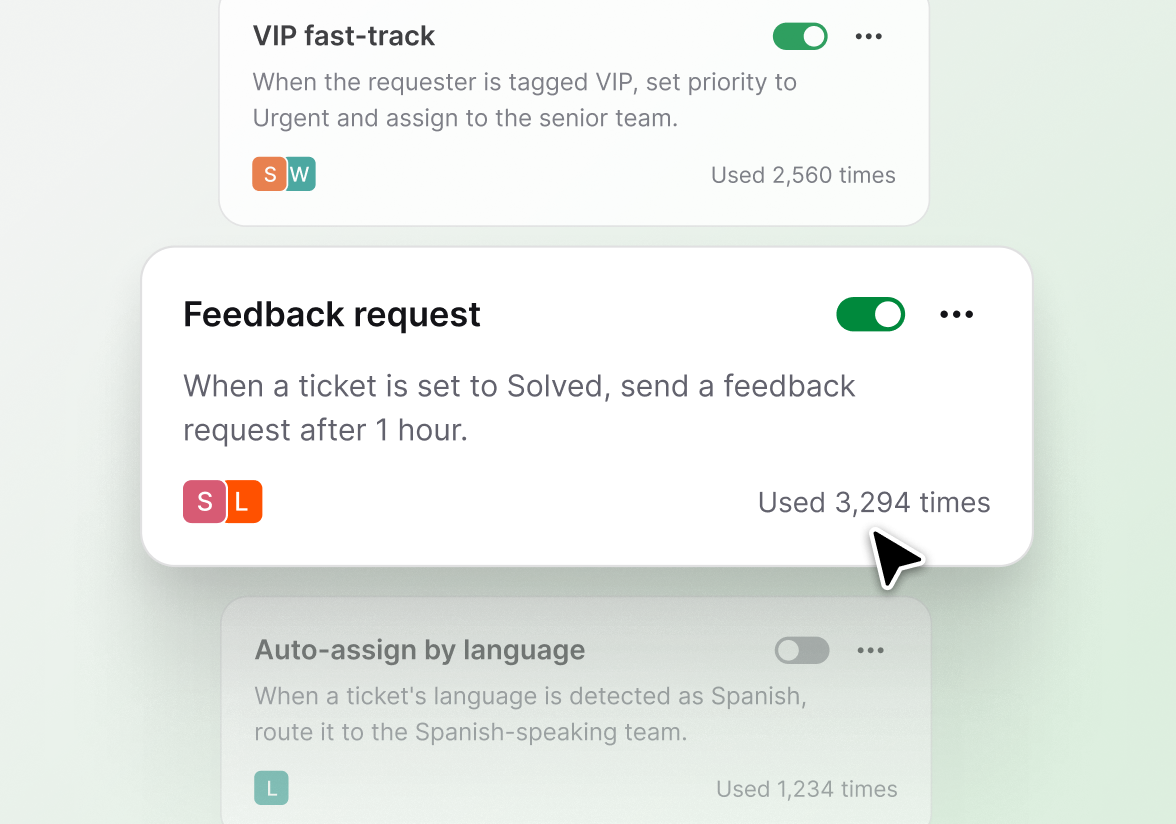
VIP fast-track, feedback requests, follow-ups: set them once and they run in the background. Usage counts show which rules carry the load, so you can prune the ones your team has outgrown.
Branch a workflow with if-then logic. Check the sender, the rating, or any field, and send each case down the right path.
Add a wait step between actions, run a workflow on a schedule, or start one manually when you need a one-off.
Reuse data from earlier steps, like a chat transcript or ticket details, inside later actions and messages.
As volume grows, the queue stays under control. Automated ticket routing, tagging, and priorities organize the work so the right case reaches the right person.
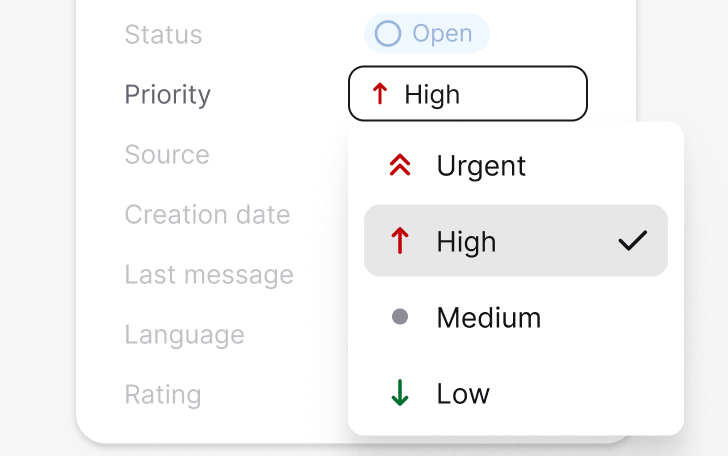
Surface high-impact tickets and SLA risks first, so nothing urgent slips through.
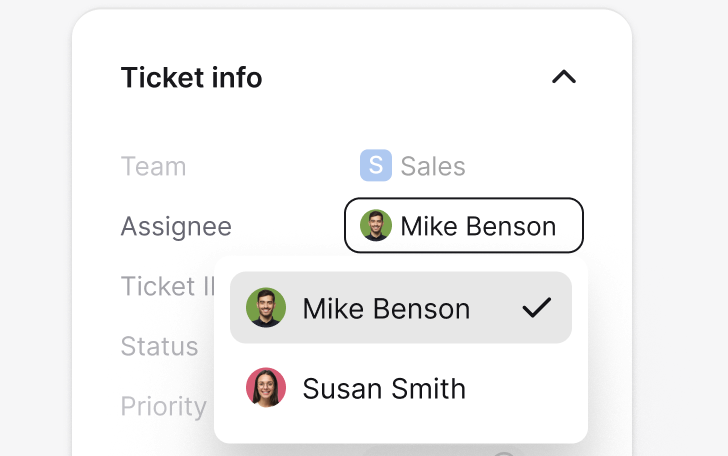
Route tickets by workload, language, and skills, automatically.
Set workflows that flag VIPs, protect SLAs, and trigger follow-ups on their own.
Every run lands in the runs log as completed, failed, or in progress.

Triggers and actions aren't limited to your help desk. Pull customer data in, push updates out, and keep every tool in sync without switching tabs.

Find, create, and update accounts, contacts, leads, and cases from a workflow step. Queue records for bulk import when you need volume.

The ecommerce integration puts a customer's last order, payment and shipment status, and live cart next to the conversation. Available on licenses with ecommerce integrations.

Send a message to a public or private channel when something needs attention, like an urgent ticket or a bad rating.


Start workflows from CRM and marketing events, and keep contact data moving between tools.

Add an OpenAI step to process text inside a workflow, right where the conversation lives.
Send an HTTP request to any external API as a workflow action. If a tool has an API, a workflow can reach it.
After customer context on every ticket? See the CRM ticketing system page. Automating maintenance requests? There's a property management help desk too.
Workflows handle the rules. AI handles the language. Together they cover everything between ticket arrives and customer answered.
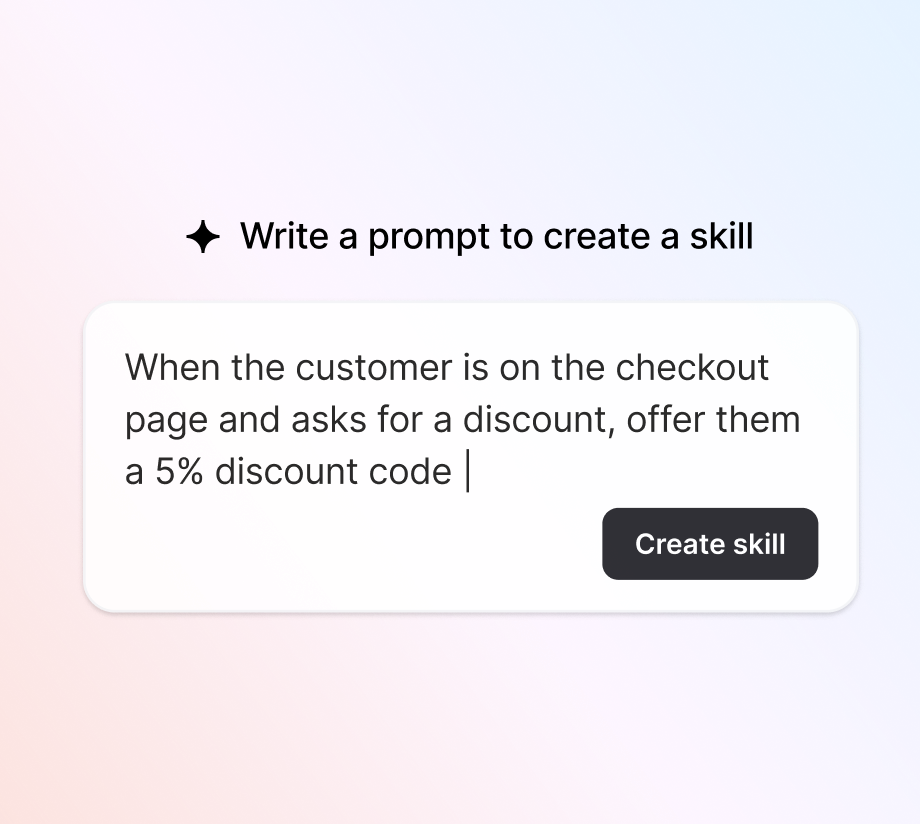
Write a rule for a specific situation, like a checkout discount or a shipping question, and your AI agent knows what to do every time. Each agent runs up to 10 custom skills.
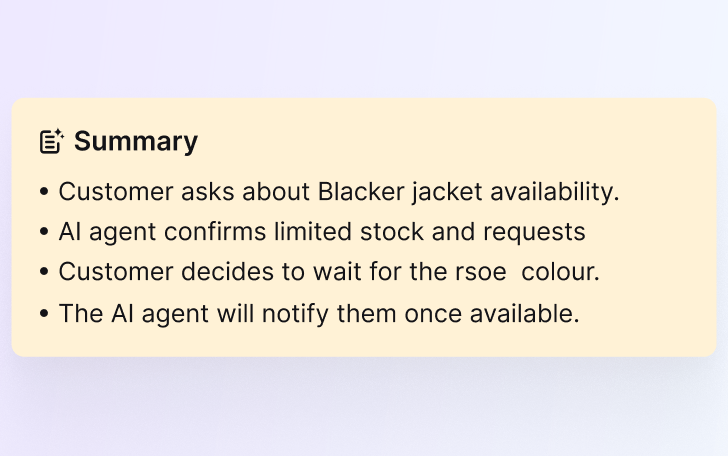
Add a summarize step to any workflow. A long conversation becomes a short brief before it reaches a teammate, so handoffs skip the scroll-back.
Connect Claude or ChatGPT to your help desk through Text's MCP server. Ask about tickets, search archived chats, and pull transcripts without leaving your assistant.

Sales Tracker ties orders and carts to the conversations that produced them, with a 30-day attribution window. Setup is a single JavaScript call added by a developer, and from then on the data flows in on its own.
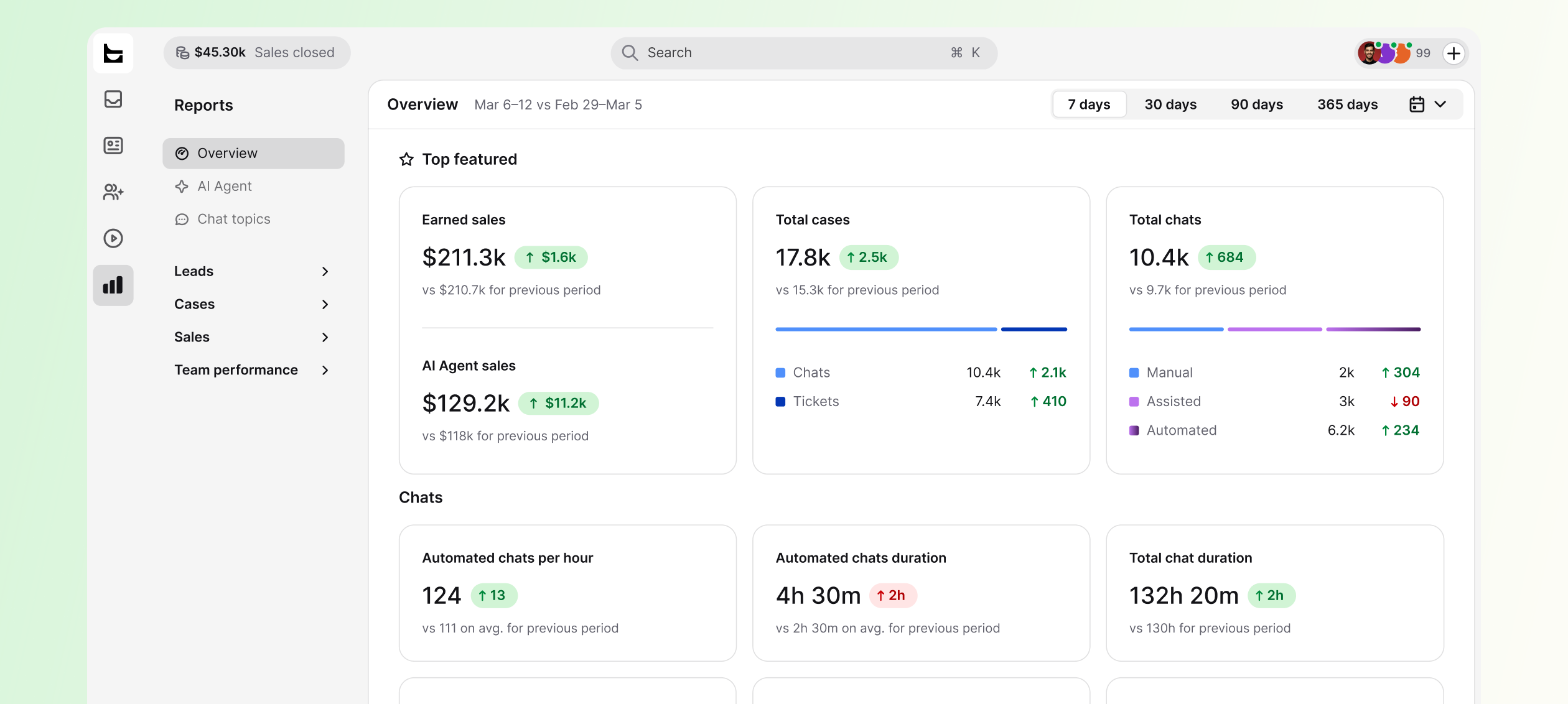
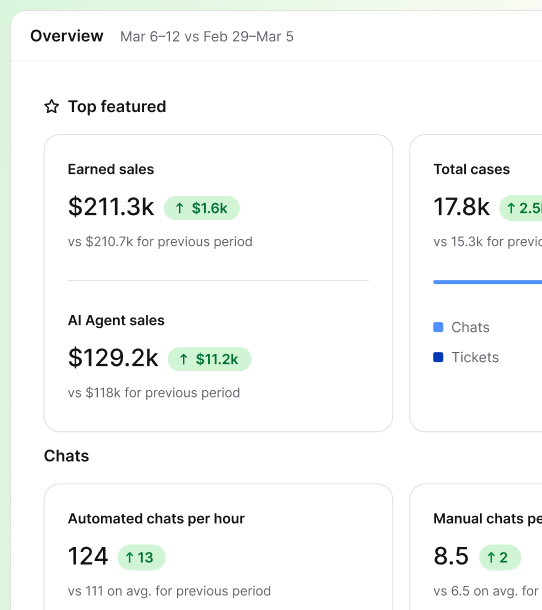
Every order placed within 30 days of a chat, with order value and the items purchased.
Orders from conversations your AI agent handled on its own, so you can put a number on automation.
Agents see orders land in real time, right in the conversation, with a daily wins counter for the team.
Not everything needs a workflow. For the rest, saved replies, custom views, and bulk actions on the ticket list keep the manual work short.
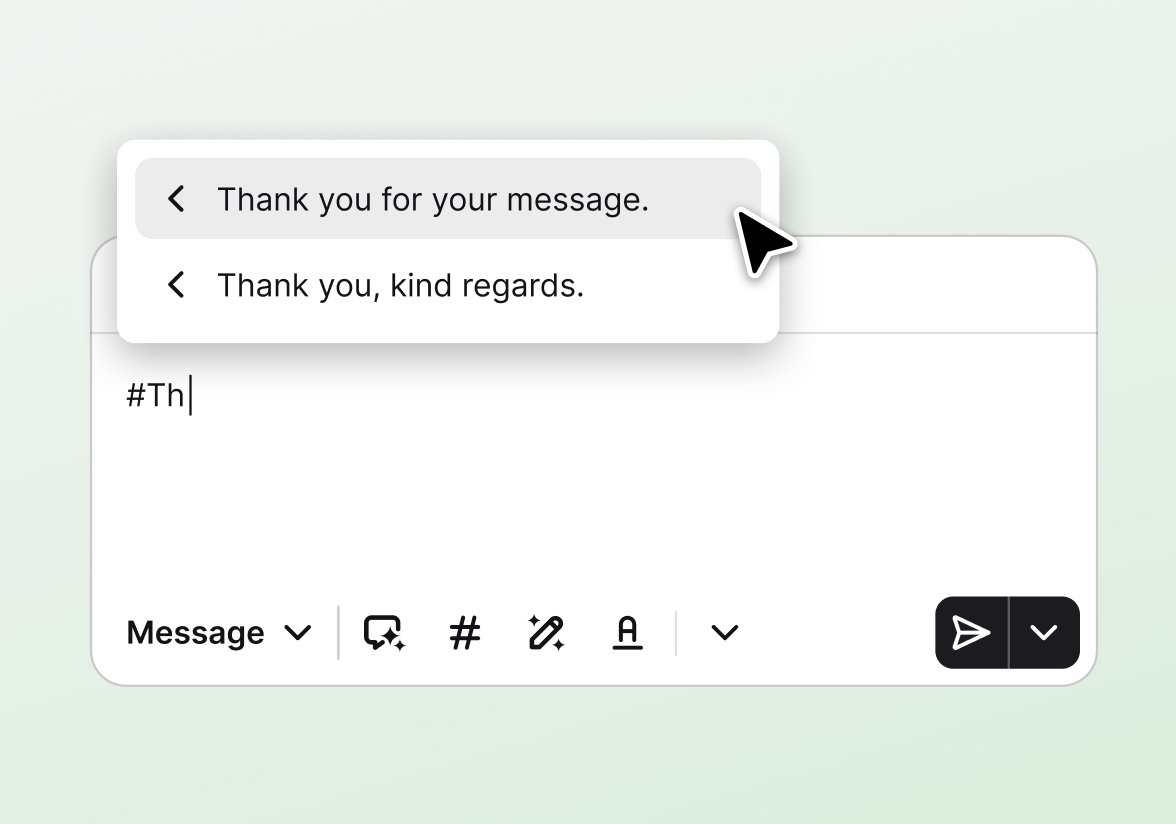
Save your most common replies and reuse them in a click, so your team can focus on the complex issues.
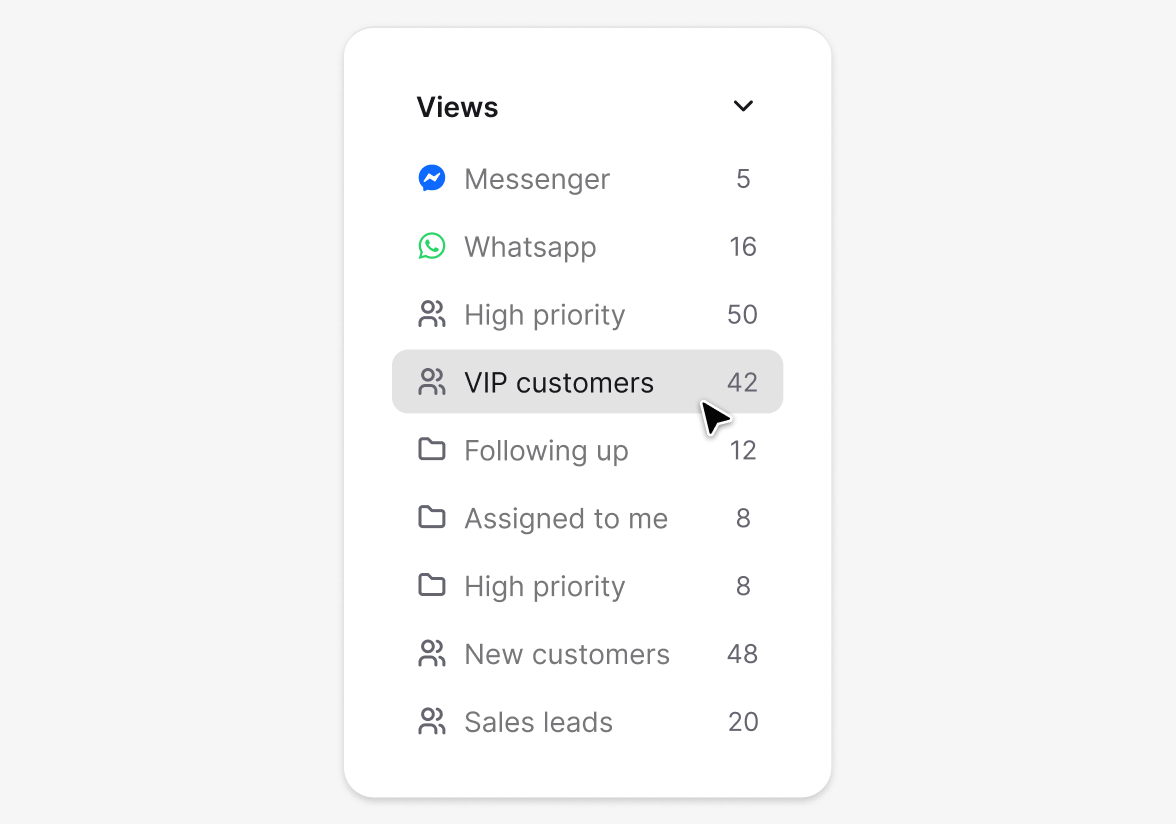
Build custom views around your team's priorities and day-to-day workflows.
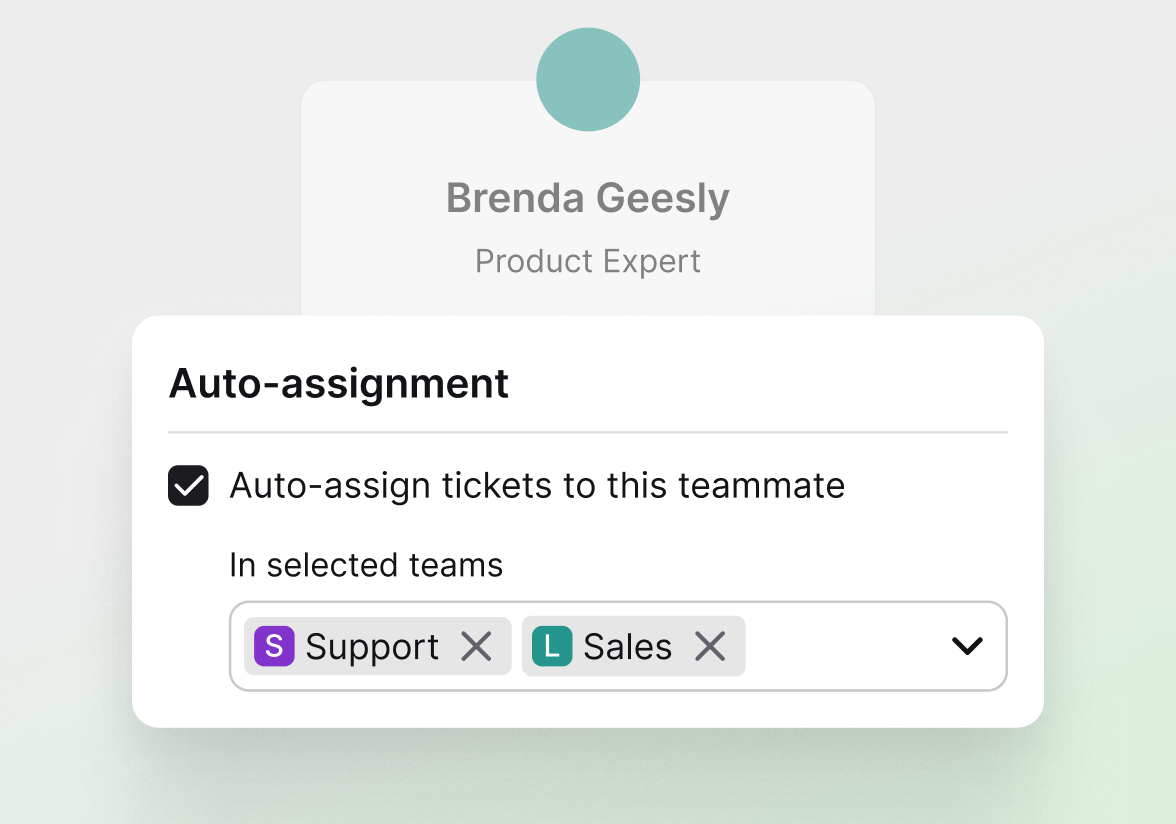
Distribute tickets round-robin so the workload stays even.
Each of these is a real workflow you can build from a template or from scratch in a few minutes.
When a chat gets a low rating, wait a beat, then create a follow-up ticket so someone closes the loop.
When a ticket is created, check the sender against your VIP list and set the priority to urgent.
When a chat ends, get the transcript and send it in the conversation automatically.
When an urgent ticket lands, send a message to your team in Slack.
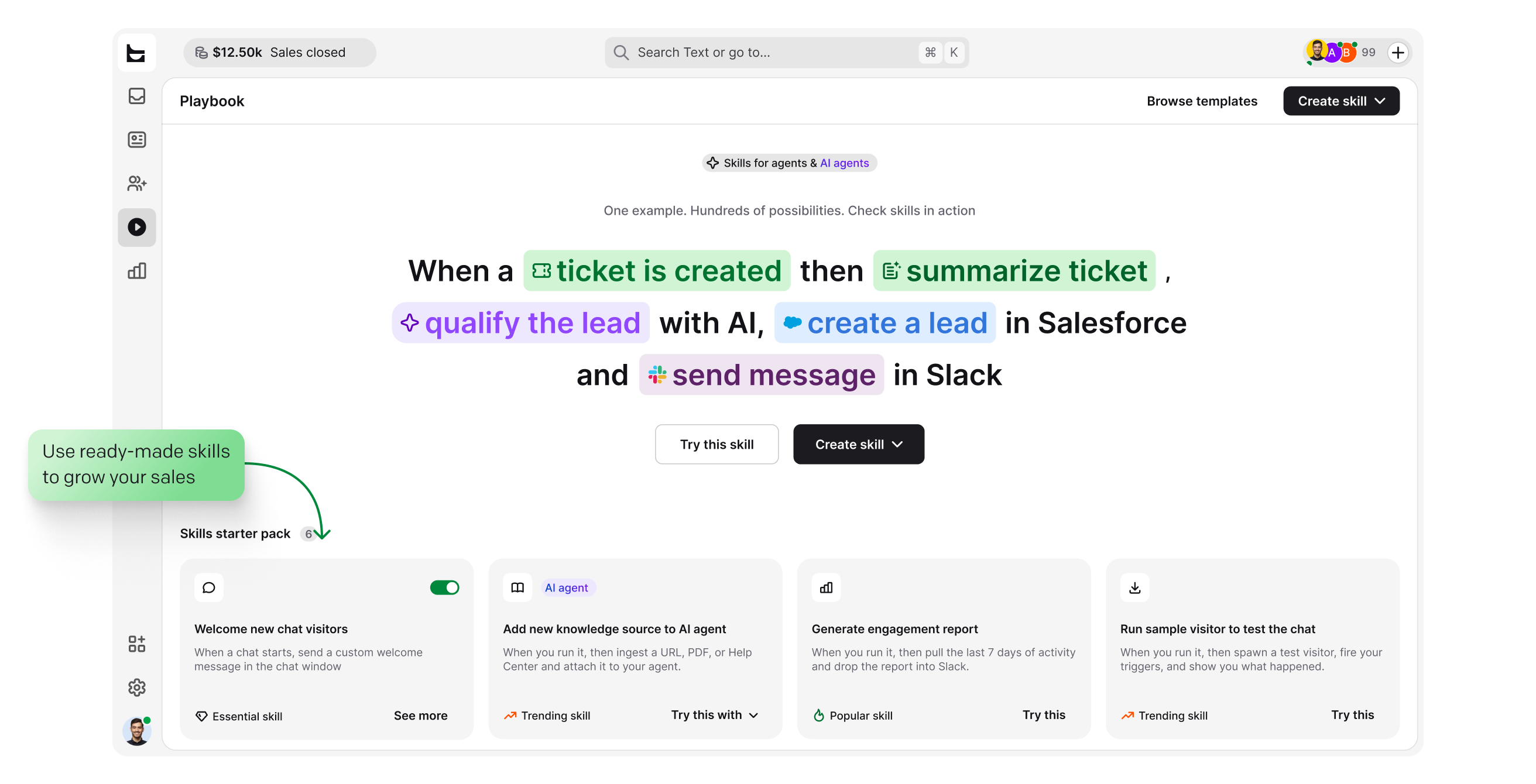
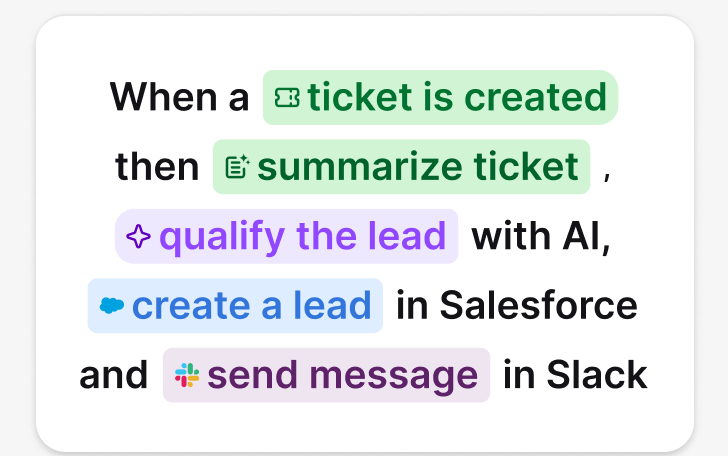
When a ticket is created, qualify the lead with AI and create a lead in Salesforce.
Before a teammate takes over, summarize the conversation with AI, so they read three lines instead of thirty.
Help desk automation is software that handles repetitive support work without human input. Rules called workflows watch for events, such as a new ticket or a bad rating, then route, tag, prioritize, and update tickets automatically. Your team keeps the judgment calls. The software does the clicking.
Help desk automation software has two building blocks. A trigger is the event that starts a workflow. Actions are the tasks it performs, from assigning a ticket to updating a CRM record. Between them sit conditions, so the same workflow can treat a VIP differently from a first-time visitor.
A manual help desk waits for a person to pick up each ticket. An automated one starts working the moment a request arrives, so response times drop without anyone typing faster.
Every automated ticketing workflow follows the same four steps.
A ticket is created, a chat is rated, a keyword appears, or a schedule hits.
If-then logic checks fields like sender, rating, or priority and chooses a branch.
Assign, tag, update, message Slack, update Salesforce, or call any API with a webhook.
The runs log lists each execution as completed, failed, or in progress. Nothing fails silently.
It removes the triage, the tab-switching, and the copy-paste, so agents spend their time on the conversations that need a person. Support quality holds up as volume grows, because the routine work no longer competes with the hard cases.
HelpDesk.com automation runs on Workflows, the automation engine built by Text.
Help desk automation is software that handles repetitive support work for you. Rules called workflows route, tag, prioritize, and update tickets the moment something happens, so your team spends its time on cases that need human judgment instead of manual triage.
Start with the tasks you repeat every day: confirmations for new tickets, routing by topic or language, tagging, and follow-ups. Ready-made templates cover the common cases, so most teams get their first workflows live in minutes and expand from there.
An automated ticketing system turns every conversation into a tracked ticket and processes it with rules: assigning an owner, setting priority, adding tags, and sending updates without manual work. Agents start each case with the context already in place.
Building workflows is no-code: you pick triggers and actions from drop-down lists and publish. Two exceptions worth knowing: sales tracking needs a developer to add one JavaScript call to your store, and webhooks assume you know the API you are calling.
Every workflow has a runs log that lists each execution as completed, failed, or in progress. You can see which step went wrong, fix it, and keep going. Nothing fails silently.
Go to Automations, then Workflows, in your app. Pick a template or start from scratch: choose a trigger, such as a new ticket or a bad chat rating, add one or more actions, and publish. Every workflow needs one trigger and at least one action. No coding involved.
Yes. Workflows can summarize conversations with AI before a handoff, and your AI agent runs custom skills, small automations triggered by customer intent. You can also connect assistants like Claude or ChatGPT to your tickets and chats through Text's MCP server.
Yes. Workflows include Salesforce actions to find, create, and update leads, contacts, accounts, and cases. With the Shopify integration, agents see a customer's last order and live cart next to the conversation. Workflows can also connect Klaviyo to HelpDesk to update profiles, track events, and manage selected-list membership. Slack, HubSpot, Mailchimp, and webhooks are available too.
Yes, with bulk actions. Select tickets on the list and set status, priority, team, teammate, or tags for the whole selection, or move it to archive, spam, or trash in one go. Selection applies to the tickets currently visible on the page.