158 29



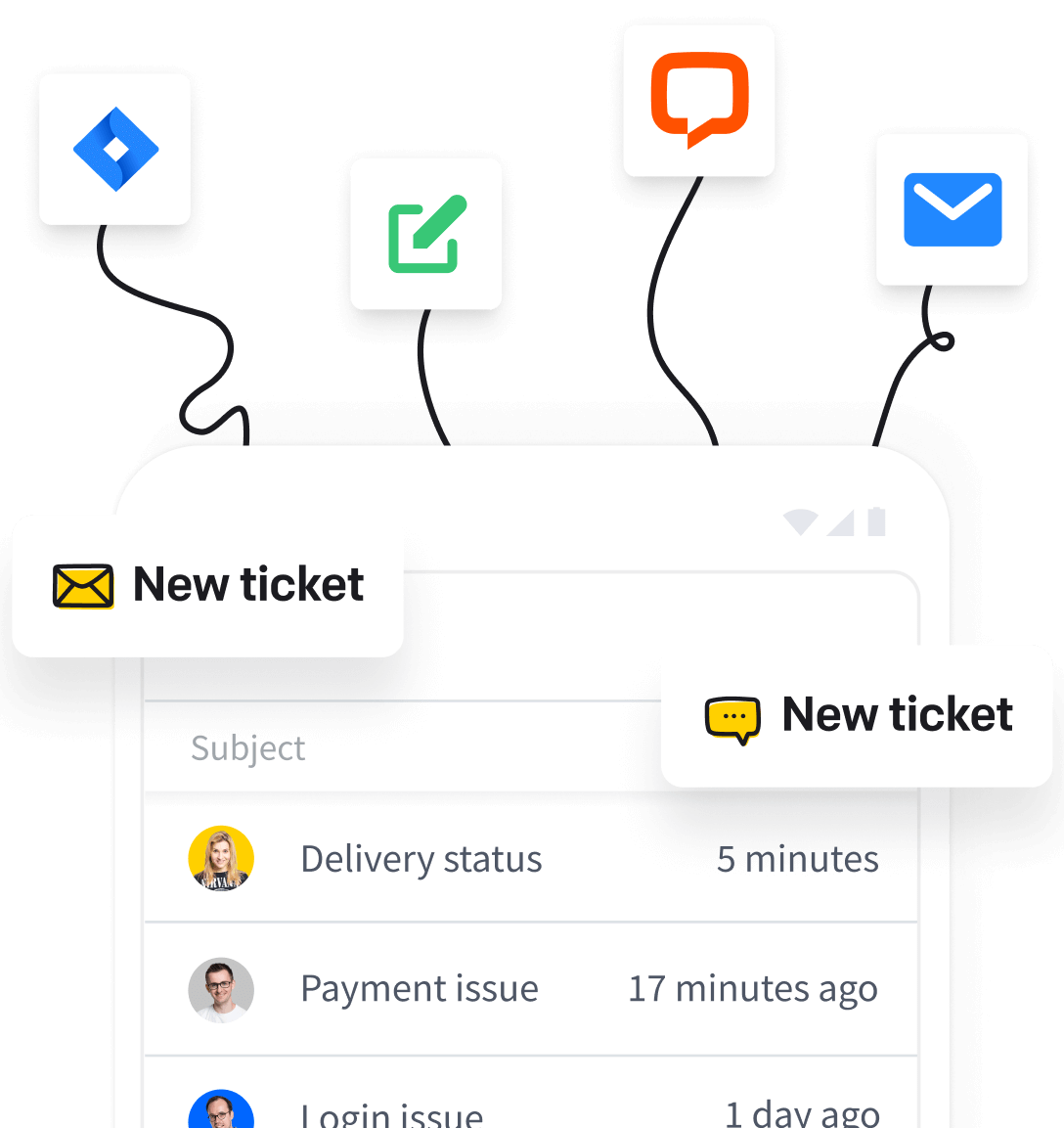
A service desk is the single point of contact (SPOC) between an organization and its employees, customers, stakeholders, and business partners for handling service requests, incidents, and outages. It connects users with the right teams. It also provides a self service portal and service catalogs, so people can find answers and request IT services on their own. That is the short service desk definition, and it captures the service desk meaning most teams rely on.
A service desk does more than field support requests. It manages communication throughout the resolution process, tracks IT assets, and helps keep services running. It replaces scattered, ad hoc IT support with one organized, accountable channel. If you’ve ever wondered what is service desk work in practice, that’s the heart of it.
Why the Service Desk Matters Today
User expectations keep climbing. Salesforce reports that 82% of service professionals say customer expectations are higher than they used to be, and InvGate found 78% of agents notice customers seem more rushed than before. An effective service desk answers that pressure by giving everyone a single point of contact to get fast, consistent IT support and by keeping services align with business needs.
What Is an IT Service Desk?
So what is an IT service desk? It’s the operational hub that manages an organization’s digital services and works as the single point of contact for everything tied to IT resources, incidents, and service requests. Employees, management, customers, and suppliers all need reliable access to IT to do their jobs. The IT service desk keeps that access seamless. If you’re still asking what is it service desk in plain terms, think of it as the front door to IT.
You’ll sometimes see it called a technical or ICT service desk. The purpose doesn’t change: connect users with the right support teams and keep digital services running.
IT service desks generally come in two forms. An internal IT service desk supports employees within the organization, from password resets to hardware provisioning. An external IT service desk supports customers, business partners, and other outside stakeholders who depend on the company’s services. Both pull support into one accountable channel and support broader service management.
What Does a Service Desk Do? Core Responsibilities
What does a service desk do beyond closing tickets? Plenty. The service desk acts as the single point of contact, coordinating IT support from the first request all the way to resolution, keeping users informed, and keeping services running along the way. That coordination is the real purpose of a service desk. Ask what is the purpose of a service desk, and the answer is simple: bring order and accountability to IT operations.
Here are the core it service desk responsibilities:
-
SPOC: one reliable channel for employees, customers, and partners to reach IT.
-
Service requests and incidents: the service desk logs and resolves everyday it issues like crashes and password resets, and handles service request fulfillment such as software installation or new accounts.
-
IT asset tracking: monitor hardware and software so resources are used efficiently.
-
Escalation: route complex issues to the right specialists quickly.
-
Change management: receive and coordinate changes to IT systems and infrastructure.
-
Service continuity: minimize service disruptions and keep digital services available.
These service desk responsibilities also feed broader IT service management processes, so the desk supports the full lifecycle of it services rather than one-off fixes.
Service Desk Roles and Responsibilities
Behind every service desk sits a team built to handle requests efficiently. Most desks use a tiered support model to escalate issues to the right level of expertise, and this shapes service desk roles and responsibilities:
-
L1 (first line): common user requests, password resets, and basic troubleshooting.
-
L2 (second line): more technical incidents that L1 can’t resolve.
-
L3 (third line): specialists and engineers who tackle complex, systemic problems.
The structure keeps routine tasks moving quickly and reserves deep expertise for the hardest cases. Wondering what is the role of service desk staff at each level? It comes down to matching the problem to the right skill.

Service Desk Analyst, Agent, Technician, Engineer & Manager
-
Service desk analyst: logs, categorizes, and resolves tickets, often the first point of contact.
-
Service desk agent: fields incoming support requests and manages user communication.
-
Technician: handles hands-on hardware and software fixes.
-
Engineer/specialist: handles resolving technical issues at higher support tiers.
-
Service desk manager: oversees the team, monitors service desk operations, and makes sure service level agreements are met.
Help Desk vs. Service Desk vs. ITSM: What’s the Difference?
The terms overlap, but the scope differs. A help desk is reactive break/fix support focused on resolving incidents fast. A service desk is broader and more proactive. It combines incident management with service delivery, a self service portal, and service catalogs, and it aligns it services with business objectives. ITSM (IT service management) is the strategic, holistic management of the entire IT service lifecycle, from design and delivery to support and improvement. When people debate help desk vs service desk, or service desk vs help desk, this is the line that separates them.
| Help desk | Service desk | ITSM | |
|---|---|---|---|
| Approach | Reactive | Proactive | Strategic |
| Focus | Break/fix incidents | Service delivery + incidents | Full service lifecycle |
| Self service portal | No | Yes | Yes |
| Service catalog | No | Yes | Yes |
Put simply, a help desk operates under a break/fix model, a service desk delivers services and resolves service issues while following ITIL best practices, and ITSM governs the whole picture. That’s the plain answer to what is the difference between helpdesk and service desk.
What Is an ITIL Service Desk?
An ITIL service desk is a service desk built around the ITIL framework, the most widely adopted set of best practices for IT service management. Within ITIL, the service desk is a function that sits inside Service Operation and works as the single point of contact between users and the IT organization.
Its job is to coordinate two core ITIL processes. Incident Management restores normal service as quickly as possible after a disruption. Request Fulfillment handles routine service requests like access permissions or new equipment.

So what is service desk management in this context? It means running that function to ITIL standards: structuring teams, defining workflows, and measuring performance so support stays consistent and accountable. Align your service desk with ITIL, and support gains a proven, repeatable foundation instead of ad hoc firefighting.
Core Service Desk Processes
A service desk is organized around a handful of core processes, each built to handle a specific type of user or problem. Together they streamline routine tasks and keep support consistent:
-
Incident management: restores normal service after technological errors and failures, such as a crashed computer or a downed application.
-
Problem management: uses AI or built-in algorithms to spot recurring issues and find permanent fixes. Proactive problem management analyzes trends in incidents to find the root causes of recurring problems and prevent future incidents.
-
Service request management: fulfills routine service requests like software installation, new hardware, or setting up user accounts.
-
Change management: receives and coordinates changes to IT systems, services, and infrastructure, so approved changes roll out carefully.
Underneath all of these sits triage. The ticketing system categorizes each incoming request by urgency and value, so the most critical issues get resolved first. Layered on top, knowledge management maintains a knowledge base that empowers users and helps reduce ticket volume.
Types and Models of Service Desks
Not every service desk looks the same. The right service desk model depends on your organization’s size, geography, and support demands.
| Model | What it is | Best fit |
|---|---|---|
| Local | Physically based near the users it serves | Single-site teams needing hands-on support |
| Centralized | One desk handling requests from all locations | Standardizing support and cutting duplication |
| Virtual | Cloud-based agents working from anywhere | Distributed or remote workforces |
| Follow-the-sun | Handoffs across time zones for 24/7 coverage | Global companies needing round-the-clock support |
| Global/enterprise | Large-scale desk serving an entire organization across regions and departments | Multinational enterprises |
| Managed (service desk as a service) | Outsourced to a third-party service provider | Reducing overhead or lacking in-house expertise |
Many organizations blend these models. A centralized virtual desk with follow-the-sun coverage, for example, matches how their people actually work.
Who Uses Service Desks? IT and Beyond (Enterprise Service Management)
Service desks started in IT, but the same model works anywhere people submit requests and wait for answers. That’s the idea behind Enterprise Service Management (ESM): applying service desk software and workflows to teams across the whole organization, not just IT.
Departments that commonly run their own service desks include:
-
HR: onboarding, benefits questions, policy requests, and leave approvals.
-
Facilities: maintenance tickets, desk moves, and access badges.
-
Finance: expense queries, invoice approvals, and reimbursements.
-
Legal: contract reviews and compliance requests.
-
Sales and marketing: asset requests, campaign approvals, and lead handoffs.
An enterprise IT service desk ties these together at scale, an internal IT service desk focuses on employees, and a customer service desk supports external users. Whoever uses it, the payoff is the same: one accountable, trackable channel that replaces scattered emails in a shared team inbox, rescues lost requests, and keeps business operations moving.
What Is a Service Desk? Key Features of Service Desk Software
What is service desk software? It’s the front end of the service desk, the platform where users submit requests, incidents, and problems, and where agents manage them. Also called a service desk tool or ticketing system, it centralizes support and connects to the wider ITSM stack. Modern service desk tools pull these key capabilities into one workspace.
Ticketing, Knowledge Base, Self-Service Portal & Service Catalog
The ticketing system logs, categorizes, and routes every request. So what is service desk ticketing system in practice? It’s the engine that turns raw requests into tracked, prioritized work. A knowledge base holds FAQs, known errors, and step-by-step guides. A self service portal lets users solve minor issues and track tickets without contacting an agent. A service catalog is a curated menu of the services users can request, such as new hardware, software installation, or access permissions. You build one by listing offerings, defining request forms, and setting fulfillment workflows.
Self service pays off. Organizations average 20% self service resolution, and service desk software can cut ticket volumes by up to 80%.

SLA Management, CMDB, Omnichannel, Integrations, Reporting & Security
SLA management tracks response and resolution commitments, backed by OLAs (internal team agreements) and XLAs (experience-focused targets). Service level agreements define measurable support timeframes for service delivery, and tracking SLA adherence keeps work prioritized and accountable so it services meet agreed-upon standards. A CMDB (configuration management database) stores your IT assets and how they relate, supporting asset management and giving agents the context they need to troubleshoot faster and gauge the impact of a change.
Omnichannel support meets users across communication channels like chat, phone, mobile, Slack, Microsoft Teams, and WhatsApp. Integrations with CRMs surface customer history, while monitoring tools enable proactive incident response. Reporting and analytics reveal ticket volume, customer satisfaction, and bottlenecks, providing insights into performance, trends, and service quality that support data driven decision making.
Security matters too. Role-based access, MFA, and data protection keep sensitive information safe. It’s a real gap: Forrester found only 17% of workers say getting approval to access needed data is simple.
Popular Service Desk Products and Examples
So what is an example of a service desk? In practice, it’s usually a software platform. A few well-known IT tools show what service desk examples look like:
-
Jira Service Management: an ITSM platform, popular with development and DevOps teams for its workflow flexibility.
-
ServiceDesk Plus and other ManageEngine tools: ITIL-ready ticketing, asset, and change management suites.
-
SolarWinds Service Desk: cloud-based service desk with strong asset and incident management.
-
ServiceNow: an enterprise-grade ITSM offering for large organizations.
You’ll also hear “service desk” used for retail counters. Those are physical customer service points. Here we’re focused on the IT software tools organizations use to manage support.
AI-Powered Service Desks and AIOps
How does AI improve an IT service desk? It automates repetitive tasks, sharpens decisions, and speeds up responses. Deploy a virtual agent or AI chatbot for instant support, and response times can drop from 10 minutes to seconds. AI agents can handle routine tasks like password resets end to end, which reduces ticket resolution time significantly and lowers manual overhead. The payoff is measurable: Zendesk found early AI adopters are 128% more likely to report high ROI from their AI tools, and 70% of customers say they can tell when a company uses AI well.
Automated Ticketing, Predictive Analytics & AI Knowledge Base
AI shows up across the service desk in a few practical ways:
-
Automated ticketing: natural language processing (NLP) reads each ticket, then assigns category and priority to triage incidents accurately.
-
Predictive analytics: AIOps spots patterns in service desk data to flag technical issues before they become downtime.
-
AI knowledge base: it learns from past resolutions and suggests troubleshooting steps, cutting resolution time and boosting productivity.
Benefits of a Service Desk
What are the key benefits of an IT service desk? A well-run desk pays back the investment across the whole organization, and each service desk benefit ladders up to better business outcomes:
-
Higher user satisfaction: responsive, timely support gives employees and customers a single point of contact instead of bouncing between departments, which helps improve user satisfaction.
-
Reduced downtime: centralized support resolves service issues faster than manual processes, and monitoring catches anomalies early.
-
Useful insights: every customer interaction is logged, which reveals recurring problems and where operational efficiency slips.
-
Better asset management: tracking it assets keeps resources used efficiently.
-
More productivity and reliability: ticket prioritization and self service free technicians for strategic work.
How a Service Desk Reduces Costs
How does a service desk reduce costs? Proactive problem-solving reduces unnecessary expenses and operating costs, and timely support helps employees spend less time on IT challenges. It also lets the same team do more:
-
Optimizing resources and resource allocation.
-
Streamlining IT support processes.
-
Reducing downtime.
-
Using automated tools to automate routine tasks with AI.
-
Avoiding the need to expand the IT team.
Key Service Desk Metrics to Track
What service desk metrics should you track? A handful of KPIs tell you whether support is fast, reliable, and improving. SLA tracking monitors and reports on performance metrics like ticket resolution times, so watch these closely:
| Metric | What it measures |
|---|---|
| MTTR (mean time to resolution) | Average time to fully resolve a ticket |
| First response time | How quickly an agent first replies |
| Resolution time | Total time from ticket open to close |
| SLA compliance | % of tickets meeting agreed response/resolution targets |
| FCR (first contact resolution) | % of issues solved on the first interaction |
| CSAT / NPS | User satisfaction and loyalty scores |
| Ticket volume | Number of requests received over time |
| Backlog | Unresolved tickets still open |
Read together, these numbers expose bottlenecks, justify staffing, and show whether self service and AI are actually paying off, fueling continuous improvement.

How to Set Up and Run a Service Desk (Step by Step)
How do you set up and run a service desk? Follow a clear service desk management process rather than improvising:
-
Define scope and team structure. Decide which it services you’ll support and set up your tiered L1–L3 team.
-
Build your service catalog. List the services users can request, then create request forms and fulfillment workflows for each.
-
Launch a self service portal. Pair it with a knowledge base so users can solve minor issues on their own.
-
Configure routing, assignment, and escalations. Automate ticket categorization so the right agent gets each request fast.
-
Set SLAs. Agree on response and resolution targets, backed by OLAs.
-
Build dashboards. Track your core metrics to spot bottlenecks early.
-
Gather feedback and iterate. Use user input to refine business processes continuously.

Service Desk Best Practices
What are best practices for IT service desk management? The strongest desks treat support as a continuous process, not a one-time setup. Build these habits into your service desk management process:
-
Offer true omnichannel support. Meet users on chat, phone, email, and collaboration tools like Slack and Microsoft Teams so no request slips through.
-
Migrate to the cloud. Cloud-based desks scale easily, support remote agents, and simplify updates.
-
Invest in employee engagement. Balanced workloads and clear escalation paths prevent agent burnout and keep quality high.
-
Capture user feedback. Post-resolution surveys and CSAT scores show what to fix next.
-
Expand AI and self service. Automate routine tasks and grow your knowledge base, but use AI thoughtfully. Quality of deployment matters as much as adoption.
Common Challenges in Service Desk Management
Even a well-run desk hits friction. The most common challenges in service desk management include:
-
Ticket backlog: volume outpaces capacity, and unresolved requests pile up.
-
Agent burnout: heavy workloads and constant escalations wear teams down, hurting quality and retention.
-
Rising expectations: with more customers feeling rushed and demanding faster answers, meeting service levels gets harder.
-
Data-access bottlenecks: when approvals to reach needed data are slow, resolution stalls.
-
Tool sprawl: scattered, disconnected apps fragment support and bury context.
How do you know it’s time to invest in a service desk? Watch for clear signals: a chronic ticket backlog, the same it issues repeating over and over, and mounting complaints about slow response times. Those symptoms point to support that has outgrown ad hoc handling.
The Evolution and Future of Service Desks
IT support has come a long way. It began with the simple phone hotline, grew into the reactive help desk of the 1990s, then matured into today’s proactive service desk built on ITIL and self service. Each step widened the scope, from fixing what broke to delivering it services and preventing problems before they surface.
The next chapter is autonomous, AI-driven support. Expect generative AI agents that resolve routine service requests end to end, AIOps that predict and head off outages, and quality tools that can automatically review interactions, including those handled by AI agents and voice. Continuous, complete oversight replaces spot-checking.
The direction is clear: modern service desks that resolve more issues automatically, freeing human experts for the complex, strategic work only they can do.
Frequently Asked Questions
What is an IT service desk?
It’s the single point of contact that manages an organization’s digital services, handling incidents and service requests for employees, customers, and partners while keeping IT resources running smoothly.
What are the two types of service desks?
Broadly, an internal IT service desk supports employees inside the organization, while an external service desk supports customers, business partners, and other outside stakeholders. Both act as the primary point of contact for support.
Is a service desk a call center?
No. A call center only fields phone calls. A service desk manages tickets, self service, it assets, and IT processes across many channels.
Is ServiceDesk the same as ServiceNow?
No. A service desk is the function and team that provides IT support, while ServiceNow is one vendor’s ITSM platform. ServiceNow is service desk software you can use to run a service desk, but it is just one option among many tools. If you are weighing lighter options, see how HelpDesk.com compares with ServiceNow.
What is a service desk in BPO?
In business process outsourcing, a service desk is an outsourced team that acts as the single point of contact for a client’s users, handling support requests, technical issues, and service requests on the client’s behalf, often under agreed service level agreements.
Is IT service desk a stressful job?
It can be, given high ticket volume, frequent escalations, and rising user expectations. Automation, a strong knowledge base, self service, and balanced workloads all reduce the pressure and help agents focus on complex issues.
What is the difference between a help desk and a service desk?
A help desk is reactive break/fix support. A service desk is broader and proactive, adding service delivery, self service portals, and service catalogs that align it services with business needs.
What is a service desk analyst?
The person who logs, categorizes, and resolves tickets, often the first point of contact for users.
Conclusion: Streamline IT with the Right Service Desk
At its core, a service desk is the single point of contact that turns scattered IT support into one accountable, trackable channel. That SPOC model delivers real returns: faster resolutions, less downtime, lower costs, and clearer insight into how your it services actually perform. Layer in AI and AIOps, and the service desk plays an even bigger role, predicting problems before they escalate while resolving routine requests in seconds instead of minutes.
Technology alone isn’t the win, though. Your workforce remains your greatest asset, and the right service desk ensures your people can spend their time on the strategic, complex work that matters most, keeping IT operations aligned with your business objectives.
Ready to give your team a single point of contact for every request? Start a free 14-day trial of HelpDesk.com and turn scattered IT support into one organized, trackable workflow. 🚀