158 29
If you need to check all the transactions that have been made on your account, you can see them in the subscription settings.
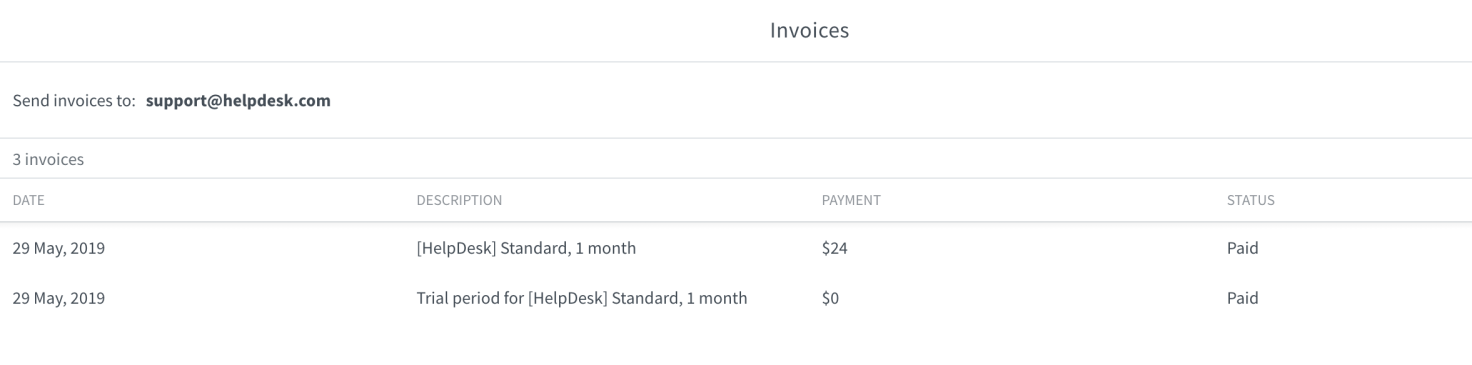
At the top of the page you can also see to whom the invoices are sent after every payment. This is the person who created the account.
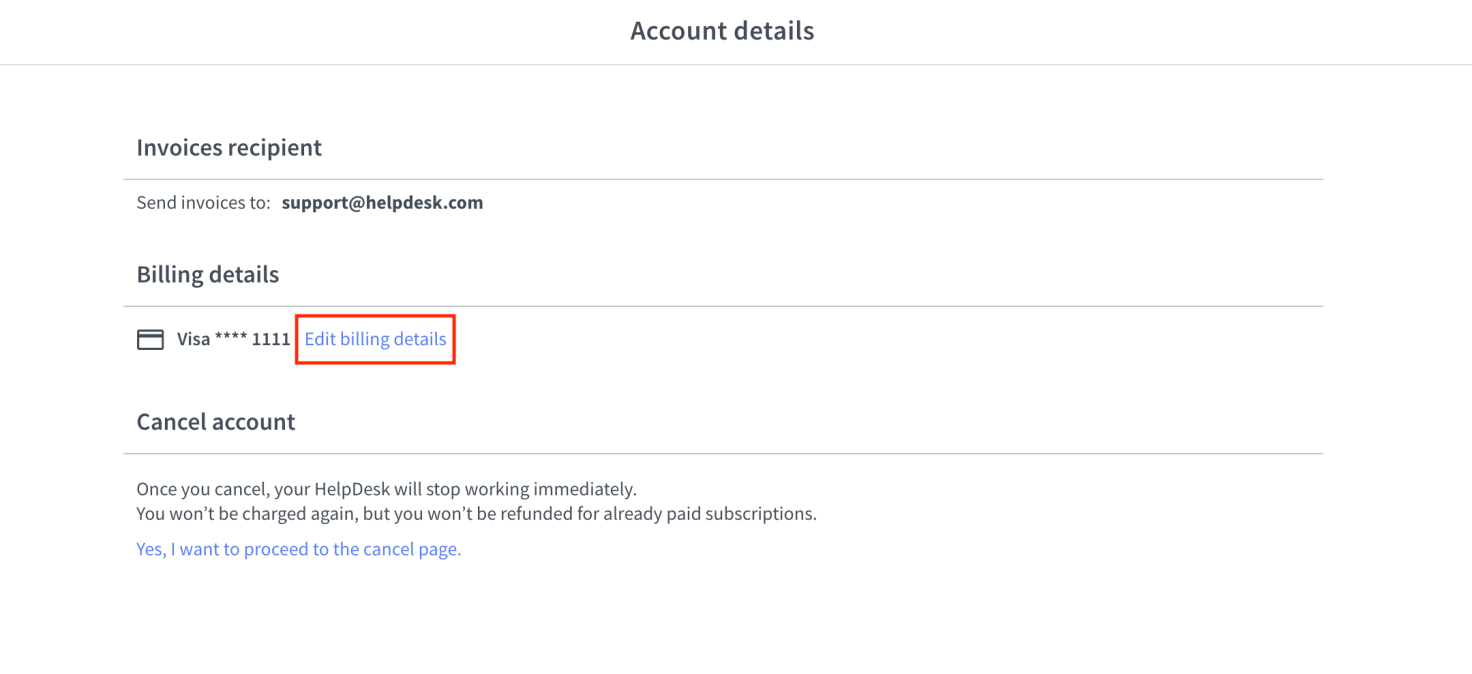
You can fill in all your credit card and invoice details when you subscribe. Here you can learn how to do this. If you need to edit this information, go to the account details section.
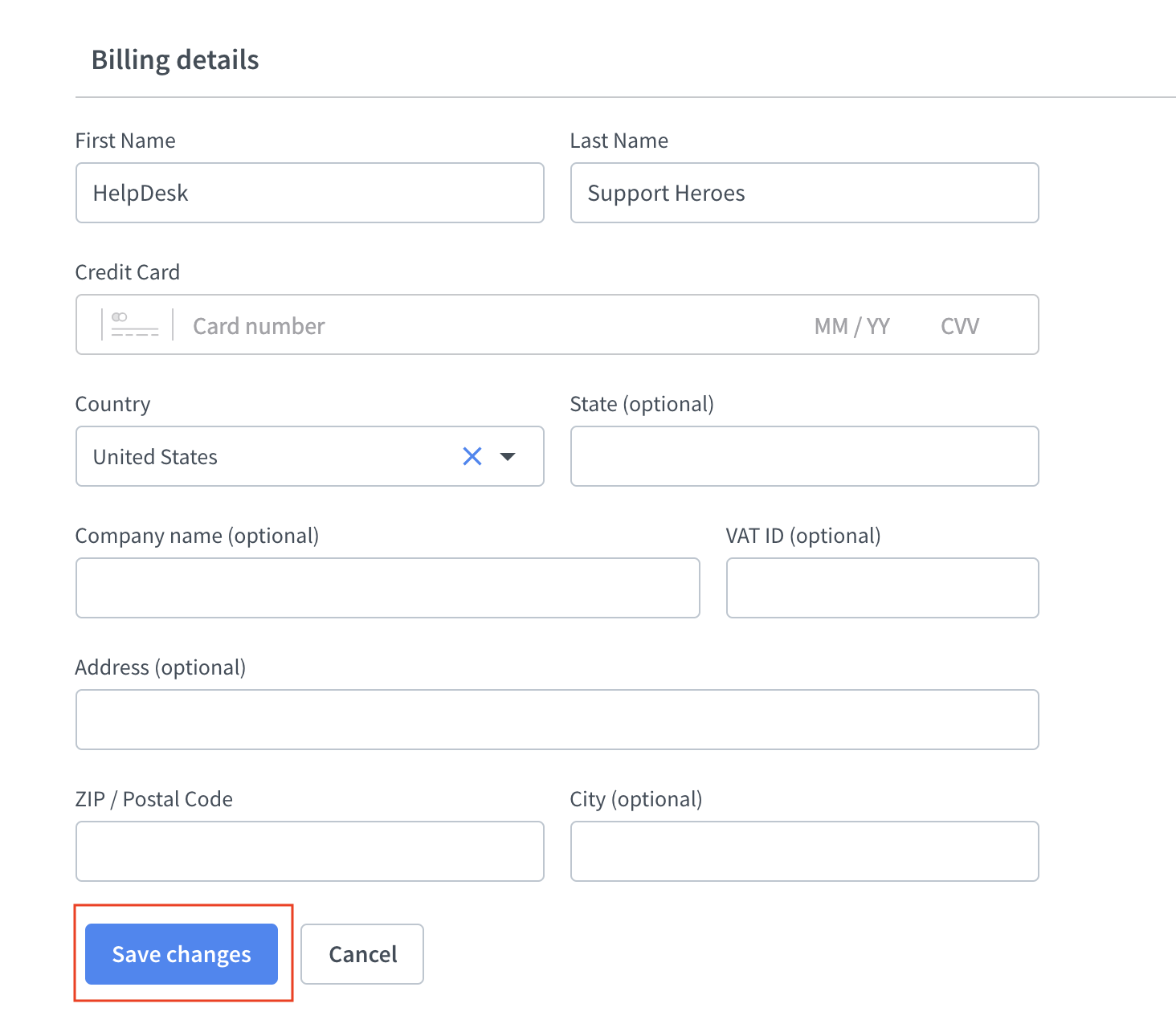
Here just provide your Credit Card details and your company’s Billing Info. After that, click on Update Billing Info to save it.
Invoice downloading
All invoices are automatically sent to the email address provided in the app settings.