Write new emails, replies, and follow-ups in seconds. Add your context, choose a tone, and copy a polished draft you can review and send.
Or quick start with example below:



Remember to remove personal and sensitive data and any content you don't have rights to. We process data following the Privacy Policy. Please note that the answers may not be perfect since AI generates them.
Create a new message or reply to an email in three steps.
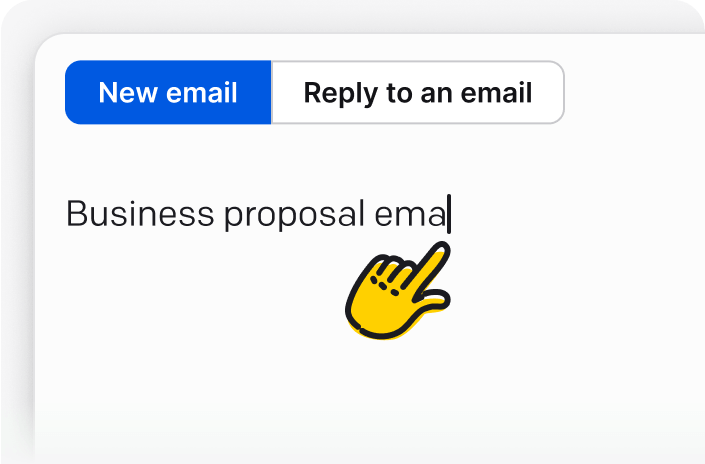
Explain clearly what you want to say, or paste the previous email you want to reply to. Include key details like your target group, your key points, and your intention.
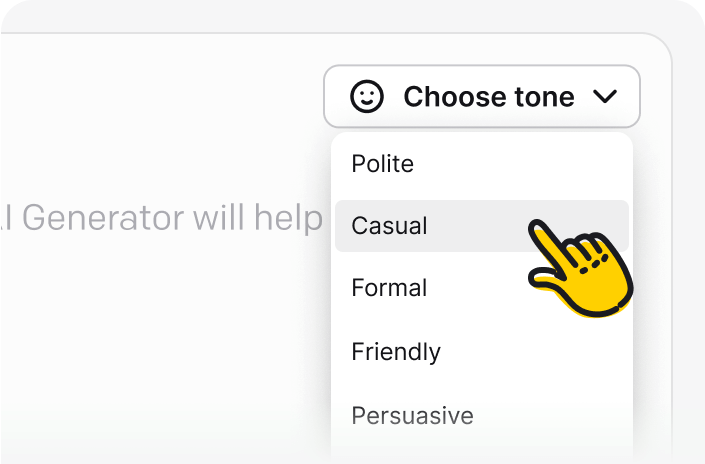
Choose one of six tones: Helpful, Sales, Informative, Casual, Polite, or Formal.
Select "Generate" to receive a draft, then review and edit it before sending. When writing a reply, paste the previous email and add any instructions the response should follow.
An AI email generator turns your instructions into an email draft. Describe what you need, add the relevant details, and choose a tone. The tool creates a starting point that you can review, edit, and send. HelpDesk's free AI email writer can create a new message or draft a reply based on an email you paste into the prompt.
Use the same tool as an AI business email generator or an AI email response generator. Choose the action that matches your task and give the generator enough context to prepare a useful first draft.
Draft meeting requests, project updates, introductions, announcements, and other professional messages from a short prompt.
Paste the message you received and add your instructions. The AI email reply generator uses that context to prepare a response for your review.
Create a follow-up after a sales call, support conversation, interview, or meeting and specify the next step you want the recipient to take.
The AI Email Generator tool is brought to you by HelpDesk
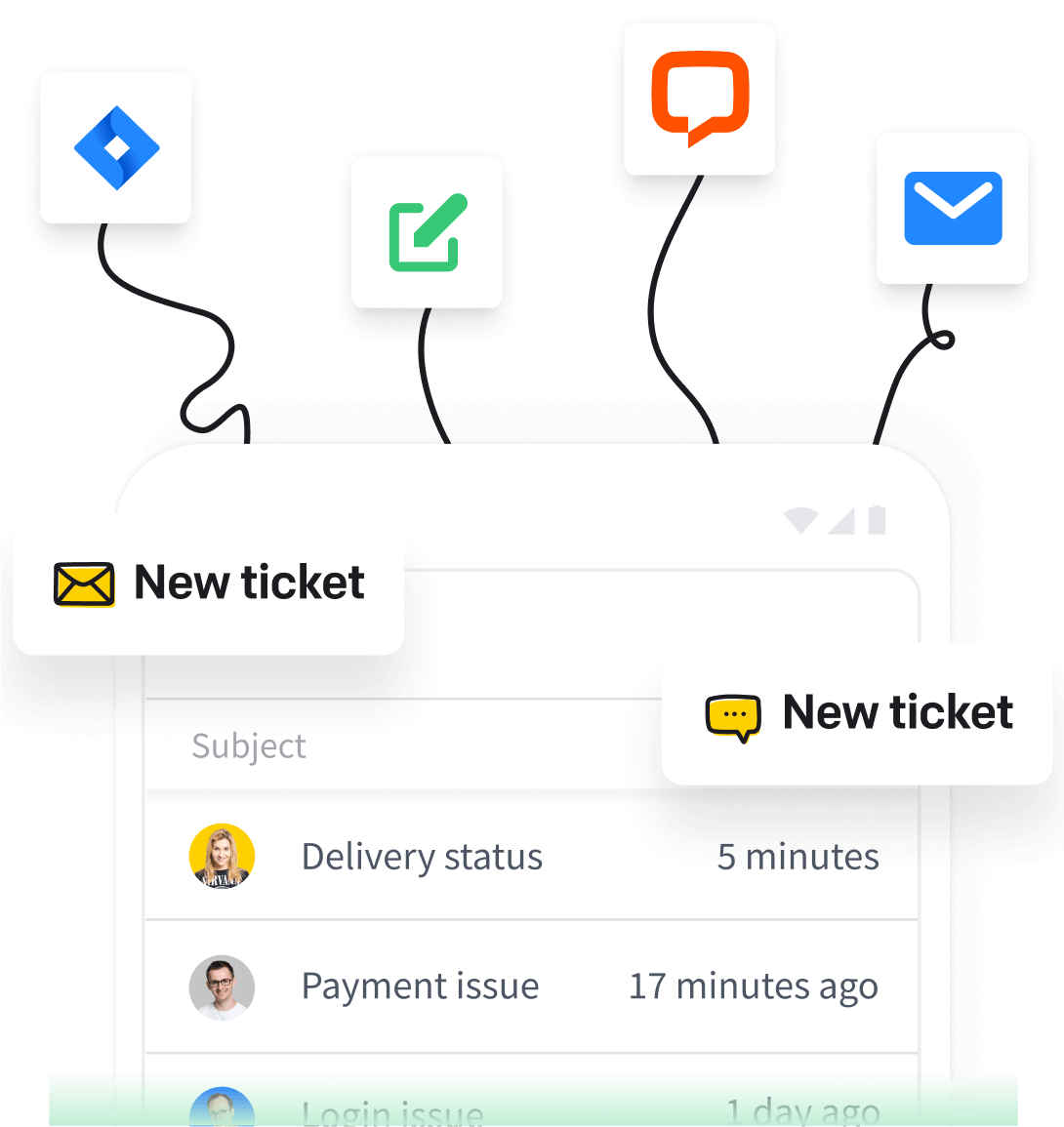
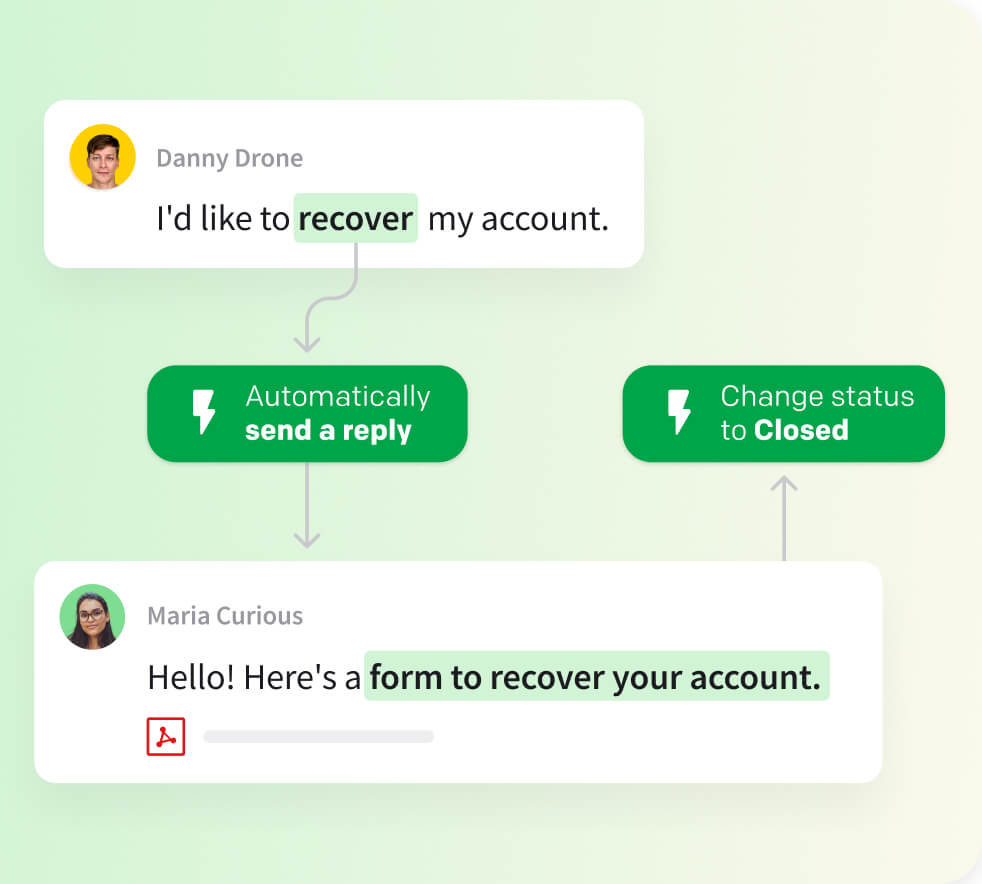
HelpDesk is customer service software for organizing customer messages, assigning tickets, collaborating with teammates, and using workflows and canned responses to keep recurring work consistent.
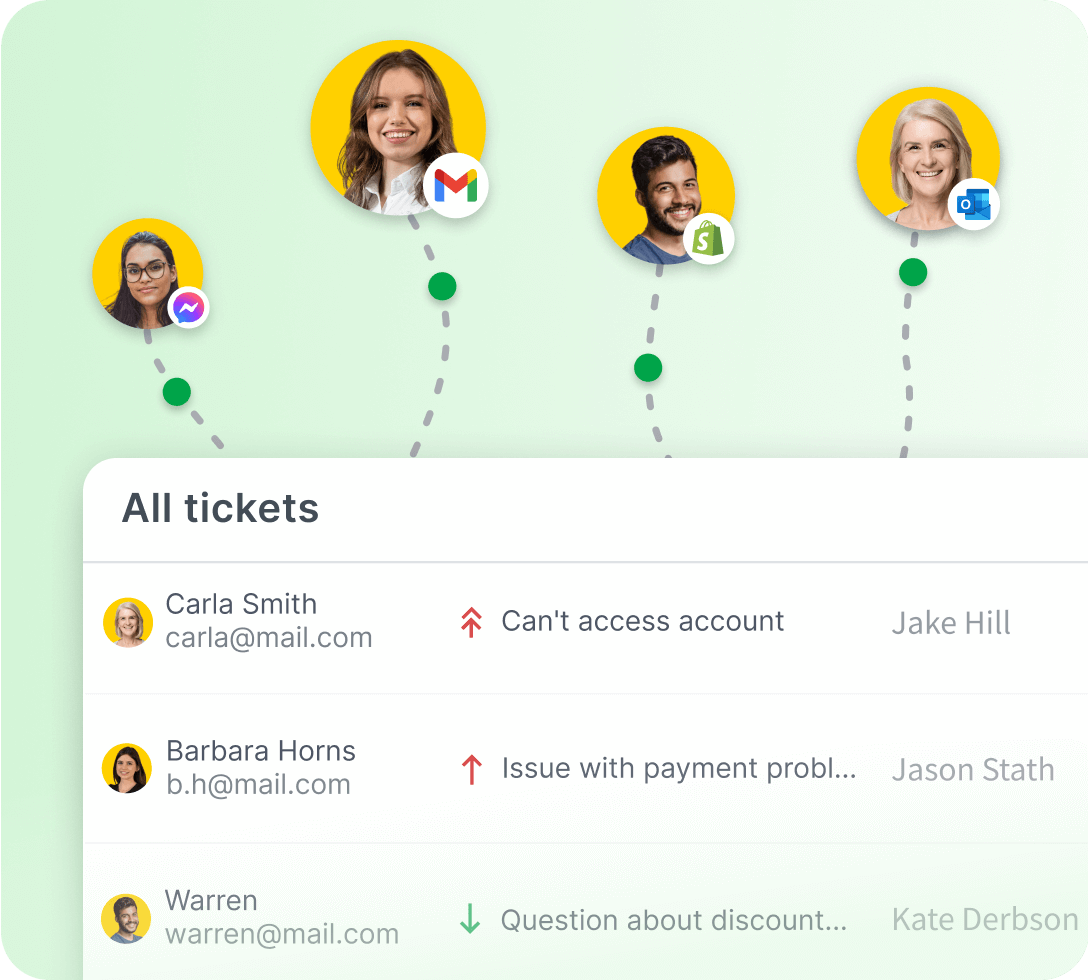
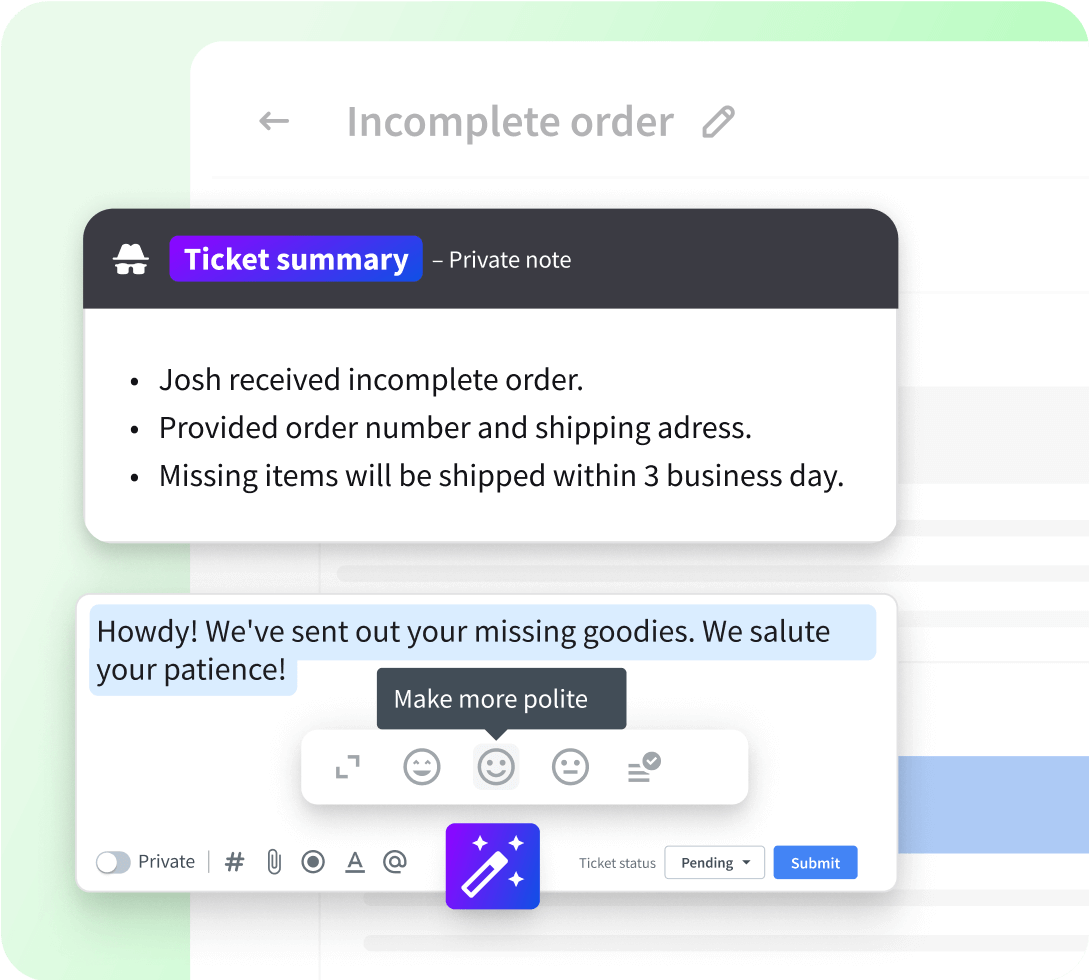
Use the free generator for individual drafts, then use HelpDesk to manage customer messages as tickets, collaborate with teammates, and build repeatable support workflows.
Explore HelpDesk AI featuresBring customer conversations into HelpDesk
Free 14-day trial Advanced ticketing made easy
The minute you create the automation rules, you can mark it as ready to go live, and it immediately starts working for you.Melissa Hannam,
100+
tickets are handled within four hours through prioritization and tagging.
7,000
actions performed by automation rules instead of agents.






Want to sharpen your skills beyond the tool? The HelpDesk Business Email Writing course includes 11 articles and videos about business email communication, from introductions to successful closings. Use it to choose the right tone, structure messages clearly, and avoid common mistakes.
Use the course alongside the AI email writer to improve every draft.
Take the course
Follow these practices to help the AI generate well-structured, high-quality emails in seconds.
Use a clear subject line and split the body into an introduction, main content, and conclusion so the AI can generate well-structured emails.
Be direct, for example, "Please review the attached document and provide feedback by [date]."
Reference your attachments in the body and name them appropriately, for example, "Please find the attached report for your review."
Check for typos, grammar, and awkward phrasing before hitting send to ensure a polished and professional tone.
Save time on recurring messages like meeting requests or follow-ups and keep communication consistent. Reach for ready-made email templates and customize them as needed for each situation.
Use proper email sign-offs like "Best regards," "Sincerely," or "Thank you," followed by your name and contact details.
Use an AI-powered email writer to get past the blank page and prepare a first draft for recurring communication tasks.
Automating the drafting cuts the time you spend composing email responses, so your team responds faster.
Start with a structured draft, then check every fact, name, and detail before sending.
Choose the same tone for similar messages and edit each draft to match your communication guidelines.
Create starting points for recurring replies, follow-ups, updates, and requests without writing every message from scratch.
Open the generator whenever you need help starting a new email or preparing a reply.
A ready first draft gets you moving instead of staring at an empty screen.
Give the generator a clear goal, recipient, and context to create a useful draft for your next message.
Draft a helpful response to a product question, complaint, refund request, or service update.
Follow up after a call, summarize the value discussed, and suggest a clear next step.
Propose a meeting, explain its purpose, and include the availability or deadline that matters.
Turn milestones, blockers, decisions, and next steps into a concise stakeholder update.
Prepare interview invitations, candidate follow-ups, and clear updates about the hiring process.
Decline a request or proposal respectfully while explaining the decision and preserving the relationship.
It's a tool that turns your instructions into an email draft. You provide the purpose, recipient, and relevant details, choose a tone, and review the generated message before sending it.
Yes. You can use the HelpDesk AI email writer without signing up, subject to a free daily usage limit. You can also explore HelpDesk with a 14-day free trial and no credit card required. Start your free trial.
No. You can generate emails without creating an account, subject to the free daily usage limit. Signing up starts a trial of HelpDesk rather than being required to use the generator.
You can choose Helpful, Sales, Informative, Casual, Polite, or Formal. Include any additional style or formatting instructions in your prompt.
It's purpose-built for email, with separate actions for a new message and a reply, plus six preset tones. If you're weighing options, see our roundup of the best free AI email writers.
Yes. Select "Reply to an email," paste the message you received, and add instructions for your response. The tool drafts a reply based on the context you provide.
Yes. AI-generated answers may not be perfect, so always review and edit before hitting send.
Be cautious with legal, medical, HR, or confidential messages. Use AI as a draft only and have the right expert review them.
HelpDesk processes data according to its Privacy Policy. Always remove personal information before generating an email.
Use it for professional emails, customer support replies, sales follow-ups, meeting requests, project updates, recruiting messages, and polite declines. Add the goal and relevant context to your prompt, then review the draft before sending.
Any time you need help, you can count on our Support Heroes. They are strong, they are fast, and they will help you - no matter the time!
Chat with us 🤗
You're one step away from empowering your team and delighting your customers
Free 14-day trial No credit card required
You'll be in
good company