Best Freshdesk Alternatives in 2026: Quick Verdict
Freshdesk alternatives are customer service platforms that replace Freshdesk with simpler ticketing, clearer pricing, or stronger AI. Among the best freshdesk alternatives 2026, our top picks are HelpDesk.com for simple, transparent-priced support, Tidio for its free plan, Gorgias for e-commerce, Zendesk and Salesforce Service Cloud for enterprise teams, and Zoho Desk for value. The same questions buyers have always asked when comparing Freshdesk alternatives still shape this 2026 list.
If you're weighing the best Freshdesk alternatives, the honest answer is that no single tool wins for everyone. The right choice comes down to your team size, budget, communication channels, and how much you care about AI and automation. Below, we explain why teams leave Freshdesk, walk through 16 freshdesk alternatives 2026 with balanced pros and cons, and match each one to a specific buyer so you can decide fast.
Why Look for a Freshdesk Alternative in 2026?
Freshdesk is a cloud help desk from Freshworks. It handles ticketing, live chat, automation, and multi channel support, and it's popular with small and medium businesses because it's approachable and packs a lot into one dashboard. In recent years, Freshworks has folded Freshdesk into a broader bundle it markets as the Freshworks Customer Service Suite, which combines ticketing, messaging, and AI in one offering.
That bundling is exactly why many buyers start shopping around. As support volumes grow and Freshworks nudges teams toward higher tier plans and add-ons, the platform that once felt affordable can start to feel bloated, expensive, or harder to manage than it should. The commercial reality is simple. Teams want the features they actually use, priced in a way they can predict.
Before we get into individual tools, it helps to understand the pain points that push people toward Freshdesk customer service software alternatives. These freshdesk alternatives customer support software options range from lightweight shared inboxes to full enterprise suites, so there are scalable solutions for almost any team size.
Freshdesk's Limitations, Cons, and Pain Points
So what are the disadvantages of Freshdesk? A few themes come up again and again in user reviews:
- Clunky ticketing at scale. The interface is friendly at first. But heavy queues, complex routing, and lots of custom fields can make day-to-day work feel slow and cluttered.
- Performance dips under load. Some teams report sluggishness as ticket volume and automation rules grow, especially during peak periods.
- Weak native AI versus add-ons. Much of the strongest AI (Freddy AI) sits behind higher tier plans or extra fees, so the out-of-the-box automation can feel thin.
- Integrations gated by tier. Deeper integrations and advanced features are often reserved for pricier plans, which limits lower-tier users.
- A learning curve for admins. Configuring workflows, SLAs, and automations well takes time, and small teams don't always have someone to own that setup.
None of this makes Freshdesk a bad product. It just means teams that want something simpler, cheaper, or more AI-forward have good reasons to compare.
Why Is Freshdesk Expensive? Pricing Structure Explained
Why does Freshdesk get expensive once you scale? The core reason is per-agent pricing layered with paid add-ons. You pay per seat, per month, and that number climbs with every agent you add. On top of the base help desk, capabilities that other tools treat as native, like messaging (historically Freshchat), voice (historically Freshcaller), and advanced Freddy AI, have often been sold or metered separately.
The result is add-on creep. A plan that looked cheap at sign-up grows once you need omnichannel support, better reporting, or AI. To compare fairly, look at the fully loaded cost for your real agent count and feature list, not the entry price. Pricing changes frequently, so always confirm the current numbers on the vendor's official pricing page before you commit.
Freshdesk vs. Zendesk: Which Is Better?
Freshdesk and Zendesk are the two names most support teams weigh against each other, so it's worth tackling head-on. Which is better, Zendesk or Freshdesk? Neither is universally better. Zendesk generally wins on enterprise scale, depth, and omnichannel ticket management, while Freshdesk's entry tiers have been positioned as the more budget-friendly customer service solution. Both use per-agent pricing that adds up, and both push advanced AI and features into higher tiers. That's the freshdesk vs zendesk alternatives debate in a nutshell.
This is why many buyers hunting for simpler, cheaper alternatives to Zendesk and Freshdesk end up considering a third path entirely: a lightweight, flat-featured desk software like HelpDesk.com, or a value player like Zoho Desk. If the Freshdesk-versus-Zendesk decision feels like choosing between two versions of the same complexity, that's your cue to look at simpler alternatives to freshdesk zendesk and widen your shortlist.
Key Features to Look for in a Freshdesk Alternative
Set your evaluation criteria before comparing tools. The alternatives below are judged against the same core dimensions so scoring stays consistent: AI and automation, omnichannel and integrations, pricing and total cost of ownership, and security and compliance. Here's what each one means in practice.
AI, Automation, and Ticket Resolution
AI is the biggest differentiator in 2026, so it deserves close attention. When you evaluate AI Freshdesk alternatives, look past the buzzwords and check for concrete AI capabilities:
- Agentic AI / AI agents that can resolve support tickets end to end, not just suggest text.
- Generative AI answers that draft responses from your knowledge base and past tickets.
- Intent detection to route and prioritize incoming messages automatically.
- Sentiment analysis so angry or urgent customers surface first.
- AI copilots that assist human agents with summaries, tone adjustments, and suggested next steps.
- Chatbots for deflection and 24/7 first-line customer support.
Several tools here, including Intercom's Fin, Salesforce's Einstein/Agentforce, Zoho's Zia, Tidio's Lyro, and HelpDesk.com's built-in AI, offer capable and often cheaper alternatives to Freddy AI in Freshdesk. If you care about freshdesk ai alternatives for ticket resolution, these are strong alternatives to freshdesk automation as well. The goal is to automate repetitive tasks and improve agent productivity, so match the AI to the work you actually do, not the longest feature list.
Omnichannel Support, Integrations, and Unified Customer View
Multi channel support means you can handle email, chat, and social, but often in separate silos. Omnichannel support consolidates customer interactions into a unified inbox, so an agent sees the full customer story no matter where the conversation started. That unified timeline is what separates a modern help desk from a glorified inbox, and an omnichannel ticketing system manages inquiries from every channel in one place.
Weigh the integration ecosystem too. If you run on Shopify, sell through Salesforce, collaborate in Slack, or rely on a specific CRM, the alternative you pick should connect natively to your customer data rather than through brittle workarounds. For e-commerce and contact-center teams especially, integrations are often the deciding factor.
Pricing, Free Plans, and Total Cost of Ownership
Don't stop at the sticker price. Look at per-agent versus flat pricing, whether must-have features are bundled or sold as an add-on, and how the cost curves as you add seats. A genuinely free plan can be great for startups, but check the limits. Agent caps, channel restrictions, and locked reporting are common. Any solid freshdesk alternatives comparison focuses on total cost of ownership over a year, not month one.
Security and Compliance (GDPR, HIPAA, SOC 2)
If you handle personal, financial, or health data, compliance isn't optional. Regulated industries should confirm the platform supports the standards they answer to. That usually means GDPR for EU customer data, HIPAA for healthcare, and SOC 2 for security controls. Certifications and coverage vary by vendor and plan, so verify the specifics on each provider's official trust or security page before you sign.
Top Freshdesk Alternatives at a Glance (Comparison Table)
Here's a scannable summary of the tools reviewed below. Ratings are approximate and change over time, and pricing is directional, so always confirm current numbers on the vendor's site.
| Tool | Starting price (directional) | Free plan | G2 rating (approx.) | Standout AI feature | Best for |
|---|---|---|---|---|---|
| HelpDesk.com | From $19/user/mo (14-day trial) | No (free trial) | ~4.5 | AI-powered replies | Simple, transparent support |
| Zendesk | ~$19/agent/mo | No (trial) | ~4.3 | AI agents & automation | Large enterprises |
| Zoho Desk | Free tier; paid from ~$7/user/mo | Yes | ~4.4 | Zia AI | Zoho users & value |
| Help Scout | ~$22/user/mo | No (trial) | ~4.4 | AI drafts & summaries | Small teams wanting simplicity |
| Intercom | See pricing page | No (trial) | ~4.5 | Fin AI agent | AI-first conversational support |
| Gorgias | ~$60/mo | No (trial) | ~4.6 | E-commerce automation | Shopify & e-commerce |
| LiveAgent | Free plan; paid from ~$9/agent/mo | Yes | ~4.5 | AI reply assist | Multichannel on a budget |
| Front | ~$19/user/mo | No (trial) | ~4.7 | AI compose & summaries | Collaborative shared inboxes |
| Kayako | ~$15/agent/mo | No (14-day trial) | ~4.0 | Automated routing | Unified customer journeys |
| Tidio | Free plan available | Yes | ~4.7 | Lyro AI chatbot | Live chat for small stores |
| HubSpot Service Hub | Free tools; paid from ~$15/seat/mo | Yes | ~4.4 | AI assistants | CRM-integrated support |
| Salesforce Service Cloud | See pricing page | No (trial) | ~4.4 | Einstein/Agentforce | Enterprise CRM ecosystems |
| Jira Service Management | Free tier available | Yes | ~4.2 | AI virtual agent | IT & ITSM teams |
| HappyFox | ~$39/agent/mo | No (demo) | ~4.5 | Workflow automation | Structured automation |
| Kustomer | See pricing page | No (demo) | ~4.4 | AI & unified timeline | High-volume support |
| Groove | See pricing page | No (trial) | ~4.6 | AI drafts | Startups wanting lightweight help desk |
The 16 Best Freshdesk Alternatives Reviewed
What's similar to Freshdesk, and which options are actually worth switching to? Each tool below follows the same template: overview, key features, pros, cons and limitations, best for, pricing, and an approximate G2 rating. That way you can compare apples to apples and find the best help desk software alternatives to freshdesk for customer support.
HelpDesk.com: Best for Simple, Transparent-Priced Support
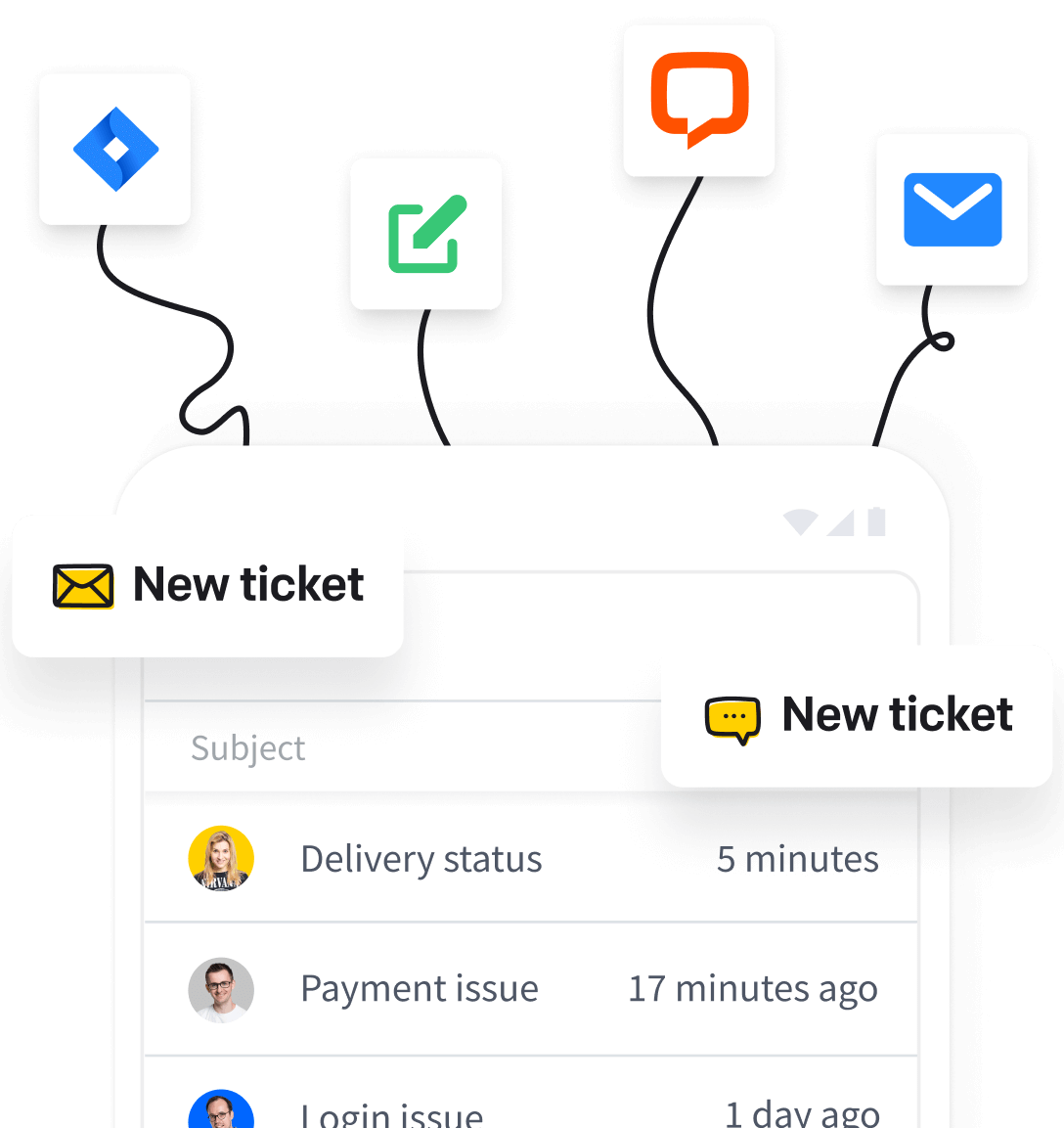
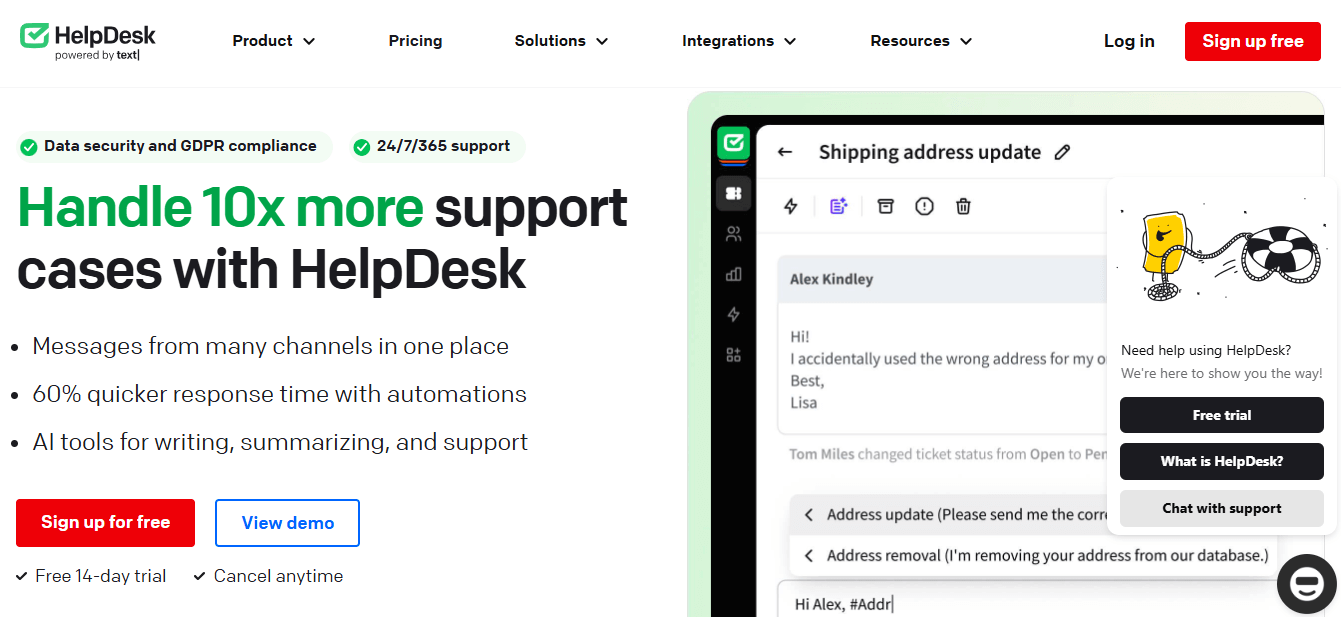
HelpDesk.com is customer service software built to let businesses deliver personalized support without the operational overhead of heavier platforms. It streamlines customer communication through a clean interface and customizable workflows, so teams can manage and resolve customer inquiries quickly. Built by the team behind LiveChat and ChatBot.com, it pairs tidy ticketing with native live chat and a built-in AI agent, so modern messaging is part of the product rather than a bolt-on integration.
Key features
Ticket management, AI-powered reply suggestions for faster answers, intuitive workflows and canned responses, deep system personalization, and reporting across chats and tickets.
Pros
- User-friendly interface that's quick to onboard.
- Native live chat, email, Messenger, WhatsApp, and SMS handled in one inbox, plus integrations with Shopify, Slack, and HubSpot.
- Strong, responsive customer support.
- AI-assisted replies to speed up resolution.
Cons and limitations
- No permanently free plan. You get a 14-day trial rather than a free tier.
- Geared toward teams that want chat, email, and ticketing in one place, not a telephony-first contact center with heavy call-routing and workforce management.
- A focused, opinionated feature set rather than the endless configurability of enterprise suites.
Best for
Small businesses and medium businesses that want simple, transparent-priced support without the add-on creep of Freshdesk or Zendesk.
Pricing
Transparent per-user pricing, billed monthly or yearly (pay yearly and save up to 24%). Every plan starts with a 14-day free trial.
- Essential: $19 per user/mo (billed yearly, or $25 billed monthly). Inbox and ticketing, automations, canned responses, and 1 AI agent.
- Growth: $79 per user/mo (billed yearly, or $99 billed monthly). Most popular. Adds up to 10 AI agents, chat supervision, shared views, and richer reporting.
- Enterprise: custom pricing. Unlimited rules, custom AI agents, multiple brands, and a dedicated team.
See the HelpDesk.com pricing page for the full plan comparison.
G2 rating: approximately 4.5/5.
Try HelpDesk.com!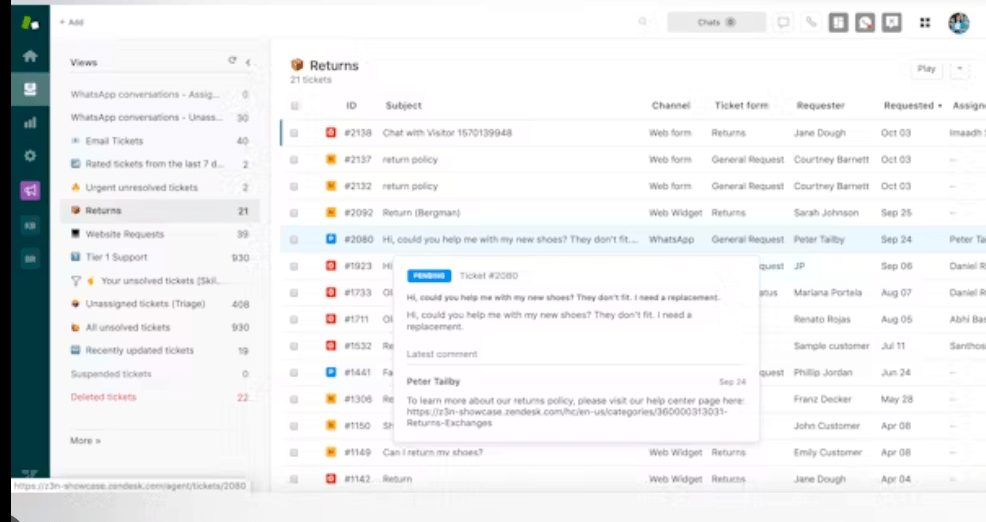
Zendesk: Best for Large Enterprises Needing Scale
Zendesk is a cloud-based customer service software designed to help businesses build better relationships across email, phone, chat, and social media. Its unified omnichannel agent workspace centralizes customer interactions to improve agent efficiency and collaboration, and the Zendesk Marketplace offers over 1,500 third-party integrations. Zendesk's own data points to outcomes like a 42% decrease in first response time, and its AI is trained on more than 18 billion customer interactions, which is a big reason it's a fixture in enterprise support stacks.
Key features
Multi channel support, AI-powered automation with agent-assist insights, workforce management, and advanced reporting and analytics.
Pros
- Ease of use relative to its depth.
- Extensive customization options.
- Centralizes customer interactions for smooth ticket management at scale.
Cons and limitations
- Cost climbs quickly with per-agent pricing and premium tiers.
- Complexity and configuration overhead can overwhelm small teams.
- A steeper learning curve than lightweight tools.
Best for
Large enterprises and mature support orgs that need scale, depth, and heavy customization.
Pricing
Paid plans start around $19 per agent/month, with a free trial available. See the official pricing page for current plans.
G2 rating: approximately 4.3/5.
Zoho Desk: Best for Zoho Ecosystem Users and Value
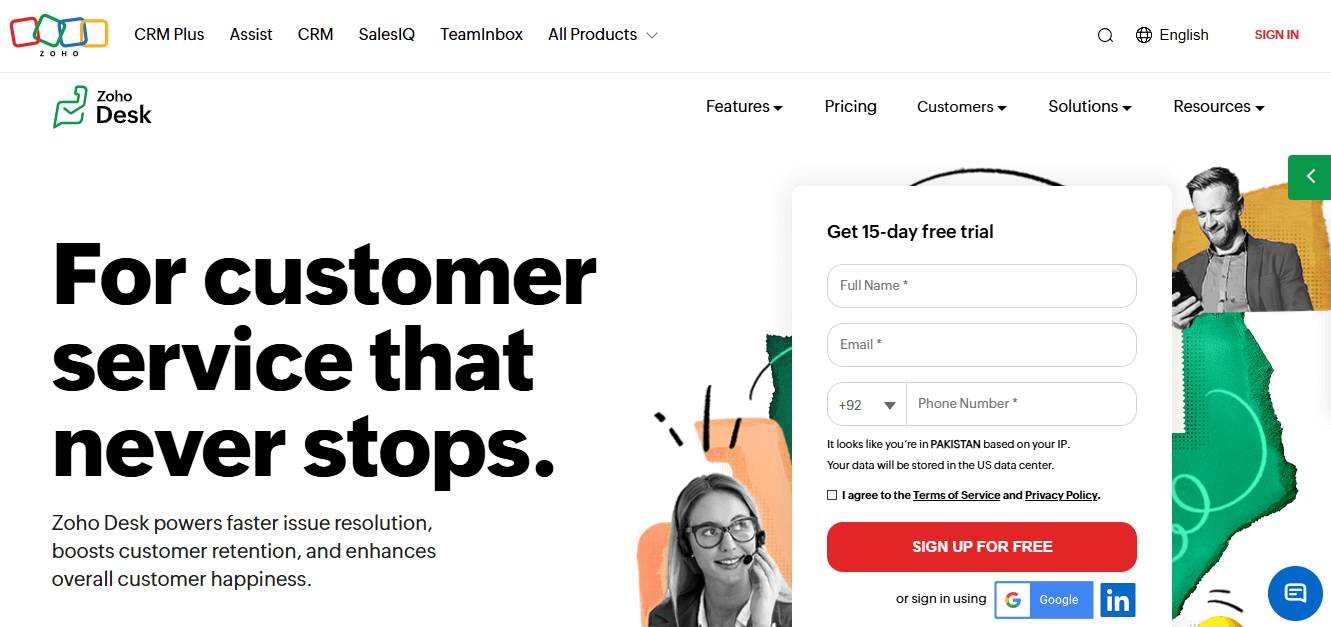
Zoho Desk is a cloud help desk that streamlines support with ticket management, automation, self service, and reporting. It includes AI-powered support through Zia, a knowledge base, feedback management, and tight integration with the broader Zoho suite. For teams already living in Zoho, it's a value standout, and its free plan targets small businesses.
Key features
Comprehensive ticket management, omnichannel support, automation, real time reporting, and integrations with other business apps.
Pros
- Streamlines support workflows and improves agent productivity.
- Real-time insights to improve customer satisfaction.
- Strong value, especially within the Zoho ecosystem.
Cons and limitations
- Gets the most out of its potential only when paired with other Zoho products.
- The interface can feel dense given the breadth of features.
- Advanced capabilities are gated on higher tier plans.
Best for
Zoho ecosystem users and budget-conscious teams that want a lot of functionality for the money.
Pricing
Free tier available; paid plans start at $7 per user/month. See the official pricing page for current plans.
G2 rating: approximately 4.4/5.
Help Scout: Best for Small Teams Wanting Simplicity
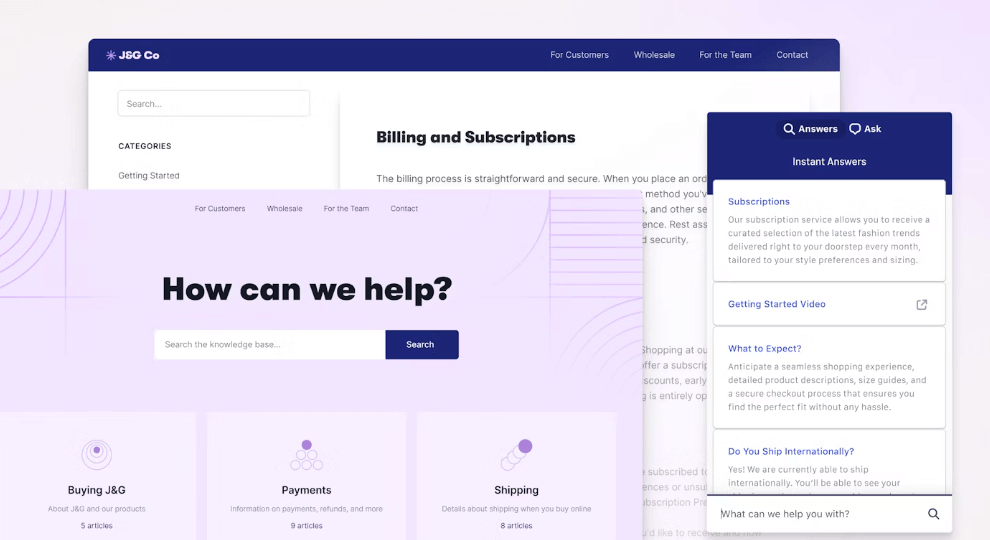
Help Scout takes a customer-centric approach to support with a simple, email-like experience. Teams collaborate on customer inquiries, streamline communication, and pull insights from reporting. With a shared inbox, help center, live chat, email integration, and self service options, it's built to keep support human and uncluttered.
Key features
Shared inbox, help center/knowledge base, and reporting tools focused on clean communication.
Pros
- User-friendly interface with minimal learning curve.
- Customizable features without overwhelming complexity.
- Well-regarded customer support.
Cons and limitations
- Lighter on advanced automation and enterprise-grade routing.
- May feel limiting for high-volume or complex omnichannel operations.
- No permanently free plan.
Best for
Small teams and startups that want a simple, elegant shared inbox over a sprawling suite.
Pricing
Paid plans start around $22 per user/month, with a free trial available.
G2 rating: approximately 4.4/5.
Intercom: Best for AI-First Conversational Support
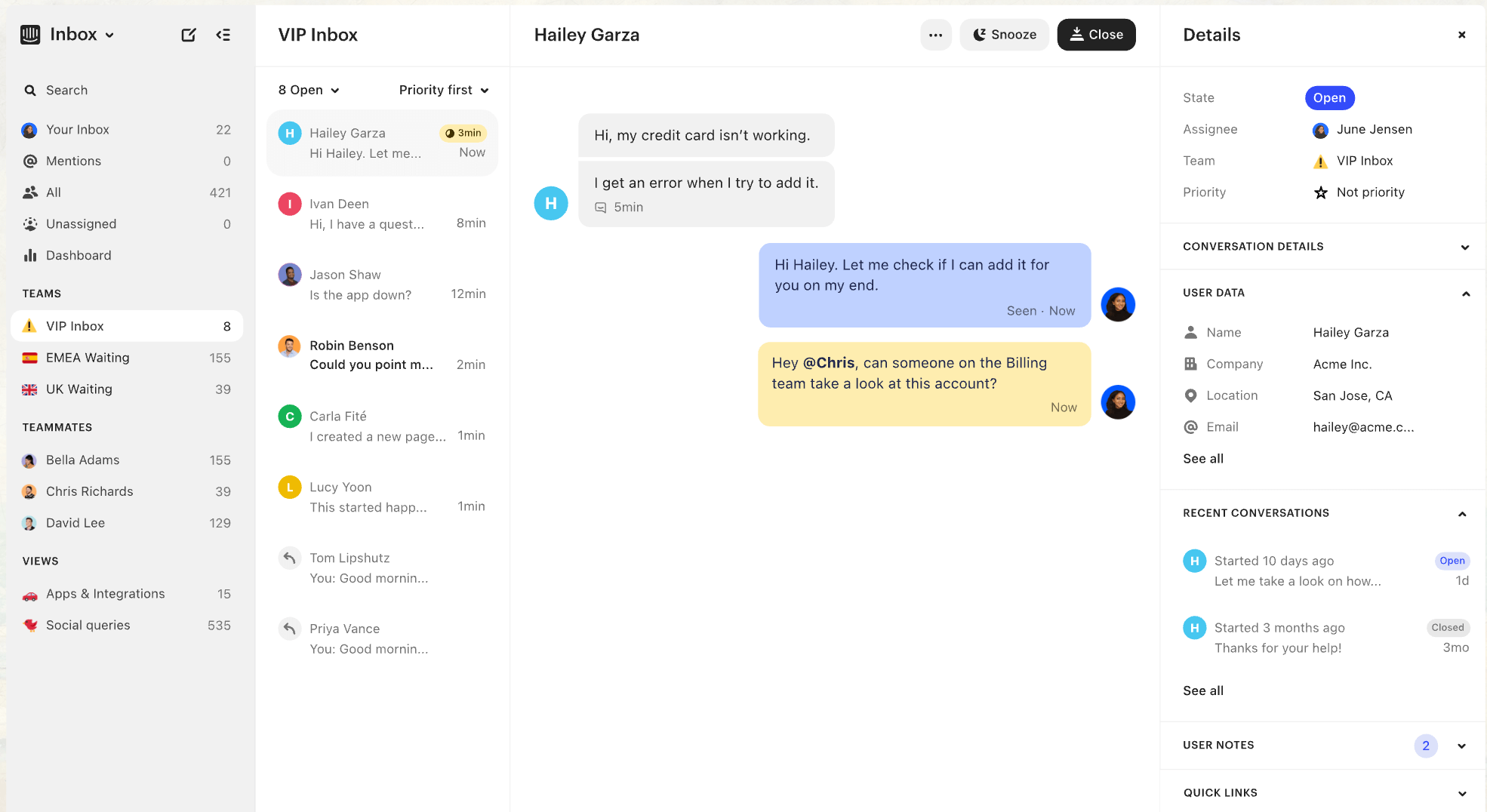
Intercom is a customer messaging platform that connects businesses with customers through live chat, email, and in-app messages. It layers chatbots, customer data management, and analytics on top, and its Fin AI agent has made it a poster child for AI-first, conversational support and chat-first customer engagement.
Key features
Personalized messaging, automated customer interactions via chatbots and Fin, and targeted lead capture.
Pros
- Personalizes customer interactions at scale.
- Automates resolution with a capable AI agent that adapts to customer queries.
- Integrates smoothly with existing tools.
Cons and limitations
- Pricing can be steep, and resolution-based AI billing makes costs harder to predict.
- Feature breadth can be overkill for simple ticketing needs.
- Costs grow as usage and AI resolutions scale.
Best for
Product-led and SaaS teams that want conversational, AI-first support.
Pricing
14-day free trial. See the official pricing page for current plans.
G2 rating: approximately 4.5/5.
Gorgias: Best for Shopify and E-commerce Stores
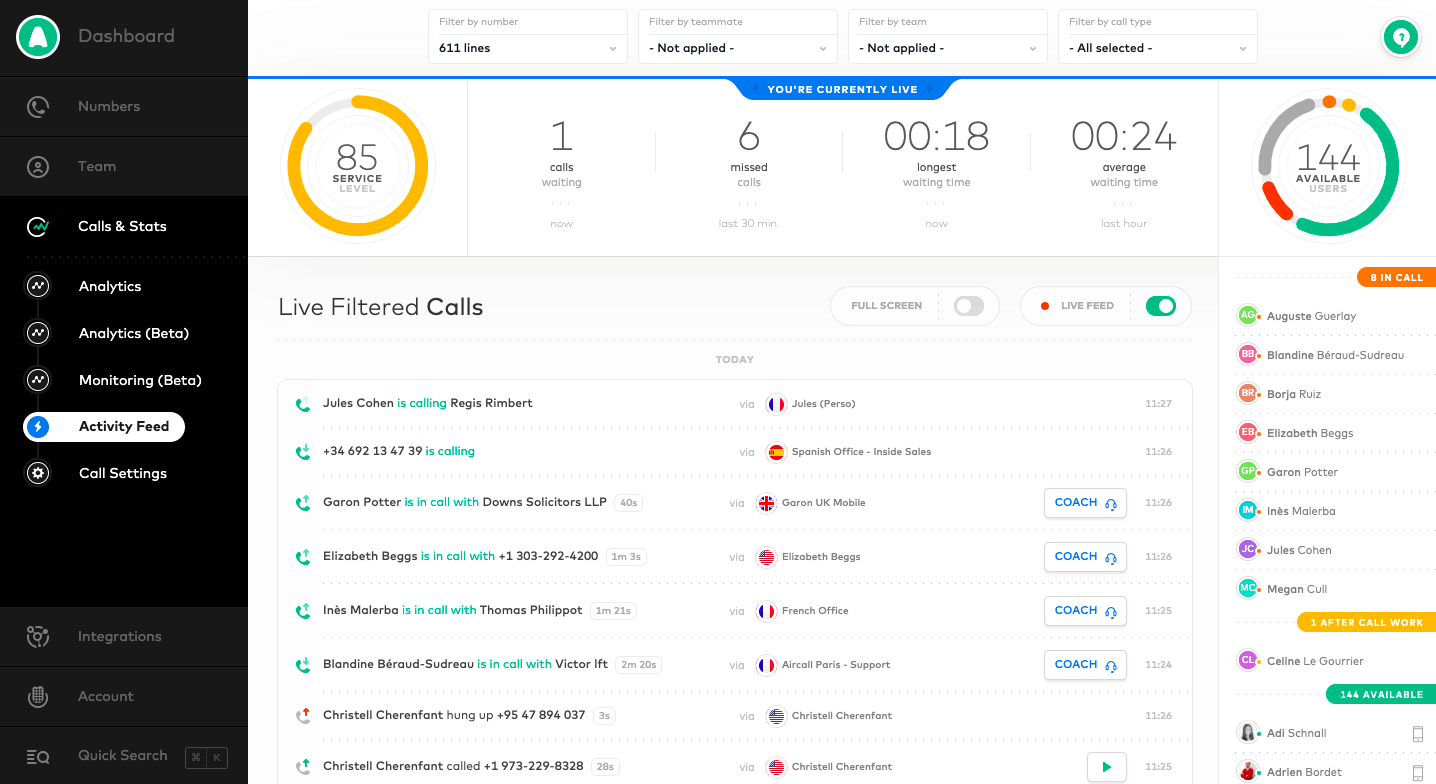
Gorgias is a help desk built for online retail. It centralizes customer inquiries and support tickets, automates common tasks, unifies customer profiles, and integrates directly with e-commerce platforms so agents can see and act on order data without leaving the ticket.
Key features
- Omnichannel support (email, chat, social media, phone).
- Automation for repetitive support tasks.
- Direct integration with Shopify and BigCommerce.
- AI-powered automation with advanced tagging and reporting.
Pros
- Excellent integration with e-commerce tools.
- Powerful automation that saves time.
- Personalized support with advanced customer segmentation.
Cons and limitations
- Pricing can run high for growing businesses.
- Some users find the interface tricky to navigate.
Best for
Shopify and e-commerce/retail brands that want order-aware support.
Pricing
Starts around $60/month for the Basic plan, with custom pricing for larger enterprises.
G2 rating: approximately 4.6/5.
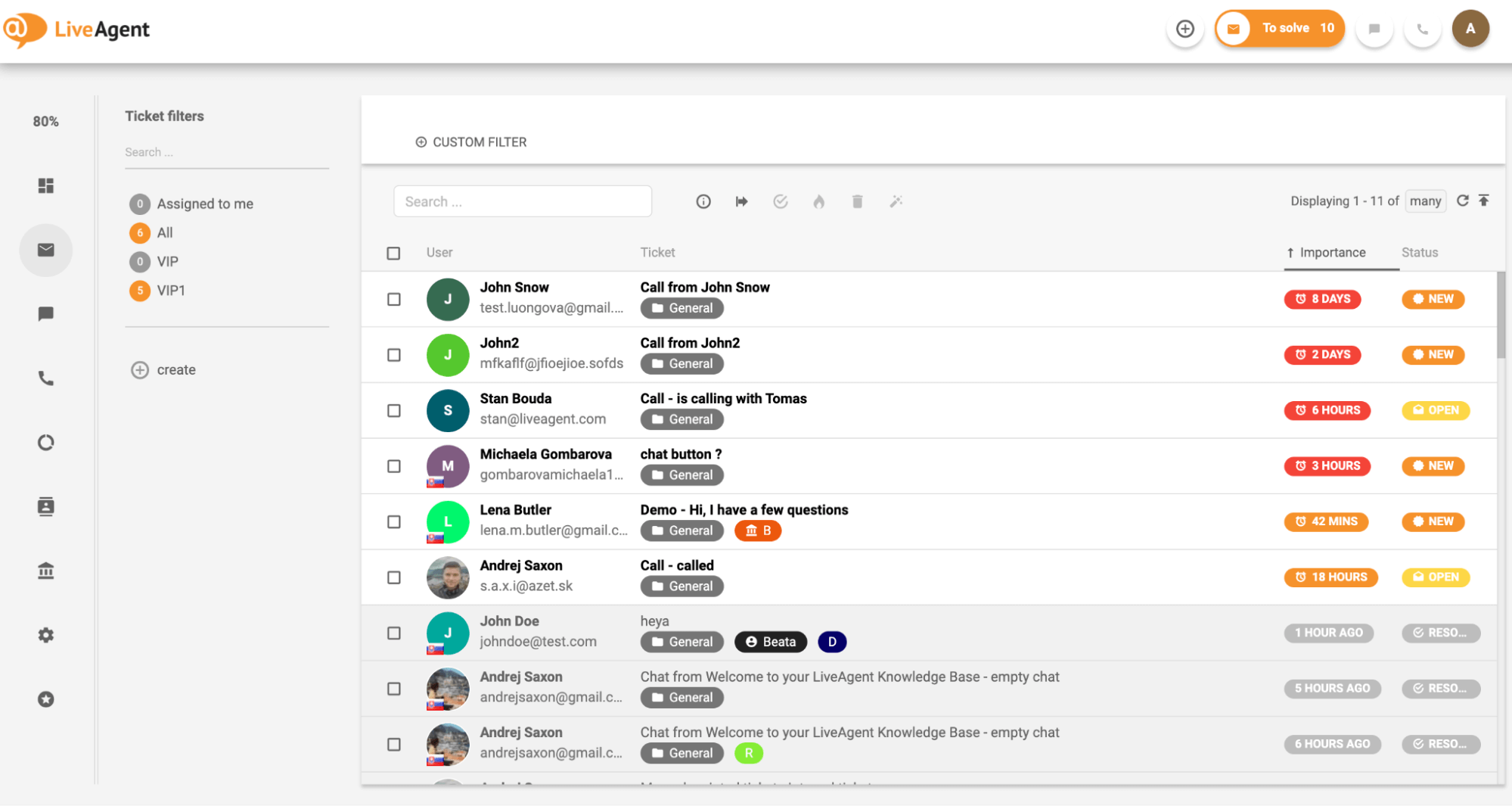
LiveAgent: Best for Multichannel on a Budget
LiveAgent packs email, live chat, phone, and social media into one unified help desk that suits teams of all sizes. It adds ticket management, automation, reporting, and third-party integrations, which makes it a strong multi channel support option that doesn't break the bank.
Key features
Real-time chat, ticketing system, knowledge base, customer portal, and social media integration.
Pros
- Multiple channels integrated in one place.
- Strong ticketing system.
- Detailed reporting and analytics.
Cons and limitations
- The sheer number of features can feel busy for very small teams.
- Some advanced capabilities sit behind higher tier plans.
- The interface skews utilitarian rather than modern.
Best for
Budget-conscious teams that need genuine multichannel coverage.
Pricing
A free plan is available, plus a 14-day free trial; paid plans start around $9 per agent/month.
G2 rating: approximately 4.5/5.
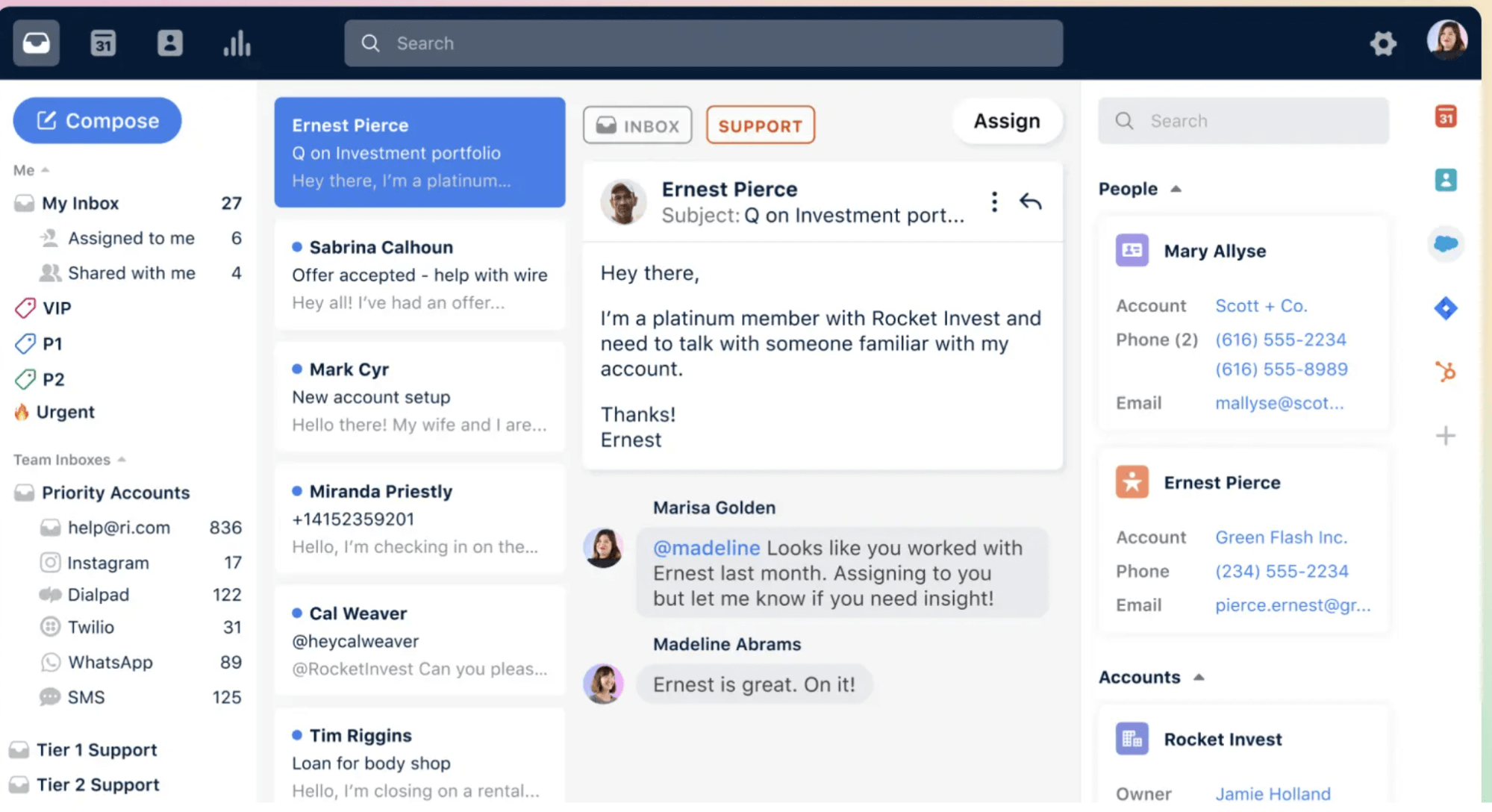
Front: Best for Collaborative Shared Inboxes
Front consolidates external communication (email, chat, SMS, social) into one collaborative inbox where teams work together on replies. It connects with Slack, Salesforce, and Google Drive and adds automation and analytics, and its support for real-time collaboration among agents has made it a favorite for teams that treat support as a team sport.
Key features
- Shared inbox for team collaboration.
- Email, chat, SMS, and social in one platform.
- Workflow automation and routing rules.
- Detailed analytics on team performance and satisfaction.
Pros
- Excellent for collaborative support teams working on shared customer conversations.
- Intuitive, user-friendly interface.
- Strong focus on personalized customer communication.
Cons and limitations
- Advanced automation is more limited than some rivals.
- Can get costly for larger teams.
Best for
Collaborative teams handling email-heavy support who want to draft, comment, and assign together.
Pricing
Starts around $19/user/month for the Starter plan, with enterprise pricing available.
G2 rating: approximately 4.7/5.
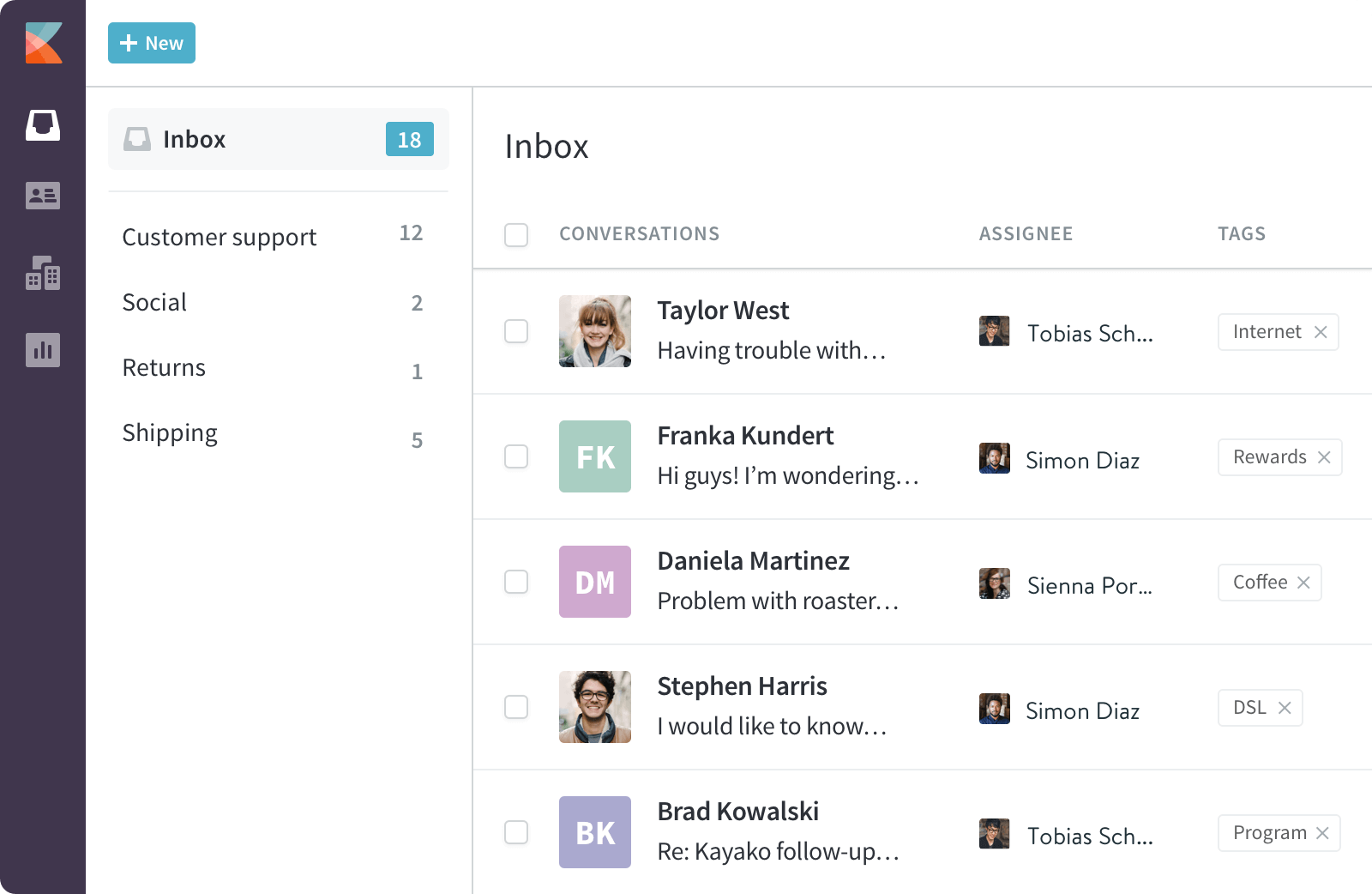
Kayako: Best for Unified Customer Journeys
Kayako pairs a help desk with live chat so teams can manage customer inquiries, offer self service, and collaborate internally. Its real strength is stitching interactions into a coherent customer journey, so agents understand context instead of isolated tickets.
Key features
- Omnichannel support (live chat, email, social media, phone).
- Collaboration tools for team communication.
- Analytics for agent performance and satisfaction.
- Automated ticketing and routing.
Pros
- Easy-to-use, intuitive interface.
- Strong reporting and analytics.
- Great for collaborative teams.
Cons and limitations
- Fewer integrations than some competitors.
- Setup can be a bit complex.
Best for
Teams that want a unified view of the full customer journey.
Pricing
Starts around $15/agent/month for the Basic plan, with a free 14-day trial.
G2 rating: approximately 4.0/5.
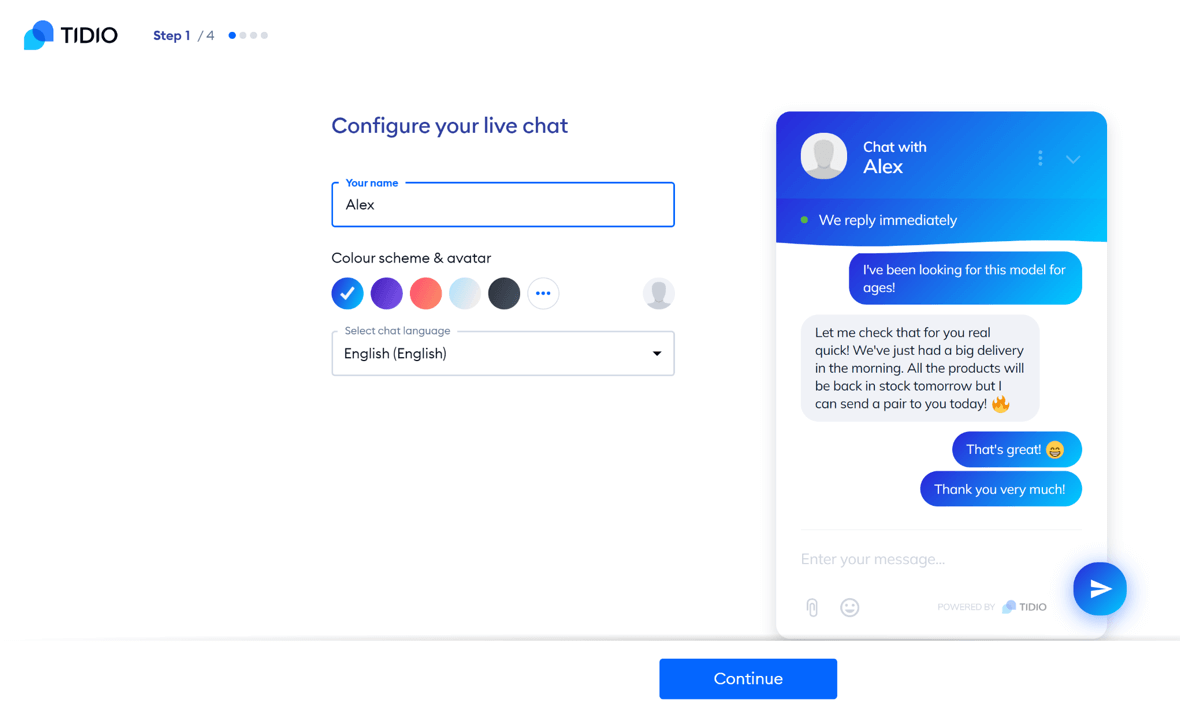
Tidio: Best for Live Chat and Chatbots for Small Stores
Tidio delivers live chat and chatbots for real-time customer conversations, plus email support and integrations with popular e-commerce platforms and CRMs. Its Lyro AI chatbot handles common customer queries automatically, which makes Tidio a smart, affordable pick for small online stores.
Key features
- Real-time live chat.
- Chatbots (including Lyro AI) for automated responses.
- Email and social media integration.
- Customizable widgets to match your brand.
- Visitor analytics and tracking.
Pros
- Intuitive and quick to set up.
- Affordable for small businesses.
- Effective chatbots for lead gen and support.
Cons and limitations
- The free plan is limited in features.
- Scalability options are thinner for larger enterprises.
Best for
Small e-commerce stores that want live chat plus AI chatbots on a budget.
Pricing
Free plan available. Paid plans start around $25/month for the Communicator plan.
G2 rating: approximately 4.7/5.
HubSpot Service Hub: Best for CRM-Integrated Support
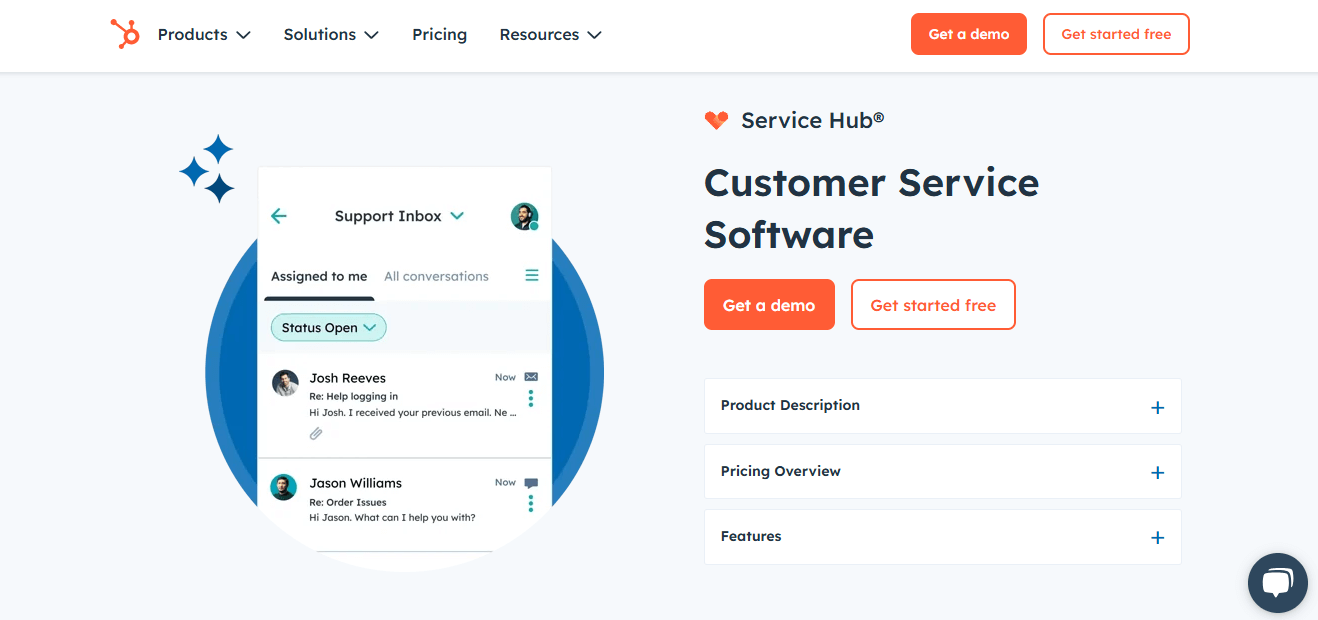
HubSpot Service Hub brings ticketing, live chat, a knowledge base, and automation into HubSpot's wider CRM. Because support sits on the same record as marketing and sales, agents see a genuinely unified customer timeline. For teams already invested in HubSpot, that's a compelling reason to switch.
Key features
Ticketing, shared inbox, knowledge base, automation, AI assistants, and native CRM integration.
Pros
- Deep, native connection to sales and marketing data.
- Clean interface and generous free tools.
- Scales alongside the rest of the HubSpot platform.
Cons and limitations
- Costs rise significantly as you move up tiers and add seats.
- Best value only materializes if you use the broader HubSpot suite.
- Advanced support features are reserved for higher plans.
Best for
Teams that want support tightly integrated with a CRM and a unified customer view.
Pricing
Free tools available, with paid plans that start around $15 per seat/month. Check HubSpot's pricing page.
G2 rating: approximately 4.4/5.
Salesforce Service Cloud: Best for Enterprise CRM Ecosystems
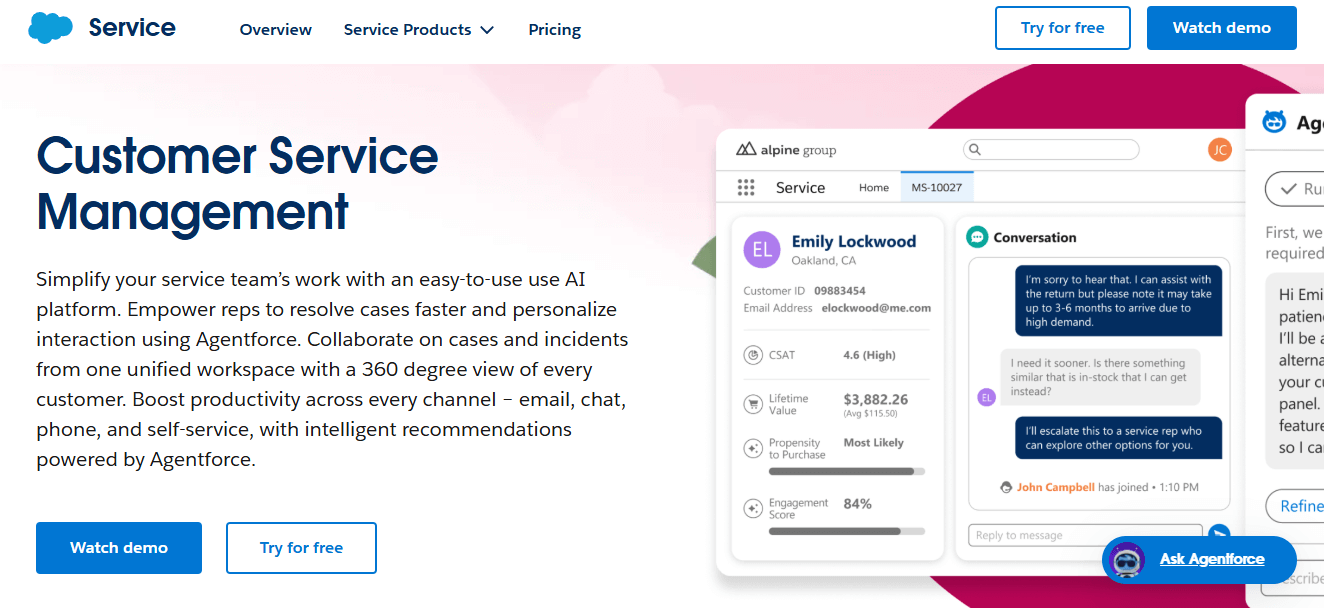
Salesforce Service Cloud is enterprise-grade support built on the Salesforce platform, with case management, omnichannel routing, knowledge, and deep customization. Its Einstein and Agentforce AI bring generative replies and autonomous agents to large, complex operations.
Key features
Case management, omnichannel routing, knowledge base, extensive customization, and Einstein/Agentforce AI.
Pros
- Unmatched depth and configurability for enterprises.
- Tight fit with the Salesforce CRM and ecosystem.
- Advanced, autonomous AI capabilities.
Cons and limitations
- Complex and resource-intensive to implement.
- Among the most expensive options, especially at scale.
- Overkill for small teams.
Best for
Large enterprises already standardized on Salesforce.
Pricing
See Salesforce's pricing page. Trials available.
G2 rating: approximately 4.4/5.
Jira Service Management: Best for IT and ITSM Teams
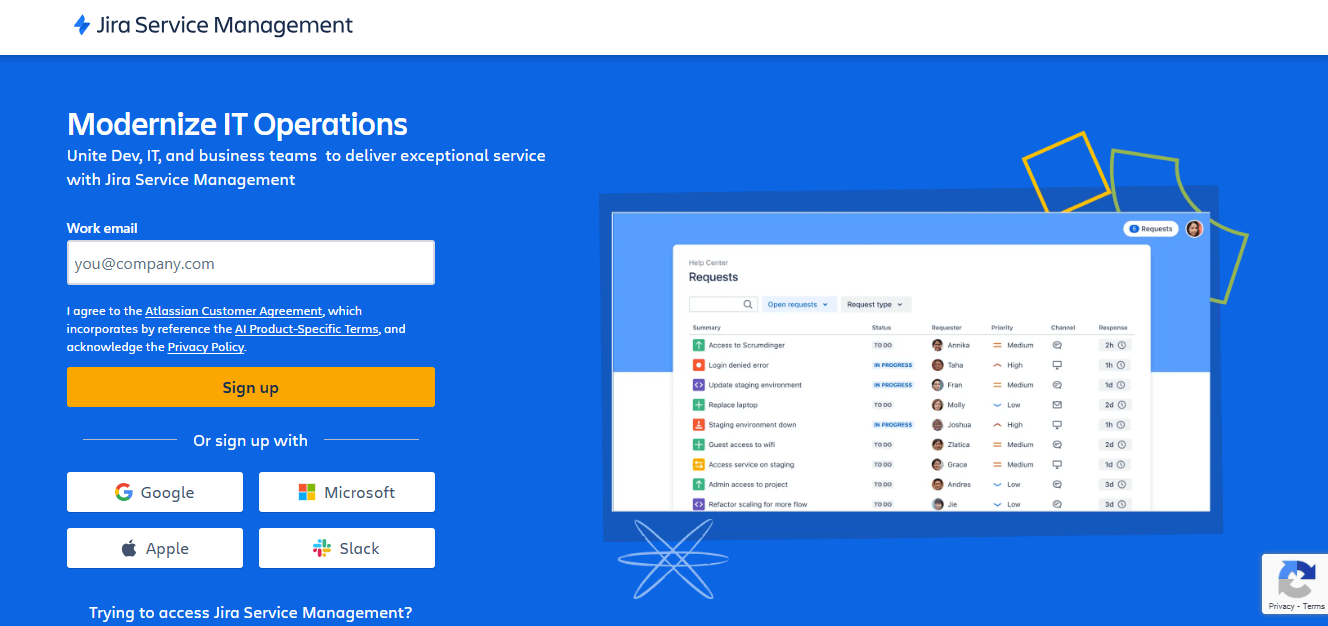
Jira Service Management, from Atlassian, is built for IT service management and internal support. It handles incidents, requests, changes, and problems with strong workflow tooling, and it connects naturally to Jira Software for teams that already run development on Atlassian.
Key features
ITSM workflows (incident, request, change, problem), a service catalog, automation, an AI virtual agent, and tight Atlassian integration.
Pros
- Purpose-built for IT and internal support.
- Excellent fit for teams already on Jira and Confluence.
- Powerful automation and request management.
Cons and limitations
- Less oriented toward external, customer-facing support.
- Can be complex to configure well.
- Best value comes when paired with other Atlassian tools.
Best for
IT, ITSM, and dev-adjacent teams inside the Atlassian ecosystem.
Pricing
Free tier available. Paid plans scale by agent, so see Atlassian's pricing page.
G2 rating: approximately 4.2/5.
HappyFox: Best for Structured Workflow Automation
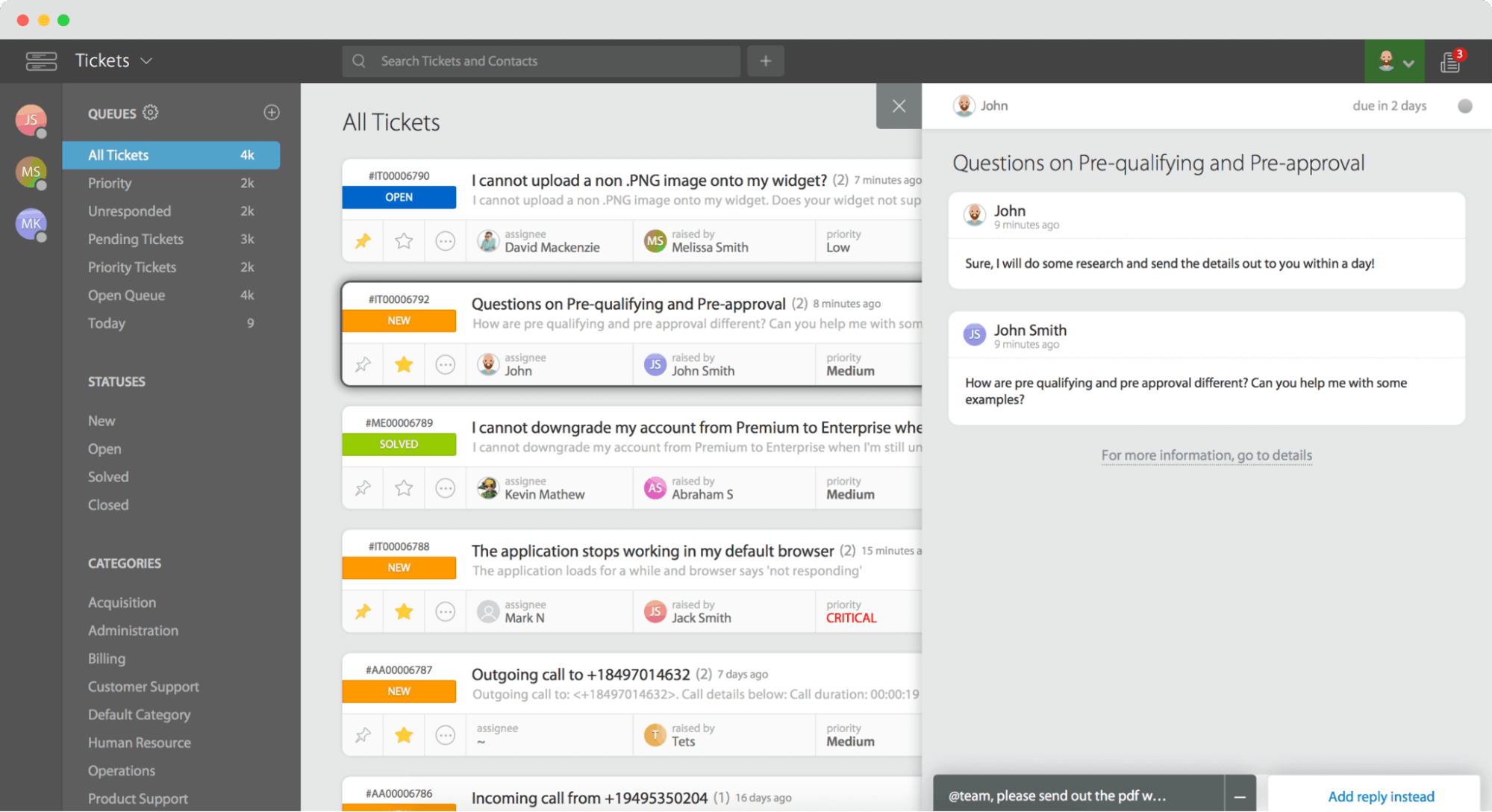
HappyFox is a desk solution known for structured ticketing and strong automation. It centralizes requests across channels and lets teams codify SLAs, routing, and repetitive processes into reliable workflows. HappyFox lets agents view customer data within a single shared inbox interface, automates ticket assignments and follow-up emails, and posts a 96% customer satisfaction score, so when consistency matters more than flash, it's a good match.
Key features
Multichannel ticketing, SLA management, powerful workflow automation, collision detection to prevent ticket overlap, private notes for internal team communication, knowledge base, and reporting.
Pros
- Excellent, rules-driven automation.
- Clean, organized ticket management.
- Solid reporting for operational teams, with integrations for Salesforce, WhatsApp, Slack, and Shopify.
Cons and limitations
- Fewer flashy AI features than newer rivals.
- Pricing and plan structure aren't the most transparent.
- Setup rewards teams willing to invest in configuration.
Best for
Teams that want dependable, structured workflow automation.
Pricing
Plans start around $39 per agent/month; a demo is available to confirm current pricing.
G2 rating: approximately 4.5/5.
Kustomer: Best for Conversation-Centric, High-Volume Support
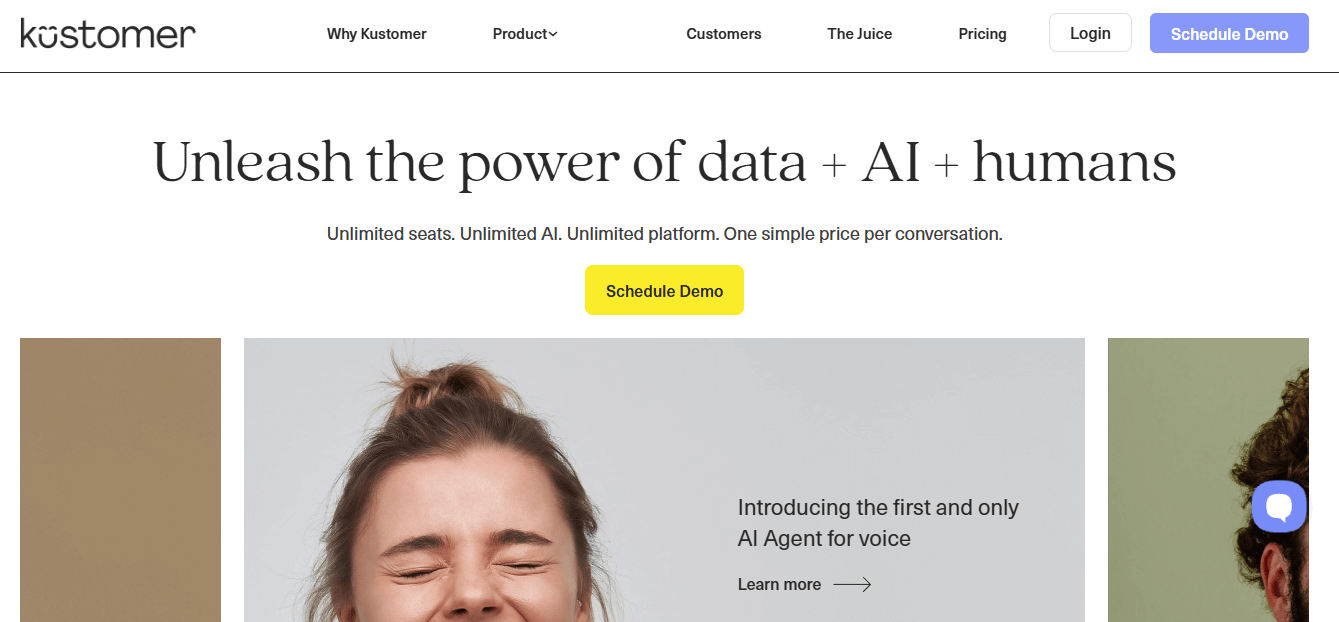
Kustomer takes a conversation-centric approach rather than a ticket-centric one. It presents a unified customer timeline that pulls in orders, history, and context across channels. That model, plus built-in AI that automates repetitive tasks like ticket assignments and follow-ups, suits high-volume support teams that want a single continuous thread per customer.
Key features
Unified customer timeline, omnichannel conversations, automation, and AI-powered assistance.
Pros
- True single-view customer timeline.
- Strong for high-volume, conversational support.
- Capable automation and AI.
Cons and limitations
- Geared toward larger operations, so it can be heavy for small teams.
- Implementation takes planning.
- Pricing sits at the higher end.
Best for
High-volume, conversation-first support teams that want a unified customer view.
Pricing
Demo-based. Request current pricing from Kustomer.
G2 rating: approximately 4.4/5.
Groove: Best for Startups Wanting a Lightweight Help Desk
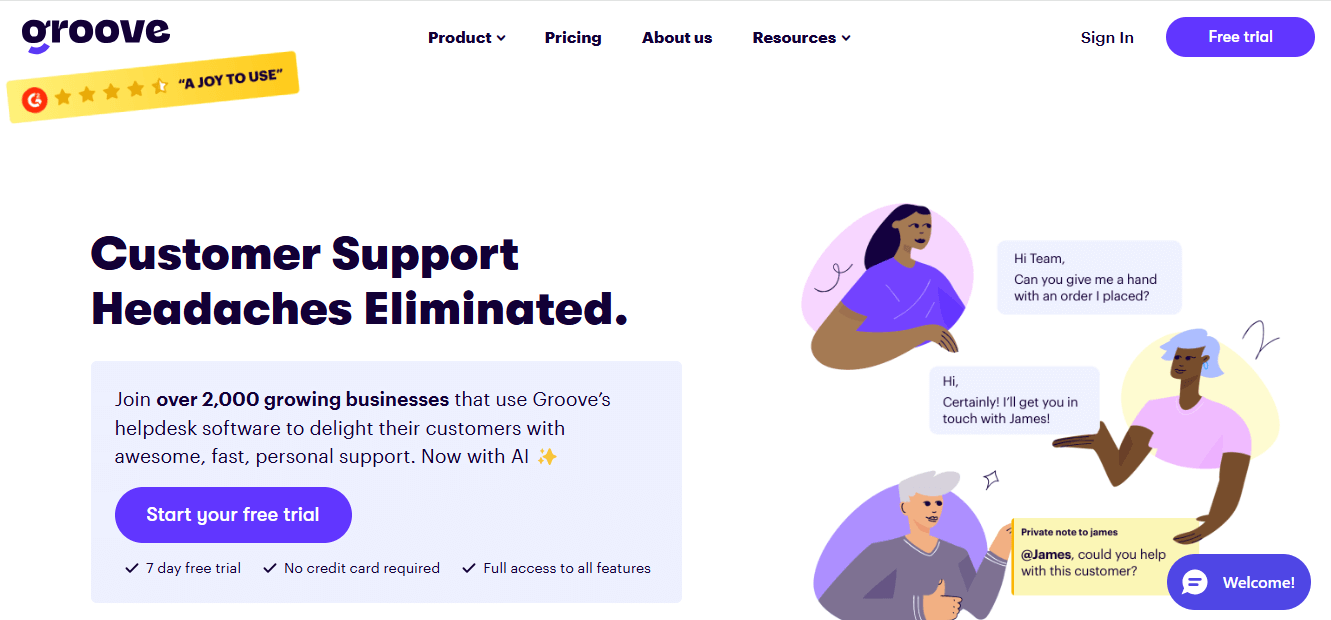
Groove is a lightweight, shared-inbox help desk aimed at small teams and startups. It keeps things simple with email-based support, a knowledge base, basic automation, and reporting, and it skips the configuration burden of enterprise suites. AI drafting speeds up replies.
Key features
Shared inbox, knowledge base, simple automation, AI-assisted drafts, and reporting.
Pros
- Simple, fast to set up, and easy to learn.
- Affordable for small teams.
- Focused feature set without bloat.
Cons and limitations
- Not built for complex, high-volume, or enterprise needs.
- Fewer advanced integrations and channels.
- Limited deep customization.
Best for
Startups and small teams that want a no-fuss help desk.
Pricing
Free trial available. See Groove's pricing page for current plans.
G2 rating: approximately 4.6/5.
Other Notable Freshdesk Alternatives Worth Considering
A few more options round out the field, each with a clear niche:
- Hiver: best for teams that want help desk features layered directly on top of Gmail and Google Workspace.
- Gladly: best for people-centered, high-touch support built around the customer rather than the ticket.
- ProProfs Help Desk: best for simple, affordable ticketing with automated ticket assignments via round-robin distribution, plus knowledge base and survey tools.
- Spiceworks: best for IT teams wanting a genuinely free help desk.
- UVdesk: best for open-source flexibility and e-commerce sellers.
- Zammad: best for teams that want an open-source help desk known for extensive features.
- Helpshift: best for in-app, mobile-first customer support, with an asynchronous omnichannel approach and Smart Intent AI that classifies tickets with up to 95% accuracy.
- Deskpro: best for teams that want a desk software supporting both cloud and on-premise deployments (public, private, or on-premise) with advanced multi-step workflow automation.
- TeamSupport: best for B2B support with account-level context.
- Keeping: best for turning Gmail into a shared support inbox.
- DevRev: best for product and dev teams that want support and engineering in one place.
- ClickUp: best for teams that want to manage support requests alongside broader project management work.
Best Free Freshdesk Alternatives
What are the best alternatives to freshdesk free of charge? If budget is the priority, a handful of tools here offer a genuinely free plan. Just expect limits on agents, channels, or advanced features. These freshdesk alternatives free options work well for lean teams:
- Tidio: free plan with live chat and limited chatbot/AI conversations. Great for small stores.
- LiveAgent: free plan covering core ticketing and chat with reduced history and features.
- HubSpot Service Hub: free tools for ticketing and live chat inside HubSpot's CRM.
- Zoho Desk: a free plan for small teams with basic ticketing.
- Jira Service Management: free tier for small ITSM teams.
- Spiceworks: a free IT help desk option.
Free plans are ideal for validating a workflow, but watch the ceilings. Agent caps, missing automation, and locked reporting are the usual trade-offs. When you outgrow the free version, weigh the upgrade cost against tools with transparent paid plans like HelpDesk.com.
Best Freshdesk Alternatives by Business Type
The right pick depends heavily on who you are. Here's how the field maps to common personas.
Best for Startups and Small Businesses
Which good freshdesk alternative is best for small businesses? Prioritize simplicity, fast setup, and predictable cost. HelpDesk.com, Help Scout, and Groove all keep the learning curve short, while Tidio and LiveAgent offer free entry points. If you're comparing Freshdesk alternatives for startups in 2026 and want to launch support this week rather than next quarter, any of these will feel at home.
Best for E-commerce and Retail
Which Freshdesk alternative is best for e-commerce? Look for order-aware support and deep store integrations. Gorgias leads for Shopify and BigCommerce brands, Tidio suits smaller stores that want chat plus AI, and Kustomer and Gladly shine for high-volume, conversation-centric retail. The common thread is simple: agents should see order details right inside the conversation.
Best for Enterprises and Contact Centers
Which Freshdesk alternative is best for enterprises? Scale, security, and customization win here. Zendesk and Salesforce Service Cloud are the heavyweight, contact-center-ready choices, and Kustomer handles high-volume, unified conversations well. These platforms cost more and take longer to implement, but they hold up under complexity.
Best for IT and Internal Support
For internal IT and service management, Jira Service Management is the natural pick, especially for teams already on Atlassian. Spiceworks works as a free option for smaller IT departments. If you need incident, request, and change management rather than customer-facing tickets, an ITSM-focused tool beats a general help desk.
AI and Automation Capabilities Compared
Which Freshdesk alternative has the best AI and automation? It depends on whether you want an AI copilot for agents, an autonomous AI agent that resolves support tickets, or a chatbot for deflection. Here's how the leading options stack up against Freddy AI, at a high level.
| Platform | AI capability | Best fit |
|---|---|---|
| Freshdesk (Freddy) | Generative replies, bots, agent assist (often add-on) | Freshworks users |
| HelpDesk.com | AI-powered reply assistance | Simple support teams |
| Intercom (Fin) | Autonomous AI agent, resolution-based | AI-first support |
| Salesforce (Einstein/Agentforce) | Generative + agentic AI | Enterprise CRM users |
| Zoho Desk (Zia) | AI assist, sentiment, suggestions | Value seekers |
| Tidio (Lyro) | AI chatbot for common queries | Small stores |
| Zendesk | AI agents, automation, copilot | Enterprises |
In practice, many of these are cheaper alternatives to Freddy AI in Freshdesk, but the best AI is the one that resolves your actual ticket types. AI-driven quality assurance tools can review 100% of customer interactions, and features like sentiment analysis and automated alerts help route the right issue to the appropriate agent faster, which shortens ticket resolution times. Trial the AI on your real inbox, feed it your knowledge base and past conversations, and judge it from there. If you can, watch a vendor's AI demo to see how it drafts, routes, and resolves in a live workflow.
How to Migrate from Freshdesk to Another Platform
How do you migrate from Freshdesk to another platform? The process is more manageable than it sounds if you take it step by step:
- Export your data. Pull tickets, contacts, and knowledge base articles out of Freshdesk using its export tools or API.
- Map your fields. Match Freshdesk ticket fields, statuses, tags, and custom properties to their equivalents in the new platform so nothing gets lost in translation.
- Migrate contacts and history. Bring over customer records and conversation history to preserve context for agents.
- Move your knowledge base. Recreate or import help center articles, adjusting formatting and links as needed. If you support global users, a multilingual knowledge base is worth setting up early.
- Import the data. Use the new tool's native importer or a third-party migration service to load everything in.
- Test thoroughly. Verify that tickets, threads, attachments, and automations came across correctly before going live.
- Train your agents. Walk the team and other team members through the new interface, workflows, and shortcuts so day one runs smoothly.
Run the migration in a sandbox or during a quiet period. Keep Freshdesk accessible read-only for a while as a safety net, and confirm your new platform's data handling meets your compliance requirements.
How to Choose the Right Freshdesk Alternative
How do you choose the best customer service solution to replace Freshdesk? Work through this short decision framework:
- Team size: Small team or startup? Favor simple, fast tools like HelpDesk.com, Help Scout, and Groove. Enterprise? Look at Zendesk, Salesforce, or Kustomer.
- Budget: Decide between per-agent and flat pricing, and calculate the fully loaded annual cost, including any add-on, not just the entry price.
- Channels: List the channels you actually support (email, chat, social, phone) and confirm the tool handles them in a unified, omnichannel ticket management way.
- AI and automation: Identify the repetitive tasks you want automated and test the AI against your real tickets.
- Integrations: Verify native connections to your CRM, store, and collaboration tools.
- Compliance: If you're regulated, confirm GDPR, HIPAA, or SOC 2 coverage on the vendor's trust page.
- Trial it: Shortlist two or three, run each on live customer conversations for a week or two, and let your agents vote.
Every choice involves a trade-off between simplicity and depth. If your main frustrations with Freshdesk were complexity and unpredictable cost, weight simplicity and transparent pricing highest. That's where a tool like HelpDesk.com earns its place and helps you optimize customer service operations.
Who Should Stick With Freshdesk?
Switching isn't automatically the right call. Freshdesk remains a solid choice for several groups. It genuinely suits existing Freshworks customers who already use Freshsales, Freshchat, or Freshcaller and want everything under one roof. It's a reasonable fit for SMBs that value an approachable interface and want a single, scalable suite to grow into. And teams that need extensive customization of workflows, ticket fields, and portals often find Freshdesk flexible enough to model complex customer service operations.
So if you're happy with Freshdesk's usability, you're already invested in the Freshworks ecosystem, and the pricing works at your scale, there's no need to switch for the sake of it. The alternatives above matter most when cost, complexity, or AI limitations are actively getting in your way.
Frequently Asked Questions About Freshdesk Alternatives
What is similar to Freshdesk?
The closest alternatives are full-featured help desks like Zendesk, Zoho Desk, Help Scout, and HelpDesk.com, plus messaging-first tools like Intercom and e-commerce specialists like Gorgias. Each offers ticketing, automation, and multi channel support, so the right match depends on your budget, channels, and AI needs.
What are the top 5 ticketing systems?
Frequently cited picks are Zendesk, Zoho Desk, HelpDesk.com, HappyFox, and Freshdesk itself. Each provides solid ticket management and an omnichannel ticketing system, though the best fit still depends on your team size, budget, and channels.
Is there a free version of Freshdesk?
Yes. Freshdesk has historically offered a free forever plan for small teams with basic ticketing, a limited number of support agents, and core features. It's a fine way to start, but the free tier lacks advanced automation, advanced reporting, and deeper omnichannel support, so growing teams usually move to paid plans quickly.
Who competes with Freshworks?
In the customer support software market, Freshworks competes with Zendesk, Salesforce Service Cloud, Zoho, HubSpot Service Hub, Intercom, Help Scout, and lighter tools like HelpDesk.com and Groove. Which competitor fits best depends on whether you prioritize scale, value, or simplicity.
Why is Freshdesk so expensive?
Freshdesk uses per-agent pricing, so costs rise with every seat, and capabilities like messaging, voice, and advanced Freddy AI have often been sold as an add-on or higher tier plan. A plan that looks cheap at sign-up can grow considerably once you add agents and features. Always price the fully loaded setup.
What are the disadvantages of Freshdesk?
Common complaints include clunky ticketing at scale, occasional slowdowns under heavy volume, native AI that trails paid add-ons, integrations gated behind pricier plans, and a learning curve for admins configuring workflows. None are dealbreakers on their own, but together they push teams to compare alternatives.
Is Freshdesk cheaper than Zendesk?
Generally, Freshdesk's entry tiers are positioned as more budget-friendly, while Zendesk leans toward enterprise depth. Both use per-agent pricing that scales up and place advanced AI behind higher tier plans, so the cheaper option depends on your agent count and required features. Compare fully loaded quotes.
What do Reddit users recommend as Freshdesk alternatives?
Discussions frequently surface Help Scout and Zoho Desk for simplicity and value, Gorgias for e-commerce, Intercom for AI-driven chat, and lightweight tools like HelpDesk.com and Groove for small teams tired of complexity. Recommendations vary, so treat them as leads to trial, not gospel.
Does Freshdesk have deep reporting capabilities?
Freshdesk includes reporting and analytics for agent performance and customer satisfaction, with more advanced dashboards, real time reporting, and custom reports available on higher tier plans. Teams that need the deepest analytics should confirm which reports come with their specific plan.
Conclusion: Which Freshdesk Alternative Should You Choose?
There's no universal winner among freshdesk alternatives, but there is a right pick for you. For most small and medium businesses that left Freshdesk over complexity and unpredictable cost, HelpDesk.com is the standout for simple, transparent-priced support. Choose Tidio or LiveAgent if you need a free starting point, Gorgias for Shopify and e-commerce, Zoho Desk for value, Intercom for AI-first chat, and Zendesk or Salesforce Service Cloud when enterprise scale is the priority.
Whatever your shortlist, trial two or three tools on real customer conversations before you decide. If simplicity and clear pricing are what pulled you away from Freshdesk in the first place, HelpDesk.com is an easy place to start. Spin up the 14-day free trial and see how your team feels after a week of actual support tickets.
Try HelpDesk.com for free!How to transition smoothly to HelpDesk.com
Transitioning to a new helpdesk tool can be challenging, but with careful planning and execution, you can ensure a smooth migration of your tickets and data.
Migrate for free from Freshdesk ticketing system
We're here to support you during the entire migration process, offering information about any related costs and, if possible, covering them for you.