Best Zendesk Alternatives for 2026: The Quick Answer
The best alternative to Zendesk for most teams in 2026 is HelpDesk.com. It launches in about five minutes, uses transparent per-user pricing, and migrates your Zendesk data without the enterprise-grade complexity. Among the other strong picks in our list of top Zendesk alternatives for 2026: Freshdesk (best free plan), Intercom (best AI-first messaging), Gorgias (best for Shopify and ecommerce), and Salesforce Service Cloud (best for enterprise).
Why Teams Are Leaving Zendesk in 2026
Most teams don't leave Zendesk because it lacks features. They leave because the total cost, counted in money, setup time, and daily friction, stops making sense.
The stakes behind that decision are real. Around 43% of customers have stopped buying from a company after poor service, and roughly 55% of SMBs now rely on customer support software to protect customer satisfaction. The tool you choose directly shapes your customer experience, so it's worth getting right.
Start with the sticker price. As verified in early 2026, Zendesk's Suite plans run roughly $55 per agent/month (Suite Team), $115 per agent/month (Suite Professional), and $169 per agent/month (Suite Enterprise), all on annual billing. Pricing changes often, so confirm current rates before you commit. For a 10-agent team, Suite Professional alone is around $13,800 a year, and that's before you add AI, extra channels, or premium support.
That's the recurring theme in user sentiment across G2, Capterra, and Reddit threads: capable software, but expensive for what many small and mid-sized teams actually use. Common complaints include:
- Cost that scales badly. Essential features are often locked behind higher tiers, so growing teams get pushed up the pricing ladder fast.
- Setup and complexity. New admins frequently report that Zendesk needs significant configuration and training before it feels productive, which is a heavy lift for a small support team.
- Limited customization on lower tiers. Conditional logic, advanced reporting, and export options are often restricted unless you pay more.
- Support friction. Some customers say getting timely help from Zendesk's own support can be slow.
None of this makes Zendesk a bad product. It makes it the wrong product for a lot of teams that simply want to answer customers quickly without running a platform project.
The Real Cost of Zendesk AI (Per-Resolution Fees Explained)
The total cost of ownership gets slippery once you factor in AI, because Zendesk's AI isn't fully bundled into the base seat price. Its automated resolution capabilities are typically billed on a per-resolution basis, meaning you pay each time the AI closes out a conversation, and extra AI tooling like Copilot can come as a separate add-on. In practice, Zendesk's AI pricing can exceed $10,000 annually for a 20-agent team.
Why does this matter? Because per-resolution pricing scales with your success. The better your AI performs, the more resolutions it produces, and the higher your bill climbs. Take a simplified example. If your AI handles 2,000 resolutions in a month at a per-resolution fee, that's a variable cost stacked on top of your per-seat subscription, and it grows every month your ticket volume grows. For a busy team, AI fees can rival or exceed the seat cost itself.
Zendesk has been moving aggressively toward agentic, AI-native support, including acquisitions aimed at strengthening its automation stack. The strategic signal is clear: Zendesk is betting on AI as a premium, usage-based revenue layer. That's fine if you want cutting-edge automation and can predict your volume. It's painful if you want a predictable monthly bill.
The Zendesk AI alternatives below take very different approaches. Some bundle AI into the seat, some tier it by automation level, and some charge per resolution like Zendesk. Knowing which model you're signing up for is half the battle.
Do You Actually Need a Full Help Desk or Just a Shared Inbox?
Before you compare tools, answer this: are you drowning in tickets, or just drowning in email? It's a genuine fork in the road, and picking the wrong side wastes money.
A shared inbox (think Front, Hiver, Missive, or Help Scout at its simplest) is essentially a collaborative email experience. Multiple agents work the same address, assigning, commenting, and replying, without CCs and forwards. It's fast to adopt, feels familiar, and suits email-heavy support, small teams, and B2B accounts where customer conversations matter more than ticket metrics.
A full help desk (HelpDesk.com, Zendesk, Freshdesk, Zoho Desk) adds structured ticketing: statuses, SLAs, routing rules, multichannel intake, automation, reporting, and a knowledge base. You want this when volume is high, when you support multiple channels, when you need SLA tracking, or when you report on team performance.
The line between the two has blurred, though. Tools like HelpDesk.com and Help Scout give you a shared-inbox feel with full ticketing power underneath, so you rarely have to choose between simplicity and capability. Worried you'll lose functionality by switching from Zendesk? For most SMBs, the honest answer is no, because you were probably only using a fraction of Zendesk's depth anyway.
Quick self-check:
- Fewer than 5 agents, mostly email, want speed? A shared inbox or a lightweight help desk is plenty.
- Multiple channels, SLAs, automation, reporting? Go full help desk, but pick a simple one.
- IT/ITSM, change management, assets? You need a dedicated service desk (Jira Service Management, ServiceNow, Freshservice).
How We Evaluated These Zendesk Alternatives
We ranked these tools the way a buyer actually decides, not by feature-count vanity. Every option was assessed against six criteria:
- Setup speed and time-to-value. How fast can a real team go live and start answering customers? Faster is weighted heavily, because time is a hidden cost.
- Pricing transparency. Is pricing published, predictable, and free of hidden fees? Per-resolution AI charges and mandatory onboarding costs are flagged.
- AI capability and billing model. Does the tool automate meaningfully, and how does it charge: per resolution, per seat, per automation tier, or bundled?
- Channel coverage. Email, chat, social, phone support, and self service. How many are native versus bolt-on?
- Integrations. Ecommerce, CRM, collaboration, and developer tooling.
- User ratings. Verified scores from Capterra, G2, and GetApp as social proof.
Prices and ratings change often, so treat the numbers here as a starting point and confirm current figures on each vendor's site before you buy. Every tool on this list can stand in for Zendesk, whether you're a tiny startup or an enterprise.
Zendesk Alternatives Compared: At-a-Glance Table
Here are the Zendesk alternatives compared side by side.
| Tool | Starting price | Free plan / trial | Setup time | AI billing model | Best for | G2 rating |
|---|---|---|---|---|---|---|
| HelpDesk.com | $19/user/mo | 14-day trial | ~5 min | Per-seat + included resolutions | Best overall, SMBs | 4.6 |
| Freshdesk | $15/agent/mo | Free (2 agents) | Fast | Tiered / add-on | Growing teams | 4.4 |
| Zoho Desk | $7/agent/mo | Trial | Moderate | Tiered (Zia) | Low-cost all-rounder | 4.4 |
| Help Scout | $50/mo | Free plan | Fast | Bundled/add-on | SMB shared inbox | 4.4 |
| HubSpot Service Hub | $15/seat/mo | Free tools | Moderate | Bundled | CRM-aligned support | 4.4 |
| Intercom | $29/seat/mo | 14-day trial | Moderate | Per-resolution (Fin) | AI-first messaging | 4.5 |
| Gorgias | $360/mo | Trial | Moderate | Automation tiers | Ecommerce/Shopify | 4.6 |
| Salesforce Service Cloud | $25/user/mo | Trial | Long | Add-on (Einstein) | Enterprise Salesforce | 4.4 |
| ServiceNow CSM | Custom quote | Demo | Long | Custom | Enterprise ITSM+CSM | 4.5 |
| Jira Service Management | $19.04/agent/mo | Free (3 agents) | Moderate | Tiered | IT & Atlassian teams | 4.2 |
| Hiver | $19/user/mo | Free plan | Fast | Tiered (Harvey) | Gmail-based support | 4.6 |
| Front | $19/user/mo | 14-day trial | Fast | Add-on | B2B collaboration | 4.7 |
| Kustomer | $89/user/mo | Trial | Moderate | Bundled/API-based | CRM-style omnichannel | 4.4 |
| Gladly | $180/user/mo | Demo | Moderate | Per-conversation | Voice-first retail | 4.7 |
| Groove | $24/user/mo | 7-day trial | Fast | Tiered | Startups | 4.6 |
| LiveAgent | $15/agent/mo | 30-day trial | Fast | Bundled | Budget multichannel | 4.5 |
| HappyFox | $9/agent/mo | Trial | Fast | Tiered | Scalable ticketing | 4.5 |
| Nextiva | $20/user/mo | Trial | Moderate | Bundled | VoIP + omnichannel | 4.5 |
| Kayako | $49/agent/mo | Trial | Moderate | Tiered | Small IT/ecommerce | 4.0 |
| Helpjuice | $120/mo (4 users) | 14-day trial | Fast | Bundled | Knowledge base | 4.6 |
The 20 Best Zendesk Alternatives for 2026 (Reviewed)
Below, each tool follows the same template: a quick overview, key features, pros and cons, verified pricing, and a short "how it compares to Zendesk" note. We lead with our top overall pick.
1. HelpDesk.com: Best Overall Zendesk Alternative
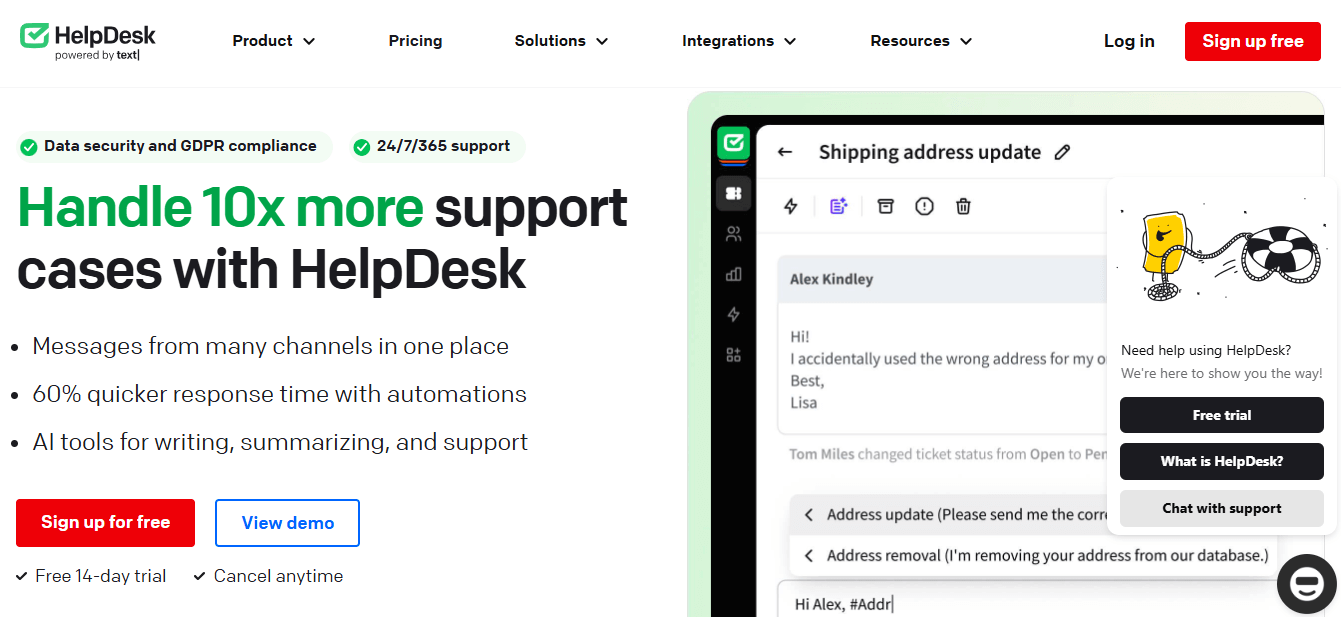
HelpDesk.com is the alternative we recommend for the largest share of teams leaving Zendesk. It fixes the two things most people complain about, cost and complexity, without stripping away the features that matter. Built by Text, the company behind LiveChat, it's a multichannel ticketing platform designed to go live in about five minutes rather than five weeks.
Key features
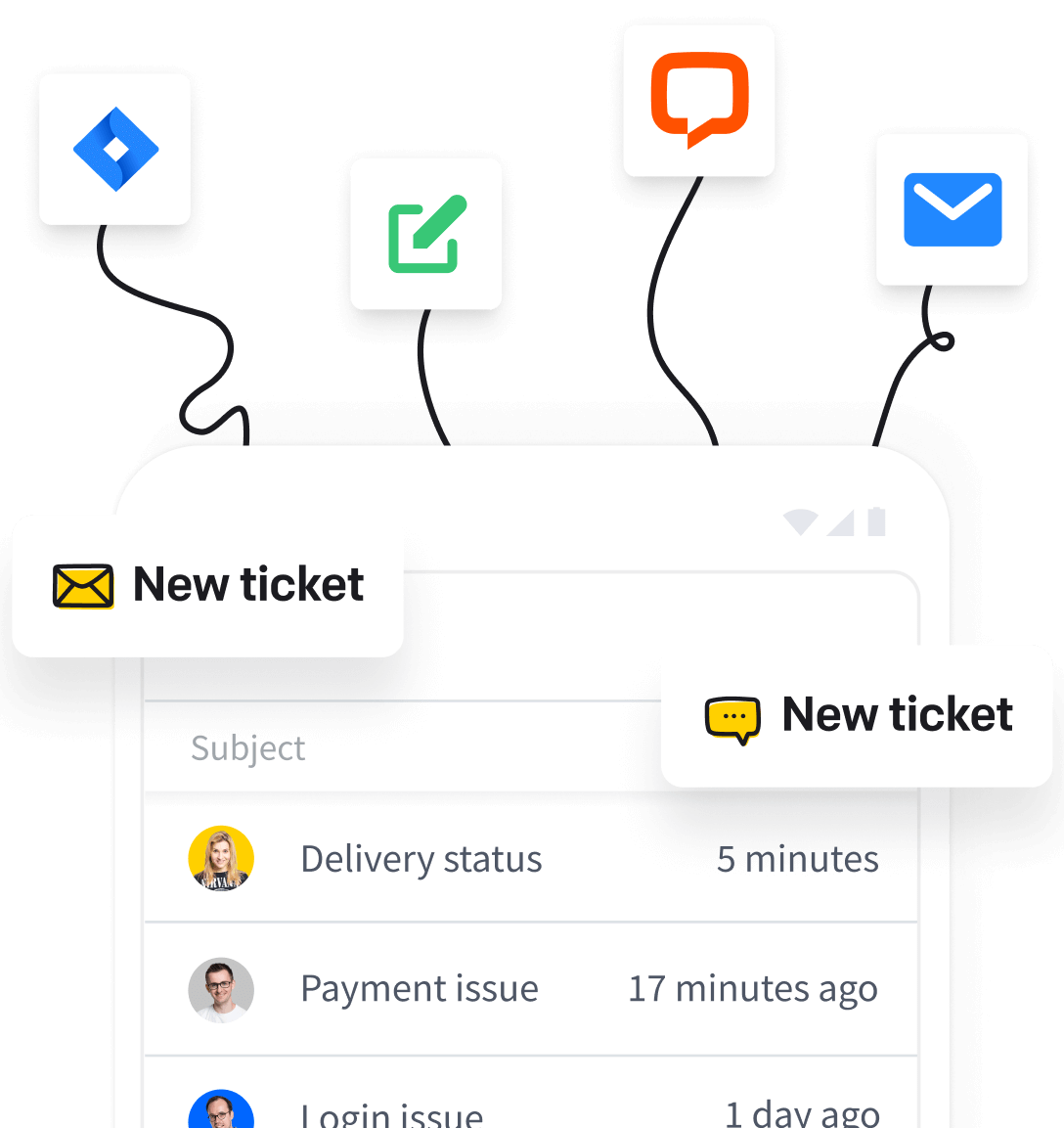
- Multichannel support: Manage email, live chat, WhatsApp, Messenger, and SMS conversations in one AI-assisted shared inbox.
- AI Agent: Resolves up to 73% of routine questions in chat before they become a ticket, then hands off to a human with full context.
- Automation tools: Auto-route support tickets to the right team and answer common queries without manual work.
- Collaboration: Build service teams by language, location, or skill set for faster problem-solving and multilingual support.
- Extensive integrations: Native connections to LiveChat, Shopify, Slack, Zapier, HubSpot, and other tools.
- Feedback collection and proactive messages: Gather CSAT signals and engage customers before they churn.
Pros
- Genuinely easy to use, with a ~5-minute setup.
- Intuitive automation that cuts manual work.
- Broad integration options.
- Smooth in-app team collaboration.
- 14-day free trial, no credit card required.
Cons
- Getting the most from automation and integrations may take a little initial learning.
Pricing
- Essential: $19/user/month (annual billing, or $25 month to month) with an AI agent, shared inbox, ticketing, workflows, and reporting.
- Growth: $79/user/month (annual billing, or $99 month to month) with 200 monthly AI resolutions, chat and ticket summaries, and advanced reporting.
- Enterprise: Custom pricing with dedicated onboarding, SLAs, and an Account Manager.
- AI top-ups: Every plan includes a monthly allowance of AI resolutions; extra resolutions come in transparent 50-packs at $49.50.
- Free trial: 14-day free HelpDesk.com trial with full access and no credit card required.
Ratings and reviews
- Capterra: 4.6
- G2: 4.6
- GetApp: 4.6
How it compares to Zendesk: Where Zendesk asks you to configure a platform, HelpDesk.com asks you to answer customers. Pricing is transparent per user, with AI resolutions included in every plan, and the interface is dramatically simpler. The HelpDesk.com Migration service imports your tickets, contacts, agents, and groups from Zendesk with field mapping and a demo run before you commit. For SMBs that want simplicity, affordability, and fast time-to-value, it's the clearest switch on this list.
Try HelpDesk.com!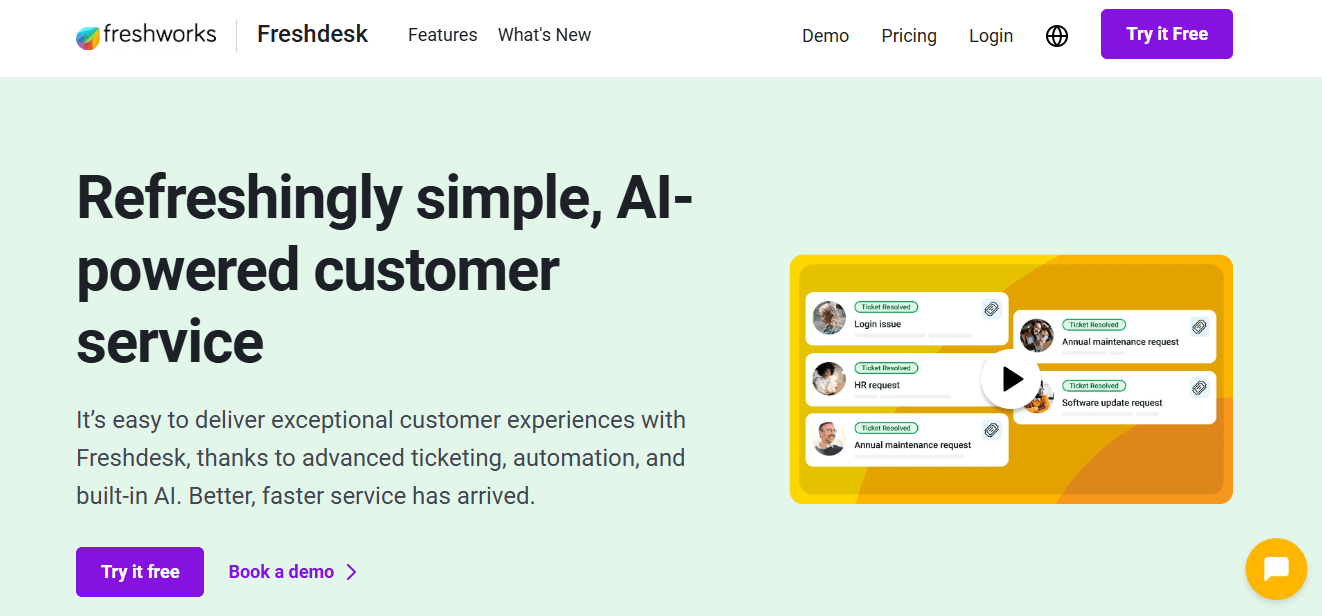
2. Freshdesk: Best for Growing Support Teams
Freshdesk is a cloud help desk that balances ease of use with omnichannel depth. That makes it a natural landing spot for teams outgrowing a basic inbox but not ready for enterprise complexity.
Key features: ticket management with priority scheduling, Freddy AI that assists with drafting replies and ticket routing, internal notes and shared ownership, reporting, and an automatic resolution "thank you detector."
Pros: clean interface ideal for small teams and startups; a genuinely useful free plan; multichannel support across email, phone, social, and live chat.
Cons: less customizable than Zendesk; may fall short for large teams needing deep configuration.
Pricing: Free for up to 2 agents; Growth $15/agent/mo; Pro $49/agent/mo; Enterprise $79/agent/mo.
Ratings: Capterra 4.5, G2 4.4, GetApp 4.5.
How it compares to Zendesk: Similar omnichannel philosophy at a friendlier price and a gentler learning curve, so it's a like-for-like swap for many teams.
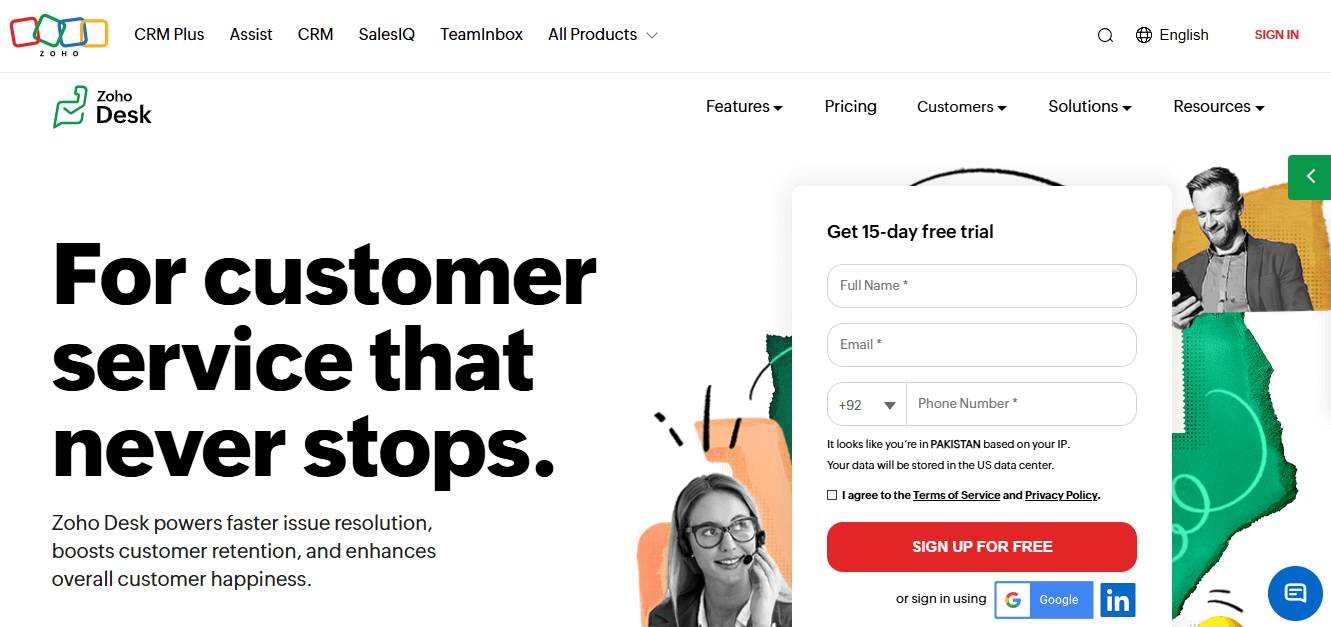
3. Zoho Desk: Best Low-Cost All-Rounder
Zoho Desk delivers a remarkable amount of help desk for the money, especially if you're already in the Zoho ecosystem, or open to joining it. It consolidates multiple channels into a single dashboard, so support agents keep every conversation in one place.
Key features: deep Zoho CRM integration, multichannel support, the Zia AI chatbot for automated responses and ticketing, customizable templates, and advanced automation workflows.
Pros: starts at just $7/agent/month; over 800 integrations; strong self service tools; scales into larger-team features.
Cons: entry plans are feature-light; teams coming from simpler systems face a learning curve.
Pricing: Express $7, Standard $14, Professional $23, Enterprise $40, all per agent/month.
Ratings: Capterra 4.5, G2 4.4, GetApp 4.5.
How it compares to Zendesk: Comparable feature breadth at a fraction of the entry price, with the CRM tie-in as a bonus.
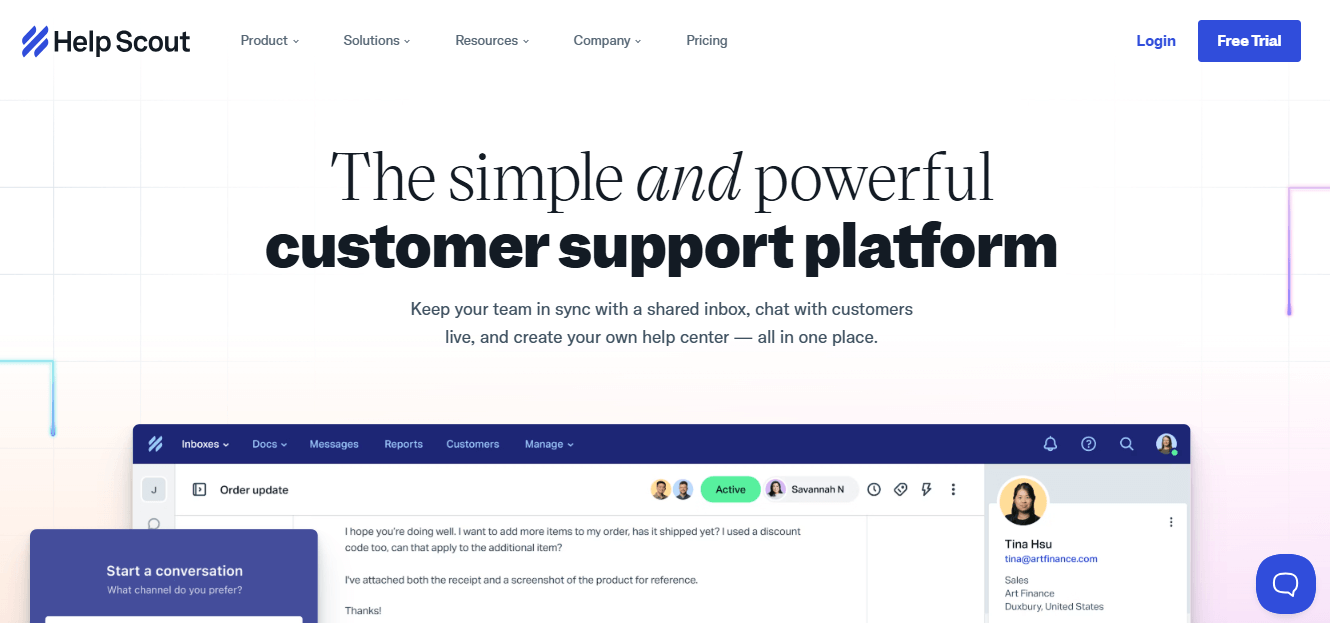
4. Help Scout: Best Shared Inbox for SMBs
Help Scout operates like an upgraded Gmail designed for collaborative team support, keeping every interaction feeling personal. It pairs a shared inbox with the Docs knowledge base and a low learning curve, which is why SMBs and remote teams love it. Teams can assign conversations to specific members without CCs and forwards.
Key features: shared inboxes, saved replies and automation, the Docs knowledge base, Shopify and migration-tool integrations, and CSAT/performance metrics.
Pros: fast to adopt; doesn't nickel-and-dime essential features; solid mobile app for distributed teams.
Cons: reporting is less advanced than some competitors.
Pricing: Free $0 (50 contacts, unlimited users, Docs, AI help widgets); Standard $25/user/mo (multichannel, API, 100+ integrations); Plus $75/mo (Jira/Salesforce/HubSpot apps, custom fields). Free trial on paid plans.
Ratings: Capterra 4.6, G2 4.4, GetApp 4.6.
How it compares to Zendesk: Simpler, warmer, and cheaper for small teams. You trade heavy configurability for speed and usability.
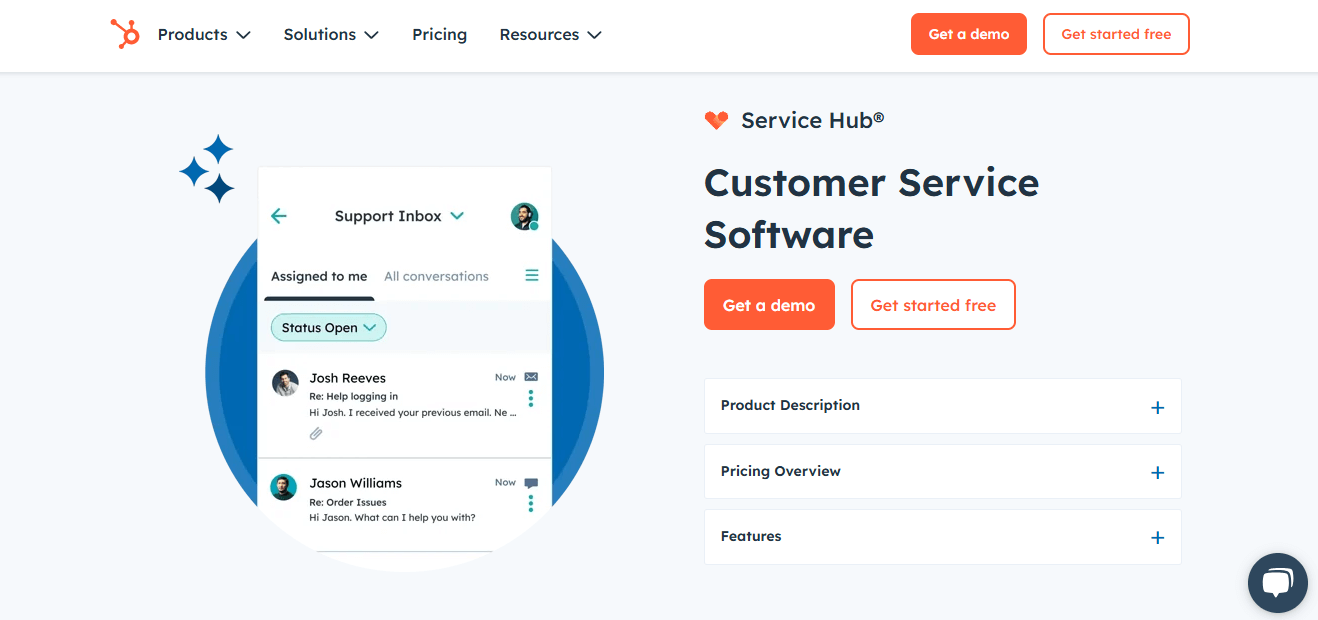
5. HubSpot Service Hub: Best for CRM-Aligned Support
If your marketing and sales already live in HubSpot, HubSpot Service Hub keeps support in the same house: one customer record, one platform. It's CRM ticketing in practice: every support interaction sits on the same timeline as sales and marketing, so agents get full customer context on the first reply.
Key features: CRM-native ticketing, knowledge base, live chat, easy analytics, and workflow automation with pipeline views.
Pros: cost-effective versus Zendesk; approachable interface; smooth handoffs from marketing to sales to support.
Cons: fewer advanced service features than Zendesk; best value only if you're in the HubSpot ecosystem.
Pricing: Free tools for up to 2 users; Service Hub Starter $15/seat/mo; Starter customer platform $12/mo; Service Hub Professional $90/seat/mo plus a one-time $1,500 onboarding fee.
Ratings: Capterra 4.4, G2 4.4, GetApp 4.4.
How it compares to Zendesk: Weaker as a standalone support tool, stronger as a unified CRM and support play. Watch the onboarding fee on Professional.
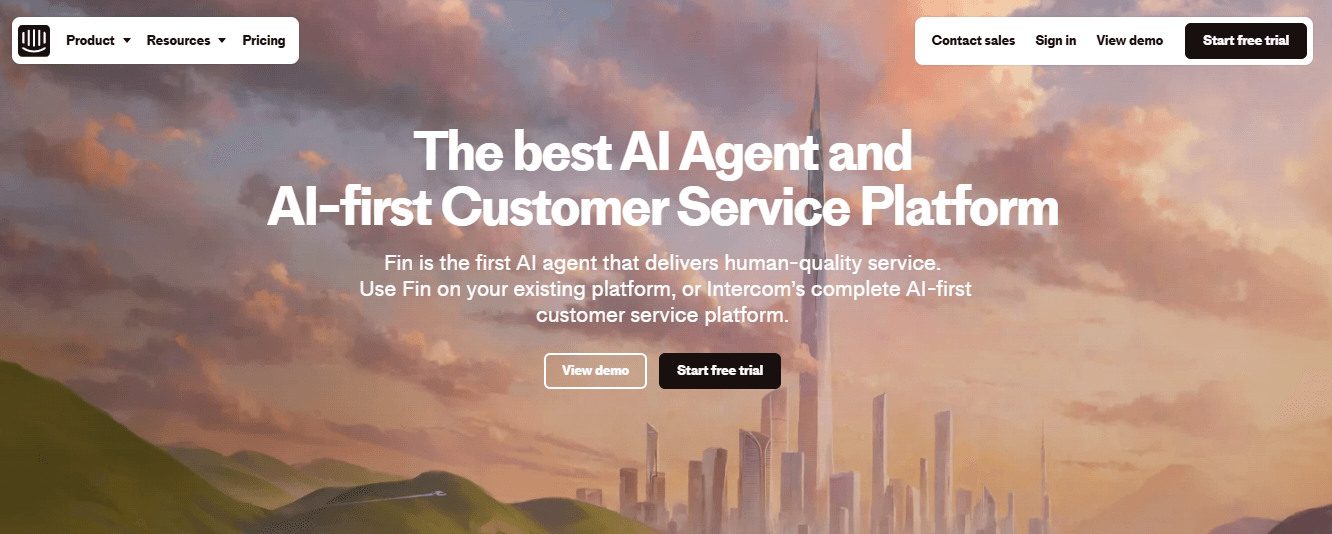
6. Intercom: Best AI-First Messaging + Support
Intercom reinvented itself around AI-driven messaging, with the Fin AI agent at the center of its pitch to SaaS, ecommerce, and larger organizations. Its in-app messaging keeps customer conversations happening right inside your product.
Key features: AI automation with custom bots, real-time support tools, help center and self service, live dashboards, and customer segmentation.
Pros: blends human and AI support well; reduces support volume via self service; strong personalization and rapid product innovation.
Cons: can be complex to set up without technical resources; customization won't fit every org.
Pricing: Essential $29/seat/mo, Advanced $85/seat/mo, Expert $132/seat/mo, all with a 14-day trial. Note that its Fin AI agent charges $0.99 per automated resolution on top of seat costs. Confirm the current rate, because this is the same variable-cost model that surprises Zendesk buyers.
Ratings: Capterra 4.5, G2 4.5, GetApp 4.5.
How it compares to Zendesk: Arguably the most AI-forward option here, but its per-resolution pricing means it shares Zendesk's biggest cost-predictability problem.
7. Gorgias: Best for Ecommerce & Shopify
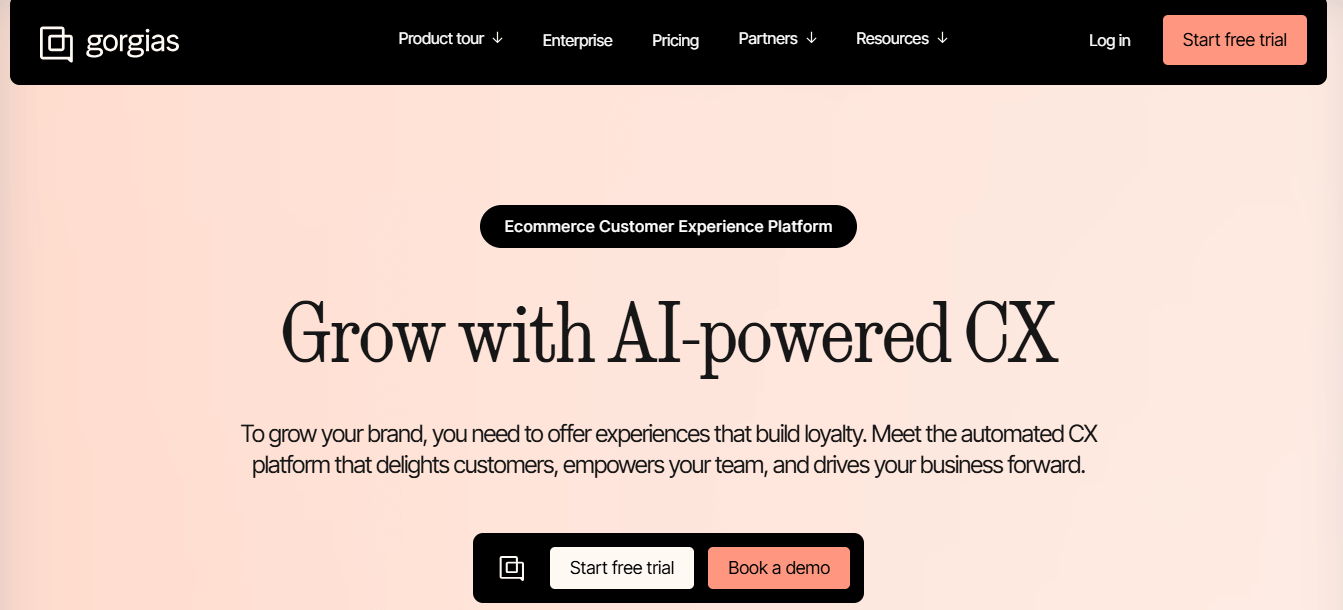
Gorgias is purpose-built for ecommerce businesses. It puts order data, refunds, and cancellations right inside the help desk, which changes the game for Shopify merchants.
Key features: AI-powered responses and chatbots, deep ecommerce integration (order histories and transactions in-view), macros and automation, and a self service help center.
Pros: seamless Shopify and tooling integrations (e.g., Klaviyo); friendly interface with built-in marketing and feedback tools; fast turnaround.
Cons: Amazon and eBay support needs paid third-party add-ons.
Pricing: Four Pro plans priced by automation: $360/mo (0% automation), $666/mo (10%, 200 automated tickets), $810/mo (20%, 400 tickets), and $1,000/mo (30%, 600 tickets). All include 2,000 tickets with $0.36 per overage; annual billing gives two months free.
Ratings: Capterra 4.7, G2 4.6, GetApp 4.7.
How it compares to Zendesk: Far more ecommerce-native out of the box, with an automation-tiered AI model instead of pure per-resolution fees.
8. Salesforce Service Cloud: Best for Enterprise Salesforce Users
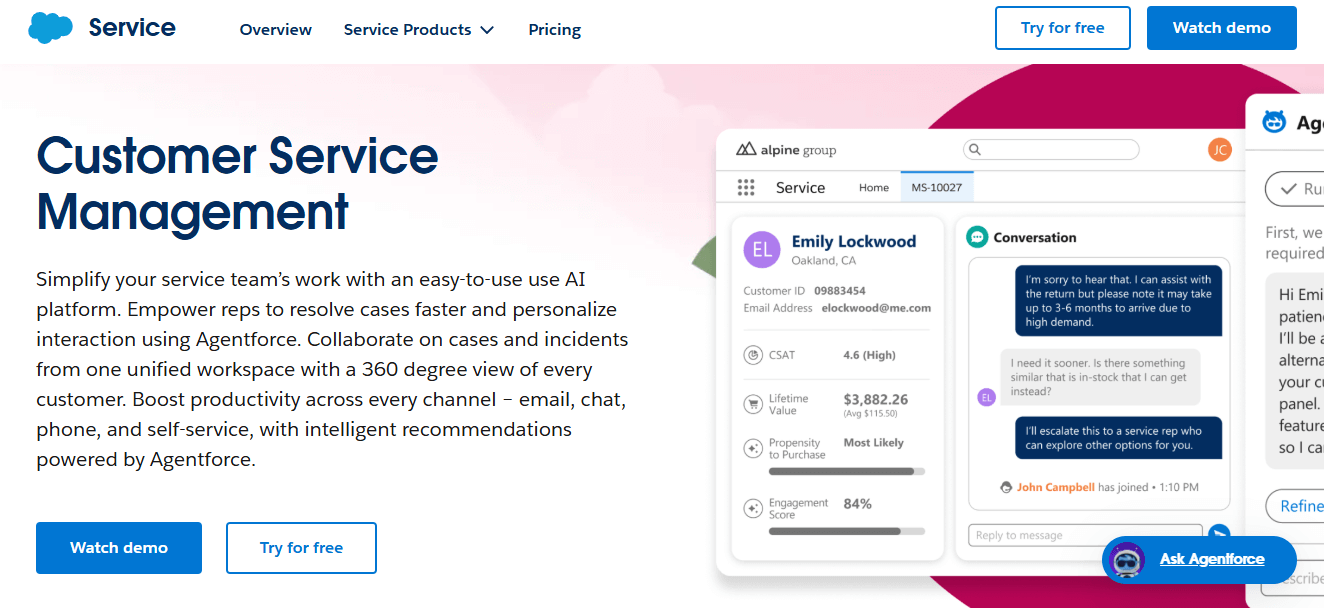
For enterprises already standardized on Salesforce, Salesforce Service Cloud gives a unified customer view and industrial-strength customization, plus extensive native integration options across its ecosystem.
Key features: bots, Einstein AI insights, drag-and-drop UI, industry solutions (e.g., Health Cloud), and personalized email/SMS outreach.
Pros: native Salesforce CRM integration; powerful analytics; enormously scalable and customizable.
Cons: higher cost than Zendesk on advanced tiers; steep learning curve.
Pricing: Starter $25, Pro $100, Enterprise $165, Unlimited $330, Einstein 1 Service $500, all per user/month. Note the newer Agentforce AI capabilities in Salesforce's roadmap.
Ratings: Capterra 4.4, G2 4.4, GetApp 4.4.
How it compares to Zendesk: More powerful and more expensive. It's only worth it if you're deep in the Salesforce ecosystem.
9. ServiceNow CSM: Best for Enterprise ITSM + CSM
ServiceNow CSM suits large enterprises that want customer service and IT service management on one governed platform.
Key features: multichannel support, workflow automation, an AI chatbot, self service portals, predictive intelligence, and process mining with guided decisions.
Pros: excellent case and resolution management at scale; robust ticketing; deep automation across departments.
Cons: lengthy deployment, often requiring consultants and several months.
Pricing: Custom quotes only, based on products, licenses, and purchase method. Contact ServiceNow for a value assessment.
Ratings: Capterra 4.5, G2 4.5, GetApp 4.5.
How it compares to Zendesk: A different weight class, built for IT-heavy enterprises rather than lean support teams.
10. Jira Service Management: Best for IT & Atlassian Teams
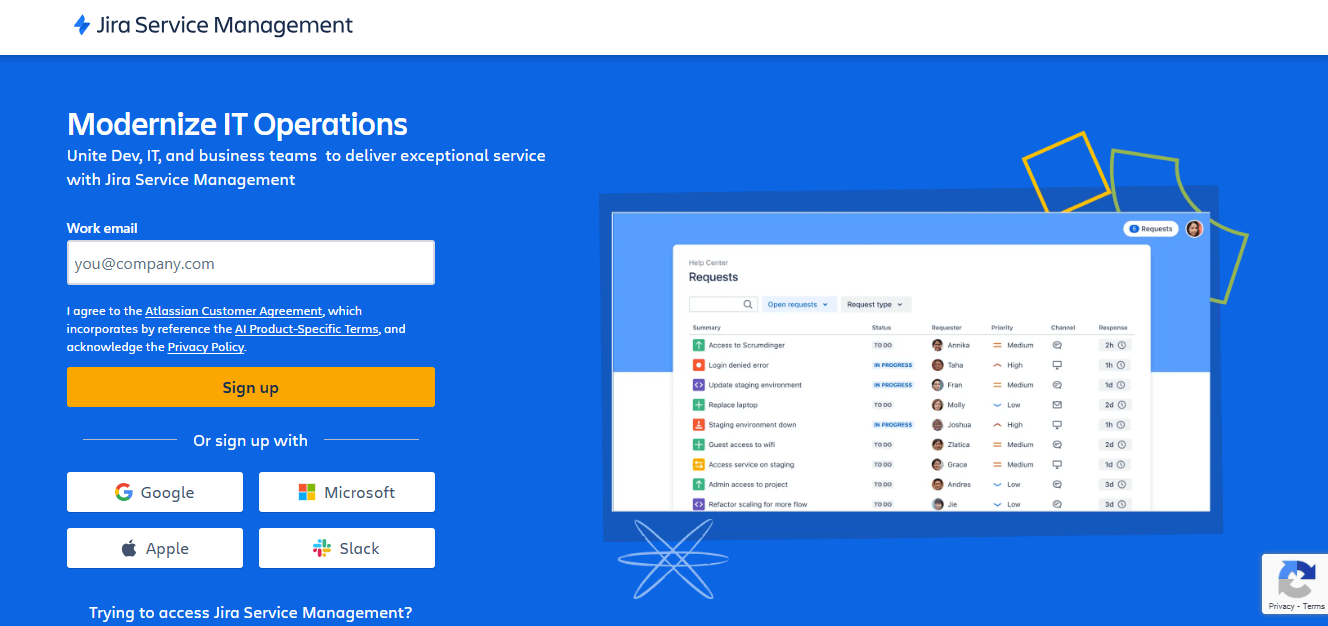
Jira Service Management brings ITSM discipline to teams already living in the Atlassian ecosystem, and it integrates support tickets directly with engineering and development workflows.
Key features: structured ticket management, automation rules, knowledge base integration, and SLA management.
Pros: tight Atlassian integration; comprehensive ITSM; strong cross-team collaboration.
Cons: advanced configuration and training needed; the interface can feel complex for non-technical teams.
Pricing: Free for up to 3 agents; Standard $19.04/agent/mo; Premium $47.82/agent/mo (AI tools, asset management, 99.9% SLA); Enterprise custom.
Ratings: Capterra 4.5, G2 4.2, GetApp 4.5.
How it compares to Zendesk: Stronger for IT service desks, less natural for pure customer support.
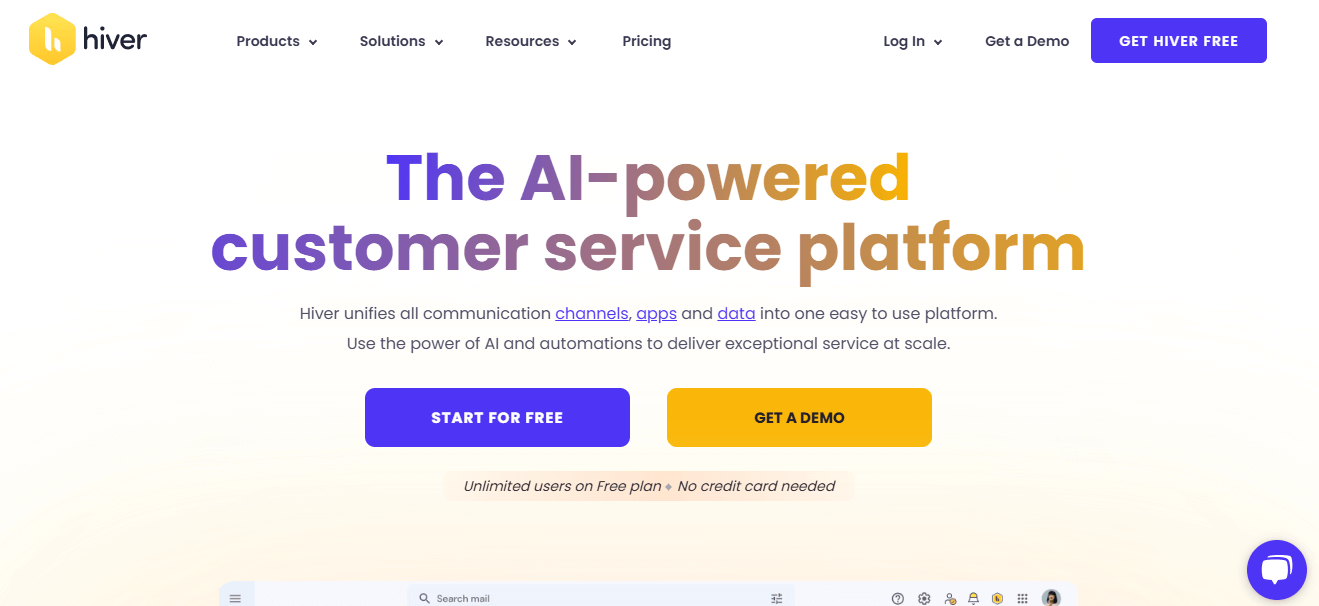
11. Hiver: Best for Gmail-Based Support
Hiver turns Gmail into a support desk, so teams that live in their inbox never have to learn a new tool.
Key features: email collaboration without CCs or forwards, smart ticket routing, reporting on response times and CSAT, live chat and knowledge base, and the Harvey AI bot for repetitive tasks.
Pros: seamless Gmail workflow; 24x7 free support on all plans; strong reported first-contact resolution and fast chat responses.
Cons: pricing may not scale well for very high ticket volumes.
Pricing: Free plan; Lite $19/user/mo; Growth $29/user/mo; Pro $49/user/mo (chatbots, CSAT, Harvey AI, API); Elite custom. 14-day trial.
Ratings: Capterra 4.7, G2 4.6, GetApp 4.7.
How it compares to Zendesk: Zero migration pain if you're a Gmail shop. You keep your inbox and add structure on top.
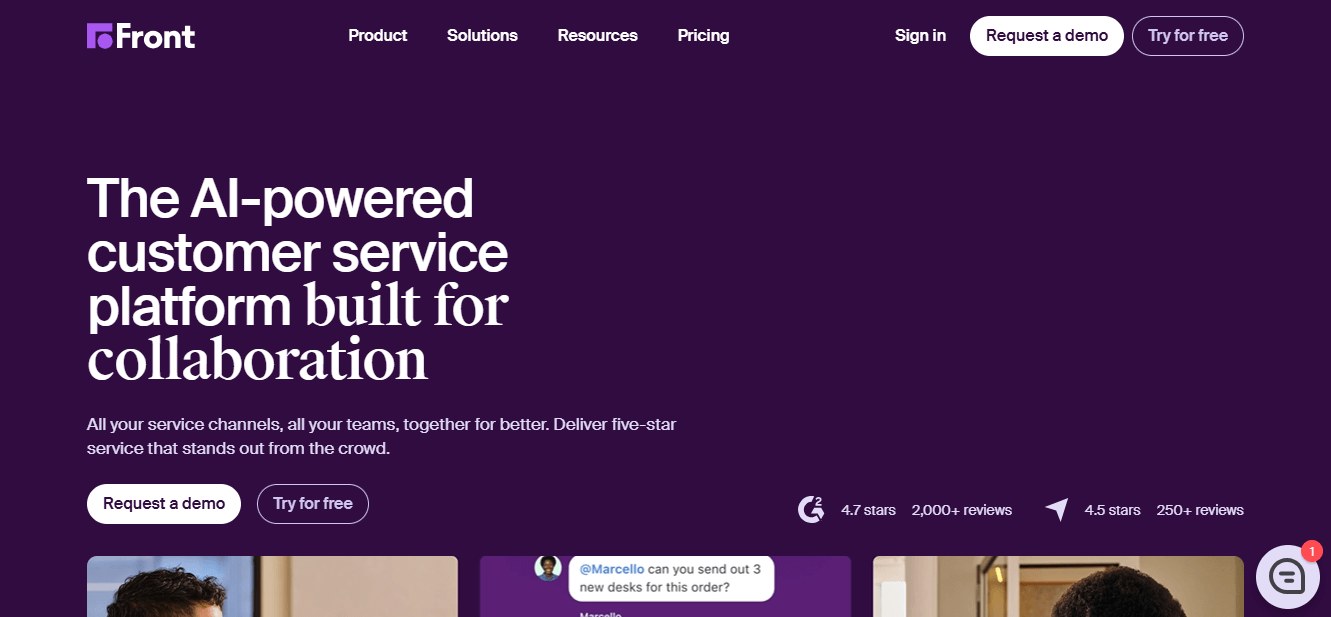
12. Front: Best for B2B Collaborative Inboxes
Front provides a collaborative workspace for email management, blending a shared inbox with rich collaboration, which is why B2B teams in logistics, finance, and software rely on it.
Key features: consolidated shared inbox across channels, collaboration (shared drafts, comments, assignments), multichannel intake, CRM/PM/chat integrations, and analytics.
Pros: breaks down silos and speeds response times; familiar email-like interface; solid mobile app; customizable workflows.
Cons: pricier than basic Zendesk plans.
Pricing: from $19/user/mo (Starter) up to about $99/user/mo for advanced features. 14-day trial.
Ratings: Capterra 4.6, G2 4.7, GetApp 4.6.
How it compares to Zendesk: More collaborative and human for account-based support, less of a high-volume ticket machine.
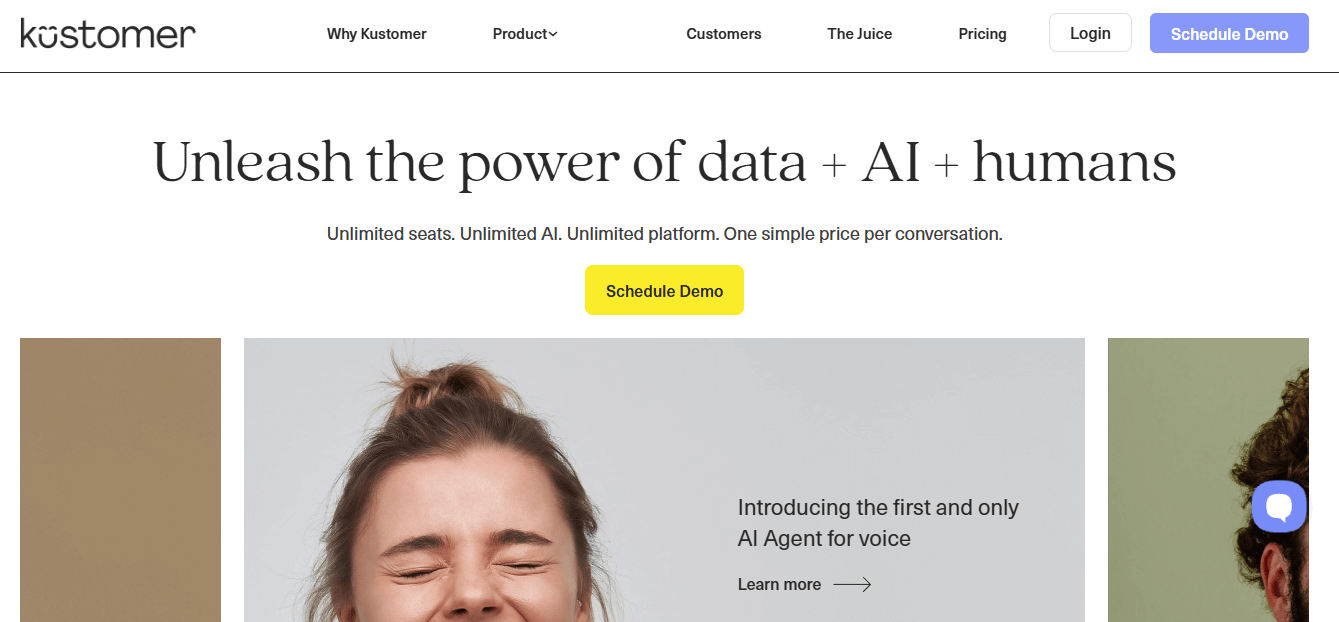
13. Kustomer: Best CRM-Style Omnichannel
Kustomer treats support as a single, continuous customer timeline rather than a stack of disconnected tickets. That's ideal for mid-to-large brands with global audiences.
Key features: omnichannel timeline (email, chat, phone, SMS, social), sentiment analysis and AI deflection, flexible custom workflows, and in-depth analytics.
Pros: unified chronological customer view; AI-driven distribution reduces manual work; strong reporting.
Cons: needs dedicated setup and training to unlock its power.
Pricing: from $89/user/month, with AI capabilities billed separately at $0.60 per conversation and additional costs tied to API usage. Free trial and demo available.
Ratings: Capterra 4.6, G2 4.4, GetApp 4.6.
How it compares to Zendesk: More CRM-like and conversation-centric. Better for personalization, heavier to configure.
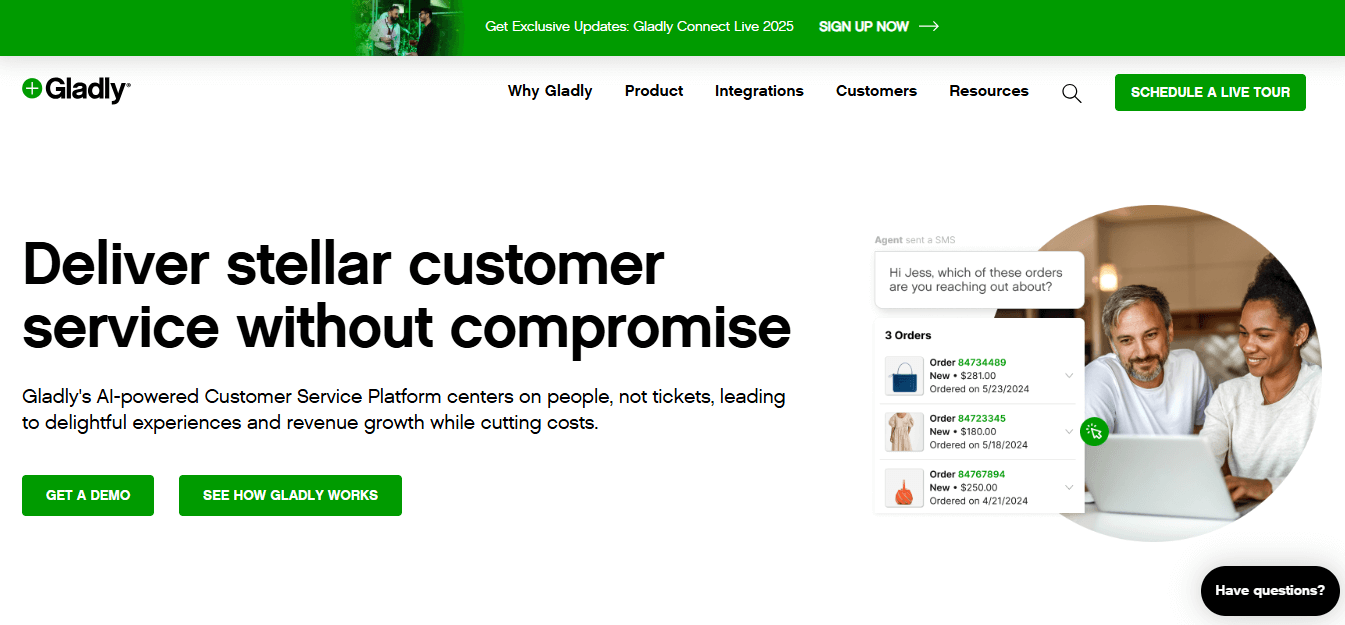
14. Gladly: Best for Voice-First & Retail Support
Gladly centers support around people, not tickets, with voice built into the core. That's a fit for retail and brands prioritizing first-contact resolution.
Key features: native voice, IVR, SMS, chat, social, and email; AI tools like People Match and Sidekick; a unified conversation model; and sales features alongside service.
Pros: intuitive interface; strong AI-assisted efficiency; unified channels without clunky integrations; rich customer insights.
Cons: high entry price unsuited to smaller businesses.
Pricing: Hero $180/user/mo (plus $0.60 per assisted conversation, opt-in); Superhero $210/user/mo (adds custom reporting, Sidekick, Hero AI; 45-hero minimum).
Ratings: Capterra 4.8, G2 4.7, GetApp 4.8.
How it compares to Zendesk: A voice-first, people-centric alternative to Zendesk Talk, premium in both capability and price.
15. Groove: Best Simple Help Desk for Startups
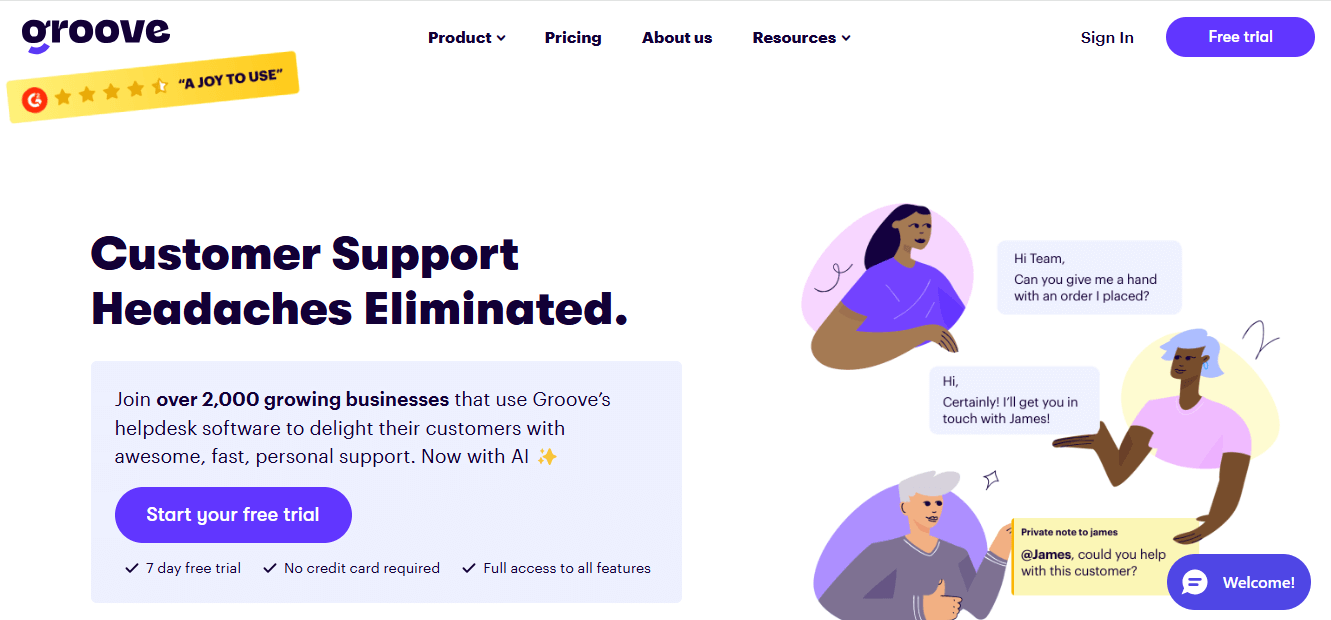
Groove nails the startup sweet spot: affordable, friendly, and quick to run without a specialist.
Key features: shared inbox, ticketing with priorities, automation and workflow rules, integrations (Salesforce, Slack, HubSpot, Trello), and multichannel support.
Pros: affordable plans; a more user-friendly dashboard than Zendesk; free integrations; well-reviewed support.
Cons: fewer advanced features than larger platforms.
Pricing: Standard $24/user/mo, Plus $36/user/mo, Pro $56/user/mo. All include a 7-day trial and 24/7 support.
Ratings: Capterra 4.7, G2 4.6, GetApp 4.7.
How it compares to Zendesk: Simpler and cheaper for small teams that don't need Zendesk's depth.
16. LiveAgent: Best Budget Multichannel Desk
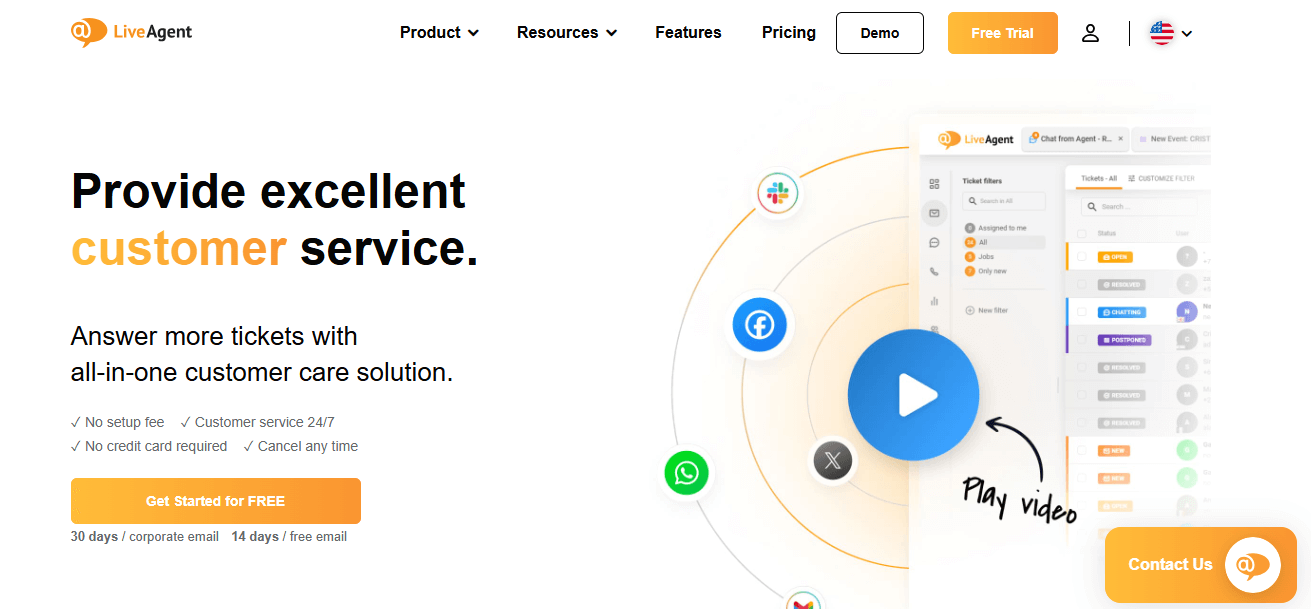
LiveAgent packs multichannel support, including a built-in call center, into a budget-friendly package that deploys fast.
Key features: email, chat, calls, and social in one place; real-time live chat; a full ticketing system; and a self service knowledge base.
Pros: quick setup and minimal learning curve; reliable and responsive; broad feature set for the price.
Cons: the sheer number of features can feel overwhelming at first.
Pricing: Small Business $15, Medium Business $24, Large Business $39, Enterprise $59, per agent/month. 30-day trial.
Ratings: Capterra 4.7, G2 4.5, GetApp 4.7.
How it compares to Zendesk: More channels, including phone support and live chat, at a much lower entry price.
17. HappyFox: Best for Scalable Ticketing
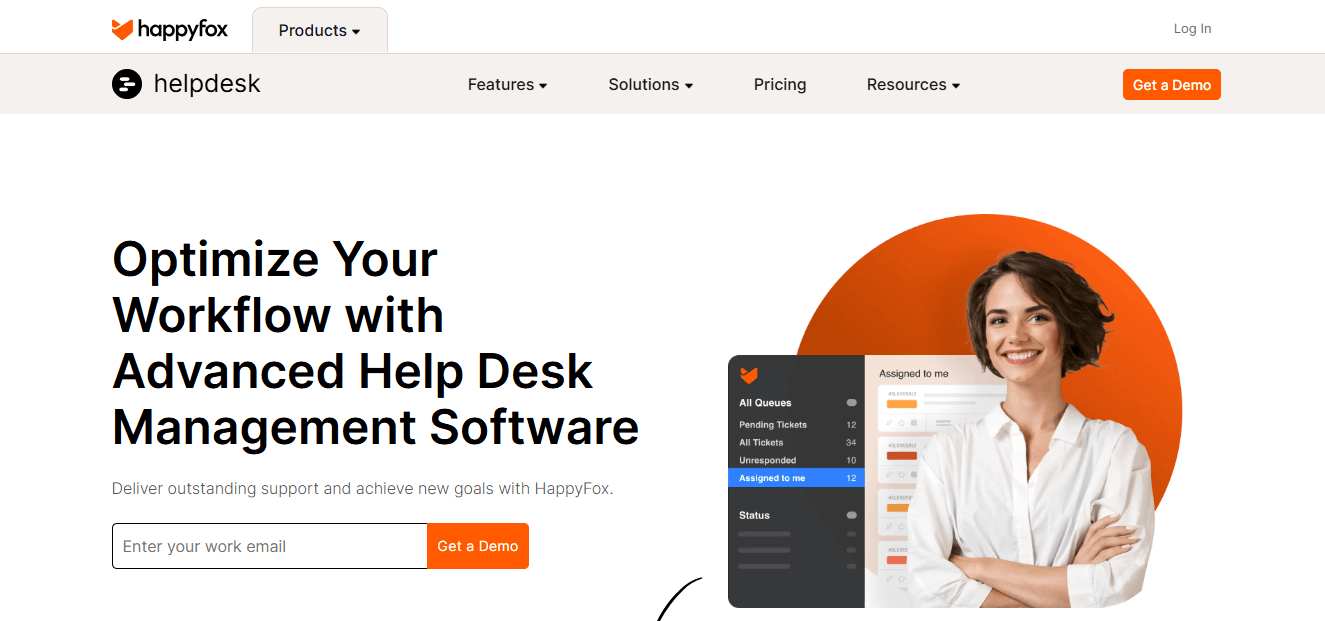
HappyFox centralizes support tickets from every channel and layers on automation and reporting, with a distinctive unlimited-agent option.
Key features: unified ticketing system, customizable automation rules, automatic CSAT surveys, and metrics on performance, resolution times, and satisfaction.
Pros: easy setup and intuitive UI; ticketing, automation, live chat, and task management in one place; plans for both SMBs and enterprises.
Cons: fewer integrations than the largest help desks.
Pricing: agent-based from $9/agent/mo (advanced tiers up to $99/agent/mo); unlimited-agent plans from $1,599/mo. Free trial available.
Ratings: Capterra 4.6, G2 4.5, GetApp 4.6.
How it compares to Zendesk: The unlimited-agent model can beat per-seat pricing at scale. It's worth modeling if you have a large team.
18. Nextiva: Best for VoIP + Omnichannel
Nextiva is a communications platform first, bundling VoIP, contact center, and support so voice-heavy teams get everything in one support stack.
Key features: VoIP with call forwarding and voicemail-to-email, CRM integration, an omnichannel dashboard, real-time analytics and sentiment analysis, social and review monitoring, and conversational AI.
Pros: extensive feature set (VoIP, video, messaging); reliable uptime and call quality; scalable; good CRM integration.
Cons: costs more than basic VoIP providers; steep learning curve.
Pricing: small-business plans from $20/user/mo; enterprise from $129, depending on agent-based, usage-based, or concurrent pricing. Trial and demo available.
Ratings: Capterra 4.6, G2 4.5, GetApp 4.5.
How it compares to Zendesk: A stronger phone support and contact-center foundation than Zendesk Talk if voice is your primary channel.
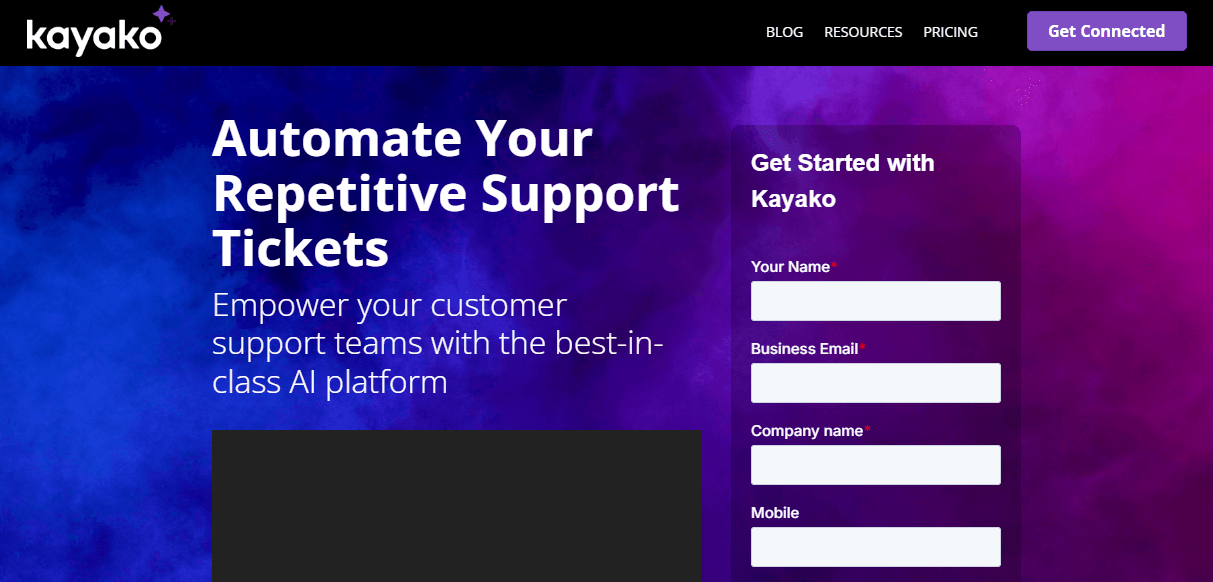
19. Kayako: Best for Small IT & Ecommerce Desks
Kayako offers affordable ticketing with useful context tools for small IT and ecommerce teams.
Key features: customer journey tracking, collaborative support with internal notes and tagging, reporting and analytics, a knowledge base, and workflow automation. Its SingleView consolidates customer context to cut redundant questions.
Pros: affordable versus Zendesk; 700+ apps via Zapier at no extra cost; external collaborators without added charges.
Cons: some users report limited after-sales support.
Pricing: Essential $49/agent/mo (advanced ticketing, AI-suggested responses, API); Enterprise custom (autonomous resolutions, ticket summaries, audio transcriptions).
Ratings: Capterra 4.0, G2 4.0, GetApp 4.0.
How it compares to Zendesk: A budget ticketing option with strong context tools. Weigh the mixed support reviews.
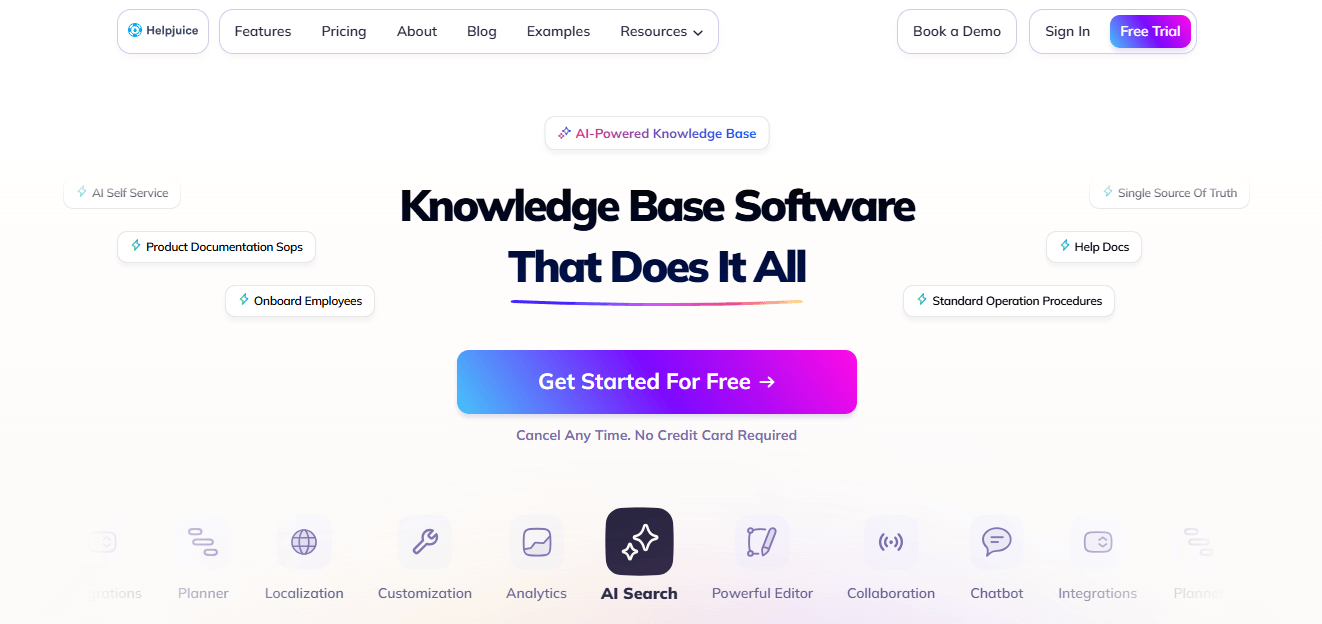
20. Helpjuice: Best Standalone Knowledge Base
If your real goal is replacing Zendesk Guide, Helpjuice is a dedicated knowledge base platform for self service and internal docs. Among Zendesk Guide alternatives, it's the most focused pick for knowledge management.
Key features: a powerful editor with version control, deep customization and branding, AI-powered search, and analytics on user behavior and content performance.
Pros: exceptional customization; efficient AI search; insightful analytics.
Cons: priced higher than some competitors.
Pricing: a single tier at $120/month for 4 users, scaling with user count. 14-day trial.
Ratings: Capterra 4.7, G2 4.6, GetApp 4.7.
How it compares to Zendesk: A focused, best-in-class Guide replacement. Pair it with a help desk from this list for a complete stack.
AI-First & AI-Native Zendesk Alternatives
A new category has emerged: tools built around AI agents rather than bolting AI onto legacy ticketing. Some replace your help desk entirely. Others sit as a layer on top of your existing tool, including Zendesk, so you can upgrade automation without a full migration.
Names worth investigating include eesel AI, Forethought, DevRev, Tidio, Chatbase, and Brilo.ai. Broadly, these platforms focus on autonomous or semi-autonomous resolution, trained on your help center, past tickets, and internal docs to answer customers directly. The payoff can be real, with AI-powered translation and drafting shown to improve workflow efficiency by around 35%. Feature sets and pricing in this space change fast, so confirm each vendor's current AI capabilities and billing before you buy.
The key insight for anyone weighing the best alternatives to Zendesk AI: if your only frustration with Zendesk is weak or expensive AI, a layer-on tool may solve the problem without ripping out your help desk. If the whole platform is the problem, an AI-native alternative, or a simpler AI-equipped desk like HelpDesk.com, is the better move.
Resolution vs. Deflection: What Agentic AI Actually Does
Vendors love the word "AI," but two very different things hide behind it, and the difference hits your budget directly.
Deflection means steering a customer toward self service, surfacing a knowledge article, showing an FAQ, or nudging them to a chatbot, so they hopefully solve the issue themselves and never open a ticket. It reduces volume but doesn't guarantee the problem is fixed.
Resolution means the AI actually completes the request end-to-end: it understands the question, takes action (or gives a correct, complete answer), and closes the conversation. This is the promise of "agentic" AI.
Why it matters: per-resolution pricing, as used by Zendesk and Intercom's Fin, only charges when the AI resolves. That sounds fair, but the bill scales with success and volume. Deflection-based or bundled models charge differently. When comparing which alternative has the best AI features, ask two questions. Does it resolve or just deflect? And how exactly am I billed for that?
AI Billing Models Compared: Per-Resolution vs Per-Seat vs Bundled
Here's how the major approaches stack up, so you can size up the Zendesk AI alternatives on cost:
- Per-resolution (usage-based): You pay for each conversation the AI agent resolves. Used by Zendesk and Intercom (Fin). Pro: pay for outcomes. Con: unpredictable, and it scales up with volume, the same cost trap that drives many teams away from Zendesk.
- Automation tiers: You buy a bucket of automated tickets at a fixed monthly rate. Used by Gorgias (e.g., plans tied to 10% to 30% automation levels). Pro: predictable within a tier. Con: overages and upgrades as you grow.
- Per-seat with included AI allowance: AI comes with the agent subscription, with a set monthly number of AI resolutions included and fixed-price top-ups beyond that. Used by HelpDesk.com (10 resolutions on Essential, 200 on Growth). Pro: predictable, easy to budget. Con: heavy AI usage means buying top-up packs.
- Add-on: AI is a separate line item on top of seats (e.g., Salesforce Einstein, Zendesk Copilot). Pro: opt-in. Con: another cost layer to track.
For teams that value a predictable monthly bill, bundled or per-seat AI is the safest choice. For teams with steady, well-forecast volume, per-resolution can pay off. The mistake is signing a per-resolution contract without modeling your volume first.
Best Free & Open-Source Zendesk Alternatives
Want to spend nothing to start? These free Zendesk alternatives have a genuine free plan, with limits:
- Freshdesk Free: shared inbox, collaboration, and knowledge base for up to 2 agents, free forever.
- HubSpot free tools: basic ticketing and chat for up to 2 users, ideal if you want CRM in the same place.
- Hiver Free: multichannel shared inboxes and live chat with basic features, native to Gmail.
- Help Scout Free: $0/month for 50 contacts, unlimited users, Docs knowledge base, and AI help widgets.
- Jira Service Management Free: ITSM and customer-service templates for up to 3 agents.
For open-source, self-hosted control, Chatwoot is the standout. It's an open-source support suite you can host yourself, giving you data ownership and full customization in exchange for managing the infrastructure. Read the fine print on every free plan: contact caps, agent limits, and missing automation or reporting are the usual trade-offs, and most teams graduate to a paid tier as support volume grows.
Best Low-Cost & Affordable Zendesk Alternatives
If the goal is simply spending less than Zendesk after a price increase, here are the best low cost Zendesk alternatives, ranked by lowest verified starting price:
- Zoho Desk: from $7/agent/mo, the cheapest full-featured desk here.
- HappyFox: agent plans from $9/agent/mo, plus an unlimited-agent option for large teams.
- Freshdesk: paid from $15/agent/mo, with a free tier below it.
- LiveAgent: from $15/agent/mo with a built-in call center.
- HelpDesk.com: transparent per-user pricing from $19/user/mo with AI resolutions included, arguably the best value rather than the rock-bottom price.
- Hiver / Front: from $19/user/mo.
- Groove: from $24/user/mo.
Among affordable alternatives to Zendesk, affordability isn't just the sticker number. It's the sticker number plus AI fees, add-ons, and onboarding charges. That's where transparent pricing with no hidden fees, often paired with annual billing discounts, wins.
Best Zendesk Alternatives by Use Case
Different teams have different non-negotiables. Jump to your scenario below.
Best for Small Businesses & Startups
For small teams that want speed and value, HelpDesk.com leads with its ~5-minute setup and transparent pricing. Help Scout and Groove are excellent shared-inbox-style options, and Freshdesk offers a strong free plan to start on. The common thread across these Zendesk alternatives for small business: minimal setup, a gentle learning curve, and no enterprise overhead.
Best for Ecommerce & Shopify
When you need alternatives to Zendesk for ecommerce, Gorgias is the specialist. Order data, refunds, and cancellations live inside the help desk, with deep Shopify and Klaviyo integration. HelpDesk.com is a strong all-round pick thanks to its native Shopify integration and simplicity, and Zoho Desk works well for stores that want a low-cost, integration-rich option.
Best for SaaS Companies
SaaS teams that want AI-driven, in-app messaging gravitate to Intercom. DevRev appeals to product-led, developer-centric companies, and Front suits SaaS teams doing high-touch, collaborative B2B support. Prioritize API access and product analytics tie-ins.
Best for Enterprise
At enterprise scale, Salesforce Service Cloud (for Salesforce shops), ServiceNow CSM (for governance and ITSM+CSM unification), and Kustomer (for CRM-style omnichannel) dominate. Expect custom quotes, longer deployments, and the customization to justify them. Is Zendesk worth it for enterprise? It can be, but these three often win on either ecosystem fit or depth.
Best for IT & ITSM Service Desks
For internal IT and ITSM, look at Jira Service Management (Atlassian-native, free for up to 3 agents, with asset management on Premium), ServiceNow (large-enterprise ITSM), and Freshservice (Freshworks' dedicated ITSM tool, a natural step up from Freshdesk for IT-focused teams). These handle incidents, requests, and change management in ways general help desks don't.
Best for Knowledge Base & Self-Service
Among Zendesk knowledge base alternatives, Helpjuice is the dedicated, highly customizable knowledge base with AI search, and the clearest way to replace Zendesk Guide. HelpDesk.com covers most self service needs with AI-powered self-service and reply suggestions that answer from your website, help center, and product docs, and Document360 is another capable standalone option for documentation-heavy teams. Whichever you pick, look for a searchable self service portal and, where it fits, community forums so customers can help each other.
Best for Live Chat & Messaging
For chat-first support, the strongest Zendesk chat alternatives are LiveChat (from Text, and a native HelpDesk.com partner), alongside Intercom for AI messaging. Tidio, Crisp, and HelpCrunch round out the field with affordable chat-and-bot combinations popular with SMBs and ecommerce stores. Look for a customizable chat widget, proactive messages, and clean handoff from bot to human.
Additional Zendesk Competitors Worth Considering
Beyond the ranked 20, these Zendesk competitors cover niche needs. Verify current pricing and features before buying.
- Tidio: AI chatbots and live chat aimed at small ecommerce stores.
- HelpCrunch: combined chat, email, and knowledge base for SMBs at accessible prices.
- Missive: a collaborative shared inbox blending email and team chat, with real-time collaboration on emails and chats and internal chat within threads, good for small teams.
- Crisp: a multichannel messaging and chatbot suite popular with startups.
- Dixa: a conversational customer service platform with omnichannel routing.
- Microsoft Dynamics 365 Customer Service: enterprise service tightly integrated with the Microsoft stack.
- Freshservice: Freshworks' dedicated ITSM/service desk, ideal for internal IT.
- eDesk: an ecommerce help desk built for marketplaces like Amazon and eBay.
- BoldDesk: a modern, affordable ticketing tool from Syncfusion.
- ProProfs Help Desk: a simple shared-inbox and knowledge base combo.
- Twilio Flex: a fully programmable cloud contact center for teams that want to build their own experience.
- Pylon: a support platform designed for B2B teams supporting customers in Slack.
- Chatwoot: the leading open-source, self-hostable support suite.
- ClearFeed: Slack-native support for teams that run support inside Slack.
- Unthread: Slack-based ticketing and AI support for internal and B2B use cases.
Zendesk's Weaknesses: What You're Trying to Fix
To be fair, Zendesk is a mature, capable platform with over 1,500 integrations in its marketplace. But its documented limitations are exactly what push teams to switch:
- Subscription cost. It gets expensive for larger teams, and essential features are often locked behind higher-tier plans.
- Overwhelming for new users. The breadth of features and setup requires significant training and resources.
- Limited customization on lower tiers. Restricted contact-form and web forms customization, and no conditional logic on cheaper plans.
- Exporting and reporting limits. Export and advanced reporting are restricted at lower tiers, which limits data analysis and portability.
- Ticket-first customer context. Zendesk's ticket-first model can complicate stitching together full customer history, so agents lack a single customer record.
- Comment referencing. Difficulty referencing specific feedback within tickets can complicate resolution.
If two or more of these are daily pain points for your team, an alternative will likely pay for itself in team efficiency alone.
How to Migrate from Zendesk Without Losing Data
Yes, you can move off Zendesk without losing your history. The process is well-trodden, and dedicated migration services like the HelpDesk.com Migration service handle the heavy lifting. The realistic playbook looks like this:
- Audit and clean your data. Decide what to bring: tickets, contacts, agents, groups, and knowledge base articles. Archive or discard stale customer data first so you don't migrate clutter.
- Check API limits. Large exports can bump against Zendesk API rate limits, so plan the timing of big migrations.
- Prepare the destination. Set up your new help desk account, teams, and structure before importing.
- Map your fields. Match Zendesk ticket fields, statuses, and custom fields to the new tool so nothing lands in the wrong place.
- Run a demo migration. Import a sample batch first and verify it looks right before committing to the full run.
- Run the full migration. Kick off the complete import with progress updates and support throughout.
- Run both systems in parallel. Keep Zendesk live, read-only or coexisting, for a short overlap so nothing falls through the cracks during cutover.
- Train your team. Walk support agents through the new inbox, macros, and workflows before you flip channels over.
How long does it take? For small teams with modest data, a migration can be done in a matter of days. Larger volumes, complex field mapping, and API throttling can stretch it to a few weeks. Running the two systems in parallel during cutover is the single best way to protect against data gaps and customer disruption.
Decision Framework: Which Zendesk Alternative Should You Choose?
Use these "choose this if" rules to shortcut the decision and land on the right Zendesk alternative:
- Choose HelpDesk.com if you're an SMB or growing team that wants the fastest setup, transparent per-user pricing, easy Zendesk migration, and simplicity without losing multichannel power. (The default recommendation for most teams.)
- Choose Freshdesk if you want a strong free plan and a familiar omnichannel desk that scales.
- Choose Zoho Desk if price is the priority and you're open to the Zoho ecosystem.
- Choose Help Scout or Groove if you want a simple, human, shared-inbox feel for a small team.
- Choose Hiver if your team lives in Gmail and doesn't want to leave it.
- Choose Front if you're B2B and team collaboration across departments matters most.
- Choose Gorgias if you run a Shopify store and need order actions inside the help desk.
- Choose Intercom if AI-first, in-app messaging is your top priority, and you can budget for per-resolution AI.
- Choose Salesforce Service Cloud if you're already standardized on Salesforce.
- Choose ServiceNow or Freshservice if you need ITSM at enterprise scale.
- Choose Jira Service Management if you're an Atlassian IT team.
- Choose Helpjuice if you mainly need to replace Zendesk Guide with a standalone knowledge base.
- Choose Chatwoot if you want open-source, self-hosted control of your data.
Match it to your team size, primary channel, ecosystem, budget, and AI billing tolerance, and the winner usually becomes obvious.
What Is the Best Alternative to Zendesk?
HelpDesk.com is the best Zendesk alternative for most teams in 2026. It combines a ~5-minute setup, transparent and affordable per-user pricing with AI resolutions included in every plan, multichannel support, and a straightforward Zendesk migration. For specialized needs, Gorgias wins ecommerce, Intercom wins AI messaging, and Salesforce Service Cloud wins enterprise. Weigh the alternatives Zendesk offers against these picks and the fit usually stands out.
Frequently Asked Questions
Quick, direct answers to the questions teams ask most when replacing Zendesk.
Is Zendesk a CRM or a CMS?
Neither, strictly. Zendesk is customer support software built around a ticketing system for support tickets and customer conversations. It stores some customer data and customer history to give support agents context, but it isn't a full CRM like Salesforce Service Cloud, nor a content management system. If you want support and CRM in one place, a tool like HubSpot Service Hub blends the two on a single customer record.
Which is better, Zoho or Zendesk?
It depends on your budget and how much depth you need. Zoho Desk is far cheaper, starting at $7/agent/month (Standard is $14), consolidates multiple channels into one dashboard, and is the better value for small teams, especially inside the Zoho ecosystem. Zendesk offers more configurability and over 1,500 integrations, but at a much higher price and with a steeper learning curve. For most SMBs, Zoho Desk wins on value; larger, highly customized operations may still prefer Zendesk.
Is Jira the same as Zendesk?
No. Jira Service Management is an ITSM tool that integrates support tickets with engineering and development workflows, making it ideal for internal IT, incidents, and change management. Zendesk is built primarily for external customer support and customer interactions across email, chat, and other channels. They overlap on ticketing but serve different jobs, and many companies run both.
What is the best free alternative to Zendesk?
Freshdesk offers the most useful free plan, free forever for up to 2 agents, followed by Hiver's free Gmail-based plan, Help Scout's free tier, HubSpot's free tools, and Jira Service Management (free for up to 3 agents). For open-source, self-hosted control, Chatwoot is the top pick. Expect contact and agent limits on all free plans.
What is a cheaper alternative to Zendesk?
Zoho Desk (from $7/agent/month) is the lowest-priced full help desk, with HappyFox (from $9), Freshdesk and LiveAgent (from $15) close behind. HelpDesk.com offers transparent per-user pricing from $19/user/month with AI resolutions included, which makes it the best value overall. Prices change, so check each vendor's site for current figures.
Who is Zendesk's biggest competitor?
Freshdesk, Intercom, and Salesforce Service Cloud are Zendesk's leading competitors. Freshdesk competes on ease of use and price, Intercom on AI-first messaging, and Salesforce Service Cloud on enterprise scale and CRM integration. For SMBs prioritizing simplicity and affordability, HelpDesk.com is the strongest challenger.
Which Zendesk alternative has the best AI features?
Intercom, with its Fin AI agent, is among the most advanced for automated resolution, and AI-native tools like Forethought, eesel AI, and DevRev push further into agentic support. Just watch the billing: many charge per resolution, which scales with volume. Per-seat plans with included AI resolutions, as in HelpDesk.com, are more predictable.
What is the easiest Zendesk alternative to set up?
HelpDesk.com is the fastest to launch, with roughly a 5-minute setup and no credit card needed for its free trial. Other quick-to-value options include Help Scout, Groove, Freshdesk, and Hiver, which works right inside Gmail. These prioritize a gentle learning curve over heavy configuration.
Can I migrate from Zendesk without losing my data, and how long does it take?
Yes. Using a migration service such as the HelpDesk.com Migration service, you can import tickets, contacts, agents, and groups with field mapping and a demo run first. Small migrations can take days; large or complex datasets may take a few weeks. Running both systems in parallel during cutover prevents data loss and disruption.
Conclusion: Make the Switch to Simpler, More Affordable Support
Zendesk is powerful, but for a lot of teams in 2026 it's more platform than they need, and more cost than they can justify, especially once per-resolution AI fees enter the picture. The good news is you're spoiled for choice.
For most teams, HelpDesk.com is the clear overall winner: a ~5-minute setup, transparent and affordable per-user pricing, multichannel support, automation, and a painless Zendesk migration. It delivers the essentials of great support without the complexity or the surprise bills, which protects both customer satisfaction and team efficiency.
And if your needs are specialized, the category winners have you covered: Freshdesk for a free start, Zoho Desk for the lowest price, Gorgias for Shopify, Intercom for AI messaging, Salesforce Service Cloud and ServiceNow for enterprise, Jira Service Management for IT, and Helpjuice for a standalone knowledge base.
Don't let a complicated, costly system hold your support team back. Start a free trial of HelpDesk.com, migrate your Zendesk data, and elevate your customer support today.
Try HelpDesk.com!How to transition smoothly to HelpDesk.com
Transitioning to a new helpdesk tool can be challenging, but with careful planning and execution, you can ensure a smooth migration of your tickets and data.
Migrate for free from Zendesk ticketing system
We're here to support you during the entire migration process, offering information about any related costs and, if possible, covering them for you.