Why Consider a Zoho Alternative? (Common Pain Points)
Zoho works well for plenty of businesses, so treat this as a comparison rather than a takedown. Even so, teams switch for the same recurring reasons. Here are the disadvantages people mention most:
- Complexity and a steep learning curve. With so many modules and settings, onboarding can drag on, especially for non-technical users.
- Cluttered or dated interface. Next to newer, more focused tools, some users find the UI busy.
- Escalating pricing as you add apps. A cheap CRM plan can balloon once you layer on Desk, Campaigns, Analytics, and add-ons. That's when many teams start hunting for cheaper alternatives to Zoho.
- App fatigue and fragmentation. Running many separate Zoho apps can feel disjointed rather than genuinely unified.
- Support quality. As you scale, response times and the depth of help draw complaints. A slow support team can frustrate customers at the worst moments.
- Integration friction. Zoho's integration with outside systems can be challenging, which matters if your stack already relies on multiple tools.
- Data-residency concerns. Some organizations want tighter control over where their data lives, or they simply prefer a vendor closer to home.
Why choose a Zoho alternative at all? Usually because you want something simpler, more specialized, cheaper as you grow, or better suited to one department instead of a whole suite.
Zoho at a Glance: Overview, Pros, Cons & User Ratings
Zoho has an unusually wide product catalog, and Zoho One packages most of it under a single subscription. If you want one vendor and one login across every department, that's a real draw.
Pros
- A huge range of apps under one roof.
- Competitive entry pricing.
- Tight integration between Zoho products.
- The Zia AI assistant across key apps.
Cons
- The learning curve grows with the suite.
- The interface can feel cluttered.
- Costs climb as you add modules.
- The support experience varies.
Zoho products generally score well on G2 and Capterra, particularly for value. Does Zoho give you a unified 360-degree view of the customer? When you commit to the full suite and run CRM, Desk, Campaigns, and Analytics together, it can, because the apps share customer data. Use only one or two Zoho apps, though, and that unified view is much harder to reach. For a lot of teams, that gap is exactly why they look elsewhere.
At-a-Glance Comparison Table: Zoho Alternatives Compared
| Tool | Best for | Starting price | Free tier/trial | Key strength | Category |
|---|---|---|---|---|---|
| HelpDesk.com | Ticket-based support | See plans | 14-day trial | Clean, focused ticketing | Help desk |
| Zendesk | Scaling/enterprise support | See vendor site | Free trial | Omnichannel + reporting | Help desk |
| Freshdesk | SMB support | See vendor site | Free plan available | Ease of use | Help desk |
| HappyFox | Structured support ops | See vendor site | Demo + trial | Workflow automation | Help desk |
| HubSpot Service Hub | CRM + service in one | Free tier available | Free tools | Unified CRM/service | Help desk/CRM |
| Kayako | Omnichannel teams | $15/agent/mo | 14-day trial | Collaboration | Help desk |
| Crisp | SMB messaging | $25/mo (Pro) | See vendor site | Live chat + chatbot | Help desk |
| Front | Collaborative inbox | $19/user/mo | See vendor site | Shared inbox | Help desk |
| Hiver | Gmail-based teams | $15/user/mo | Free trial | Works inside Gmail | Help desk |
Prices marked "see vendor site" change often, so confirm current rates before you commit.
How We Evaluated These Zoho Alternatives
Every tool below was measured against the same criteria, which keeps the comparisons honest:
- Features. Depth and relevance to the job at hand.
- Ease of use. How fast a normal team gets productive.
- Pricing transparency. Clear per-user or per-agent costs.
- Integrations. Marketplace depth and native integration capabilities.
- AI and automation. Routing, copilots, and workflow automation.
- Scalability. Whether it grows with you.
- Free tier. A permanent free plan versus a trial only.
- Support. How well the vendor has your back.
What should you weigh when you evaluate a Zoho alternative? Start with your single most important need. Then look at total cost, the learning curve, and how the tool will scale. The sticker price on the entry plan is only part of the picture.
Best Zoho Desk & Help Desk Alternatives
If customer service is your priority, this is the cluster that matters most. Which Zoho alternative wins for customer service? For focused ticketing, HelpDesk.com. For large, omnichannel operations, Zendesk. For value-driven SMB teams, Freshdesk. Modern helpdesk software leans hard on customer support automation to streamline repetitive tasks, while AI tools handle workflows and ticket management, and team collaboration features speed up responses. Each scorecard below follows the same format.
HelpDesk.com
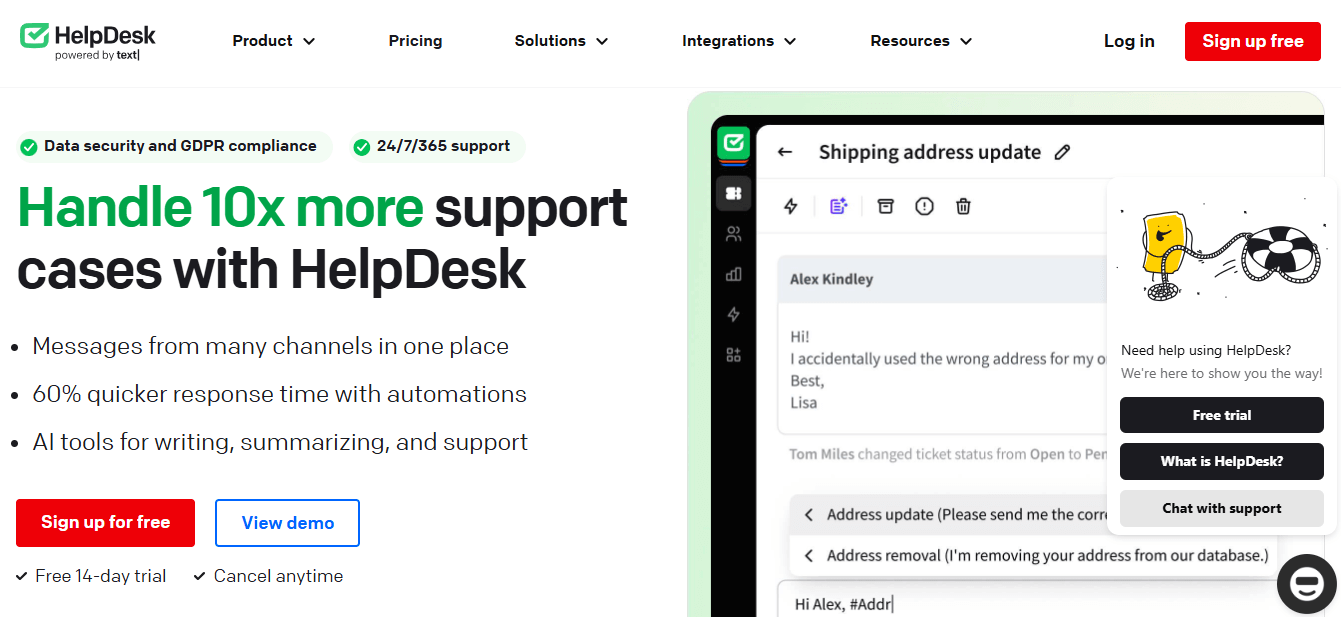
HelpDesk.com is customer service software that helps businesses deliver personalized support. It streamlines communication through ticket management, automation, reporting, and integrations. The whole thing is built around a user-friendly interface and customizable workflows, so teams can resolve inquiries quickly and improve customer satisfaction.
Key features
Ticket management, AI-powered tools, intuitive workflows, deep system personalization, and customizable reporting. Some AI features also draft ticket summaries and adjust text tone on the fly.
Pros
A user-friendly interface, smooth integration with other systems, and exceptional customer support. Built by the team behind LiveChat and ChatBot.com, it pairs tidy ticketing with native live chat and a built-in AI agent.
Cons
It's purpose-built for ticket-based support. Teams that need a full CRM or marketing suite will pair it with other tools rather than replacing everything in one move.
Pricing
HelpDesk.com includes a 14-day free trial, after which you pick a paid plan.
Best for
Teams that want clean, dedicated ticketing without suite bloat.
Try HelpDesk.com!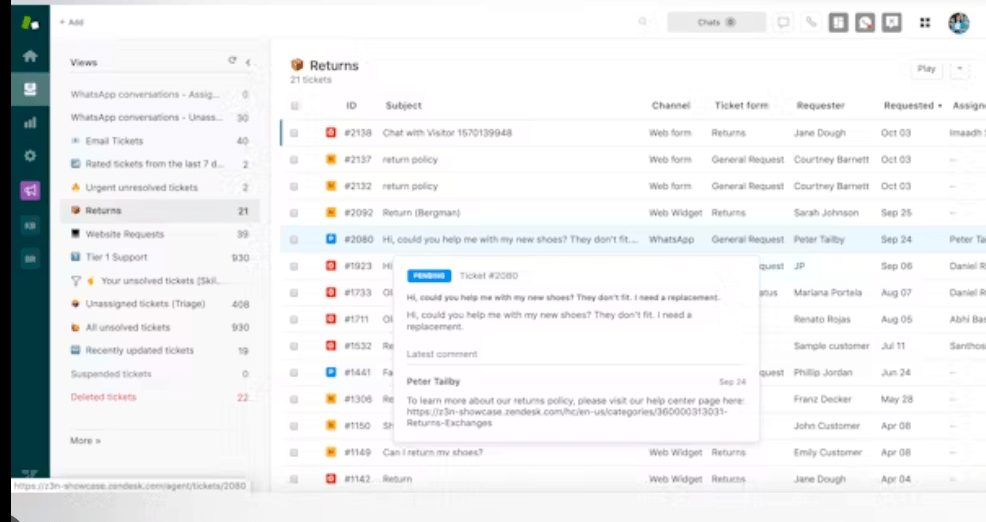
Zendesk
Zendesk is a cloud-based customer service platform. It's designed to help businesses build better customer relationships across email, phone, chat, and social media. The platform scales and customizes for companies of any size, and its robust reporting tools help you track and improve performance.
Key features
Multichannel support that consolidates messages from various channels, AI-powered automation, workforce management, and customizable reporting and analytics.
Pros
Easy to use, highly customizable, and able to centralize customer interactions for smooth management. Its large marketplace of pre-built apps and custom APIs makes integrations straightforward.
Cons
Pricing can get steep, and the platform can feel complex for smaller teams that don't need advanced omnichannel depth.
Pricing
Zendesk offers a free trial. Check the vendor pricing page for current per-agent rates.
Best for
Growing and enterprise support teams that need scale and a mature cloud contact center.
Freshdesk
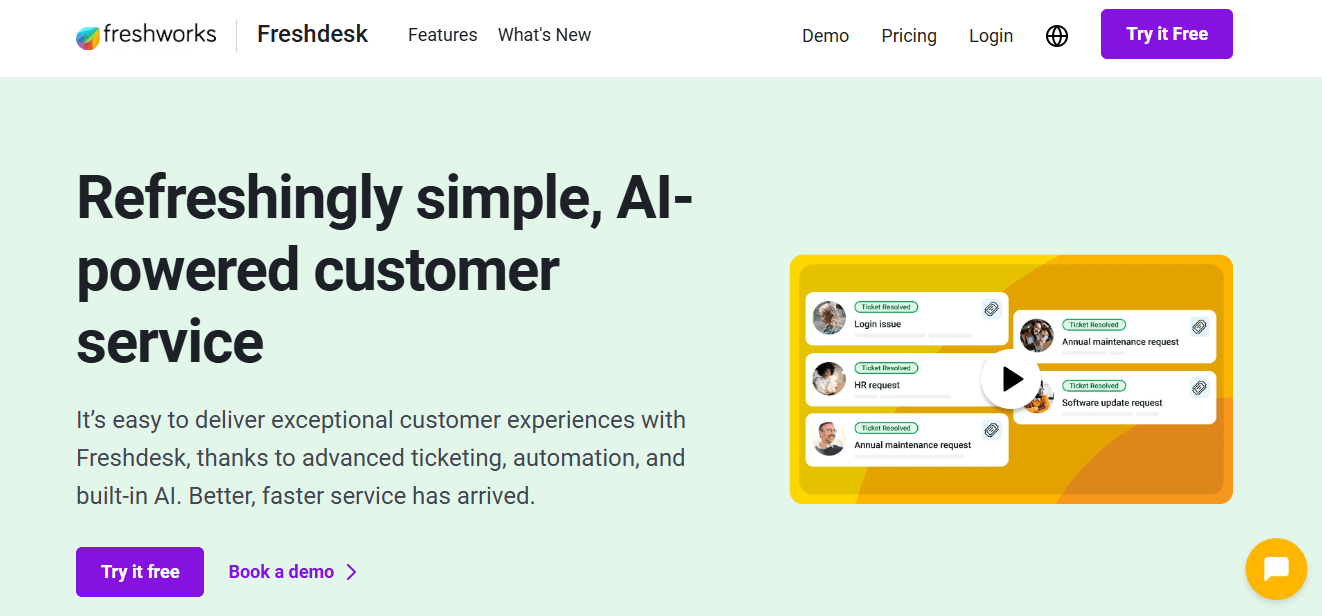
Freshdesk is the help desk product from Freshworks. People often conflate the two, so to be clear: Freshworks is the company, and Freshdesk is the support tool. It helps businesses manage interactions across email, phone, chat, and social media, with automation features that streamline support as you grow.
Key features
A ticketing system, automation, collaboration, reporting, and self-service options.
Pros
An easy-to-use interface, powerful features, and smooth integrations across platforms.
Cons
Advanced automation and reporting live on higher tiers, so costs rise as your needs grow.
Pricing
Freshdesk has a free plan and free trials, with automation features baked into its ticketing. Check the vendor site for current per-agent pricing.
Best for
SMBs that want a capable, affordable help desk with a free starting point.
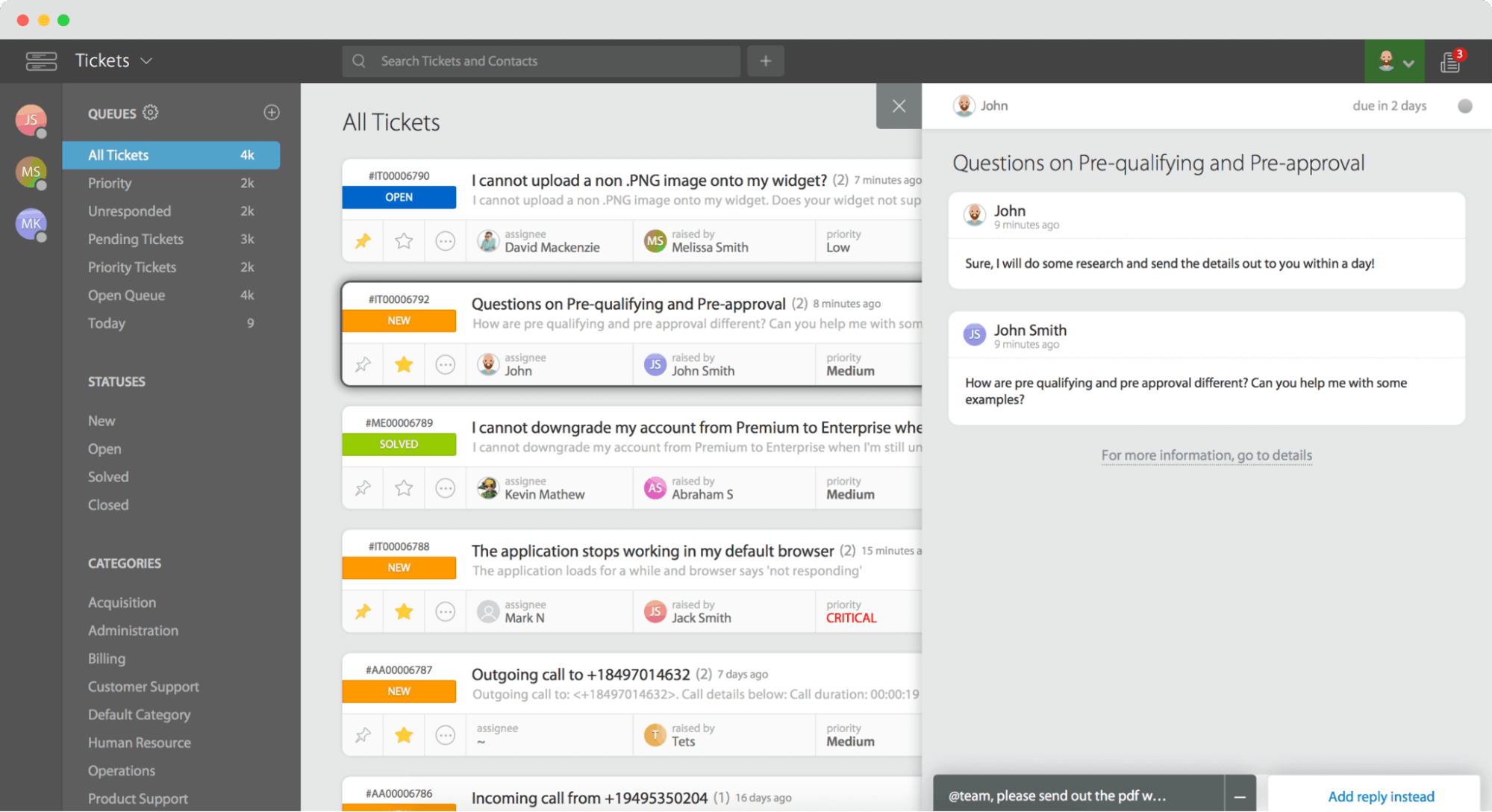
HappyFox
HappyFox is a help desk platform that streamlines and automates customer service. It gathers inquiries, tickets, and feedback from multiple channels into one place, with the goal of cutting response times and lifting satisfaction.
Key features
Ticket management, live chat support, and knowledge base creation.
Pros
It streamlines support workflows, centralizes ticket management, and comes with robust reporting tools and analytics.
Cons
Entry pricing tends to run higher, and some plans carry agent minimums that don't suit very small teams.
Pricing
HappyFox offers a demo and a free trial. See the vendor site for plan pricing.
Best for
Teams that want structured, well-organized support operations.
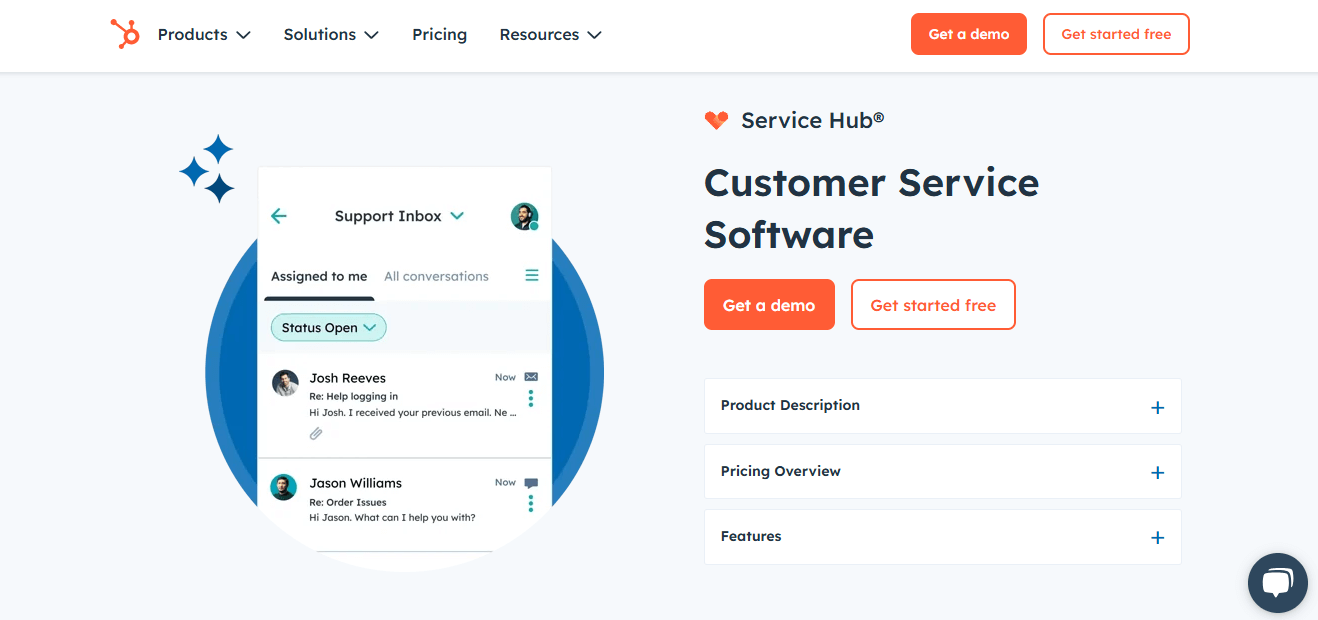
HubSpot Service Hub
HubSpot is a leading CRM platform with marketing, sales, service, content, and analytics tools. Service Hub ties support to that same CRM, so your customer service and sales data sit together in one AI-powered platform.
Key features
Ticketing linked to the CRM, automation, a knowledge base, and reporting, plus HubSpot's wider marketing tools and sales tooling.
Pros
It's easy to use, feature-rich, and genuinely unified across marketing and customer service and sales.
Cons
Costs climb fast once you move past the free tools and start adding seats or advanced features.
Pricing
HubSpot offers free tools and a free trial. Check the pricing page for paid tiers.
Best for
Teams that want CRM and service inside one ecosystem.
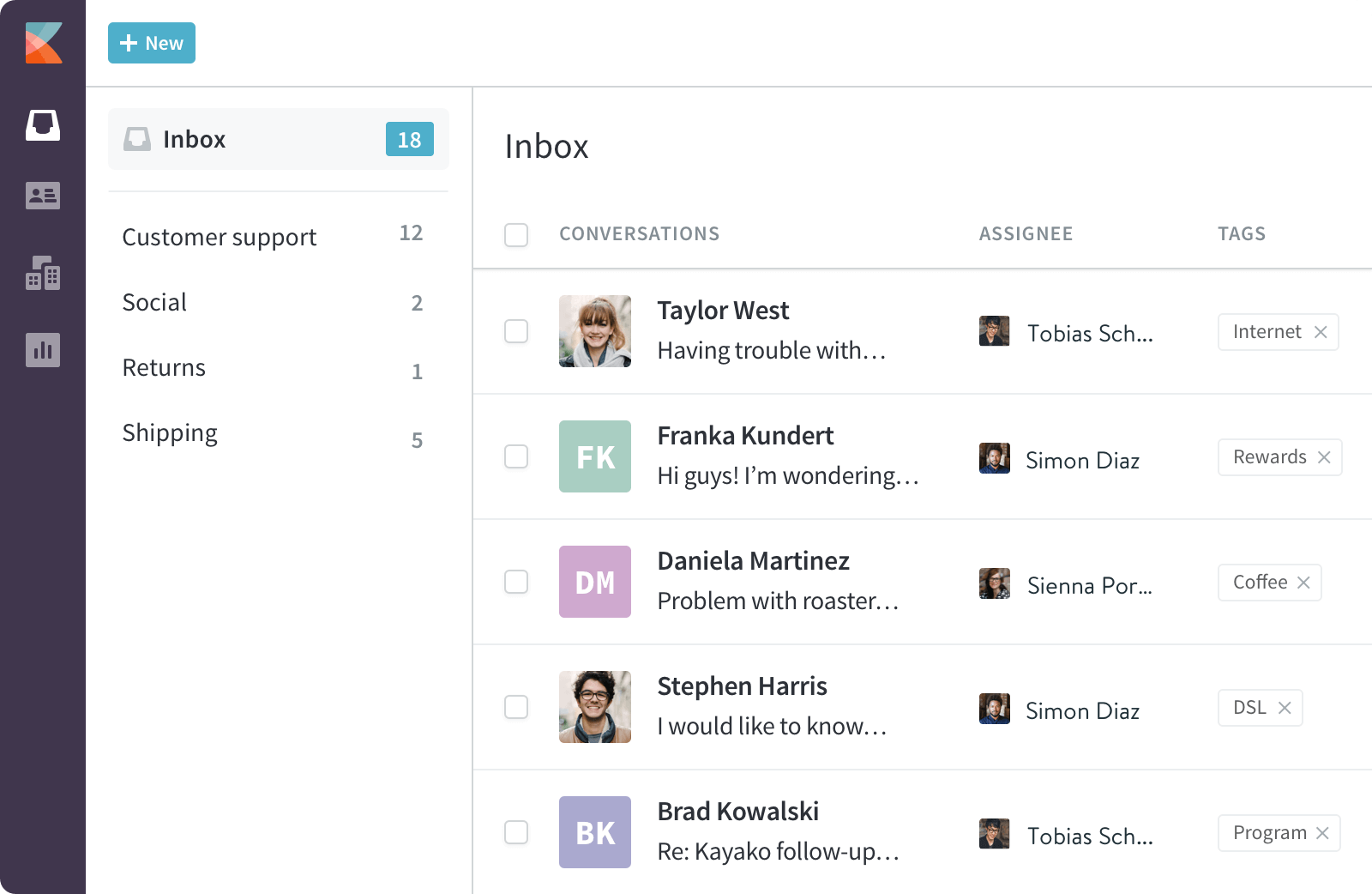
Kayako
Kayako is an omnichannel help desk with live chat.
Key features
Live chat, email, social, and phone support, plus collaboration tools, analytics, and automated ticketing and routing.
Pros
Intuitive, with strong reporting, and great for collaborative teams.
Cons
Fewer integrations than rivals, and setup can feel complex.
Pricing
From $15 per agent/month (Basic), with a 14-day free trial.
Best for
Omnichannel support teams.
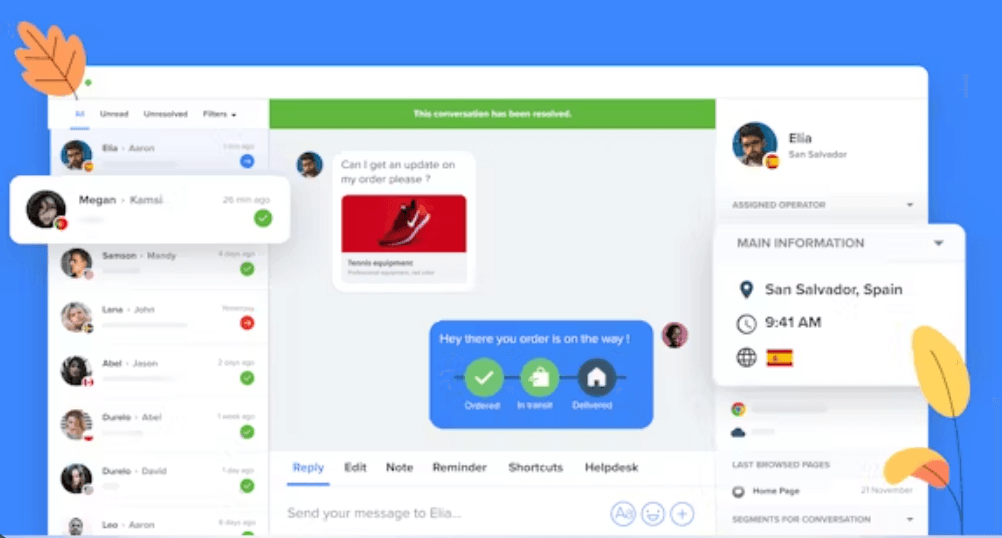
Crisp
Crisp is a customer messaging platform with a user-friendly interface for real-time communication.
Key features
Multichannel messaging (live chat, email, SMS, social), a knowledge base, a shared inbox, and chatbots and automation.
Pros
Affordable, intuitive, and scalable, with co-browsing for real-time help.
Cons
Fewer advanced features than enterprise tools, and limited third-party integrations.
Pricing
From $25/month (Pro).
Best for
SMB messaging and live chat.
Front
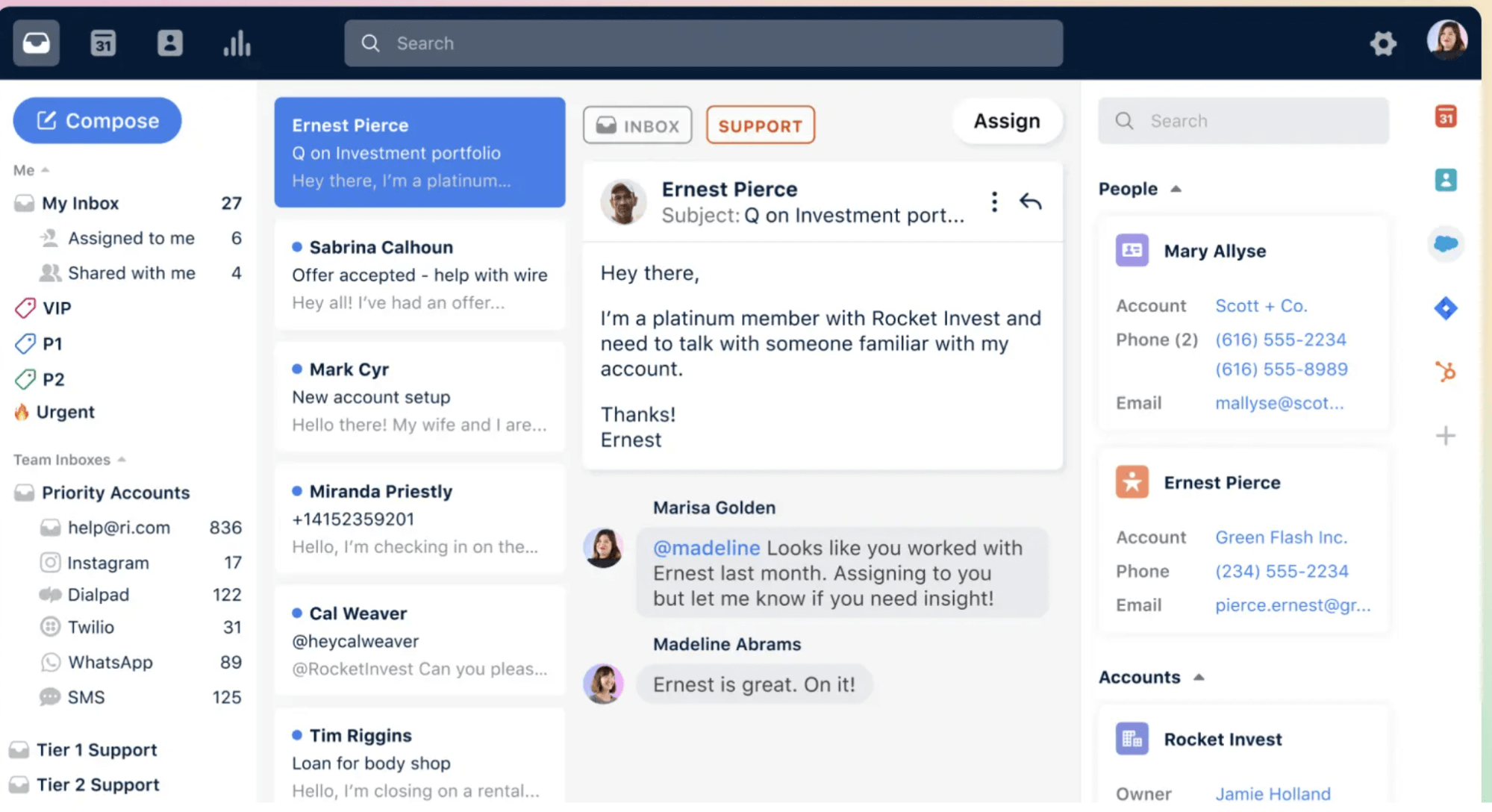
Front is a collaborative inbox for teams.
Key features
A shared inbox across email, chat, SMS, and social, plus workflow automation and routing, analytics, and connections to Slack, Salesforce, and Google Drive.
Pros
Excellent for collaboration, intuitive, and good for personalized communication.
Cons
Automation is lighter than some rivals, and it can get costly for large teams.
Pricing
From $19 per user/month (Starter), with enterprise pricing available.
Best for
Teams that want a shared, collaborative inbox.
Hiver
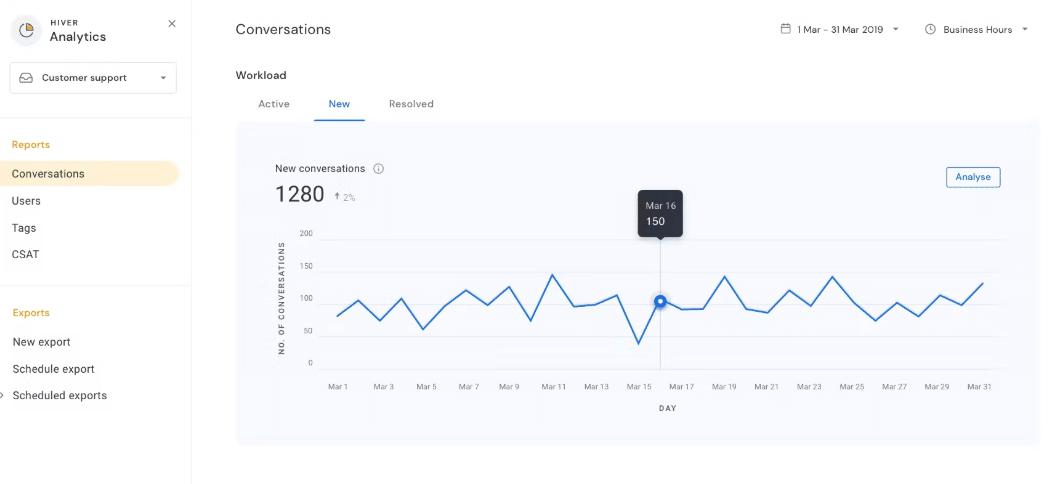
Hiver is a Gmail-based help desk.
Key features
It turns Gmail into a collaborative help desk with shared inboxes, ticket-assignment automation, reporting, SLA tracking, and collision detection.
Pros
Ideal for Gmail teams, no external software needed, and simple to use.
Cons
Fewer features than full help desks, and its email focus means limited multichannel support.
Pricing
From $15 per user/month (Lite), with a free trial.
Best for
Teams that live in Gmail.
Best Zoho CRM Alternatives
Zoho CRM is a solid customer relationship management platform, but it isn't the only option for managing sales pipelines and lead management. Which Zoho CRM alternative suits sales teams best? For pipeline-first simplicity, Pipedrive. For an all-in-one CRM with a strong free tier, HubSpot. For enterprise scale, Salesforce.
- Salesforce is the enterprise standard, with advanced customization and automation capabilities and a huge ecosystem. Cons: complex, and it requires expensive technical resources for integrations. Best for: enterprises and complex sales processes.
- HubSpot CRM is free to start, easy to learn, and connected to marketing and service, with a free plan that carries extensive features. Cons: advanced features get pricey. Best for: SMBs that want a no-code CRM that scales.
- Pipedrive is a visual CRM built for sales automation, with robust sales pipeline management and integrations with various apps to enhance performance. Paid plans start at $14 per user per month. Cons: lighter on marketing features. Best for: pipeline management and sales-led teams.
- Freshsales is the Freshworks CRM, with AI-powered insights and built-in phone and email tracking for sales teams. Paid plans start at $9 per user per month. Best for: teams that want CRM and support from one vendor.
- monday CRM is a flexible, no-code CRM on the monday work platform. Best for: teams that want to build their own workflows.
- ClickUp blends project management and CRM functionality in one place, with customizable dashboards for tracking deals. Best for: teams that want tasks and a sales pipeline together.
- Insightly pairs CRM with lightweight project delivery. Best for: project-driven sales teams.
For micro and solo teams, Zoho Bigin is the lightweight pick. The natural Bigin alternatives here are Pipedrive and HubSpot's free tier, both strong on mobile CRM and simple pipelines. Is Zoho CRM really free? Zoho has a limited free CRM edition for very small teams, but most growing businesses move to paid tiers. Confirm current pricing on each vendor site.
CRM Benchmarks: What G2, Capterra & TechRadar Say
The exact scores shift over time, yet the pattern across major review sites holds steady. Reviewers tend to praise Pipedrive for its simplicity and pipeline clarity. HubSpot earns recognition for its intuitive interface and its free starting point. Salesforce sits at the top for power and customization, with a higher learning curve as the trade-off. Zoho CRM keeps coming up for value. Freshsales gets noted for built-in AI and its Freshworks integration. As you read these comparisons on G2, Capterra, or TechRadar, weigh the reviewer's company size against your own, because an enterprise reviewer's complaint may be a non-issue for a small team. Check current, dated ratings rather than leaning on any single number.
Best Zoho Books, Invoice & Expense (Finance) Alternatives
- QuickBooks is full-featured accounting that's popular in the US. Best for: small businesses that want broad accountant support.
- Xero is cloud accounting with a clean interface and a strong app ecosystem. Best for: growing SMBs and multi-user teams.
- FreshBooks handles invoicing and expenses for freelancers and service businesses. Best for: solo operators and small teams.
- Wave offers free accounting and invoicing. Best for: budget-conscious startups, and it's a genuine free option.
Market fit matters here. Teams in India often pick tools tuned for GST, while US teams put US tax and payroll support first. Zoho Invoice, Billing, and Expense users can map to these tools for invoicing, subscription billing, and expense tracking respectively. Confirm current pricing on each vendor site.
Best Zoho Inventory Alternatives
- Cin7 handles inventory and order management for multichannel retail. Best for: scaling e-commerce and wholesale.
- inFlow is straightforward inventory for small businesses. Best for: SMB warehousing.
- Katana covers manufacturing and inventory management. Best for: makers and light manufacturing.
Best Zoho Creator & No-Code / Zoho Tables Alternatives
- Airtable is a spreadsheet-database hybrid for building lightweight apps. Best for: citizen developers and teams replacing Zoho Tables.
- Bubble is a full no-code web app builder. Best for: building custom apps without engineers.
- Retool is an internal tool builder for data-connected apps. Best for: technical teams building admin panels.
- Softr turns Airtable data into portals and apps quickly. Best for: fast client portals.
Best Zoho Mail & Email Alternatives (Including Non-Indian Options)
Many searchers specifically want a non-Indian provider, whether for data-residency reasons or simple preference. Neutral options include:
- Proton Mail. Privacy-focused and Swiss-based, with custom domains and a free tier.
- Fastmail. An independent provider with strong custom-domain support.
- Google Workspace. Gmail with custom domains, widely used and integrated.
- Microsoft 365. Outlook email plus the Office suite.
For a free custom-domain setup, Proton Mail's free tier comes up often in community and Reddit discussions, though limits apply. Verify current terms before you commit.
Best Zoho Campaigns & Marketing Alternatives
- Mailchimp is popular email marketing with a free tier. Best for: small businesses starting out.
- Brevo covers email and SMS marketing with generous free sending. Best for: budget-conscious marketers.
- ActiveCampaign brings advanced marketing automation and CRM. Best for: marketing teams that want deep automation.
Best Zoho Social & Social Media Management Alternatives
- Buffer is simple scheduling with a free plan. Best for: small teams and solo marketers.
- Hootsuite offers broad social management and monitoring. Best for: agencies and larger teams.
- Later is visual, calendar-based scheduling. Best for: visual-first brands.
All of these are available globally, including for US-based marketers.
Best Zoho Projects & Sprints Alternatives
Good project management software should help teams automate repetitive tasks, keep task tracking tidy, and let managers monitor project progress at a glance. These are the alternatives that do it well:
- ClickUp is all-in-one work management with customizable views and a free plan for personal use. Paid plans start at $7 per user per month. Best for: teams that want flexibility.
- Lark unifies messaging, video calls, and project management with AI-powered workflows and seamless integration across communication and project tools. Its free plan supports up to 20 users, and the Pro plan costs $12 per user per month. Best for: distributed teams that want a single unified platform.
- Scoro combines project management with time tracking and billing in one platform, so professional service firms can track project progress and invoice from the same place. Paid plans start at $19.90 per user per month. Best for: agencies and professional service firms.
- monday.com is a visual, customizable work OS. Best for: cross-functional teams.
- Asana offers clean task and project tracking. Best for: task-focused teams.
- Basecamp simplifies project management with to-do lists and messaging. Paid plans start at $15 per user per month. Best for: small teams that want less complexity.
- Jira runs agile boards and sprints for software teams, and it's the natural Zoho Sprints alternative. Best for: engineering.
Best Zoho Analytics & Reports Alternatives
- Power BI is Microsoft's BI platform. Best for: Microsoft 365 shops.
- Looker Studio provides free, Google-connected dashboards. Best for: small businesses on a budget.
- Tableau delivers powerful visual analytics. Best for: data-heavy enterprises.
- Metabase is open-source-friendly BI. Best for: technical teams that want self-hosting.
Strong analytics tools like these turn raw customer data into decisions, so weigh their analytics capabilities against how your team actually reports.
Best Zoho People & HR Alternatives
- BambooHR is an HRIS for growing companies. Best for: SMB HR and leave management.
- Gusto is payroll-first HR for US small businesses. Best for: payroll plus HR.
- Deel handles global hiring and contractor payments. Best for: distributed teams.
- Rippling combines HR, IT, and payroll. Best for: fast-scaling companies.
For staffing and temp workforce needs (the Zoho Workerly use case), Deel and Rippling both cover contractor and workforce management.
Best Zoho Communication & Collaboration Alternatives
The right team collaboration tools keep everyone aligned without piling on multiple tools. These pairings cover the common Zoho use cases:
| Zoho tool | Alternatives | Best for |
|---|---|---|
| Cliq | Slack, Microsoft Teams | Team chat |
| Connect | Workplace, Slack | Internal community |
| Voice | Aircall, RingCentral | Business phone |
| WorkDrive | Google Drive, Dropbox | File storage and cloud storage |
| Notebook | Notion, Evernote | Notes and document collaboration |
For teams that want chat, meetings, and project management in one place, Lark is worth a look here too, since its collaboration features and cloud storage sit on a single unified platform.
Best Zoho Forms & Survey Alternatives
- Typeform builds conversational, well-designed forms. Best for: engaging surveys.
- Jotform is a flexible form builder with a free tier. Best for: all-purpose forms.
- Google Forms is free and simple. Best for: quick, no-cost surveys.
- SurveyMonkey is an established survey platform. Best for: research and feedback.
Other Zoho Product Alternatives (Assist, Sign, SalesIQ, Vault & More)
| Zoho tool | Alternatives |
|---|---|
| Assist | TeamViewer, AnyDesk |
| Sign | DocuSign |
| SalesIQ | Intercom, Drift |
| Vault | 1Password, Bitwarden |
| Backstage / Showtime | Event and webinar platforms |
| Motivator | Sales gamification tools |
Plenty of these offer free tiers. Bitwarden for passwords and Google Forms for surveys are two examples, which means you can often replace individual Zoho subscriptions without adding cost.
Best All-in-One Zoho One Suite Alternatives
What's the best all-in-one Zoho replacement? For most businesses, Microsoft 365 or Google Workspace, both mature productivity suites with email, docs, storage, and collaboration built in. If you're weighing zoho one alternatives and broader zoho suite alternatives, a few more options are worth a look:
- Bitrix24 puts CRM, tasks, and collaboration in one affordable platform.
- Lark bundles messaging, video, and project management into one comprehensive suite, with a free plan for up to 20 users that makes it an appealing free Zoho alternative for growing businesses.
- Zoho Workplace alternatives. Google Workspace and Microsoft 365 both cover email, docs, and meetings.
When you want data control, the open source self-hosted alternatives to Zoho include ERPNext, Odoo, and Nextcloud. These are strong choices for businesses replacing operations-management functionality or wanting to own their stack. For heavier ERP and operations-management needs, enterprises sometimes put Acumatica and SAP up against a Zoho-style approach.
Zoho Alternatives by Region (USA & India)
Where you operate changes the shortlist. US teams usually weigh data residency, HIPAA and GDPR needs, local support hours, and USD pricing, and their common defaults are Microsoft 365, Google Workspace, HubSpot, and QuickBooks. India-based teams often put GST-ready accounting and local support first. Non-English searchers (for example, French meilleures alternatives à Zoho CRM) will find most tools here available globally with localized options. Rather than a separate list, the practical rule is simple: take the shortlist above and filter it by compliance, currency, and support availability in your region.
AI & Automation Capabilities Compared
Which alternative has the best AI and automation features? It depends on the job. Here's how the leaders line up against Zoho's Zia:
| Capability | Zoho (Zia) | Zendesk | HubSpot | HelpDesk.com |
|---|---|---|---|---|
| AI ticket routing | Yes | Yes | Yes | Yes |
| Sentiment analysis | Yes | Yes | Yes | No |
| AI copilot/assist | Yes | Yes | Yes | Yes |
| Workflow automation | Yes | Yes | Yes | Yes |
All four bring meaningful automation that helps teams automate workflows and cut manual effort. Zendesk leans into large-scale support AI. HubSpot spreads AI across marketing, sales, and service. HelpDesk.com points its AI where it counts most, at ticket resolution. Zia's edge is reach: it spans the whole Zoho suite, assuming you use that suite.
Free Plans & Free Trials Compared
What's the best free Zoho alternative? For CRM, HubSpot's free tier is tough to beat. For accounting, Wave is genuinely free. For surveys, Google Forms. For passwords, Bitwarden. For an all-in-one suite, Lark's free plan supports up to 20 users. Those free Zoho alternatives cover a lot of ground on their own.
| Tool | Free plan | Trial |
|---|---|---|
| HelpDesk.com | No permanent free plan | 14-day trial |
| Freshdesk | Yes | Yes |
| HubSpot | Yes (free tools) | Yes |
| Lark | Yes (up to 20 users) | No |
| Kayako | No | 14-day trial |
| Hiver | No | Yes |
| Wave | Yes | No |
Trial lengths change, so confirm them on each vendor site.
How to Choose the Right Zoho Alternative (Decision Framework)
How do you choose the right Zoho alternative for your business? Match the tool to your single biggest need:
- Customer service points to HelpDesk.com (focused ticketing) or Zendesk (scale).
- CRM/sales points to HubSpot (all-in-one) or Pipedrive (pipeline).
- Projects point to ClickUp or monday.com.
- All-in-one suite points to Microsoft 365 or Bitrix24.
- Tight budget points to free tiers like HubSpot, Wave, and Google Forms.
By segment, the picture sharpens. The best zoho alternatives for small businesses tend to prize ease and value, which is where Freshdesk and HubSpot shine. Enterprises want depth, so Salesforce and Zendesk fit. Startups want free-to-start tools. E-commerce needs channel integrations, which is Cin7 and Crisp territory. Remote teams want cloud-first, mobile-friendly platforms that lift team productivity.
Total Cost of Ownership & Scalability Considerations
How much do Zoho alternatives cost? Entry plans for help desk and CRM tools commonly land somewhere around $15 to $25 per user/month, but the sticker price rarely tells the whole story. Factor in the rest:
- Per-user scaling. Costs multiply as you add seats, so a low per user month rate can still add up.
- Add-on modules. Advanced features often sit on higher tiers.
- Onboarding and implementation. Setup time, and sometimes consultant fees.
- Training. The work of getting your team productive.
- Integration and migration. Connecting existing tools and moving data.
- Long-term scalability. Whether the plan still fits at three times your size.
The cheapest plan today isn't always the cheapest tool across three years. Model the full picture before you switch, and weigh which option delivers the best operational efficiency for your business operations.
How to Migrate From Zoho Without Losing Data (Step-by-Step)
How do you migrate from Zoho without losing data? Work through a careful, tested sequence:
- Audit your data. List what you actually use, including contacts, tickets, deals, and custom fields.
- Export from Zoho. Pull your data in supported formats, usually CSV, and note any export limits.
- Map fields. Match Zoho fields to the new tool's fields before you import.
- Back up everything. Keep a clean copy of all exports before you touch the target system.
- Run a test import. Import a small sample first to catch mapping errors.
- Validate data integrity. Confirm that records, relationships, and custom fields came across correctly.
- Migrate integrations and automations. Rebuild connected apps and workflow rules.
- Train the team. Walk everyone through the new tool before go-live.
- Run in parallel, then cut over. Keep both systems running briefly to confirm nothing's missing, then switch.
Who Should Stick With Zoho Desk (Honest Counterpoint)
Zoho Desk is a capable, AI-powered help desk, and switching isn't right for everyone. Is Zoho still a good choice in 2026? For the right teams, yes. You should probably stay with Zoho Desk if you're:
- Already using the Zoho Suite. Desk integrates tightly with Zoho CRM, Projects, and Analytics, so you get a unified ecosystem.
- A budget-conscious SMB. Its affordable plans pack a lot of features for small teams.
- Managing multichannel support. It brings email, chat, social, and phone together in one place.
- Leaning on AI. Zia offers sentiment analysis, ticket prioritization, and automated responses.
- Running a remote team. Cloud-based access and mobile apps keep distributed agents connected.
If that sounds like you, the cost of switching may outweigh the benefit.
Frequently Asked Questions
Who is Zoho's biggest competitor, and who are its main rivals?
In CRM, Salesforce is arguably Zoho's biggest competitor, with HubSpot close behind. In customer service, the main rivals are HelpDesk.com, Zendesk, Freshdesk, HappyFox, HubSpot Service Hub, Kayako, Crisp, Front, and Hiver. For all-in-one suites, Microsoft 365 and Google Workspace lead.
What's better than Zoho?
There's no single winner, only a better fit for a specific job: HelpDesk.com or Zendesk for support, HubSpot or Pipedrive for CRM, ClickUp or monday.com for projects, and Microsoft 365 or Google Workspace for an all-in-one suite.
Is Zoho Indian or Chinese?
Zoho is an Indian company, founded and headquartered in India, with offices around the world including the US. It is not Chinese. That distinction matters if vendor location or data residency shapes your shortlist.
What are the disadvantages of Zoho?
The most common complaints are a steep learning curve across so many modules, a cluttered interface, pricing that climbs as you add apps, fragmentation between separate tools, uneven support quality, and integrations with outside systems that can be challenging.
What is the best free Zoho alternative?
It depends on the need. HubSpot's free CRM, Wave for accounting, Google Forms for surveys, Bitwarden for passwords, and Lark's free plan for up to 20 users are all genuinely free and widely used.
Which Zoho alternative is best for customer service?
HelpDesk.com for focused, user-friendly ticketing. Zendesk for large omnichannel operations. Freshdesk for value-driven SMB support with a free starting point.
Which Zoho alternative is best for sales teams?
Pipedrive for simple pipeline management, HubSpot for an all-in-one CRM with a free tier, and Salesforce for enterprise-scale sales operations.
Is Zoho CRM really free?
Zoho has a limited free CRM edition for very small teams, but most growing businesses move to paid plans as they add users and features.
What is the best all-in-one Zoho replacement?
Microsoft 365 or Google Workspace for productivity, Bitrix24 or Lark for CRM plus collaboration, and Odoo or ERPNext if you want open-source, self-hosted control.
Does Zoho provide a unified 360-degree view of the customer?
It can, when you use its connected apps together across the suite. With only one or two Zoho products, that unified view is much harder to build.
What should I consider when evaluating a Zoho alternative?
Your core need, ease of use, transparent pricing, integrations, AI and automation, scalability, free-tier availability, and support quality.
Conclusion: Which Zoho Alternative Should You Choose?
There's no single best Zoho alternative, only the best fit for your need. For customer service, HelpDesk.com and Zendesk lead. For CRM, HubSpot and Pipedrive. For projects, ClickUp and monday.com. For an all-in-one suite, Microsoft 365 or Bitrix24. Start with your biggest priority, model the true total cost, and test before you migrate.
If dedicated, clean customer support is what you're after, see it for yourself. Start a 14-day free trial of HelpDesk.com and judge it against your current setup, no pressure.
Try HelpDesk.com for free!How to transition smoothly to HelpDesk.com
Transitioning to a new helpdesk tool can be challenging, but with careful planning and execution, you can ensure a smooth migration of your tickets and data.
Migrate for free from Zoho ticketing system
We're here to support you during the entire migration process, offering information about any related costs and, if possible, covering them for you.